Project 1
- Given CAD Files Connectors,Clips and channel is downloaded from Tyco Electronics website.
- Downloaded parts are electricaly defined in Electrical Part Design workbench
- Create Engine context assembly product file.
- Add one more product for engine component.
- Electrically defined connectors, clips and channel is inserted in another product.
- Inserted electrically defined part is positioned respective place in Assembly design workbench.
- The above file is converted mechanical product to electrical product using Geometric Bundle tool.
- Afterwards the routing process is done using multi brancable tool.
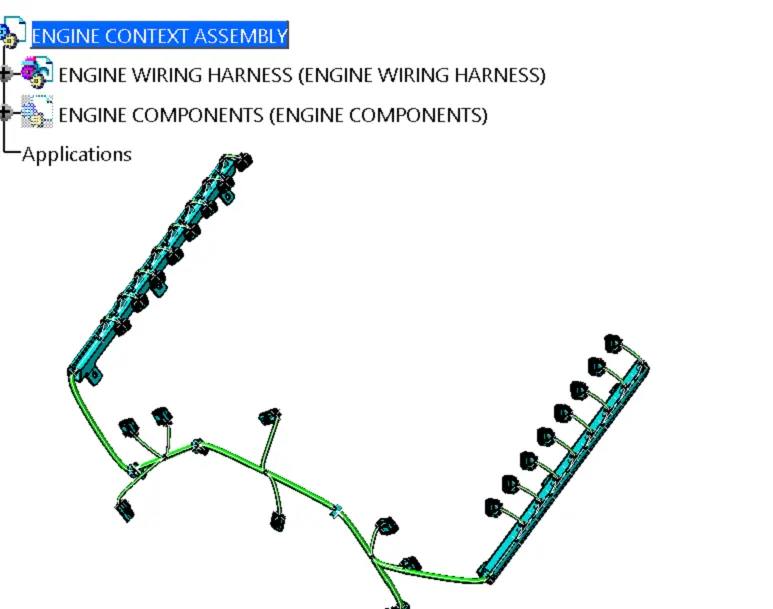
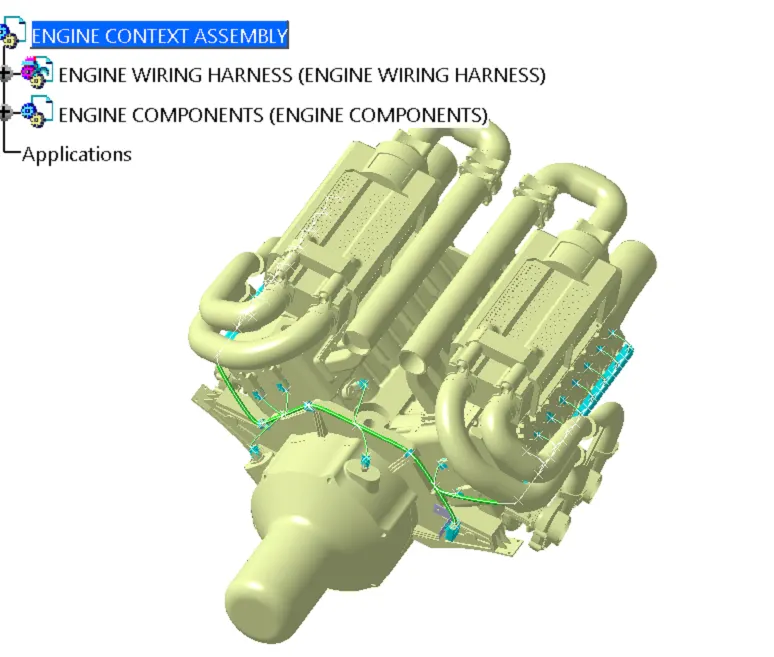
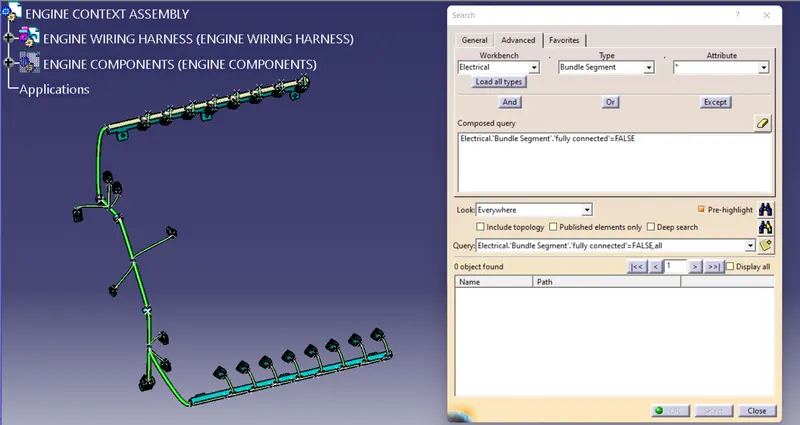
WH Connectivity Check Up
Edit --> Search-->Advanced -->Electrical-->Bndle Segment--> Attribute - False
WH FLATTENING
- Go to WH Flattening Workbench
- Add Flattening parameter tool
- Extract the Engine wiring harness assembly routing from Engine context assembly
- Afterwards flattening the wiring using Flatten tool
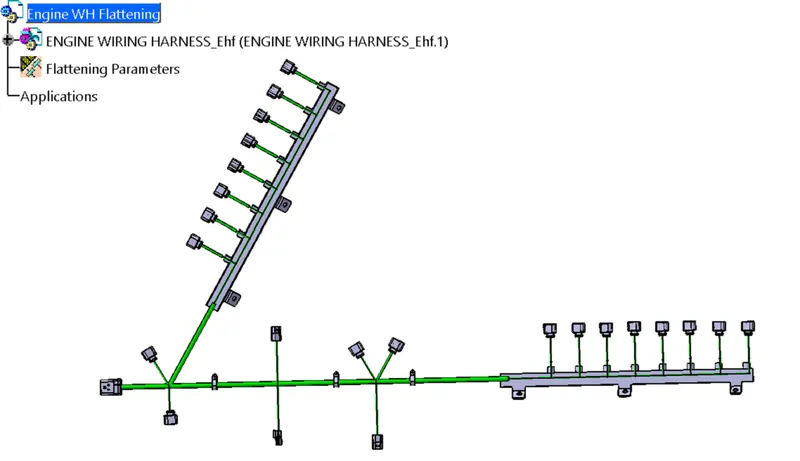
WH Drawing
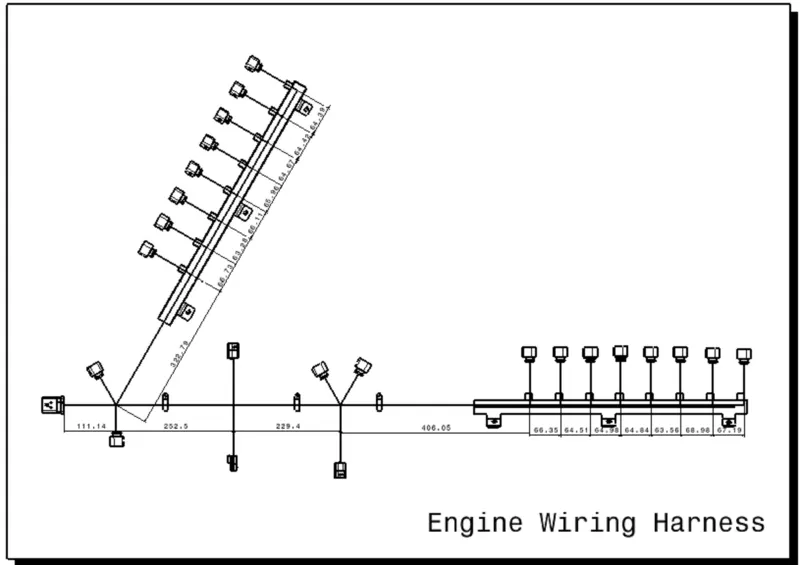
I cant add full engine & WH supporting sub assy parts