Preprocessing of Hood model in Hypermesh
AIM
2D Finite element meshing over the sheet metal components (Car Hood ) Using Hypermesh.
METHODOLOGY
- Import the model to hypermesh (step/IGS /hm file)
- Perform topology and geometry clean upon the geometry to remove all possible errors in the geometry.
- Shell Mesh option is used for the sheet metal part which has a thickness of less than 6 mm or measurable thickness.
- For casting / plastic part if the part having thickness more than 6 mm, solid meshing is preferred.
- Extract Mid-surface from the parent geometry using automidsurface option.
- Deploy mesh on the extracted mid-surface as per the given Quality criteria.
- Check for any Quality failure elements and eliminate it.
- Save the FE into different PIDs and assign thickness to it.
PROCEDURE
1.GEOMETRY CLEANUP
*Import the model to Hypermesh using import option.
*The given model should be analysed properly.
*The components are disassembled for better understanding.
*Disassemble the portions according to the model and lock each views.
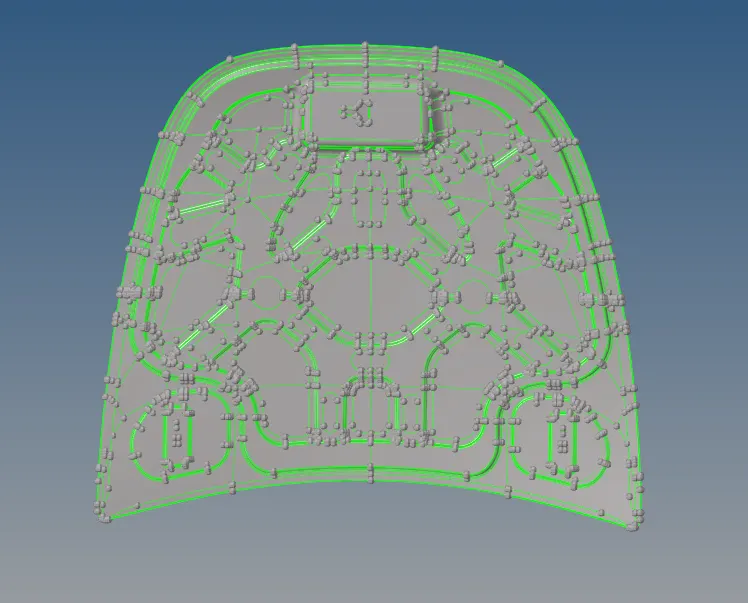
*Apply topo on the selected view and check up the geometry.
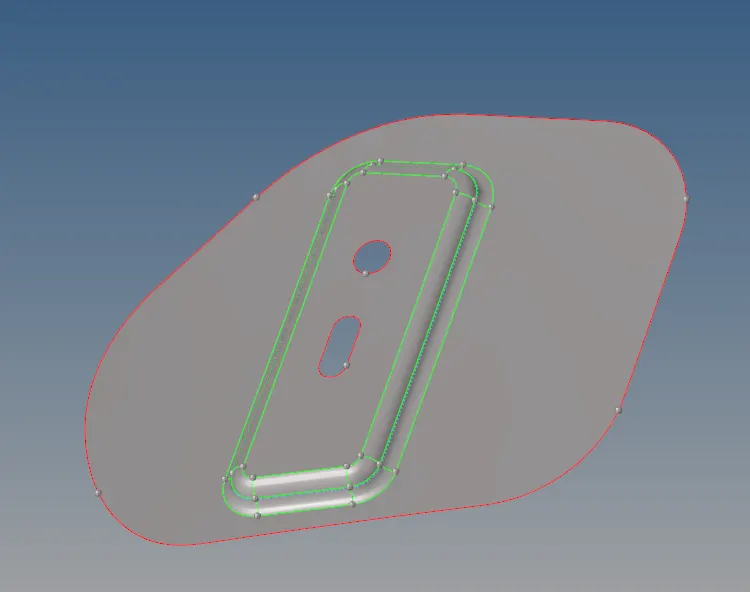
* The red lines are single cons which represents some errors in geometry or lines with no connection to its adjacent lines or surface is not available there.
* The green lines indicate the connecting surfaces and in the imported model, all the geometry is represented by green lines.
* The yellow lines indicate the triple cons means more than two lines are in contact with each other.
* The options showed below panel helps in eliminating geometry errors.

2.MIDSURFACING
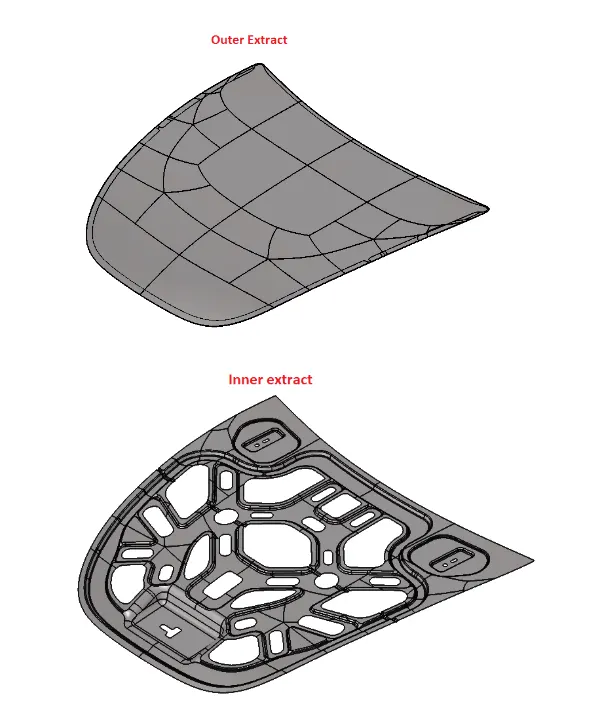
* Midsurface is obtained using automidsurface option in geometry deck.
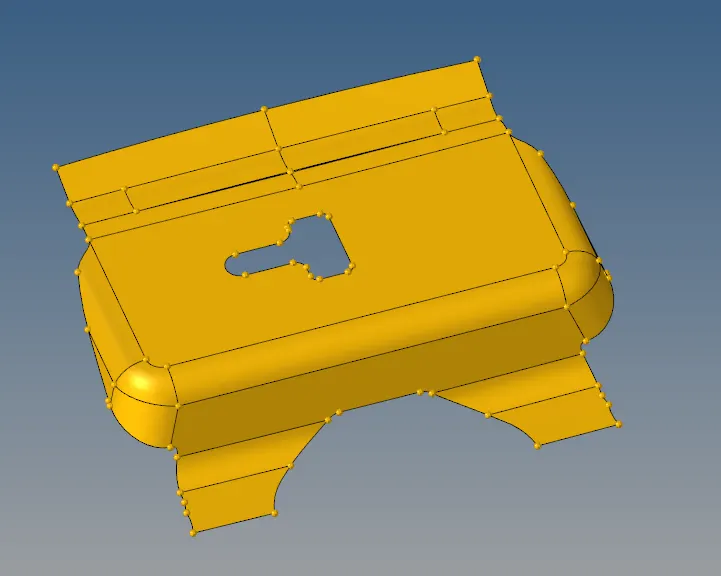
* The above two images shows the parent geometry and the midsurface extracted from the geometry. In automidsurfacing the subpanel shows the option of extraction in which the offset+planes+sweep is selected as it helps in formulation of plane or sweep surfaces.
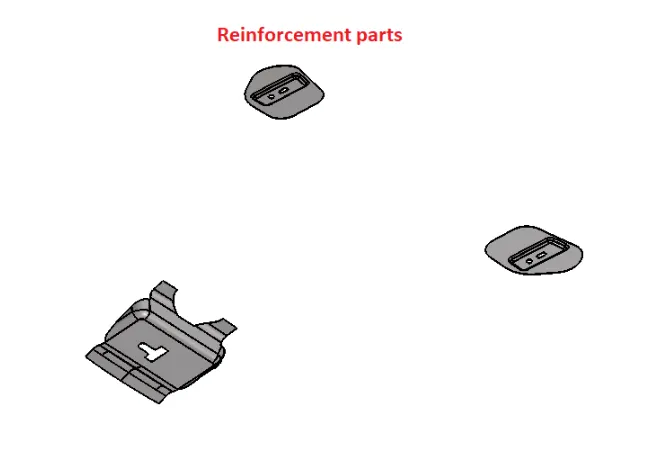
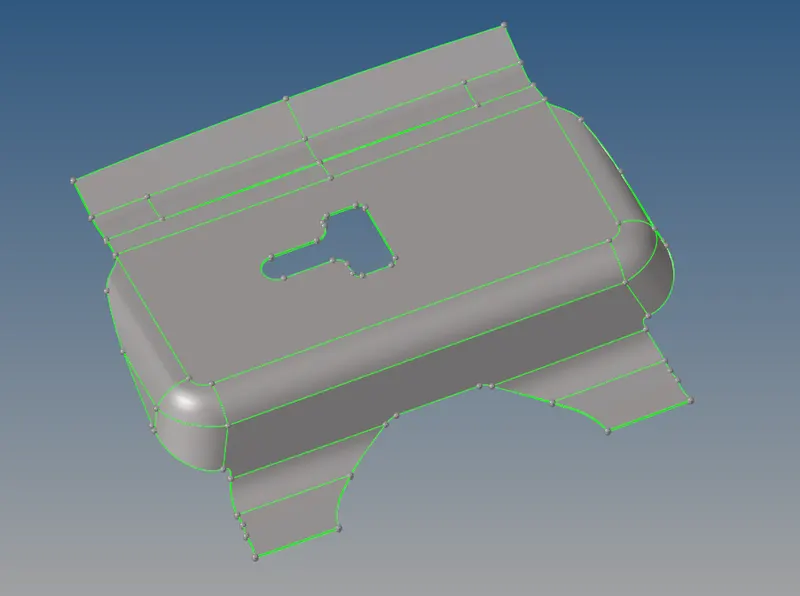
* Following the same option the midsurface is extracted from the geometry for the other components.
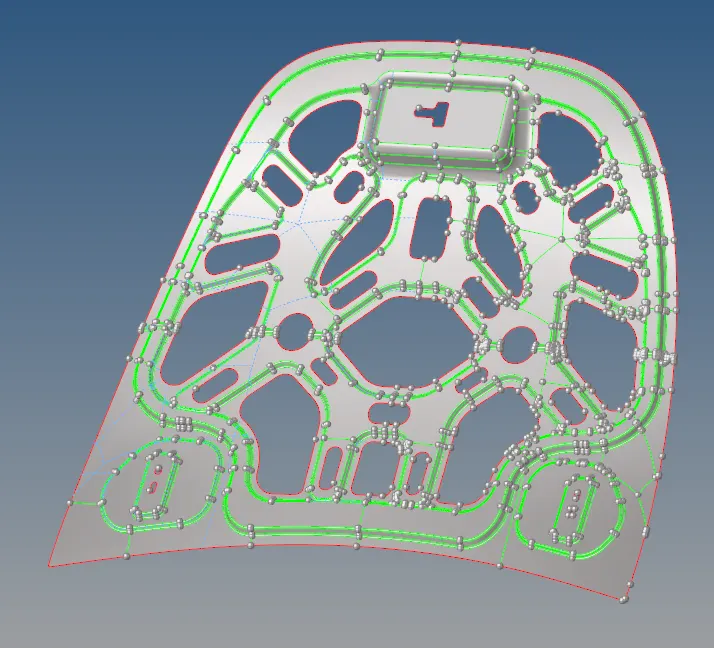
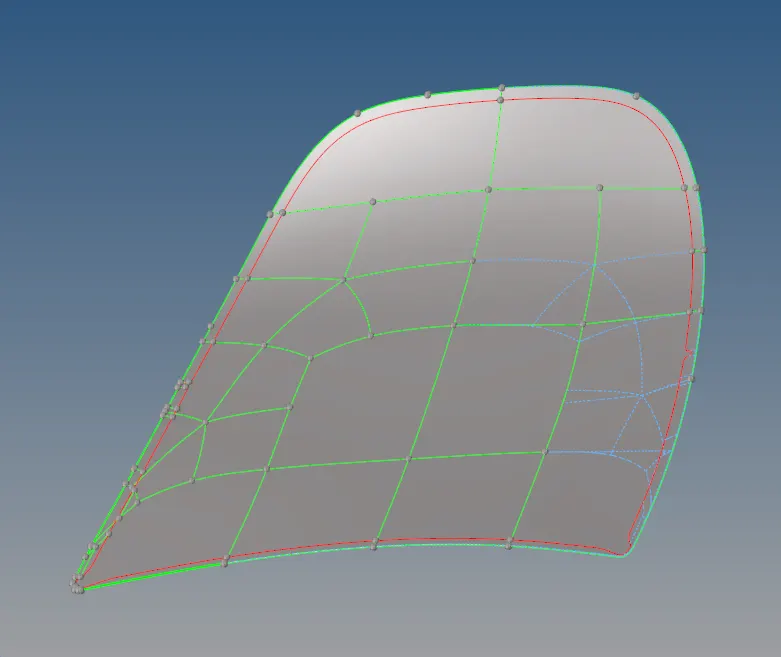
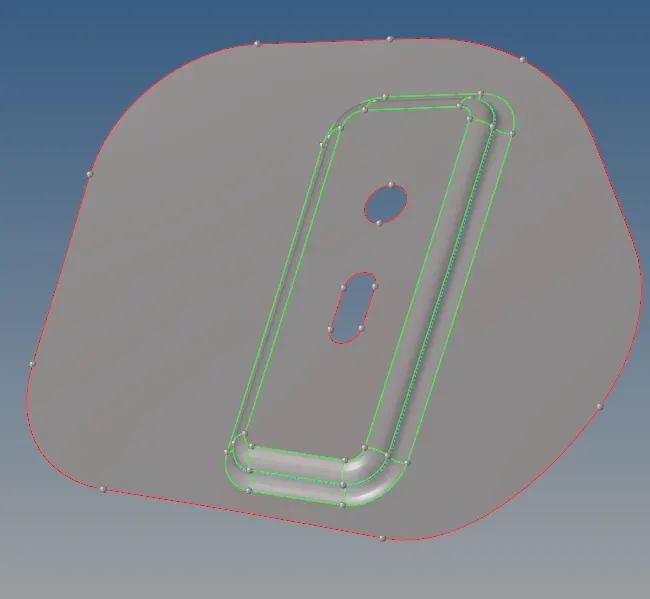
* Defeaturing is used to toggle the unnecessary construction lines without disturbing the fillet areas.
3.MESHING
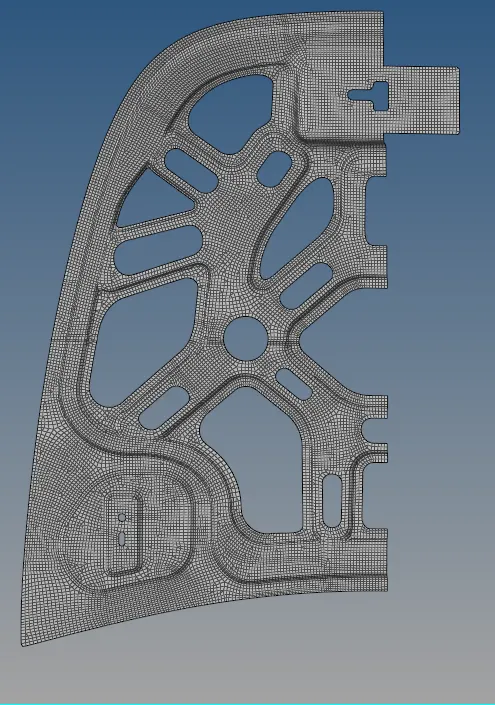
*A mesh is a network that is formed of cells and points. It can have almost any shape in any size and is used to solve Partial differential equation.Each cell of the mesh represents an individual soultion of equation which, when combined for whole network,results in a solution of entire mesh.
*On meshing the model element size must be consistent and so set element length in perimeters. Here as per the given details, it is 5.
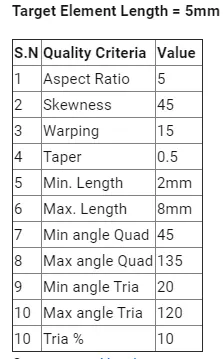
*Quality criteria is assigned according to the given values.
*In quality criteria aspect, skewness, angle, minimum length, maximum length and jacobian are considered.
*Check all the fillets before meshing to make sure it is under the minimum length given for meshing.
*Mesh the features initially and the construction lines can be altered without effecting the fillets of the features for a better mesh.
QUALITY CRITERIA
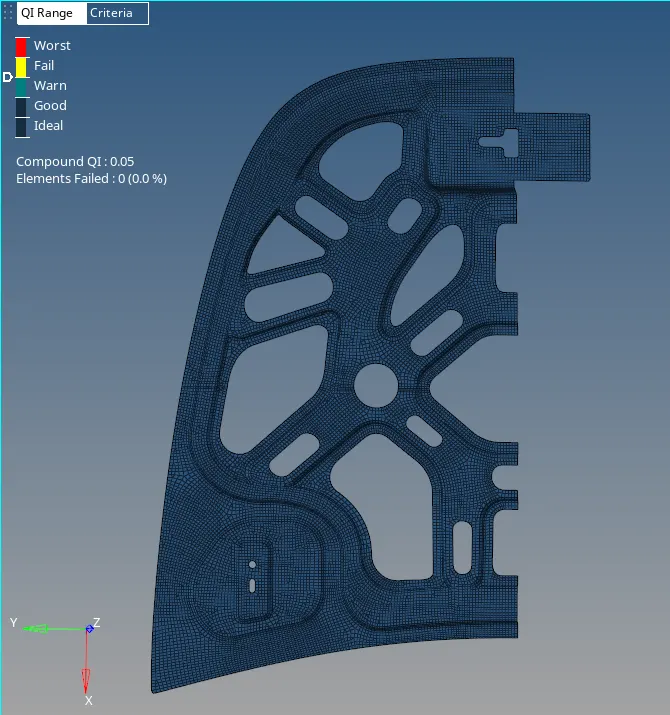
*In some cases when an element fails in satisfying quality criteria, split and swap command is used from elements to either split the element into a better way or by skipping the edge to form a quadrangle.
*As it is shown below the construction lines can be altered without effecting any fillets or features if present.By making it in an appropriate manner, best mesh can be provided minimizing the trias formed and satisfing in quality.
* Inorder to get rid of failing elements the below shown cleanup tools are widely used.

FREE EDGES
* The free edges are checked for each and every component to make sure all the nodes are connected between the surfaces along the geometry.
* On applying equivalence with an assigned tolerance helps in connecting the nodes automatically.
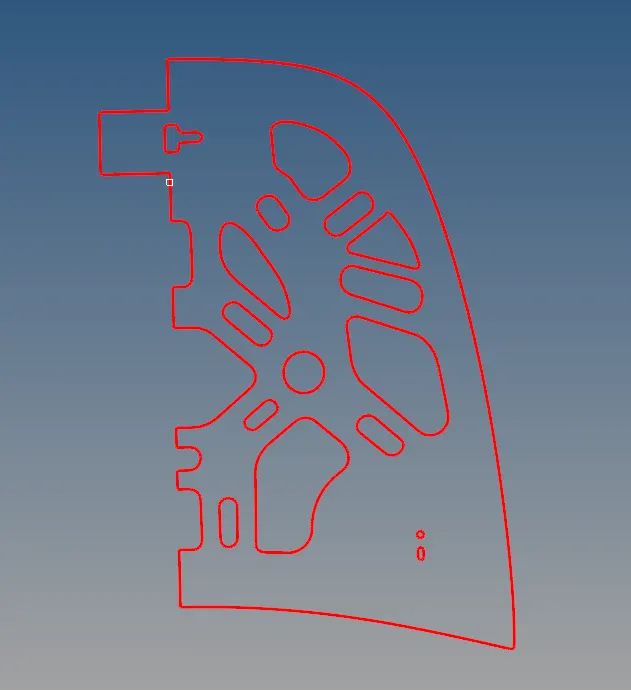
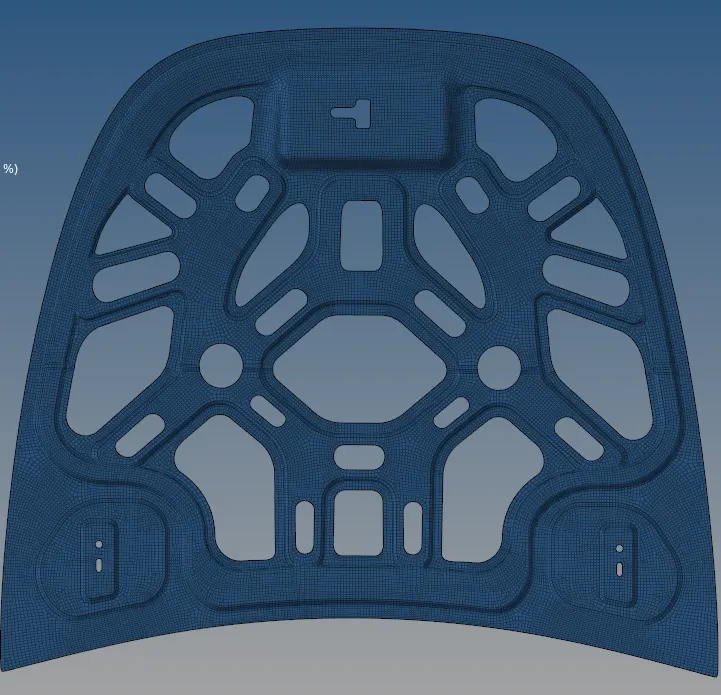
* For reflecting elements, select all the elements from the model generating duplicate, and on determining the axis it gets reflected to the given axis forming the whole model as shown below.
INNER EXTRACT
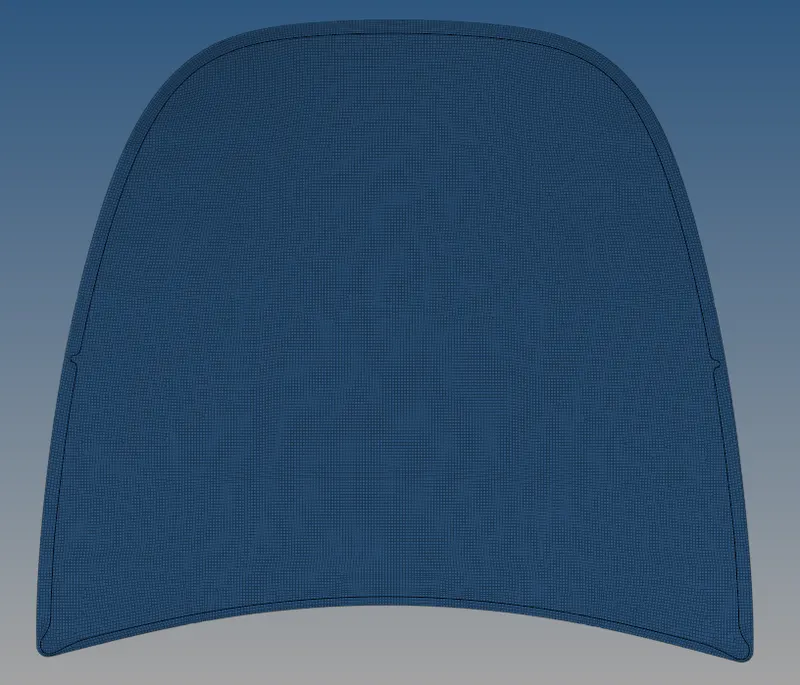
OUTER EXTRACT
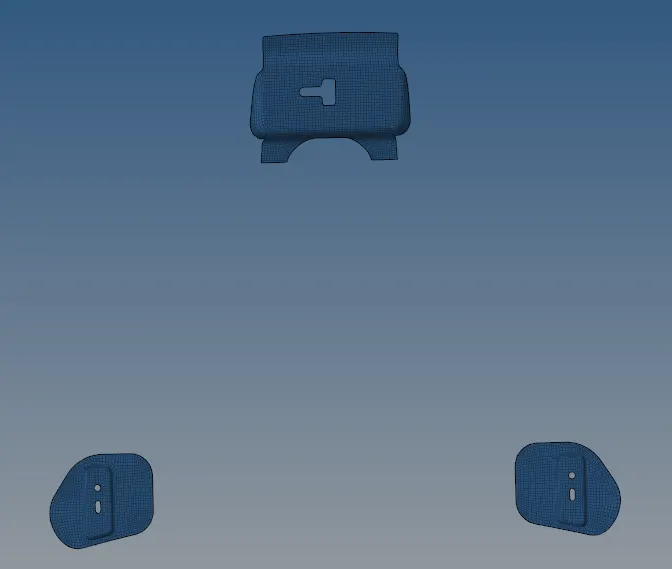
HINGES AND LATCH
CONCLUSION
*In preprocessing meshing is significant as it helps in the flow of stress evenly throughout the model.
*A smooth mesh is better in weight distribution analysis.
*Meshing is done in the midplane of the model and not in the parent geometry.