Preparing Schedule & Cost Estimation for a building using REVIT
Aim
Preparing Schedule & Cost Estimation for a building using REVIT
Ans 1
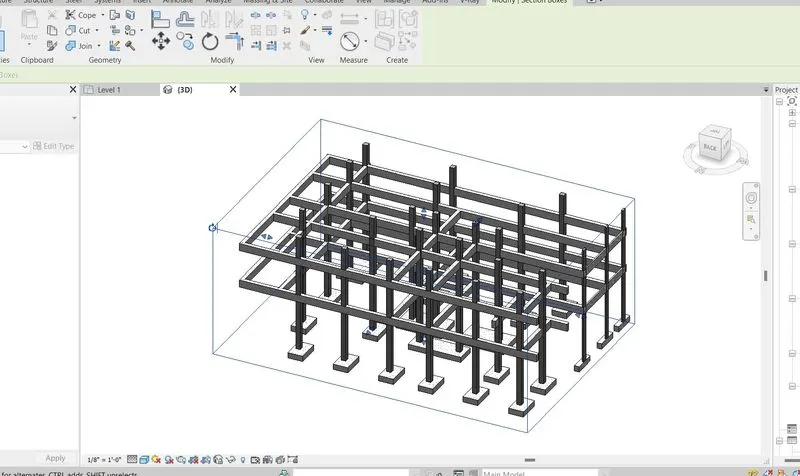
a. Using 3D model create a section box ( BX )
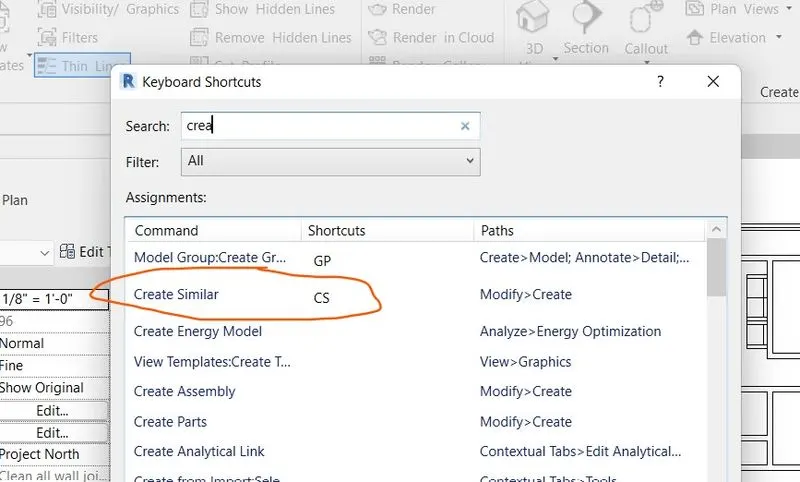
b. To create similar doors and windows in a floor plan layout
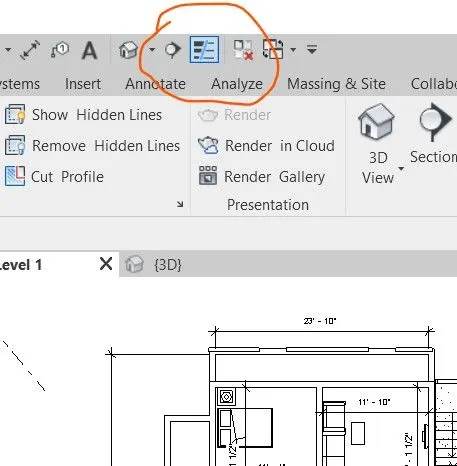
c. To reduce the thickness of lines visible in plan views
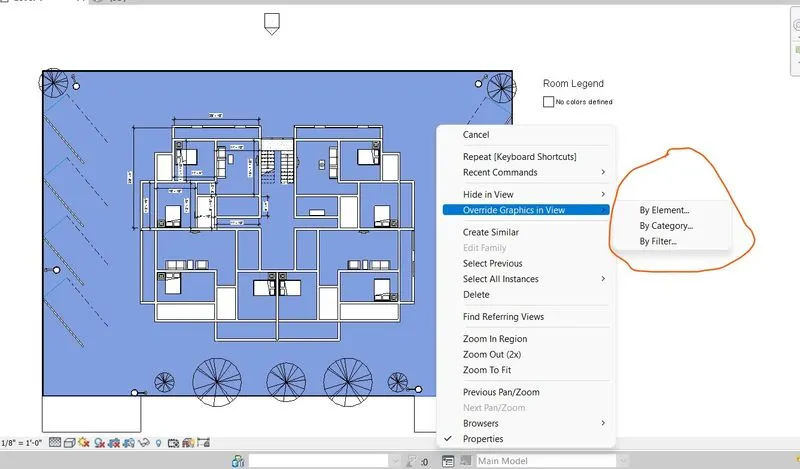
d. To apply override settings to a floor in the model section view
e. To increase the range of visibility in a plan view
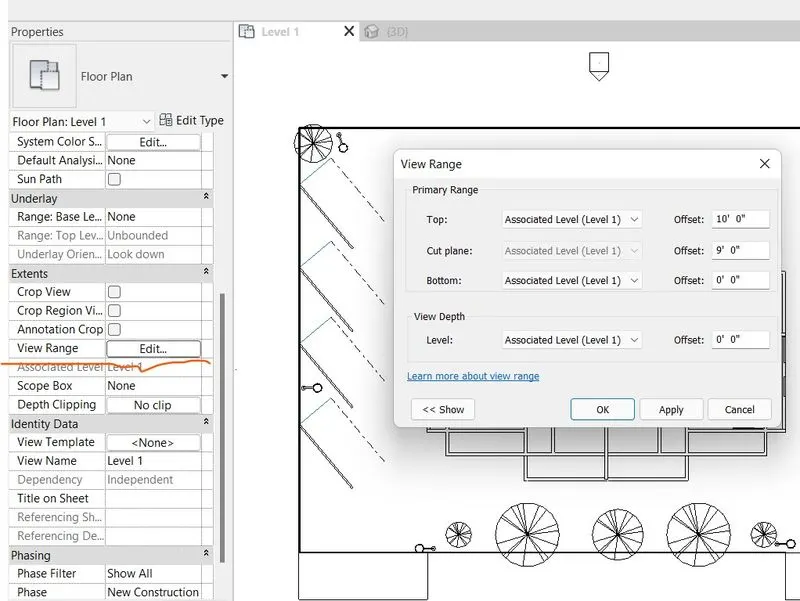
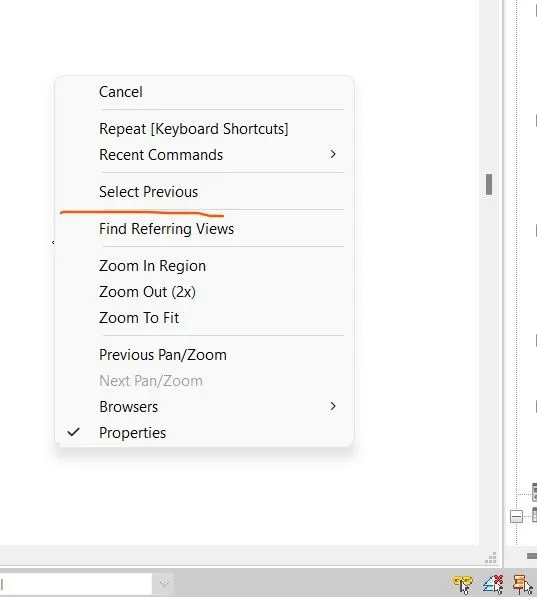
f. To select the previously selected items
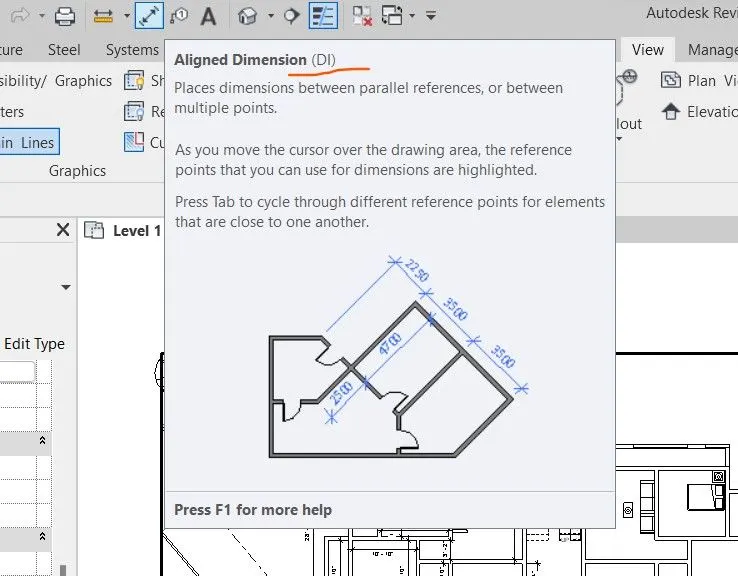
g. To add annotations to the model view
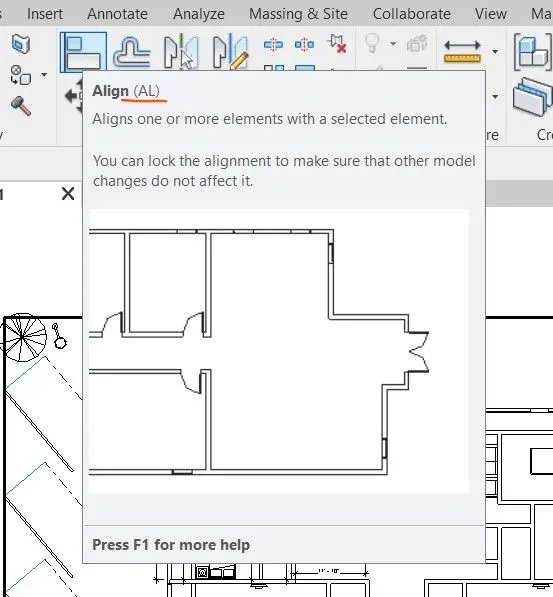
h. To bring the model elements in line
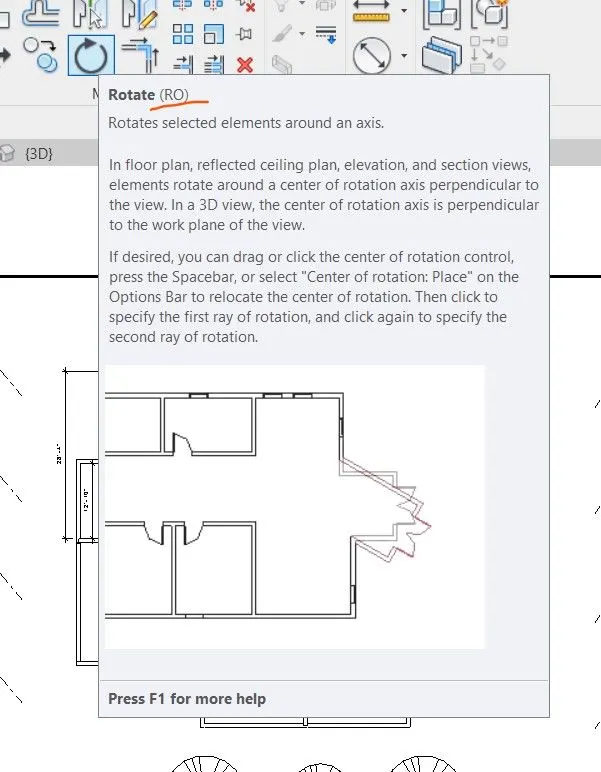
i. To rotate the model elements
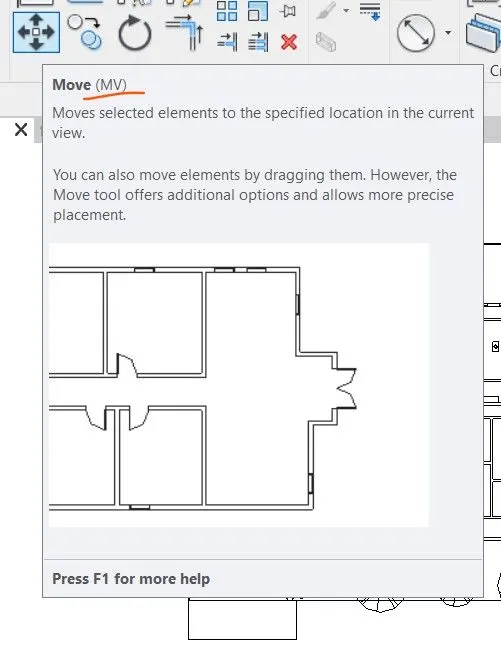
j. To move an object to another location
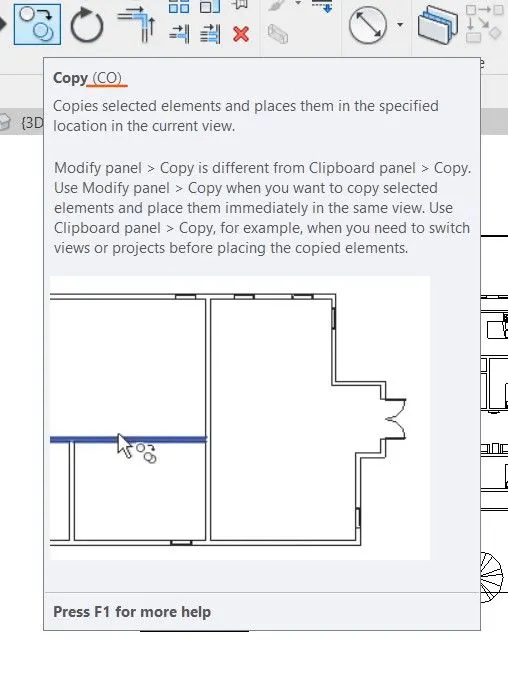
k. To copy a model element
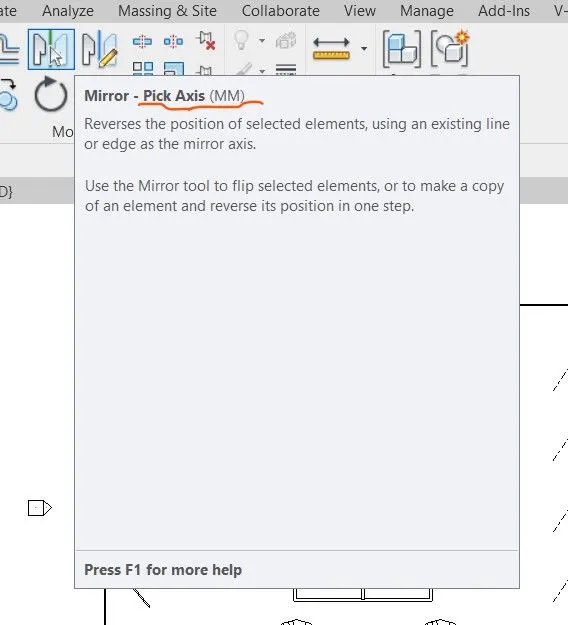
l. To mirror an element about an axis
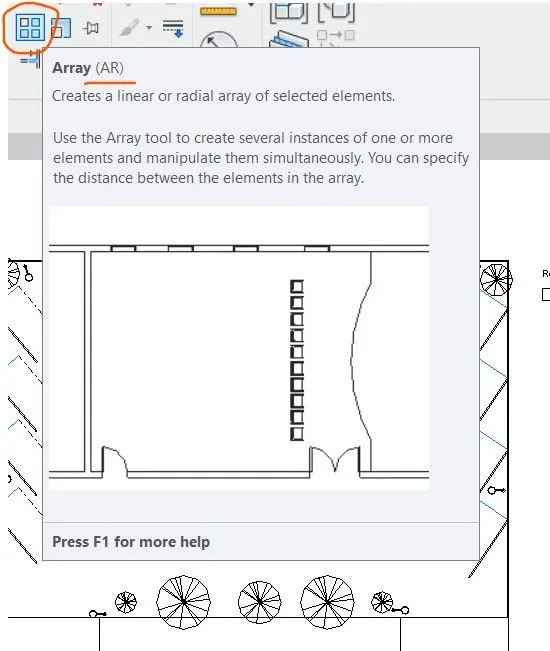
m. To create an array of model elements
Ans 2
Schedule for following
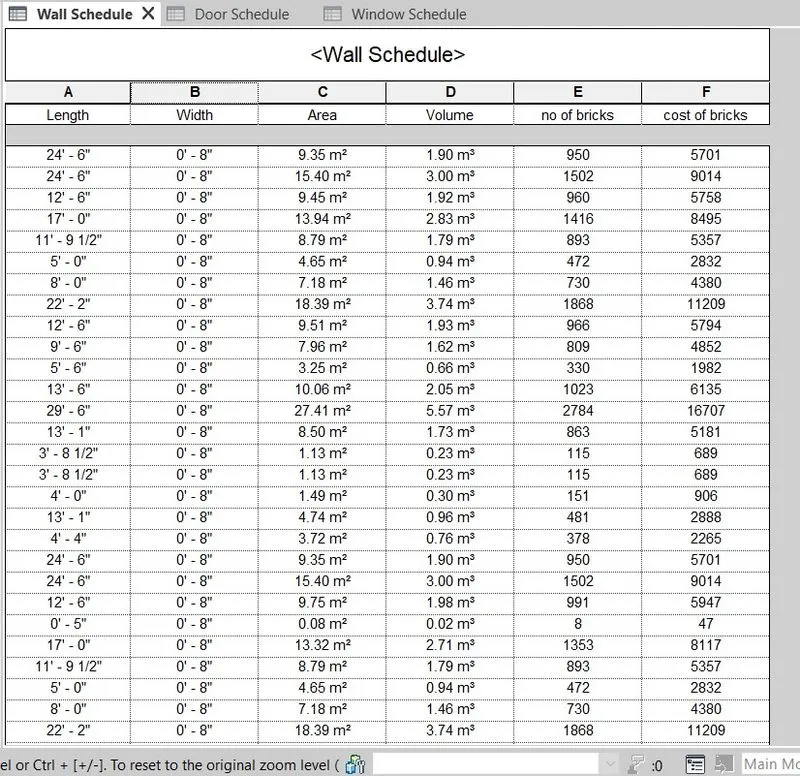
a. Walls
b. Door 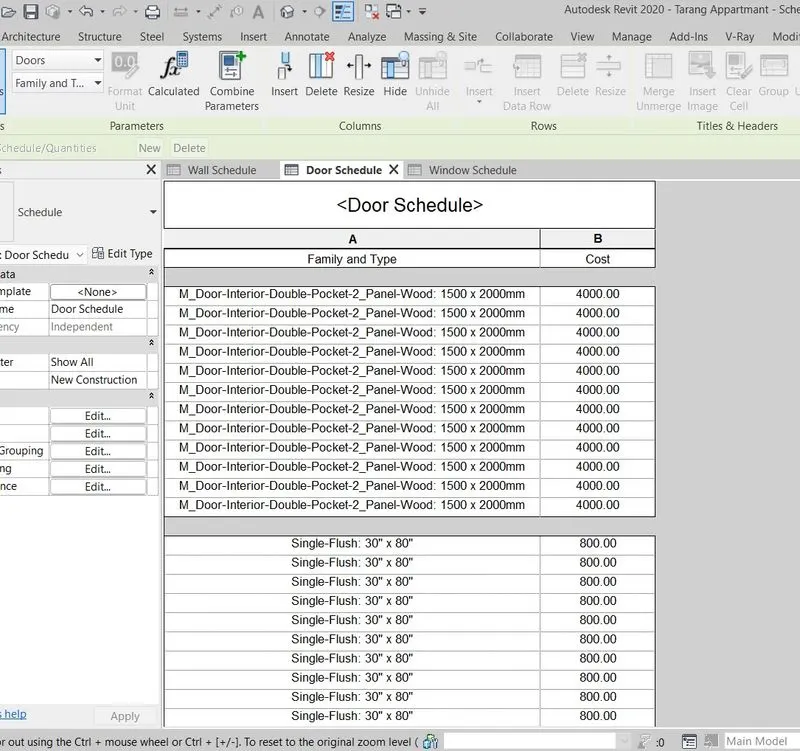
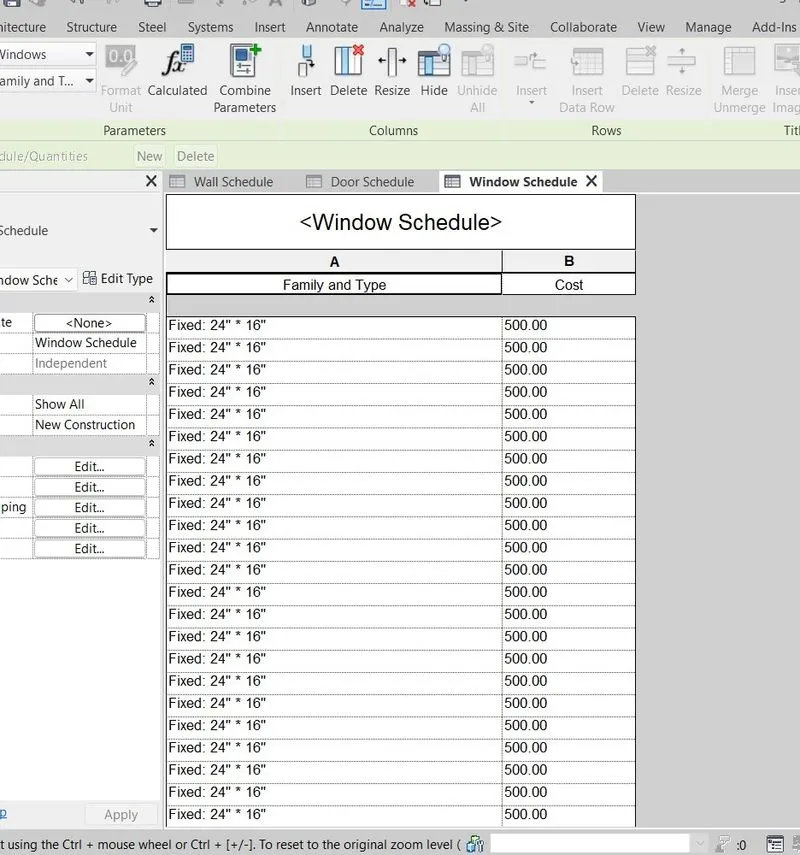
c. Windows
Ans 3
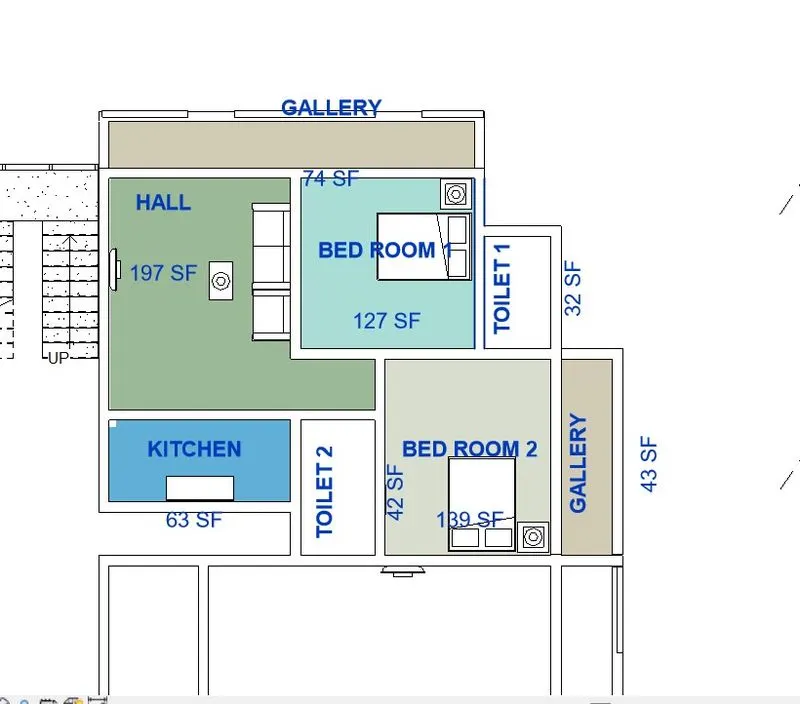
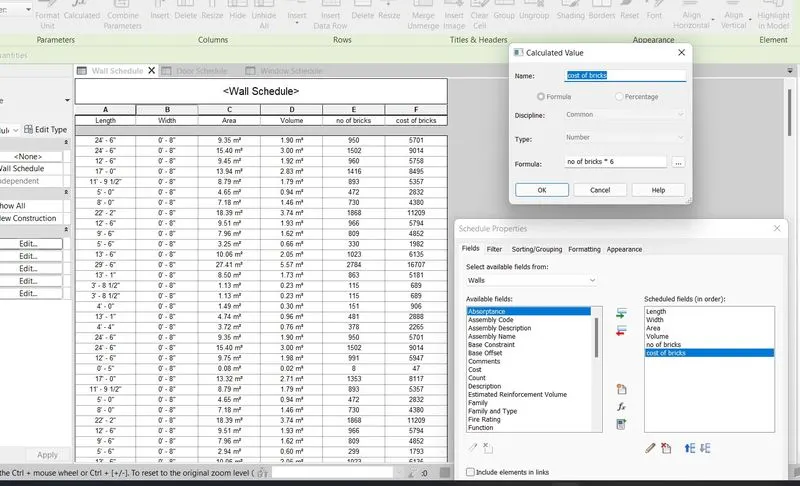
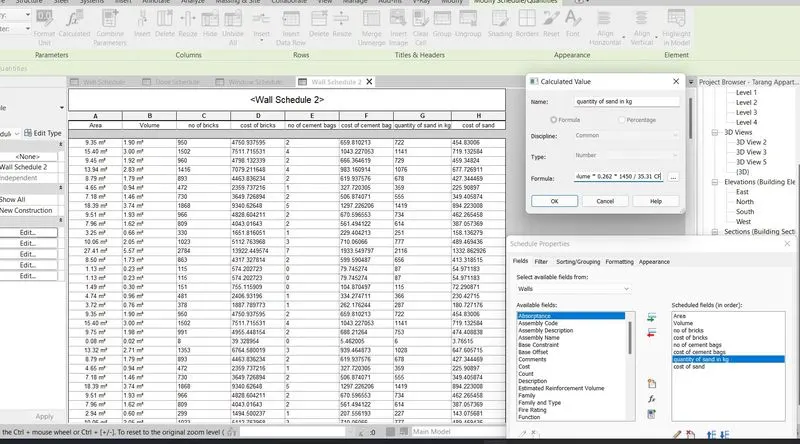
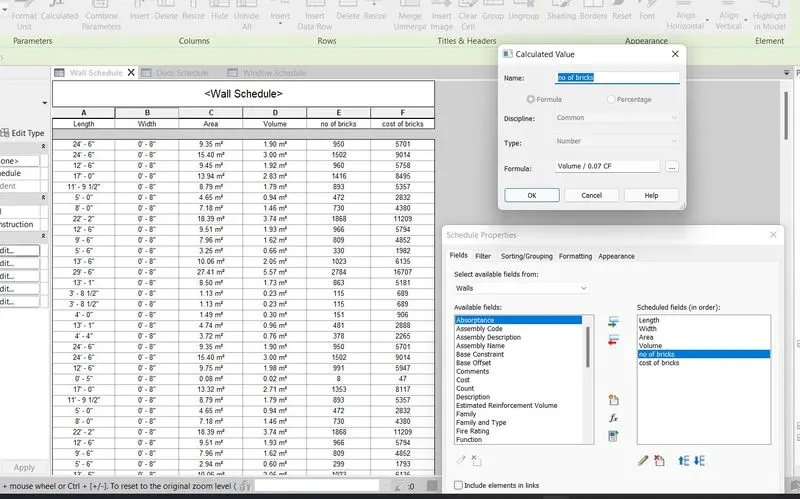
Ans 4
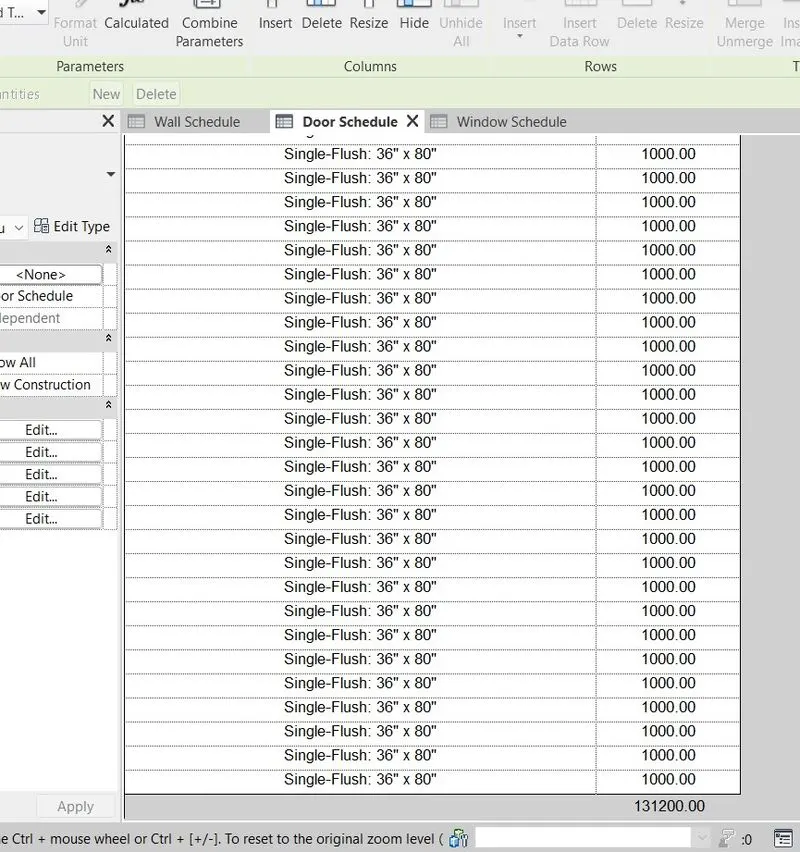
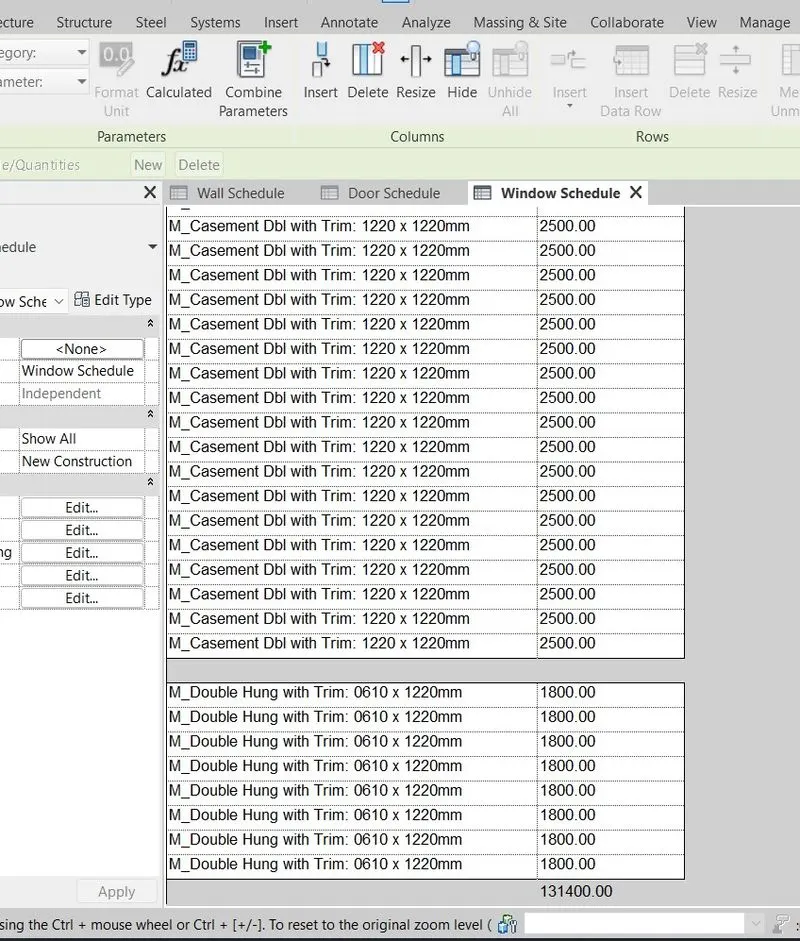
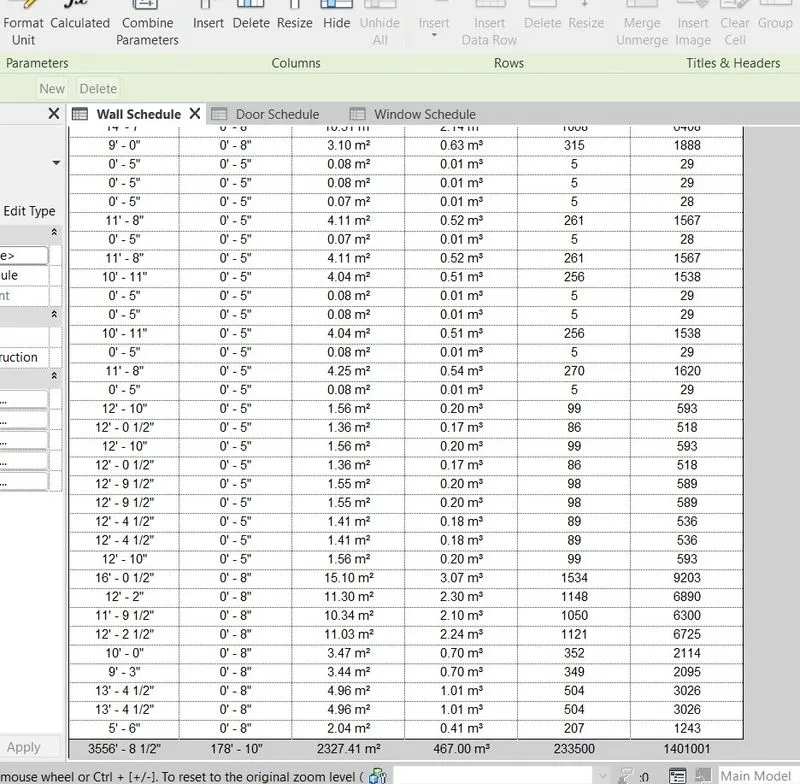
Cost schedule
for door
for window
for window
Ans 5
a. How to decide framings for a structure using Dynamo ?
- It is assumed that the architect provides a mass form and that the form is in design flux (i.e. it is changing constantly). Pre-requisite: Revit 2016-2018 with Dynamo 1.3.1 installed.
Note that this definition does not use any external packages, and can actually be recreated in older versions of Dynamo (just be sure to use Lacing: cross-product for the intersections). - The structural modeler will simply use a flat 2D representation using model lines of how the structural members frame the complex structure. These lines can be hidden and placed in a separate workset for visibility control.
- We then use a Dynamo script to grab these model lines and project them onto the mass surface to create the actual structural framing that will follow the surface. Note that the provided script can be refined further so that different model lines are modeled with different member sizes (i.e. girders vs secondary members).
- If the surface changes, then the Dynamo script is used again, by first pointing to the updated surface. Or similarly, if framing needs to be revised, the model lines can be changed/added and re-selected to update the structural framing. It is a useful workflow as both surface and model lines can be modified and the script re-run.
Ans 6
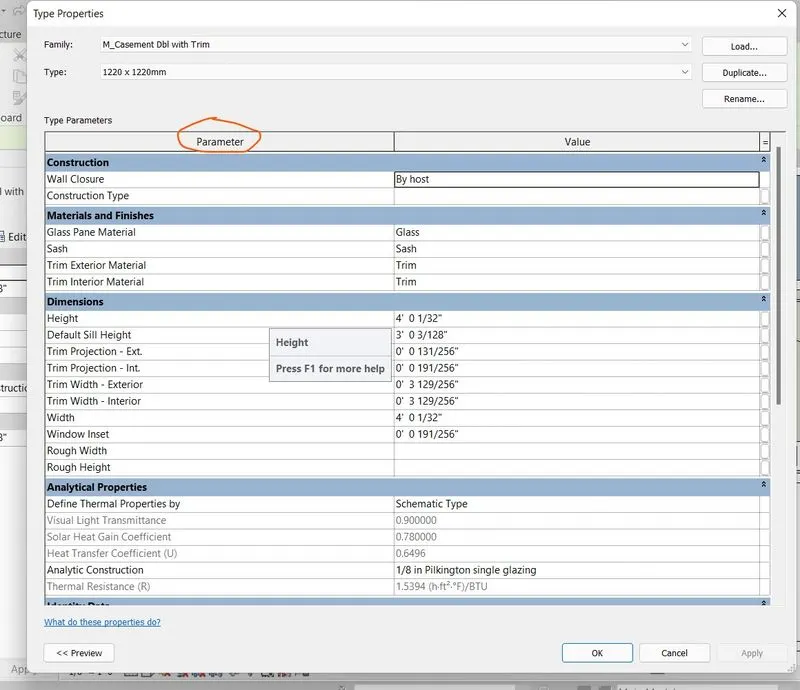
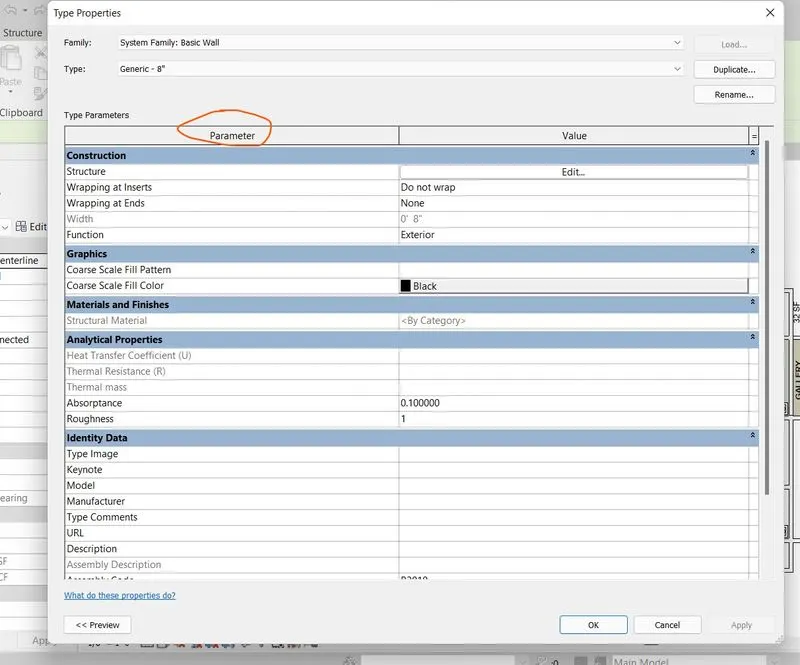
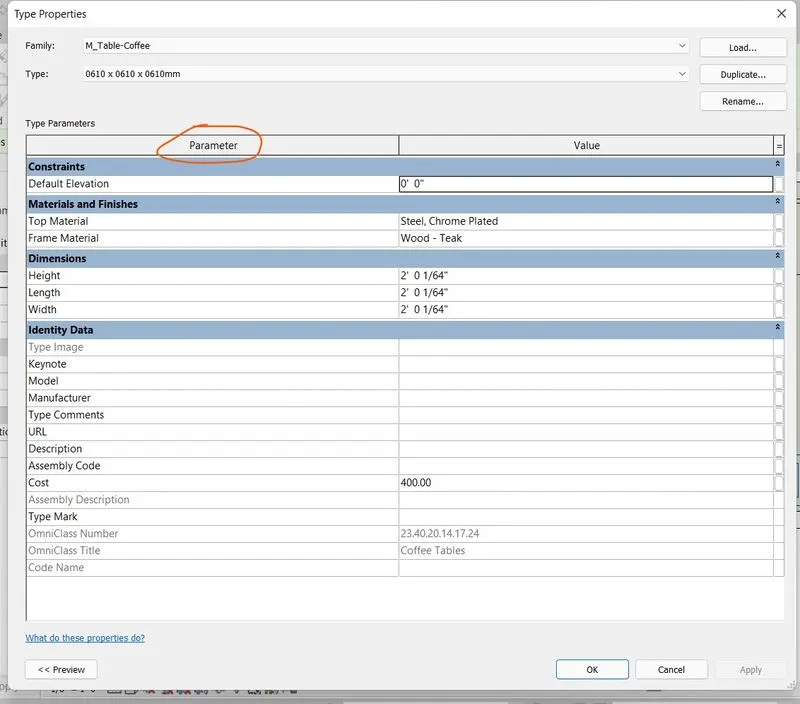
parameters associated
for window
for wall
for table
Result
Using Revit Calculate area and volume of each room in the model with appropriate room tags applied to each room. Prepare a schedule report for area and volume of each room.
Using the concept of Visual Programming by dynamo.
Prepare a schedule for the following
a. Walls
b. Doors
c. Windows
Shortcut keys in Revit.