Photo Realistic Rendering
MODELLING & RENDERING OF AMERICAN CHOPPER
OBJECTIVE:
To learn solid works commands by moddeling and rendering the american chopper by give it a realistic look.
INTRODUCTION:
The american chopper is desinged in solid works by desining individual parts and assembling them toghther and later editing the appearance, scenes and applying decals to give the chopper its realistic look
EXECUTION:
DESIGN METHODOLOGY:

- Part design: First we design each individual part as per the dimensions using the solid works tools and features.
- Assembly: The next thing we do is we assmble the modelled parts by giving them mates which will place them at their right position.
- Rendering: After assembling the parts of the chopper the last thing is to render them so that they have a realistic appearance.
TOOLS ANG FEAUTURES:
Spline : Its defined by its continuously changing curvature, points are placed to shape the curve.
Boss extrude and cut extrude : extrude feature allows us to create or cut solid bodies

Fillet : Its used to give smooth rounded shapes to edges and corners

Loft : Loft is used to create solid body of two or more profiles using guide curves

Dome : Its use to apply domes to faces

Split : This command helps us to eliminate the unwanted area of any part

Dynamic mirror : This command allows the user to mirror the sketch about a line while doing the sketch
Revolve : Used to create cylendrical parts about an axis

Blocks : We can create symbols and re use them whenever we want using this entity

Circular pattern : We can make multiple instances using a single feature about an axis

Linear pattern : Helps to make multiple instances of a single feature about a straight line

Combine : Helps to combine one or more sections of a single part

Shell : Its used to make hollow section from inside of a filled part

New plane : Allows us to create new planes in any direction

Projection curve : We can create a 3D curve by adding two 2D curves using this entity

Sweep : Allows us to extrude a closed profile along a guide curve

Swept surface : Allows us to extrude or sweep a surface along the guide curve

Boundary surface : Allows us to extrude or sweep any surface that can be curvature or tangent continuously in both directions

Surface trim : As the name suggest it allows us to trim any surface

Surface knit :this command allows us to combine two or more faces ot surfaces into one

PART 1: TRANSMISSION BELT
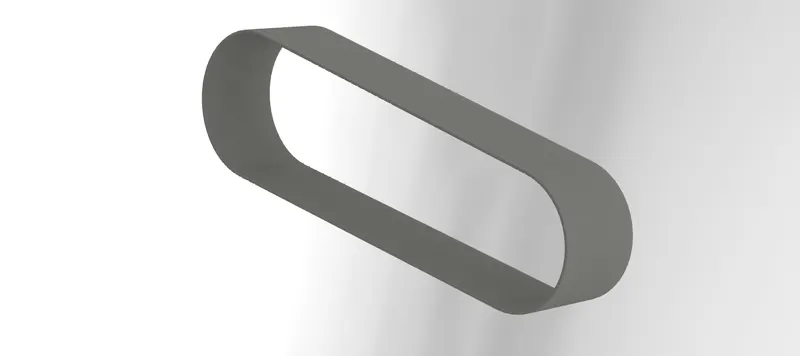
Transmission belt is a part used to transmit the power generated from engine to the gear box
TOOLS AND FEATURES USED:
1} Lines and 3 point arc
2} Boss extrude
3} Fillet
PART 2: KICKSTAND
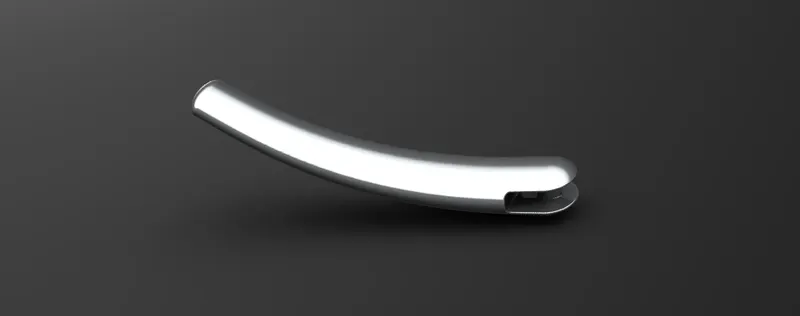
Kickstand is used to keep the chopper standing in steady position
TOOLS AND FEATURES USED:
1} Spline
2} Loft
3} Dome
4} split
5} Boss extrude and cut extrude
6} Fillet
PART 3: FRONT FENDER
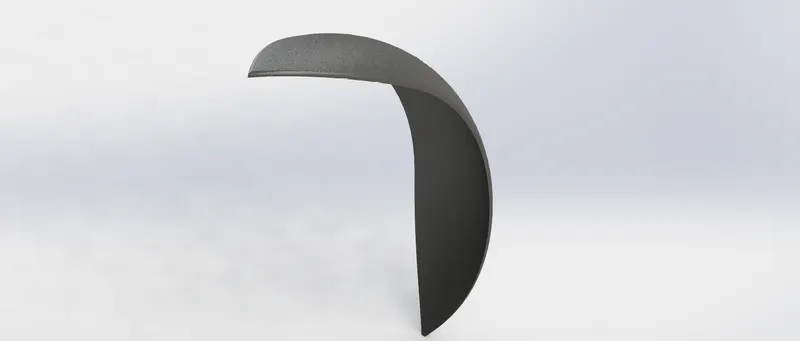
Front fenders are used to peotect the rider from splashing mud water on the body from the front tier
FEATURES USED:
1} Dynamic mirror
2} Revolve
PART 4: REAR FENDER
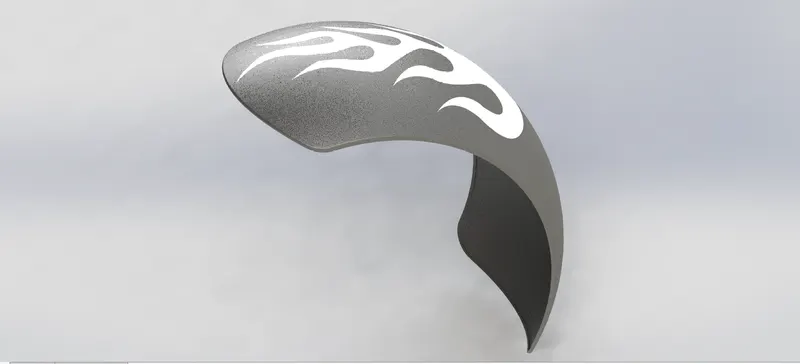
Rear fender is used as a protection for the rider from the mud water splashing from the rear wheel
FEATURES USED:
1} Dynamic mirror
2} revolve
PART 5: CHAIN
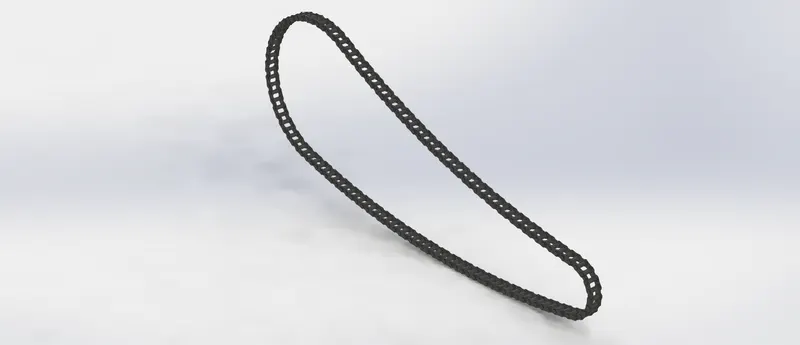
Chain is a most important part as it helps to transmit the rotory motion from gear to the rear wheel
FEATURES USED:
1} Blocks
2} Boss extrude
3} Circular pattern
4} Fillet
PART 6: OIL TANK
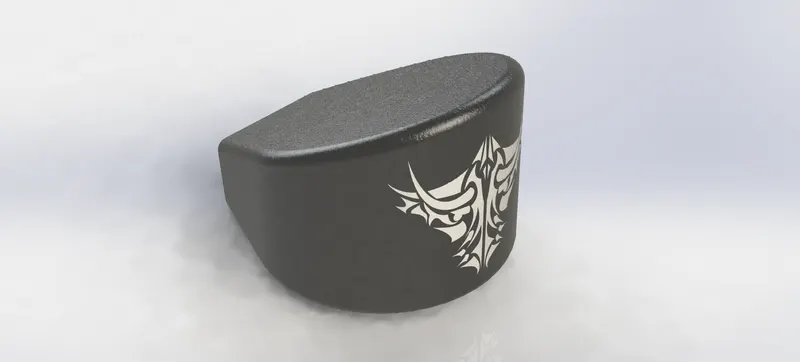
Oil tank is used to store the oil for lubricating the engine to avoid damage caused to the engine
FEATURES USED:
1} Boss extrude
2} Combine
3} Fillet
4} Shell
PART 7: PADEL 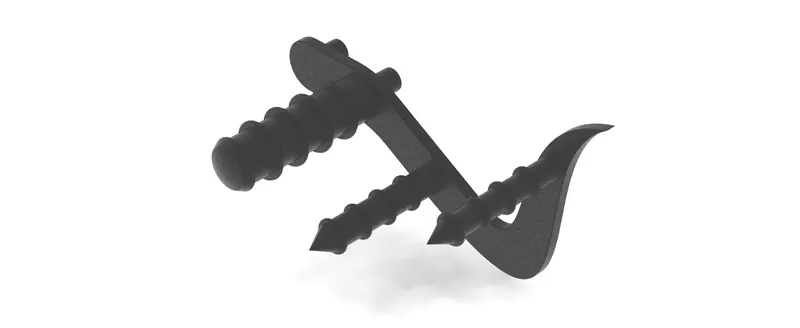
Pedals is used to the apply gear or apply brakes and also to rest the foot
FEATURES USED:
1} Boss extrude
2} Linear pattern
3} Dome
4} Fillet
PART 8: FRONT WHEEL
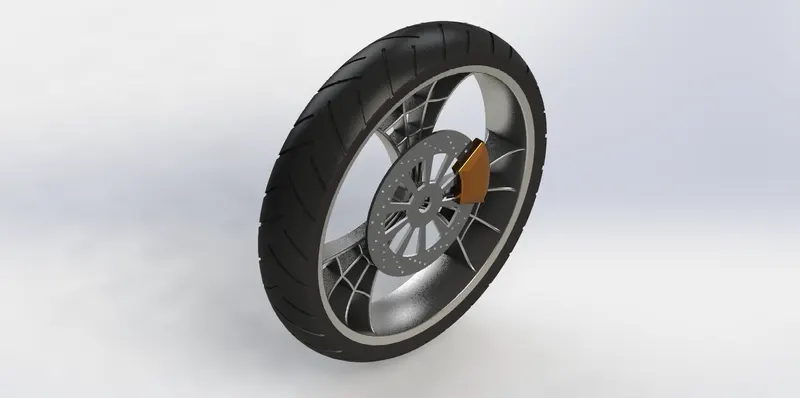
Front wheel of the chopper is connected to front fork by which we can control the direction
FEATURES USED:
1} Revolve
2} Boss extrude and cut extrude
3} Circular revolve
4} Fillet
PART 9: REAR WHEEL
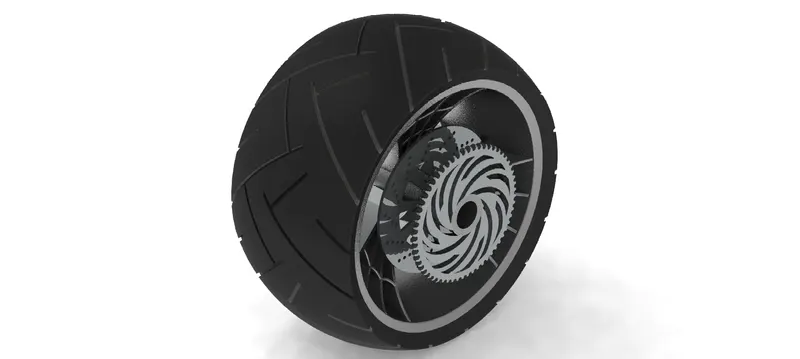
Rear wheel makes the chopper move forward as the power is transmitted from engine to the rear wheel
FEATURES USED:
1} Revolve
2} boss extrude and cut extrude
3} circular pattern
4} Fillet
PART 10: FRONT FORK
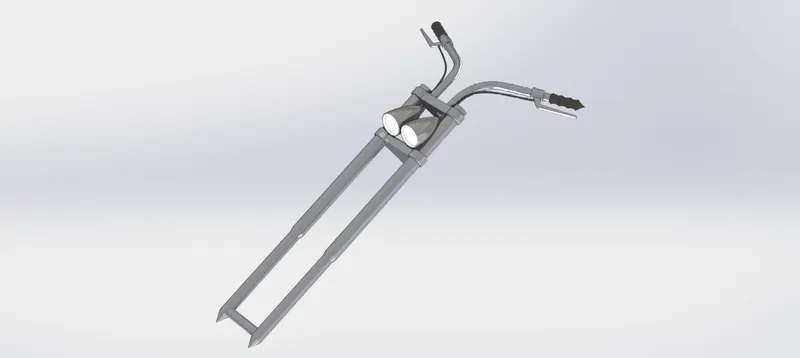
Front fork helps to control the direction of the chopper and also consist of shock absorbers
FEATURES USED:
1}Revolve
2} Boss extrude and cut extrude
3} Dome
4} Fillet
5} body-move
6} protection curve
7} New Plane
8} Sweep
9} Combine
PART 11: CHASSIS
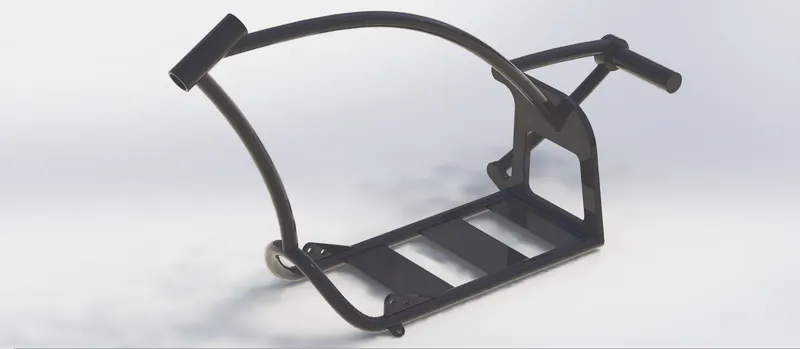
Chassis is like the skeleton, all the components of the motorcycle are attached to the chassis which gives the motorcycle its strenght
FEATURES USED:
1} Project curve
2} Sweep
3} Mirror
4} Boss extrude and cut extrude
5} Chamfer and fillet
6} Dome
7} Split
8} Combine
9} New plane
PART 12: ENGINE
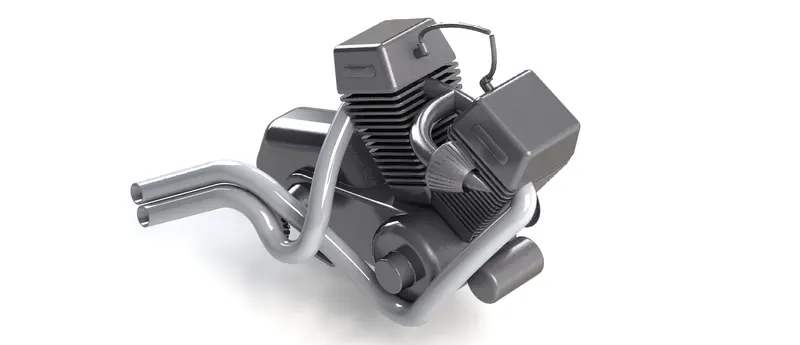
Engine is the heart of the motorcycle, its where the power is generated
FEATURES USED:
1} Boss extrude
2} Fillet
3} Revolve
4} New plane
5} Circular pattern
6} Dome
7} Cut extrude
8} Chamfer
9} Projection curve
10} Split
11} Sweep
PART 13: GAS TANK
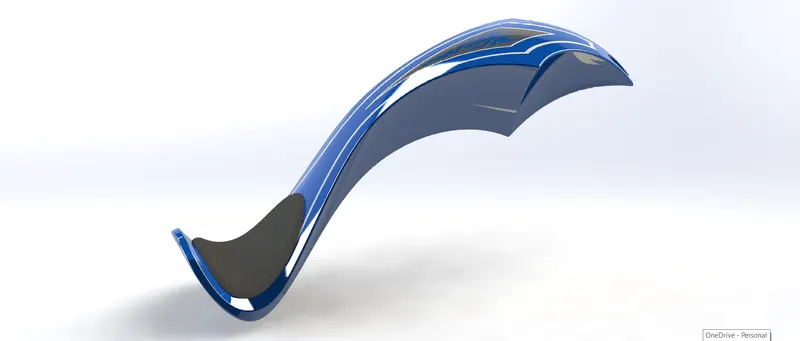
Gas tank is used to store fuel for the engine, it is also connected to the seat
FEATURES USED:
1} Swept surface
2} Surface trim
3} New plane
4} Project curve
5} Loft
6} Boundary surface
7} Surface knit
8} Split line
9} Surface extrude
10} Fillet
11} Cut sweep
12} Shell
ASSEMBLY:
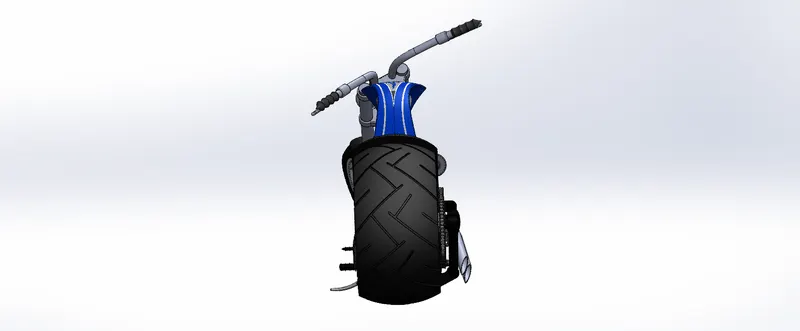
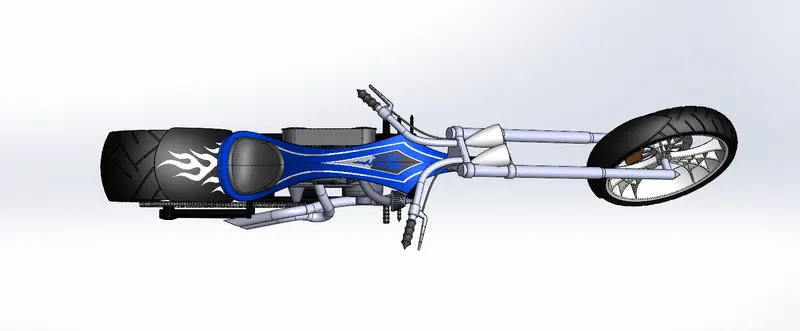
After modelling each part the assembly is done by opening parts in the assembly and applying mates so that the parts are placed at right position and angle.
CAMERA VIEW: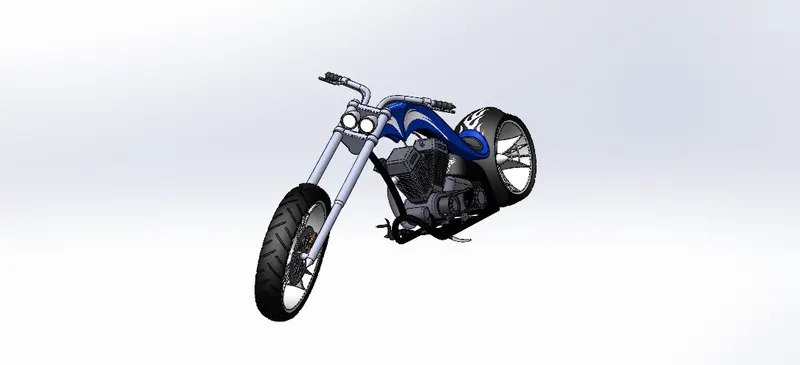
BACK VIEW:
TOP VIEW:
FRONT VIEW:
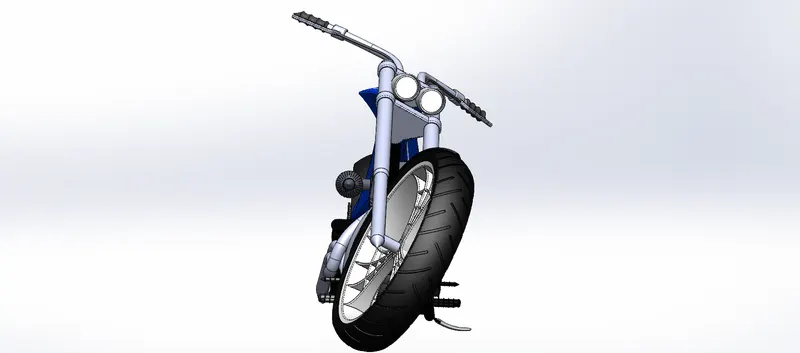
ISOMETRIC VIEW:
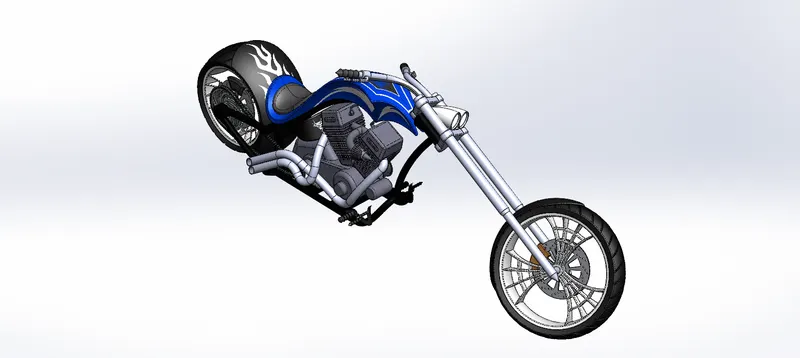
SIDE VIEW:
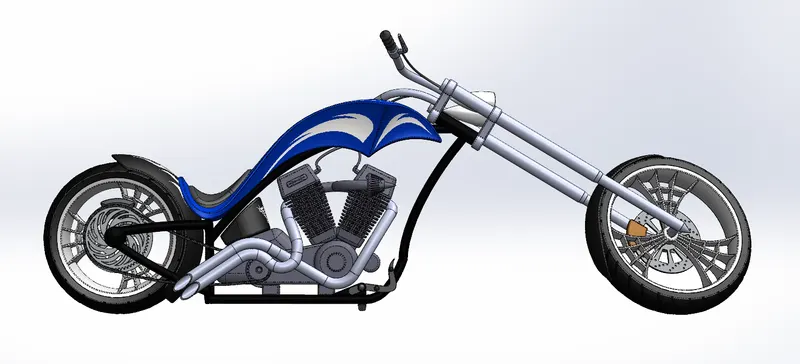
RENDERING:
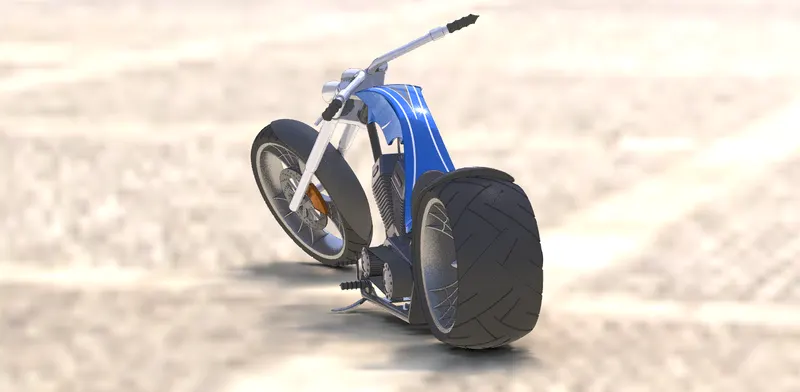
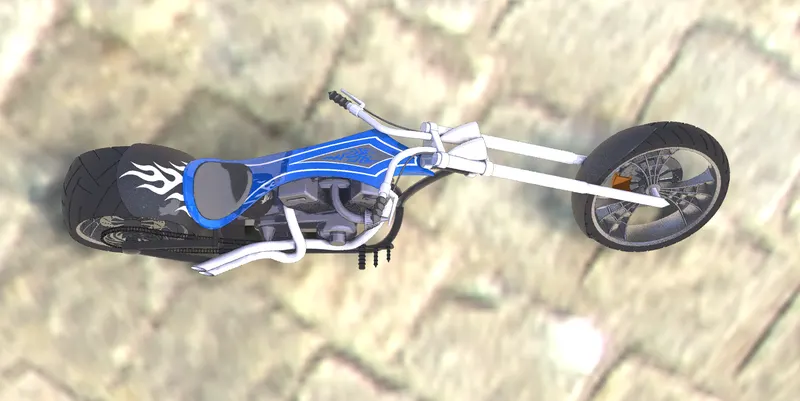
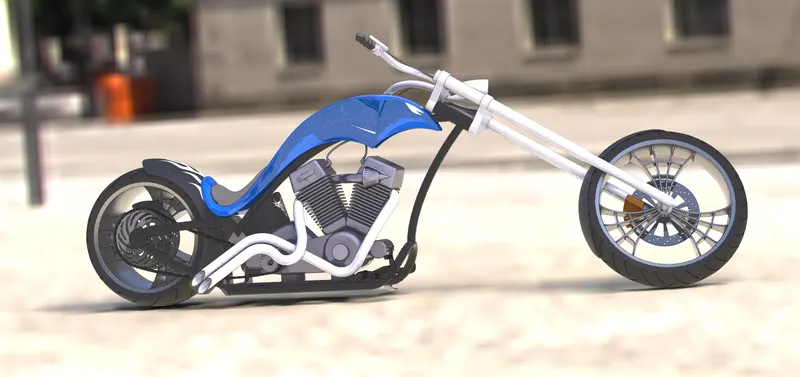
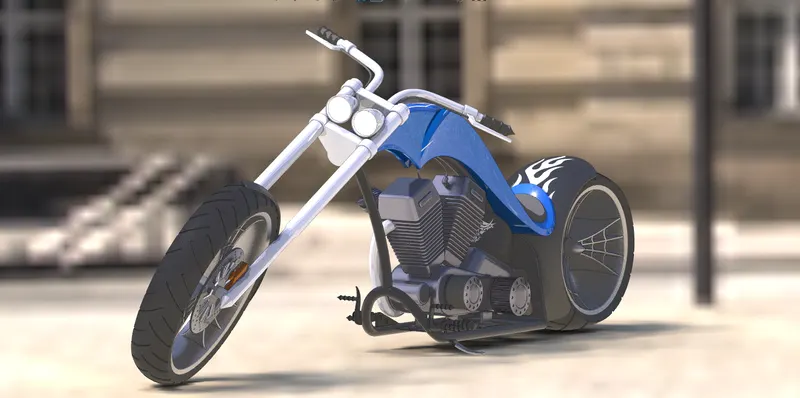
After assembly of the chopper we have to perform rendering so that the chopper has a realistic appearance, we have to apply decals to parts then apply background scenes, adjust the lightings and also provide material to the parts.
FRONT VIEW;
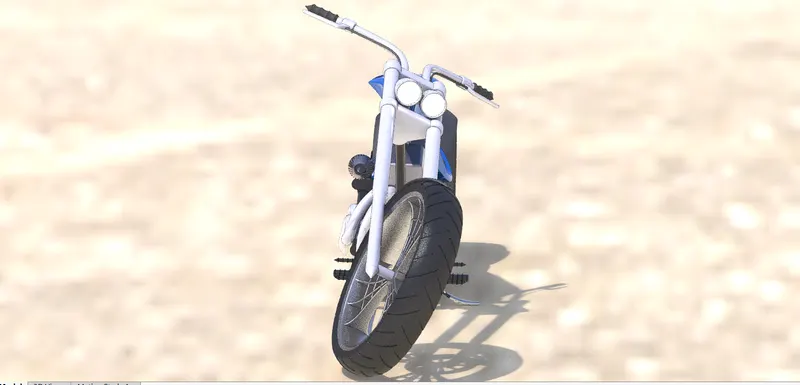
BACK VIEW:
TOP VIEW:
SIDE VIEW:
CAMERA VIEW:
CONCLUSION
I modelled an american chopper using solid works and also gave it an realistic appearance by rendering which helped me to learn solid works software.