Photo Realistic Rendering
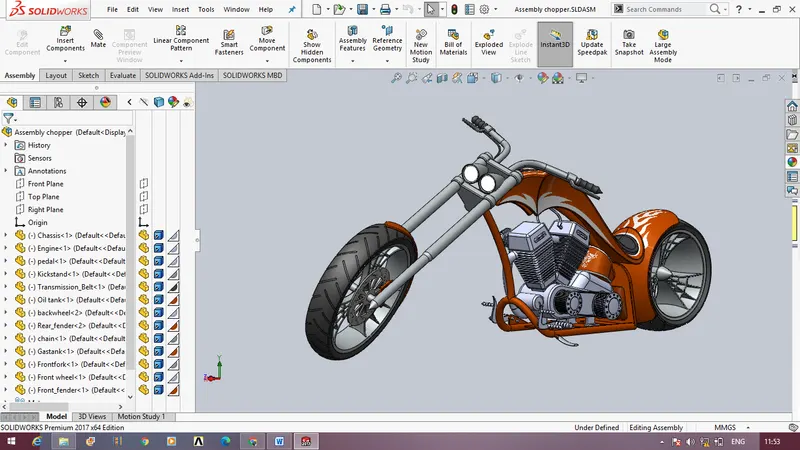
TITLE : ASSEMBLY OF AMERICAN CHOPPER
OBJECTIVE :
The aim of building this American chopper model using solidworks is to get know about several design tools and the parameters that come under designing a solid model using the software. This assembly also teaches how to tackle various problems and how to render the solid model into real time conditions.
INTRODUCTION :
The solidworks software is a solid modeling computer-aided design program which comprises of various tools to build a model . This software is used for planning , visual ideation ,modelling ,prototyping and project management.
Through this project of modeling an american chopper model various tools have been put into use. It also includes various problem solving techniques and it helps to identify errors and rectify them . The whole of this model includes giving the basic idea of design and also regarding the usage of individual tools and their usages. Through this course it enables to us to know about the various parameters that come before designing a component . Skill Lync program has designed this course in such a way that it is very easy for the beginners to understand and get along with the usage of the software. This report gives a detailed explanation regarding the methodology used in doing this chopper model.
DESIGN METHODOLOGY :
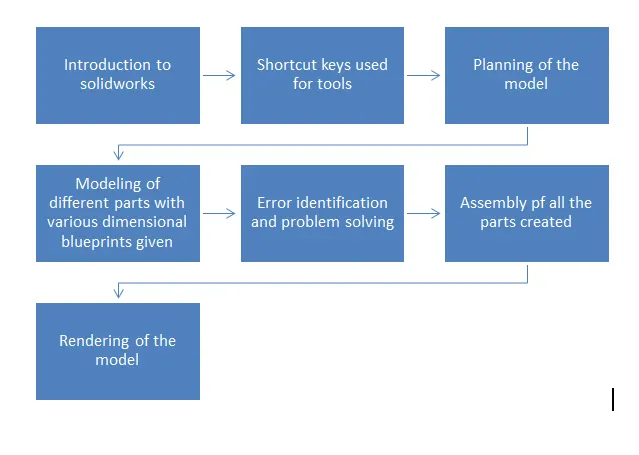
The design approach of the model is explained using the following flowchart.
DESCRIPTION OF VARIOUS PARTS MODELED AND TOOLS USED :
Extruded Boss/ Base
This tools helps to create various types of extruded features.
Boundary
Boundary tools produces very high quality, accurate features used for creating complex shapes.
Chamfer
The chamfer tools create a bevelled feature on selected edges, faces , or a vertex.
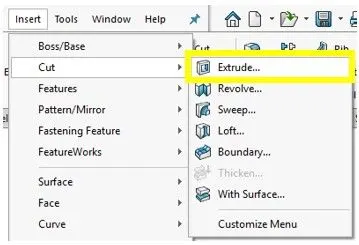
Cuts
A cut is a feature that removes material from a part or a assembly.
Fillets
Fillet/round creates a round internal or external face on the part. You can fillet all edges of a face , selected sets of faces , selected edges , or edge loops.
Lofts
Loft creates a feature by making transitions between profiles. A loft can be a base, boss, cut or surface.
Patterns and mirroring
Pattern repeats the selected features in an array based on a seed feature. You can create a linear pattern , a circular pattern , a curve driven pattern, a fill pattern , or use sketch points or table coordinates to create the pattern.
Revolves
Revolves add or remove material by revolving one or more profiles around a centreline. You can create revolved boss , revolved cuts, or revolved surfaces. The revolve feature can be a solid , a thin feature , or a surface.
Shells
The shell tool hollows out a part , leaves open the faces you select , and creates thin walled features on the remaining faces .
Surfaces
Surfaces are type of geometry that can be used to create solid features. Surface tools are available on the surface toolbar.
Sweeps
Sweep creates a base , boss , cut , or surface by moving a profile along a path. A sweep can be simple or complex.
Edit Appearance
Edits the appearance of selected entities or the entire model.

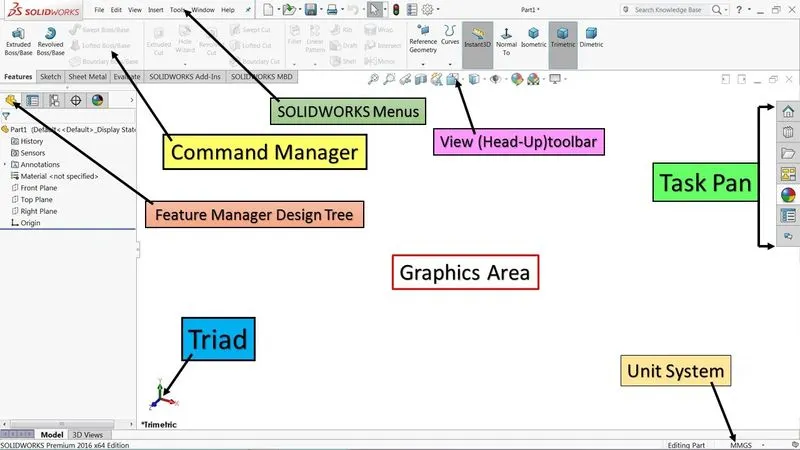
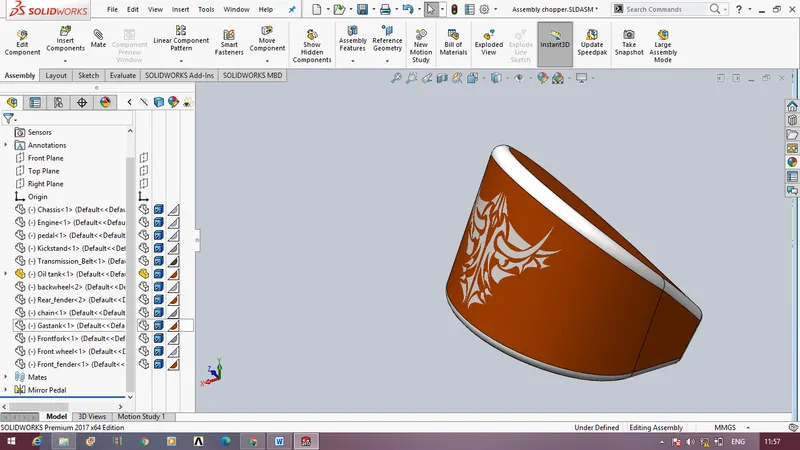
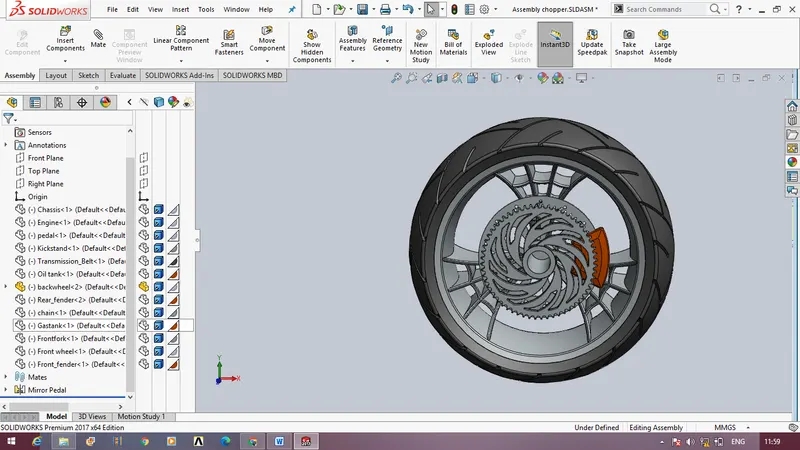
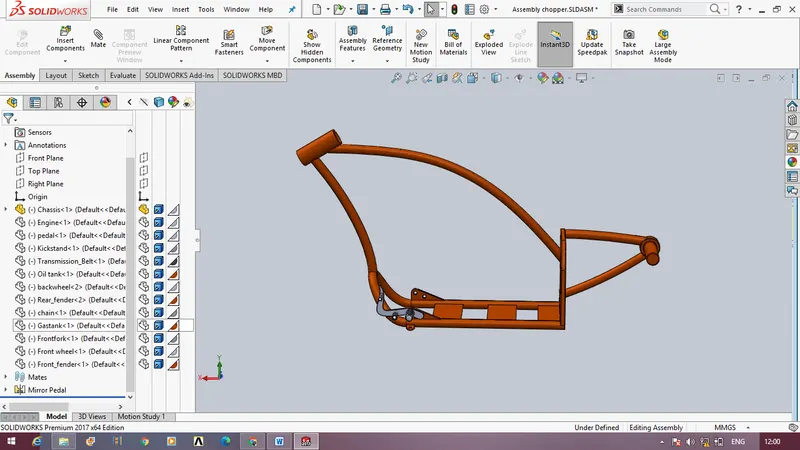
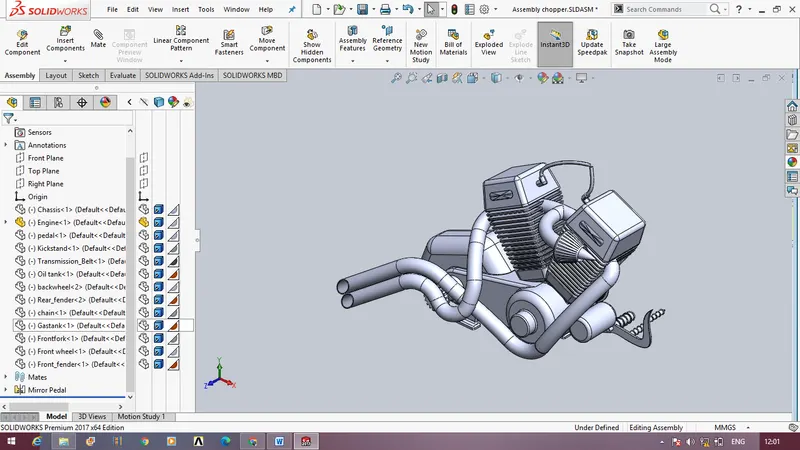
DIFFERT IMAGES OF PARTS :
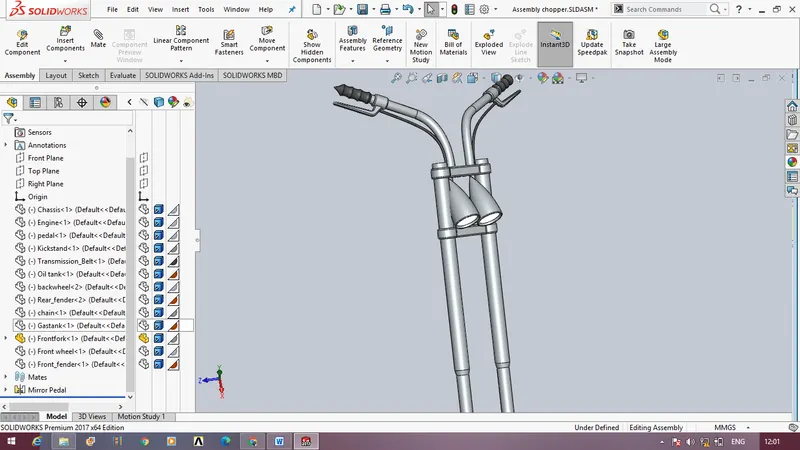
ASSEMBLY MODEL :
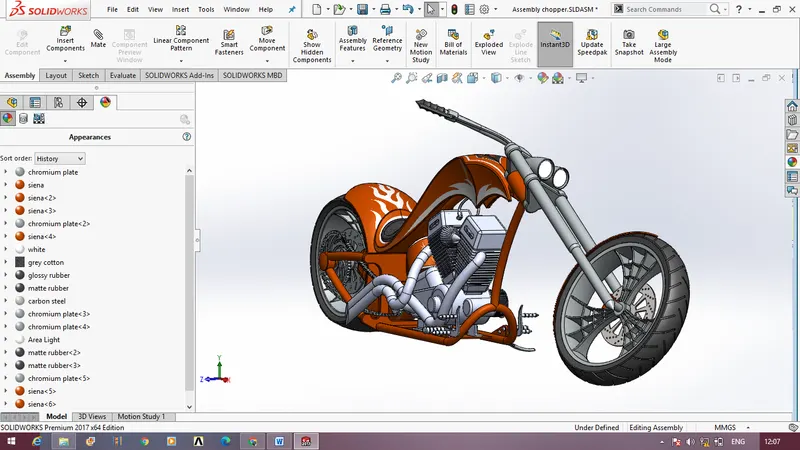
APPEARANCES
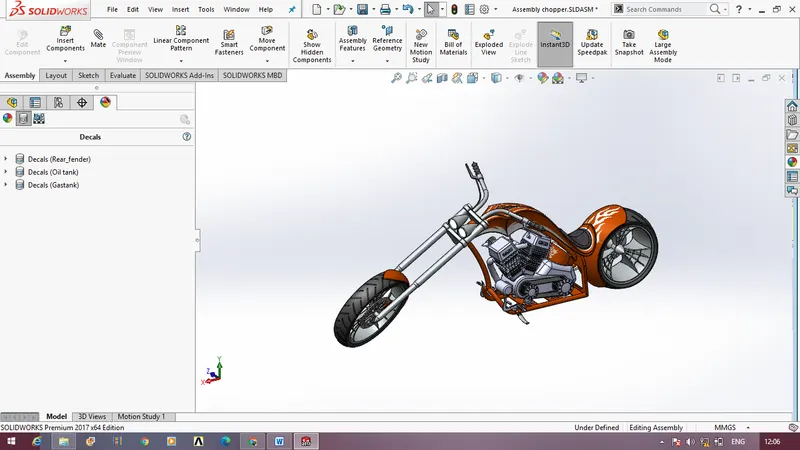
DECALS
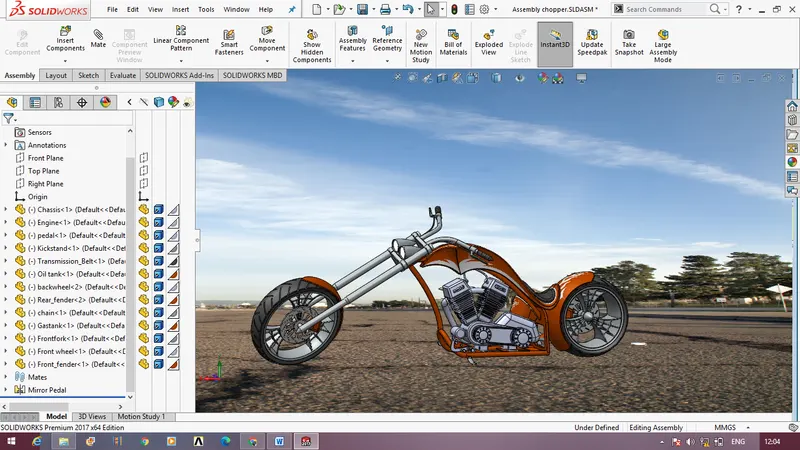
LIGHTS , CAMERA AND SCENE COMPOSITION
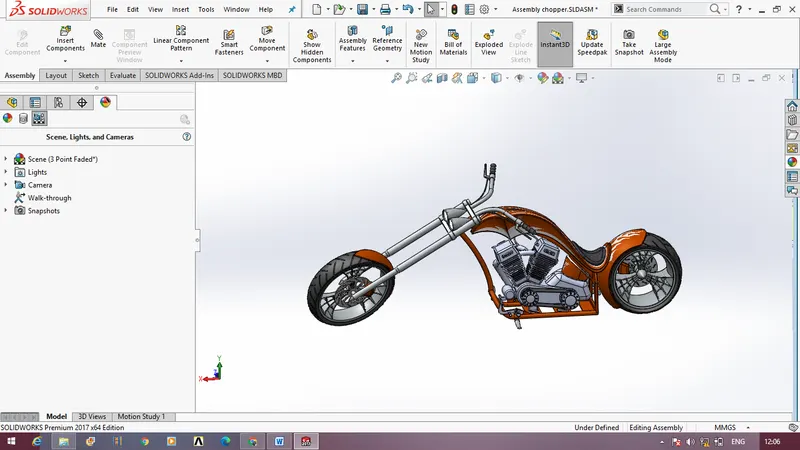
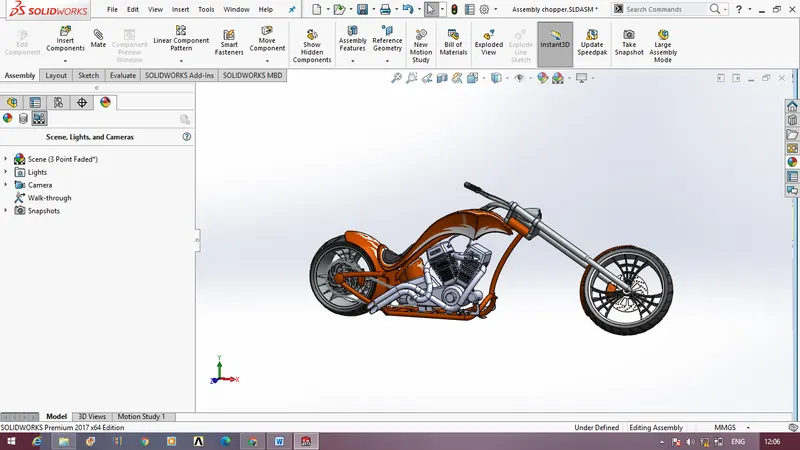
BACKGROUND SCENE EDIT
Unable to render the model into the scene due to system incapability and also the system is not supporting solidworks visualize.
CONCLUSION :
The report covered the preview of our learning path and study materials. The use of solidworks has many advantages. It can help to reduce the time it takes to produce the drawing needed in the working environment.
Solidworks software is the most amazing range of mechanical computer aided design tool. It is now considered to be the best according to industry standards that can be obtained for a wide array of designing mechanical engineering services and other industrial purposes. This software is utilized to provide some useful and practical designing software that will allow users to visualize as well as create prototypes of a product in reality and quick time.