Photo Realistic Rendering
DESIGNED, ASSEMBLED, AND PHOTO REALISTIC RENDER OF CHOPPER - SOLIDWORKS
OBJECTIVE :
To design each part of the chopper and they are assembled with proper plane & mating points to do the complete chopper model. Then we have to do rendering, decals, and background of the chopper
INTRODUCTION :
This Project cover's the design and assembles of the chopper by using the Solidworks tool and the final rendering of the model is done by using Photoview 360 and Solidworks visualize.
Software's Used ;
- Solidworks 2020
- Solidworks visualize 2020
DESIGN METHODOLOGY :
CHOPPER MODEL ;
- Part Modelling
- Assembly
- Decals, camera setup & lights
- Photo Realistic Rendering
1) Part Model;
- Belt
- Kick Stand
- Front Fender
- Rear Fender
- Chain
- Oil Tank
- Pedal
- Front-wheel
- Rear-wheel
- Front fork
- Chassis
- Engine
- Fuel Tank
a) Belt
A belt is a loop of flexible material used to link two or more rotating shafts mechanically, most often parallel. Belts may be used as a source of motion, to transmit power efficiently or to track relative movement.
The belt is sketched by line, arc & off set entities. Then they are Extruded Boss/Base & fillet at the edges and we gave them appearance. Finally, they are rendered by Photo view 360.
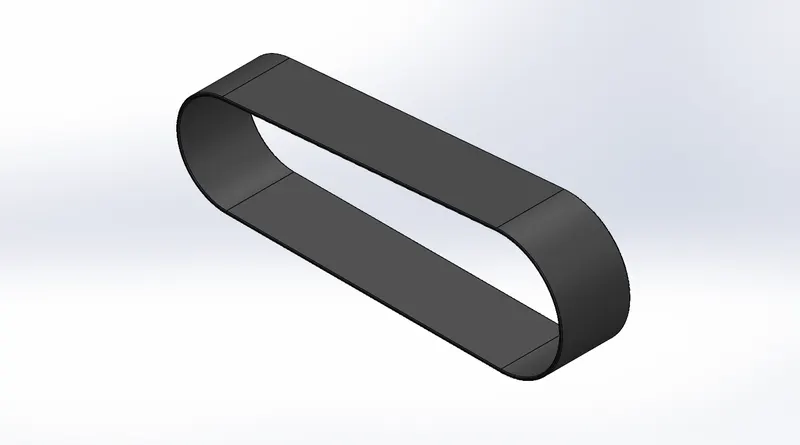
Solidworks Model
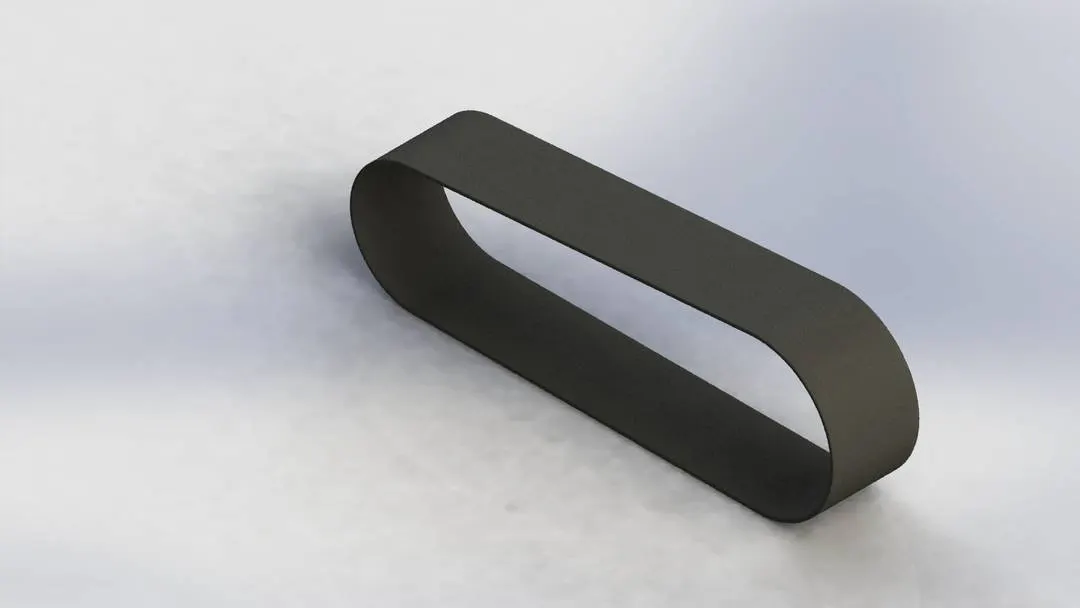
Photo View 360
b)Kick Stand
A metal rod attached to a bicycle or motorcycle, lying horizontally when not in use, maybe kicked into a vertical position to support the vehicle when it is stationary.
Kick Stand is sketched by line, circle, arc & Ellipse. Then they are lofted Boss/Base, Dome, Extrude cut, Split & fillet at the edges and we gave them appearance. Finally, they are rendered by Photo view 360.
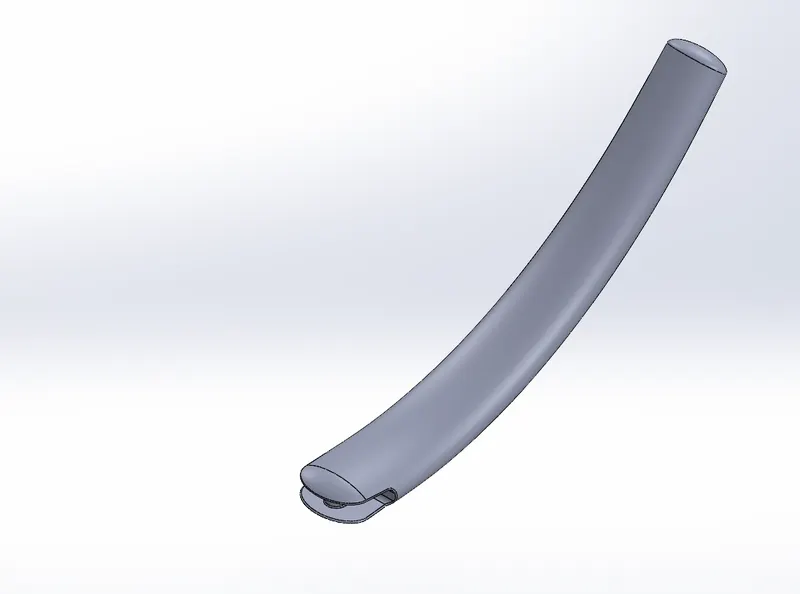
Solidworks Model
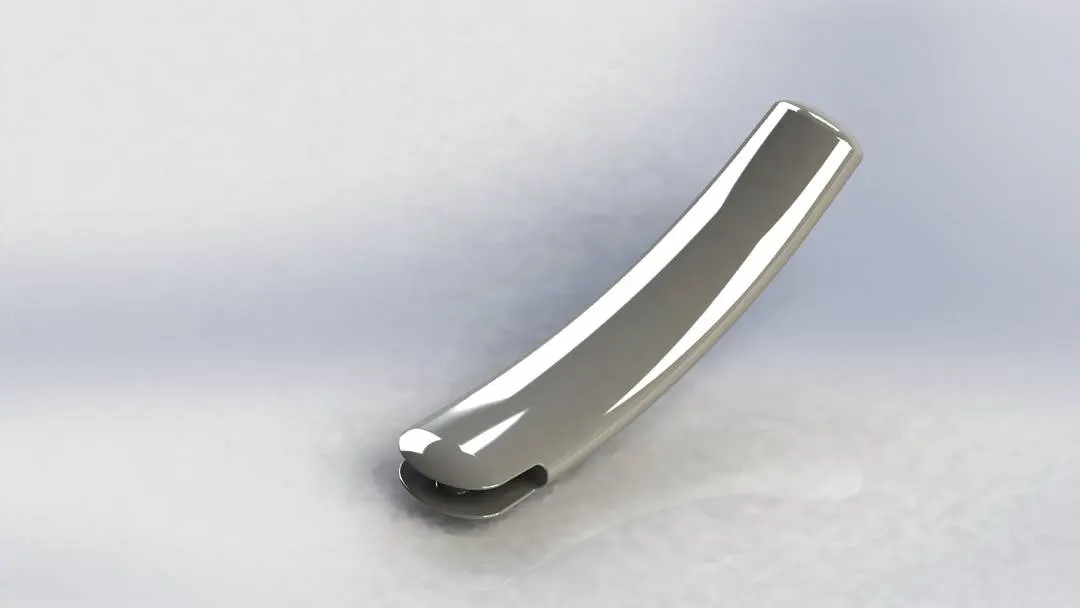
Photo View 360
c)Front Fender
Its Situated over the front Wheel's primary purpose is to prevent sand, mud, rocks, liquids, and other road sprays from being thrown into the air by the rotating tire.
Front Fender is sketched by line, Spline, arc, Extended Entities & Trim Entities. Then they are Revolved Boss/Base, Split & fillet at the edges and we gave them appearance. Finally, they are rendered by Photo view 360.
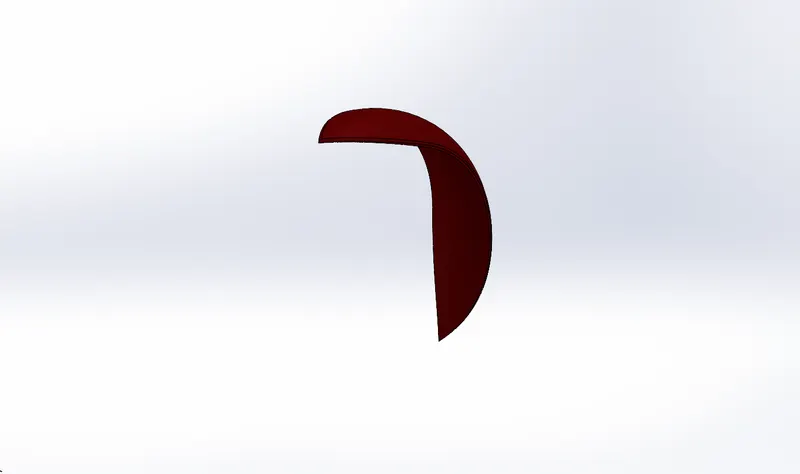
Solidworks Model
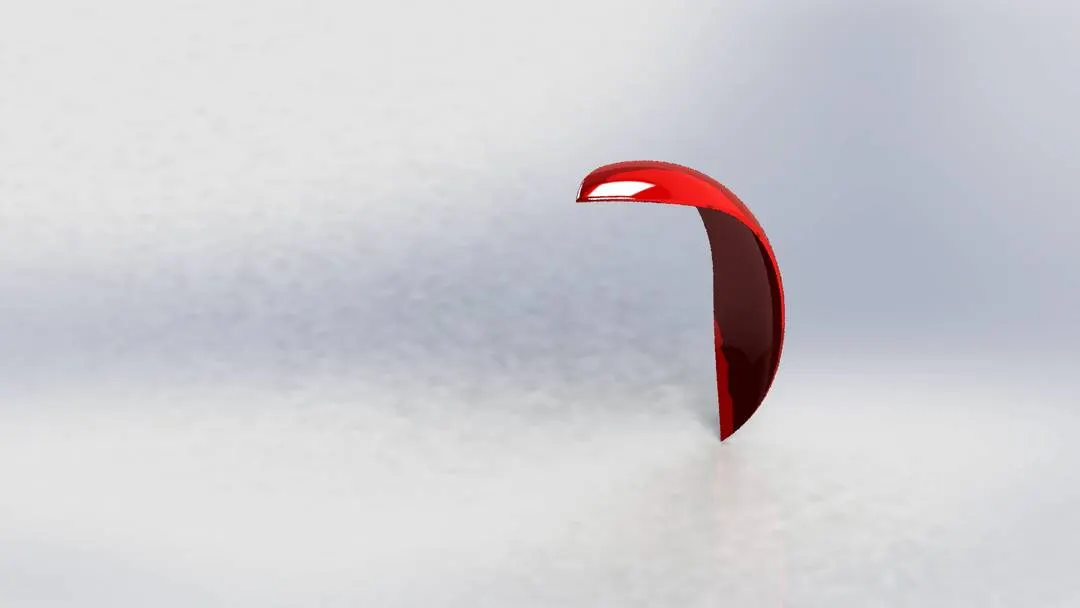
Photo View 360
d)Rear Fender
Its Situated over the Rear Wheel's primary purpose is to prevent sand, mud, rocks, liquids, and other road sprays from being thrown into the air by the rotating tire.
Rear Fender is sketched by line, Spline, arc, Extended Entities & Trim Entities. Then they are Revolved Boss/Base, Split, fillet & Shell at the edges and we gave them appearance. Finally, they are rendered by Photo view 360.
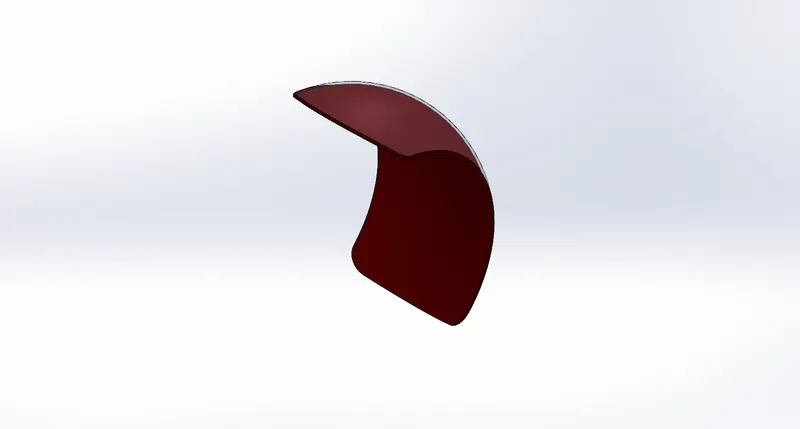
Solidworks Model
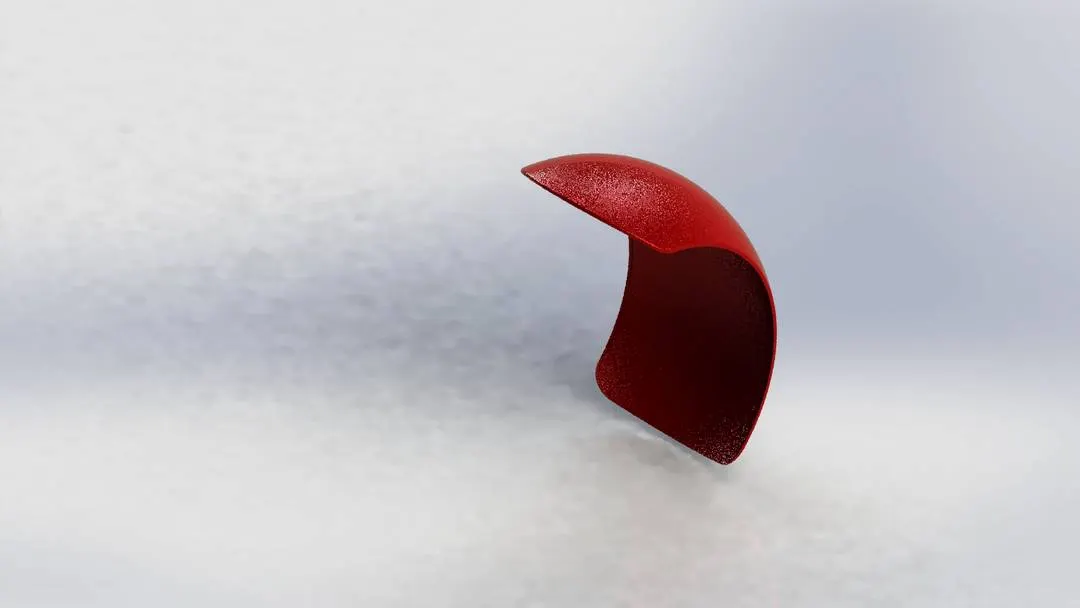
Photo View 360
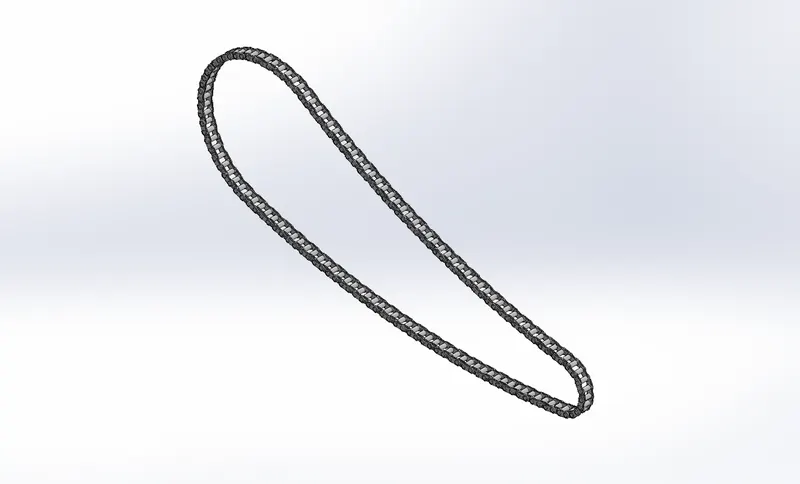
e)Chain
A chain drive is a way of transmitting mechanical power from one place to another. It is often used to convey power to the wheels of a vehicle, particularly bicycles and motorcycles. It consists of a series of short cylindrical rollers held together by side links. It is driven by a toothed wheel called a Sprocket. It is a simple, reliable, and efficient means of power transmission.
The chain is sketched by line, circle, arc, slot & Trim Entities. Then they are Extruded Boss/Base, Curve Driven Patten, Block, Mirror & fillet at the edges and we gave them appearance. Finally, they are rendered by Photo view 360.
Solidworks Model
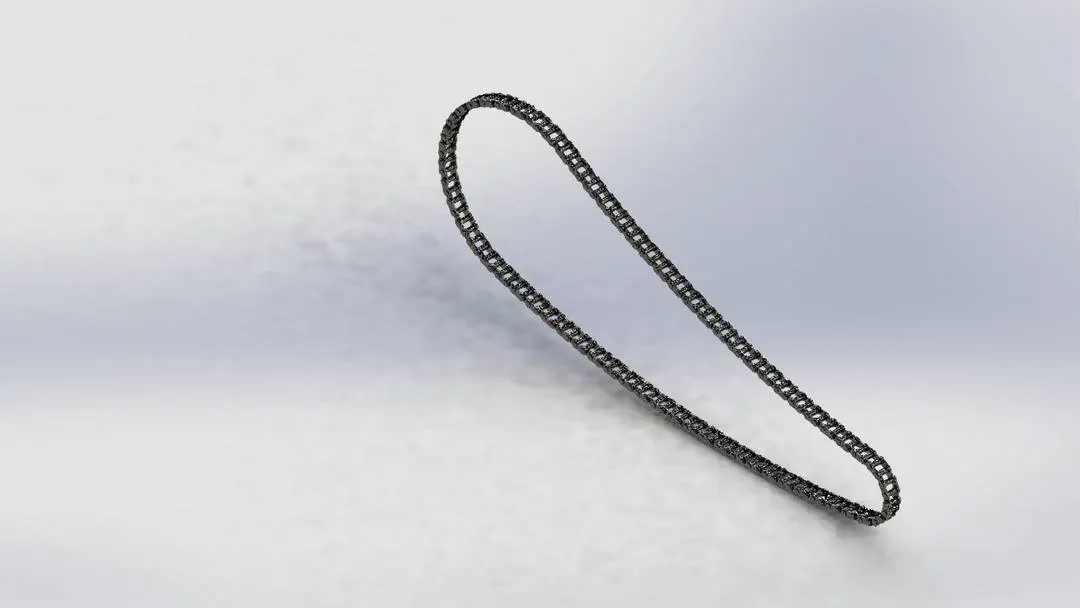
Photo View 360
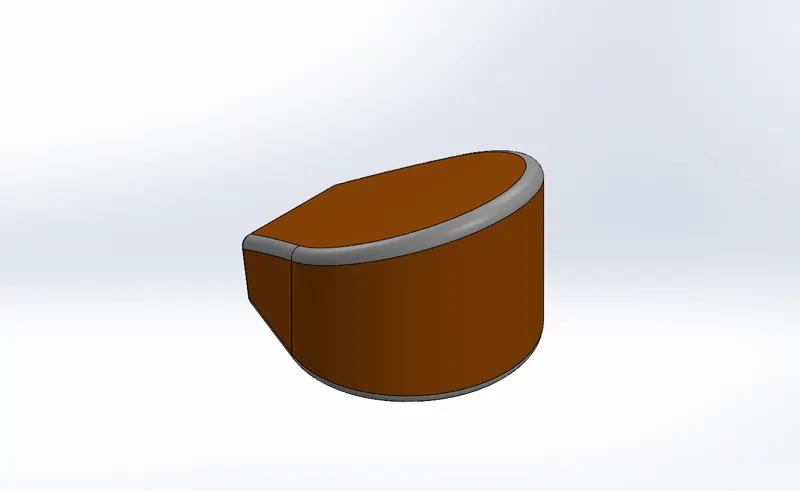
f)Oil Tank
A container that is used for holding or storing oil.
Oil Tank is sketched by line, Spline & Circle. Then they are Extruded Boss/Base, Combine, Shell & fillet at the edges and we gave them appearance. Finally, they are rendered by Photo view 360.
Solidworks Model
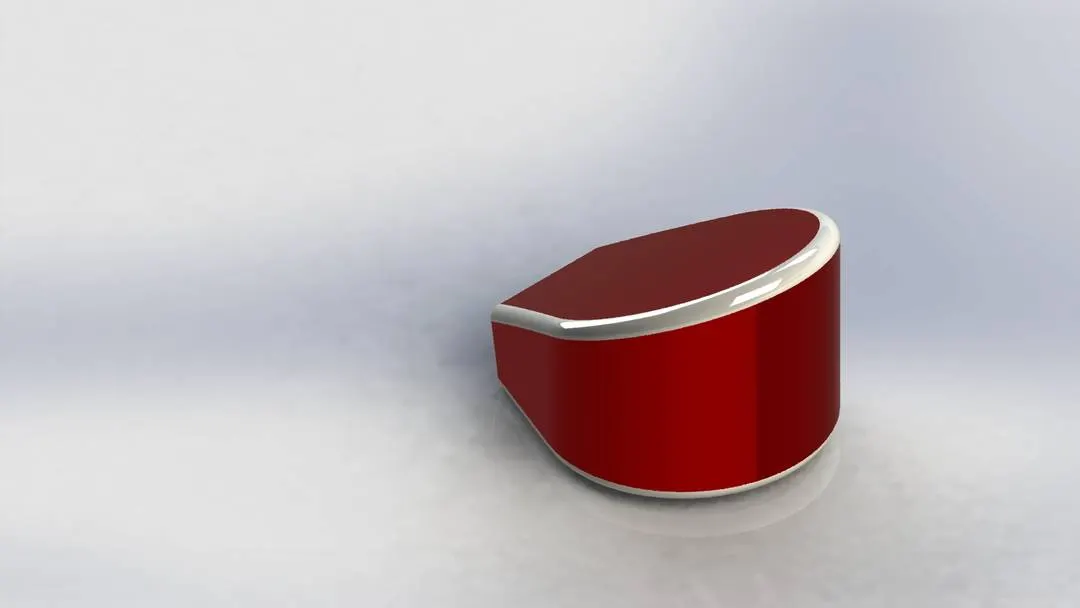
Photo View 360
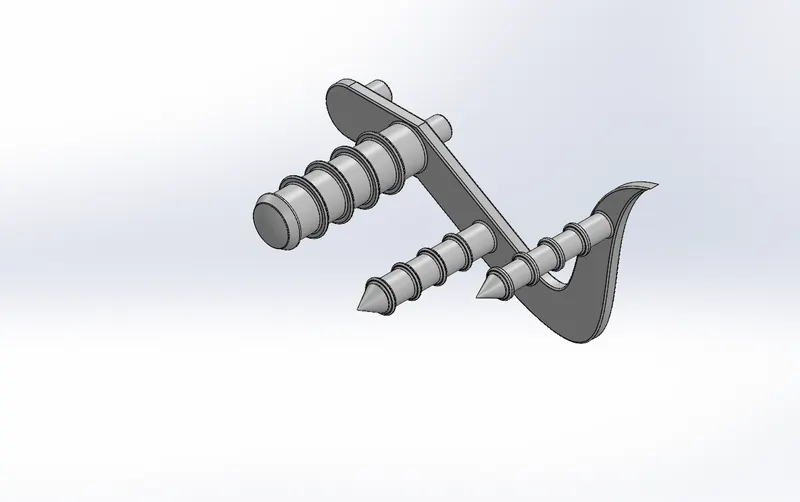
g)Pedal
Two Pedals of the metal components are attached to both sides of the chopper to rest the leg.
The pedal is sketched by line, Spline & Circle. Then they are Revolved Boss/Base, Extruded Boss/Base, Dome, Linear Pattern, Chamfer & fillet at the edges and we gave them appearance. Finally, they are rendered by Photo view 360.
Solidworks Model
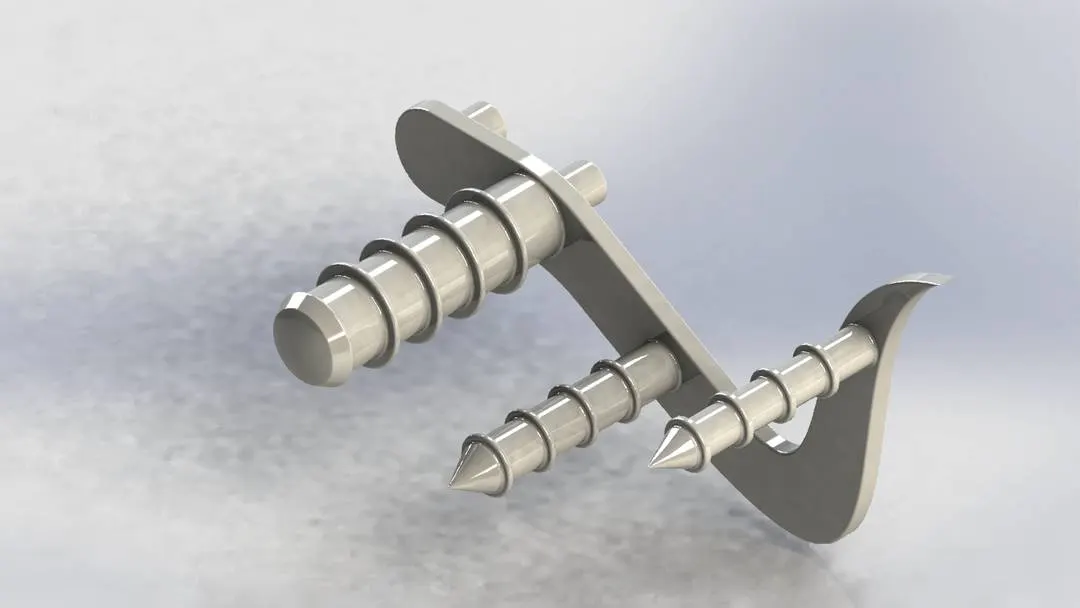
Photo View 360
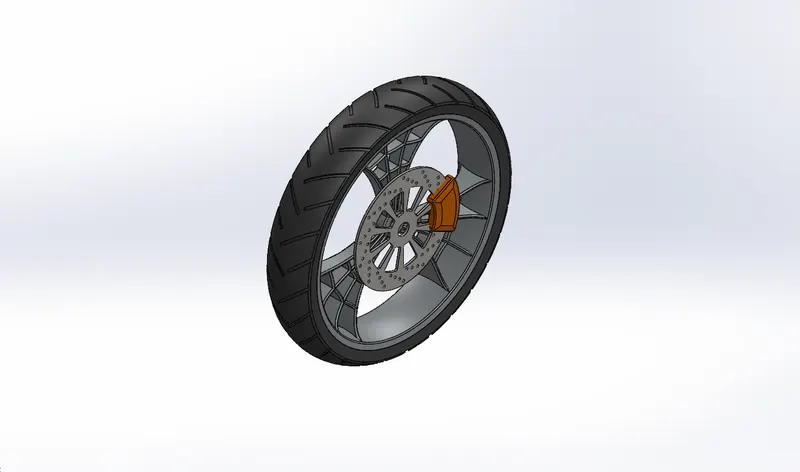
h)Front Wheel
A circular object fixed at the front side of the chopper that revolves on an axle and is fixed below a vehicle or other object to enable it to move easily over the ground.
Front Wheel is sketched by line, Spline, Arc, Circle, Rectangle Extended Entities, Convert Entities, Offset Entities & Trim Entities. Then they are Revolved Boss/Base, Extruded Boss/Base, Extruded Cut, Revolve Cut, Circular Pattern, Combine, Mirror, Chamfer & fillet at the edges and we gave them appearance. Finally, they are rendered by Photo view 360.
Solidworks Model
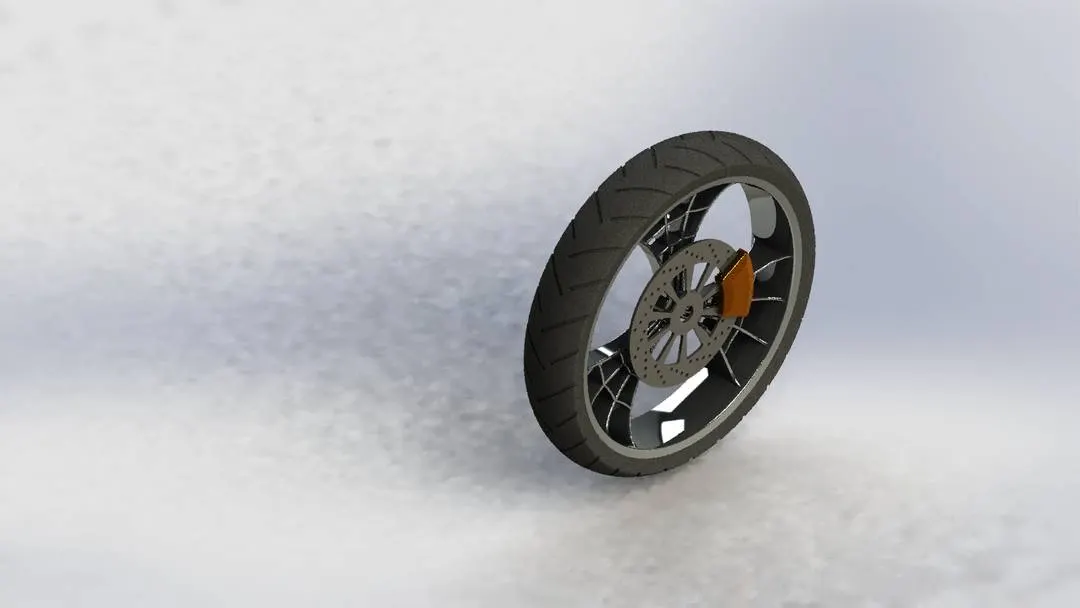
Photo View 360
i)Rear Wheel
A circular object fixed at the Rear side of the chopper that revolves on an axle and is fixed below a vehicle or other object to enable it to move easily over the ground.
Rear Wheel is sketched by line, Spline, Arc, Circle, Rectangle Extended Entities, Convert Entities, Offset Entities & Trim Entities. Then they are Revolved Boss/Base, Extruded Boss/Base, Extruded Cut, Revolve Cut, Circular Pattern, Combine, Mirror, Chamfer & fillet at the edges and we gave them appearance. Finally, they are rendered by Photo view 360.
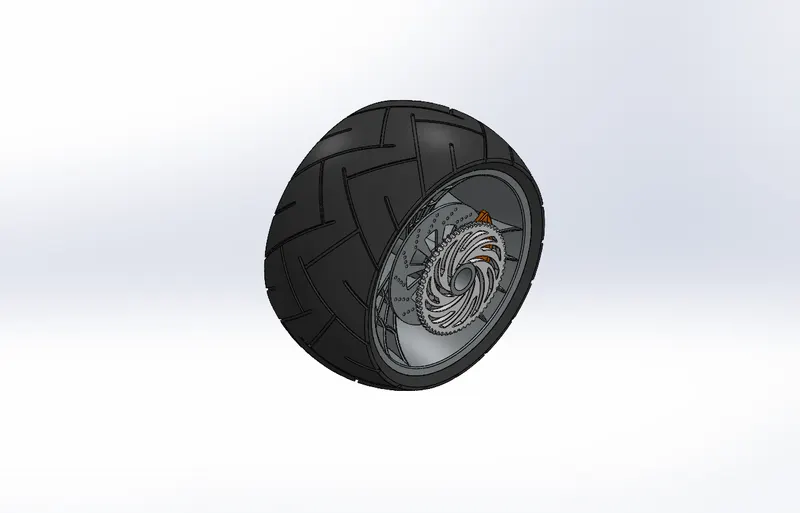
Solidworks Model
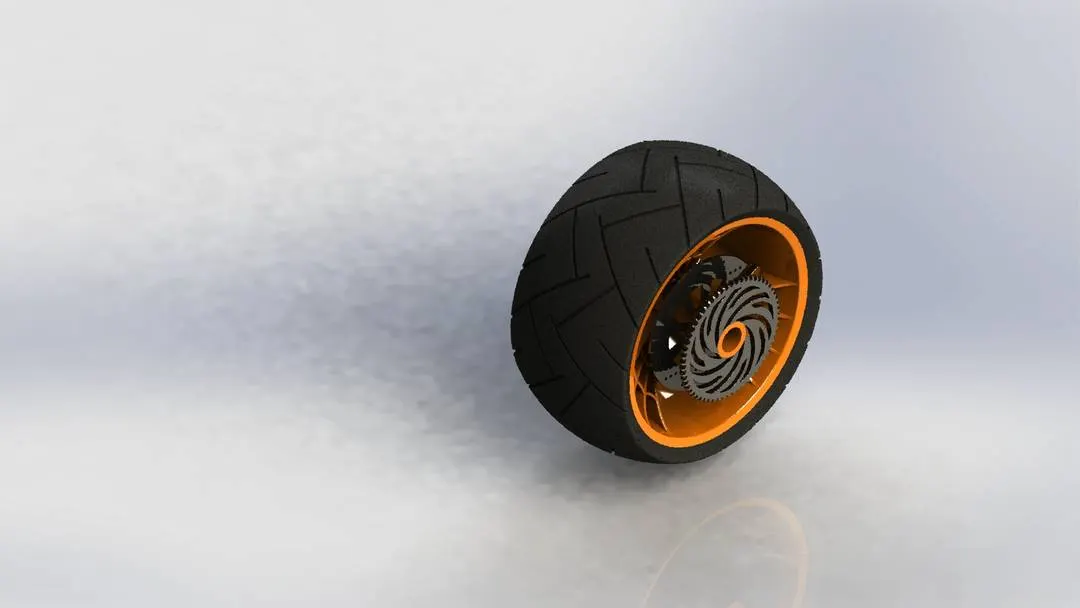
Photo View 360
j)Front Fork
A motorcycle fork connects a motorcycle's front wheel and axle to its frame, typically via a yoke, also known as a triple clamp, which consists of an upper yoke joined to a lower yoke via a steering stem, a shaft that runs through the steering head, creating the steering axis.
Front Fork is sketched by line, Spline, Circle, Convert Entities & Trim Entities. Then they are Extruded Boss/Base, Extruded Cut, Revolve Cut, Dome, Project Curve, Swept Boss/Base, Combine, Mirror & fillet at the edges and we gave them appearance. Finally, they are rendered by Photo view 360.
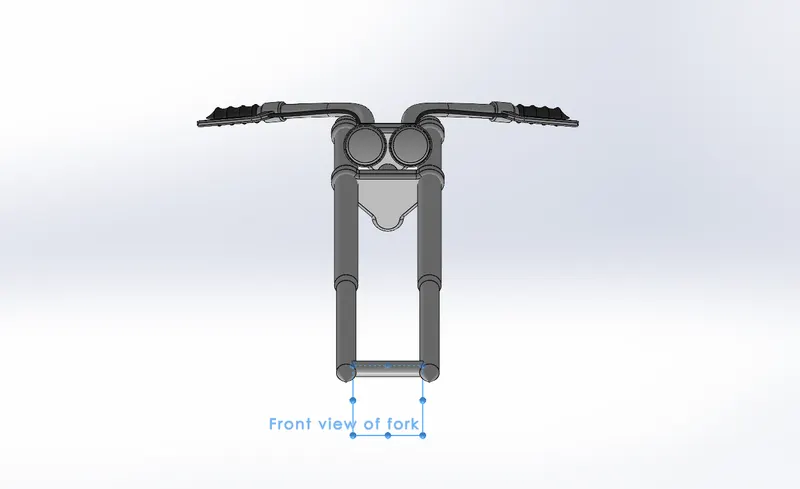
Solidworks Model
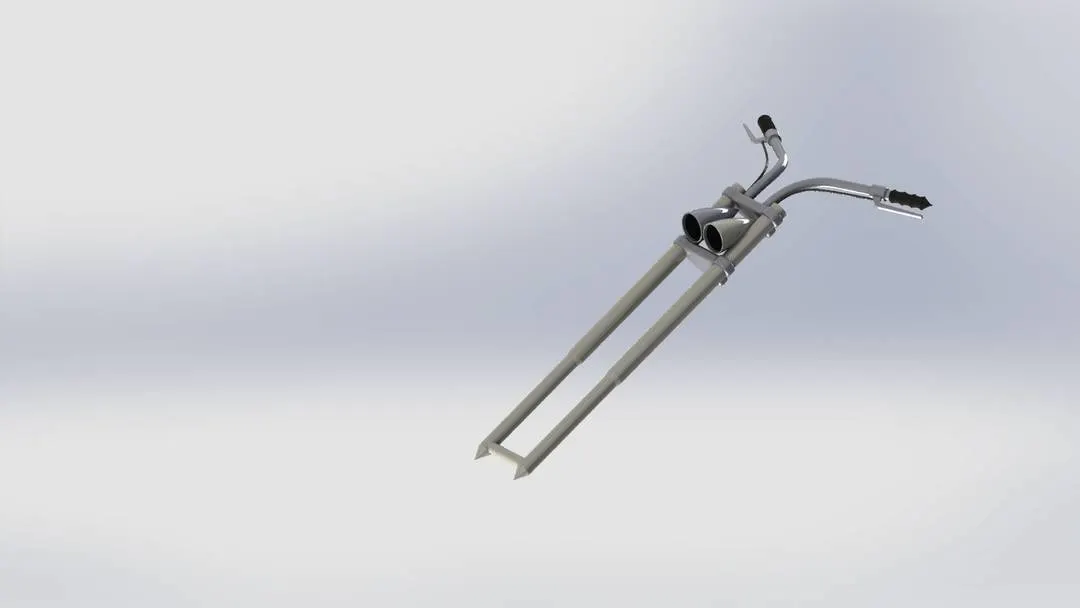
Photo View 360
k)Chassis
A motorcycle frame is a motorcycle's core structure. It supports the engine, provides a location for the steering and rear suspension, and supports the rider and any passenger or luggage. Also attached to the frame are the fuel tank and battery.
Chassis is sketched by line, Spline, Arc, Circle, Convert Entities, Offset Entities & Trim Entities. Then they are Swept Boss/Base, Extruded Boss/Base, Extruded Cut, Dome, Split, Project Curves, Revolved Boss/Base, Combine, Mirror, Chamfer, Plane & fillet at the edges and we gave them appearance. Finally, they are rendered by Photo view 360.
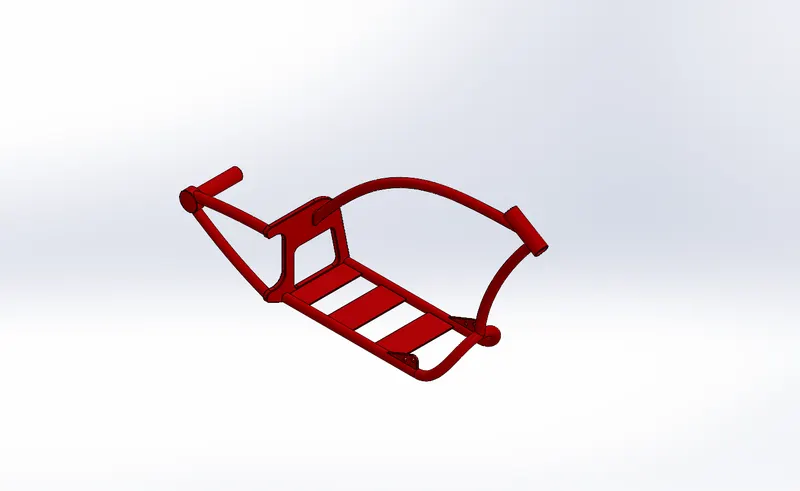
Solidworks Model
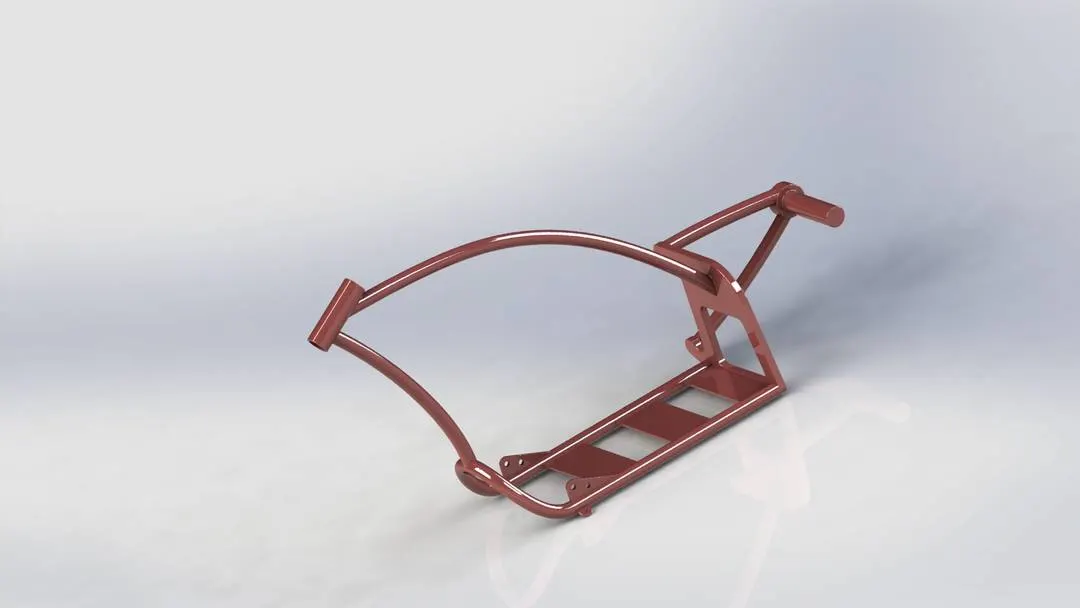
Photo View 360
l)Engine
A motorcycle engine is an engine that powers a motorcycle. Motorcycle engines are typically two-stroke or four-stroke internal combustion engines.
The engine is sketched by line, Spline, Arc, Circle, Convert Entities, Offset Entities & Trim Entities. Then they are Swept Boss/Base, Extruded Boss/Base, Extruded Cut, Dome, Split, Project Curves, Composite Curves, Revolved Boss/Base, Combine, Circular Pattern, Mirror, Chamfer, Plane & fillet at the edges and we gave them appearance. Finally, they are rendered by Photo view 360.
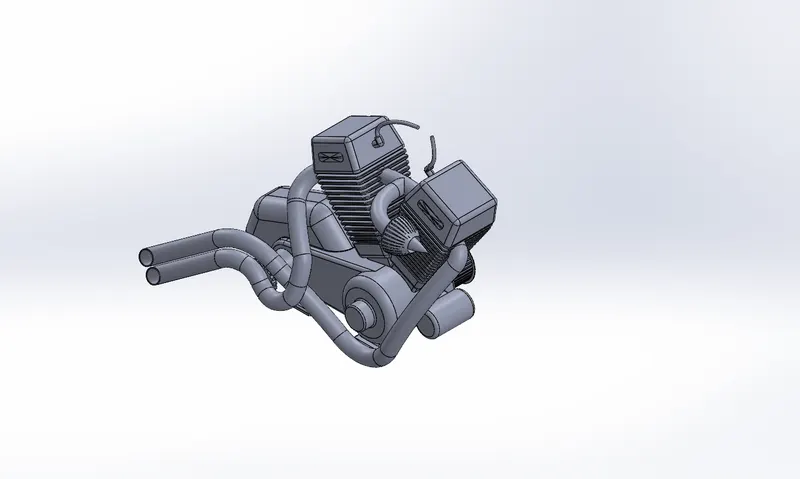
Solidworks Model
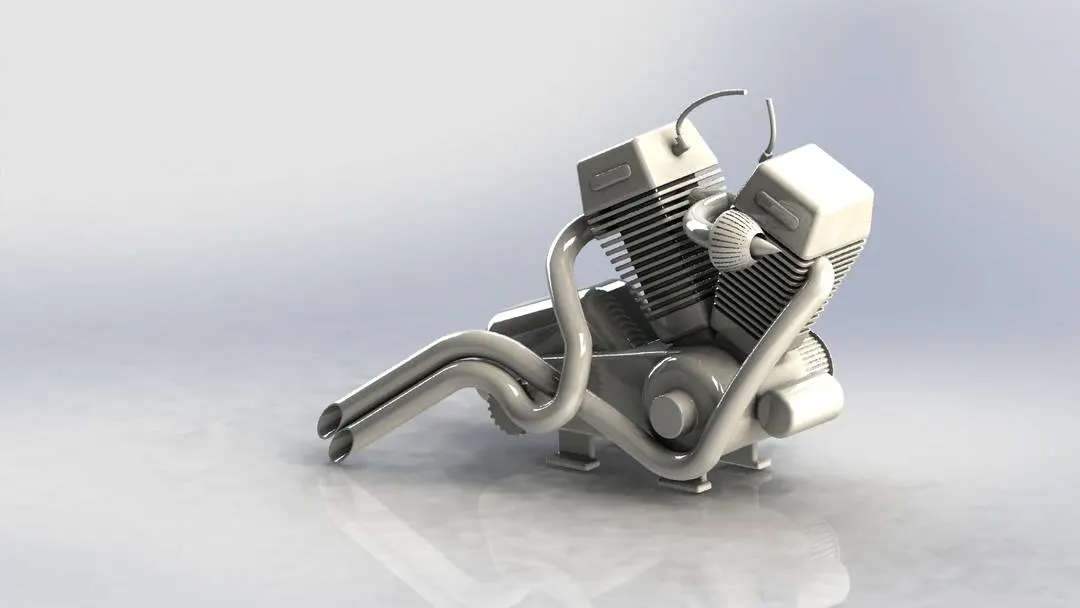
Photo View 360
m)Fuel Tank
A fuel tank also called a petrol tank or gas tank is a safe container for flammable fluids. Though any storage tank for fuel may be so-called, the term is typically applied to part of an engine system in which the fuel is stored and propelled fuel pump or released pressurized gas into an engine.
Fuel Tank is sketched by line, Spline, Arc, Circle, Convert Entities, Offset Entities & Trim Entities. Then they are Swept Surface, Loft Surface, Boundary Surface, Project Curves, Knit Surface, Sweep Cut, Combine, Mirror, Shell, Plane & fillet at the edges and we gave them appearance. Finally, they are rendered by Photo view 360.
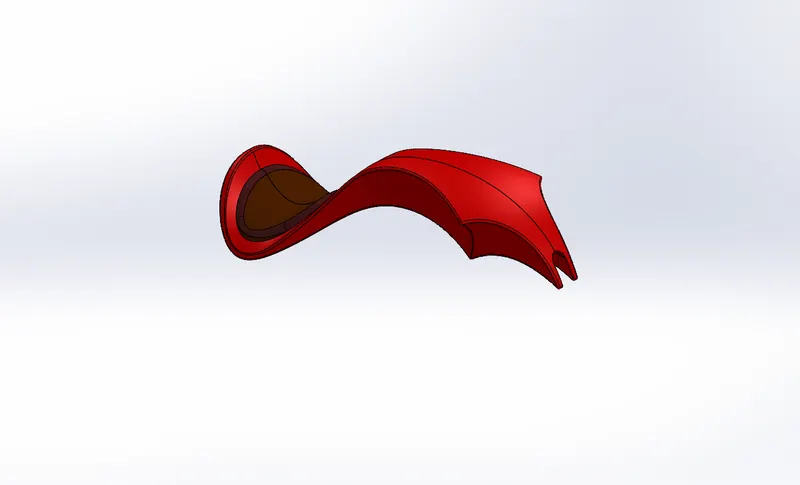
Solidworks Model
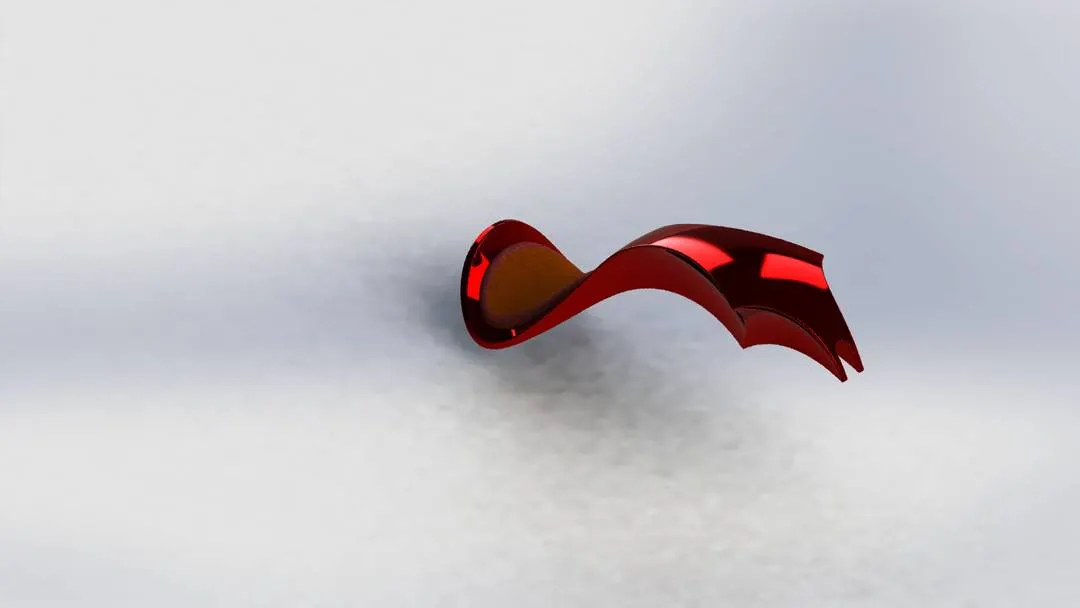
Photo View 360
2) Assembly ;
Firstly we have to design all the parts of the chopper separately, then we have to insert all the parts in the assembly file one by one. Then we have to do the mates of all the parts to the chassis of the chopper. When the chassis is floating all the parts have to float along with the chassis. Then the Front Wheel, Rear wheel & Kickstand have to Snap to the Top Plane in order to improve the chopper snapping to the floor, Finally, they are rendered by Photo View 360.
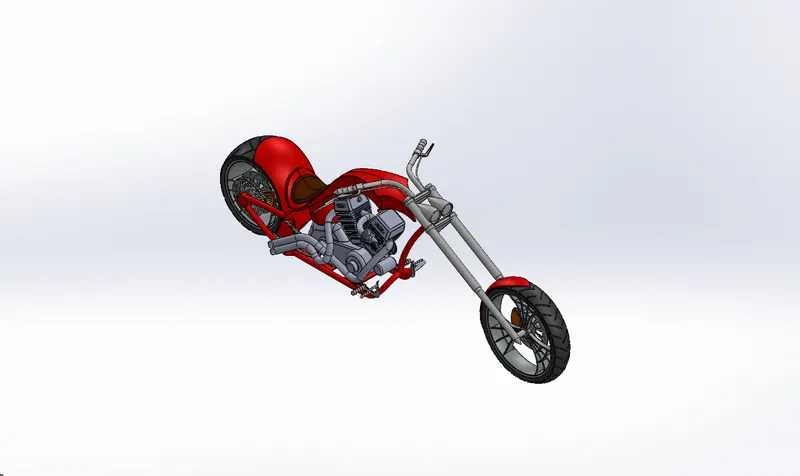
Solidworks Model
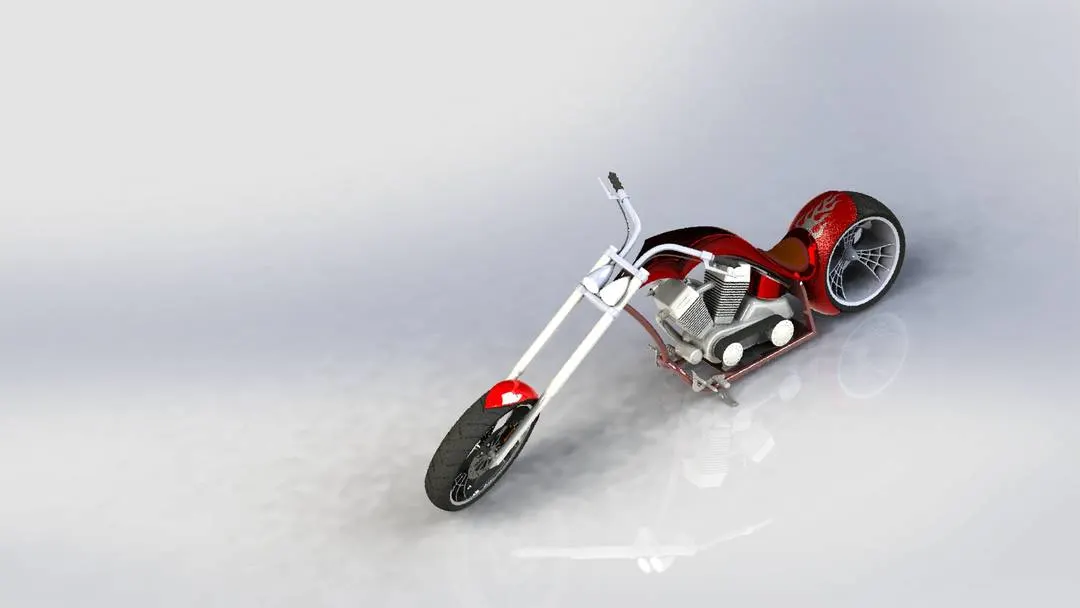
Photo View 360
3) Decals, camera setup & lights ;
Decals are like increasing the looks of the parts of Chopper. By using photo view 360 we applied the Decals on the Surface of the Oil Tank, Fuel Tank, and Rear Fender.
The camera setup is done to improve the view of the chopper with Proper lights and angle of the camera to improve the look and Clarity of the Chopper Rendering.
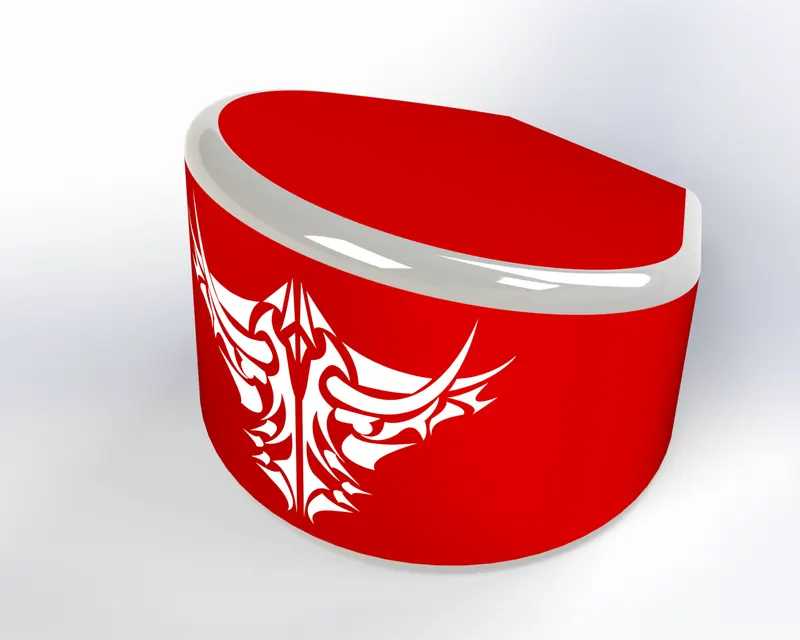
Oil Tank Decals
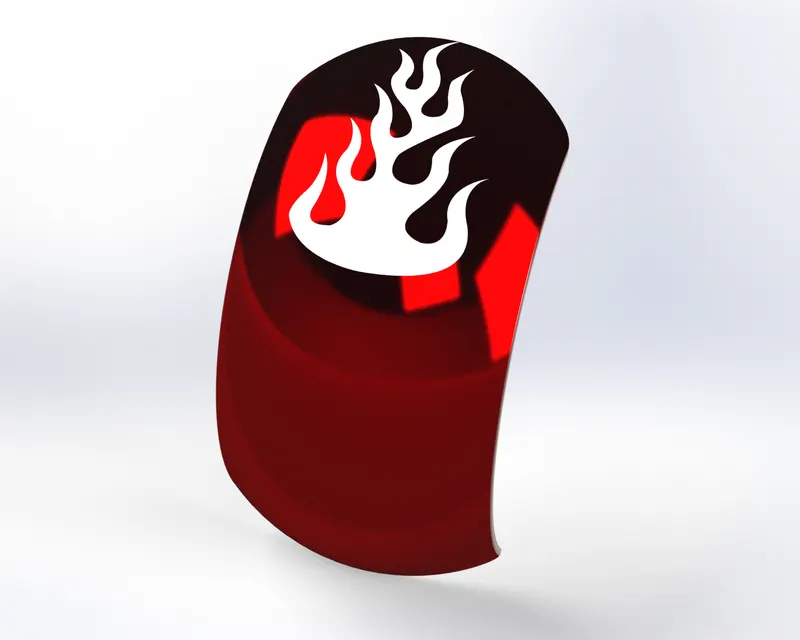
Rear Fender Decals
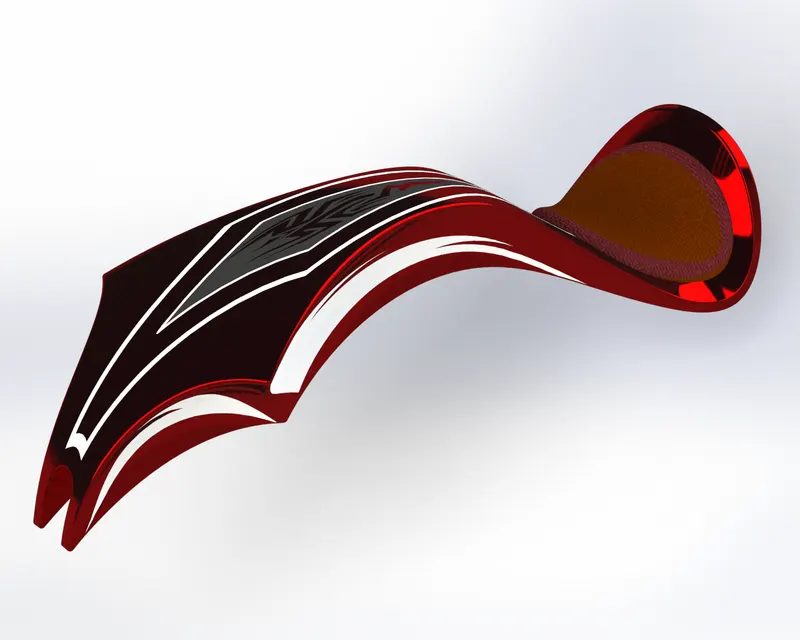
Fuel Tank Decals
4) Photo Realistic Rendering ;
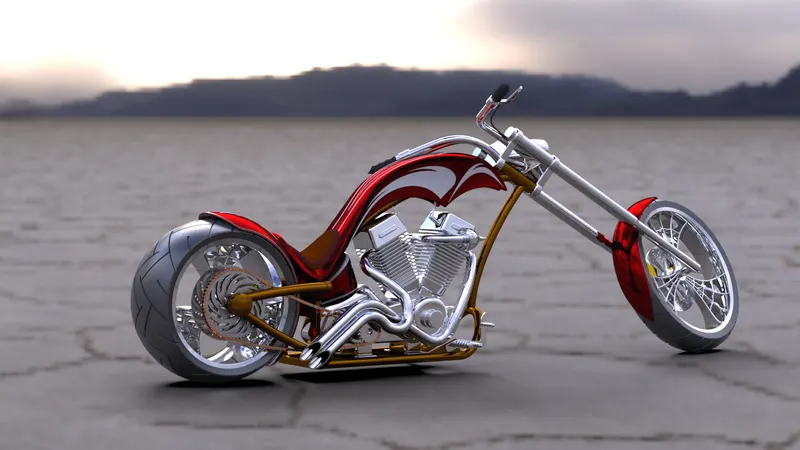
Firstly, we have to Import the Chopper Assembly into Solidworks Visualize. Then we can input the Environment, Appearance & Angle of the Model. The rendered image incorporates the appearances, lighting, scene, and decals included with the model. To create photo-quality content in the fastest and easiest way you can make a model for immersive Virtual Reality by using Solidworks Visualize 2020.
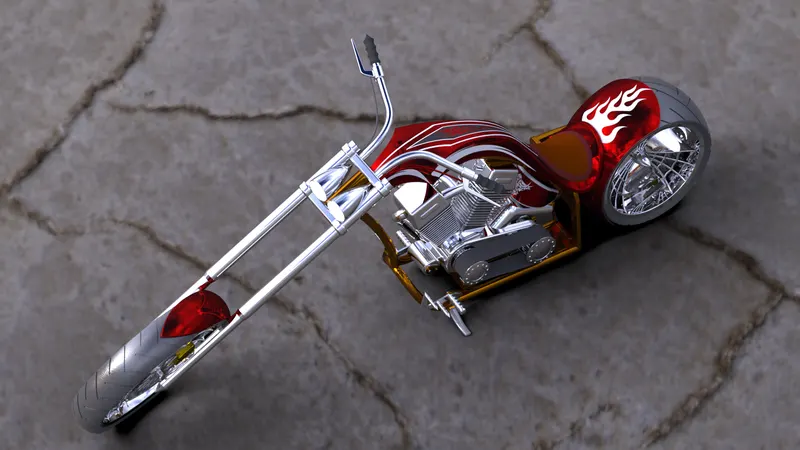
Isometric View
Right Side View
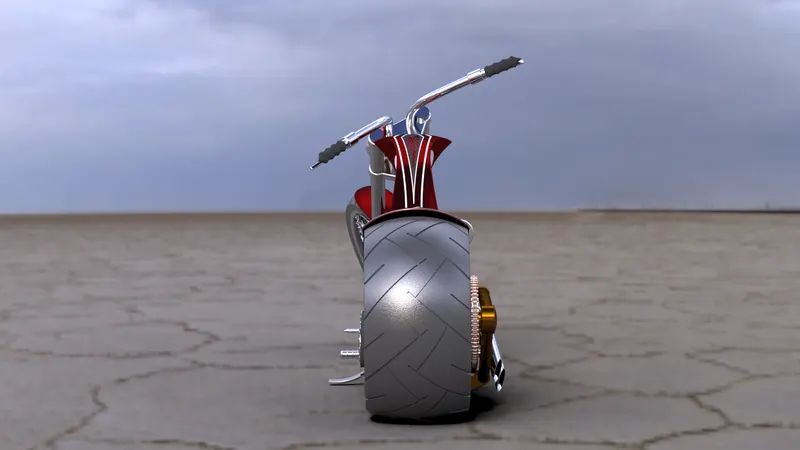
Rear Plane View
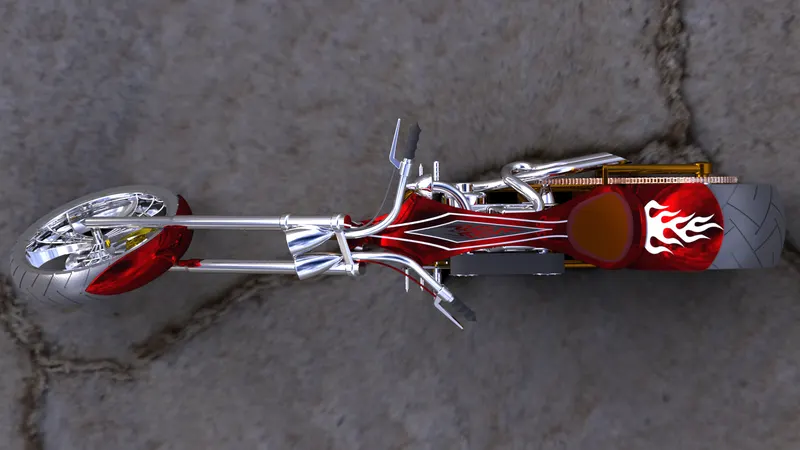
Top Plane View 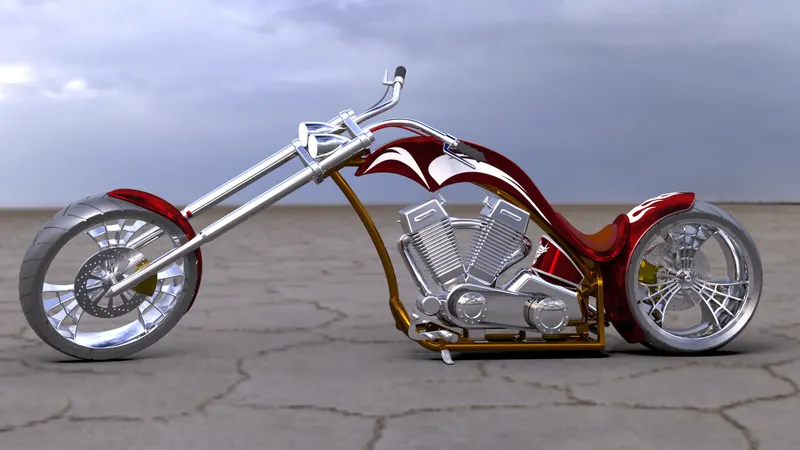
Left Side View
CONCLUSION :
Thus, the Chopper's all the parts are designed, modeled, proper decals & assembled according to the given dimensions & constraints with the Solidworks 2020 and also the assembled chopper is finally photorealistic rendering is done by Solidworks Visualize 2020.