Mid-surface & Meshing of rear tailgate of a car
AIM:
To mesh the rear tailgate of a car with the quality criteria and assign material & property cards.
OBJECTIVE:
The objective of the project is to learn methods of mid-surface extraction, their pros & cons, and use the methods to extract mid-surfaces and mesh the mid-surfaces.
MODEL:
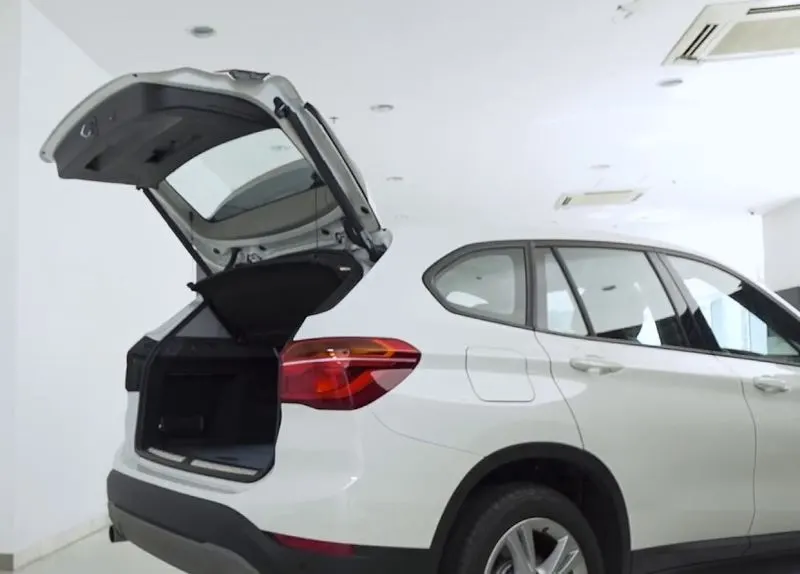
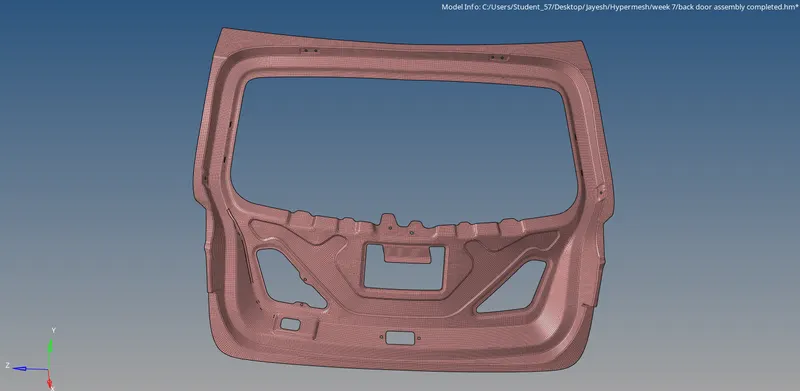
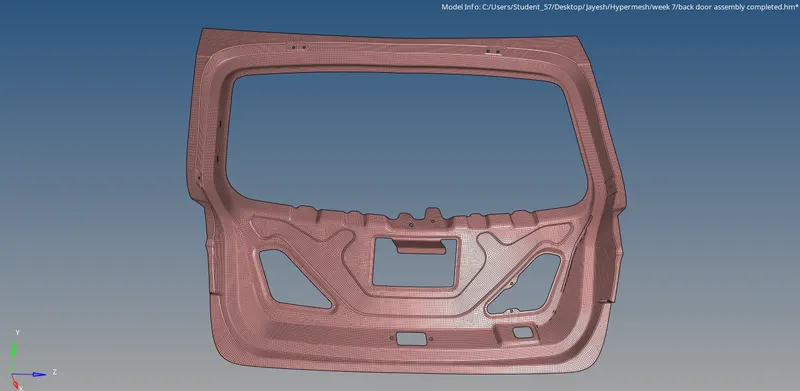
The tailgate basically is the rear door of a car which is opened & closed during loading & unloading. Tailgates are sheet metal components which are made up of the same material as other external parts of the car such as a hood or side doors. From the outside, tailgates are plain components having openings for tail lights. From the inside, tailgates contain hinge reinforcements, reinforcements for latch, mounting reinforcements for wiper motor, an inner panel and an upper & lower outer panel.
PROCESS:
- Geometry cleanup
- Mid-surface extraction
- De-featuring & re-arranging of construction lines
- Meshing & clearing quality issues
- Assigning material & property cards
PROCEDURE:
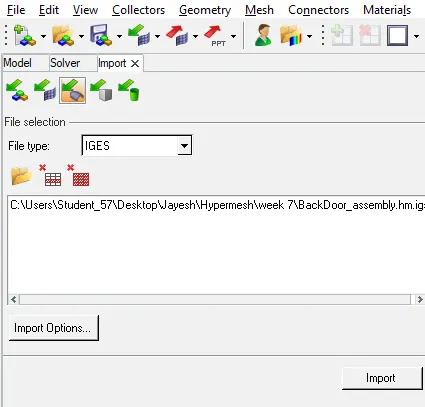
First, the model is imported using the Import geometry option in the toolbar.
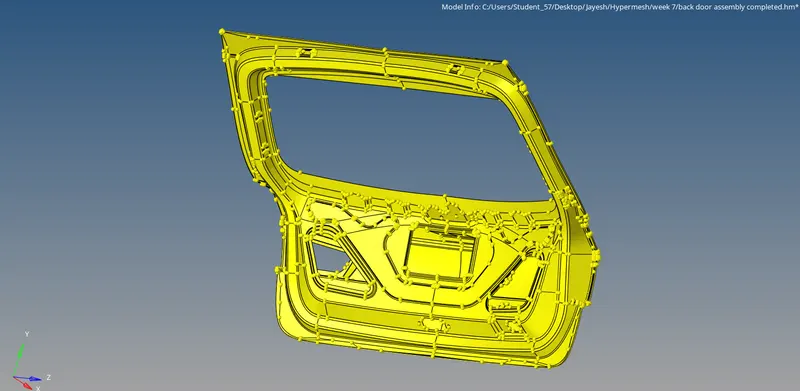
Then the model is kept in Topo visualisation mode to check for free edges and T edges.
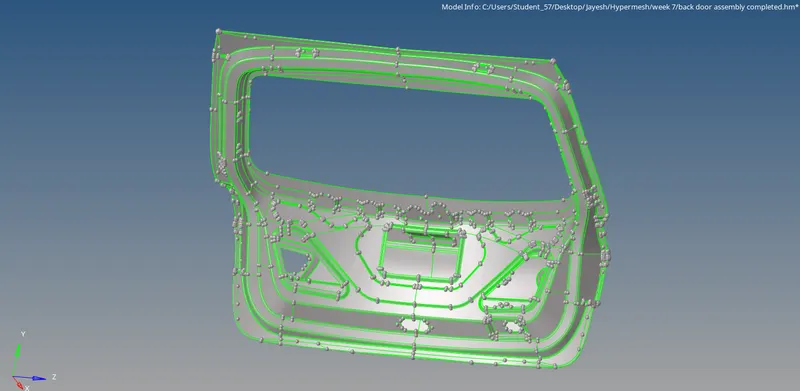
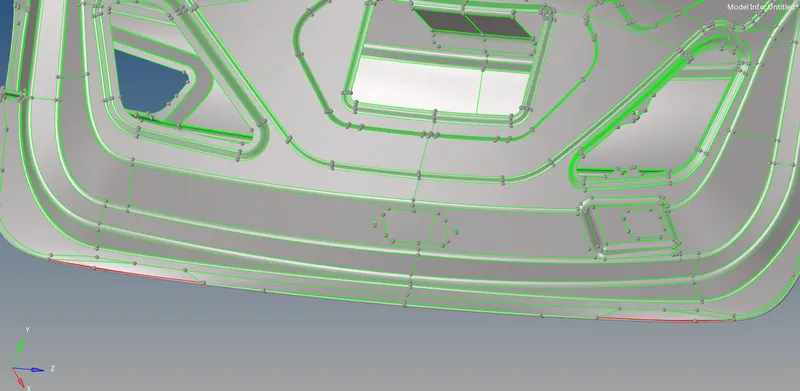
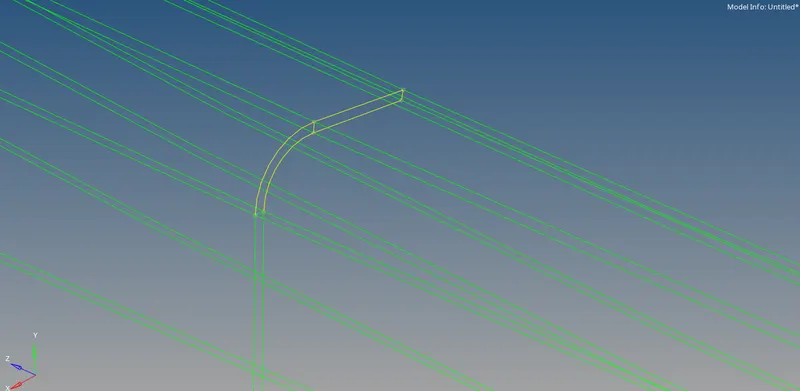
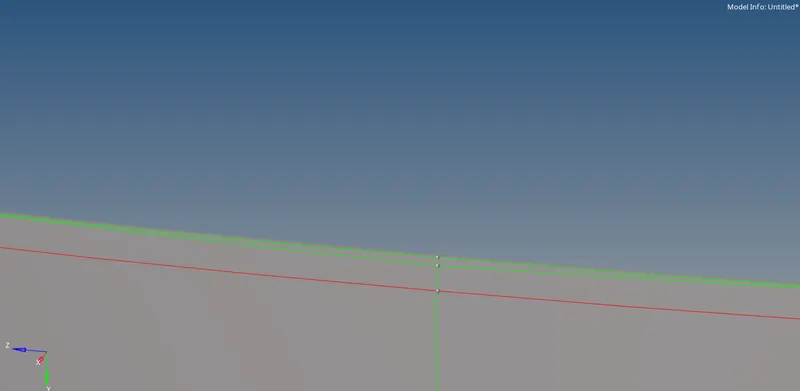
We can see that there are 2 free edges (red) and 2 T edges (yellow). These need to be verified visually if they are so legitimately. T edges are toggled into free edges and then the free edges are toggled in order to form proper surfaces.
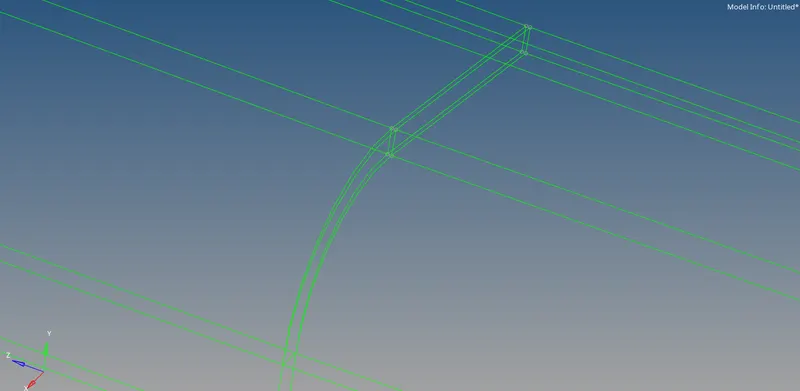
For the two free edges. There has to be a surface between the two edges. We can create a surface between the two free edges.
Next, the mid-surface is extracted. It is done in the Geometry panel, in the midsurface command button.

There are various options in which the midsurface is extracted. We choose the offset option.

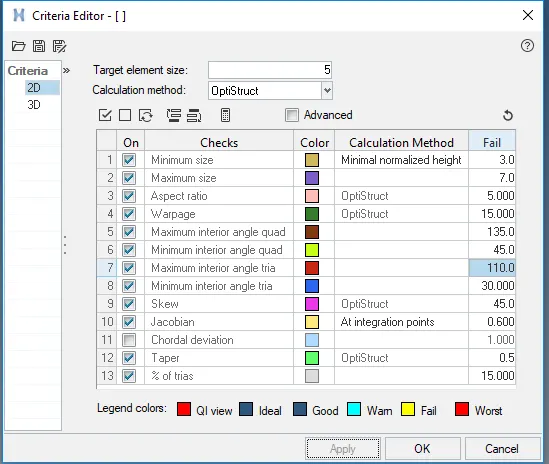
Once the mid-surface is extracted, a new component is created and the mid-surface is stored into that component. First, the mid-surface is visually inspected and verified if there are any errors. Since this is an automated, algorithm based process, there may be some flaws. Once the mid-surface is verified, the quality criteria is set in the Preferences tab in the criteria file settings.
After extracting the mid-surface, the construction lines are re-arranged to get maximum feature capturing and minimum element failure. Construction lines are toggled using the toggle command.
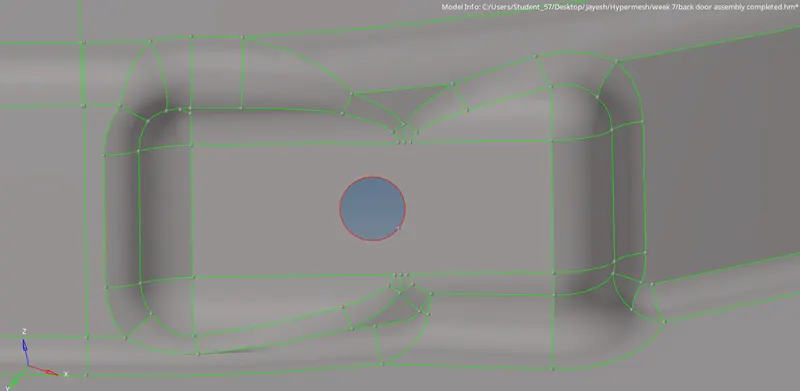
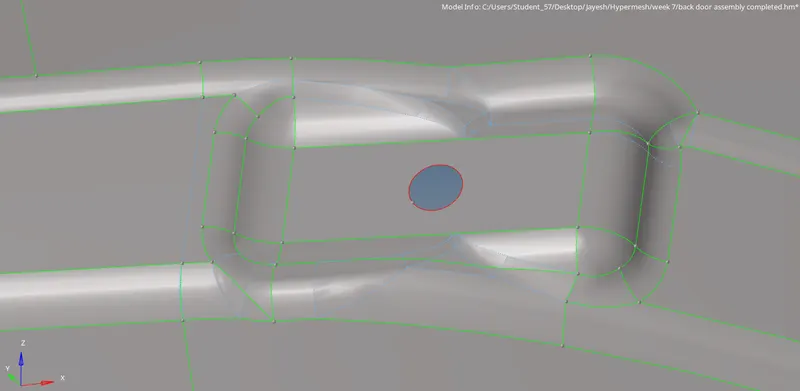
New lines are created by using the split surface command.
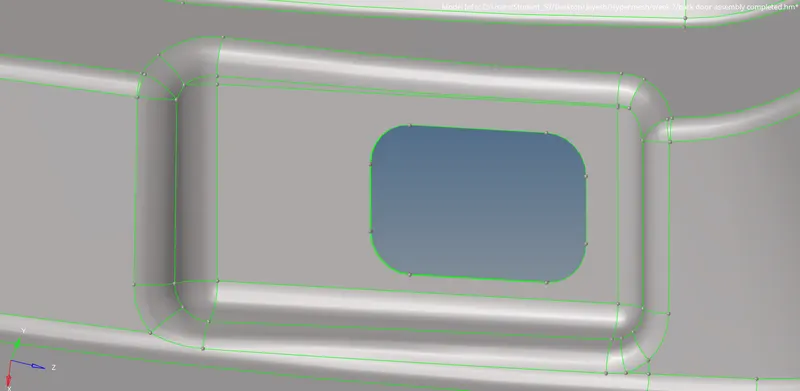
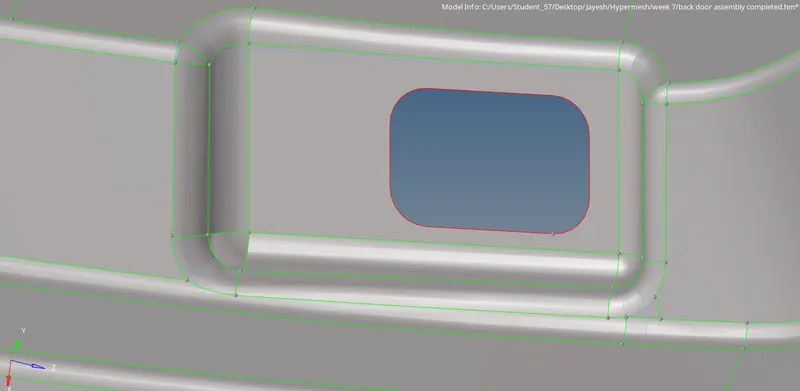
Here we can see the length of the fillets (edge & surface fillets) are lesser than the minimum element length. They can be de-featured by capturing a middle line.
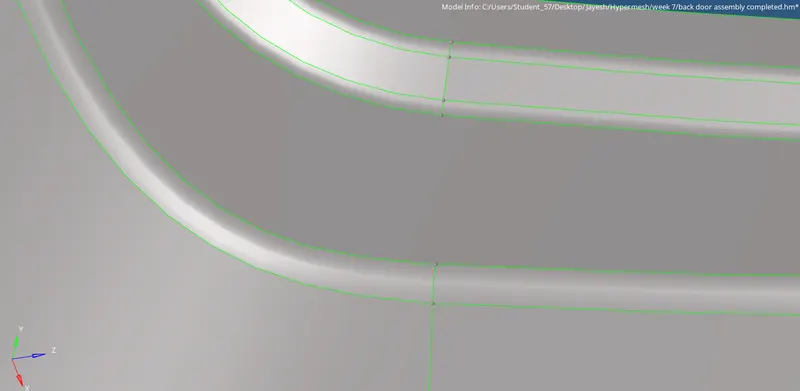
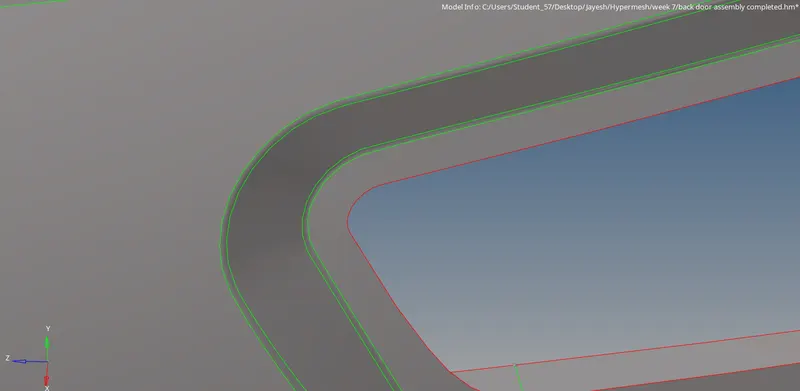
Middle line is created using the Geometry panel, line command. After a middle line is created, the line is used to split the surface.
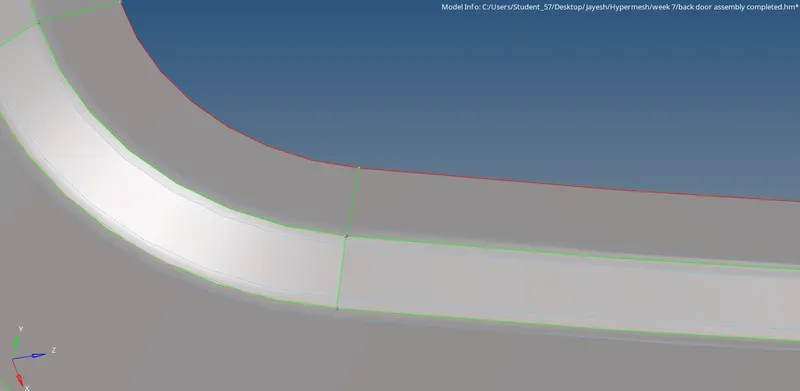
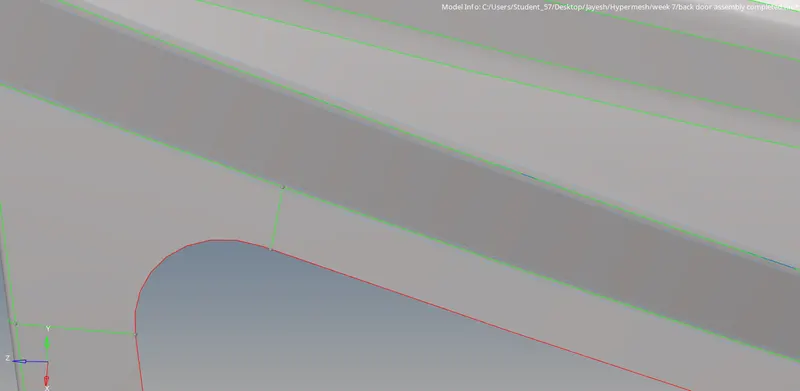
The next step is meshing. Larger surfaces are split into smaller box-shaped surfaces so that the no. of nodes can be controlled easily and proper mesh flow is obtained.
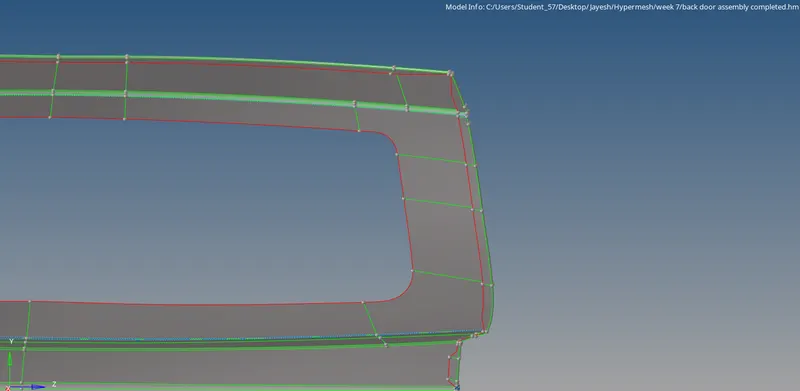
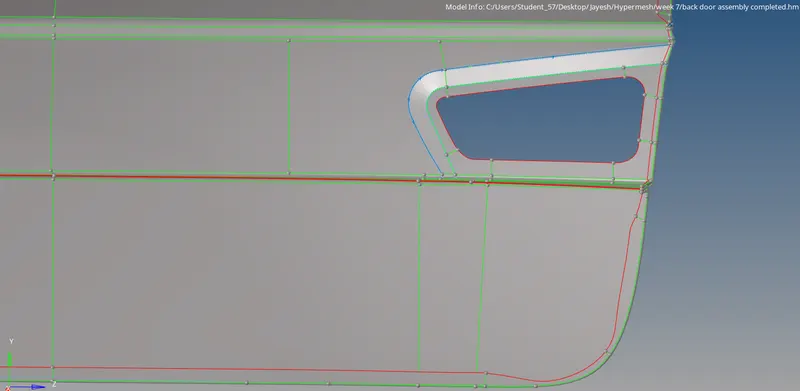
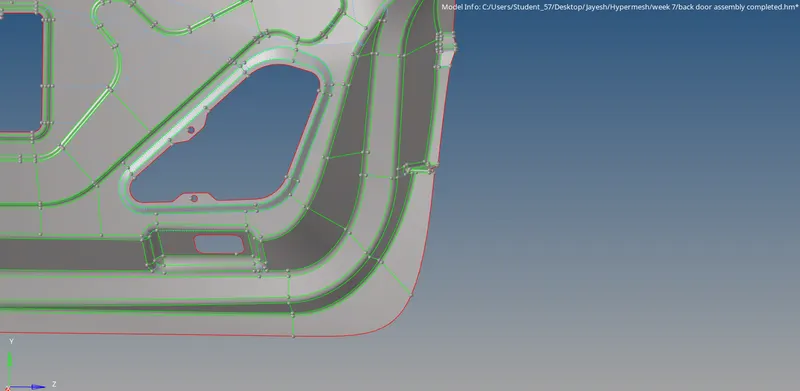
Meshing is done using the automesh command in the 2D panel. The shortcut key for meshing is F12. For holes, washers are added so that there are only quad elements around the hole and there are even no. of nodes. Washers are added using the washer split command.
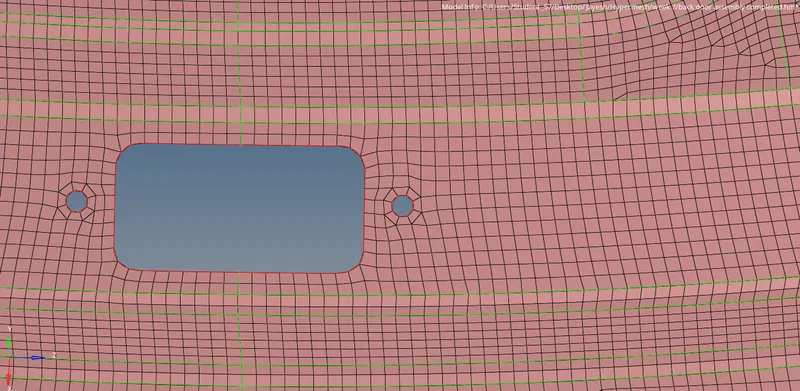
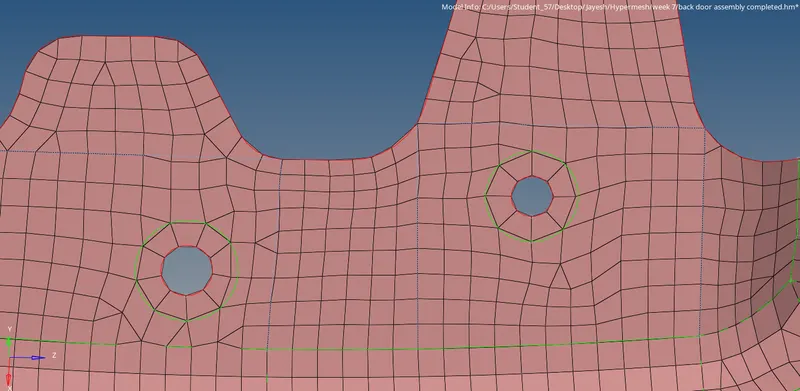
Mesh flow is corrected and failing elements are rectified using the quality criteria and mesh rebuild command button. To smoothen the mesh flow, the smooth command is used. Since the component is symmetric, the surfaces are meshed only for one half of the component. The mesh is then reflected using the reflect command in the tools panel.

After the mesh is reflected, the gaps are equivalanced. Next, the material & property cards are assigned.
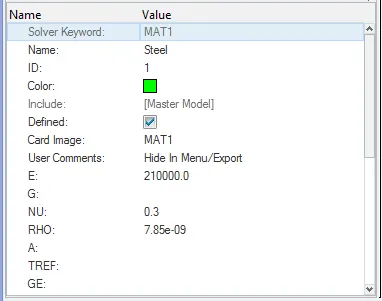
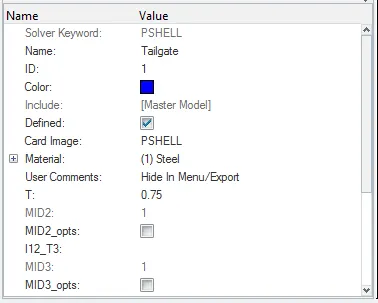
After the cards are assigned, the mandatory checks such as edges (for free edges & T edges), normals, dependency (for 1D elements, if any) and penetration are performed on the FE models.
RESULTS:
Inner panel
Outer panel
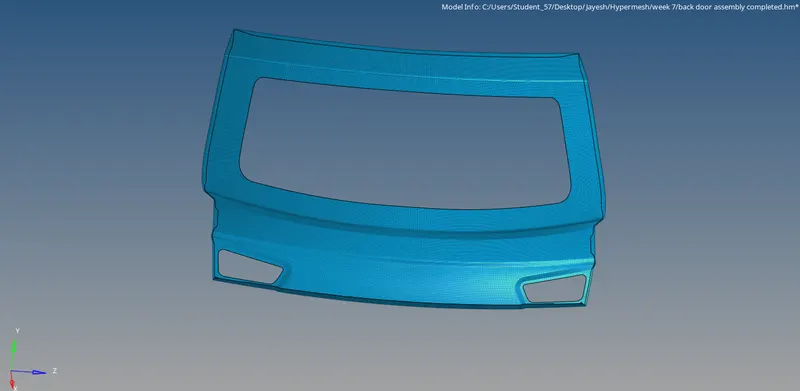
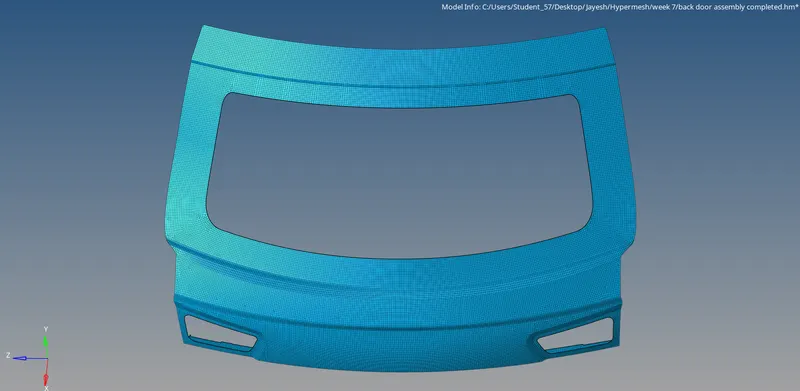
Outer panel Lower body
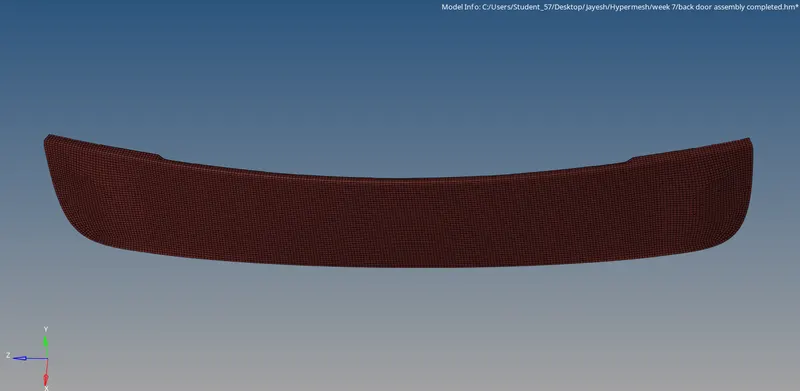
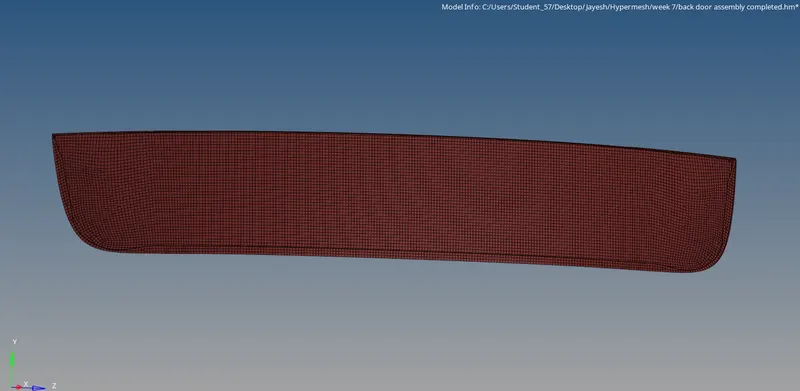
Completed FE model
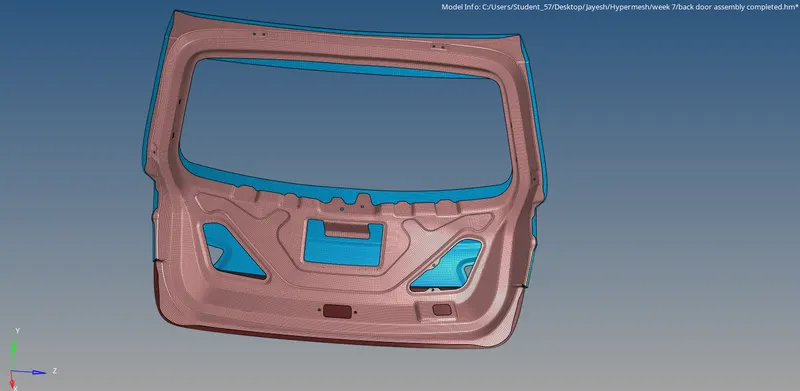
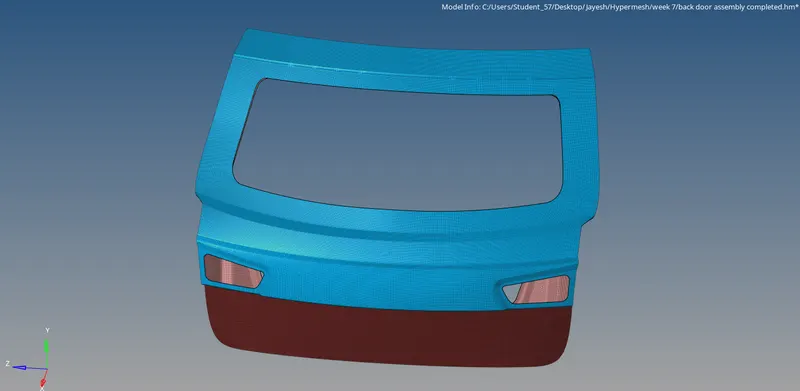
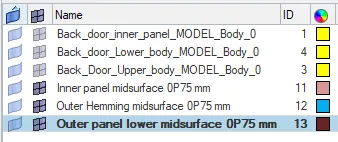
Component collectors
LEARNING OUTCOMES:
From the above assignment, the following are the learning outcomes:
- Method of approaching a model for pre-processing
- Choosing the type of elements for meshing
- Method of defeaturing the surfaces
- Importance of splitting larger surfaces into smaller ones
- Assigning material & property cards to the component collectors
CONCLUSION:
The given rear tailgate model is mid-surfaces & meshed with the given quality criteria, cards are assigned and the mandatory checks are performed on the FE model.