Manual Mid surface and Meshing of Backdoor using the Hypermesh
OBJECTIVE:
- To Mesh the Backdoor geometry of a car with the provided quality criteria.
| S.NO | Quality Criteria | Value |
| 1 | Aspect Ratio | 5 |
| 2 | Skewness | 45 |
| 3 | Warping | 15 |
| 4 | Taper | 0.5 |
| 5 | Min. Length | 3 |
| 6 | Max.Length | 7 |
| 7 | Min angle Quad | 45 |
| 8 | Max angle Quad | 135 |
| 9 | Min angle Tria | 30 |
| 10 | Max angle Tria | 110 |
| 11 | Tria % | 15 |
Procedure:
- Initially import the model using the import option.
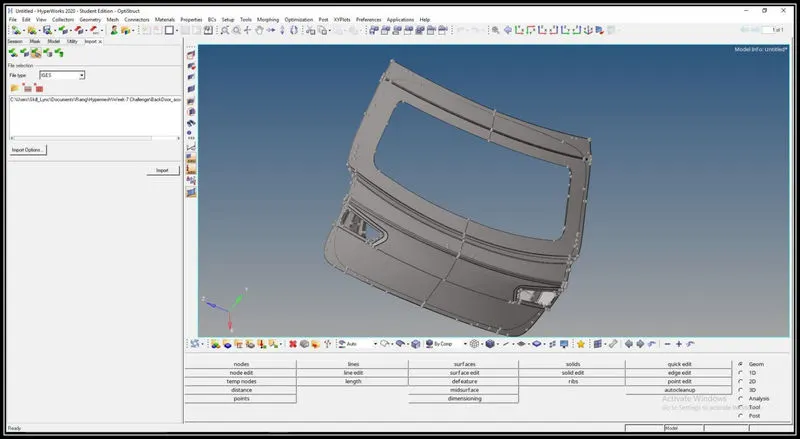
- Delete the unnecessary collector and rename the collector as per the part name.
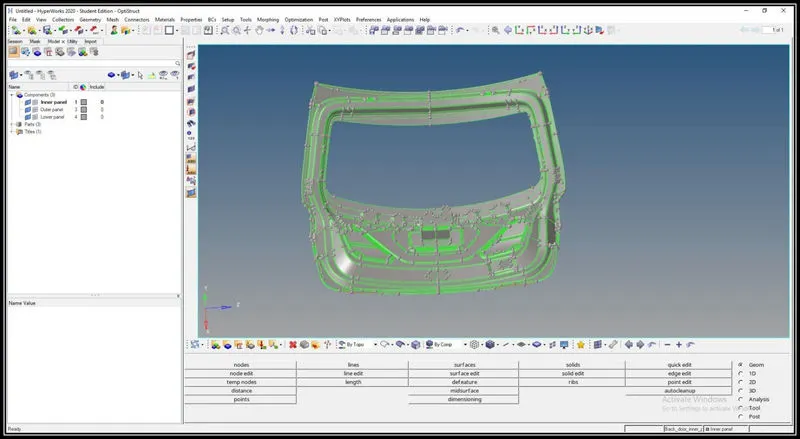
Geometry clean:
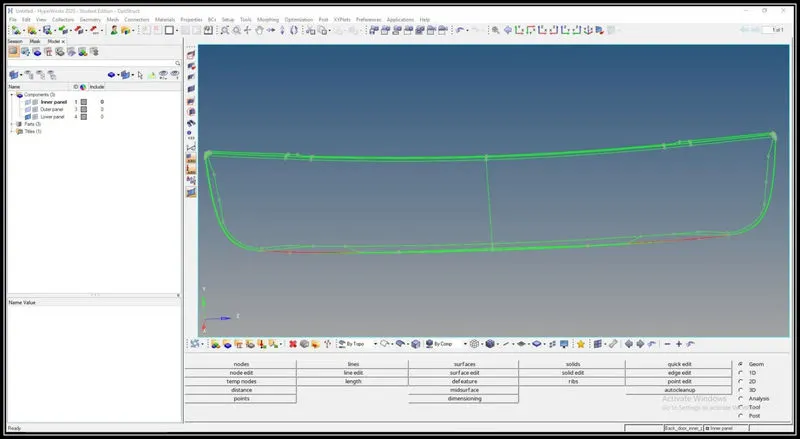
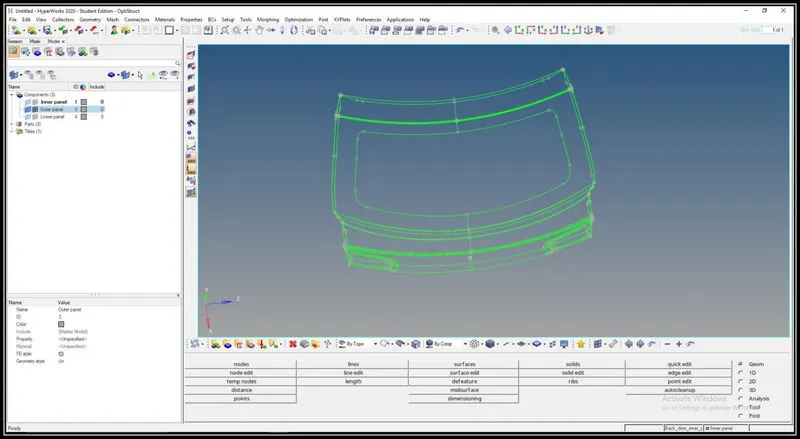
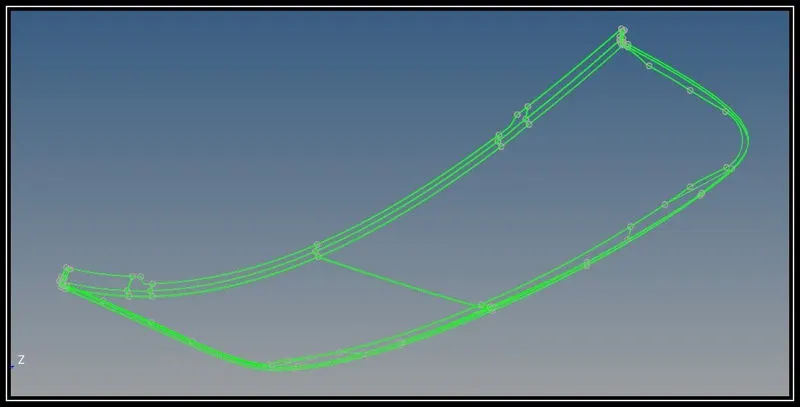
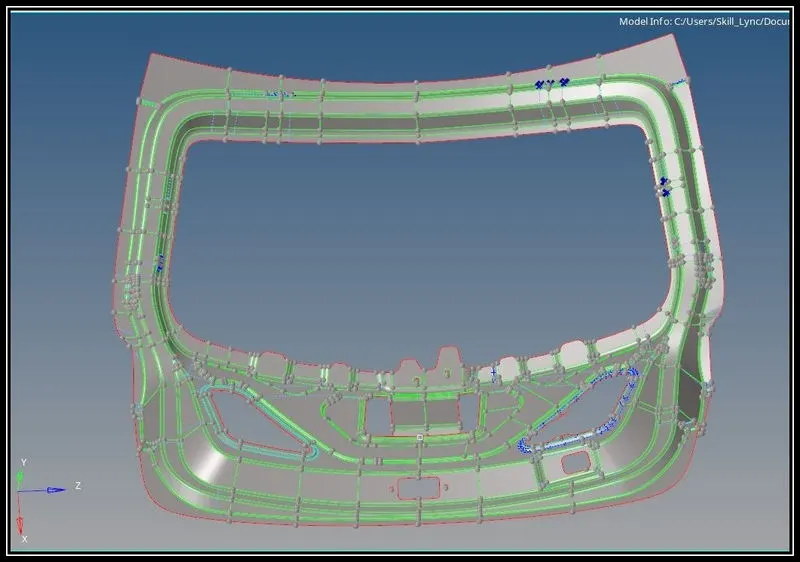
The free edges are to be checked and cleared by using the toggle option, surface creation etc.
The free edges are indicated by the red line which can be seen by using the visualization option.
Free edges:
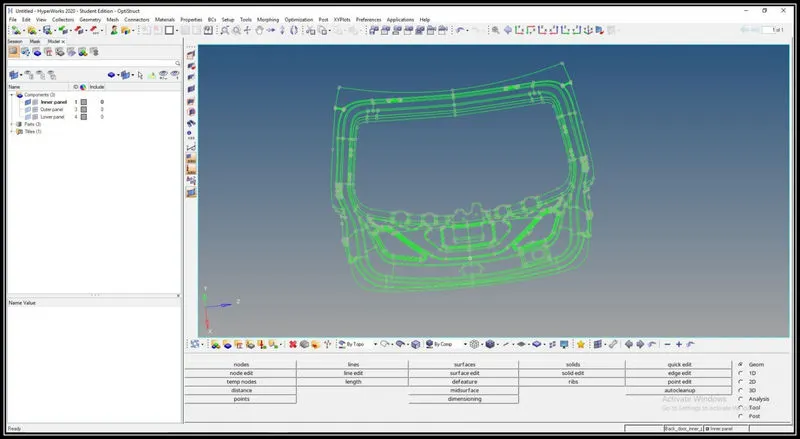
Geometry Clean model:
Mid surface Extraction:
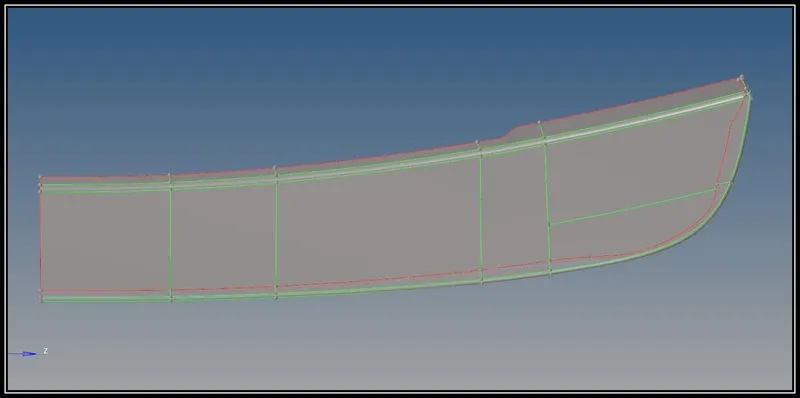
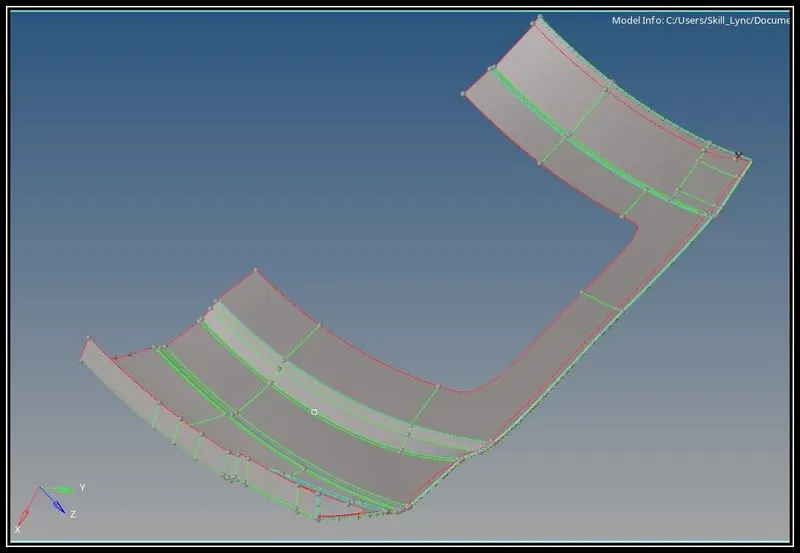
- The mid surface is taken using manual offset.
- The outer panel and the lower panel are symmetrical in nature and so one half of the geometry is deleted and the manual mid surface is taken using offset option.
- Create a new collector and rename it and using the organize option move the mid part to the appropriate collector.
- Then all the surfaces are stitched together using the toggle option.
- The mid surface taken can be checked visually by switching on the parent body and the mid surface collector and putting it in transparency mode.
- After taking all the surfaces the construction lines are rearranged in a way to get a better mesh flow.
Mesh:
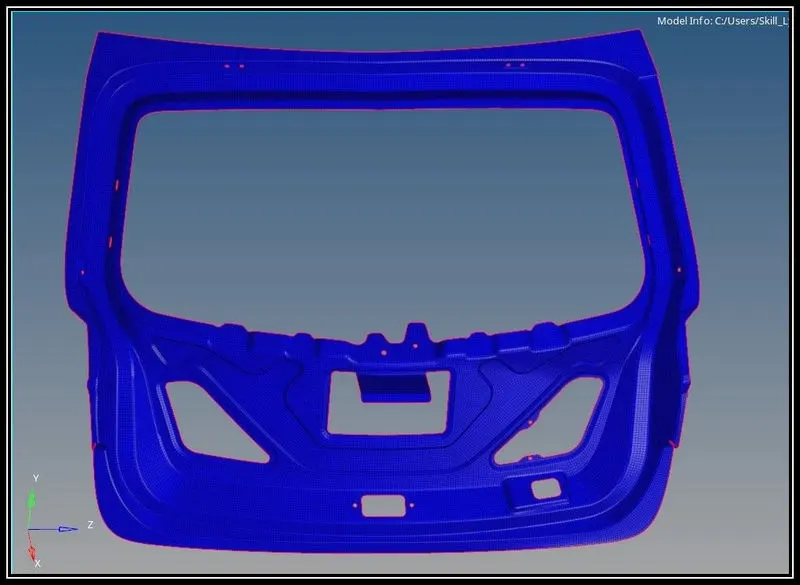
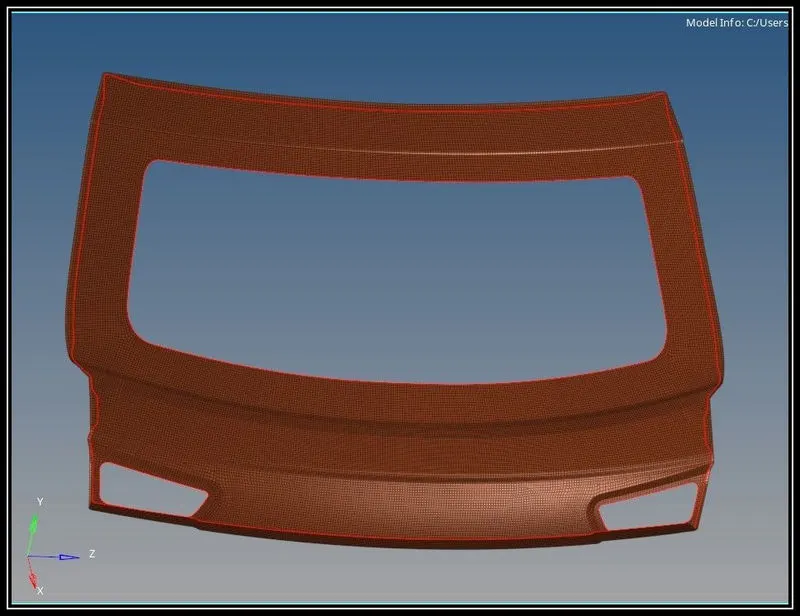
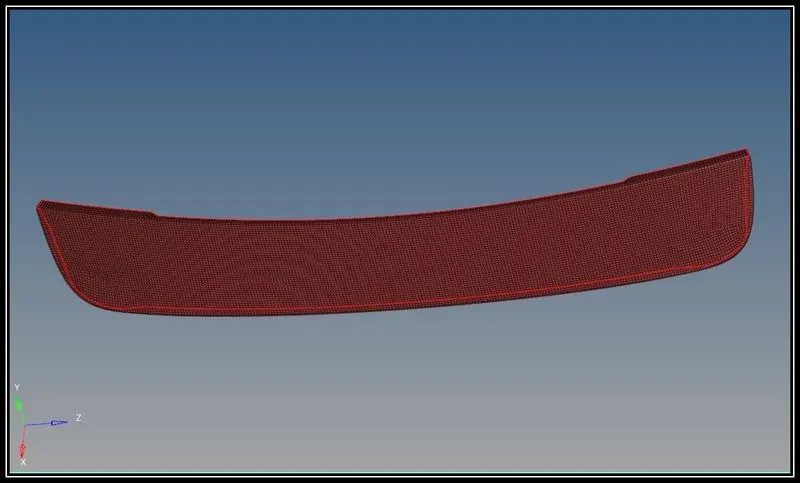
- The quality criteria are set in the edit criteria option in 2d mesh option.
- The mesh is created using the auto mesh option.
- The surfaces are split into small surfaces in order to get the proper mesh flow.
- The mesh flow is optimized using tools like drag tria, split, smooth,remesh etc.
- After meshing all the surfaces the free edges are to be checked using edges option in the toolbox.
- The minimal free edges are cleared using equivalence option.
- Further free edges left in the component are cleared by pasting the adjacent nodes to each other.
Conclusion:
- Understand how to take the manual mid surface.
- Understand how to mesh complicate features with good mesh flow.