Creation of Multiple viewports, Scaling the drawing and setting in Template in AutoCad
AIM:
LAYOUT OF THE PREVIOUS DRAWINS
DETAILS OF PROJECT:
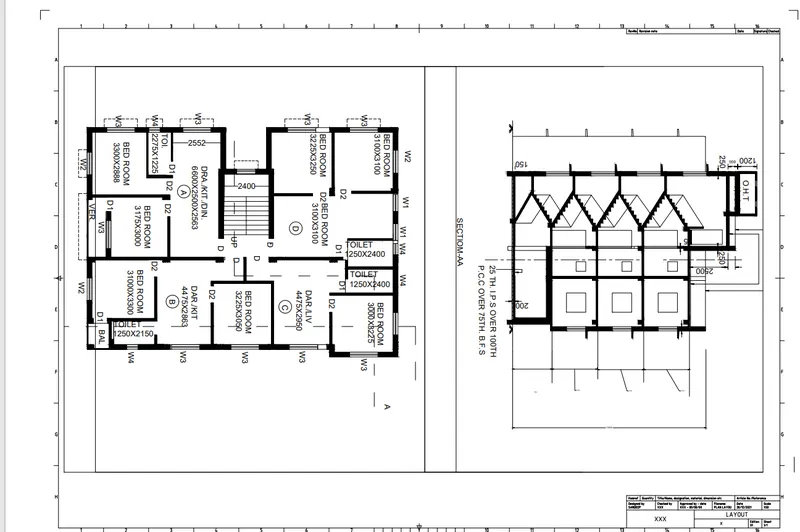
THE PREVOIUS DRAWINGS ARE TAKEN IN A NEW LA OUT WITH THE SOVEN SCALE AND GIVEN DIMENTONS
PROCDURE:
First a new lay out is taken by using the option in the act at he bottom left corner.MARCH.DWG TEMPIET IS USED.
by using the page set up option that is in the ribon and the layout is set fo a4 and the scale is set to1:50
agani back to layout page and the commond called mv is used to create the view of the plan of the building with the given dimentions
the required is locked in the view one and named s plan.FOR EDTING THE TEMPLETE DETAILS ATT COMMOND IS USED.
anothe view is also created and the section of the plan is locked.
step :2
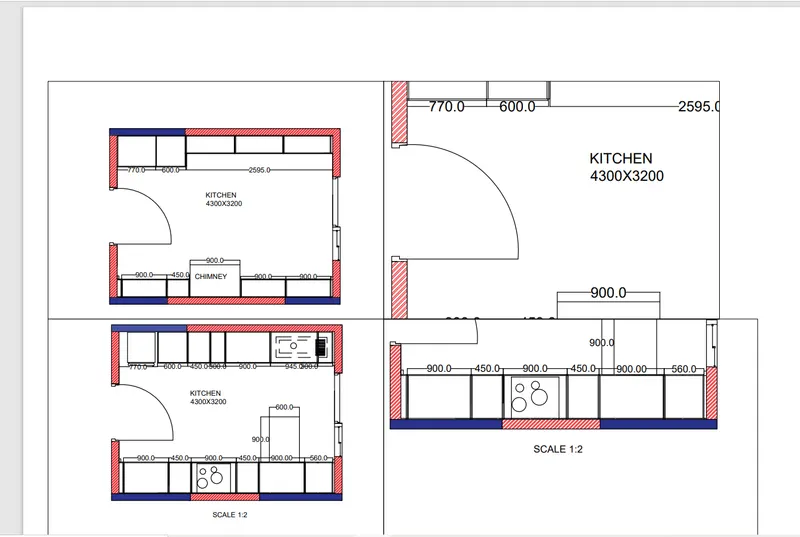
In this drawing total differents are used with diferent scales.
For second drawing the another layout is taen and the setting are done same as the first dawing layout.
the paln of the kitchen are taken and et in two different views and other two vies are creaed for the details .
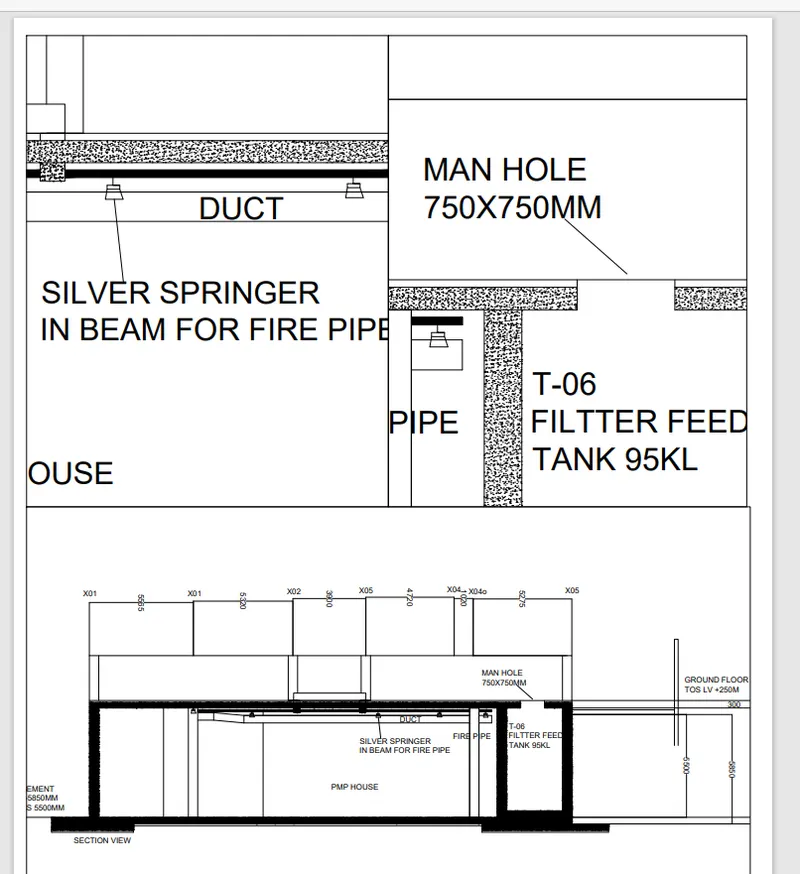
step :3
For the thard layout total 3 views are taken and the lager one is set at the right of the layout.