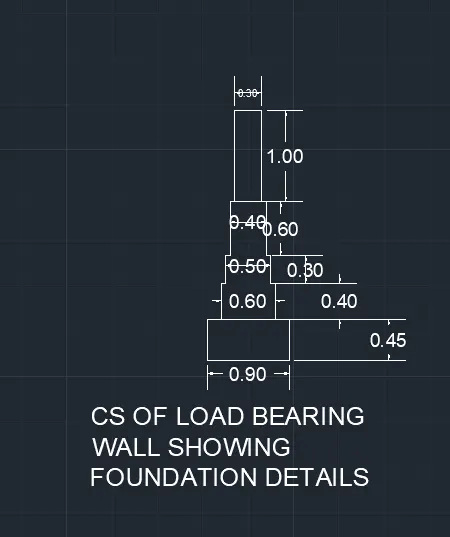
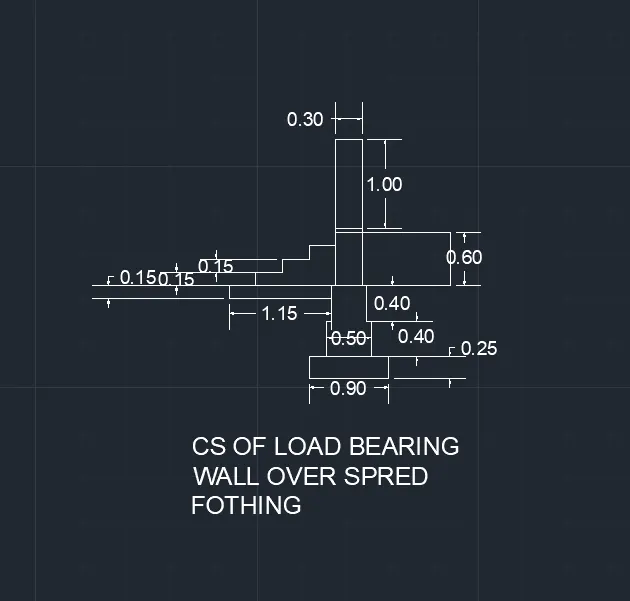
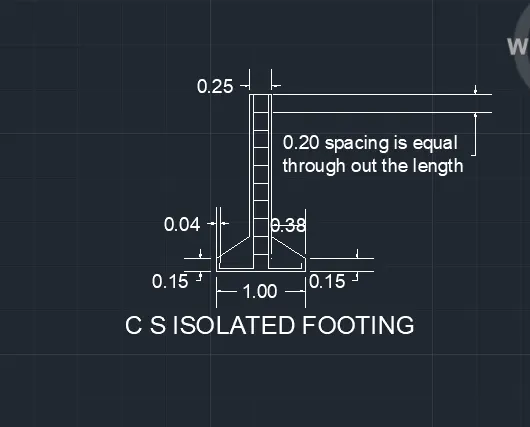
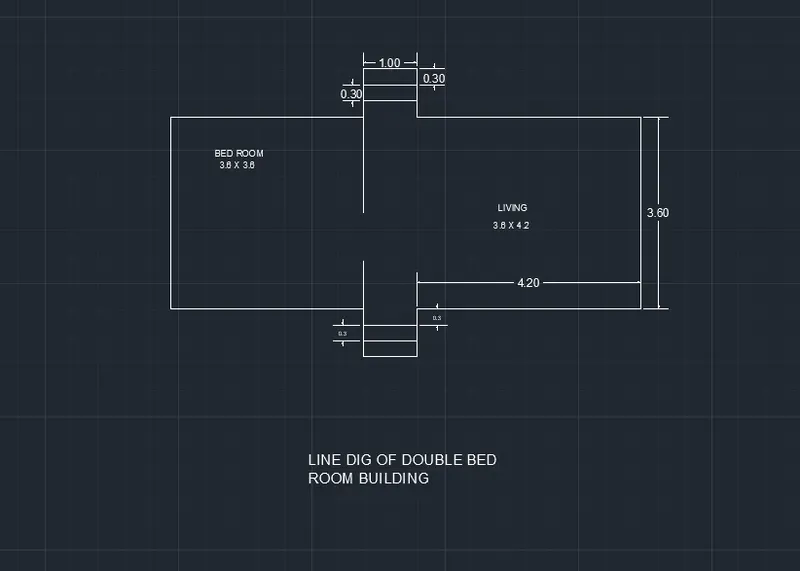
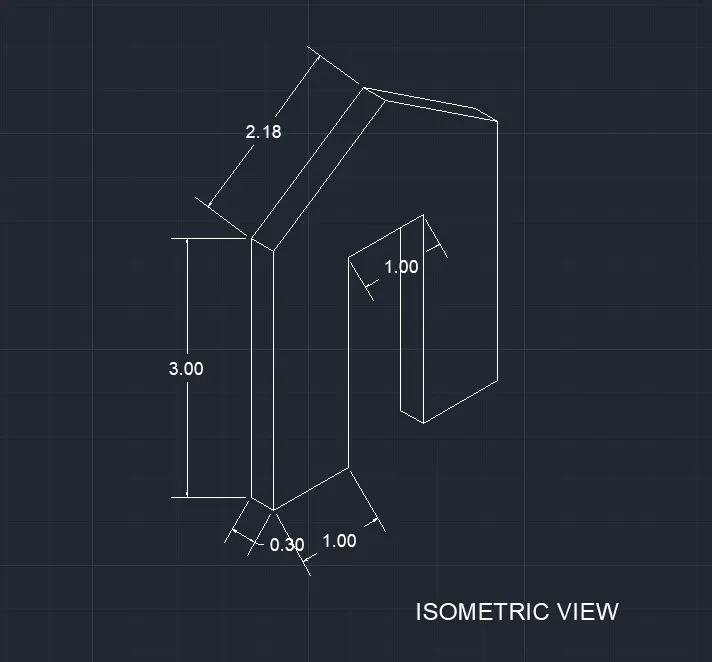
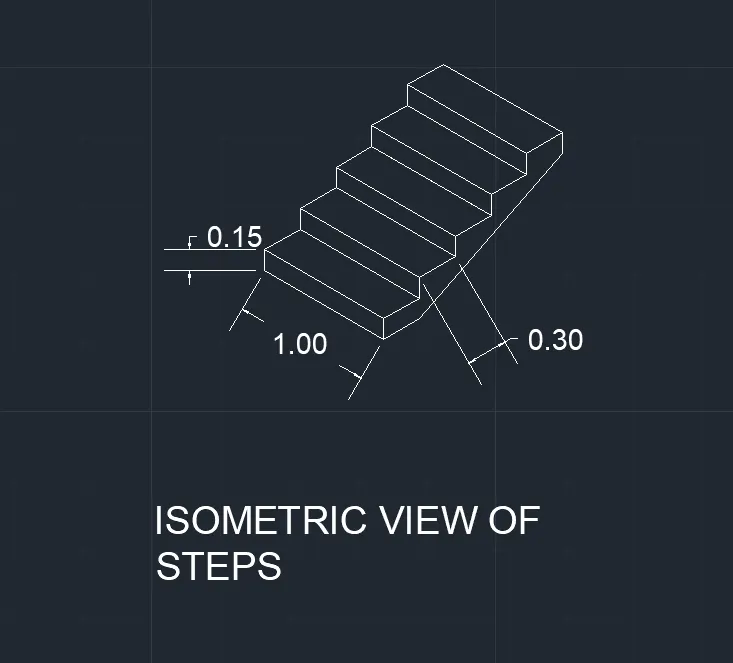
Creating a Floor plan, Footing detail and Isometric view using AutoCad
The given floor plan is drawn using autocad 2022
First new page is taken and the required settings are done.
The units are set by using the commont units
After the units the page limits are set as per the requirement.
For stright lines F8 is enabled.
For the editing of snap and grid tools drafting settings are used.
Dim commond is used for the dimentions.
Dimention style is used for the setitng of text size,dimention styles,units ect
Tream is used to remove the excess parts.