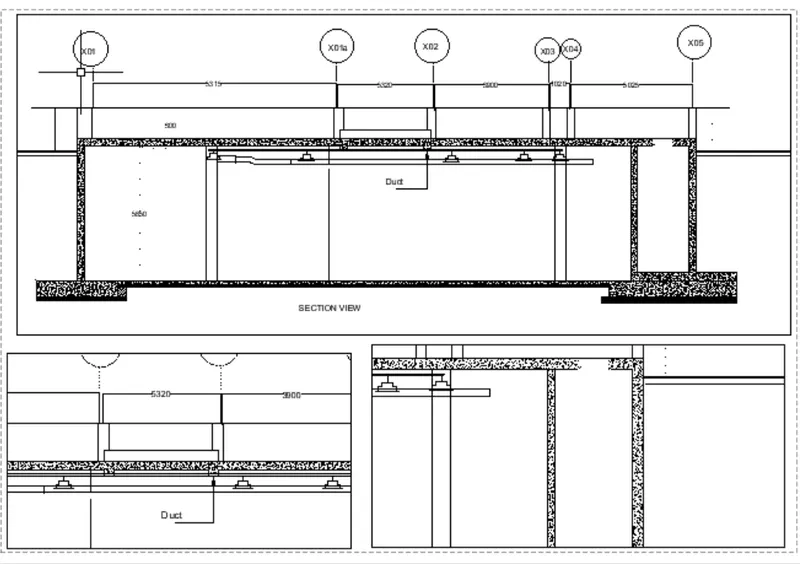
Creation of Multiple viewports, Scaling the drawing and setting in Template in AutoCad
AIM: To Create a layout of the plan and section A of the project in challenges 7 .
PROCEDURE:
In the command prompt type units > mm> decimal
In the command prompt type limax >100,100
In the command prompt type limits>0,0
In the command prompt type layout > template>Tutorial arch .m
In the command prompt type Ms to specify the centre of the plot
Then click on the tittle box to edit the tiitle
In the command prompt type Mv to add the viewIn the command prompt type ctrl +p to plot it
In the command prompt type pagesetup
Final result :
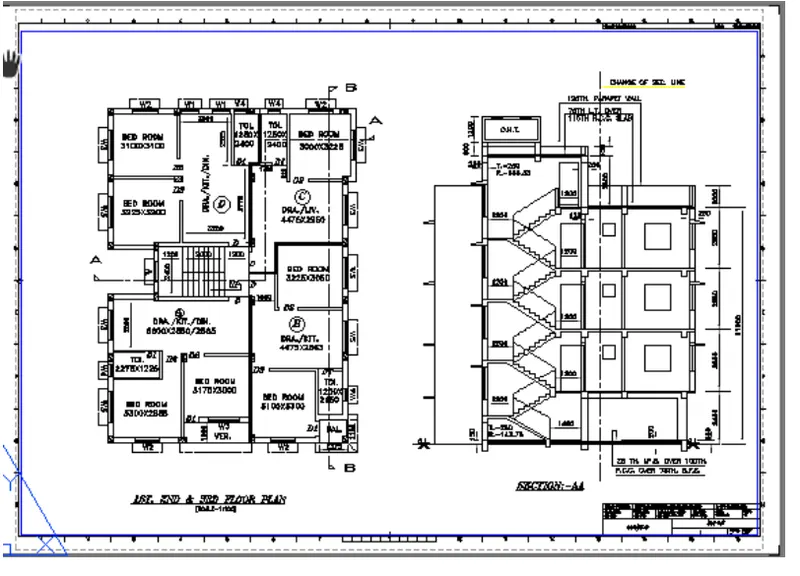
AIM:
To create layout of the kitchen drawn in challenge 9 .
Use A4 size page for the layout and take a plot
PROCEDURE:
In the command prompt type ps and ms to adjust the view
In the command prompt type pagesetup to make the size to A4 change
Click on the arrow mark to change the view
FINAL RESULT:
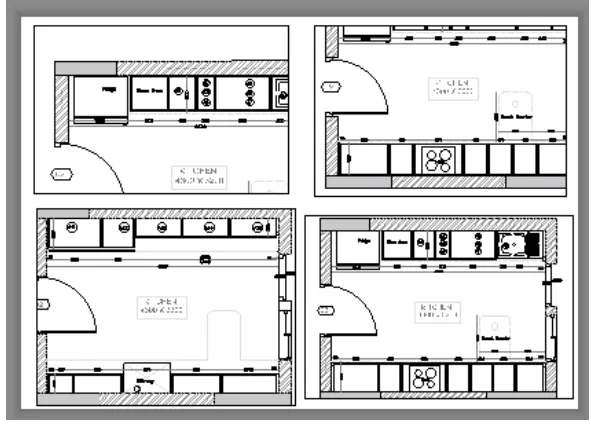
AIM:
To Create layout of the section created in challenges 9
PROCEDURE:
Open the file in which challenge 9 is created
go to layout in the command prompt type MV
change the scale accordingly scale
in the command prompt using Ms and ps adjust the view accordingly
RESULT: