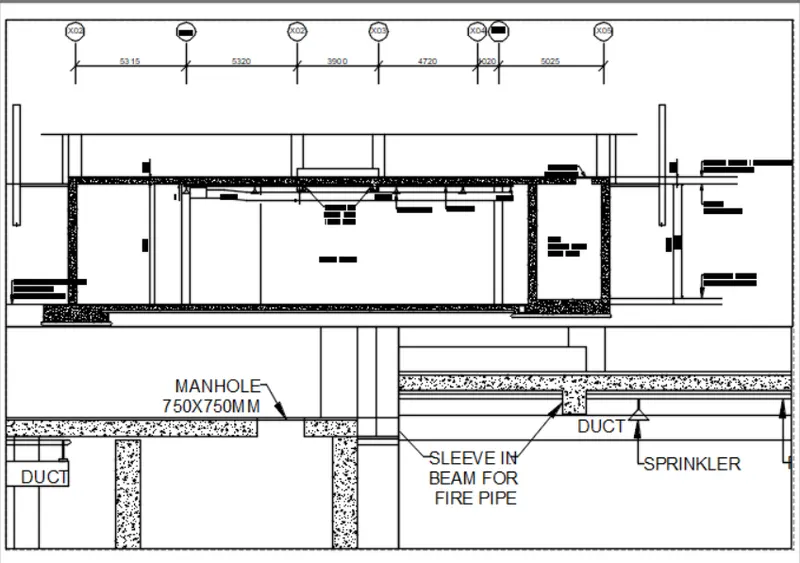
Creation of Multiple viewports, Scaling the drawing and setting in Template in AutoCad
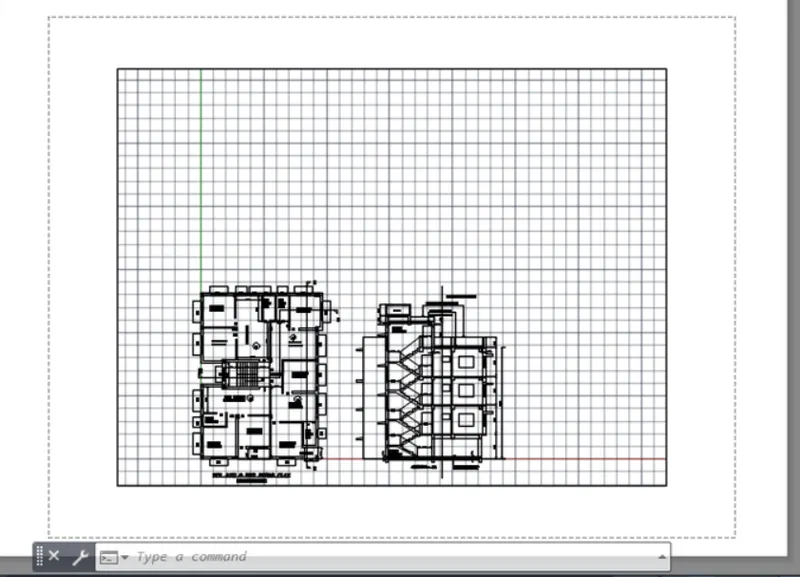
AIM:Create a layout of the Plan and Section A of the project in Challenges 7, using the template Tutorial-mArch.dwt in a scale as given in the Figure. Use the MV command to create the viewport of the size as shown in Figure. Also, use ATTEDIT command to edit the information in the title block. Use A1 size for the layout. Take a plot.
PROCEDURE: to create the viewport initially take in week 7 challenge that is already created and from that keep the plan and section A
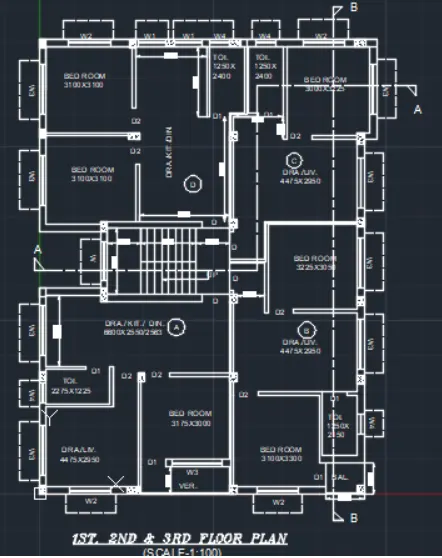
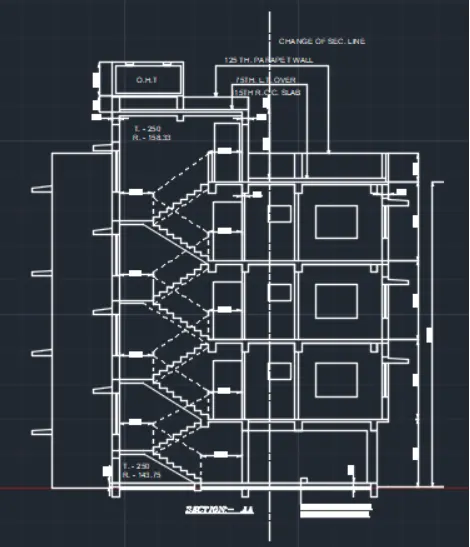
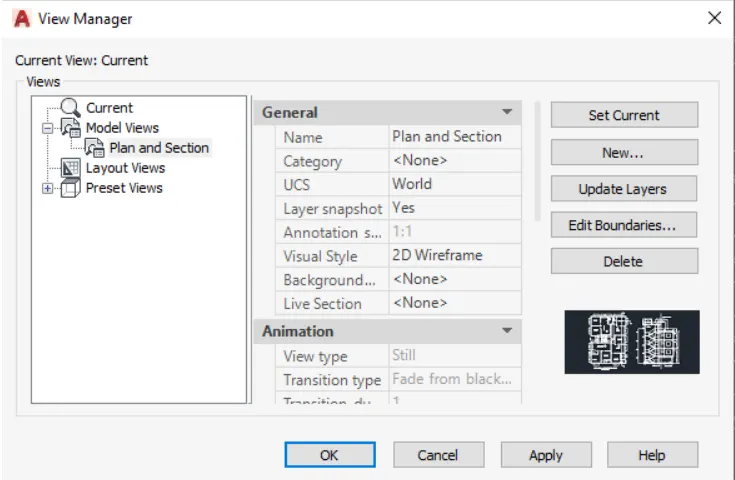
Now the command type V to create the model view of the plan and section
then provide the view more name and choose the boundary line
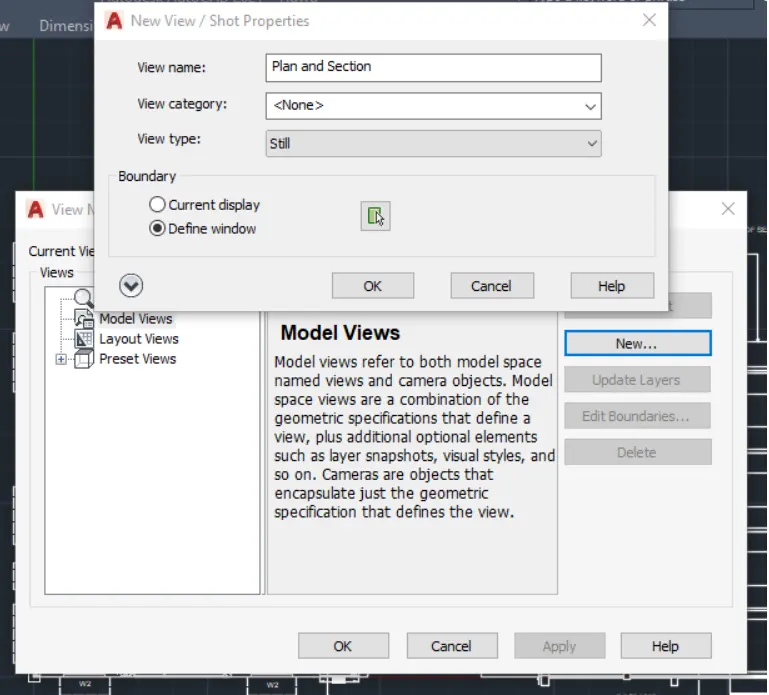
click and apply again ok.
hence the model view is created
hence the layout is created.
hence the layout is created.
hence the layout is created.
AIM:
Create a layout of the Kitchen drawn in Challenge 9 as shown in Figure. Use the scale as shown in the Figure. Use A4 Size page for the layout. Take a plot.
procedure:
to create the view point initially 9th week chellenge that already created
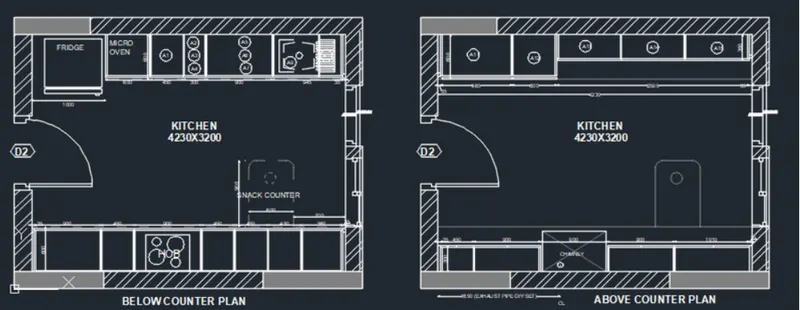
1) now the cmt prompt type v to create the model view of the plan
2) then provide the view name and choose the boundary option
3) now click and apply again ok
4) now go to layout option in the window
5) type page setup in the cmt prompt and page setup manager and dialogue box open
6) modify the settings provide the size of the paper a4 then provide the size plot area layout and then click ok
AIM:
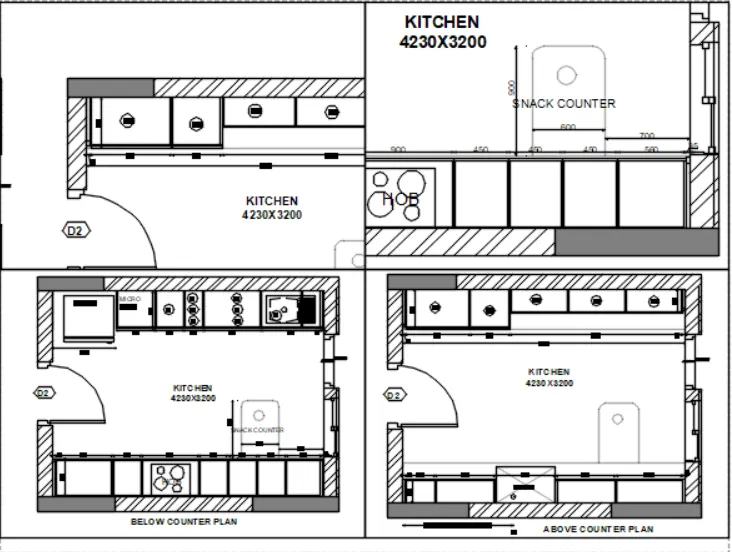
Create a layout of the section created in Challenges 9.
Use scale as mentioned in the Figure. Use MV command create multiple viewports. Take a plot.
PROCEDURE:
to create the view point initially 9th week chellenge that already created
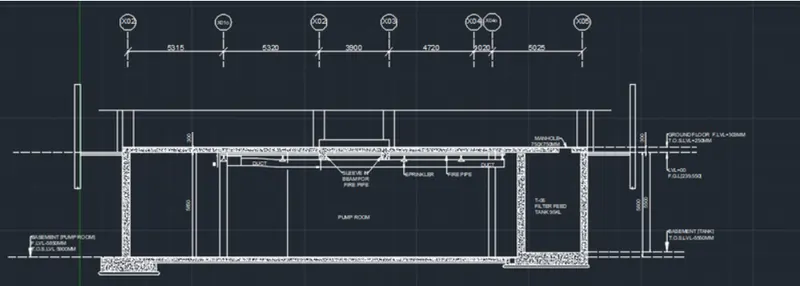
1) now in the cmt prompt type v to create the model view of the section
2) they provide thye view name and choose the boundary option
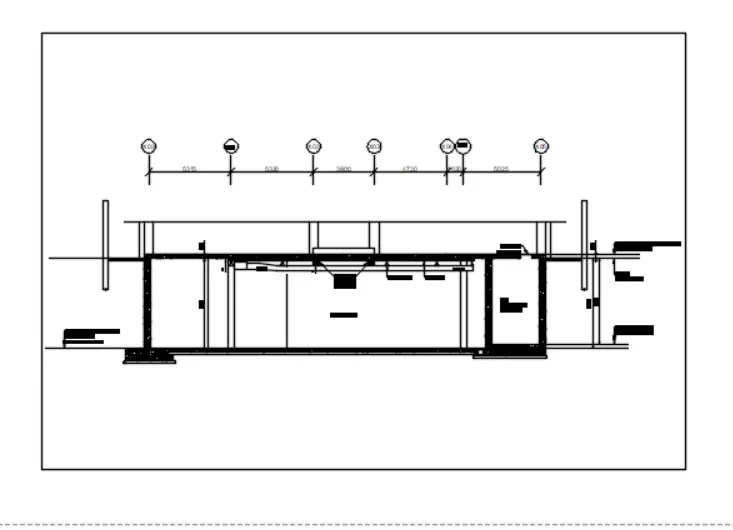
3) now click and ok then apply again ok
4) hence the model view is created
5) now type page setup and dailouge box is open
6) now type mv to create multiply viewpoint and create view point is necessary
7) then type cmt prompt to zoom and out of view