Creation of geometries by Coordinate system methods using AutoCad
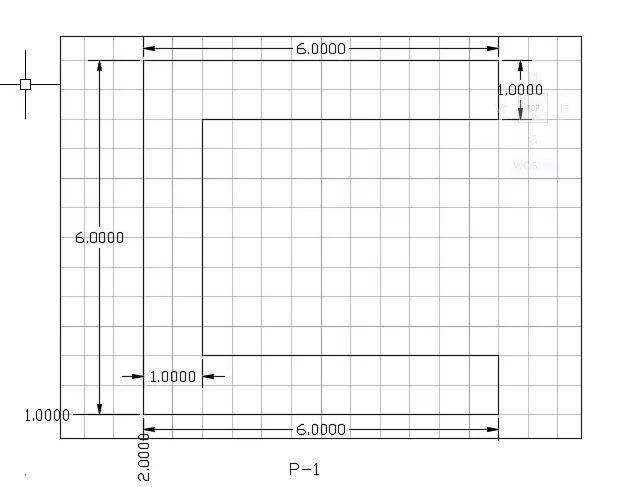
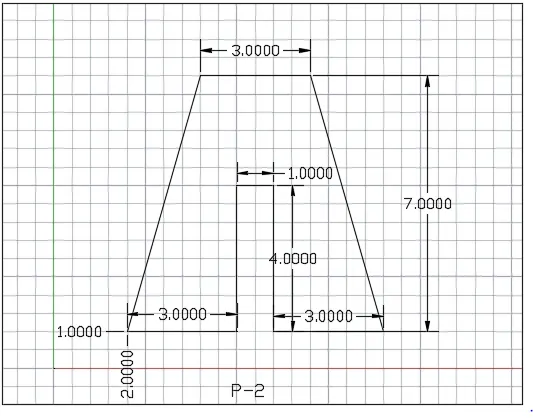
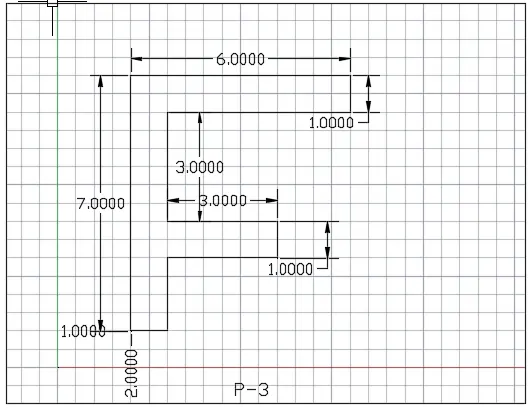
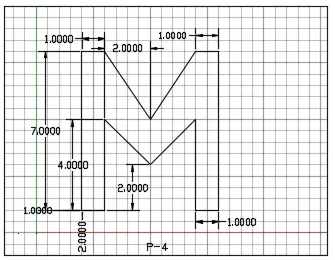
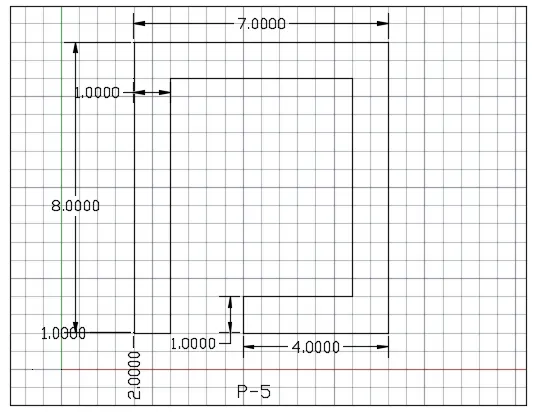
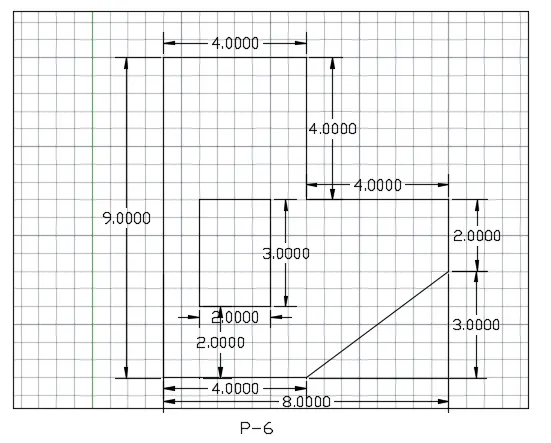
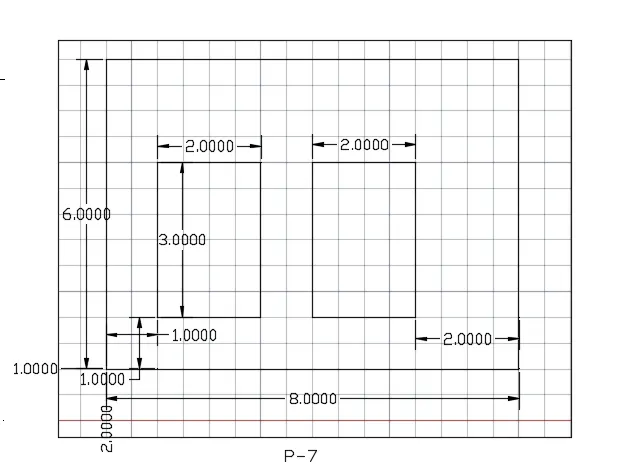
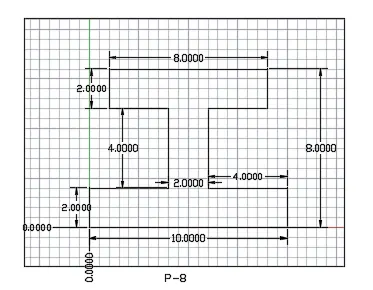
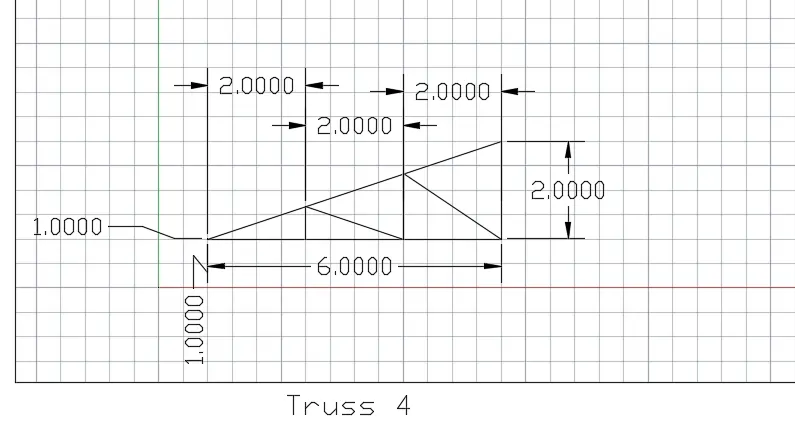
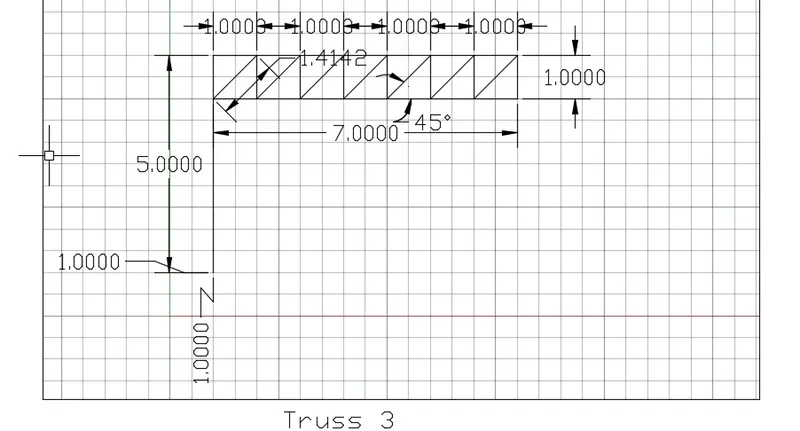
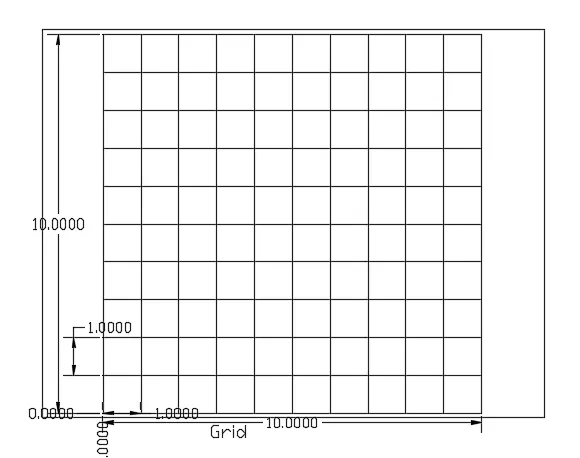
PROCEDURE:
Starting AutoCAD software:
- Go to START MENU, select AutoCAD 2022
- Click on START DRAWING
- In the Command line type in: STARTUP [ENTER]
- Enter new value of startup: 1
- Go to Application Menu and select New
- In the 'Create New Drawing' dialog box, select the 'Imperial system in the 'Start from Scratch' option.
- Next select the 'Decimal unit system from the 'Advanced Setup' option.
- Set the limits by entering LIMITS in the Command tab. The lower-left corner is specified as 0,0, and the upper-right corner is specified as 100,100.