Creating Walls, Partition walls and Floors for a residential layout using REVIT
PROCEDURE FOR THE PROJECT:
After the revit is open we can see the sample project options like archetech,structural etc the apropreate file is taken but for now as for our requirement,new option is selected a window is displayed showing the project templet type for my convience imperial templet Is taken by using the option browes.
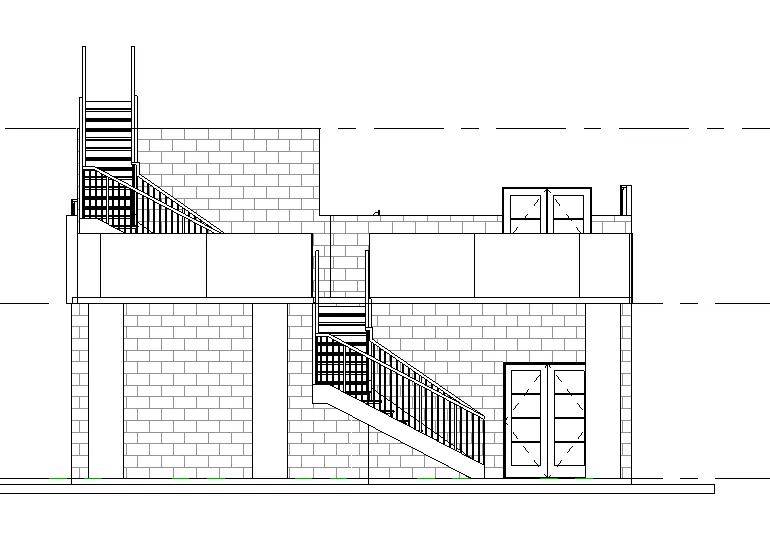
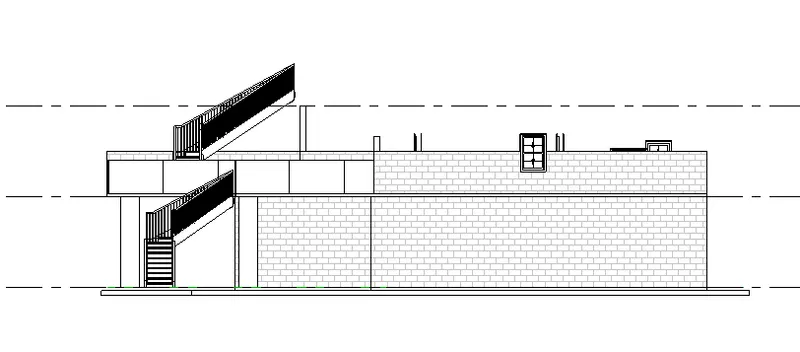
The view is converted into east elevation.using the structure option level option is taken and the levels are incerted on the sheet in the given dimentions.
And again the view is changed to level one of groundfloor and grid option is used to form the grids with the given offsets.
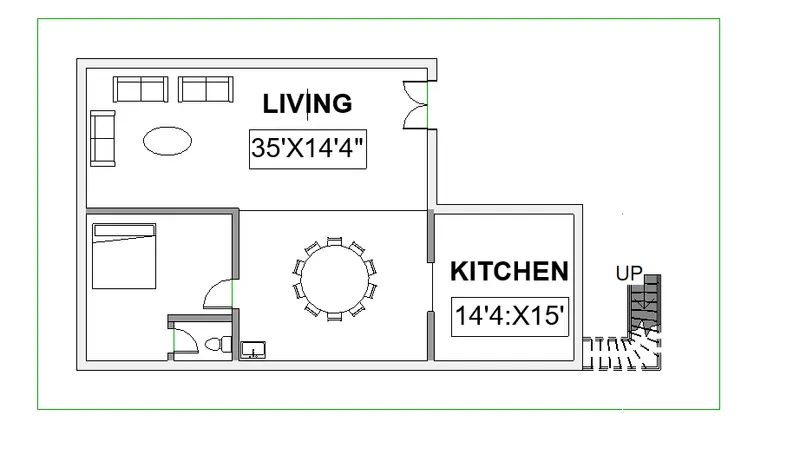
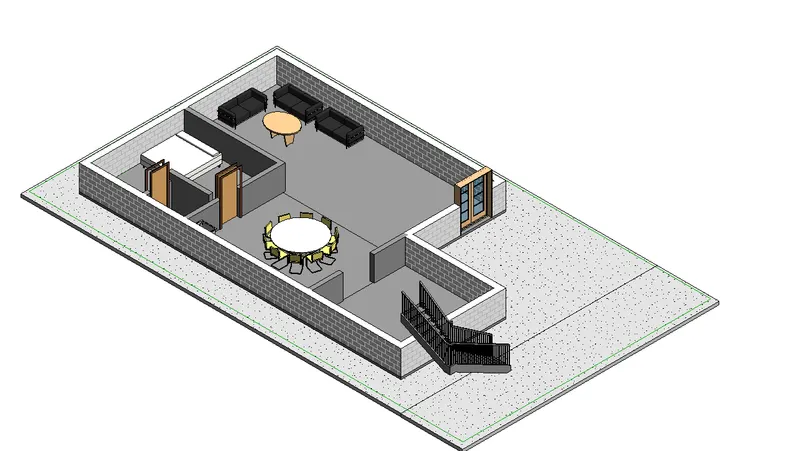
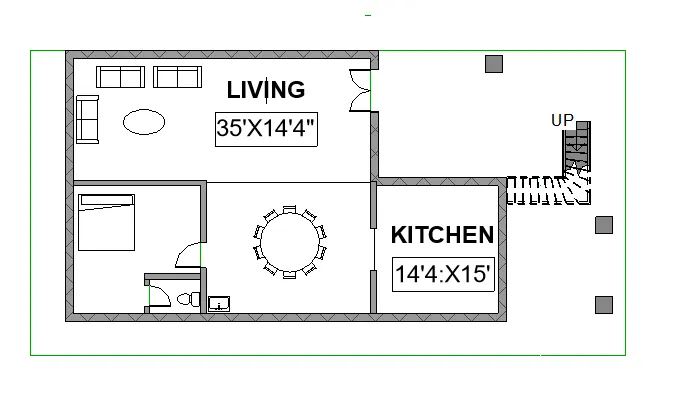
A layout is created in the new sheet and the the walls are rised to the height of 10’.
Using the insert ,load option different type of familes like doors,windows,beds,chairs ect are incerted.
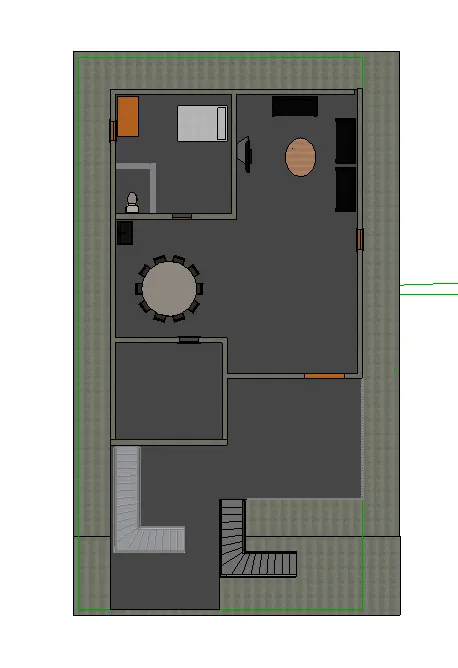
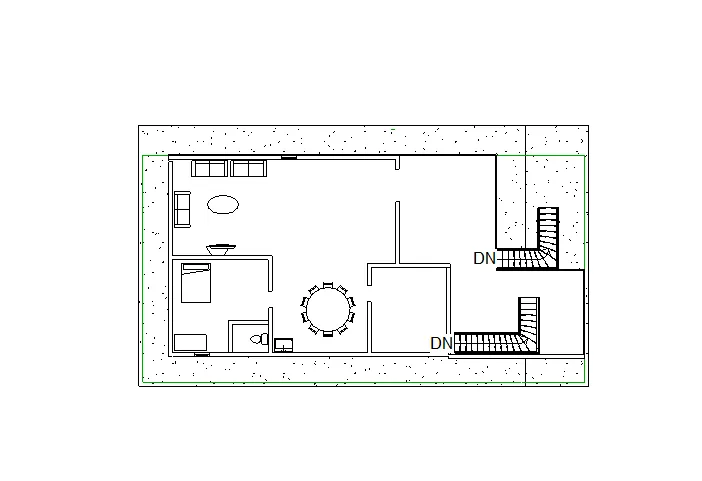
After the completion of first floor the second slab is created and the walls and ferneture are copied and are pasted on the 1st floor .
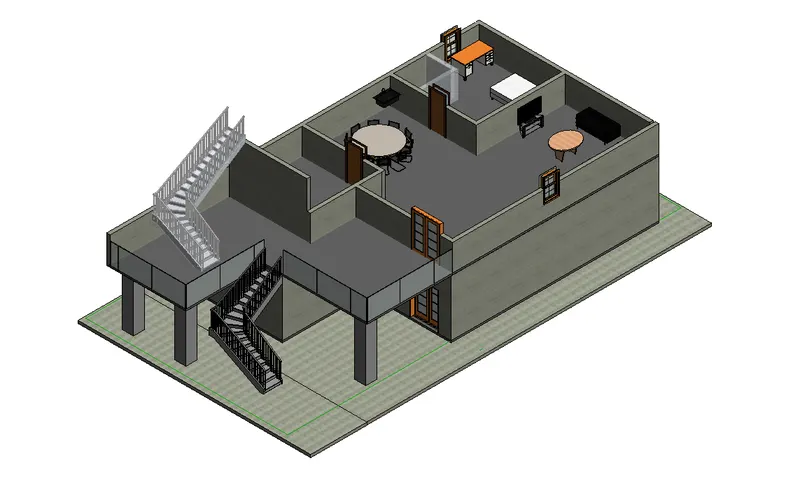
In the front portion of the 1st floor left corner the slab is prolongated upto the requirement.
Steps are inserted with the required numbers.
The height of the walls are unconstrained at a height of 4’ for the better view .
In the front portion of the 1st floor the curten glass walls are inserted for better view.
3 columns are insertes at the bottom of the salb that is extanded.