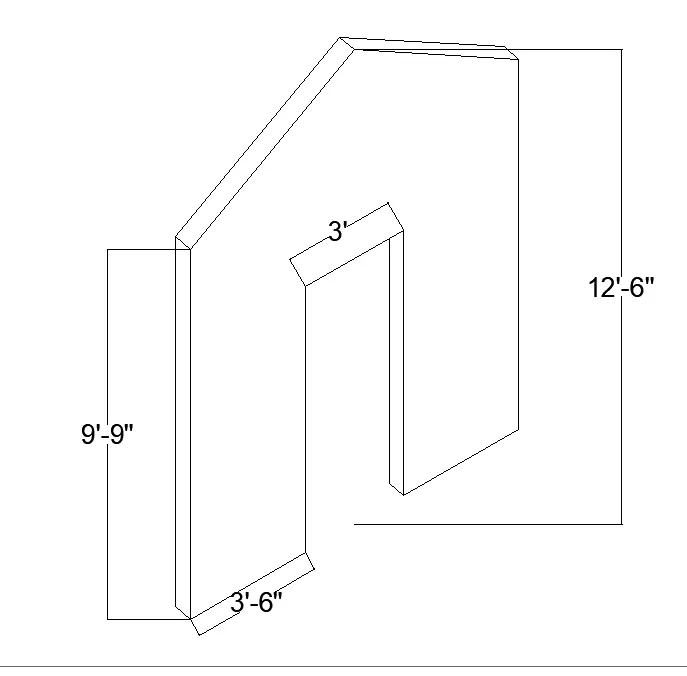
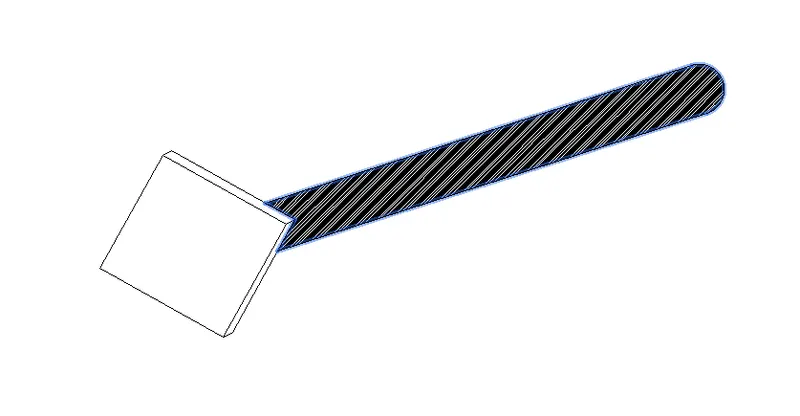
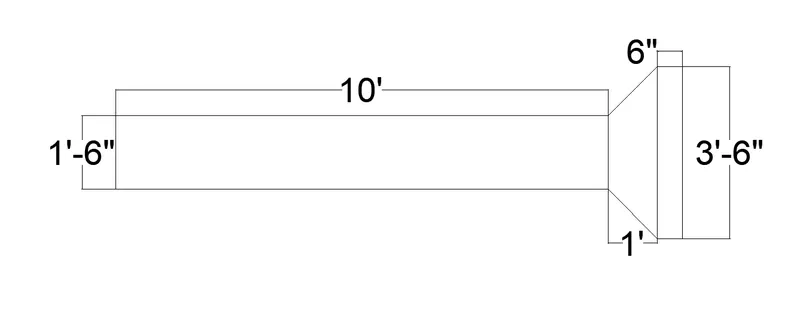
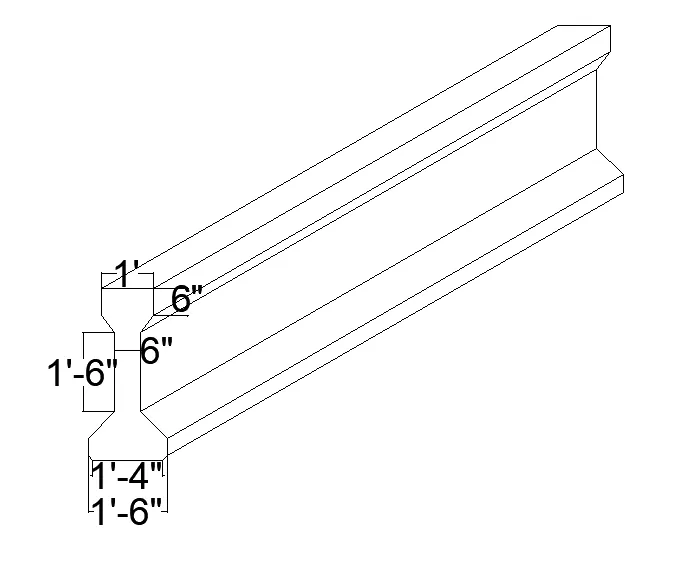
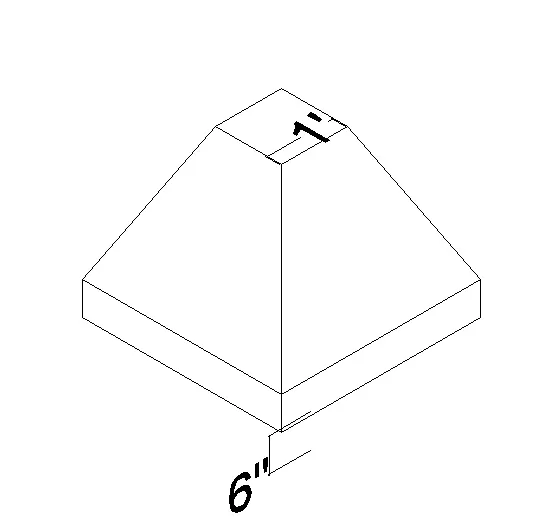
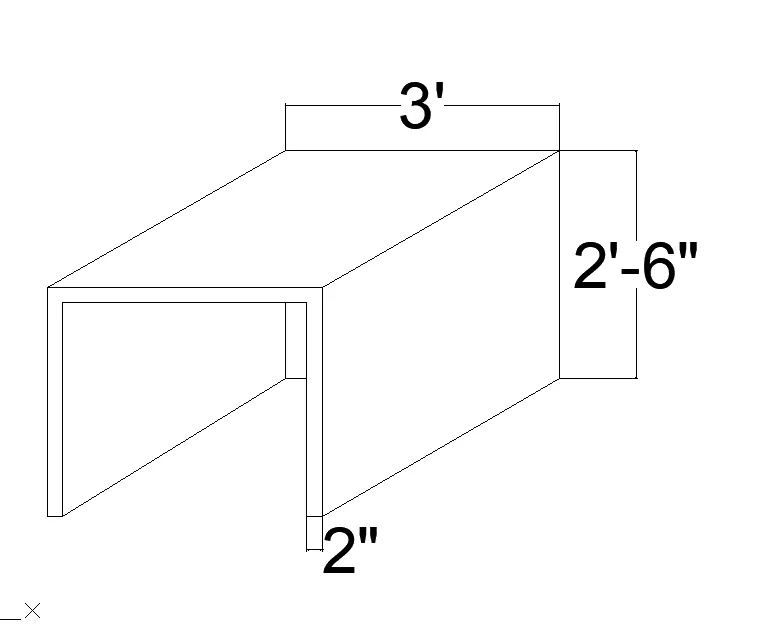
Creating various 3D Models like Furniture, Footing, Girder, Column drop with panel and Gable Wall in AutoCad
AIM:
DRAWING THE GIVEN 3D DRAWINS USING 3D AUTOCAD SOFTWARE.
DETAILS OF PROJECT:
THE GIVEN 3D PLANS ARE DRAWN ACCORDING TO THE GIVEN DIMENTIONS AND THE STEP BY STEP PROCESS IS GIVEN BELOW.
PROCDURE:
For the given drawings the units are set according to the requirements.
The the front viw of the given drawings are first drawn in the 2d plane of the cad.
Then the drawings of the face of the figure is rotated in the 3d plane in the z axis.
For drawing the 3d figues the plane is conveted in to the 3d plane and the system type is converted from architech to 3d modeling.
Using the 3d rotate command the object is rotated along the z axis in 90 degrees and the back portion of the object extuded bu using the extrude option in the ribbon.
Surftab1 commont is used to smoth the surface of the object.
And line commond is more frequently used.