Creating various 3D Models like Furniture, Footing, Girder, Column drop with panel and Gable Wall in AutoCad
AIM: To Create a various 3D Models like Furniture, Footing, Girder, Column drop with panel and Gable Wall in AutoCad
INTRODUCTION: This topic may to learn a 3D model by the tools and frames were clearly study then we can to use the autocad 3D tools
by the basic wireframe view. This method were to draw the 3D model which any kind of shapes were to done.
PROCEDURE:
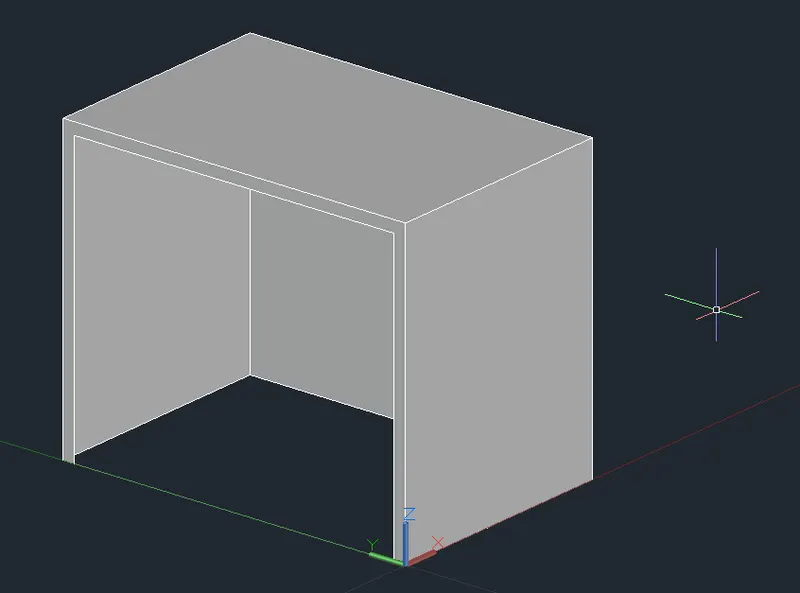
STEP-1: Create a 3D Furniture element as shown in the Figure. Assume dimensions which are missing.
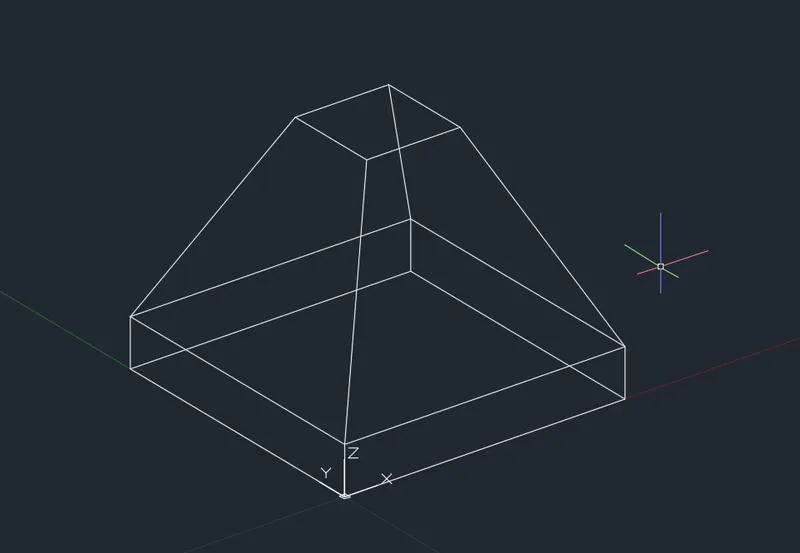
STEP-2: Create the 3d Model of an Isolated footing as shown in Figure.
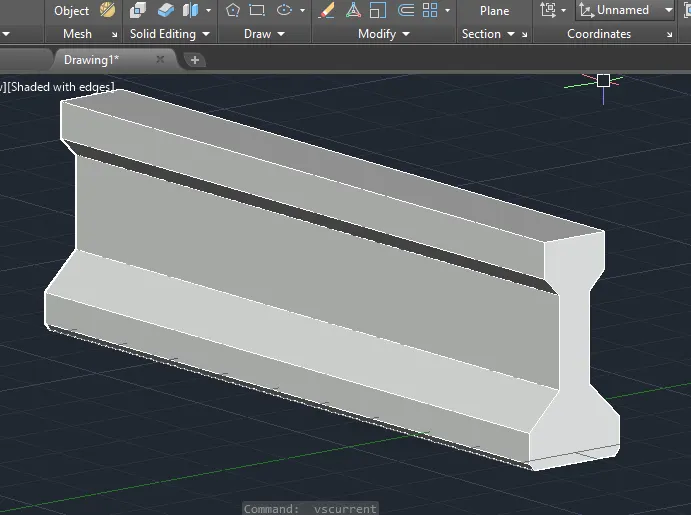
STEP-3: Create the 3D view of the AASTHO Type Girder.
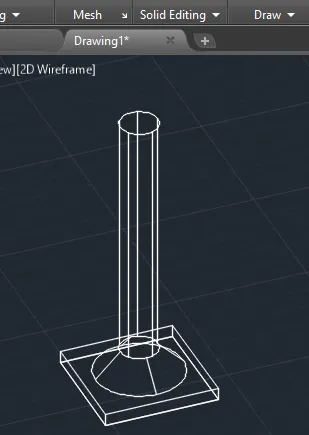
STEP-4: Create a 3d Model of a drop column with panel as shown in section and isometric view.
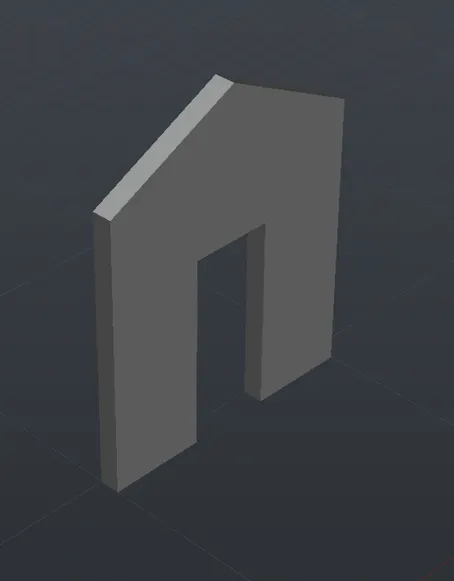
STEP-5: Create the 3d model of a wall as shown in Figure. Consider wall thickness as 9”
RESULT: The various shapes of models can be drawn by using 3D tools which can be done by the project aspect methods followed.