Menu

Executive Programs

Workshops

Projects

Blogs

Careers

Student Reviews


More

Academic Training

Informative Articles

Find Jobs

We are Hiring!


All Courses

Choose a category

Loading...

All Courses

All Courses

logo

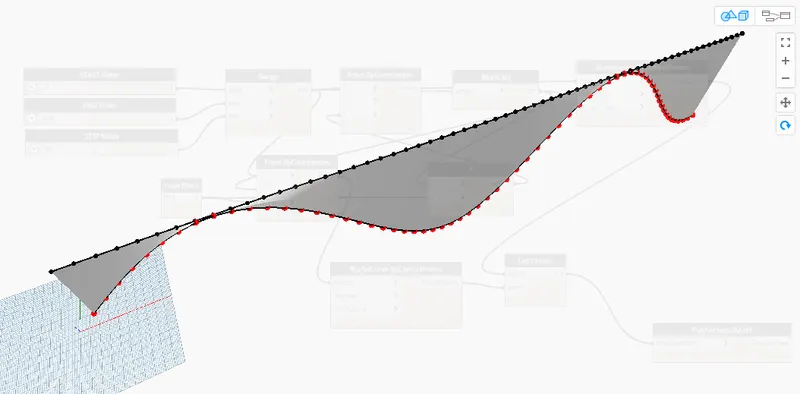
Creating Conceptual mass in REVIT and Creation of Sinusoidal curve and a Parametric stadium using Dynamo

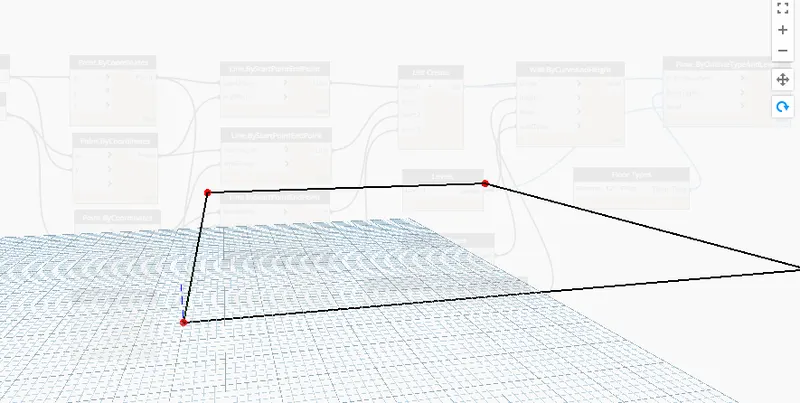
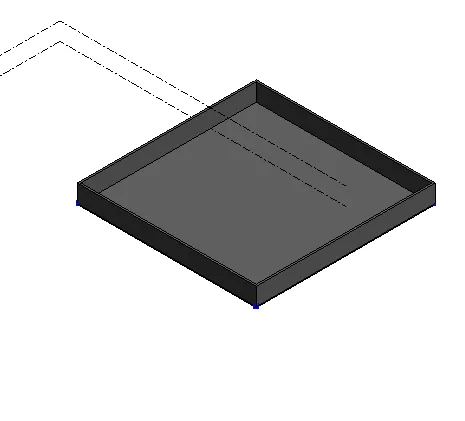
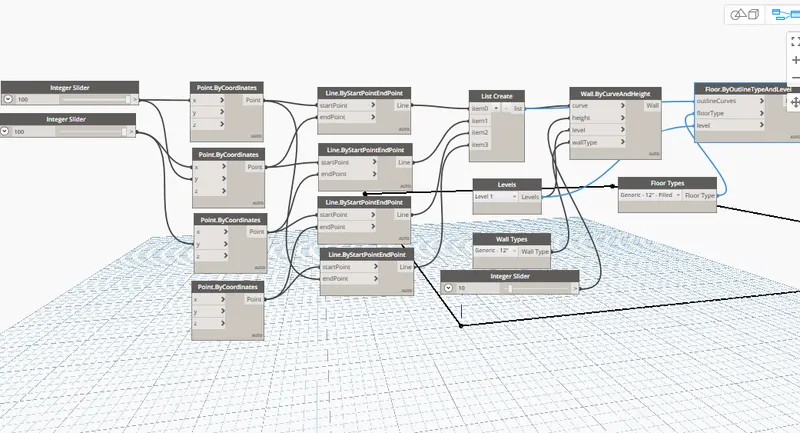
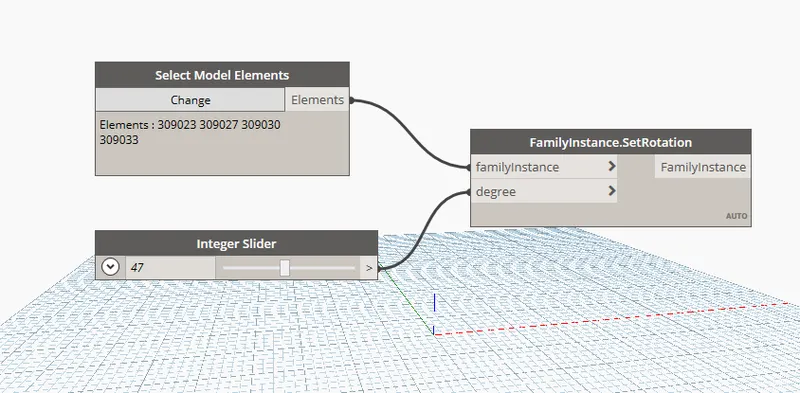
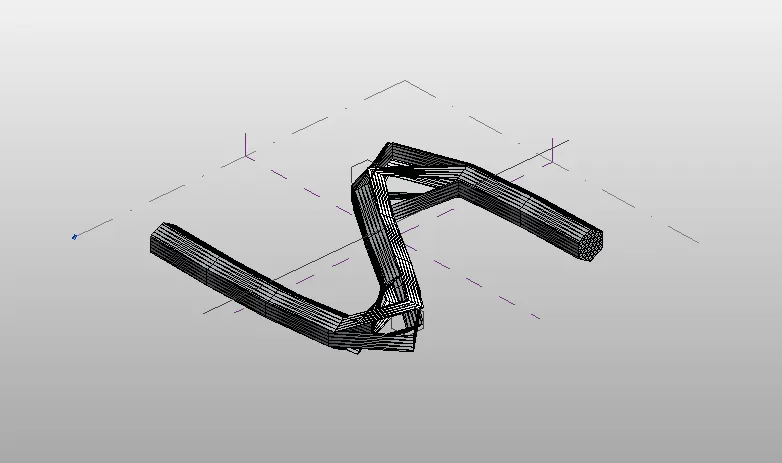
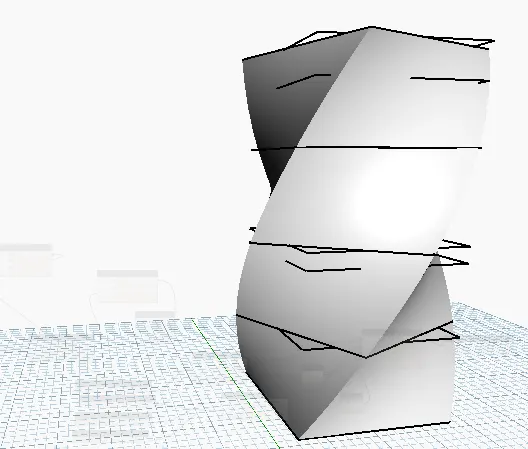
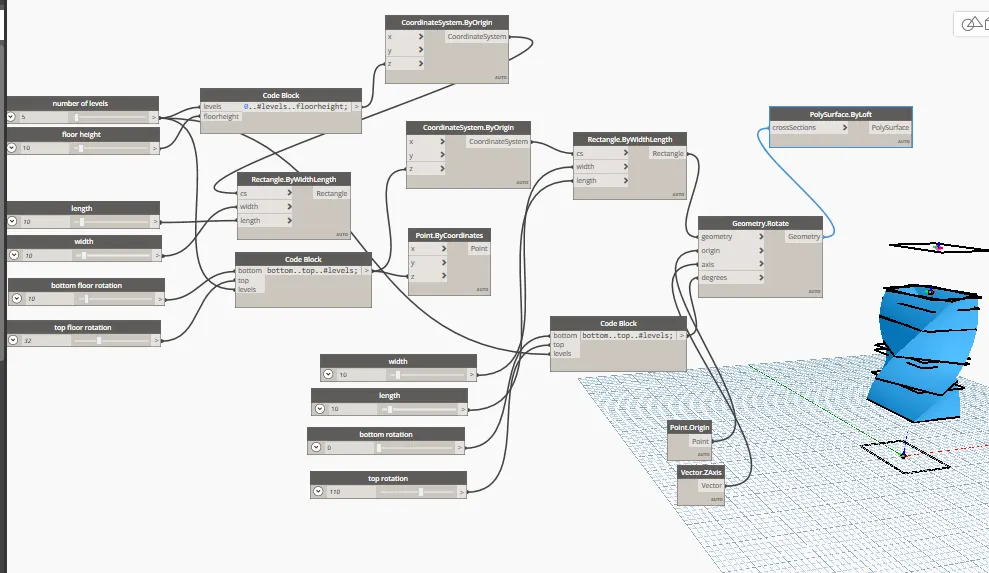
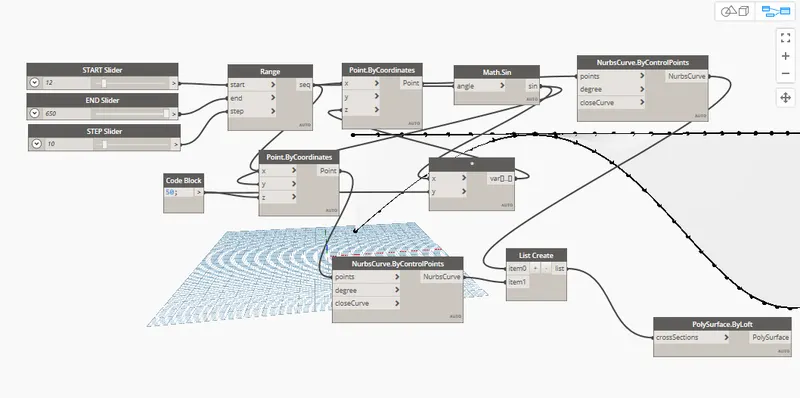
1) Using Dynamo create a set of sinusoidal points and create a curve and create a surface out of the curve. ANSWER -      2) Create a conceptual layout of floor plan in dynamo . Using the tools available in dynamo link the lines to appropriate model elements in Revit by choosing the wall types and wall parameters.…
Project Details

Loading...

Leave a comment

Thanks for choosing to leave a comment. Please keep in mind that all the comments are moderated as per our comment policy, and your email will not be published for privacy reasons. Please leave a personal & meaningful conversation.

Please  login to add a comment

Other comments...

No comments yet!
Be the first to add a comment

Read more Projects by Aashutosh Rameshbhai Jadhav (27)

Usage of Navigation tool , Timeliner and Clash Detection test using Naviswork

Objective:

1) Use the Architecture/ Structure Project file developed by you in Week 6 to 8. Export the Revit architecture and structure model to Navisworks Cache file following the export settings discussed in class ANSWER -        2) Use Navigate Tool to walk around the model and walk through the rooms created…

calendar

31 Jan 2022 03:08 PM IST

  • CFD
  • FEA
  • GIS
  • HEV
Read more

Creating Conceptual mass in REVIT and Creation of Sinusoidal curve and a Parametric stadium using Dynamo

Objective:

1) Using Dynamo create a set of sinusoidal points and create a curve and create a surface out of the curve. ANSWER -      2) Create a conceptual layout of floor plan in dynamo . Using the tools available in dynamo link the lines to appropriate model elements in Revit by choosing the wall types and wall parameters.…
calendar

31 Jan 2022 01:48 PM IST

Read more

Preparing Schedule & Cost Estimation for a building using REVIT

Objective:

1) Use the shortcut keys in Revit discussed in class to complete the following tasks and list them below ANSWER -             a. Using 3D model create a section box - BX            b. To create similar doors and windows in a floor plan layout - CS   …

calendar

30 Jan 2022 02:43 PM IST

    Read more

    Structural analysis of a buidling using Robot Structural Analysis

    Objective:

    1) What are HVAC systems? Why are they essential in the modeling of buildings ANSWER -  Heating ventiation and air cooling It is the technology indoor environmental comfort. Its goal is to provide thermal comfort and acceptable indoor air quality Important part of structure. ESSENTIAL IN BUILDING MODELING Controlling…

    calendar

    30 Jan 2022 07:21 AM IST

    Read more

    Creating Architectural and Structural model with 3D rendering using REVIT

    Objective:

    1) Select the type of structure you want to build from one of the three below: ANSWER - SELECTED SCHOOL BUILDING   2) Assume reasonable assumptions for geographic and location details for your project modeling. Based on assumptions and type of structure selected identify the modeling requirements from NBC ANSWER -…

    calendar

    29 Jan 2022 10:24 AM IST

      Read more

      Usage of Collaborate tool in REVIT

      Objective:

      1) Open an architectural template. Using the Manage tab set project base point and project shared coordinates for the project Answer -  Open the architectural template Draw 1 Longitudinal grid and 1 transverse grid Open manage tab Click on project coordinates Click on specify coordinates Select Longitudinal grid and…

      calendar

      20 Jan 2022 05:58 AM IST

        Read more

        Introduction to National Building Code and Steps in a Construction project

        Objective:

        1) Why are building codes or standards essential for the modeling/ efficiency of drawings in Revit ? Answer -  Codes are designed to protect buildings and the people and property inside them from fire, earthquakes, windstorms and other extreme events. They also ensure structural integrity; electrical, plumbing and…

        calendar

        17 Jan 2022 03:30 PM IST

          Read more

          3D Creation of Celing, Roof, Architectural plan, Structural plan, Sectional view, Elevation view and Camera specific view for a house plan using REVIT

          Objective:

          MODEL FILE IS ATTACHED BELLOW

          calendar

          08 Jan 2022 12:28 PM IST

            Read more

            Creating Walls, Partition walls and Floors for a residential layout using REVIT

            Objective:

            QUESTION 1. Use the project file created from Week 2. Use it for this assignment. Based on your layout from week 2, using floor tool under architecture tab and select the floor with appropriate material and thickness using the property browser create a layout in the Ground floor Level. Align the floor plan with grids created…

            calendar

            05 Jan 2022 01:56 PM IST

              Read more

              Creating Levels, Grids, Layout and model elements for a residential unit using REVIT

              Objective:

              1.What is BIM? Summarize the features of BIM and benefits of using BIM over 2D CAD tools? ANSWER - BIM helps contractors to make better material choices, it streamlines the construction work and helps to minimise the human errors that may occur during construction. By improving the planning stages, BIM can help contractors…

              calendar

              18 Dec 2021 06:24 AM IST

              Read more

              Introduction to REVIT concepts

              Objective:

              1) From the file menu, create a new project (Structural / Architectural / Construction template ) and name the project appropriately Procedure -  Start the Revit software. Select the template from Structural / Architectural / Construction. Save the file using ctrl+s command.   2) Save the new project file.…

              calendar

              07 Dec 2021 08:22 AM IST

                Read more

                Project 2_Creating a 3D rendered model for a Residential Building in AutoCad

                Objective:

                AIM - Creating a 3D rendered model for a Residential Building in AutoCad. ANSWER =     P

                calendar

                22 Nov 2021 06:24 PM IST

                Read more

                Creating 3D Isometric view of various structural elements in AutoCAD

                Objective:

                1. Create a 3D Isometric View of the building with plan and elevation given. ANSWER.   2. Create the 3D View of the Building Façade as given in the plan and elevation. Also, see the detail of the window. ANSWER   3. Create the ismoteric 3d view of a stair with railing as shown in the plan and elevation.…

                calendar

                17 Nov 2021 03:54 PM IST

                  Read more

                  Creating various 3D Models like Furniture, Footing, Girder, Column drop with panel and Gable Wall in AutoCad

                  Objective:

                  NOTE - ALL DRAWINGS ARE 3D DRAWINGS BUT SHOWED AS WIRE FRAME RATHER THAN REALISTIC VIEW DUE TO SOME PV ISSUE.   1. Create a 3D Furniture element as shown in the Figure. Assume dimensions which are missing. ANSWER   2. Create the 3d Model of an Isolated footing as shown in Figure. ANSWER   3. Create the 3D…

                  calendar

                  15 Nov 2021 05:10 PM IST

                    Read more

                    Creation of Multiple viewports, Scaling the drawing and setting in Template in AutoCad

                    Objective:

                    A

                    calendar

                    13 Nov 2021 05:37 PM IST

                      Read more

                      Creating Kitchen layout, Hatching of Architectural elements and sectional view of an Industrial Building in AutoCad

                      Objective:

                      QUESTION 1.Create the layouts of the Kitchen and provide hatches pattern as shown. Also, use blocks wherever required. Provide appropriate dimensions in the plan. Assume the size of doors, appliances and others as per the standards. ANS.   QUESTION 2. Create the elevation of the plan created in the Challenges 7 and…

                      calendar

                      13 Nov 2021 05:33 PM IST

                        Read more

                        Creating Bar Bending schedule, Different Door types, and Creation of standard drawing templates using AutoCad

                        Objective:

                        QUESTION 1. Create the templates as shown in Figures. Take the size of the title block as per industry standards or you can assume it as per the size of the paper. Use text and attributes wherever required. After creating the title block you need to save it as a block with names: Custom1_titleblock and Custom2_titleblock,…

                        calendar

                        12 Nov 2021 05:19 PM IST

                          Read more

                          Project 1 _Creating an Architectural plan for the provided plot size and develop relevant basic structural drawings

                          Objective:

                          *ARCHITECTURAL PLAN   *ELEVATION   *SECTION   *COLUMN DETAIL  

                          calendar

                          11 Nov 2021 04:53 PM IST

                            Read more

                            Creating a Layout, Section and Elevation with dimensions using AutoCad

                            Objective:

                            FIG.1 *XREF COMMAND IS USED   FIG.2   FIG.3

                            calendar

                            10 Nov 2021 05:27 PM IST

                              Read more

                              Creating a Wardrobe detailed drawing, Floor Plan, Kitchen Layout and Column Detail using AutoCad

                              Objective:

                              QUESTION 1.   QWESTION 2. ANS. IN THIS DRAWING REFERENCE COMMAND IS USED.   QWESTION 4. IN THIS DRAWING REFERENCE COMMAND IS USED.

                              calendar

                              29 Oct 2021 06:01 PM IST

                                Read more

                                Creation of Column Schedule and Drawing Template using AutoCad

                                Objective:


                                calendar

                                19 Oct 2021 05:09 PM IST

                                  Read more

                                  Creating a Residence Layout, Seating plan, Toilet and Utility room plan using AutoCad

                                  Objective:


                                  calendar

                                  19 Oct 2021 10:39 AM IST

                                    Read more

                                    Drafting of various geometries using Chamfer, Fillet tool in AutoCad

                                    Objective:


                                    calendar

                                    14 Oct 2021 04:47 PM IST

                                      Read more

                                      Creating a Floor plan, Footing detail and Isometric view using AutoCad

                                      Objective:

                                      For line diagram of two bedroom building - First I draw line of 3.6 unit horizontal using line command. After I created steps of 0.30 unit treads. After that i draw horizontal line . Similar for vertical dimensions also. After that I puted lenth of all wall using DIMLINEAT command. And last I puted dimensions using MTEXT…

                                      calendar

                                      16 Sep 2021 05:09 PM IST

                                        Read more

                                        Creation of geometries by Coordinate system methods using AutoCad

                                        Objective:


                                        calendar

                                        09 Sep 2021 01:14 PM IST

                                          Read more

                                          Sketch a G+1 residential plan according to Vaastu Shastra and Calculation of Loads as per IS code

                                          Objective:

                                            List of Construction Drawings   1. Architectural Drawing   1.1 Site Plan   1.2 Working Plan   1.3 Section Drawings   1.4 Elevation Drawing       2. Structural Drawing   2.1 General Note   2.2 Excavation Drawing   2.3 Column Layout   2.4 Plinth Beam Layout…

                                          calendar

                                          01 Sep 2021 04:05 PM IST

                                            Read more

                                            Project on Concrete Mix Design for various grades of Concrete

                                            Objective:

                                            a

                                            calendar

                                            27 Aug 2021 04:34 PM IST

                                              Read more
                                              Showing 1 of 27 projects