Creating Conceptual mass in REVIT and Creation of Sinusoidal curve and a Parametric stadium using Dynamo
1)
AIM:
To create a set of sinusoidal points and create a curve and create a surface out of the curve using Dynamo .
PROCEDURE :
step 1:
- Open revit > architectural template >manage tab .
- click on dynamo .
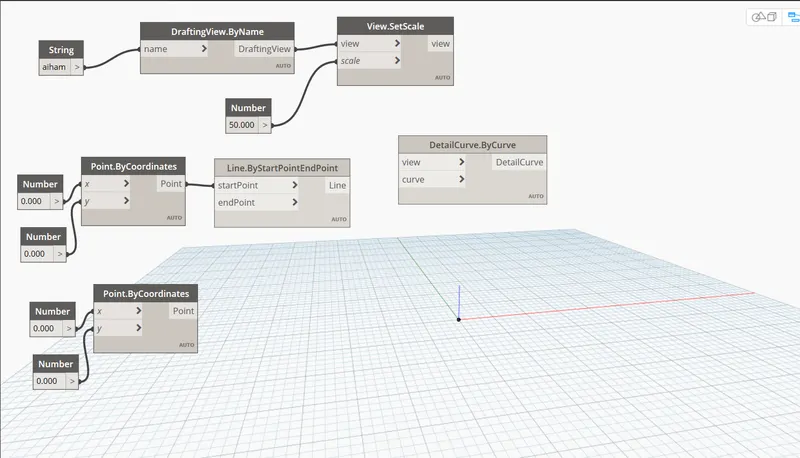
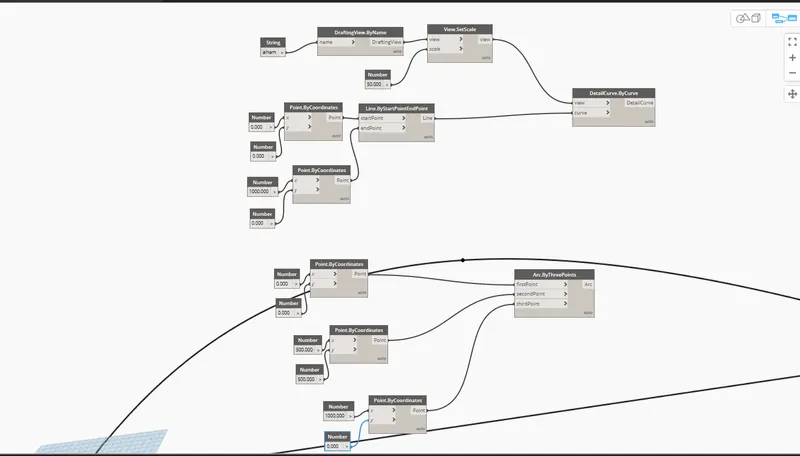
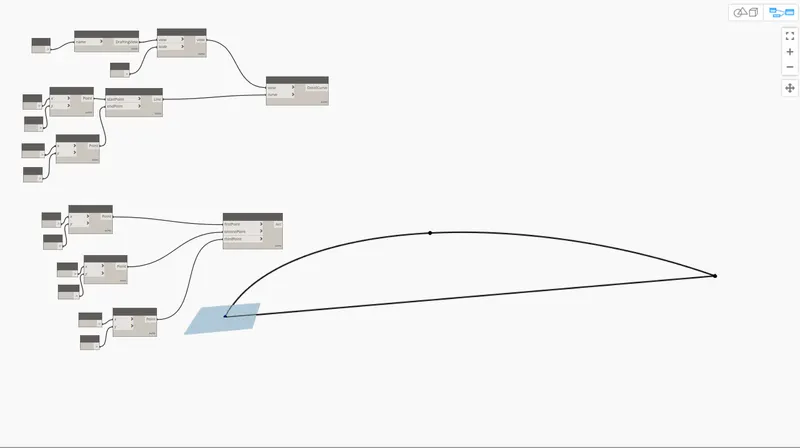
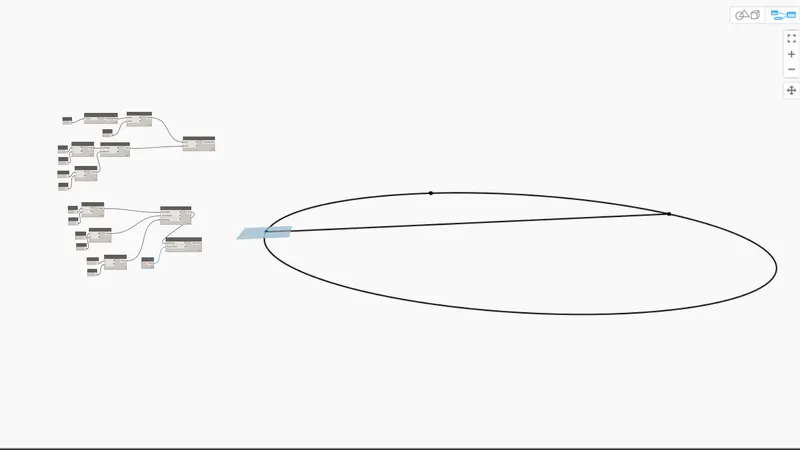
Result:
2)
AIM:
To create a floor , wall layout using dynamo
Procedure:
- open dynamo > New
- type points > points by coordinates
- name them x-axsis, y-axsis, xy-axsis
- Two integers are added
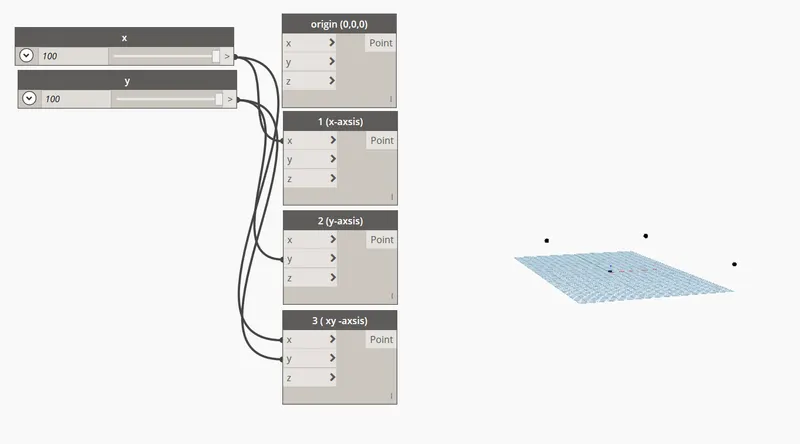
- Type line > by startpoint.end point
- connect the following :
- origin - start point & x-axsis - end point
- x-axsis -start point & y-end point
- y-axsis -start point & xy -end point
- xy -axsis -start point & x-axsis - end point
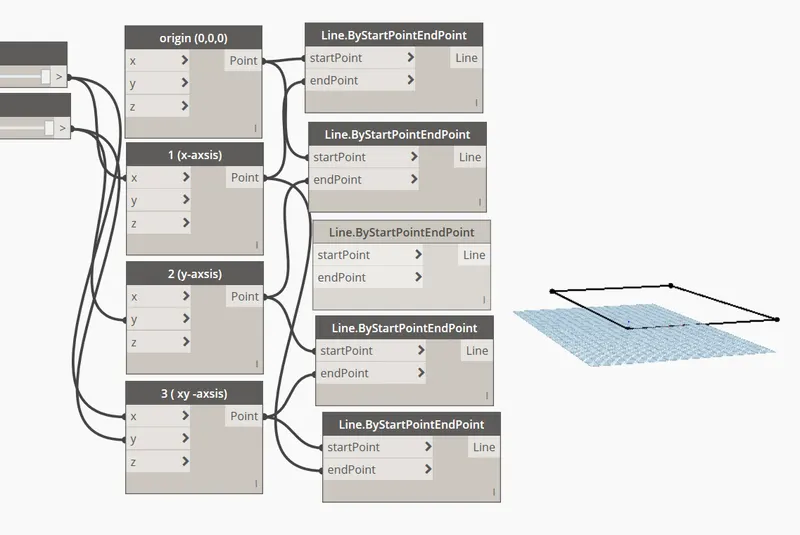
- now type floor> byoutline.level
- connect as follows:
- list to outline curves
- floor types to floor type
- levels to levels
- now type walls >wallbycurveand height
- connect as follow;
- list to curves
- height (integer slide ) to height
- wall type to wall type
- level (level 1 ) to level .
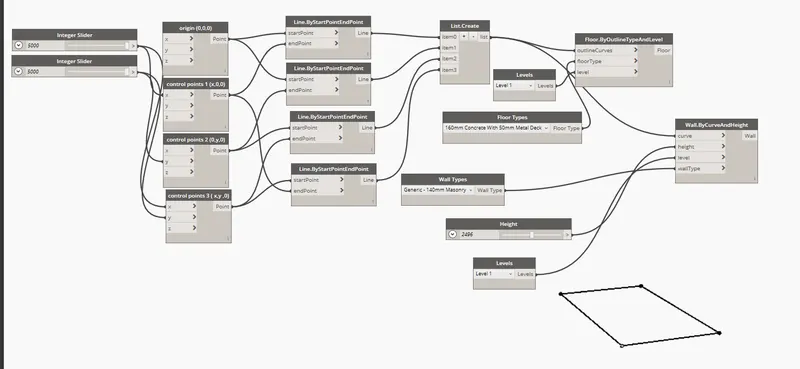
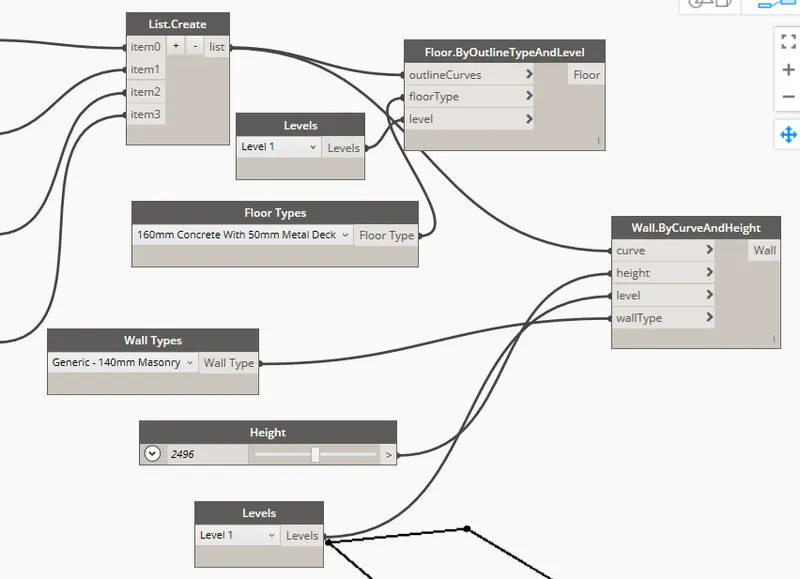
Result:
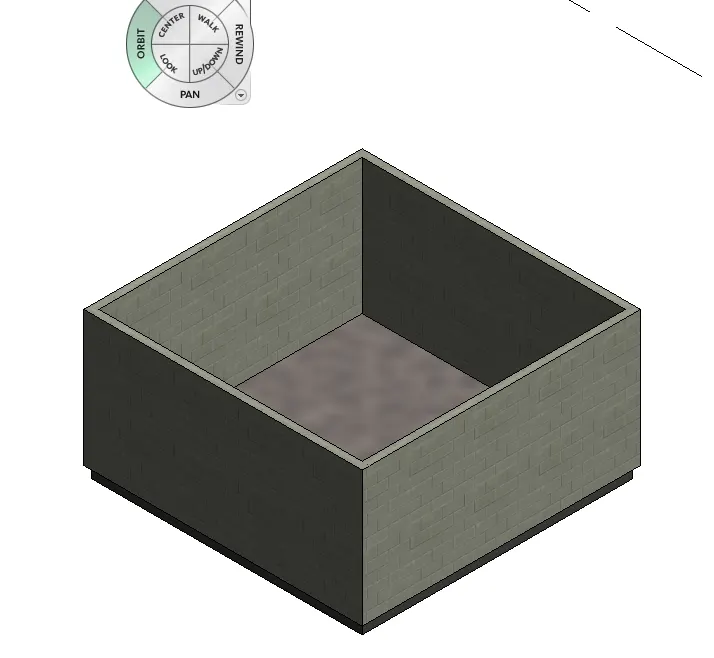
3)
AIM:
To create array of model elements
PROCEDURE :
- open revit
- click on the created model > array

- open dynamo >new project
- select model elements > select the elements from revit
- type set rotation , integer slider
- connect elements to family instance
- integer slider to degree
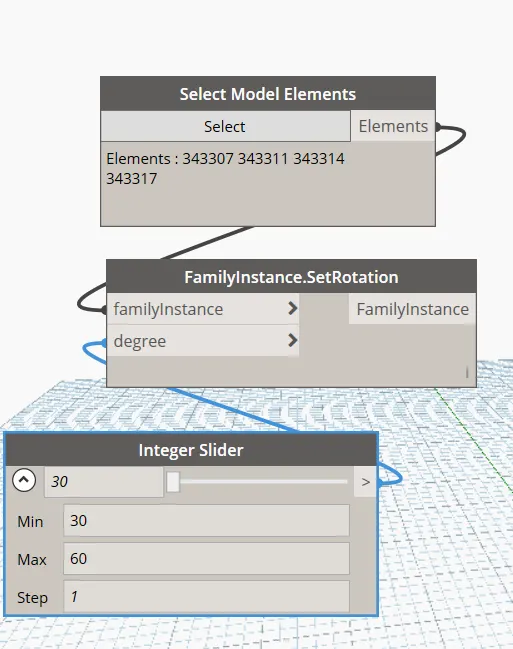
RESULT :

4)
AIM:
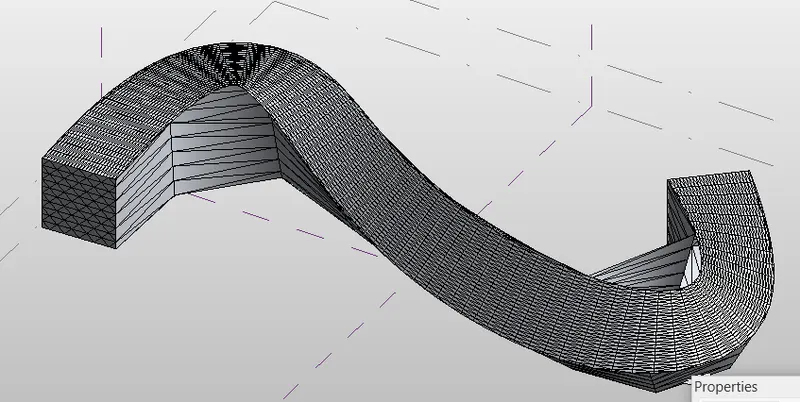
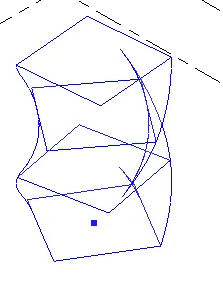
To create conceptual mass in revit
PROCEDURE:
- go level >create height of roof > 10m
- go to height of roof
- using spline line create a curve
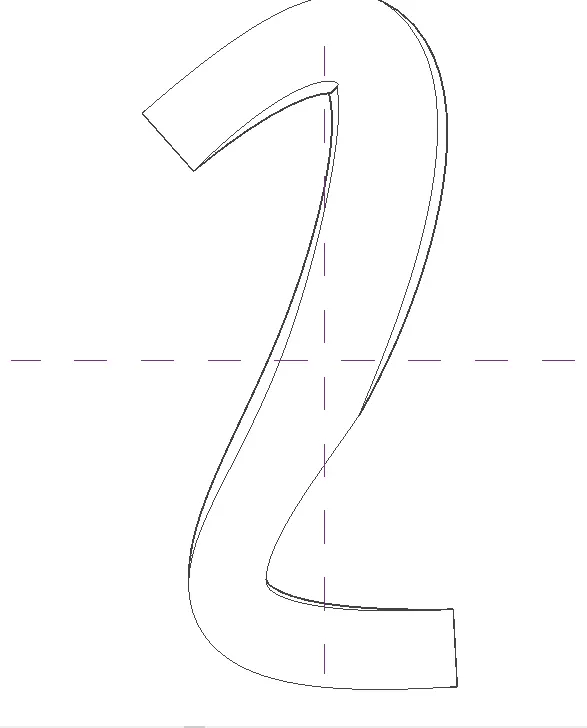
- at points create workplane > draw circumference polygon > select polygon ,spline >create form
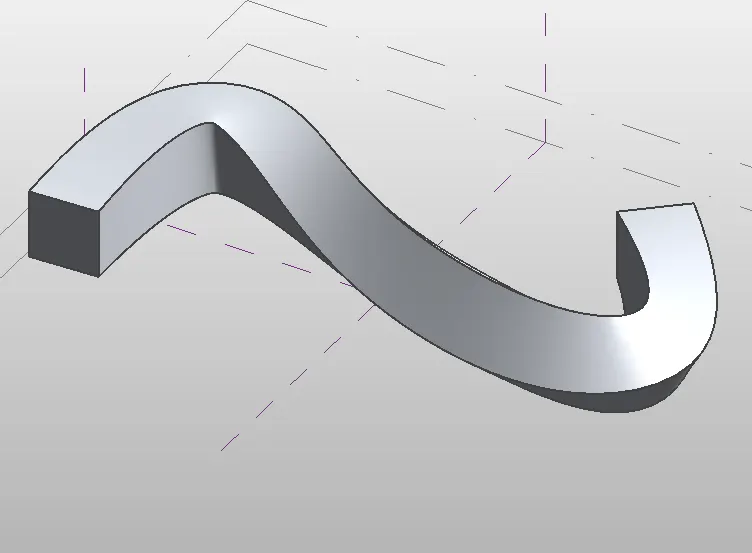
height of roof :
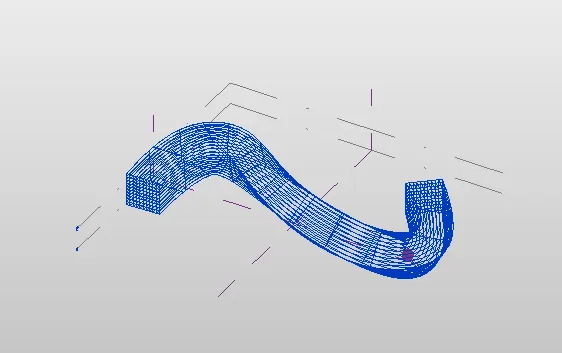
click on properties > pattern >triangular bent
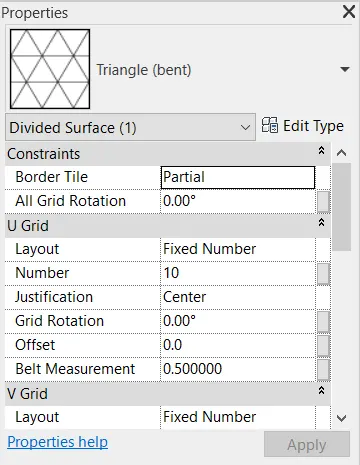
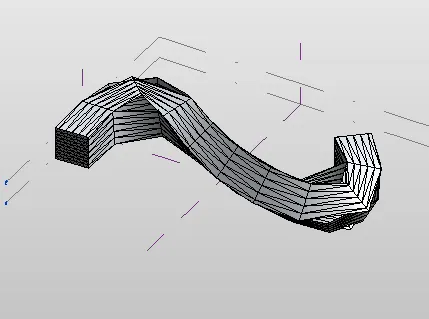
align u and v grid to 70 and 50
5)
AIM:
To create a parametric high rise tower
PROCEDURE:
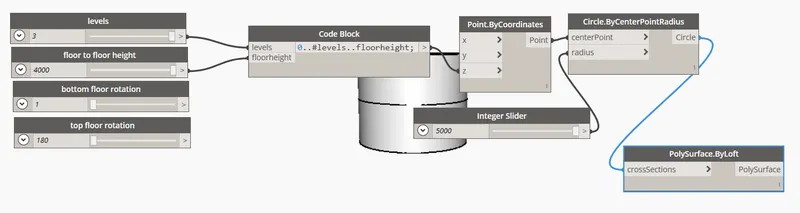
- open architectural template in revit > manage tab >dynamo
- select integer slider (4 )
- point by cordinates
- point by circle
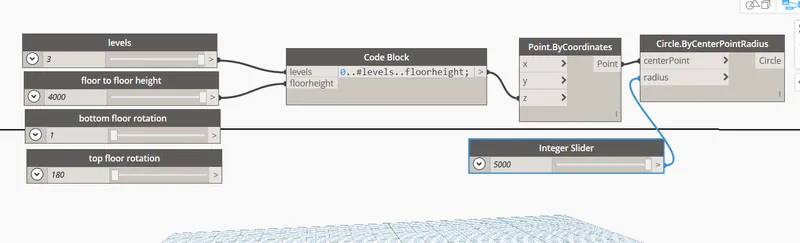
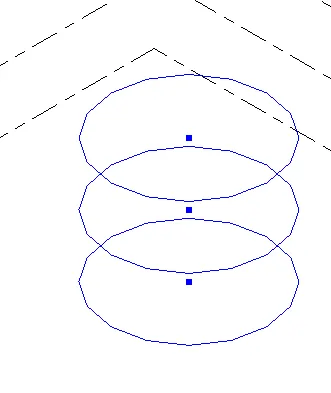
- type polysurface< loft
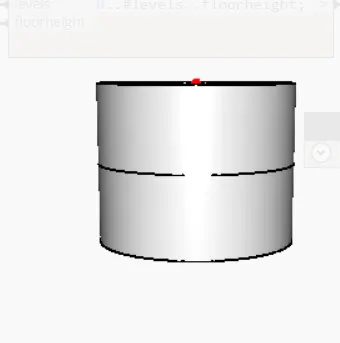
- connect circle to cross section
- now the same procedure is done for a rectangle
- connect the code block to coordinateSystem .ByOrigin
- connect cs to cs of rectangle.by width length ( give the number of width and length of integer slider )
- connect rectangle to gomentry rotate , connect geometry rotate with the code block which is connected to bottom floor rotation and top roatation .
- Its axsis to z-axsis and connect it to polysurface
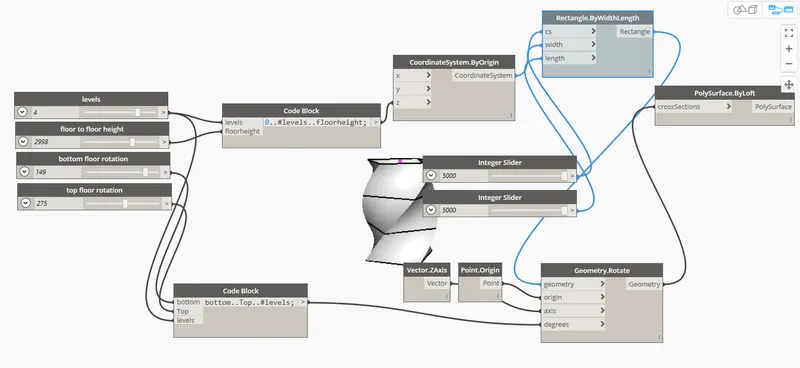
Result:
4Levels.
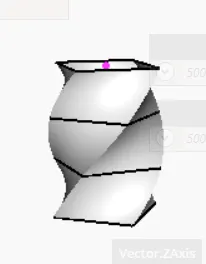
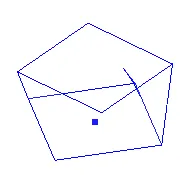
2 levels
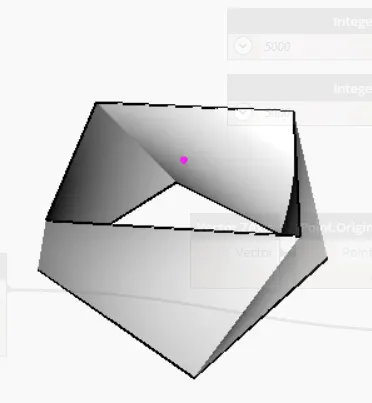
.