Creating Architectural and Structural model with 3D rendering using REVIT
1) Select the type of structure you want to build from one of the three below:
a. Multi-Unit Residential Apartment
b. Office Buildings
c. School
Ans:- My project is to built the Multi-unit residential apartments from the given three options.
2) Assume reasonable assumptions for geographic and location details for your project modeling. Based on assumptions and type of structure selected identify the modeling requirements from NBC.
Ans:- Assumptions for geographic and location details for your project modeling
My building is constructed in the residential area, Sankar nagar, Nagpur.
My building is constructed in the plain area(geographic)
Infront of my building there is a road with the width of 30 feets.
As per the NBC, the height limit will be given in NBC part V-1, (National building code).
The size of the rooms also given in the NBC part V-1.
3) Using the structural model, include the following components based on the type of structure selected
a. Foundation – Isolated / Wall/Matt Foundation
b. Columns
c. Beams Connected to Columns
d. Roof Framing/ Truss
e. Floor / Decks
f. Floor Openings for Elevators and Stairs
AIM:- To include the following components based on the type of structure selected using the structural model.
INTRODUCTION:-
Beams and columns are two important types of structural elements that play a key role in creating a safe load path to transfer the weight and forces on a structure to the foundations and into the ground.
Beams and columns could be built using the same shapes and materials but each serves a different function and is designed differently.
A foundation is the lowest part of the building structure.
It is the engineering field of study devoted to the design of those structures which support other structures, most typically buildings, bridges or transportation infrastructure.
It is at the periphery of Civil, Structural and Geotechnical Engineering disciplines and has distinct focus on soil-structure interaction.
PROCEDURE:-
Step:-1
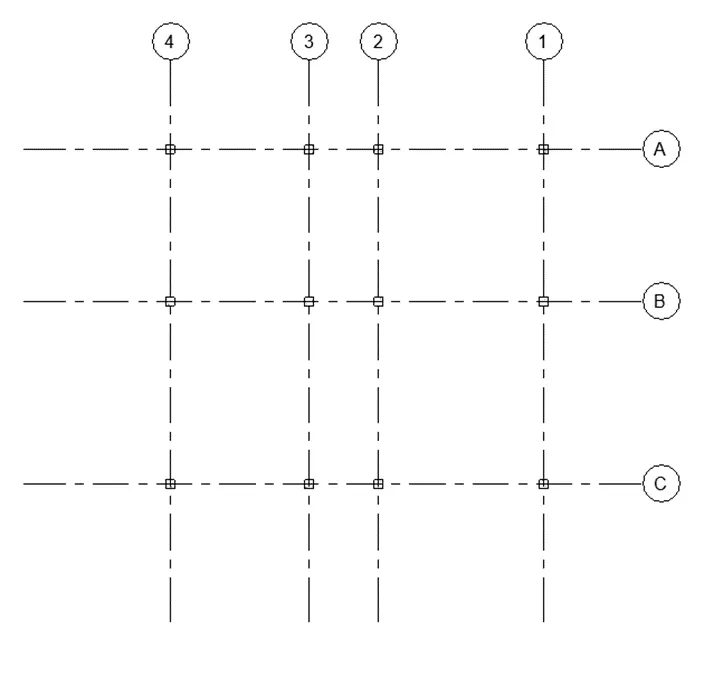
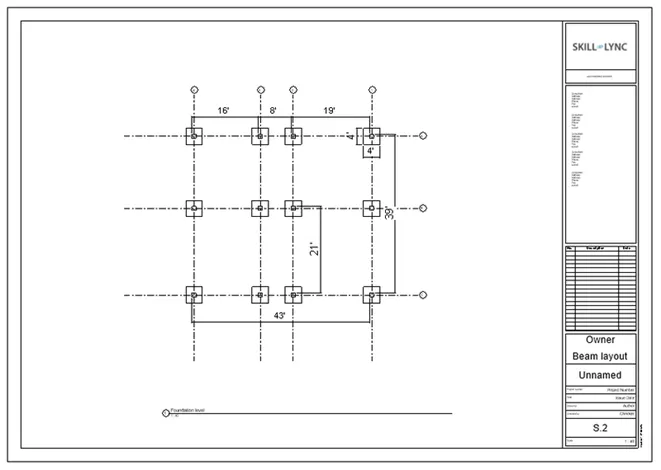
First we draw the vertical and horizontal grids as shown below.
Next we need to to add the columns with the size of 300m x 300mm, as shown in the below2 figure.
Step:-2
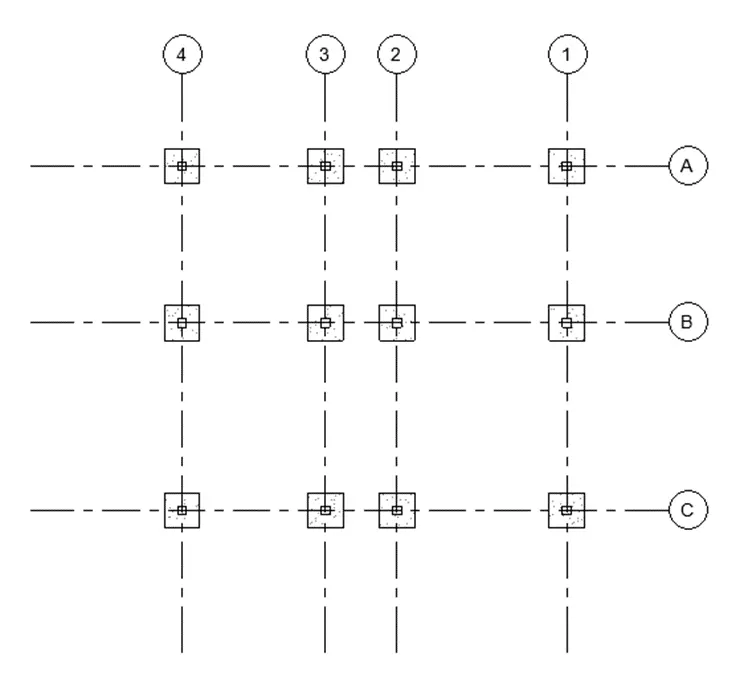
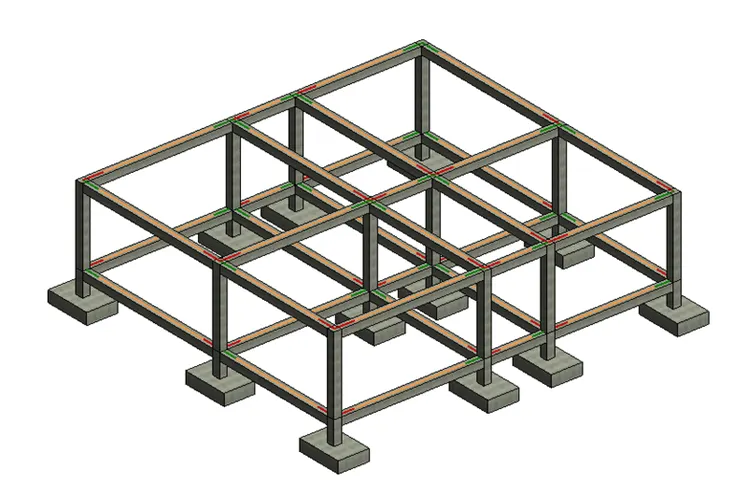
Next we need to add the foundations with the size ofv 4' x 4', as shown below.
Step:-3
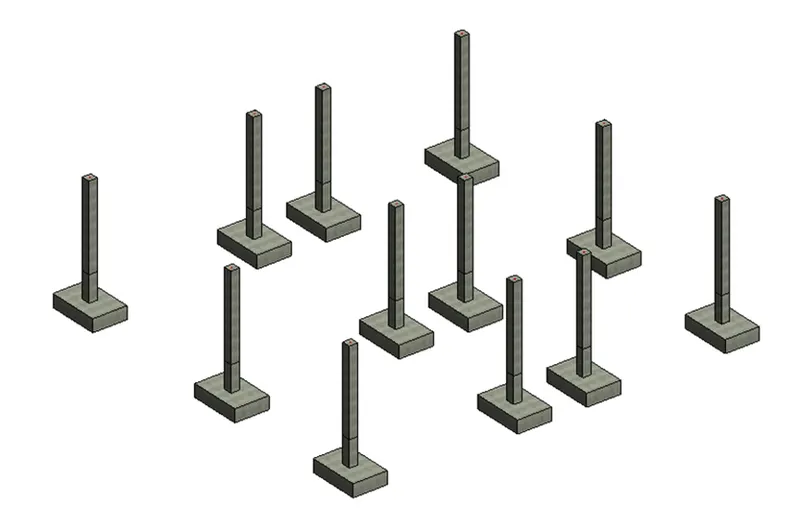
Next we turn the foundations and columns to the 3D view, as shown below.
Step:-4
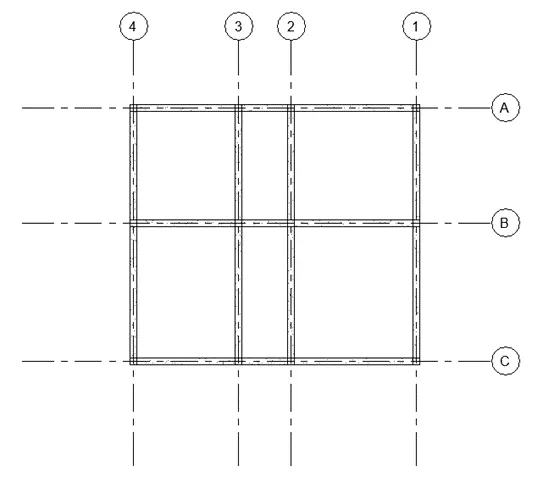
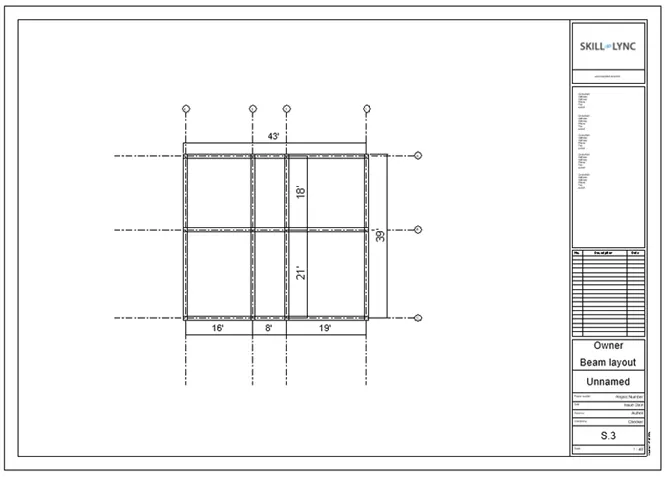
Next we need to add the beams to the layout, as shown in the below figure.
Step:-5
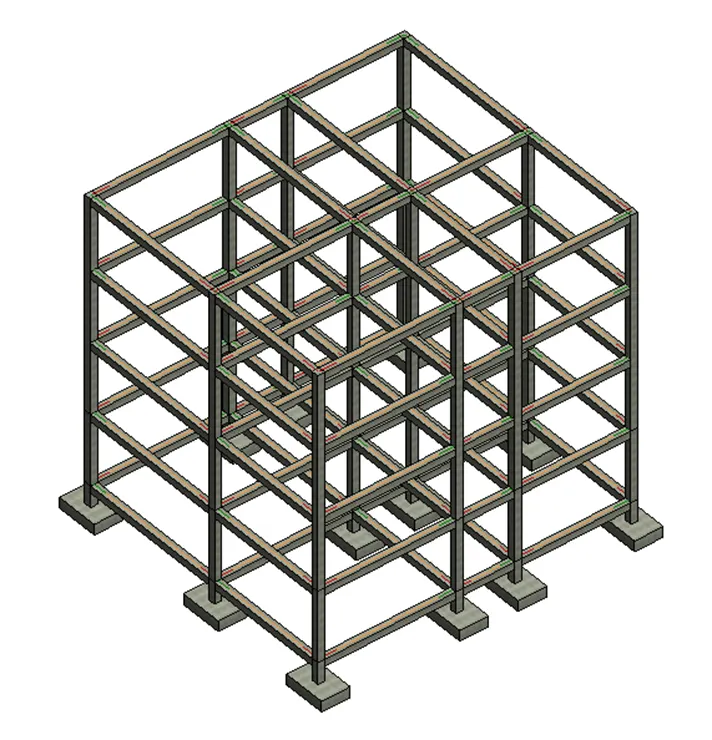
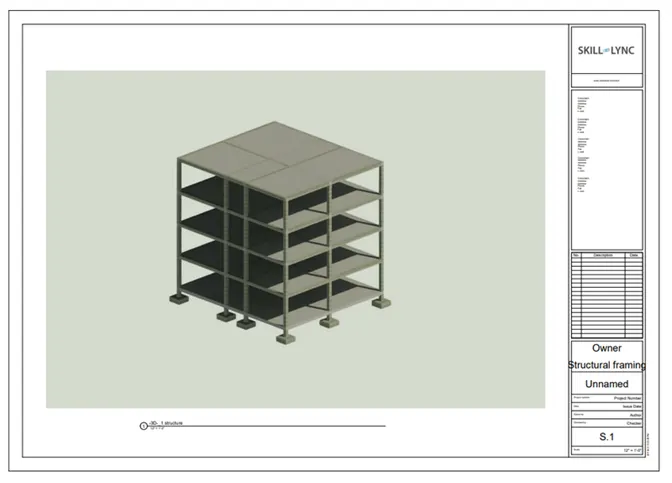
Next we turn the layout to the 3D view, as shown below.
Again add the beams and columns up to the fourth floor level, as shown below.
Step:-6
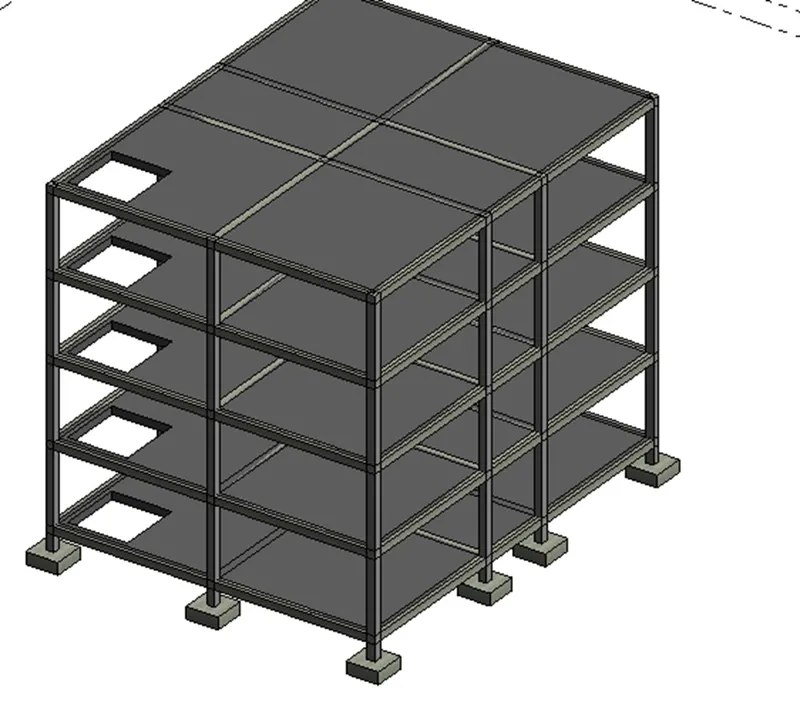
Next we add the floors upto the fourth floor as shown in the below figure.
Step:-7
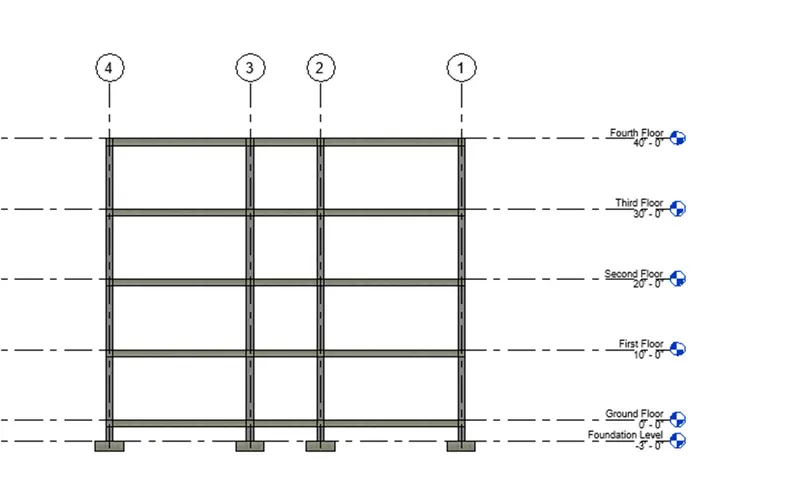
Next we turn the 3D model to the side views, as shown in the below figure.
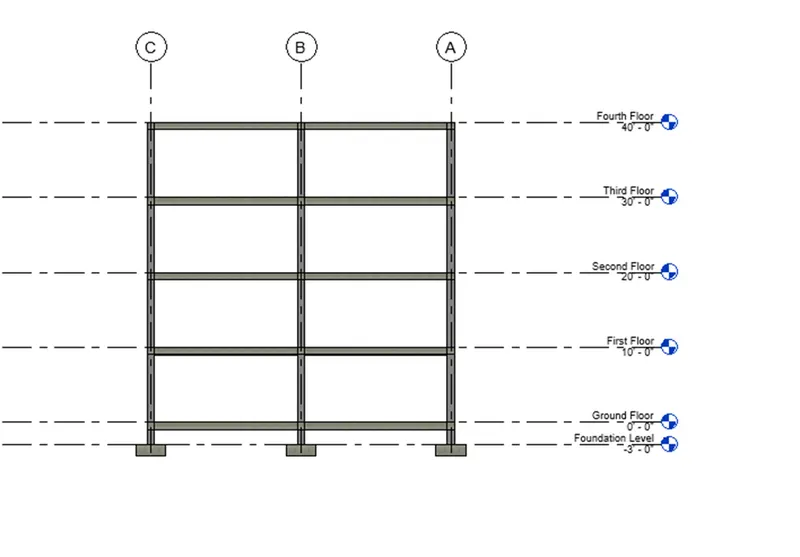
RESULT:-The given components are successfully included based on the type of structure using the structural model.
4) Using the architectural model, include the following components based on the type of structure selected
a. Wall Layout with appropriate material and finishing
b. Exterior façade with fancy finish
c. Interior partition walls to size rooms
d. Components to add details to a room ( Desk, Chair, Lighting, Plumbing fixtures)
e. Add components such as stairs Elevators
f. Have at-least one side of the building with curtain walls and glass panels
g. Include interior and exterior lighting fixtures
h. Place proper topographic components from outside ( Trees, Parking, Plants) to add details to the model.
AIM:- To include the given components based on the type of structure selected using the architectural model.
INTRODUCTION:-
Partition-walls are a significant component of a building design. Without partition walls, a building's plan cannot be decorative or structured.
Lighting fixtures come in a wide variety of styles for various functions.
The most important functions are as a holder for the light source, to provide directed light and to avoid visual glare.
Some are very plain and functional, while some are pieces of art in themselves.
Nearly any material can be used, so long as it can tolerate the excess heat and is in keeping with safety codes.
PROCEDURE:-
Step:-1
We add the different materials to the wall and finishing has done, as shown below.
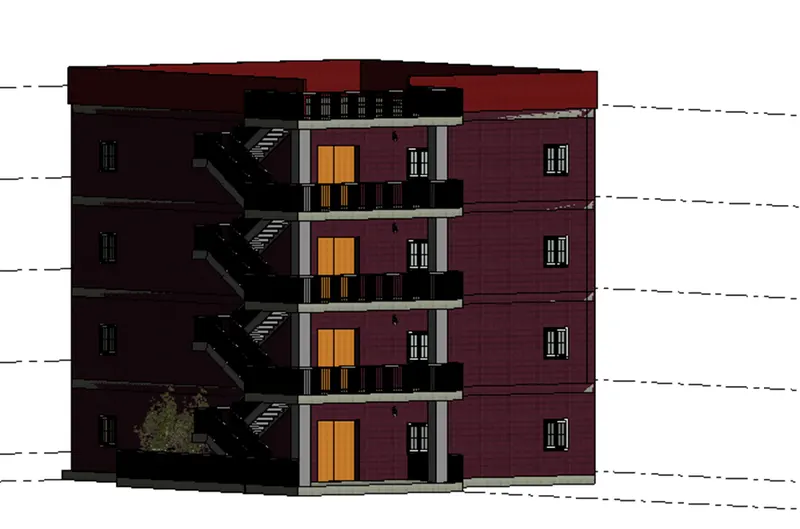
Step:-2
Next we add the interior partition walls, as shown in the below figure.
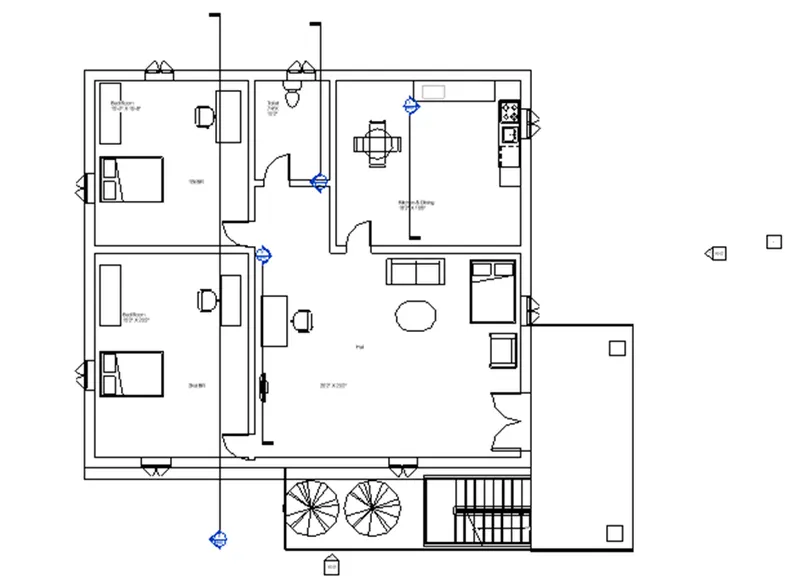
Step:-3
Next we render the bed room as shown below.
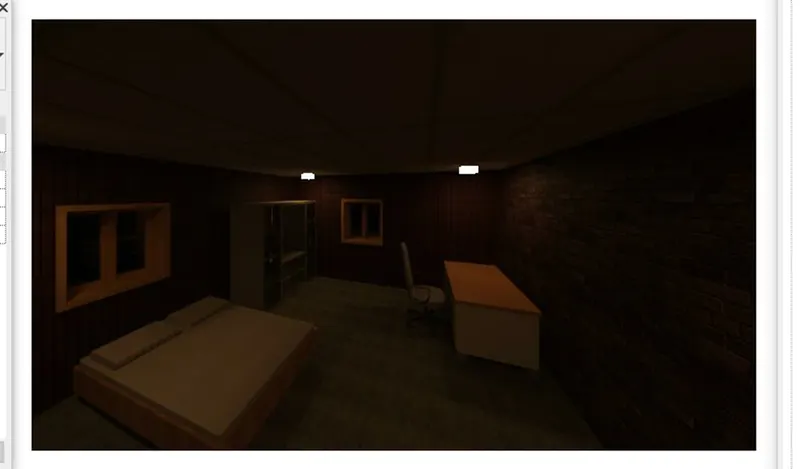
Step:-4
Next we render the Living room as shown below.
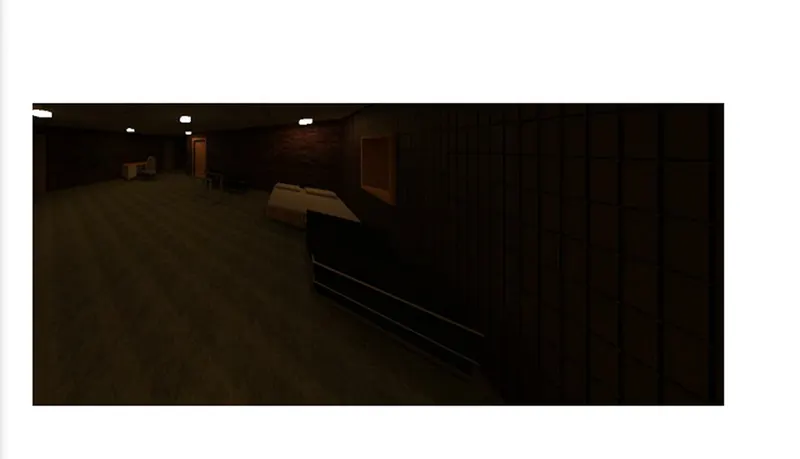
Step:-5
Next we render the kitchen room as shown below.
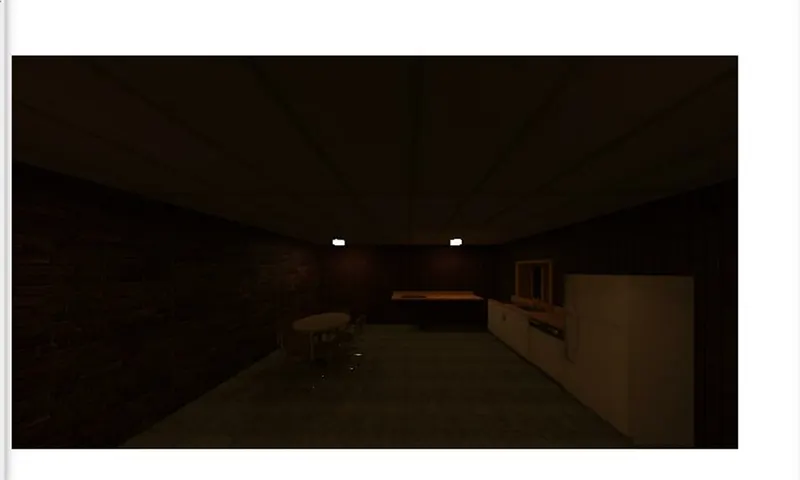
Step:-6
Next we render the Entrance with exterior lights as shown below.
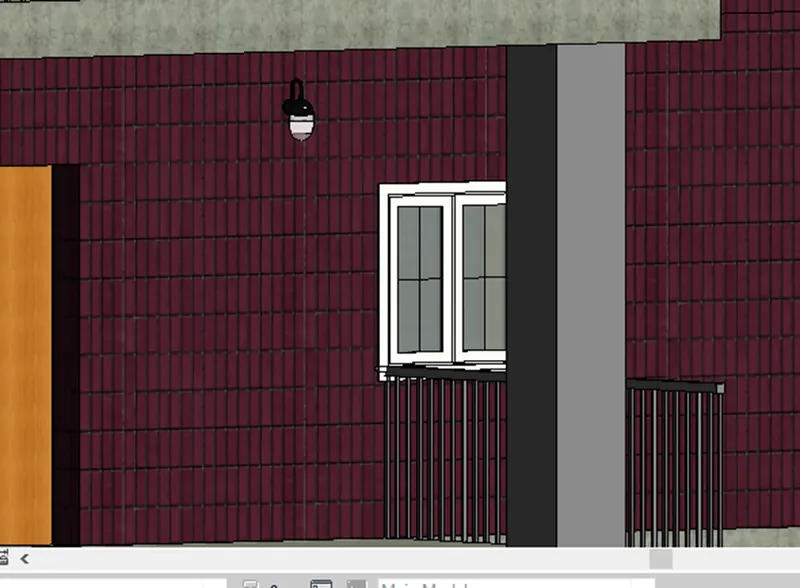
Step:-7
Next we render the whole building, as shown in the below figure.
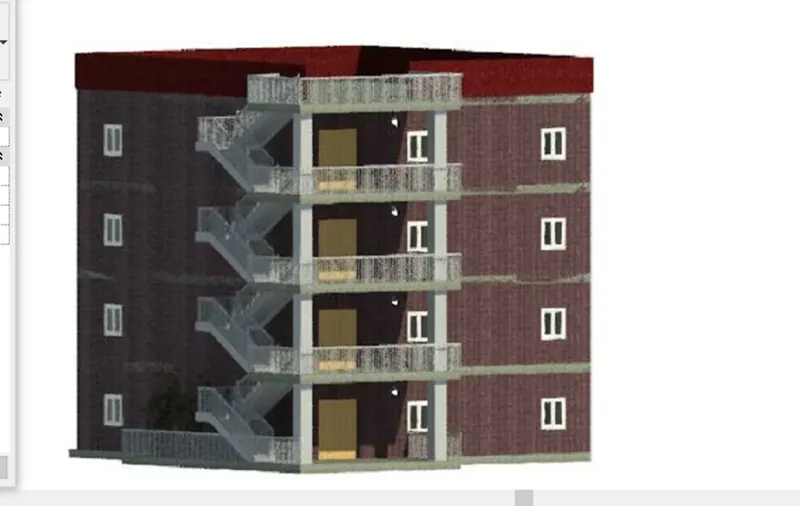
RESULT:-
The given components are successfully included based on the type of structure using the architectural model.
5) Provide a set of drawings in an architectural and structural model to list the following details with categories and appropriate sheet templates included
a. Floor Plans with Annotations
b. Elevations
c. Sections
AIM:- To provide a set of drawings in an architectural and structural model to list the given details with categories and appropriate sheet templates included.
INTRODUCTION:-
Floor plans are the most critical element of your house plans.Drawn to scale and shown from above, floor plans illustrate how rooms, spaces, and physical features work in relation to each other within the home.
They’re the key documents that show how people will move through the space and interact with their home.
Floor plans show the extent to which a space will work for its intended purpose.
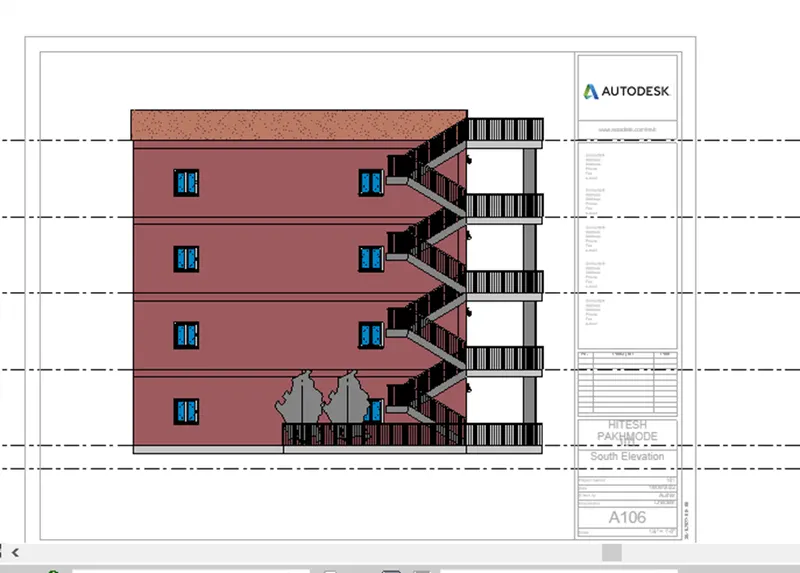
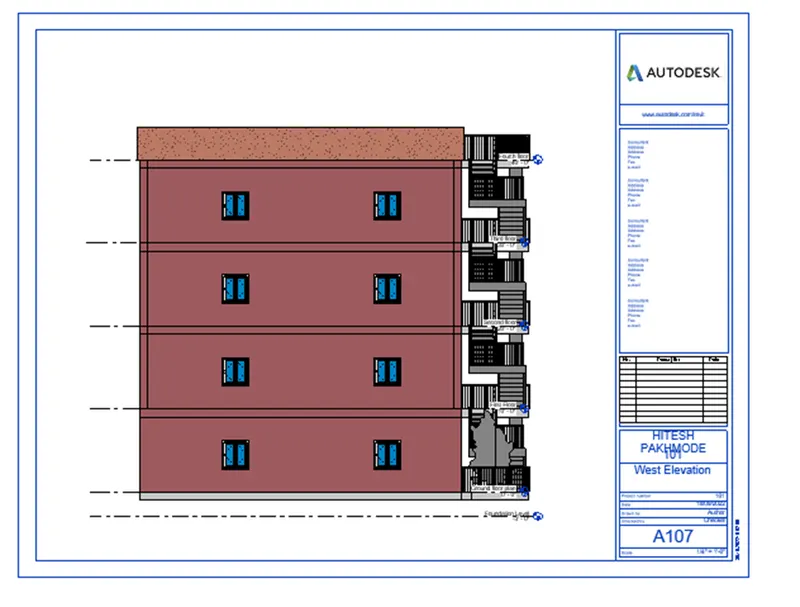
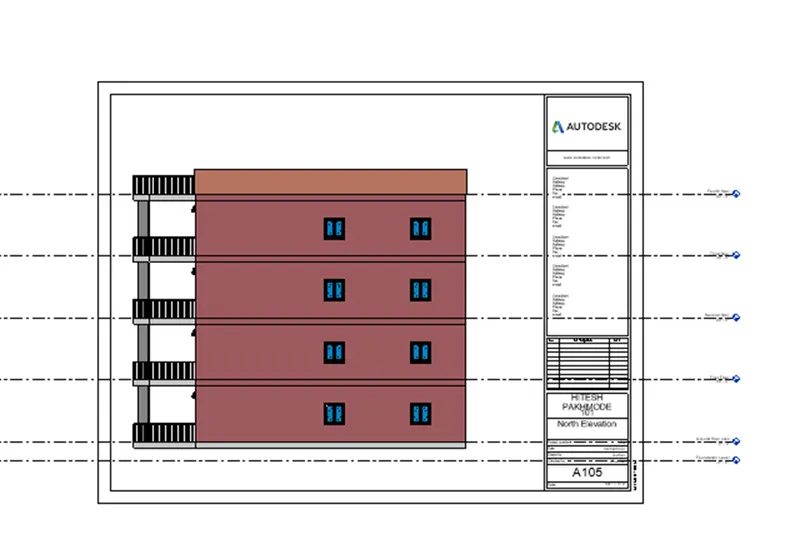
An elevation is a view of a building seen from one side, a flat representation of one view.
This is the most common view used to describe the external appearance of a building.
Each elevation is labelled in relation to the compass direction it faces, e.g. looking toward the north you would be seeing the southern elevation of the building.
Sectional views reveal hidden details in a mechanical drawing.
These views assume that a cutting plane has removed portions of the object represented by the drawing, displaying the appropriate section of the interior.
Sectional views are used in engineering and architectural drawings.
They help civil engineers, architects, and airplane designers communicate their ideas to their peers.
PROCEDURE:-
Step:-1
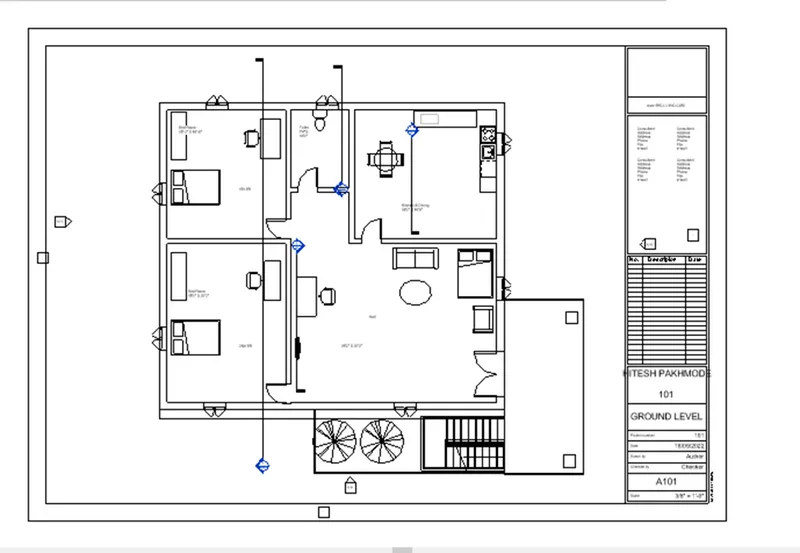
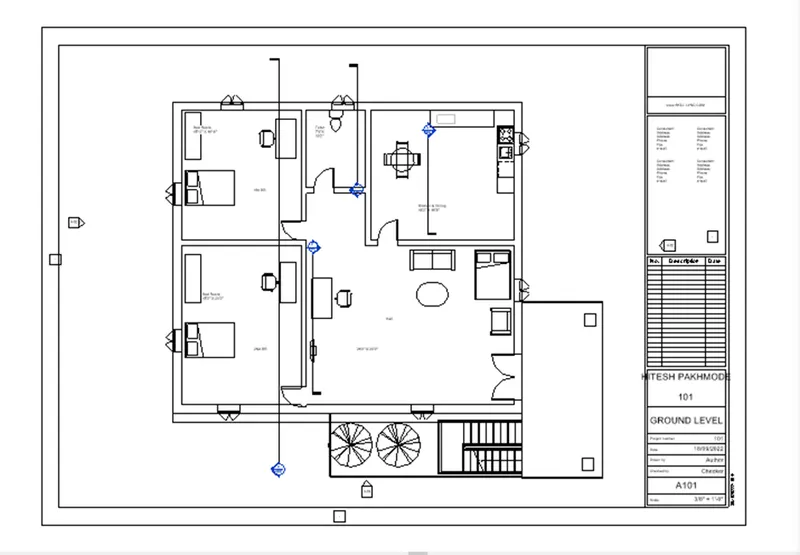
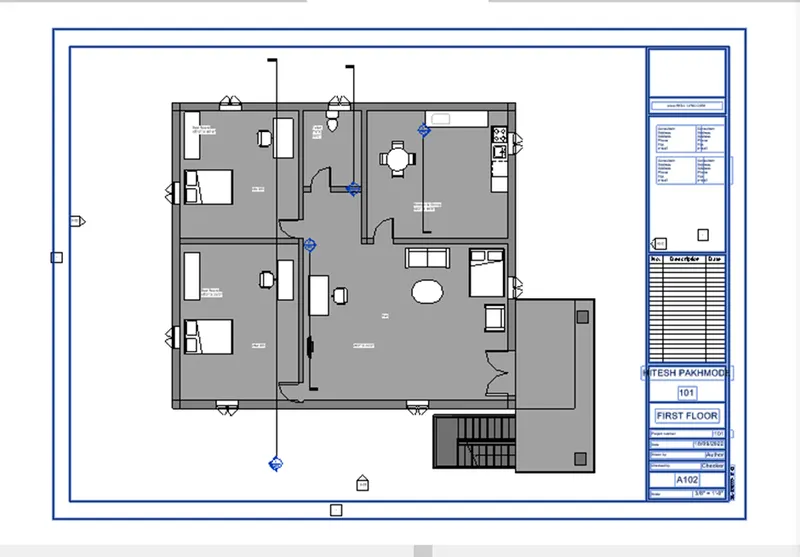
First we add the ground floor plan in the sheet, as shown below.
Step:-2
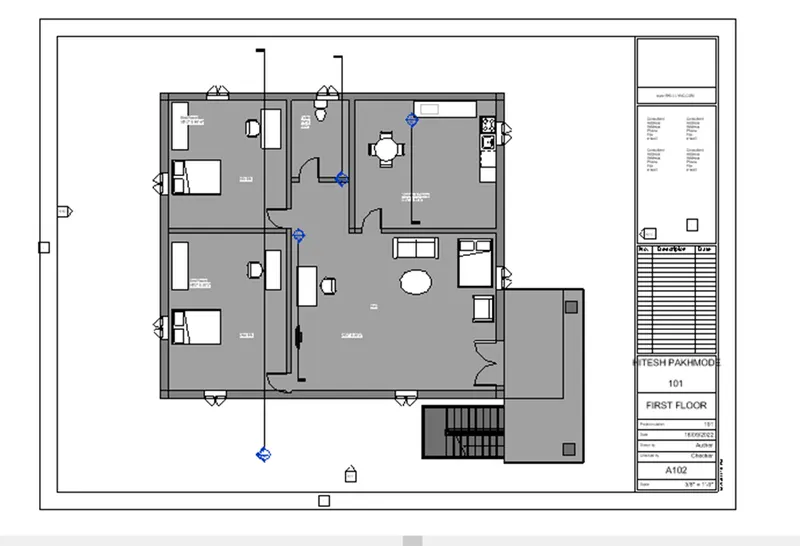
Next we add the first floor plan in the sheet, as shown below.
Step:-3
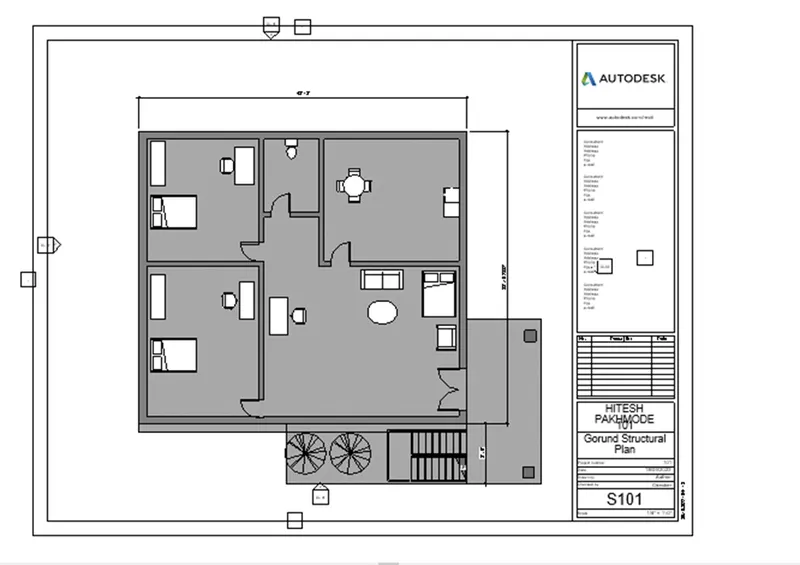
Next we add the Ground floor structural plan in the sheet, as shown below.
Step:-4
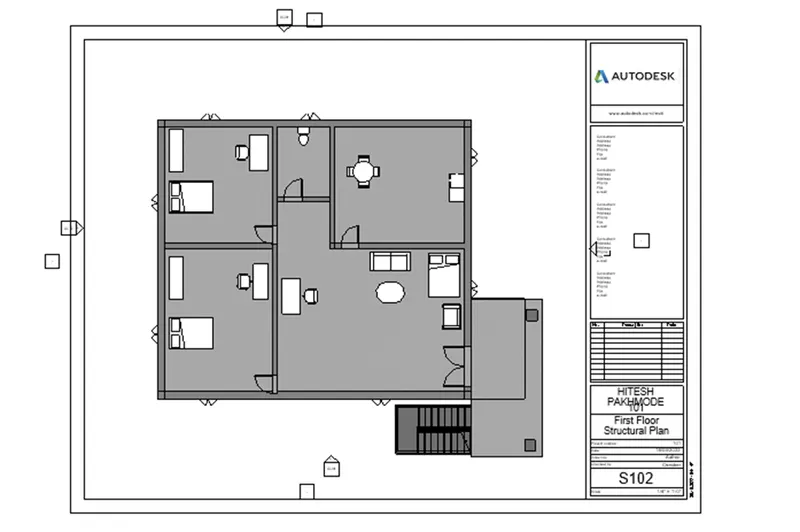
Next we add the First floor structural plan in the sheet, as shown below.
Step:-5
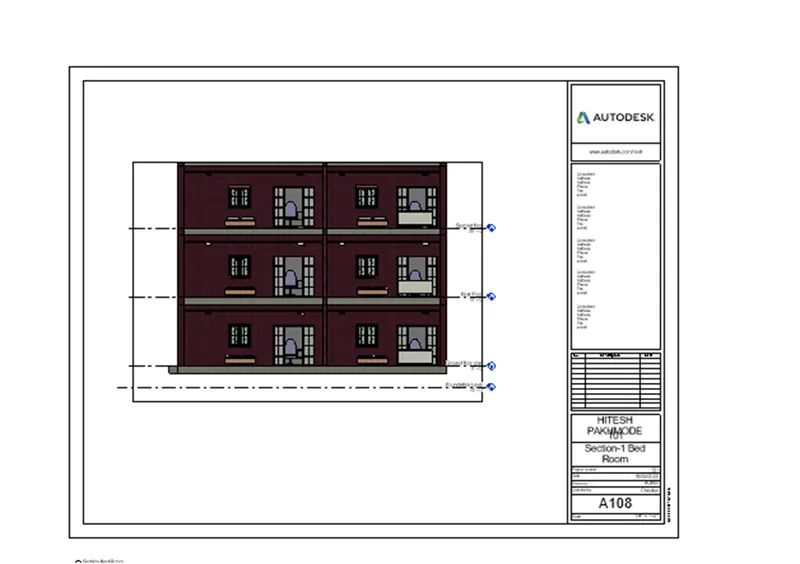
Next we add the Section-A in the sheet A-108, as shown below.
Step:-6
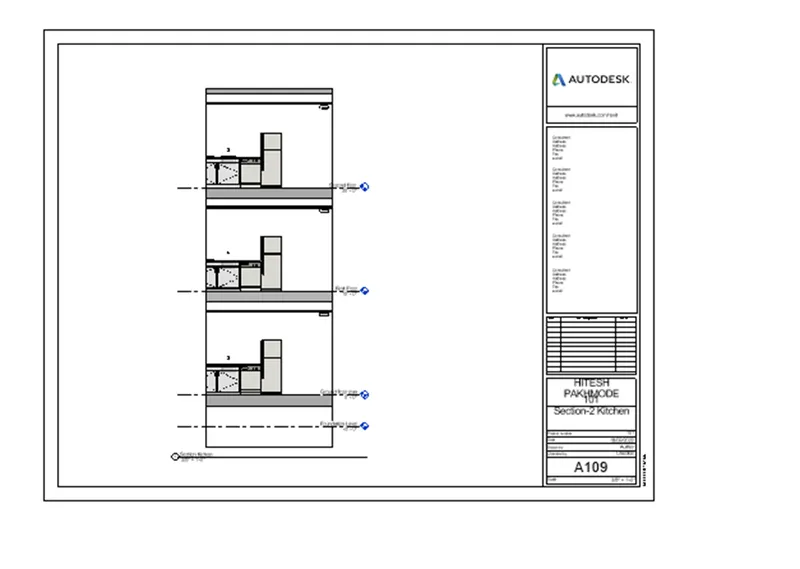
Next we add the Section-B in the sheet A-109, as shown below.
Step:-7
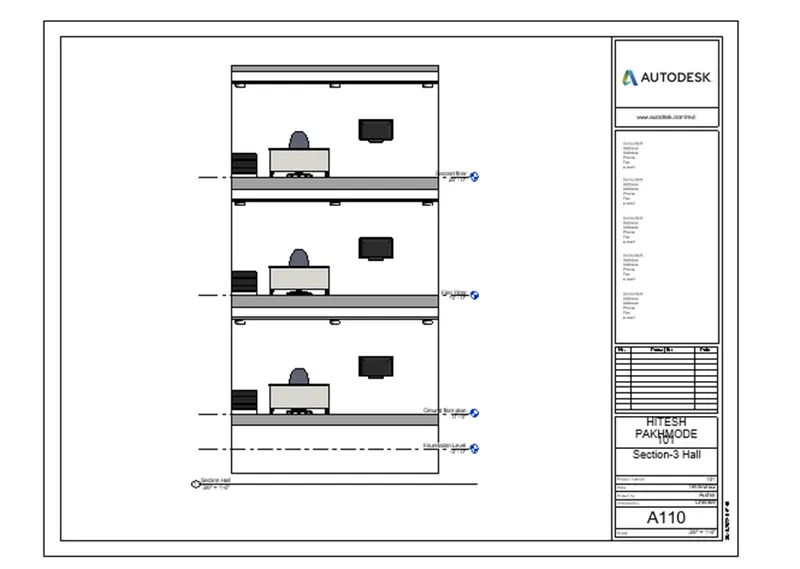
Next we add the Section-C in the sheet A-110, as shown below.
Step:-8
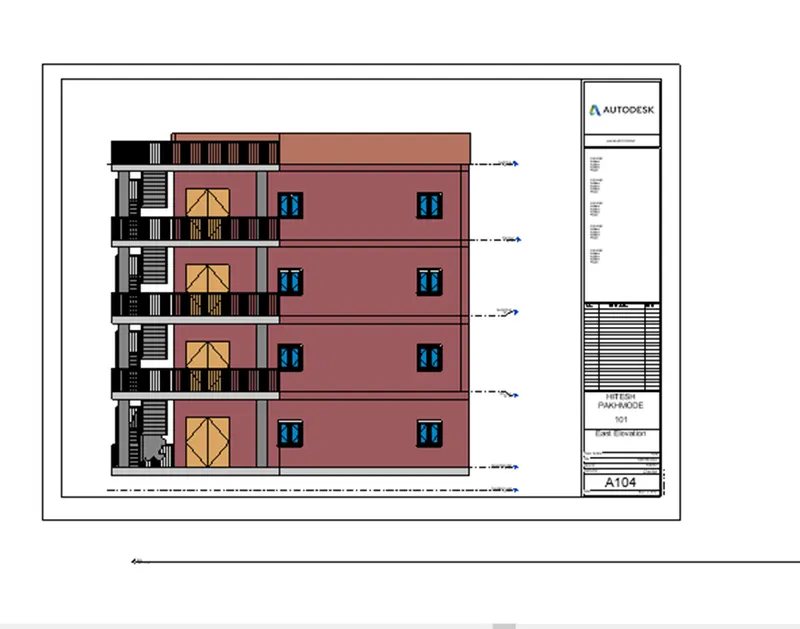
Next we add the Front elevation in the sheet A-104, as shown below.
Step:-9
Next we add the Left elevation in the sheet A-106, as shown below.
Step:-10
Next we add the Back elevation in the sheet A-107, as shown below.
Step:-11
Next we add the Right elevation in the sheet A-105, as shown below.
RESULT:-
Provided a set of drawings in an architectural and structural model and listed the given details with categories and appropriate sheet templates included.
6) Using the Rendering settings, Render images of the 3D model produced and include the rendered images to the drawing sheets
a. Rendering from interior rooms
b. Rendering from out showing topographic features
c. Rendering through structural framing
AIM:- To render images of the 3D model produced and to include the rendered images to the drawing sheets using the rendering settings.
INTRODUCTION:-
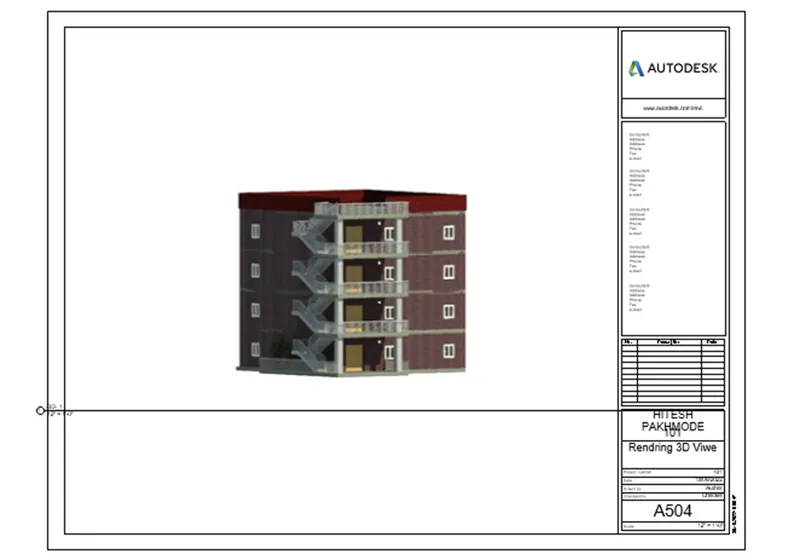
Render the view to create a photorealistic image of the 3D model.
After preparing the 3D view and using the Rendering dialog to select desired settings, click Render to render the image.
Revit begins the rendering process, rendering the entire image progressively. Revit displays a progress dialog, which shows information about the rendering process.
PROCEDURE:-
Step:-1
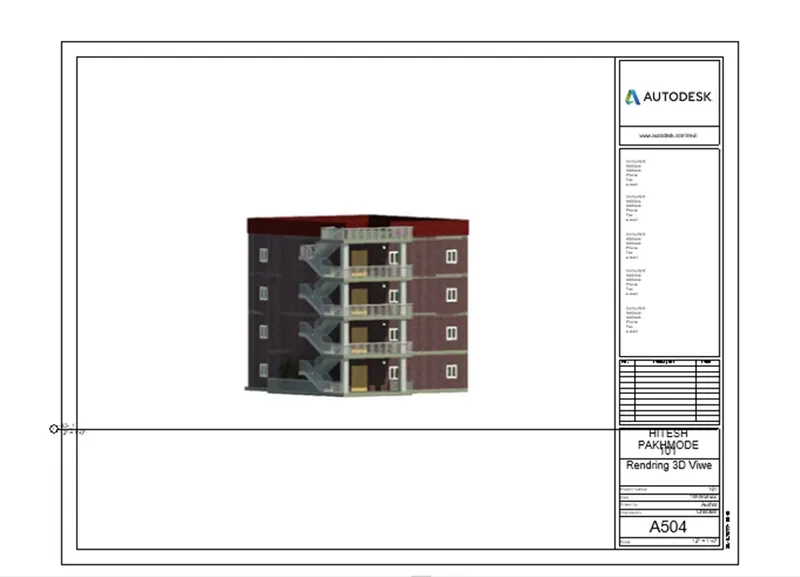
First we add the rendering view of residential building in the sheet A-504, as shown below.
Step:-2
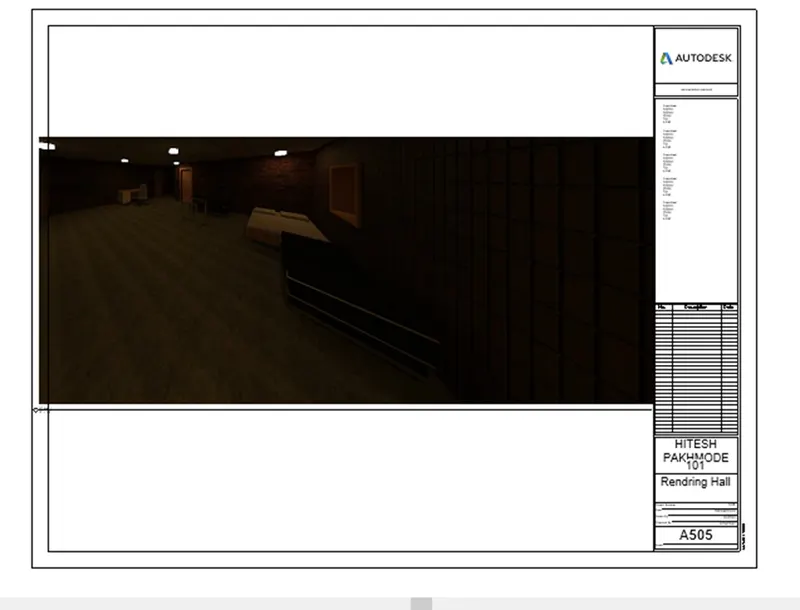
Next we add the rendering view of Living room in the sheet A-505, as shown below.
Step:-3
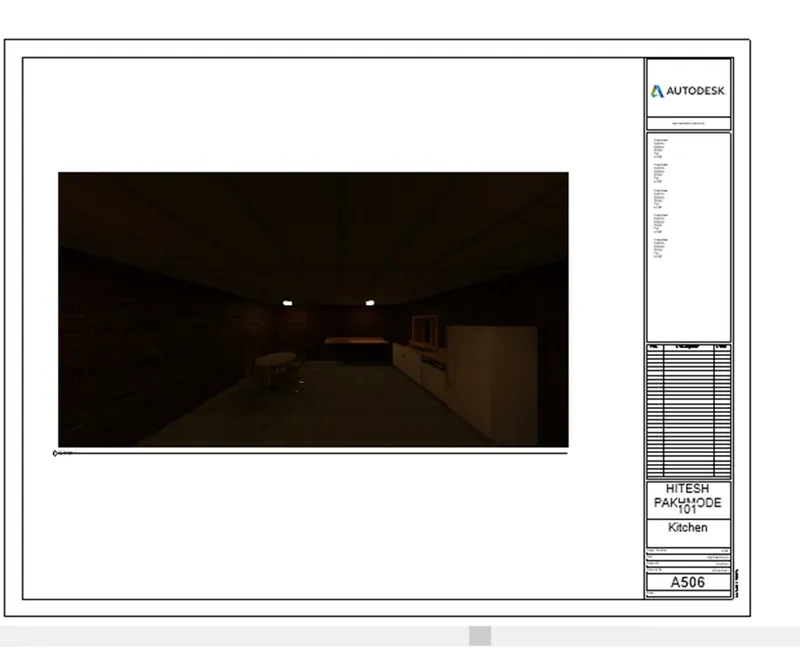
Next we add the rendering view of Kitchen room in the sheet A-506, as shown below.
Step:-4
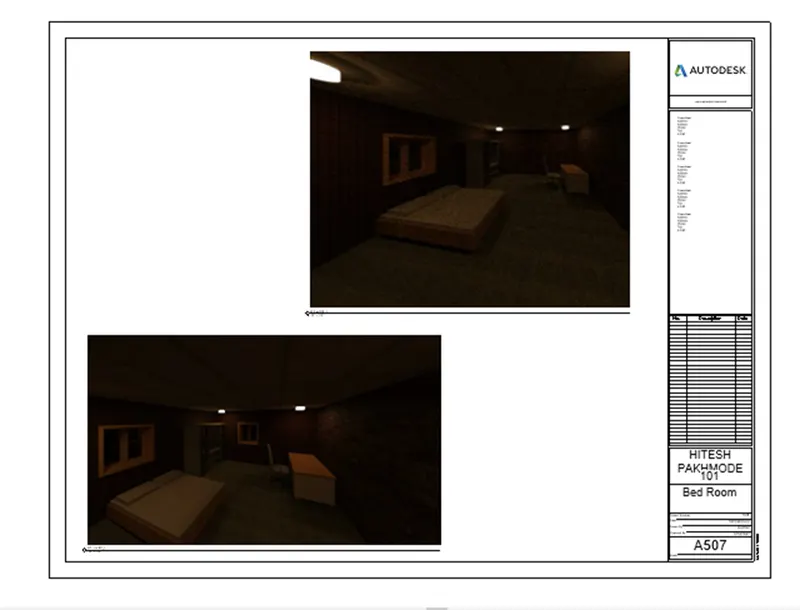
Next we add the rendering view of Bed room in the sheet A-507, as shown below.
Step:-5
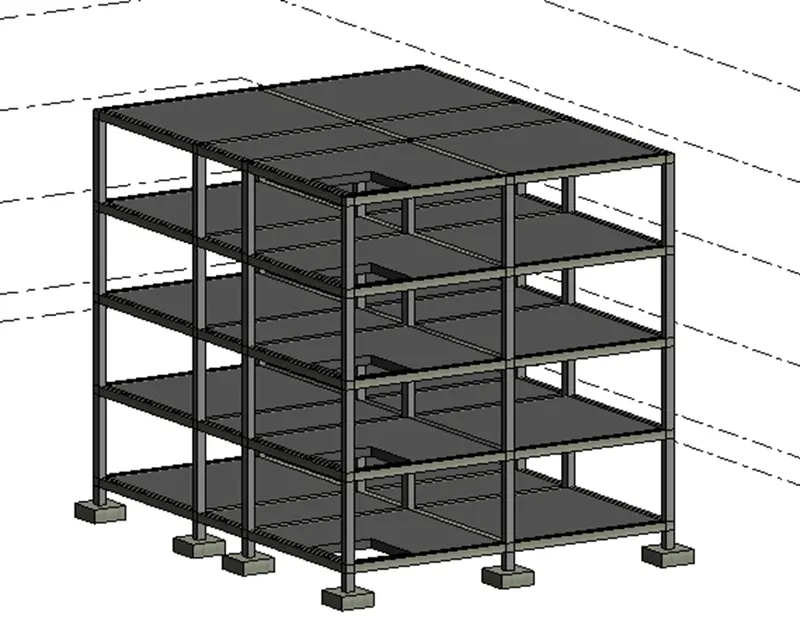
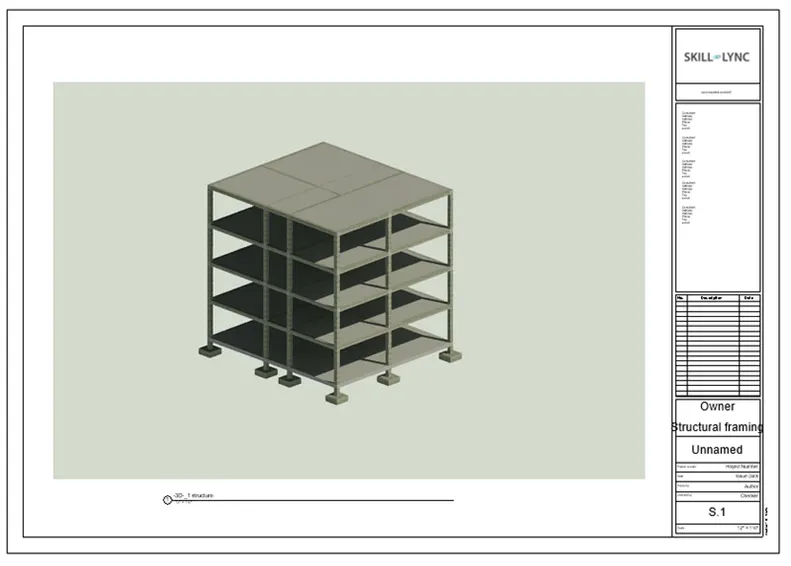
Next we add the rendering view of Structural framing of a building in the sheet S-1, as shown below.
RESULT:-
The all rendered images of the 3D model is successfully included in the drawing sheets.
7) Print the set of drawing sheets created and submit the drawings from the architecture and structure model.
AIM:- To print the set of drawing sheets created and to submit the drawings from the architecture and structure model.
INTRODUCTION:-
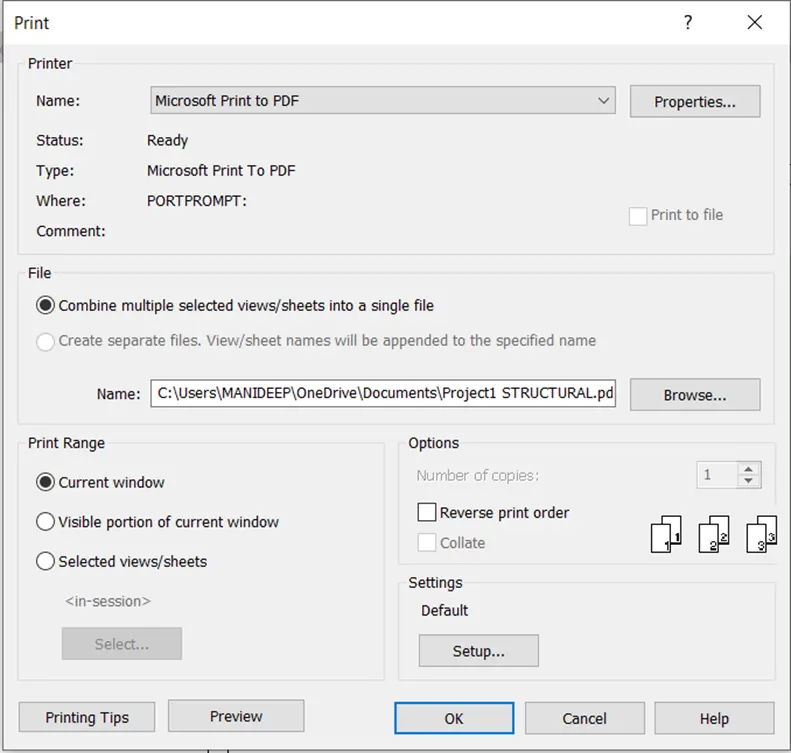
The Print tool prints the current window, a visible portion of the current window, or selected views and sheets.
You can send the desired drawings to the printer, to a PRN or PLT file, or to a PDF file.
PROCEDURE:-
Step:-1
First we use the print tool to print the drawings, as shown below.
Step:-2
After printing the drawings, we open the printed drawings, as shown below.
RESULT:-
The set of drawing sheets are printed successfully.
And submited the drawings from the architecture and structure model.