Challenge 8 : Concept Modeling of Seats
CONCEPT MODELLING OF SEATS
Objective:
This project aims to create a surface for vehicle seats by visualizing the image
Introduction:
In this project, we are going to see the tools which were used in creating curves, surfaces, and continuities. The tools I have used and where it is used will be covered in detail in this project.
Methodology:
In this project, I have used a different approach for modeling the seat. In the starting process, I have used the image provided to generate the model as per the guidelines. I have done the seat model using a side view and visualizing the image provided by analyzing shadows and highlights. let's see the process in a flowchart.
Flowchart:
Importing the image and visualizing the image, by analyzing shadows and highlights before starting to model
↓
Starting to model by using a plane and square command
↓
By using appropriate tools modeling the part of the seat
↓
By using the trim command to trim the surface out of the model wherever necessary
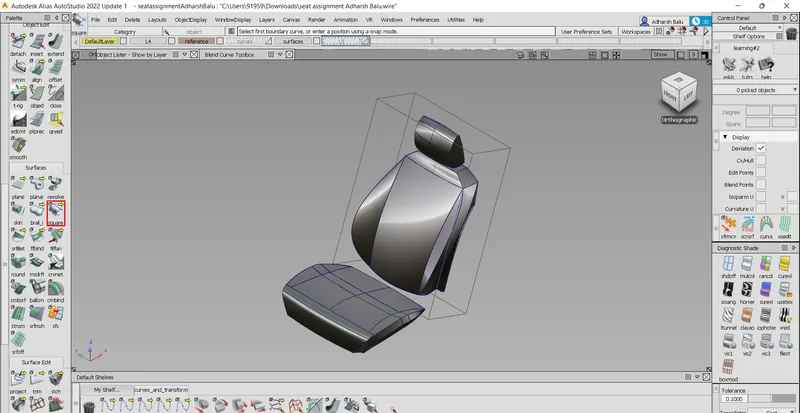
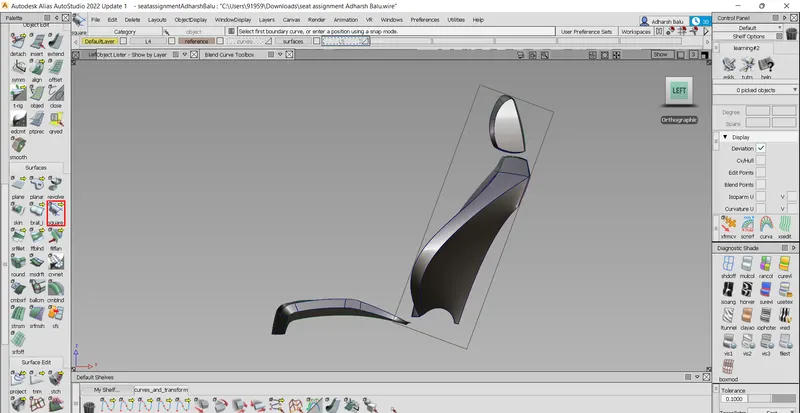
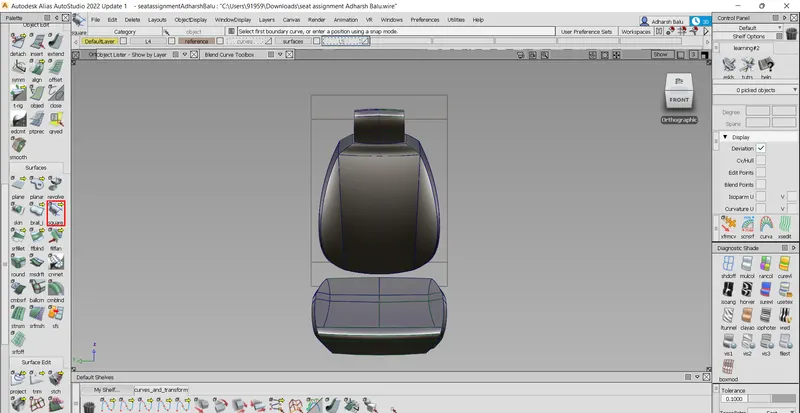
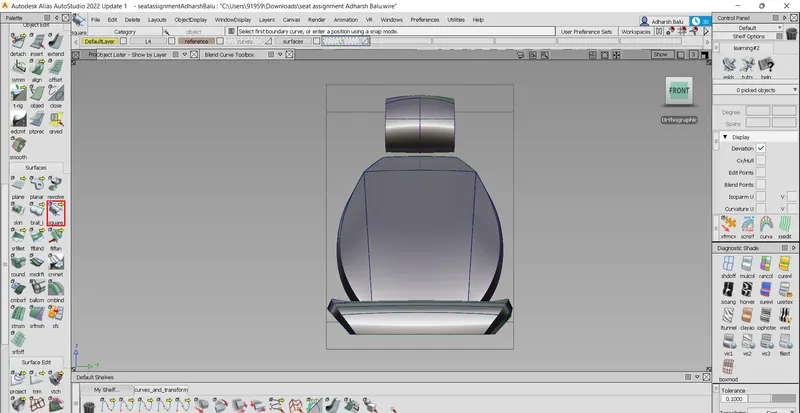
Description:
- Square tool - used when there is a four-sided curve that is completely interlaced without any gap
- Rail tool - used when there are 1 rail and 2 generation curves and 2 rail curves and 1 generation curve
- Attach and detach tools- attach and detach tools are used for attaching and detaching any surface or curves, commonly used to separate the spans in the curves
- Duplicate curve tool - duplicate curve tool duplicates the curves
- Align tool - align tool aligns the surface end to meet the requirement with respect to continuity
- Free form blend tool - is used to create a blend surface between 2 surfaces or curves
- Blend curve tool - used to create a blend curve between two endpoints
- Expandtool - used to expand a curve or surface beyond its current endpoint
- Project tool - used to project a certain curve to a surface, which is later used to trim or split
- Multi-surface draft tool - used to extrude single or multiple curves with angle or normal straight surfaces
- Surface continuity tool - used to check the continuity between surfaces
- Intersect tool - similar to project tool, used to project the curves on the surface at the intersections between the existing surface
- trim tool - Used to trim or split the surfaces using curves on surfaces, which is used after using the project or intersect tools
Conclusion:
Here the project is completed and the corresponding tools were successfully learned and executed wherever necessary.