Challenge 8 : Concept Modeling of Seats
Title of the Project:
CONCEPT MODELING OF AN CAR SEAT
Objective:
In this tutorial we can learn the the curves network and the surfaces to build the car seating
Introduction:
In this model we learned how to create the curve using the blue prints and the Hypothetical surfaces to create the patch layout using the curves
Design methodology / approach:
Concept modeling car seating by importing the blue print of the seat in alias using the import canvas images option,then we have to create the bounding box or the dimension box for reference.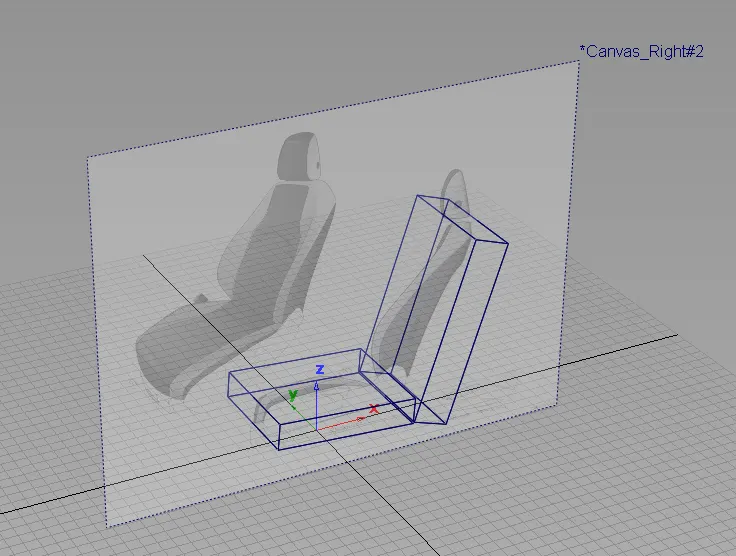
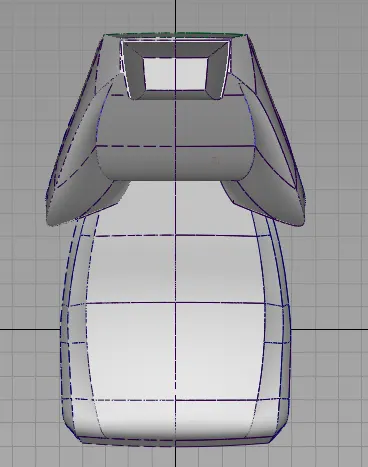
Then we have to creat the headrest curves and surfaces and then we have trim the surface around to have the sharp model then we have symmtry the layer to check the contiunity and the shape of the head rest for this modeling we use the command called the Rail surface and free form blend tools.
Next by following the blueprint we have to create the back support inner surfaces by using the rail command and curves afterthat we have to create the back surface of the back support and the side surface of the back support the we have to create the booster for the support by using the rail and freeform blend commands.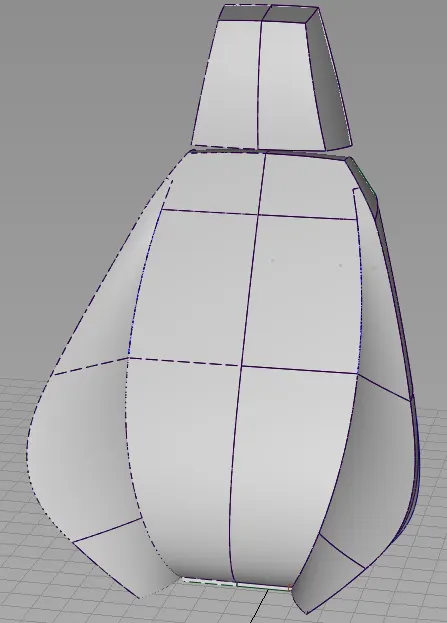
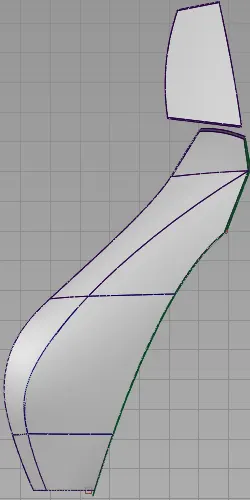
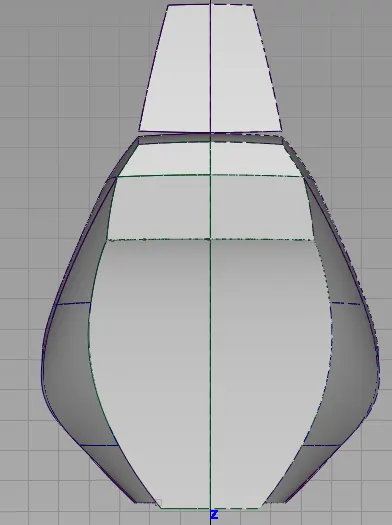
The we have to go for the bottom seating support for that we have to follow the same methods used before firt we have to creat the bottom inner support support then we have to crate the bottom booster and the lower support surfaces then finally we have to fillet the sharp models and the we have to mave symmetry of the model.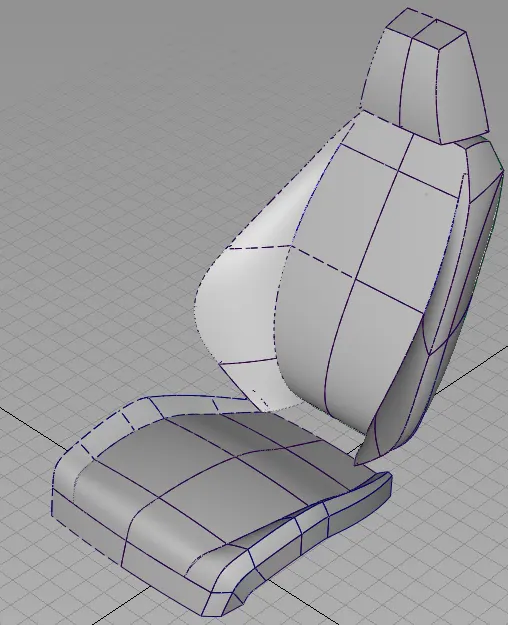
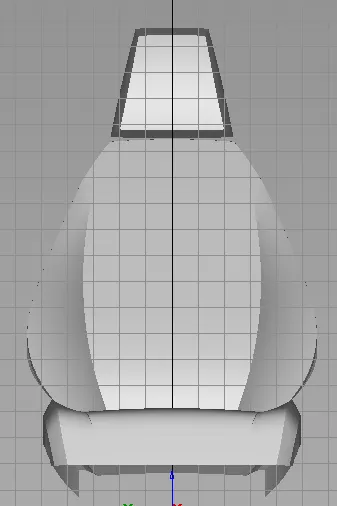
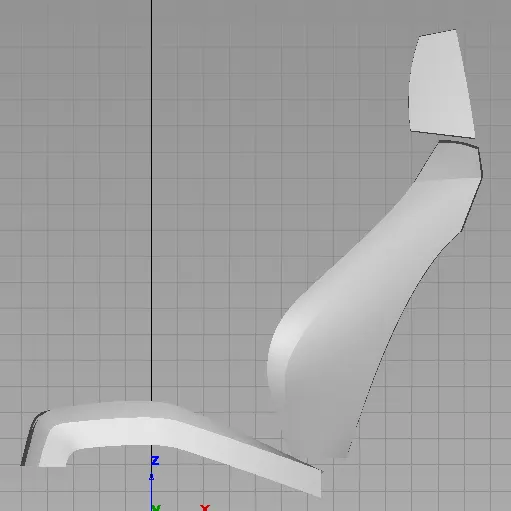
Conclusion:
By following the above methods and tools we can able to model the car seat in alias by step by step method.