Challenge 7 : Concept Modelling of Steering Wheel
Surface modelling of car Steering Wheel using ALIAS
OBJECTIVE:
To learn about, create the surface with reference to the curve tracing and know about which tool is used for create the surface and how do align it. Known about the check the continuity of surface and learn about how create inclined surface. Continuity of the surface is the most important to create the surface modelling.
INTRODUCTION:
The surface is gives to shape of the model which is very important to cad modelling. The surface is explained about the character of the cad like hard, soft, knurled etc., The surface is created by using different type of tools. Ex. The skin command, the rail command, the square command, the drift command, the Fillet command, and Plane which is used for create the surface in different conditions.
DESCRIPTION:
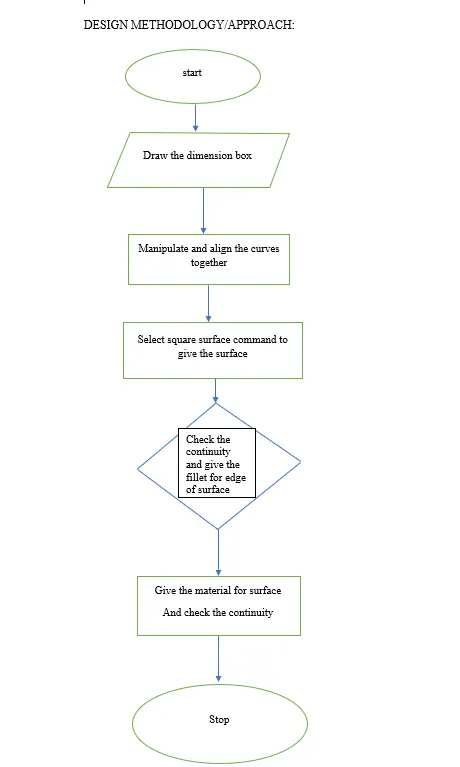
- Manipulate the curve tracing of car canvas images by using cv curves, bend curves.
- Align the all curves with respective to all views (Front, Top, Left side views)
- Align the curves together one and another for continuity.
- Create the surface using skin command, rail command and square which is required in corresponding places.
- Give the material to the surface for better visualization.
- Trim the unwanted curves and surfaces like intersecting of surfaces by using trim command.
- By using drift command to create the side part of the steering with recommended angle and length.
- By using fillet command, give the arc for the sharp edges.
- Check the continuity of surface.
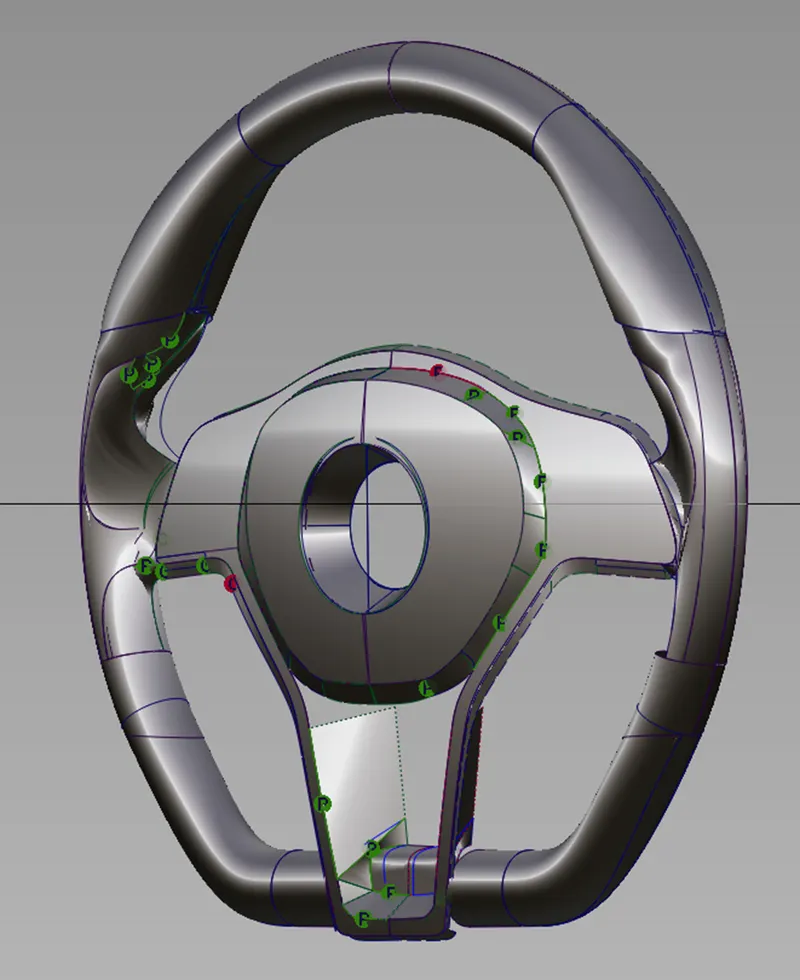
ISOMATRIC VIEW
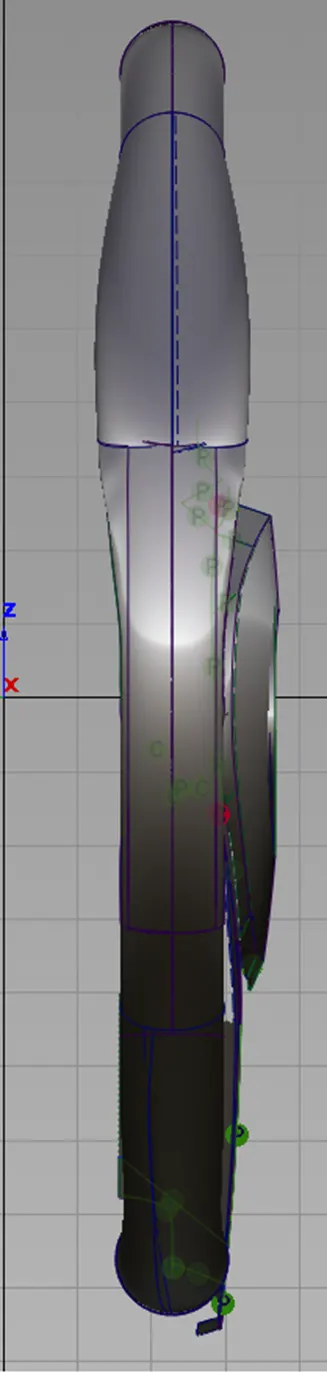
LEFT SIDE VIEW
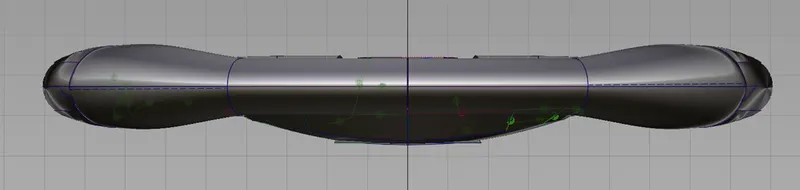
TOP VIEW
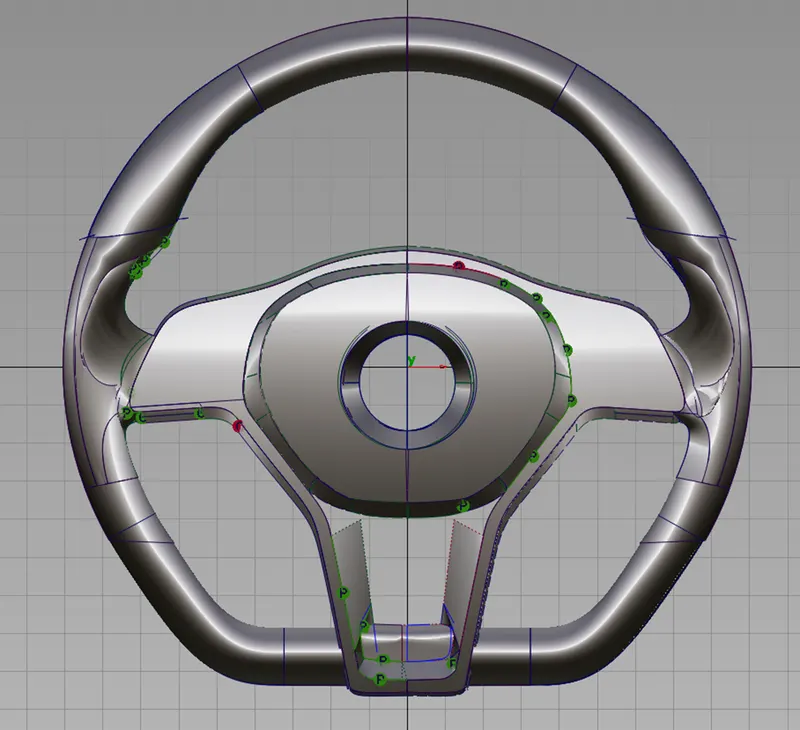
FRONT VIEW
CONCLUSION:
These project gives more experience in surface creating tools and trimming tools. Know about which tool is suitable for required places and which one select.