Challenge 4 : Concept Modelling of Alloy Wheel
Title of the Project
Concept Modelling of Alloy Wheel
TASK NO:1
Objective
To design the alloy wheel of the car by using the given blue print.
Introduction
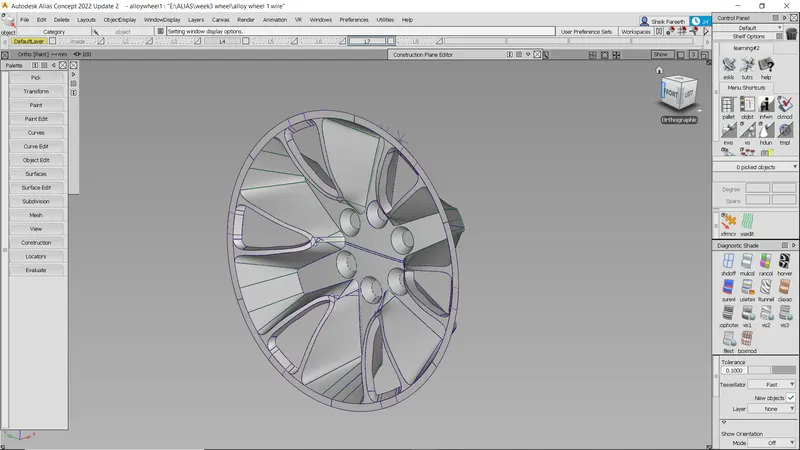
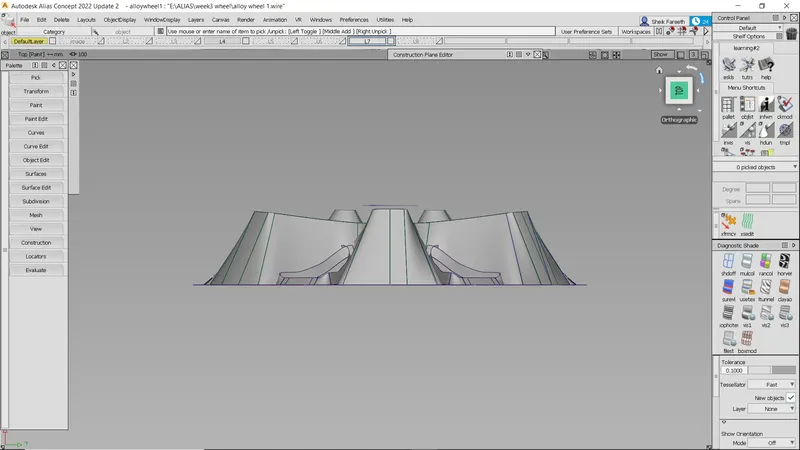
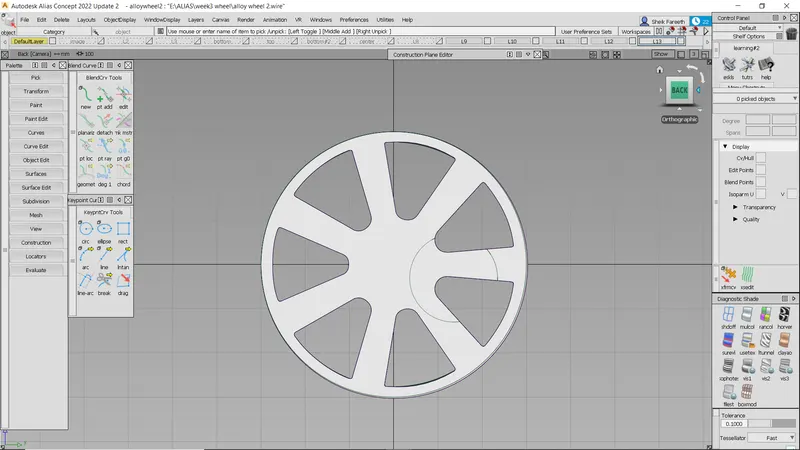
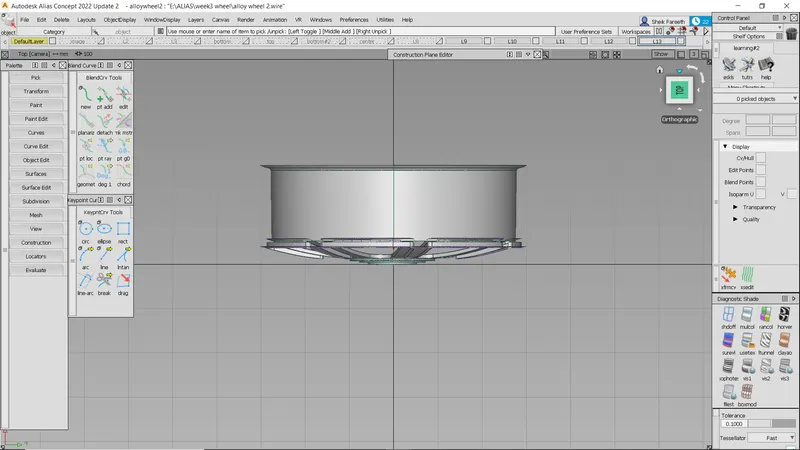
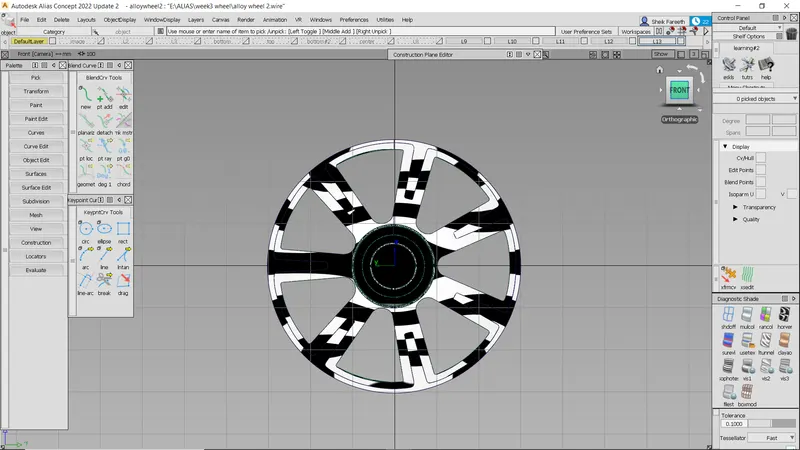
Surface of the alloy wheel has to created by using the given references images. By placing the
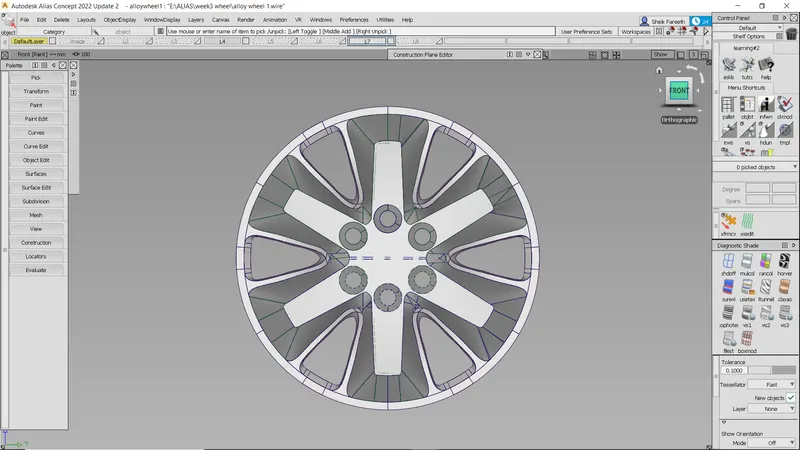
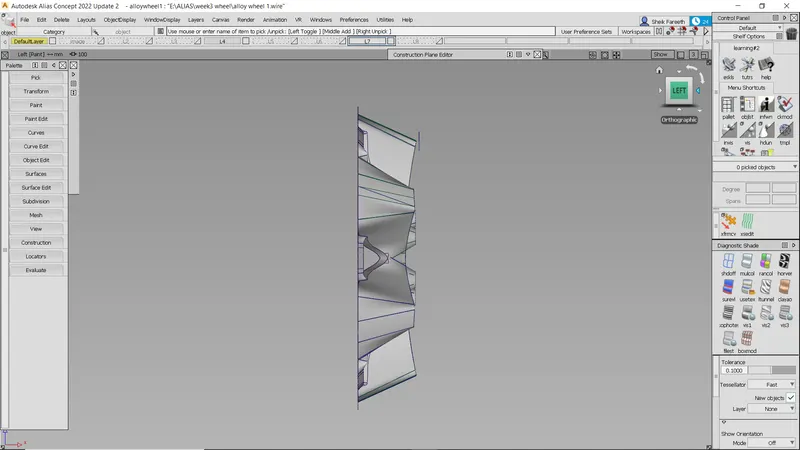
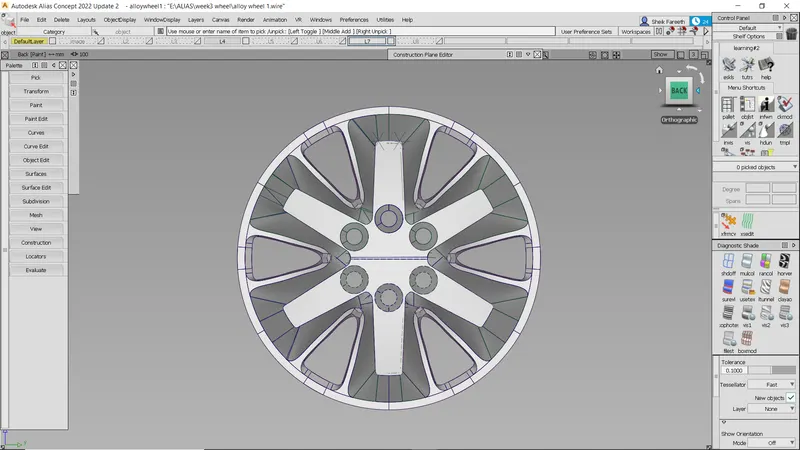
given image in the standard respective views ( front , side, top, back). By using the blue print
we can trace the curves of the surfaces.
Design methodology / approach
•create a outline of the alloy wheel cv
• the curves curves edit
• the surface of the car alloy wheel
• the surface surface edit
• the continuty srfcon
front view
side view
Back view
top view
Description
curves
•circle Used to create a circle
•cv crv Used to create a curve
•blend Used to create a blend
•line Used to create a line
curve edit
•dupl Used to duplicate the object
•brk in to break a line
object edit
•attach,detach used to attach and detach of the surface
•extend used to extend the surface
•symmentry used to make asymmentry of the surface
surface
•skin used to make a skin for the surface
•rail used to make a skin by using 2curves and 1 gen
•square used to make a skin by connect the 4curves
surface edit
•project to project the selected curves on the surface
•trim to trim the unwanted surface
symmentry
•used to create the symmentry of the curve
Conclusion
By using all this command , tools, blueprint, we can create the alloy wheel of the car
-------------------------------------------------------------------------------------------------
TASK NO:2
Objective
To design the alloy wheel of the car by using the given blue print.
Introduction
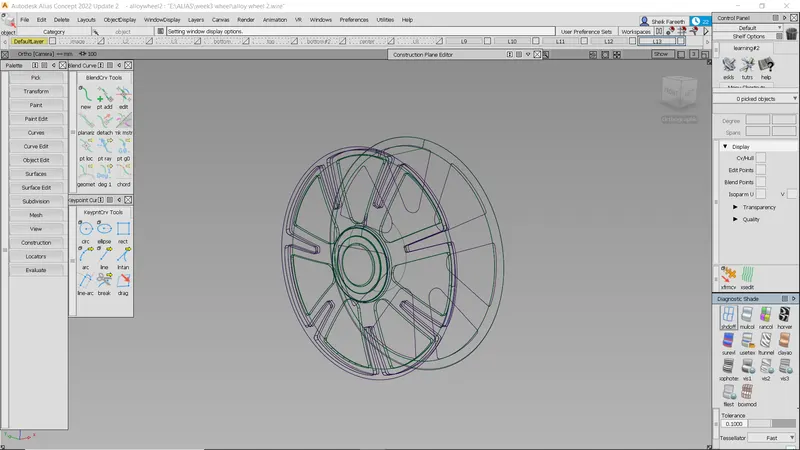
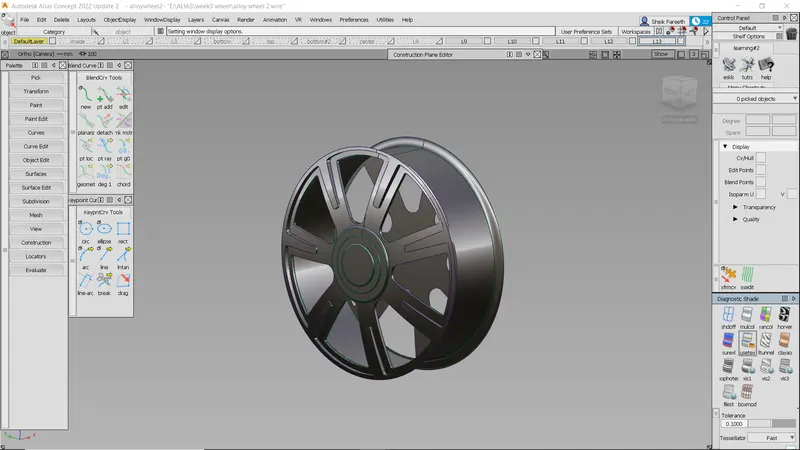
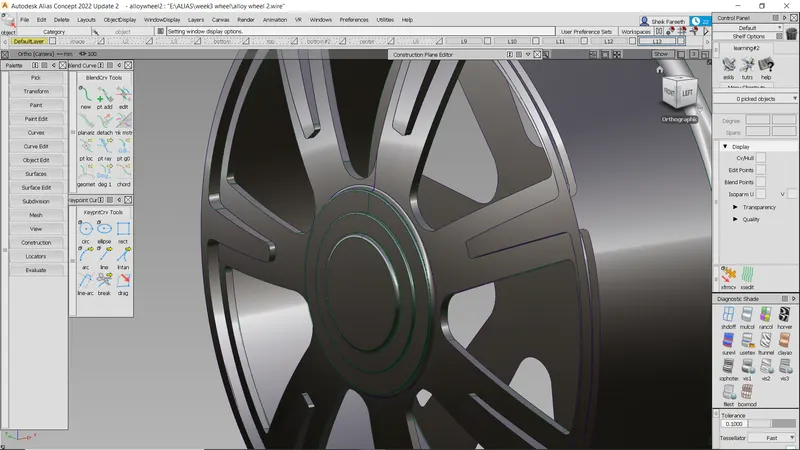
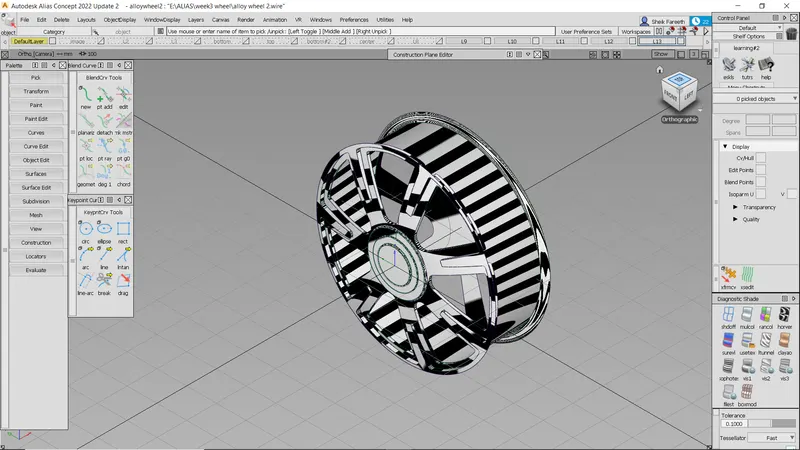
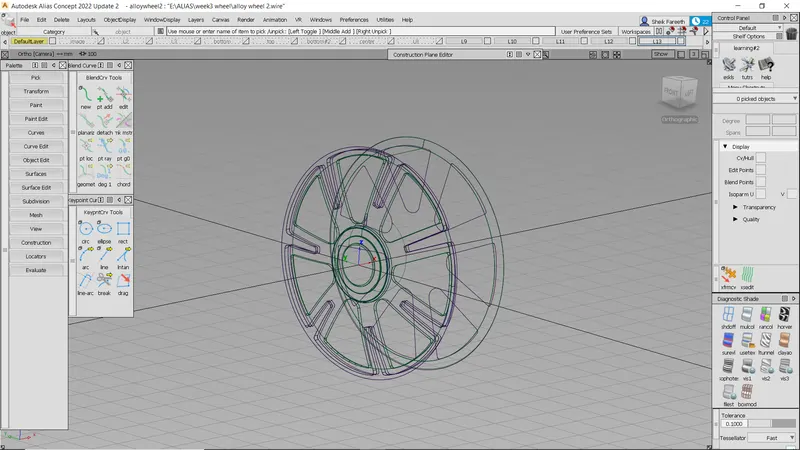
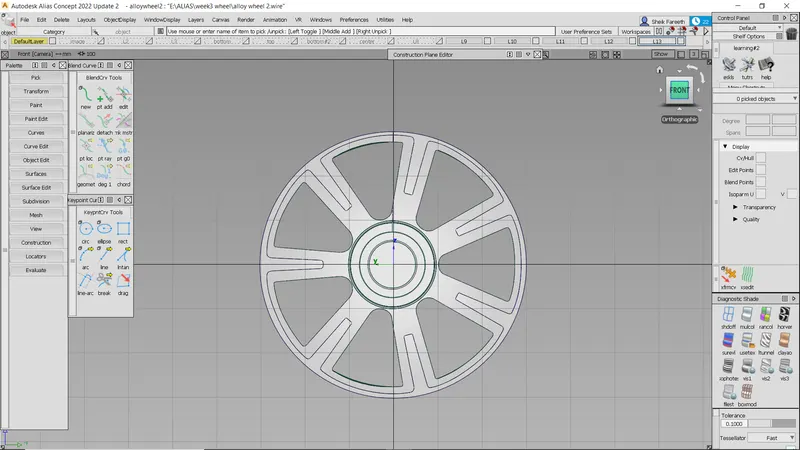
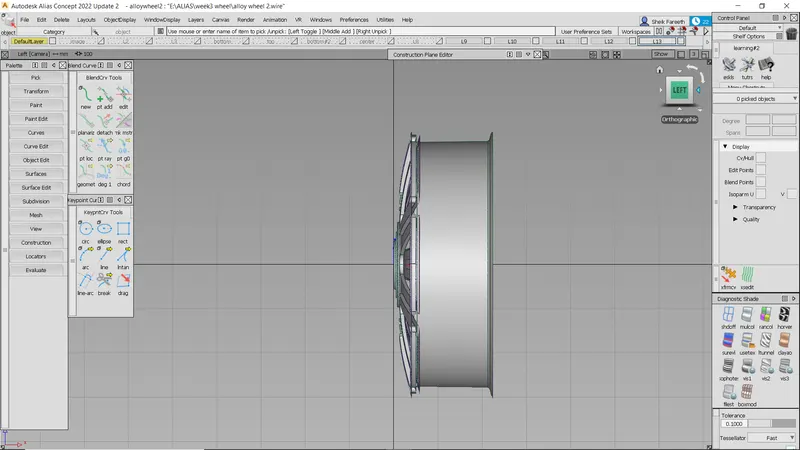
Surface of the alloy wheel has to created by using the given references images. By placing the
given image in the standard respective views ( front , side, top, back). By using the blue print
we can trace the curves of the surfaces.
Design methodology / approach
•create a outline of the alloy wheel cv
• the curves curves edit
• the surface of the car alloy wheel
• the surface surface edit
• the continuty srfcon
Description
curves
•circle Used to create a circle
•cv crv Used to create a curve
•blend Used to create a blend
•line Used to create a line
curve edit
•dupl Used to duplicate the object
•brk in to break a line
object edit
•attach,detach used to attach and detach of the surface
•extend used to extend the surface
•symmentry used to make asymmentry of the surface
surface
•skin used to make a skin for the surface
•rail used to make a skin by using 2curves and 1 gen
•square used to make a skin by connect the 4curves
surface edit
•project to project the selected curves on the surface
•trim to trim the unwanted surface
symmentry
•used to create the symmentry of the curve
front view
side view
back view
top view
Conclusion
By using all this command , tools, blueprint, we can create the alloy wheel of the car