Challenge 4 : Concept Modelling of Alloy Wheel
Title of the Project
- Alloy Wheel creation using blue print
Objective
- To design the Alloy wheel using blue print with good accuracy without changing the core design
Introduction
- Started with import of blue print to workspace & create using curves for visulisation & start creating surfaces ( front face , side faces & engineering area's ) .
Design methodology / approach
- using CV curves to create a outline of the alloy wheel shape .
- Using Skin , free form blend & rail commands to create the surfaces .
- check the continuties tangency frequently using evaluate command .
- split the problematic area's for continuty surfaces .
- using duplicate curves for top & bottom areas .
- using detach command to split the surfaces werever required .
- using trim , project & intersection to split the surfaces to get the required shape .
Description
- CV curves - curve creation
- FFBLND - create a blend surface with G0 & G2 continuties .
- MSDRFT - to create surface with draft .
- intersection - surface intersection
- trim & untrim - trim the intersection surfaces , untrim if not required .
- srfcon - to check the continuties
- ntb - surface coverstion ( nurves to bezier surfaces )
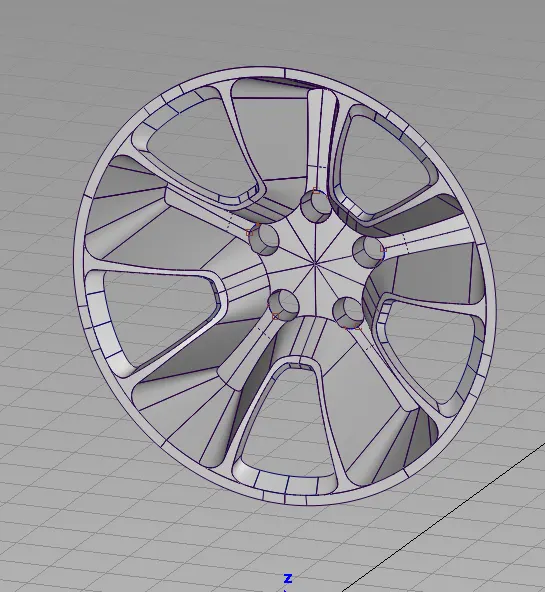
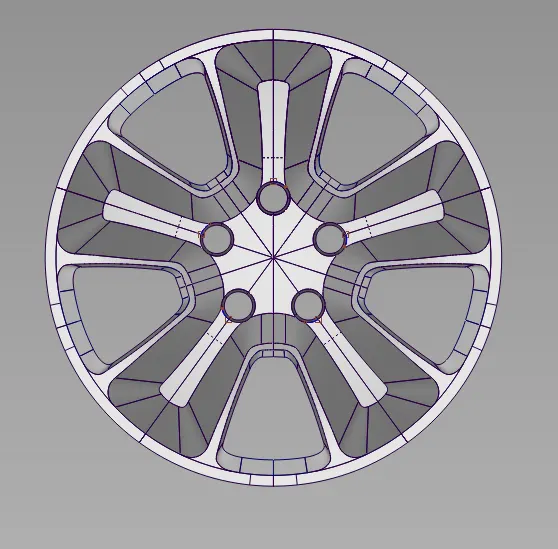
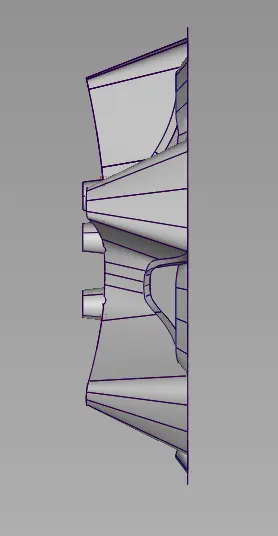
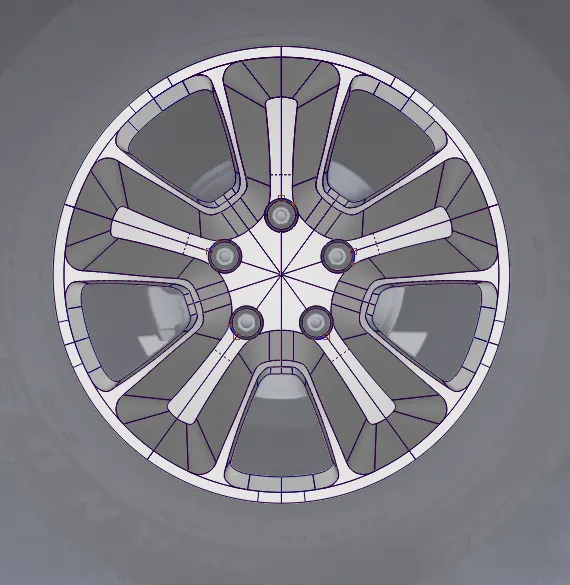
Conclusion
- We can design a alloy wheel using these command with good accuracy .
Thank you
Amarnath