Rendering Project
RENDERING PROJECT
OBJECTIVE: Our aim for this project is to render kia sportage and every other models that we have made so far.
INTRODUCTION: After you have created objects, lights, and shaders, you can bring these elements together in the final rendering process. Alias offers industry standard sizes and types of rendering with adjustable quality levels. Generally, the better the rendering quality required, the longer the renderer takes.
Alias offers a range of visualization techniques which are helpful in making a model. For basic visualization diagnostic shading is used and for higher visualization hardware shading is used.
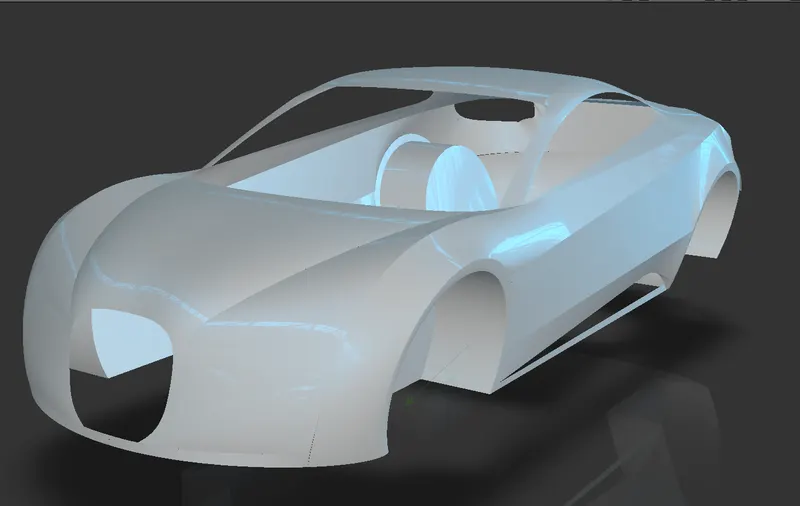
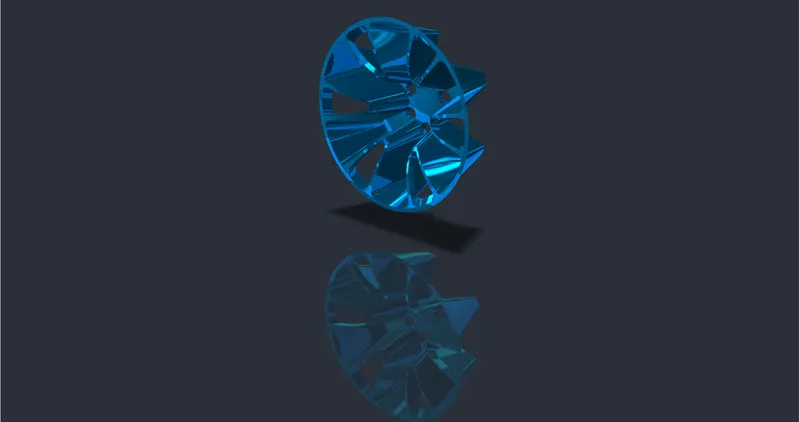
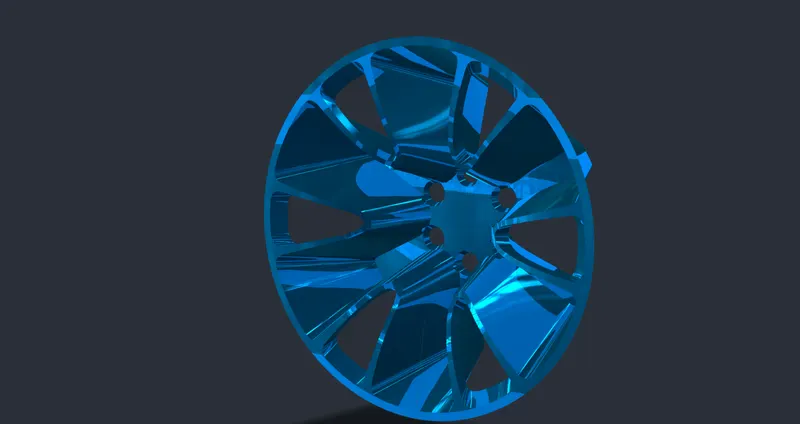
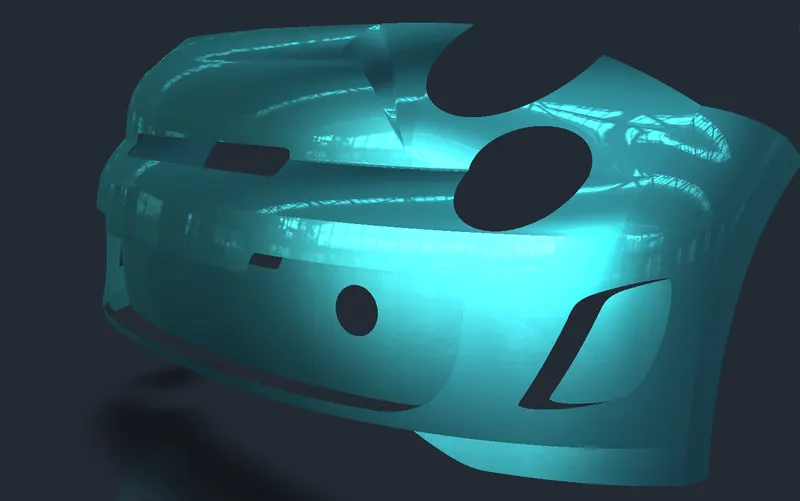
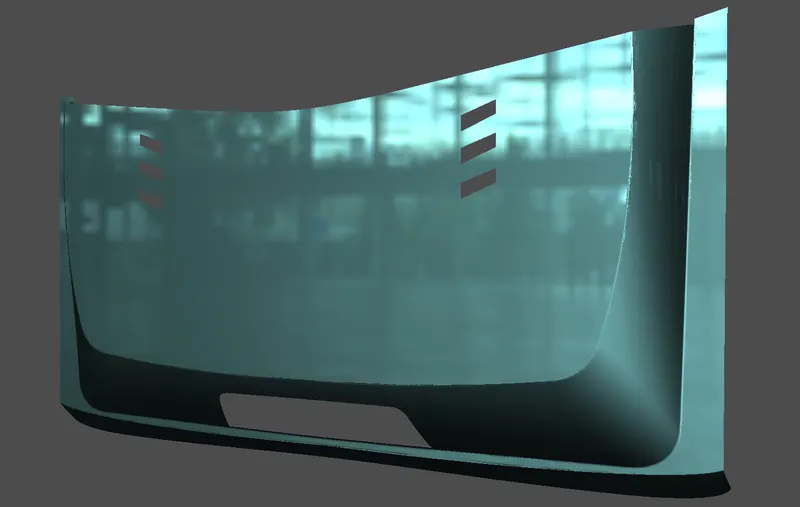
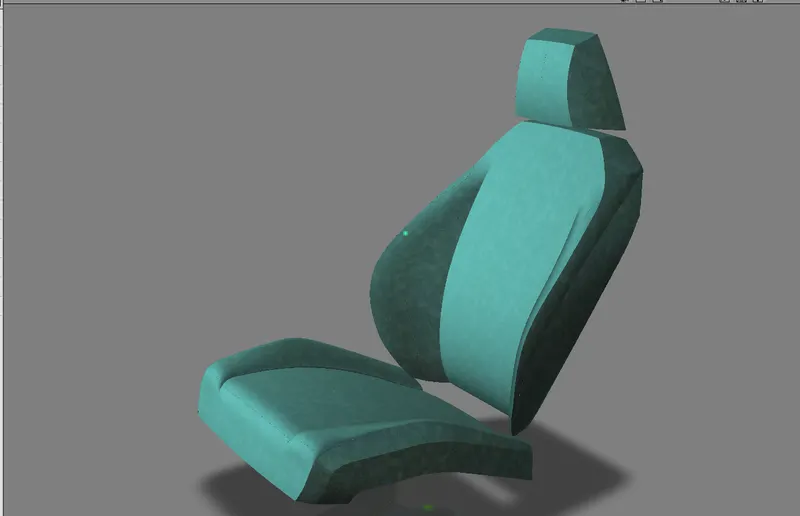
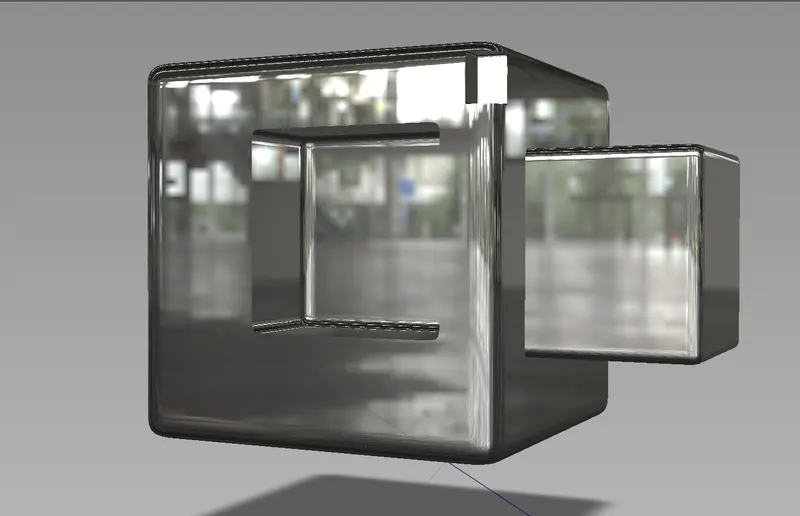
FOLLOWING ARE RENDERED IMAGES OF THE MODELS THAT WE HAVE DEVELOPED IN THE COURSE OF LEARNING.
Usually rendering is done for presenting the model. So after the model is completed various settings can be used to make the model look visually good. The settings differes from user to user hence the way model would look different from user to user.
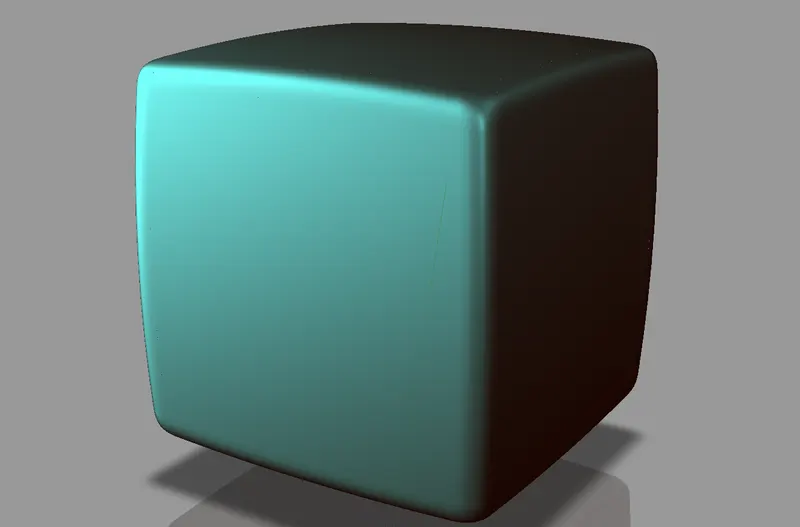
While basic visualization tool provides this king of image
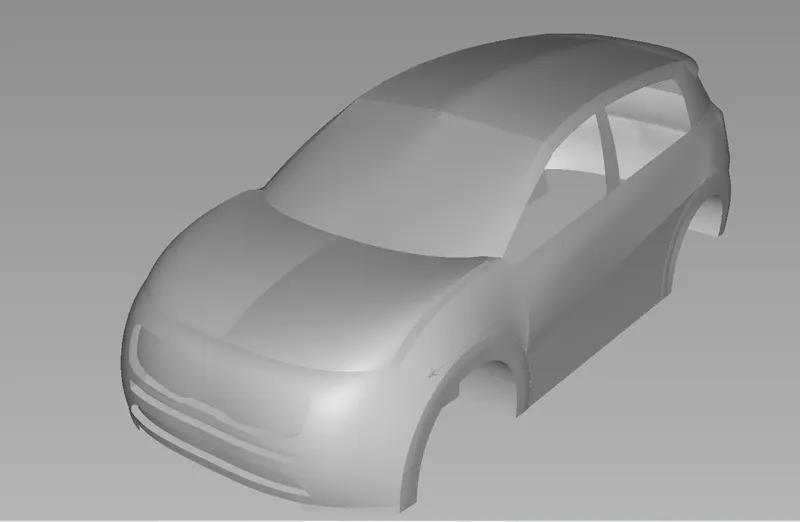
Higher visualization tool provides this look to our model.
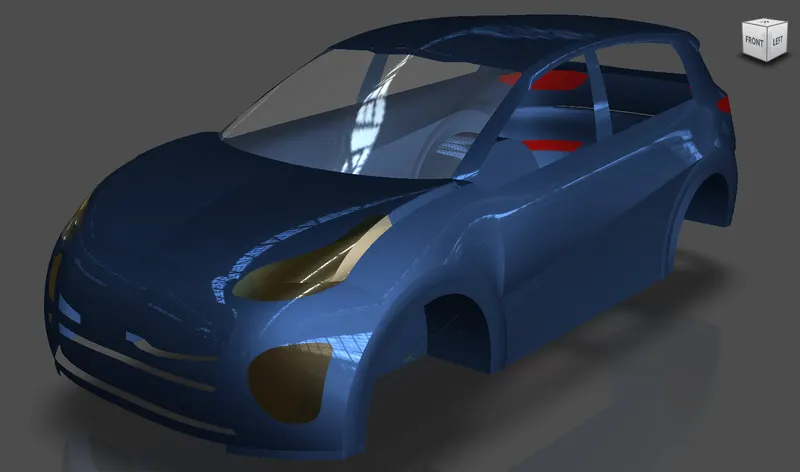
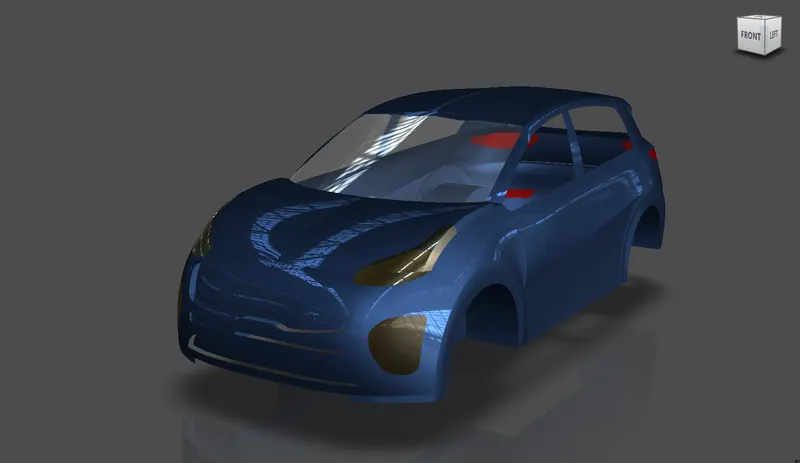
settings can be varied and thus we get different looks for our model. Very little change in setting has resulted color and reflection changes in our model. The following two images shows the changes.
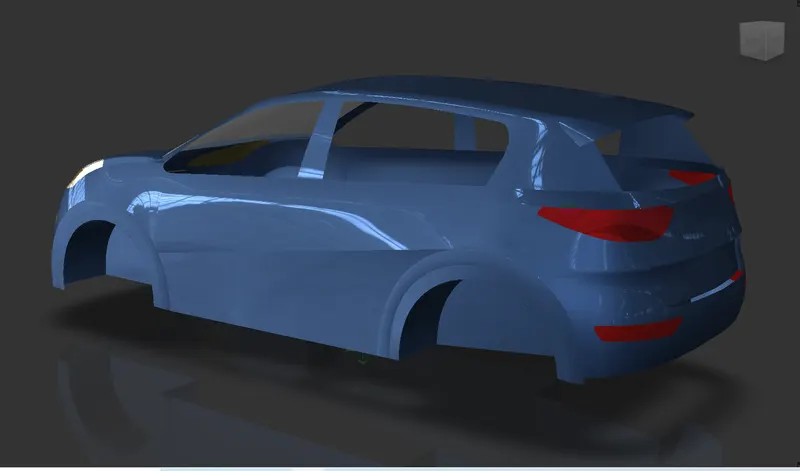
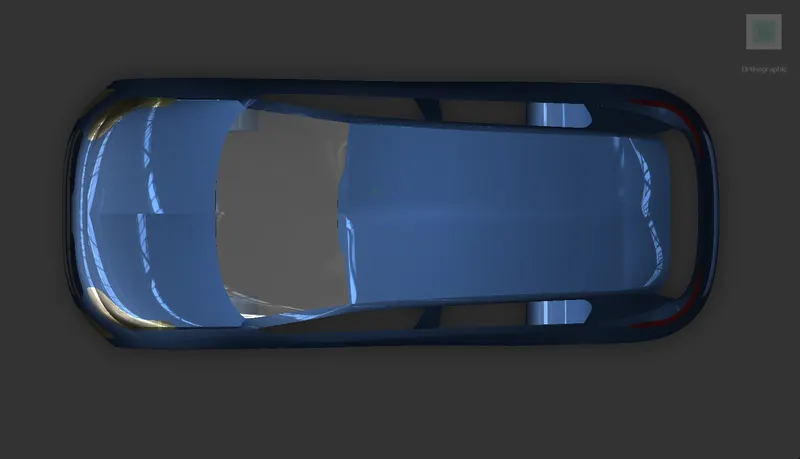
Now the following rendered images are of every model that we have prepared.
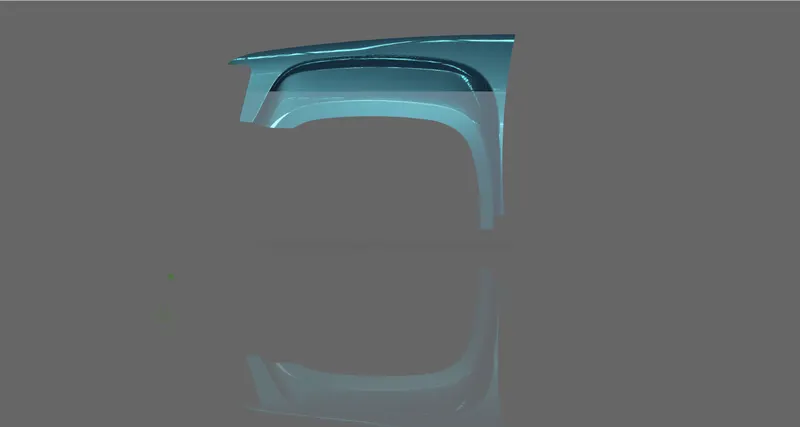
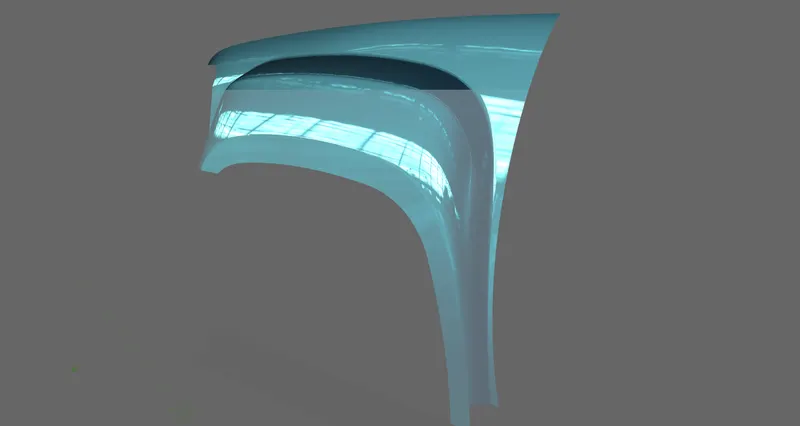
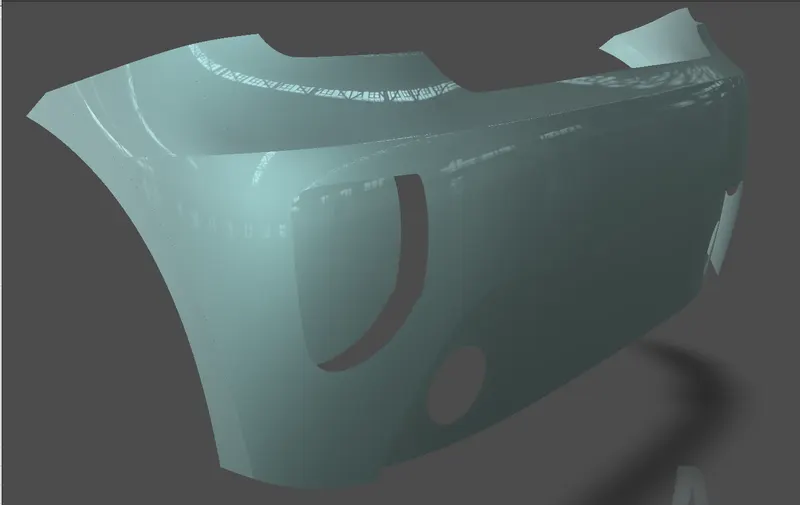
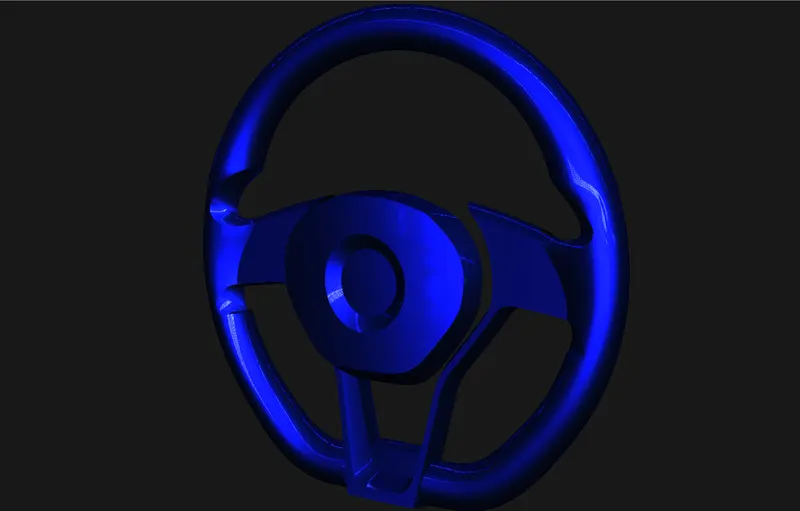
CONCLUSION: We have learnt how to render the model for presentation. Overall we have learnt enough that we can make a model with good surfaces and looks with some practice.