Challenge 12 : Rendering Project
RENDERING PROJECT:
OBJECTIVE:
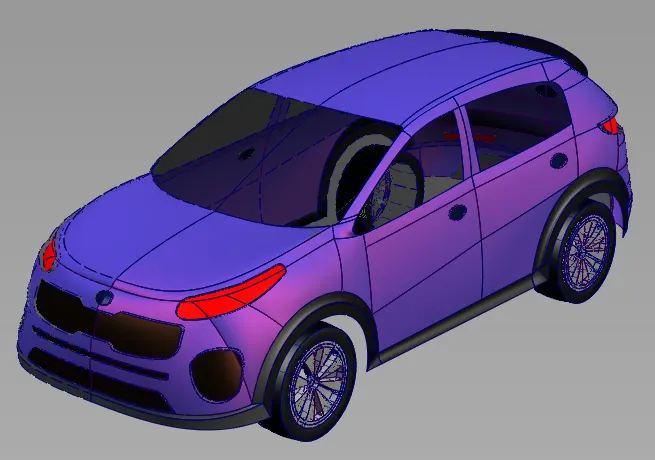
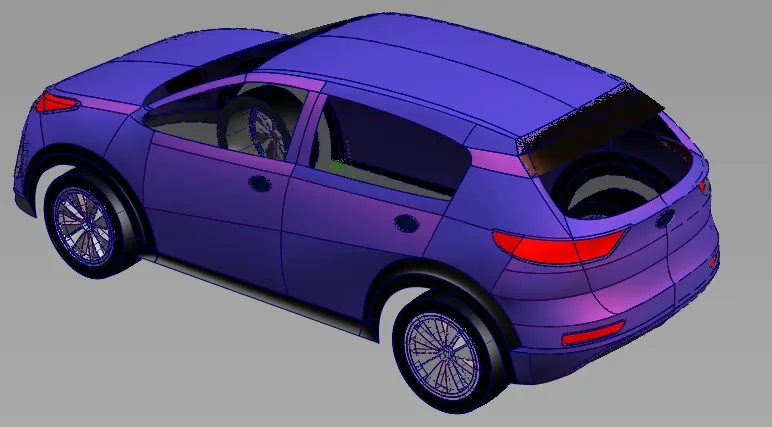
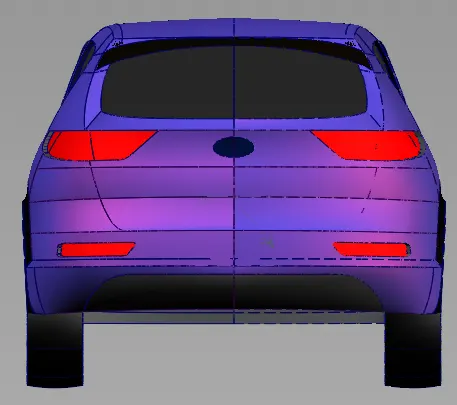
To render the surface by using hardware rendering, shades, material, lighting & depends on enviroment.
METHODOLOGY:
1. Load the required surface model to do rendering.
2. Need to click hardware shade to apply harware properites like glow, shade, lighting.
3. Need to click the visualize available in the control pannel.
4. Then we can apply available colours depends on the material available in the model.
5. We can adjust transperency to make inside view clear like glass.
6. By using diagonstic shade also we can apply colour normally.
7. Layer by layer we can apply colour to make aesthitcally good looking.
8. Finally we can export as a image and it can be used to do presentation.
CONCLUSION:
Herewith we learned about how to do rendering and how to take image output to make presentation.
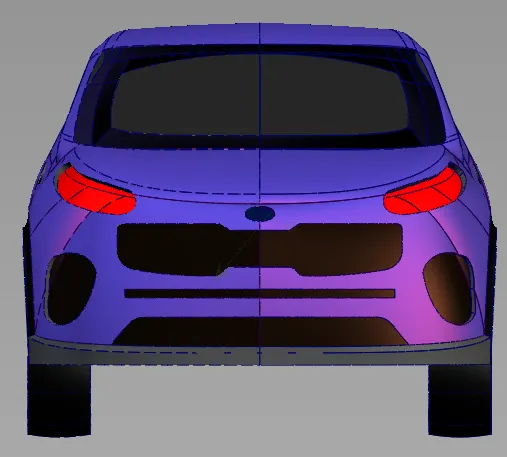
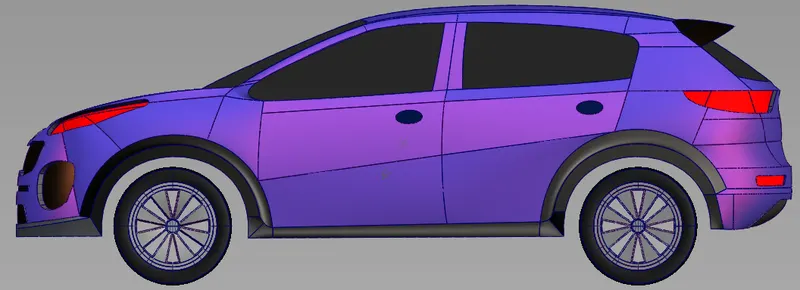
IMAGES OF PRACTISE: