Batch Meshing of Hood and Fender using Hypermesh.
Aim: To perform Batch meshing on Hood and Fender components under specified quality criteria and assign non-linear material property.
Objective:
- Assign material and property cards to the components.
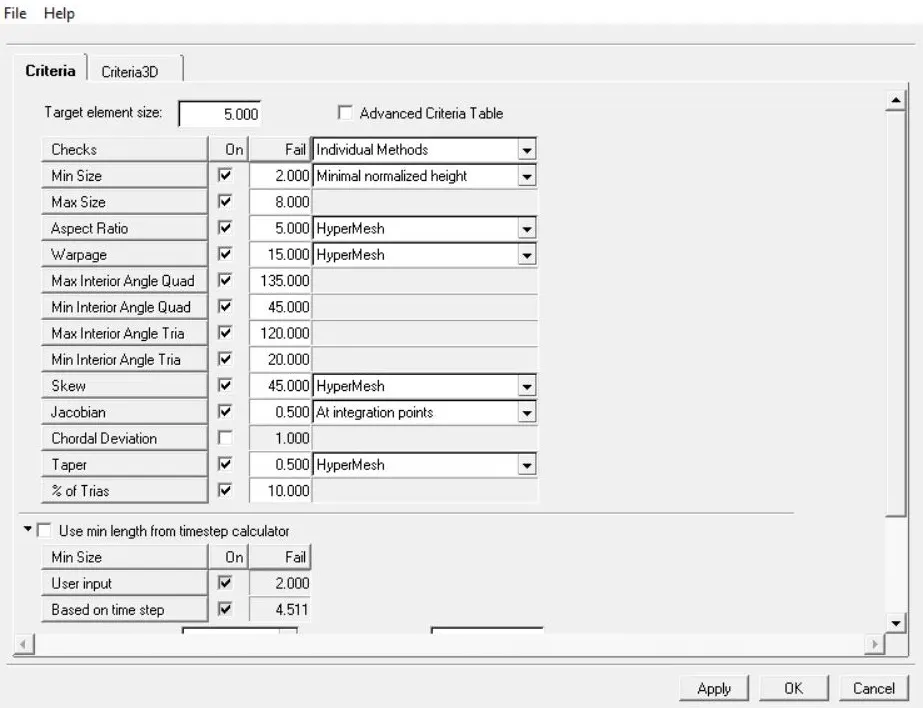
- Given Quality Criteria
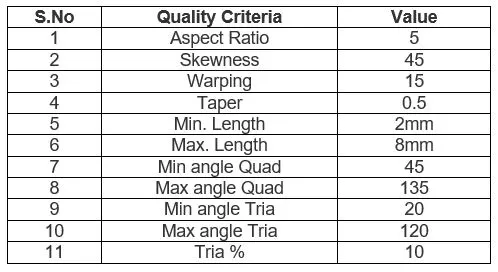
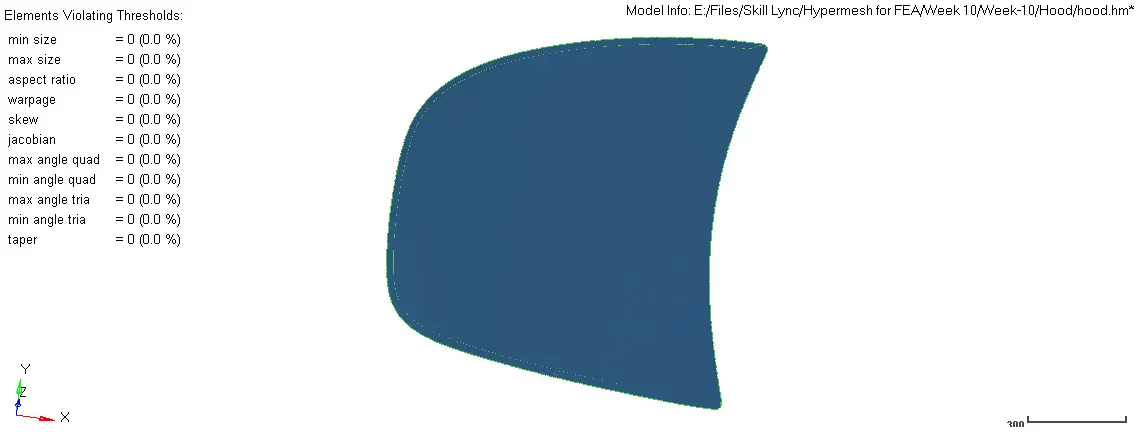
Target Element Length = 5mm
Procedure:
Hood:
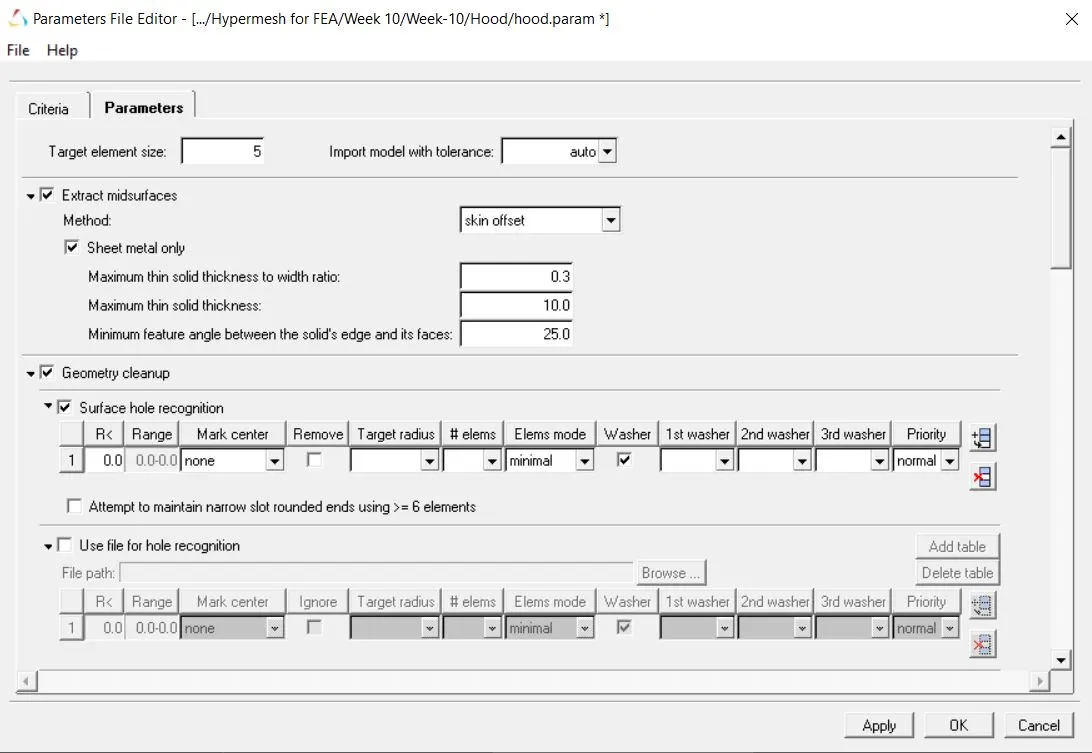
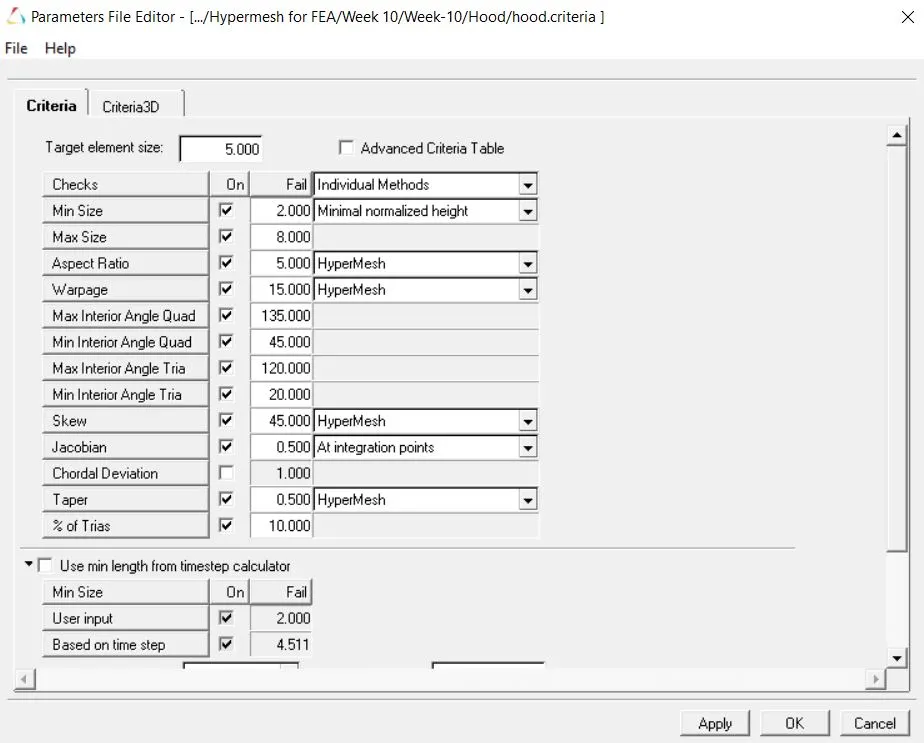
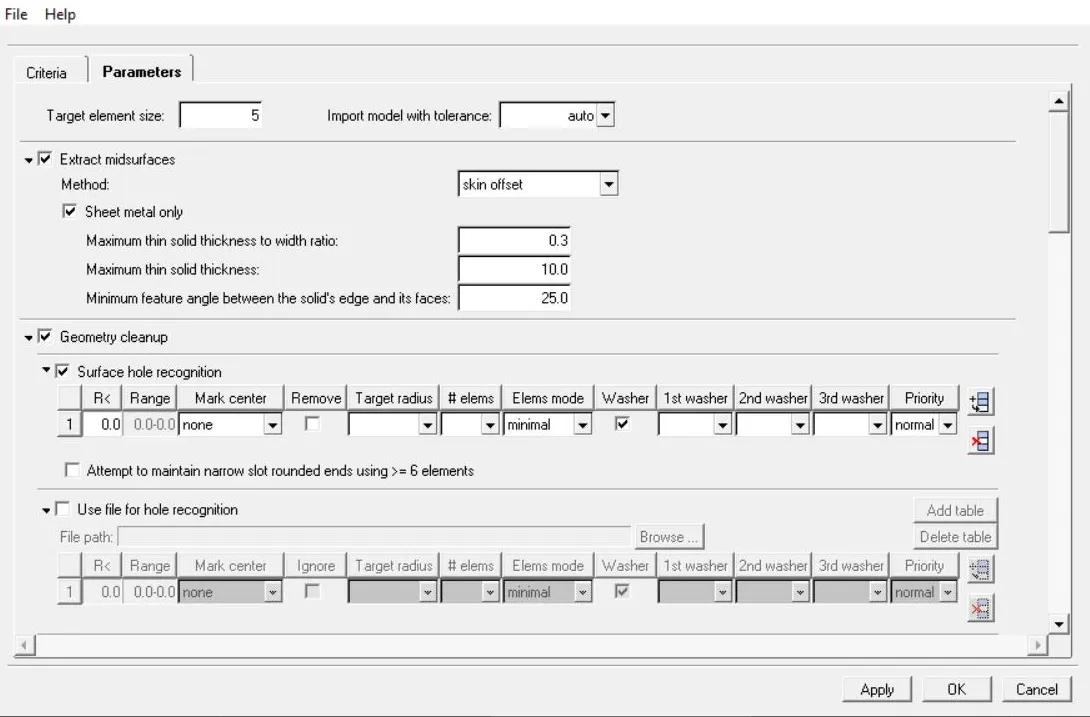
- 1) Before working on the model first create a new parameter and criteria files with the target element size of 5 mm and quality criteria as discussed in the objective section. Enable mid surface extraction to auto-extract the mid surface of the components. The parameters and criteria file can be created using Preferences, Parameters/ Criteria, make changes, save as. It is shown in the below figure
2) Import the Hood.stp file to Hypermesh under the RADIOSS user profile.
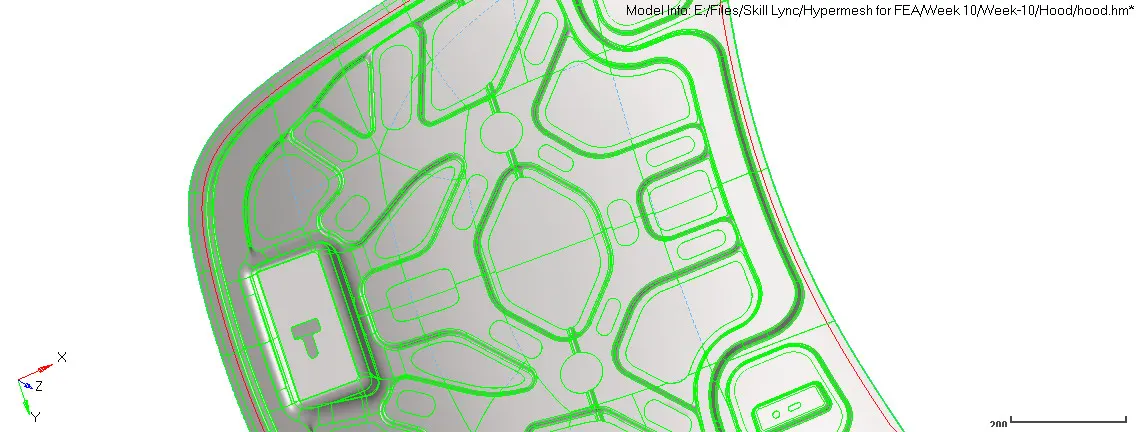
3) Delete all the solids displayed.
4) Create duplicates of each one of them.
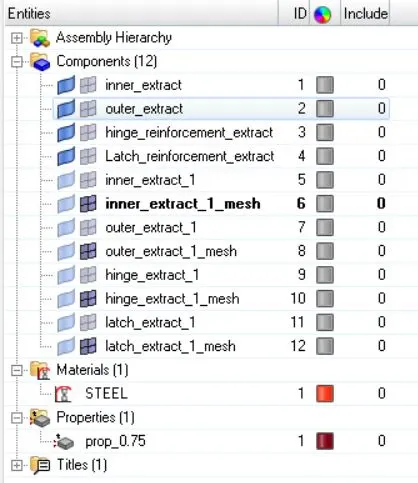
5) Now hide all the surfaces and show one duplicate part.
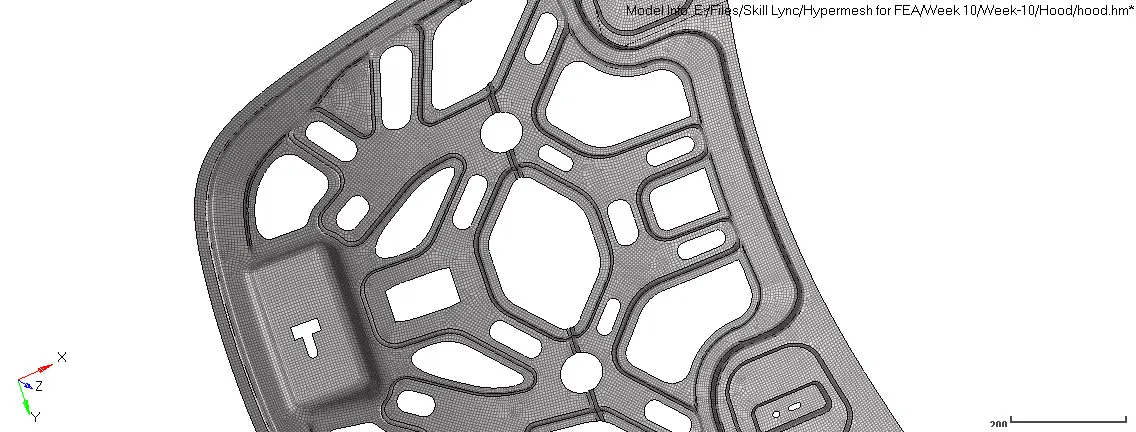
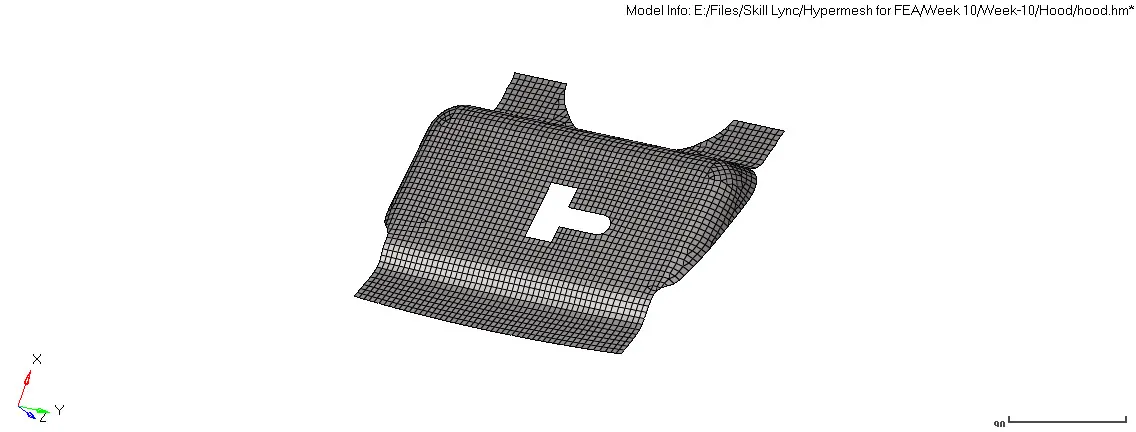
- 6) Go to 2D, batch meshing / QI optimize, select surface (displayed), select the previously created parameters, and criteria file, mesh. This will create an auto mid surface based on parameter files and perform auto mesh as per the constraints mentioned in the criteria file.

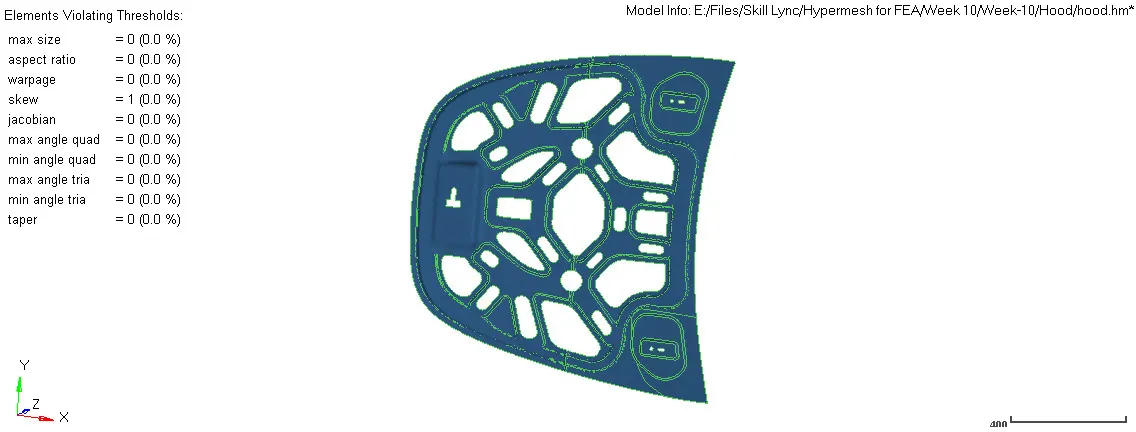
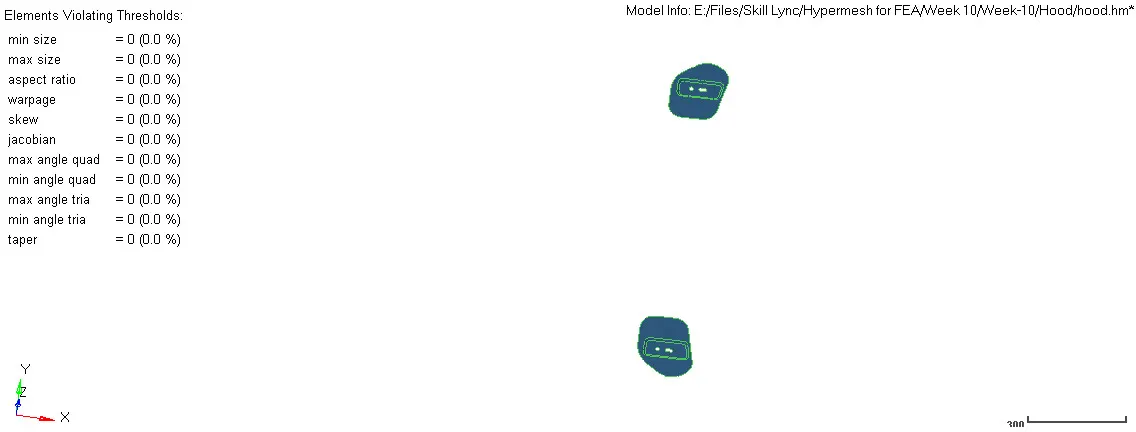
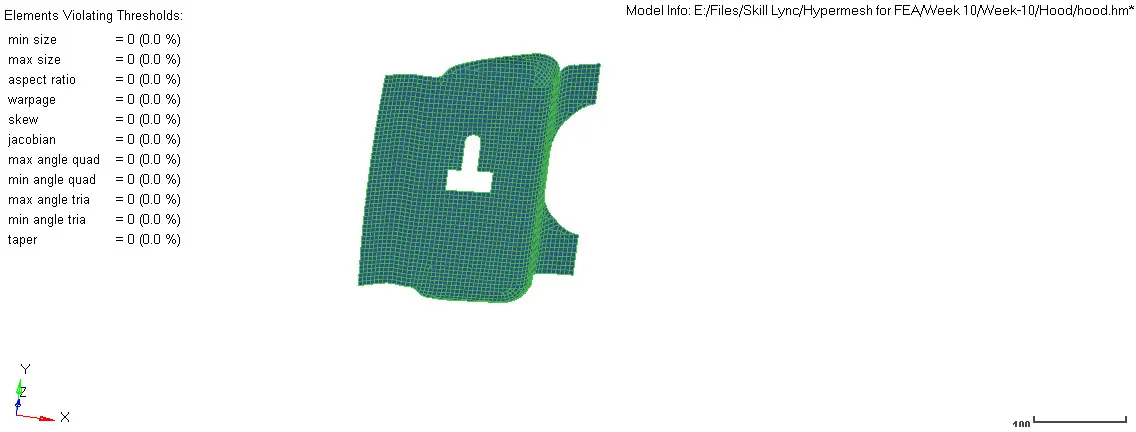
- 7) This will create an auto mid surface based on parameter files and perform auto mesh as per the constraints mentioned in the criteria file. Midsurface and Quality Criteria are maintained well.
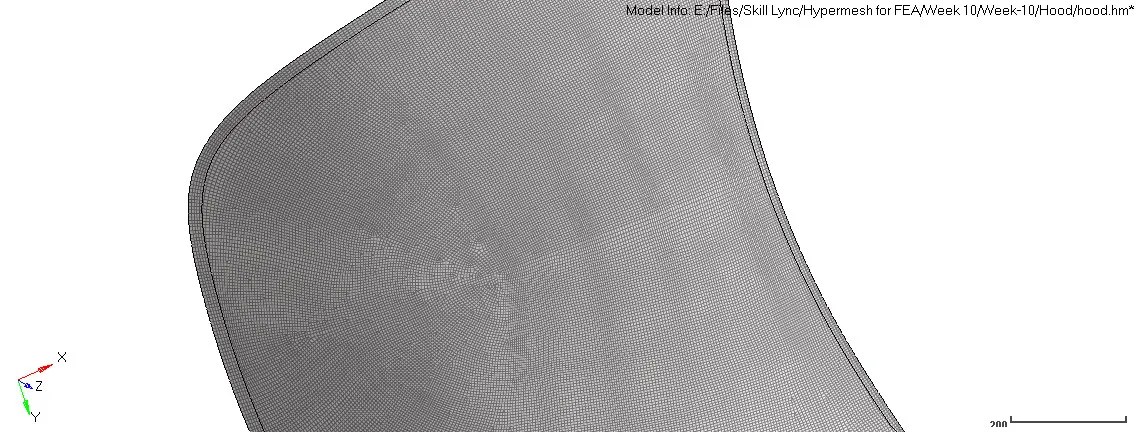
- 8) Midsurface and Quality Criteria are checked.
- 9) Now create and assign the material and property cards to the part as shown below,
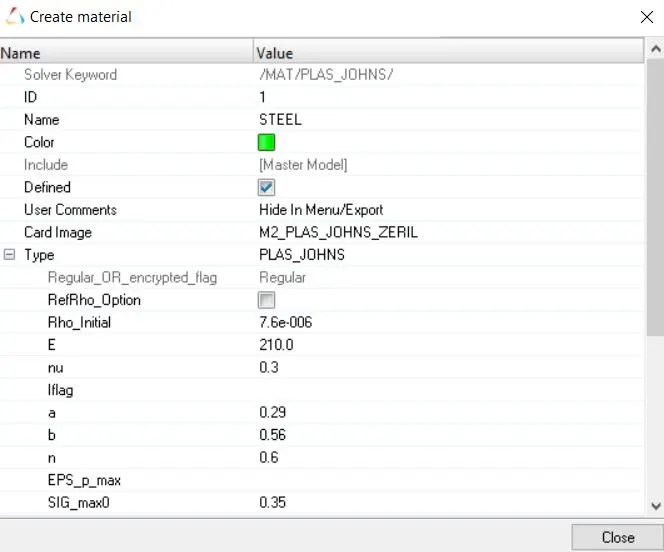
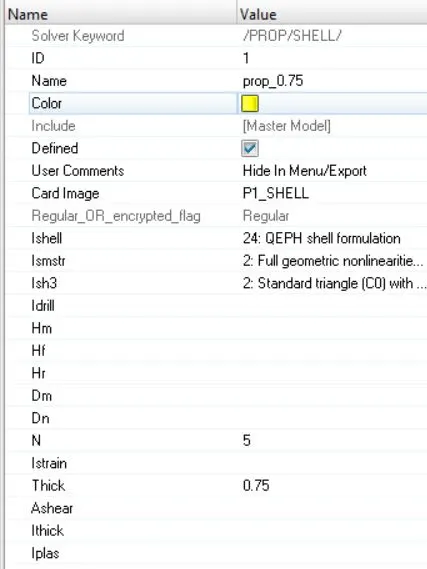
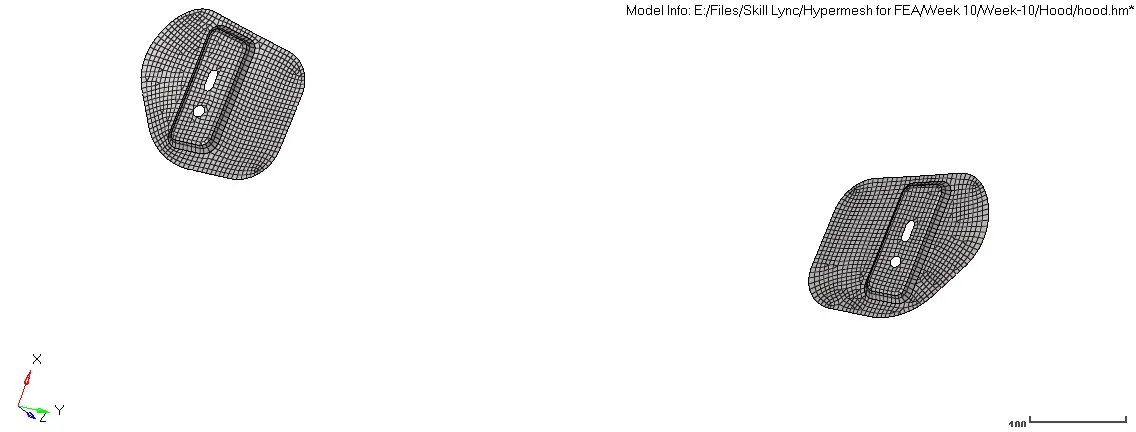
- 10) Now repeat the steps from 4 to 9 for the remaining components in the hood.
Fender:
1) Before working on the model first create a new parameter and criteria files with the target element size of 5 mm and quality criteria as discussed in the objective section. Enable mid surface extraction to auto-extract the mid surface of the components. The parameters and criteria file can be created using Preferences, Parameters/ Criteria, make changes, save as. It is shown in the below figure
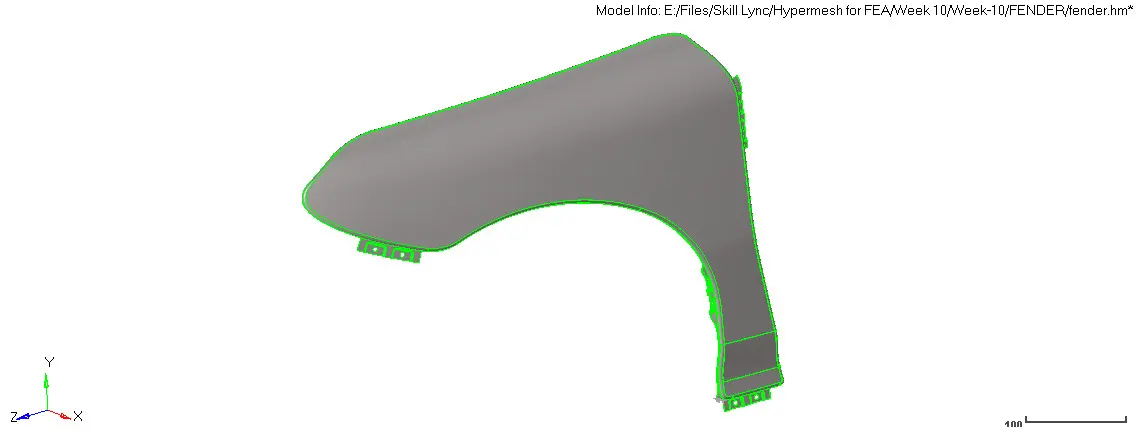
2) Import the FENDER.igsfile to Hypermesh under the RADIOSS user profile.
3) Delete all the solids displayed.
4) Create duplicates of each one of them.
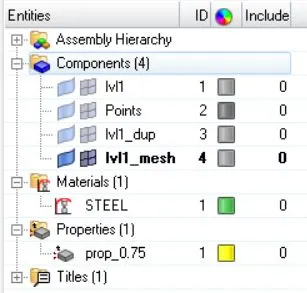
5) Now hide all the surfaces and show one duplicate part.
- 6) Go to 2D, batch meshing / QI optimize, select surface (displayed), select the previously created parameters, and criteria file, mesh. This will create an auto mid surface based on parameter files and perform auto mesh as per the constraints mentioned in the criteria file.

- 7) This will create an auto mid surface based on parameter files and perform auto mesh as per the constraints mentioned in the criteria file.Midsurface and Quality Criteria is maintained exceptional.
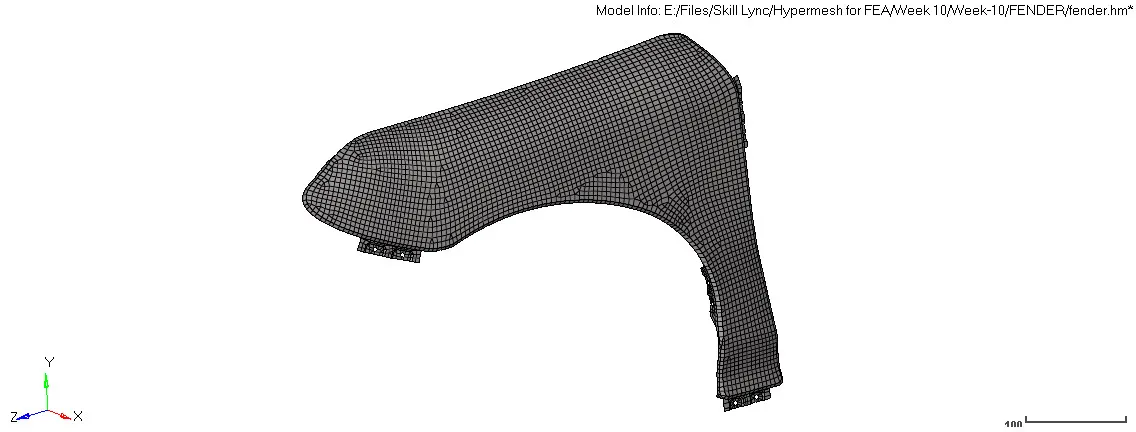
- 8) Midsurface and Quality Criteria are checked.
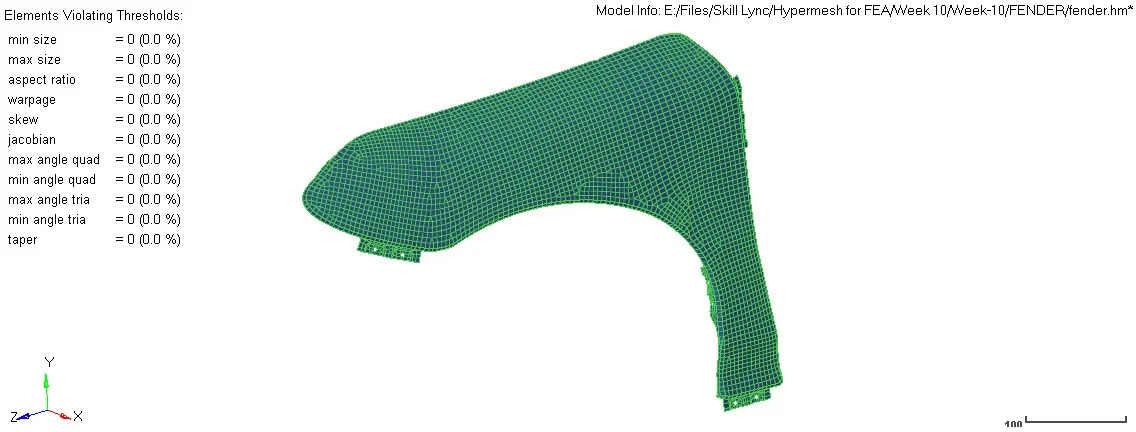
- 9) Now create and assign the material and property cards to the part as shown below,
-
Conclusion:
1) Performed batch meshing with the given parameters, assigned material & proprty cards, and quality criteria are checked.
2) Based on the method, the following observation can be made:
a) This method creates meshing in a few minutes rather than hours in manual meshing
b) It also holds the quality criteria and provides and good quality mesh based on the criteria mentioned.
c) But the main drawback is it is mainly suitable for simple geometry. For complex geometry, this technique may create an improper mesh with many trias to satisfy quality criteria which is a bad practice and it doesn't follow a uniform mesh flow. So this requires extensive element optimization to improve mesh quality but selecting bad mesh and improving them.
d) Therefore, this is a fast and simple method but should be used conservatively for complex models.
Thus, all the points mentioned in the objective are successfully carried out using Hypermesh and Radioss software.