Assignment 6-Frontal Crash Simulation Challenge
aim - to set up the given simulation conditions on the model for frontal crash simulation in hypermesh/radioss and discuss the result observed
procedure
first check the unit system used it should be kg mm ms, you can see it by open starter file in notepad
then import the starter file in hypercrash
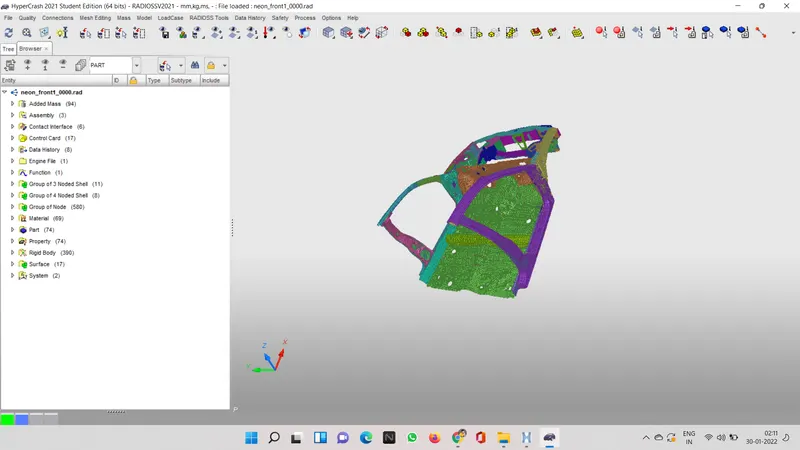
now check for any penetration or intersection by clicking on quality and then check all solver interface
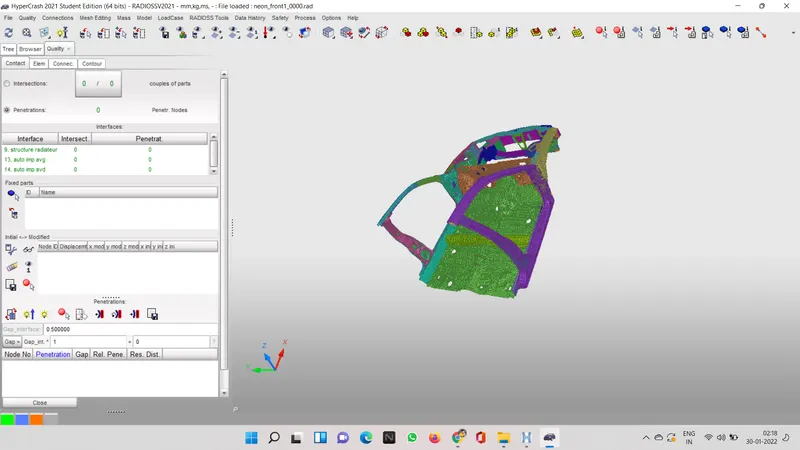
now after checking we need to add mass in the model
for adding mass click on mass then balancing
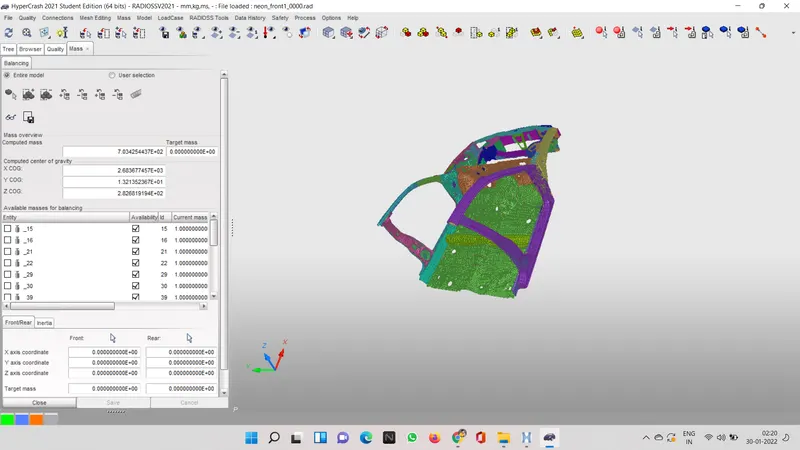
we have to add 4 major mass which is driver mass and seat, side passenger and seat and back seat with the body weight
you can see i have already added mass to my model
you can see the place and amount of weight added
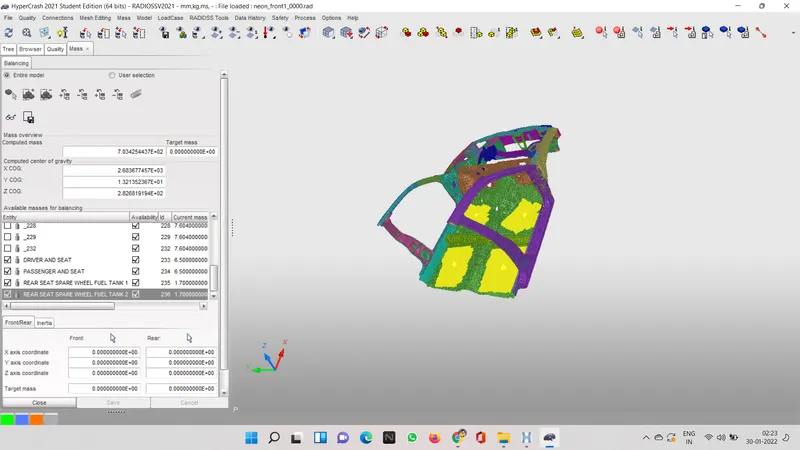
and make sure that center of gravity of the model is in the center
the pink dot is cog of the body
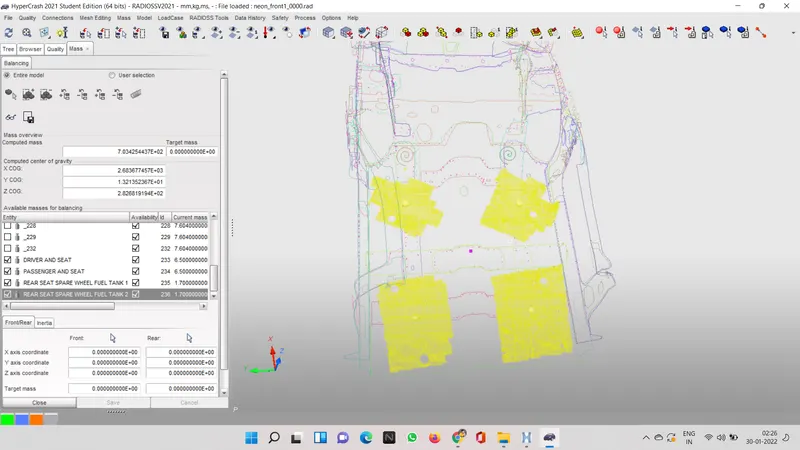
now you can either save the file in radios format or you can export it in hypermesh
now import the file in hypermesh
we have to create a type 7 interface which is node to surface interface with all the recommended properties
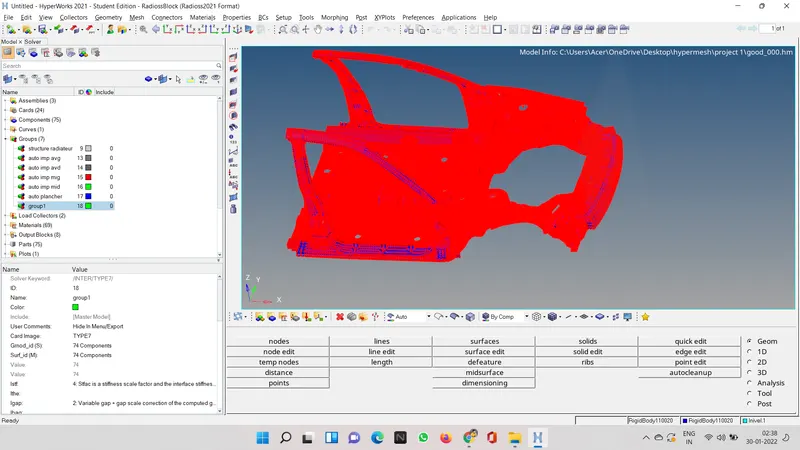
then make a type 7 interface in between headlights and bumper
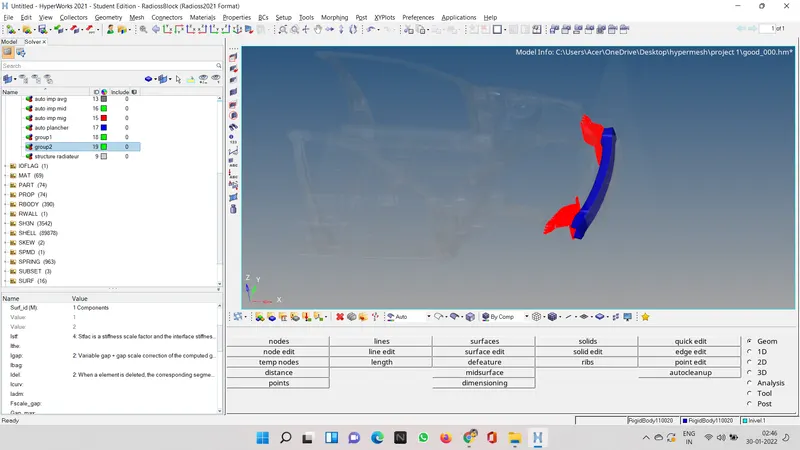
now we have to introduce a rigid wall for that first wee need to introduce a point on the bumper
we need to traslate one node out of the bumper.
now to create a rigid wall we need to go to solver option>create>rwall>plane
select the point that we translated and for normal type -1,0,0
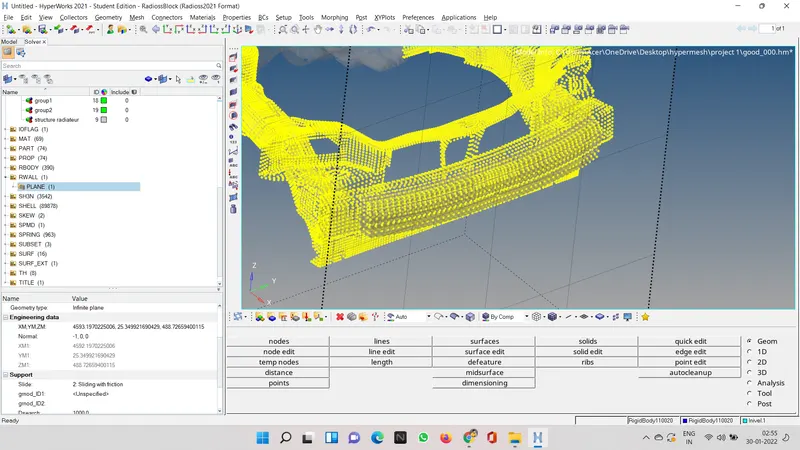
now major part to introduce velocty in the model
initial velocity given on the model is 35mph
1mph=0.447ms
so 35mph= 15.6464
to create velocity go to solver browser create>boundary condition>inivel
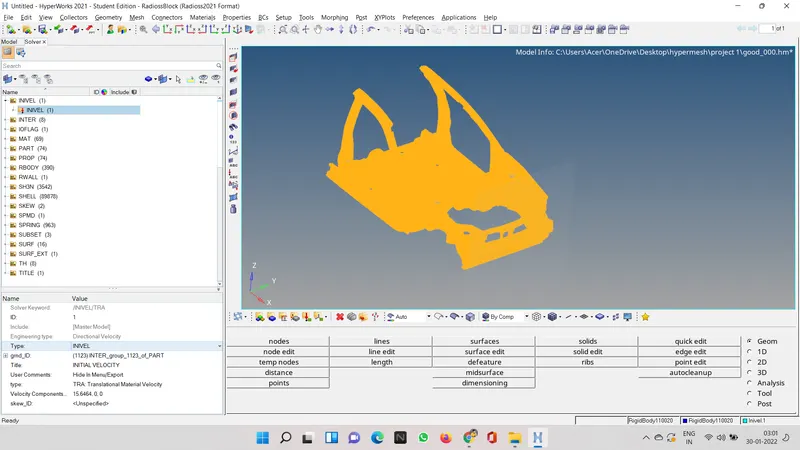
now we have to make sections and introduce accelerometer in the model
to introduce accelerometer we need to got to model browser then create then accelerometer
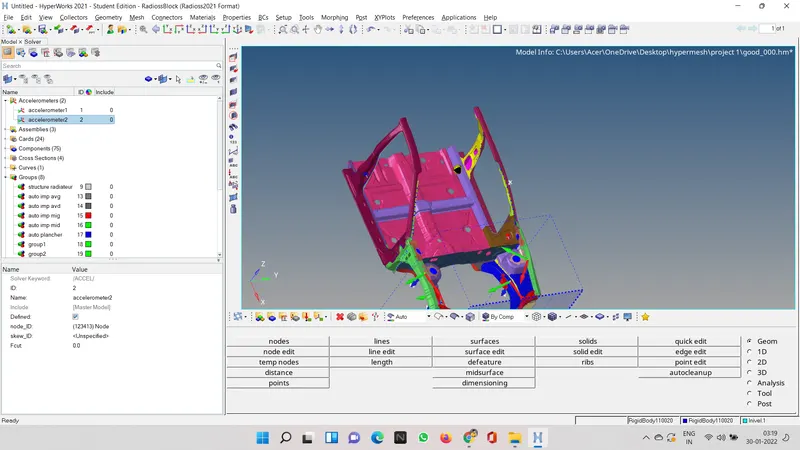
and for section we need to go to solver browser and then go to create then sect and then again sect
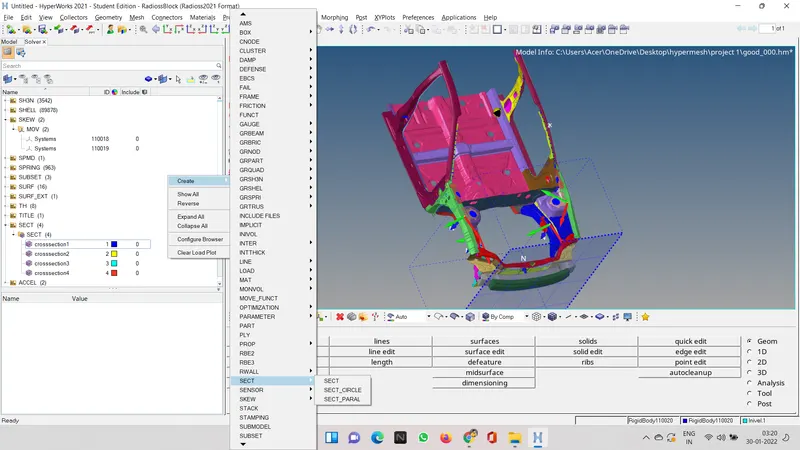
then create 6 section for distribution
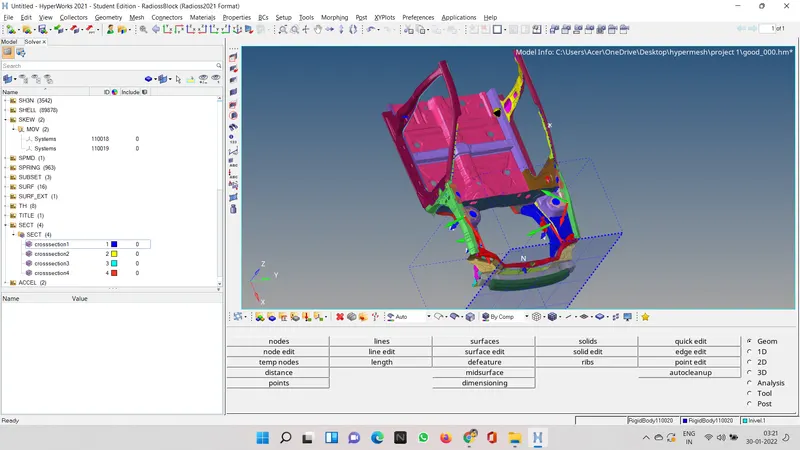
create two skew movabe to make intrusion check
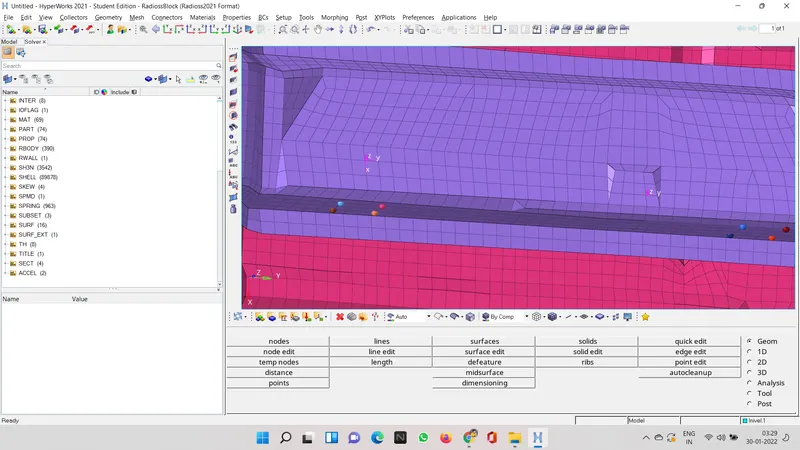
make a spring contact between these skew AND the two point given in the question
now everything is done click on the analysis and radios to start analysis
after it complete import h3d file in hyper works
internl energy vs kinectic energy graph
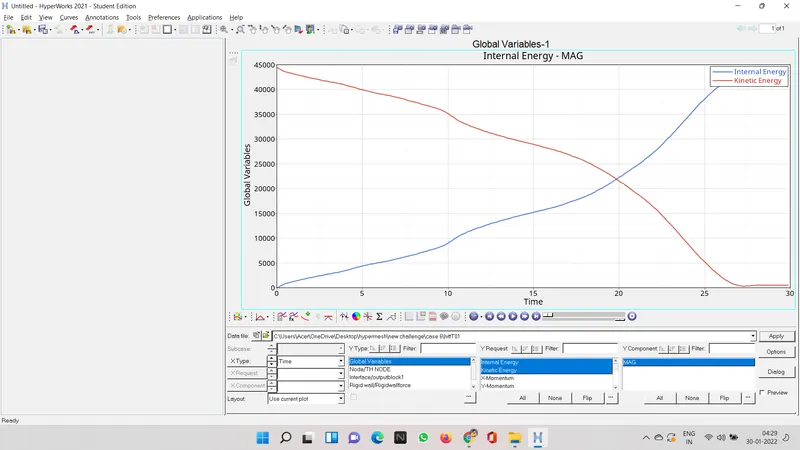
they are opposite of ach other as one is increasing other one is decreasing
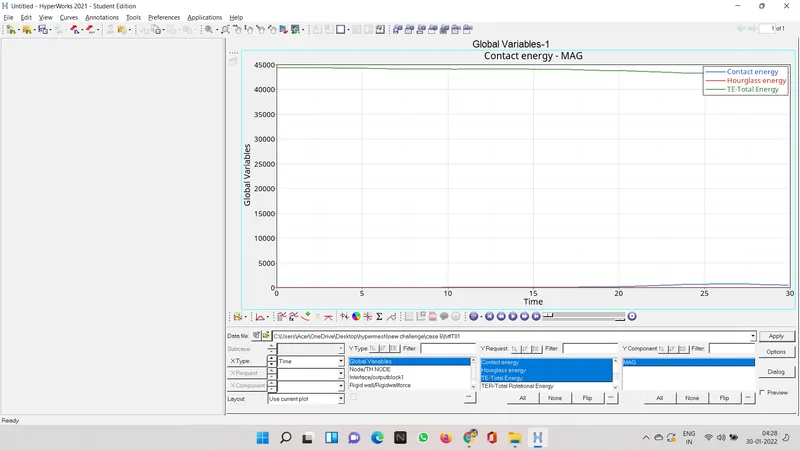
hourglass is constant contact shows variation
sorry couldnt find how to plot other graph like each section graph or acceleroeter graph
please see the drive link
https://drive.google.com/drive/folders/1rg70o6eUtEA7pS0cdTsP-QjOfE2p3Mk6?usp=sharing
please see this link to review my project