Assignment 5-RADIOSS Interfaces & Study of Effect of Notches Challenge
AIM- To see the difference in forces when different boundary conditions are apply/ any change on the body is done.
procedure-
1 open the bumper system file in hyper mesh, and select radios and ok
2 then first go to surface edit and trim with surf/ plane select every surface and use trim.
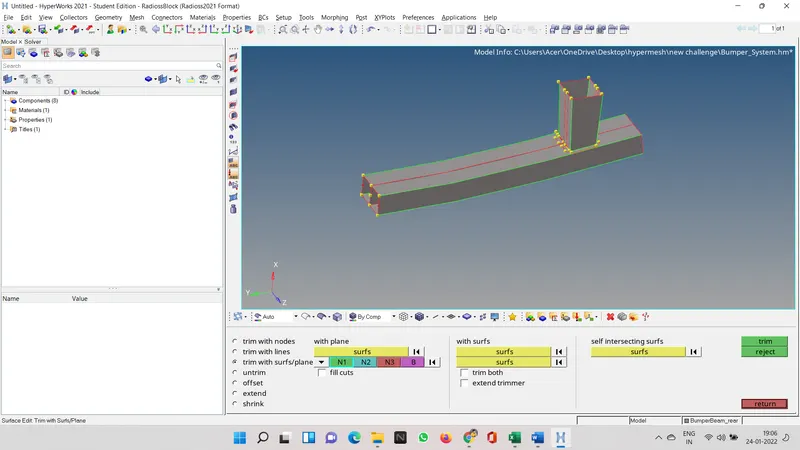
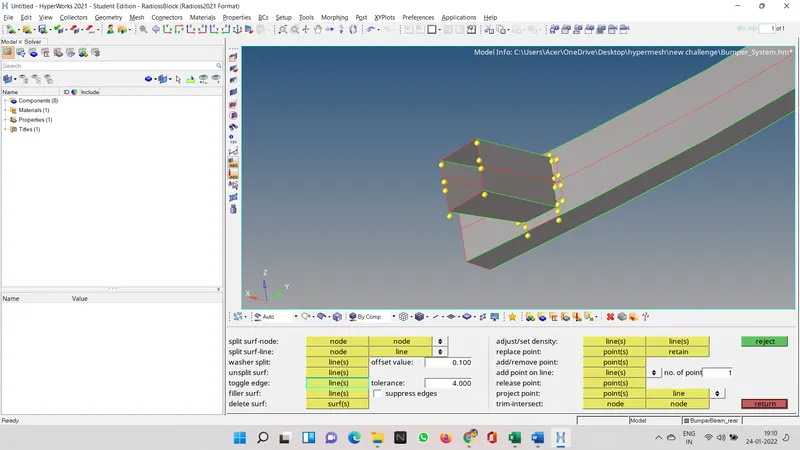
3 to attach the different surfaces we can use toggle edge and change the tolerance where they can meet.
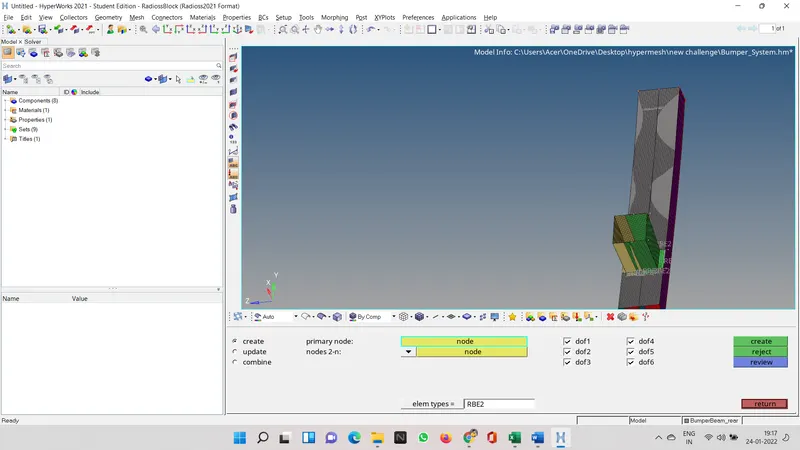
now we have to creates rbe2 nodes.
case 1
open hypermesh and then click ok on radios, then import the crashtube_0000 file.
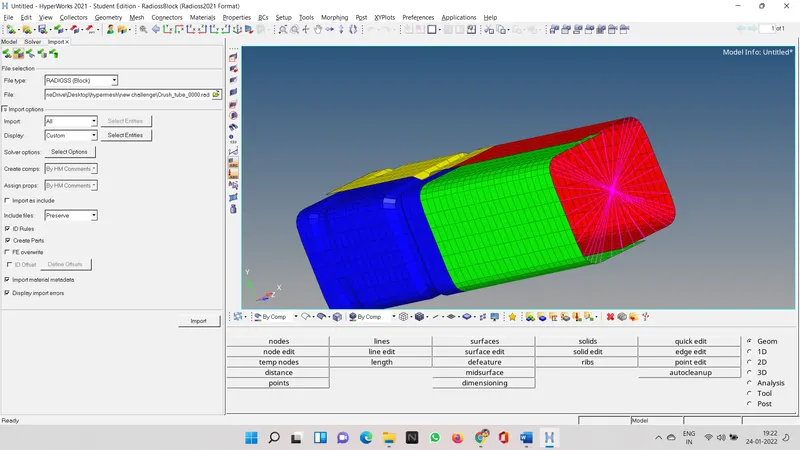
as in the question it was that we have to make th inter so go in the solver deck and right click on th option and click create and inter.
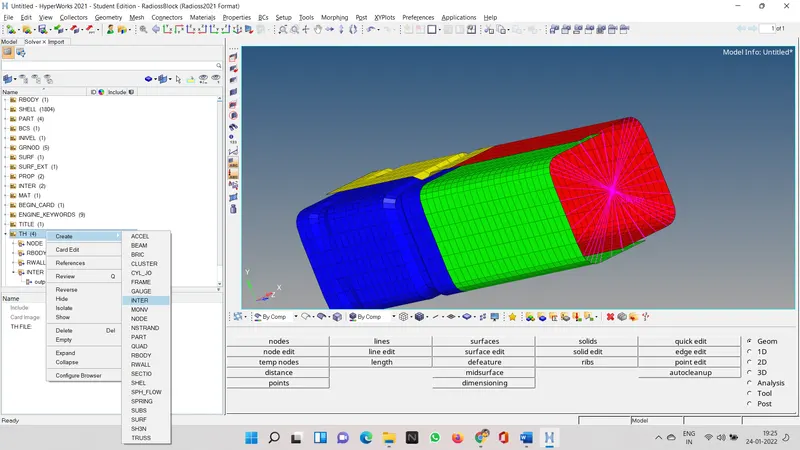
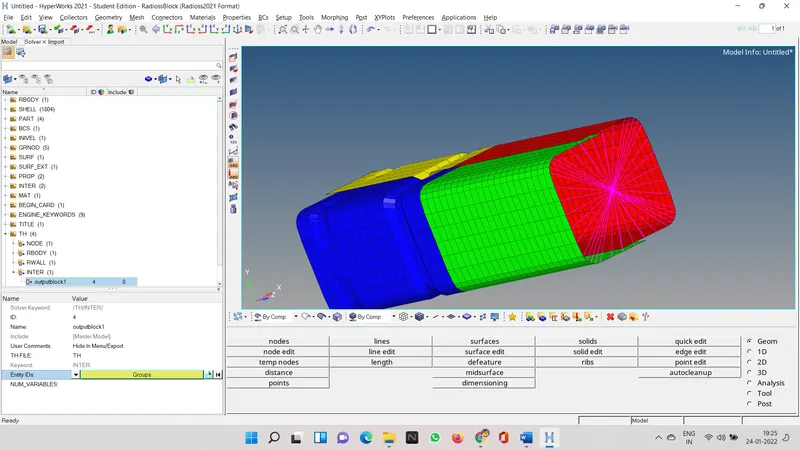
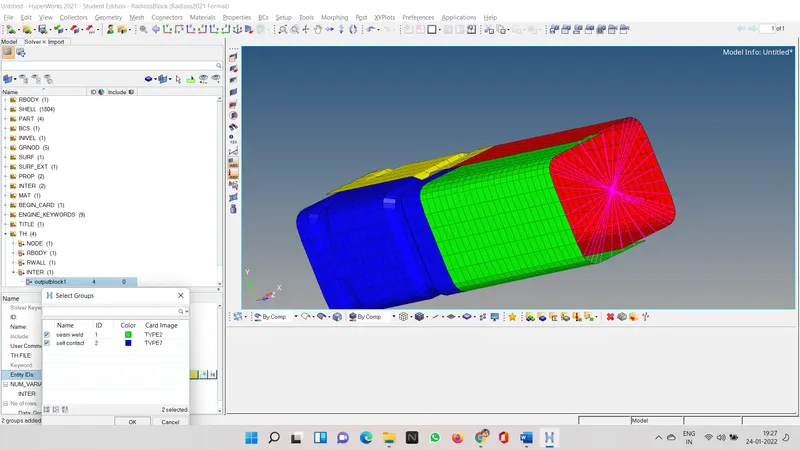
then select group and select both the option in the pop up menu
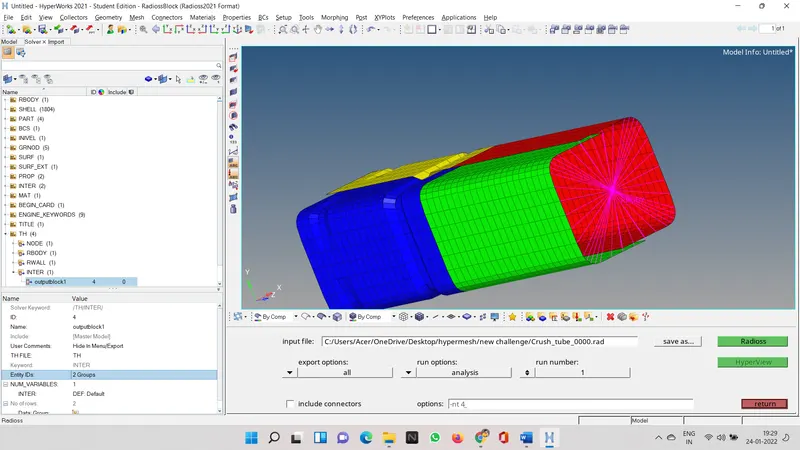
then go to analysis the go to radios give a name to your file so that you can run simulation and make sure that it is seperated in an folder as it can get mixed.
then click on radios it will run a simulation and give apt result.
at the end of the analysis you will see that folder in which you were saving the file has many note pad files
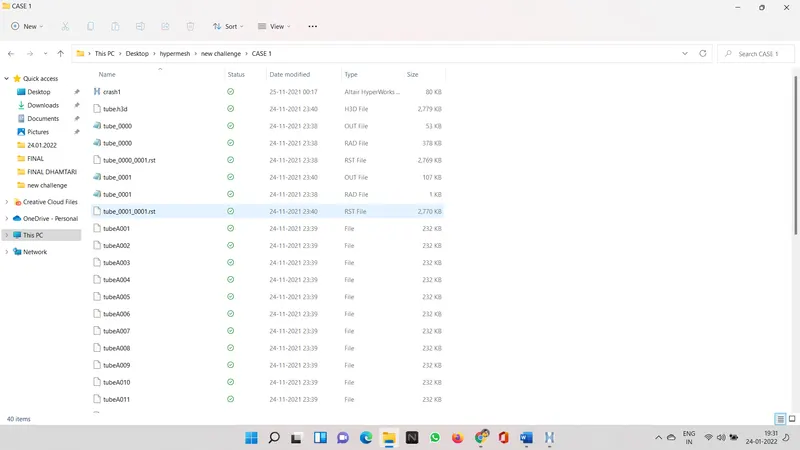
now we can import the files and see the result in the form of graph
rigid wall forces
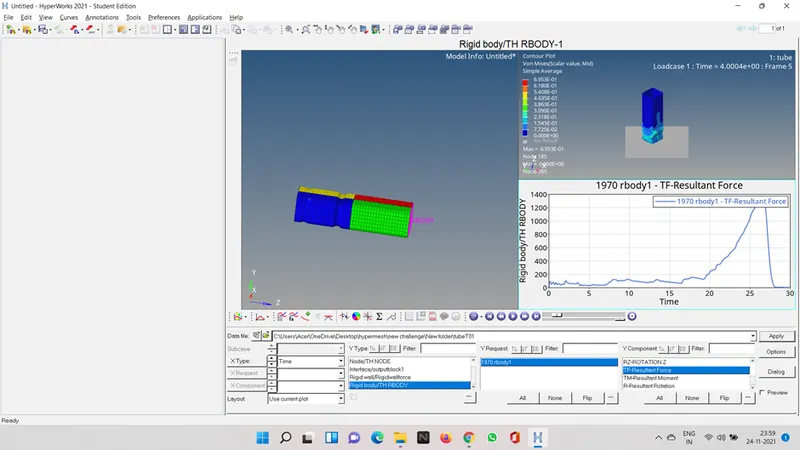
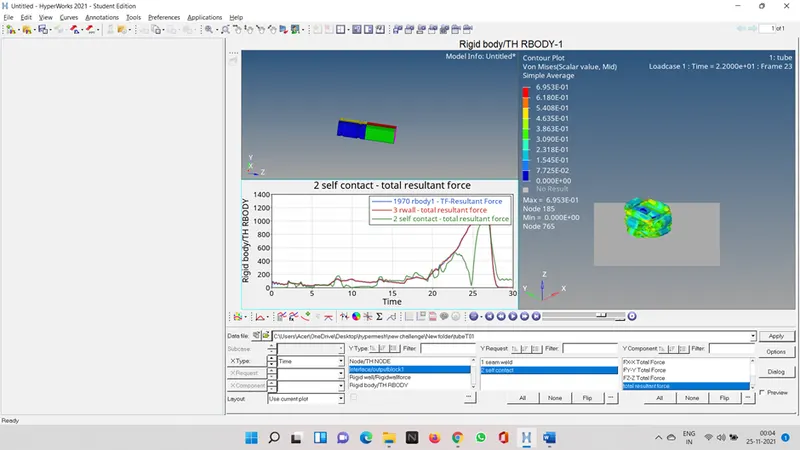
contact forces
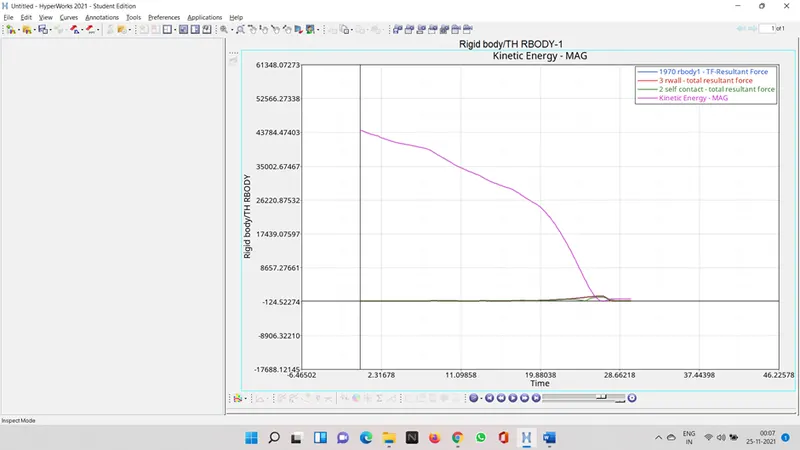
kinectic energy
internal energy
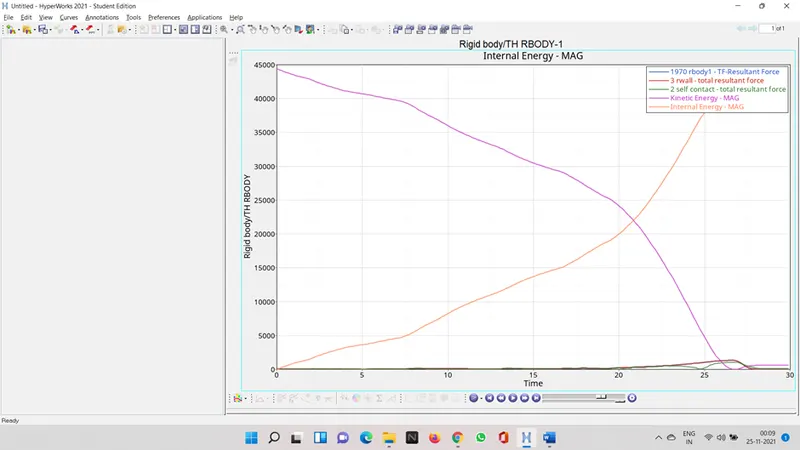
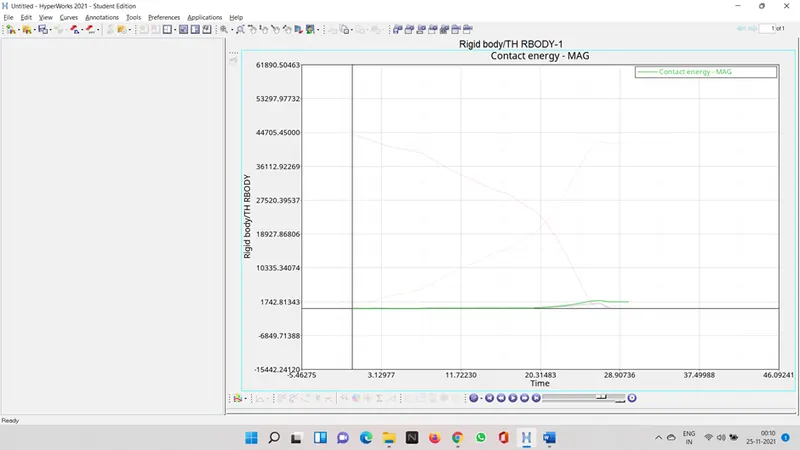
contact energy
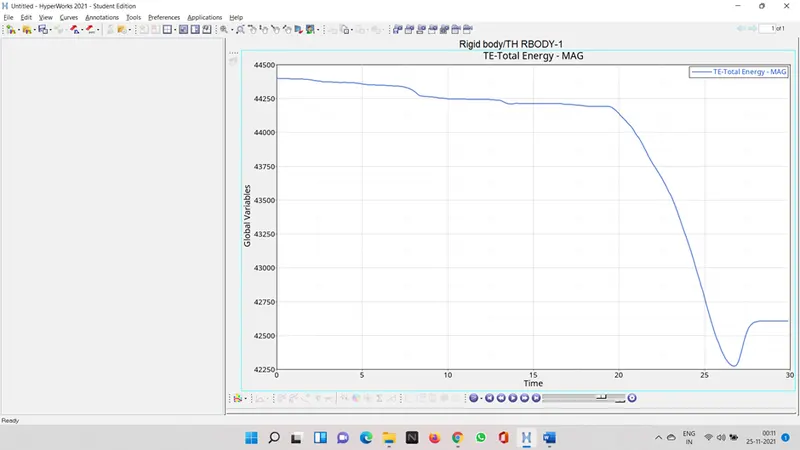
total energy
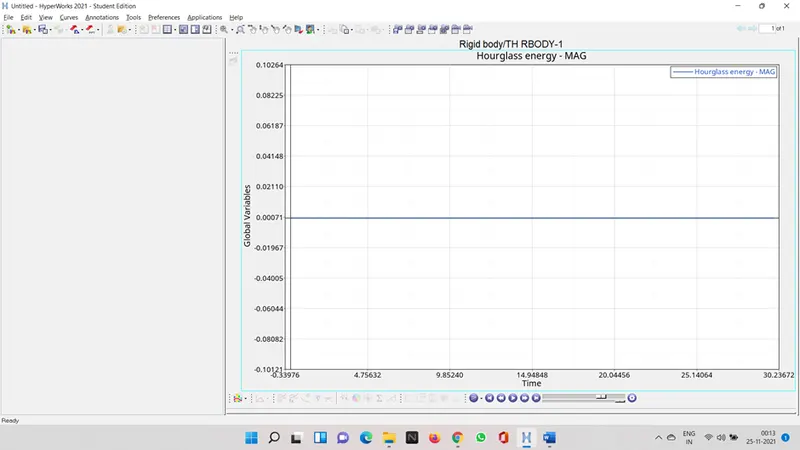
hourglass energy
case 2 changing inactiv value to 6
go to the model deck and click on groups select self contact scroll down you will see inactiv which is default 0
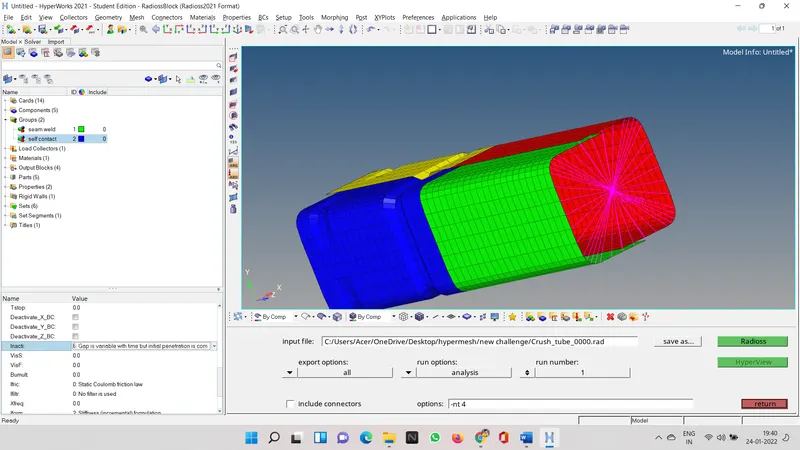
after this again go to analysis and radios save the file in some other folder in new name.in options you can type -nt 4
let the analysis run after the result now lets see the change
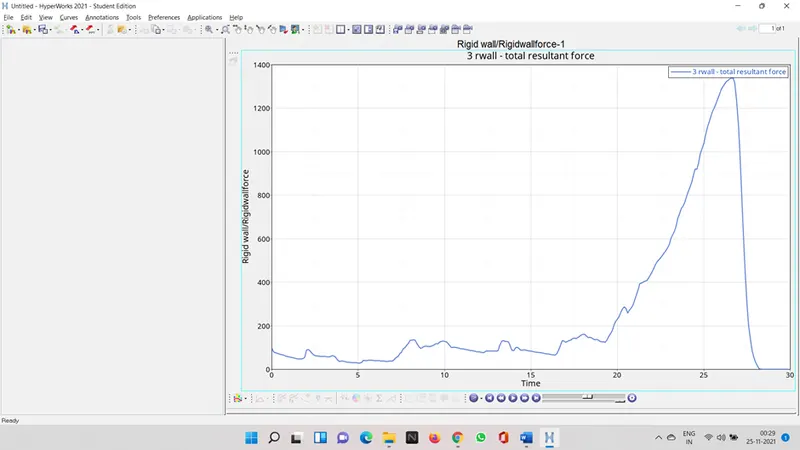
rigid wall forces
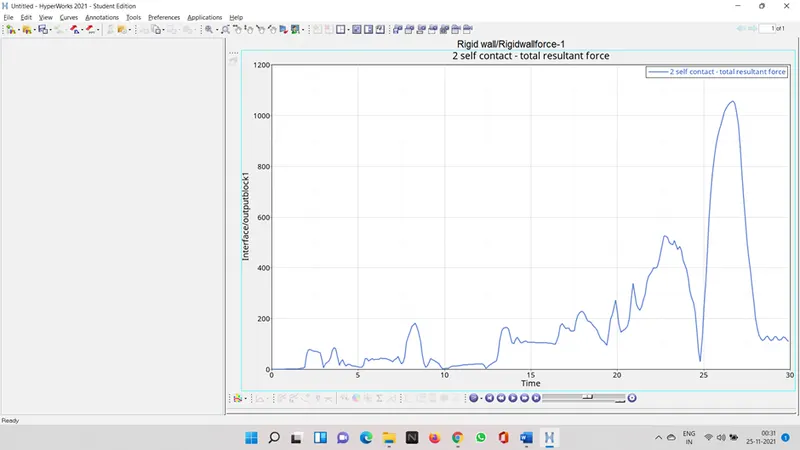
contact forces
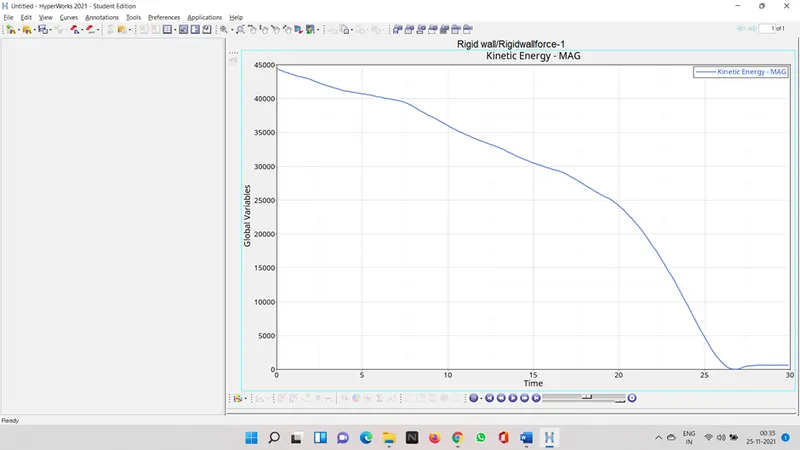
kinectic energy
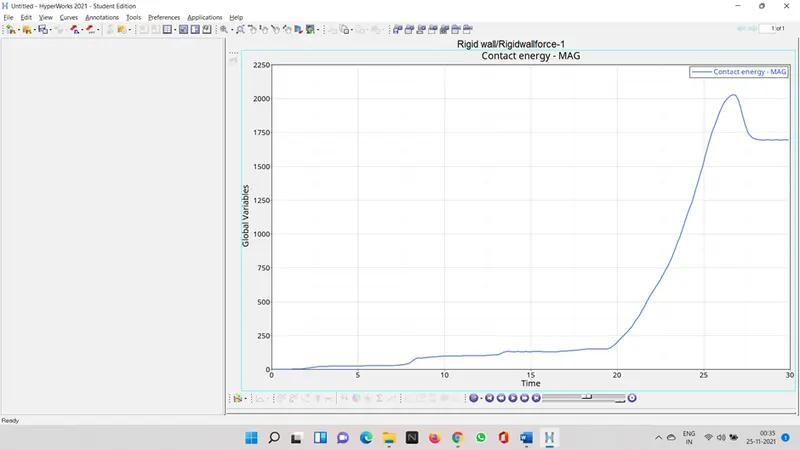
contact energy
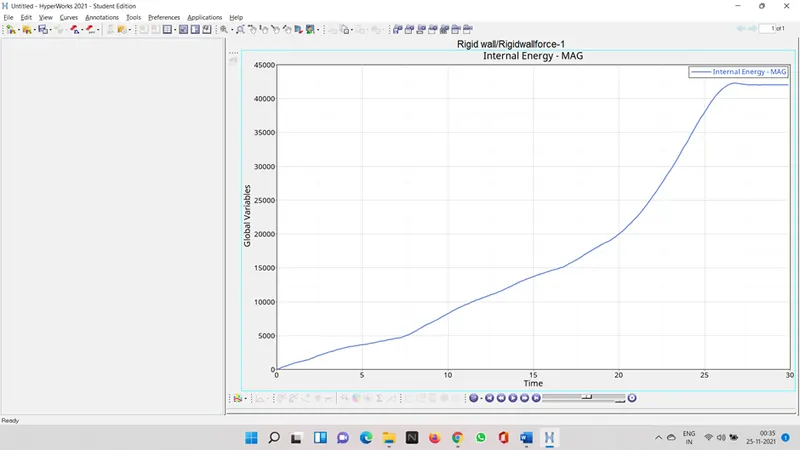
internal energy
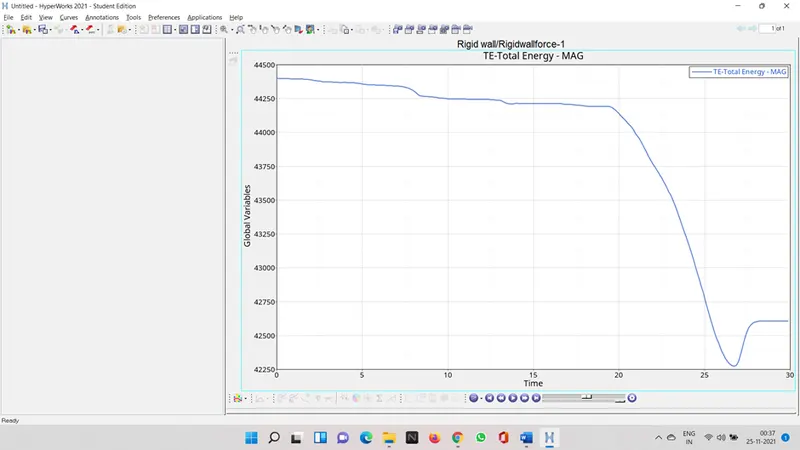
total energy
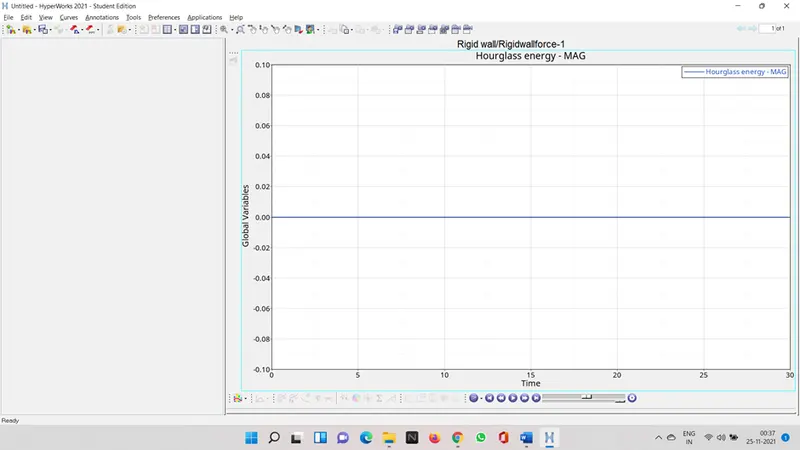
hourglass energy
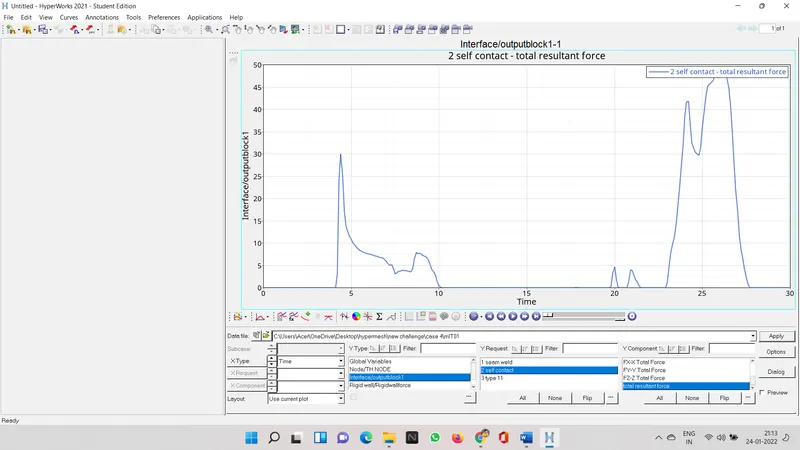
as per the graphs shows that in starting there was zero contact forces, but as the analysis progressed the contact forces increased
case 3 create type 11 contact and run
create a group name it type 11
select card image as type 11
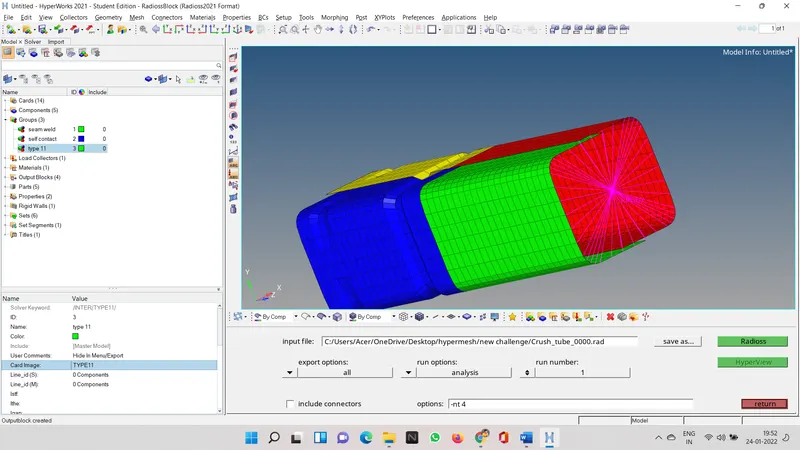
select
Istf=4
Igap=3
Idel=2
Stmin=1000
Iform=2
Gapmin=0.5
Inacti=6
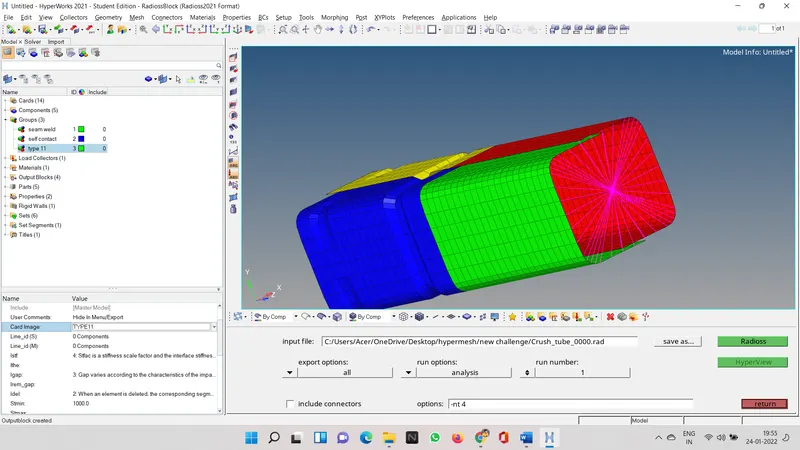
all the four component should be slave as well as master
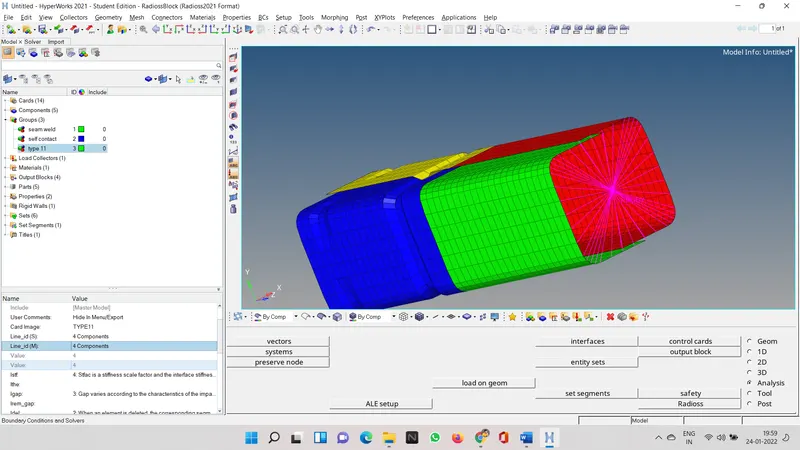
now we have to make one more inerface which contain all the groups two old one that we creaed as type 11
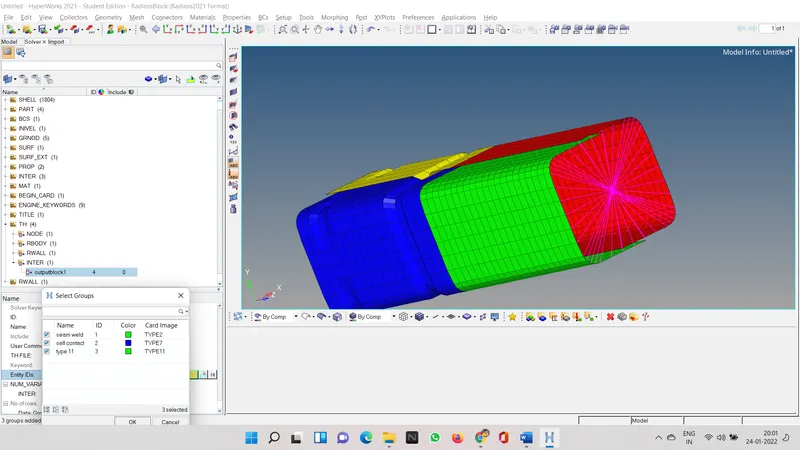
go to the analysis and click radios and then create new folder and save this file ther and then run the analysis by clicking on radios.
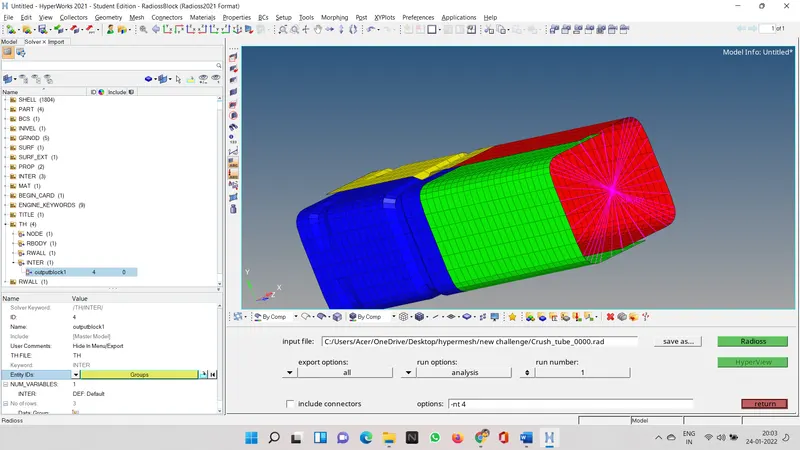
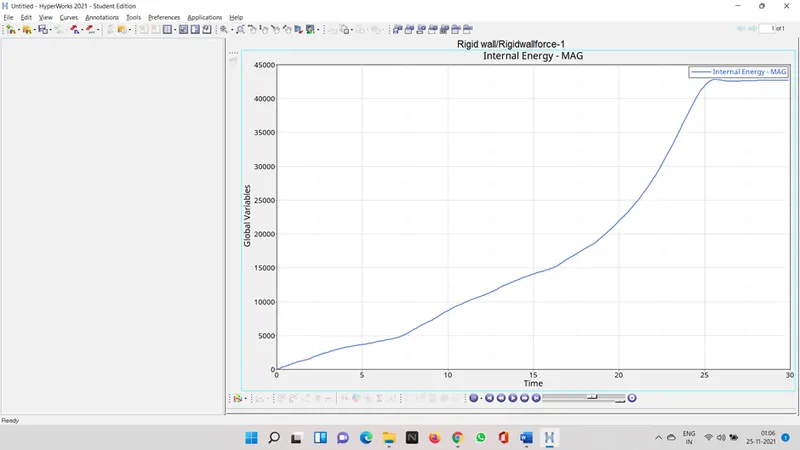
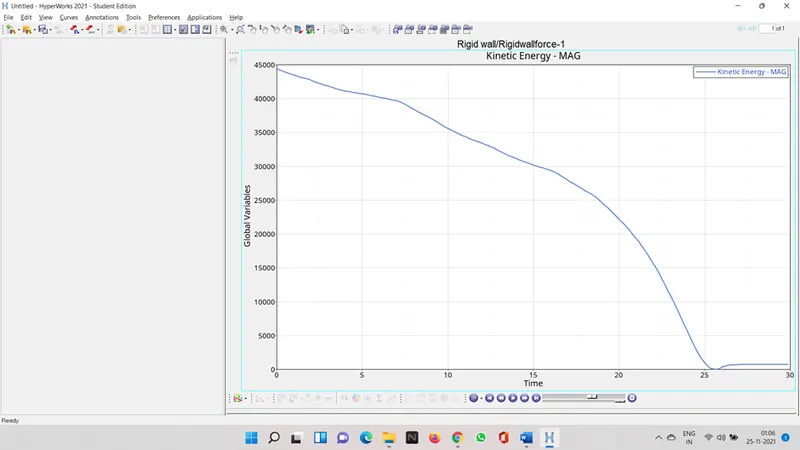
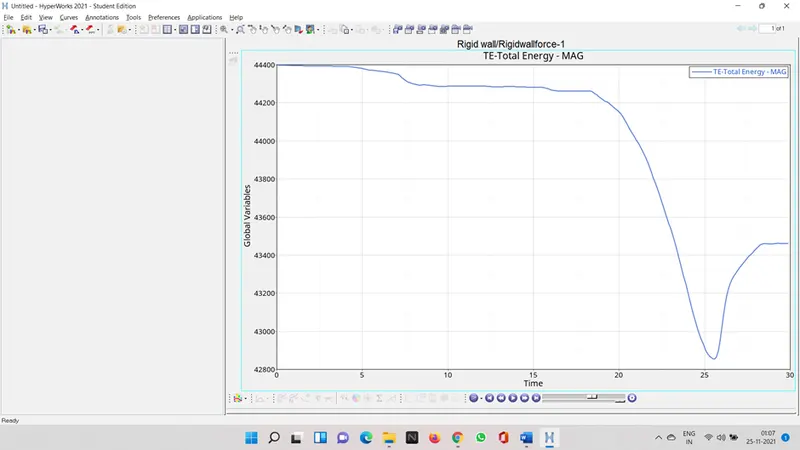
after it done now lets see the results
rigid wall forces
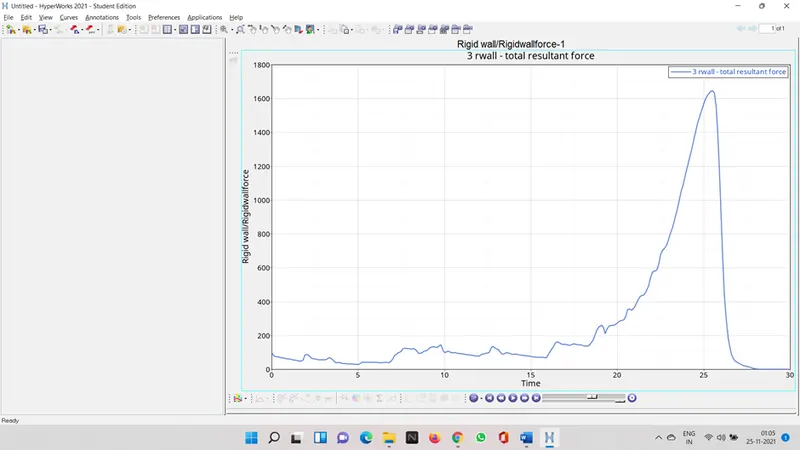
contact forces
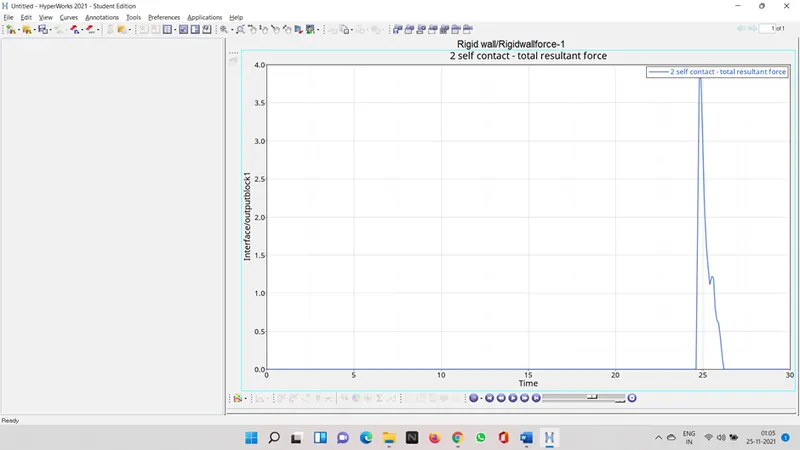
type 11 forces
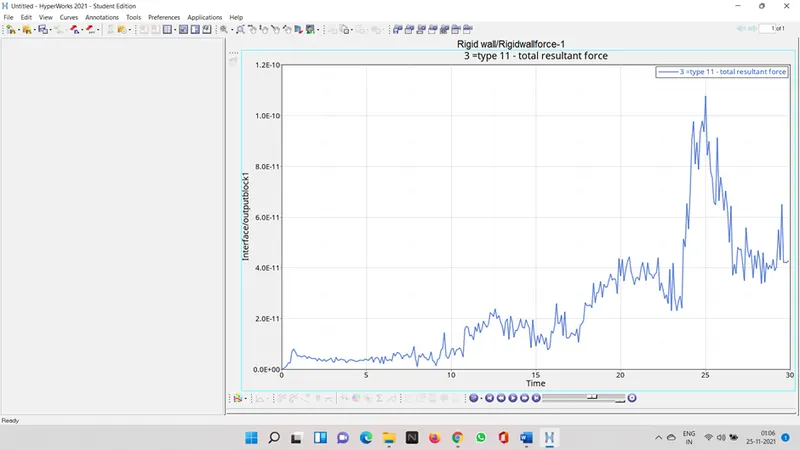
internal energy
Kinectic energy
Total energy
Contact energy
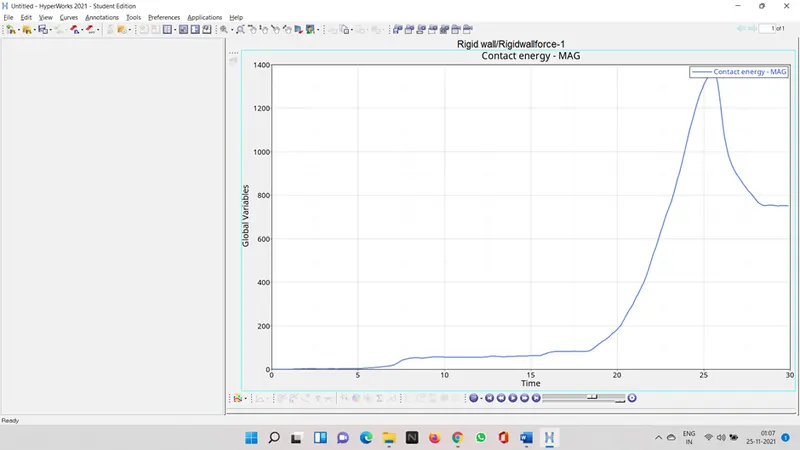
we can see that contact forces is acting normally until and unless it gets in contact with the master node or the rigid wall for this case.
case 4
use node edit option to align the surface
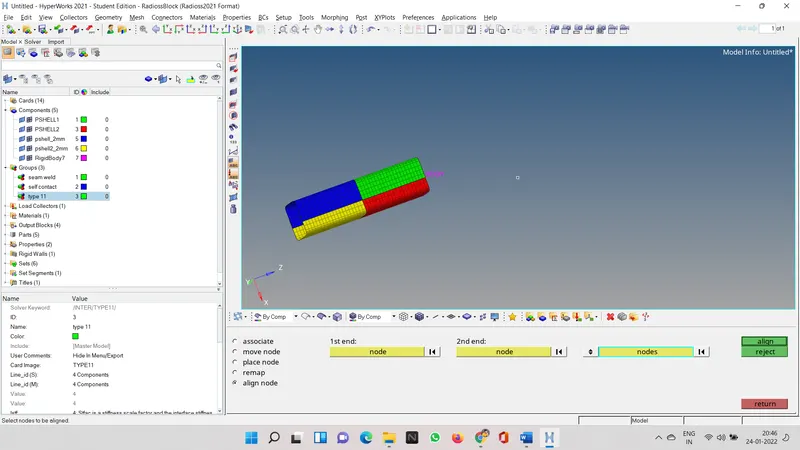
we need to remove boundary condition from the model boundary conditions are in the solver deck
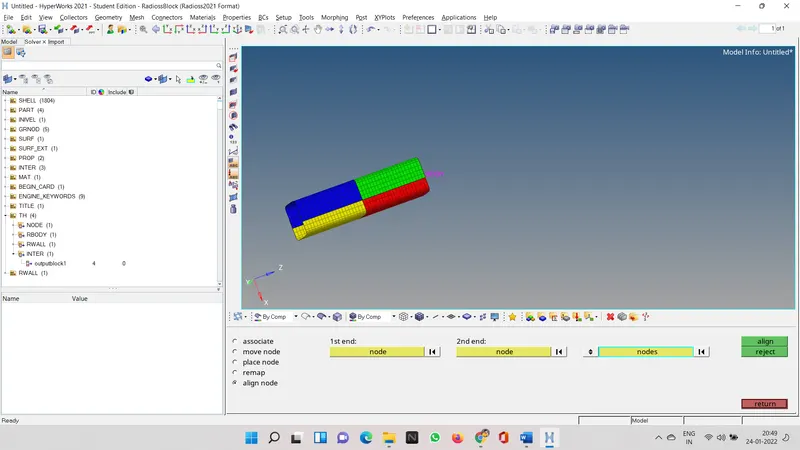
i have already deleted it so its not visible
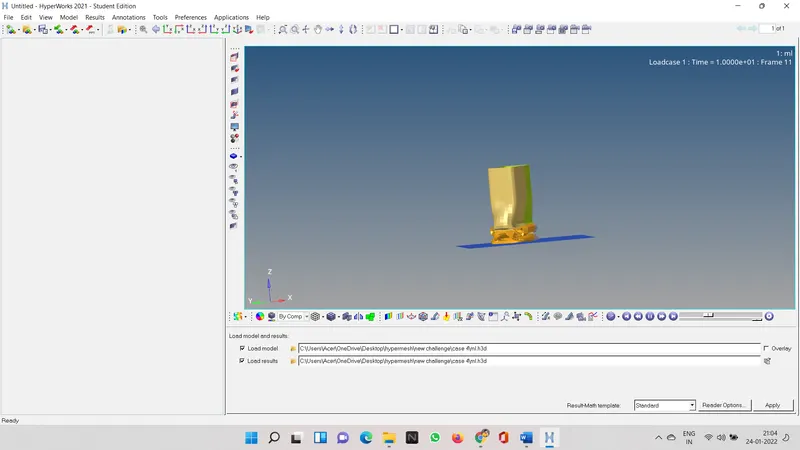
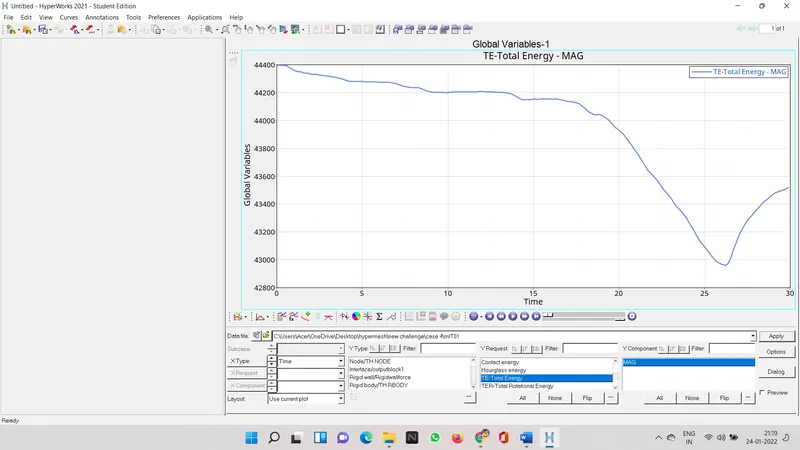
import .h3d file
rigid wall
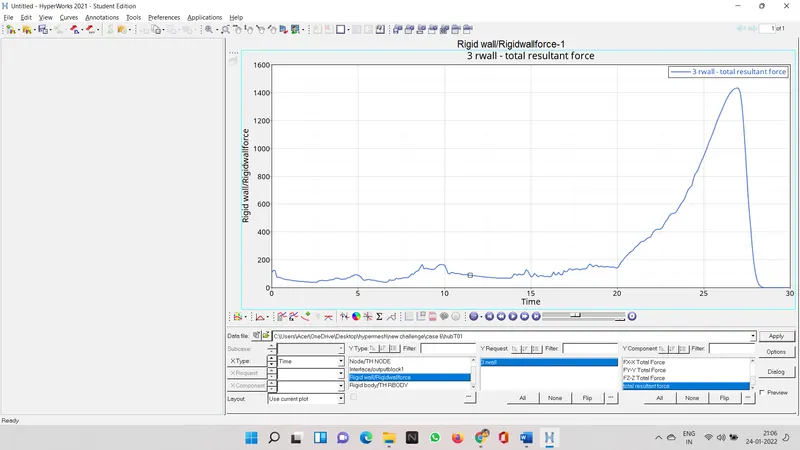
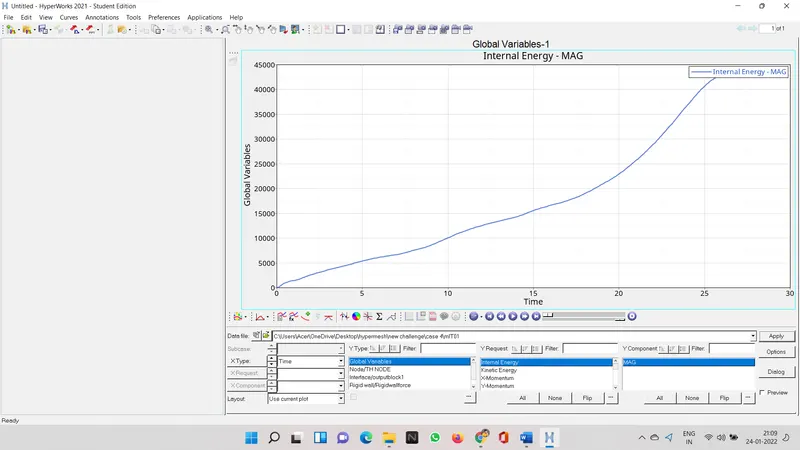
internal energy
contact force
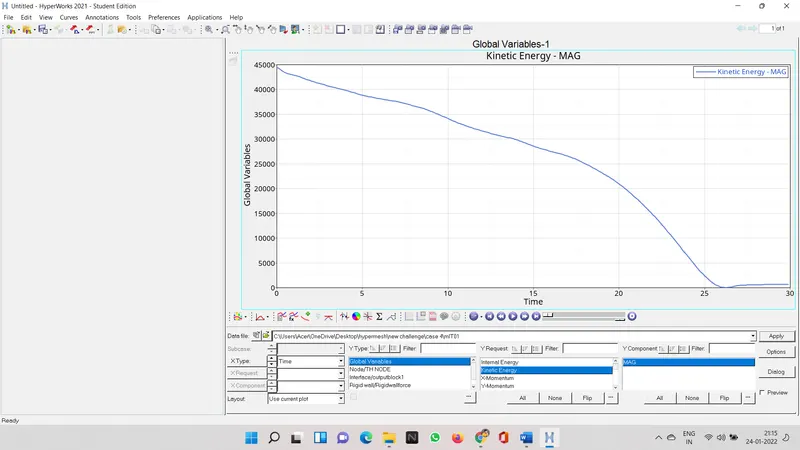
kinectic energy
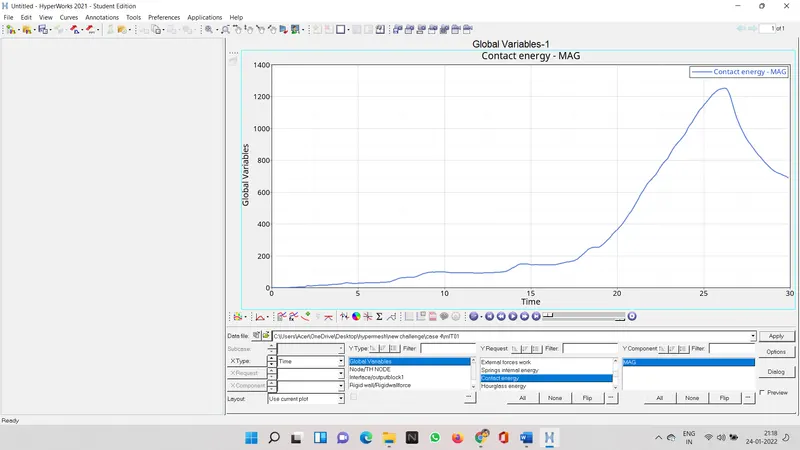
contact energy
total energy
case 5
we use translate option the depth should be 2.5,then select x y axis as respect
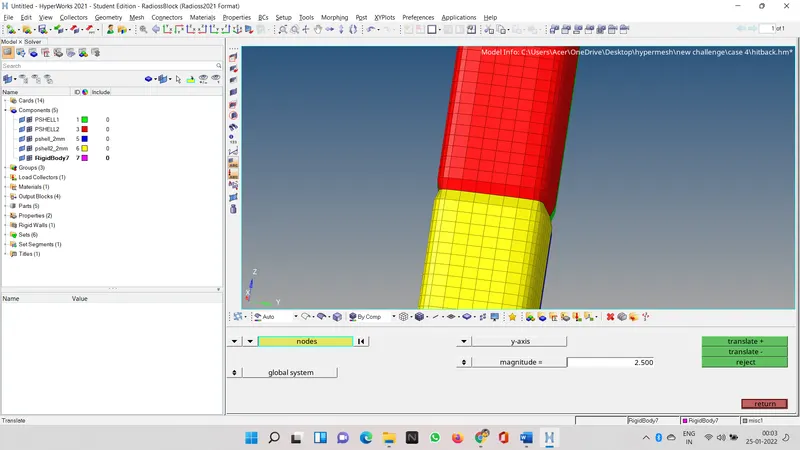
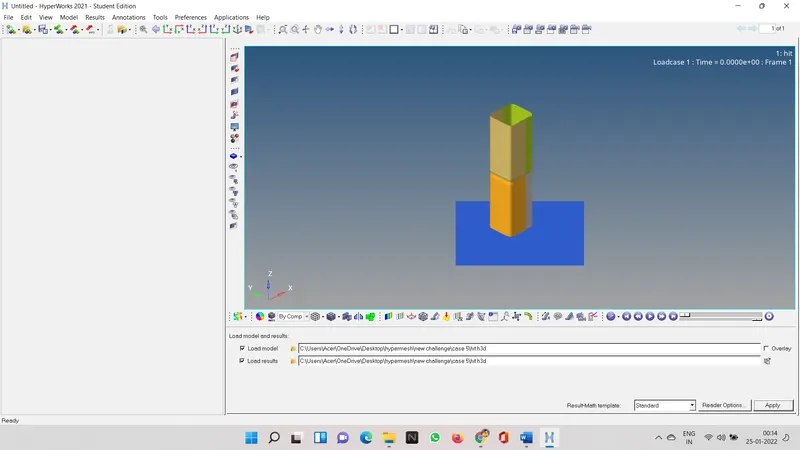
then run the simulation analysis in radios.
and then see the result in graph and see the change.
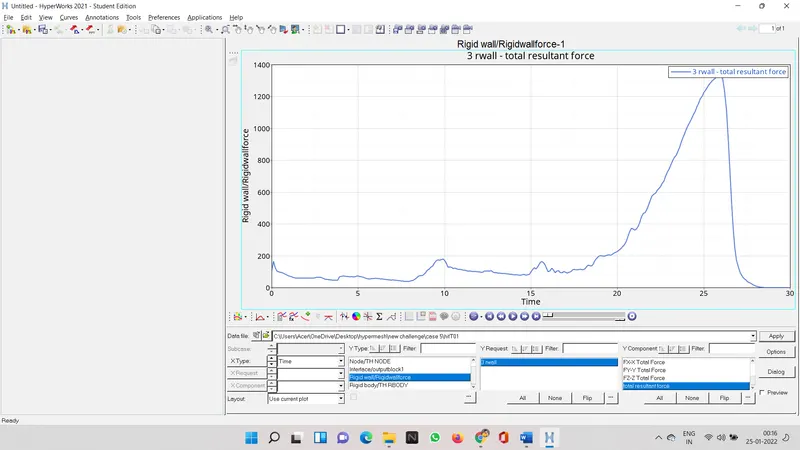
rigid forces
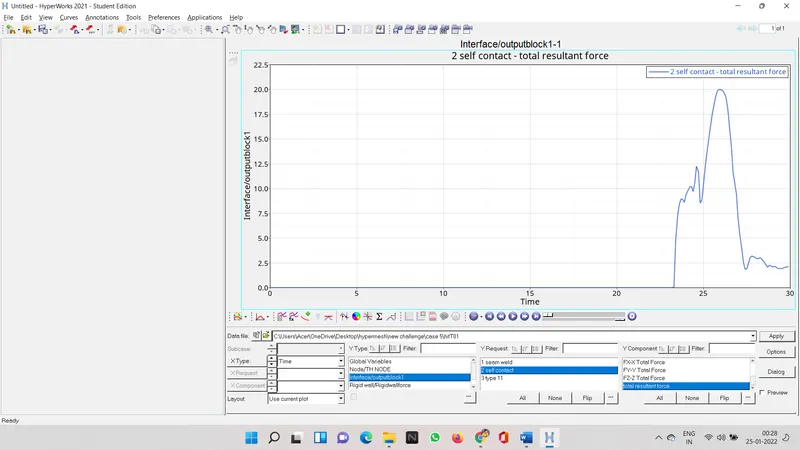
contact forces
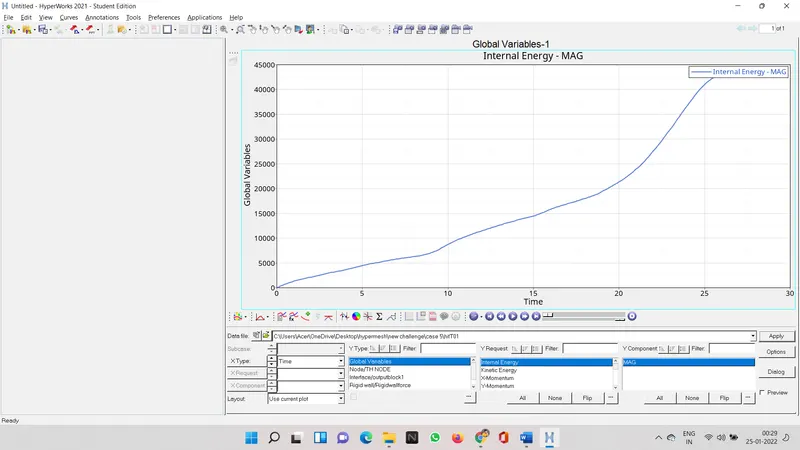
internal energy
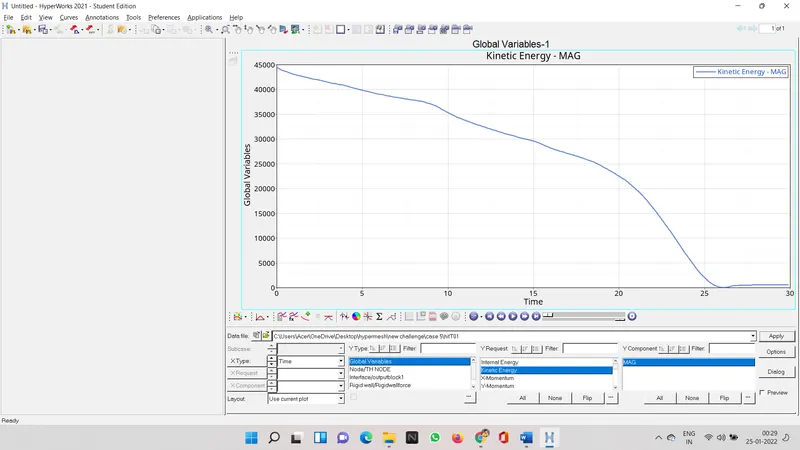
kinectic energy
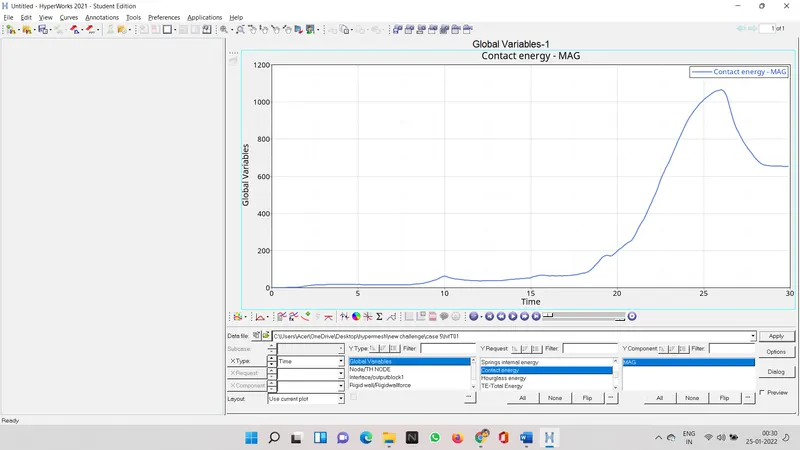
contact energy
total energy
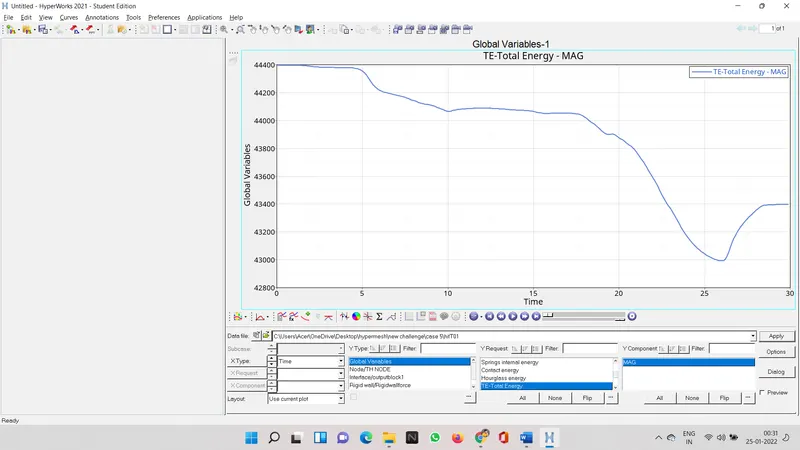
contact force increase after one half collision and second time it increase after 2nd collision. interface forces are less then other cases as the model collides with the wall twice first half collides first and then the other half
case 6
align the nodes of two opposite sides.
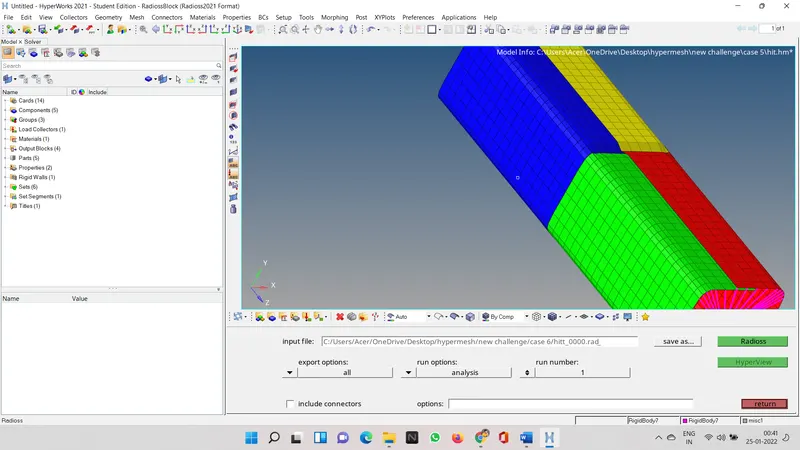
then run the analysis
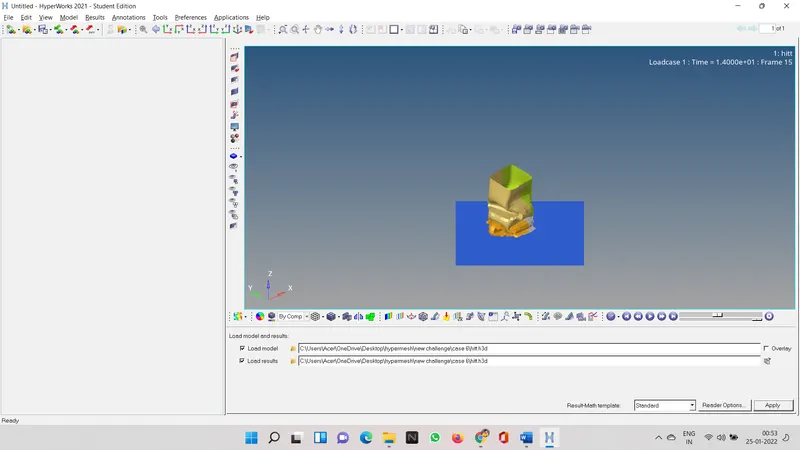
now lets see the graohically analysis
rigid wall forces
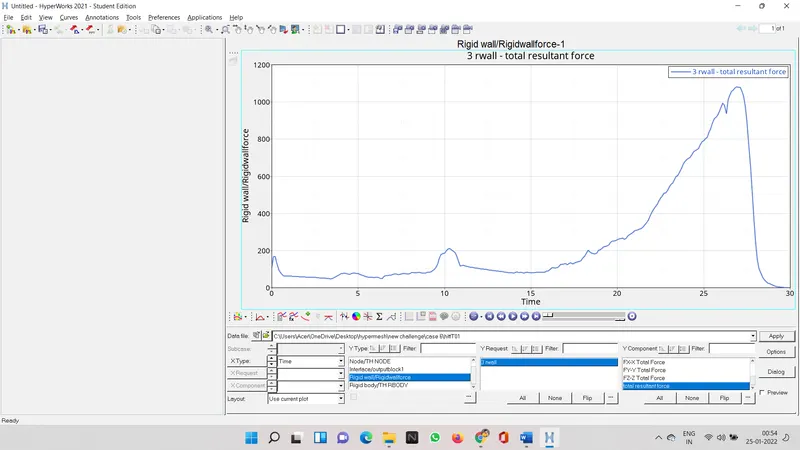
contact forces
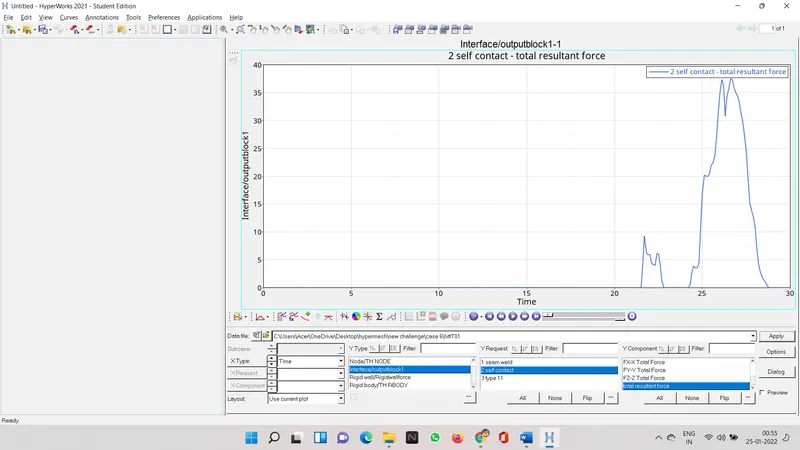
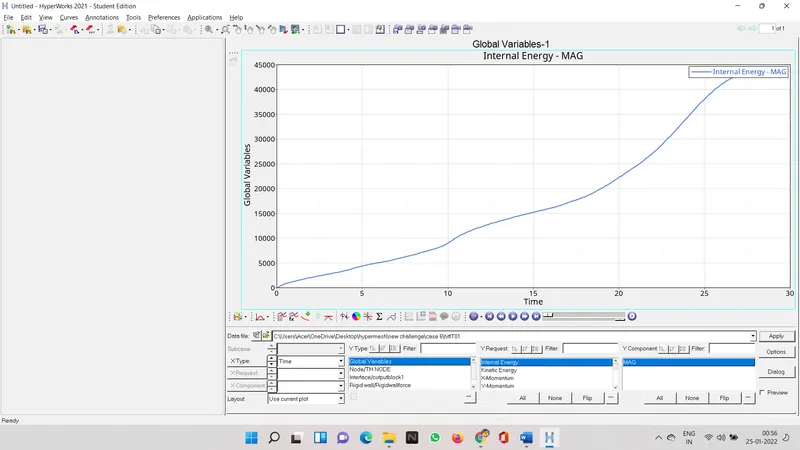
internal energy
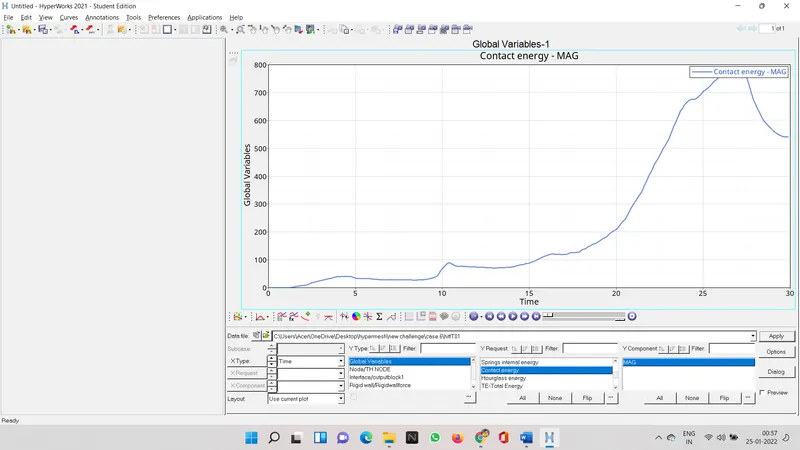
contact energy
comparison
| case 1 | case 2 | case 3 | case 4 | case 5 |
case 6 |
|
| energy error | -3.8% | -3.8% | -1.6% |
-3.0% |
1.6% | 5.4% |
|
mass error |
0 | 0 | 0 | 0 | 0 | 0 |
| max von mises stress | 6.949E-01 | 6.949E-01 | 6.413E-01 | 6.518E-01 | 5.997E-01 | 6.312E-01 |
| internal energy | 0.4202E+05 | 0.4202E+05 |
0.4285E+05 |
0.4234E+05 | 0.4436E+05 | 0.4615E+05 |
| kinectic energy | 592.6 | 592.6 | 601.4 | 555.7 | 456.9 | 378.7 |
| external work | -105.2 | -105.3 | -216.1 | -164.4 | -302.1 | -257.1 |
| notches | yes | yes | yes | no | notch at mid | notch at opposite side |