Assignment 4-RADIOSS Material Laws Challenge
Aim :-
Run crash analysis for the given model in different cases as follows;
- Law 2 Base Simulation.
- Law 2 with Ifail_sh = 1, Dadv = 1, Ixfem = 1.
- Law 2 without failure card.
- Law 2 without EPS_p_max value.
- Law 1 without faliure card & density, Poission's retio & Young's Modulus assigned.
- Law 27 with given shell properties.
- Law 36 with given shell properties & reference curve.
Procedure :-
Case 1 :-
1. Import the given Failure_Johnson_0000.rad file into Hypermesh by solver deck option.
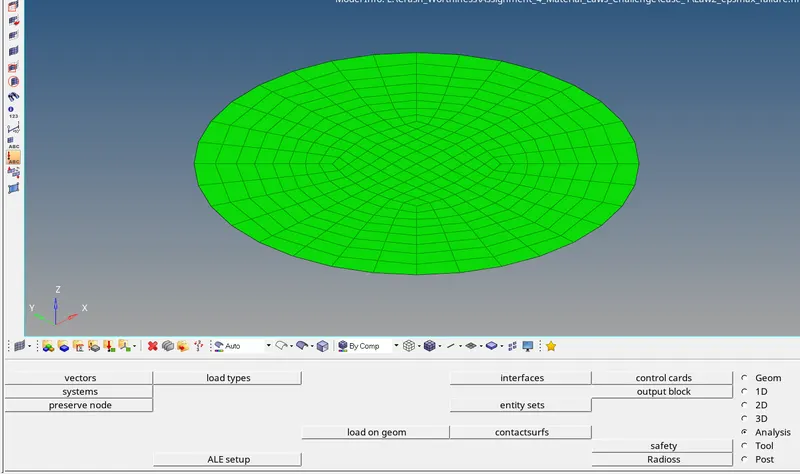
Fig 1 :- Import the 0000.rad File
2. Check for units in the begin card (g mm ms). Check for Material, Property & Faliure Cards for default values.
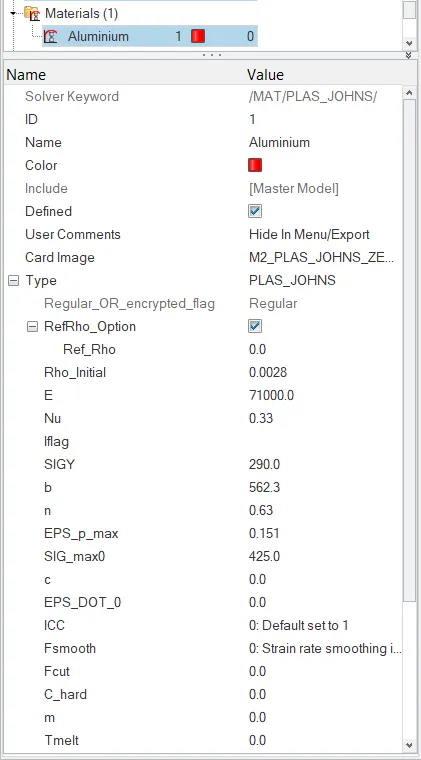
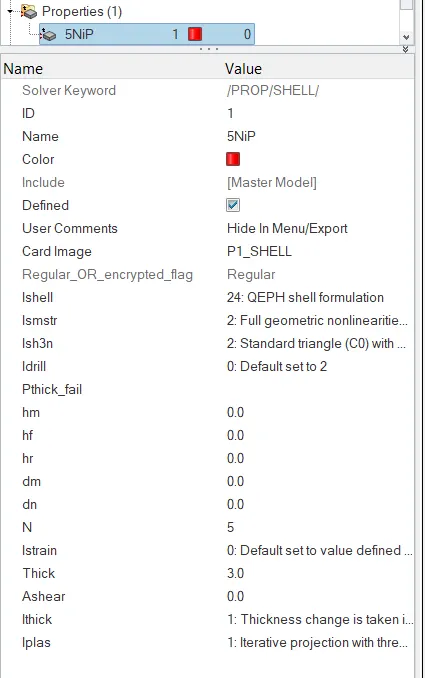
Fig 2.1 :- Material Card Fig 2.2 :- Property Card
3. Run the simulation by Analysis->Radioss. Fill in the below shown input details and click on Radioss.

Fig 3 :- Analysis input and save location
4. Then the simualtion/analysis will run and at tyhe end it will pop up the output.
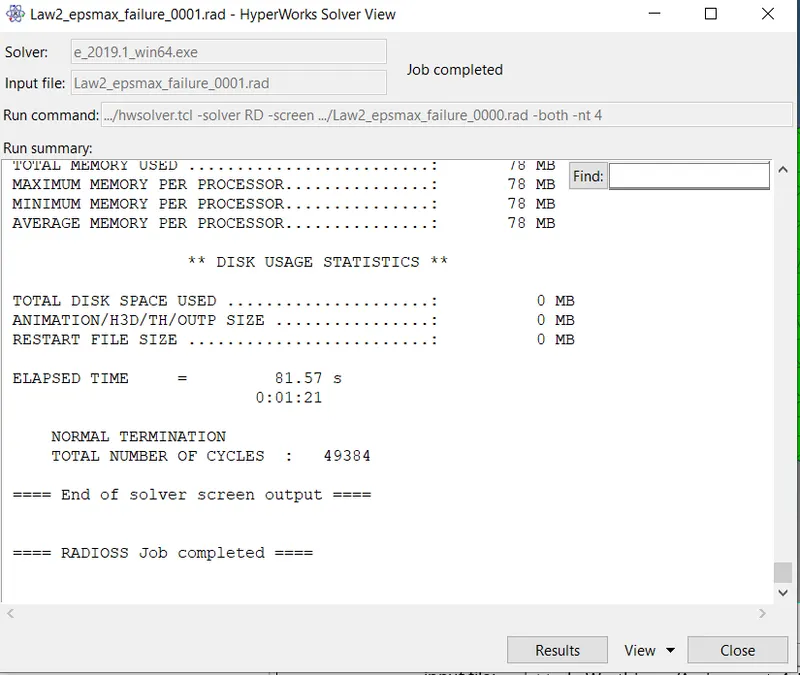
Fig 4 :- Analysis Output Report Case 1
5. Check for the 0000.out file for the results. Then click on Results so that it diverts to Hyperview.
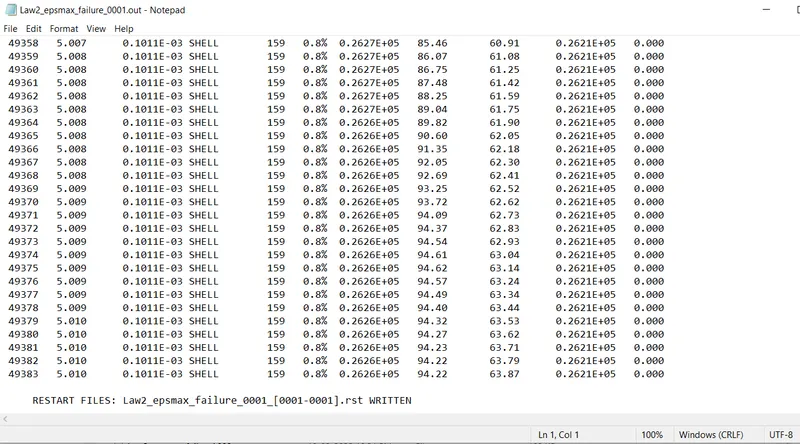
Fig 5.1 :- Energy & Mass Error for Case 1
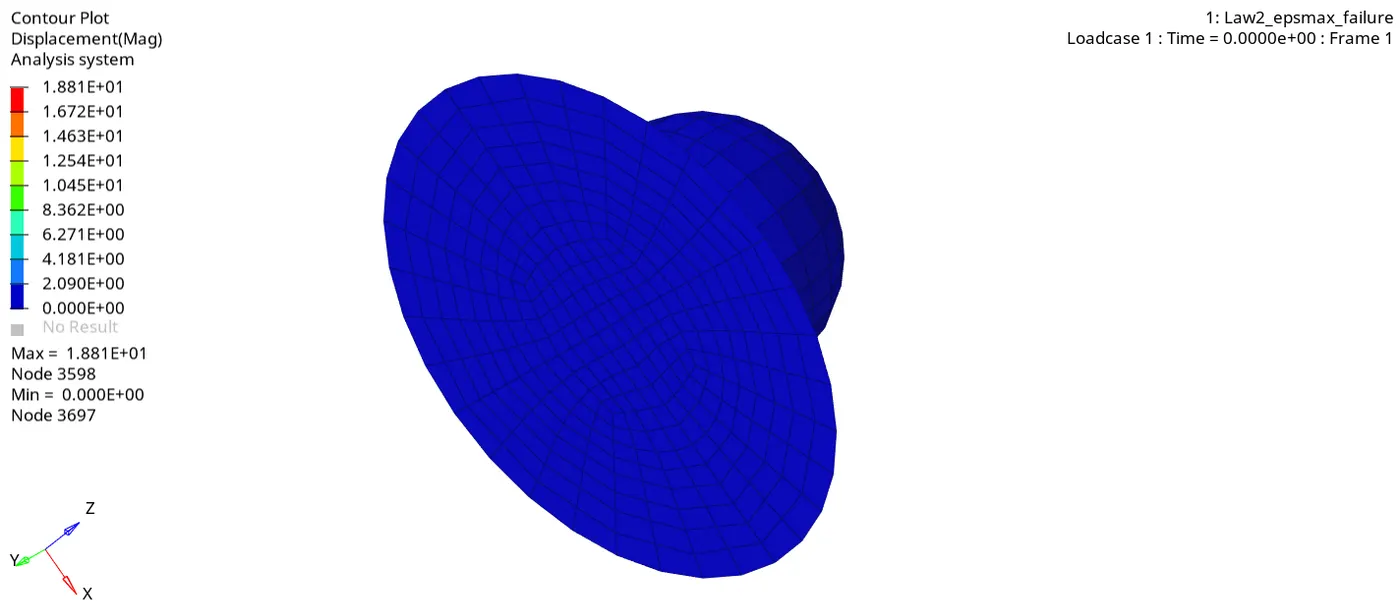
Fig 5.2 :- Displacement Simulation for Case 1
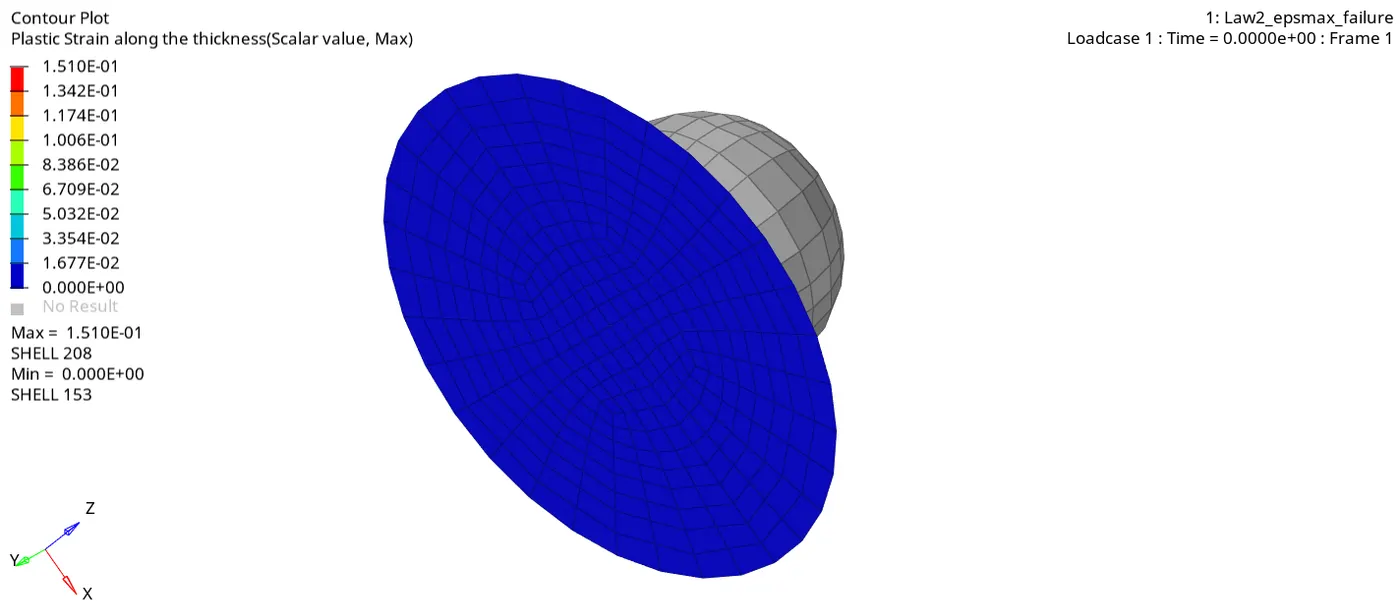
Fig 5.2 :- Plastic Strain Simulation for Case 1
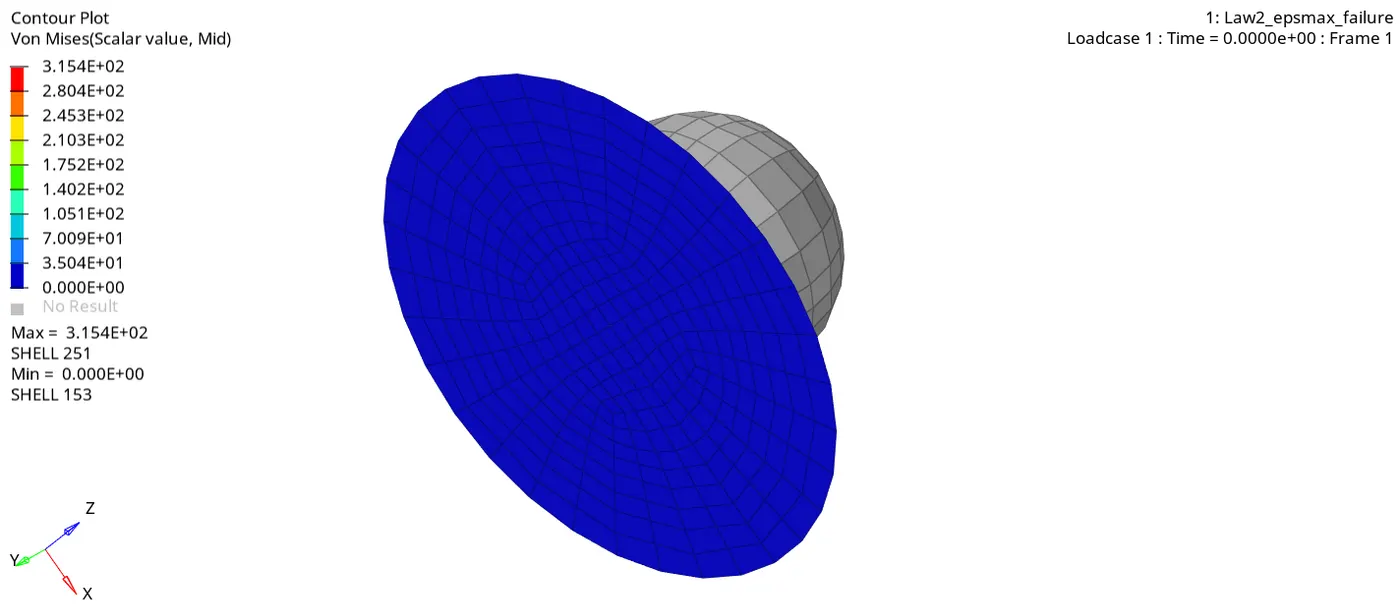
Fig 5.2 :- Von Mises Simulation for Case 1
6. Plot a graph to show Internal Energy, Kinetic Energy, Hourglass Energy & Total Energy using Hypergraph 2D.
Input the T01 file to apply the graph.
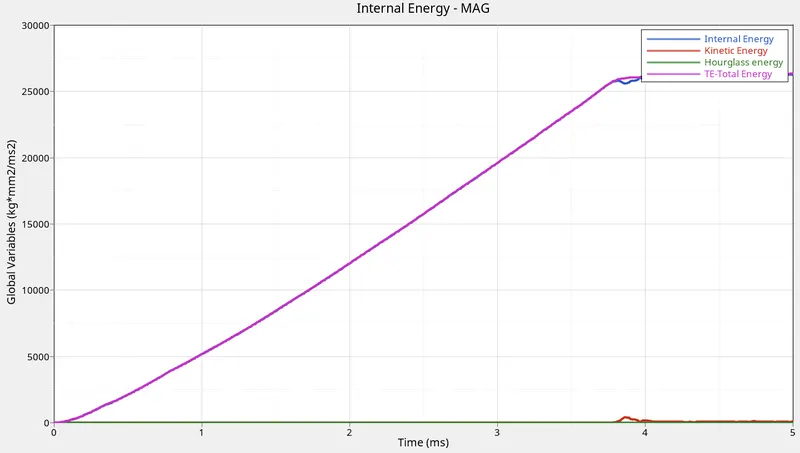
Fig 6 :- Energy Graph for Case 1
Case 2 :-
1. Follow the initial process similar to Case 1, update the failure card (Ifail_sh = 1, Dadv = 1 & Ixfem = 1 ).
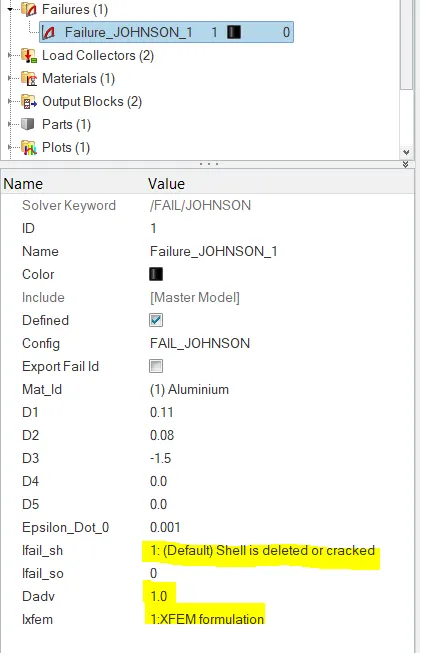
Fig 7 :- Failure Card Updated
2. Run the simulation with the updated model.
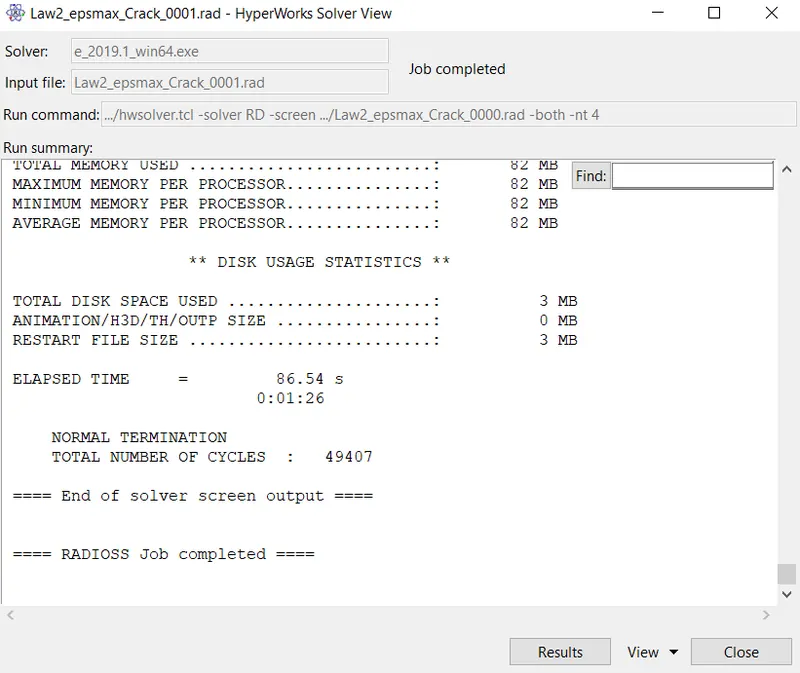
Fig 8.1 :- Analysis Output Report Case 2
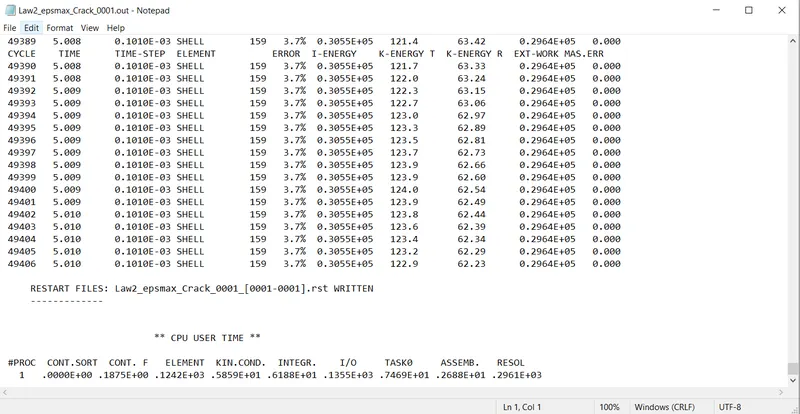
Fig 8.2 :- Energy & Mass Error for Case 2
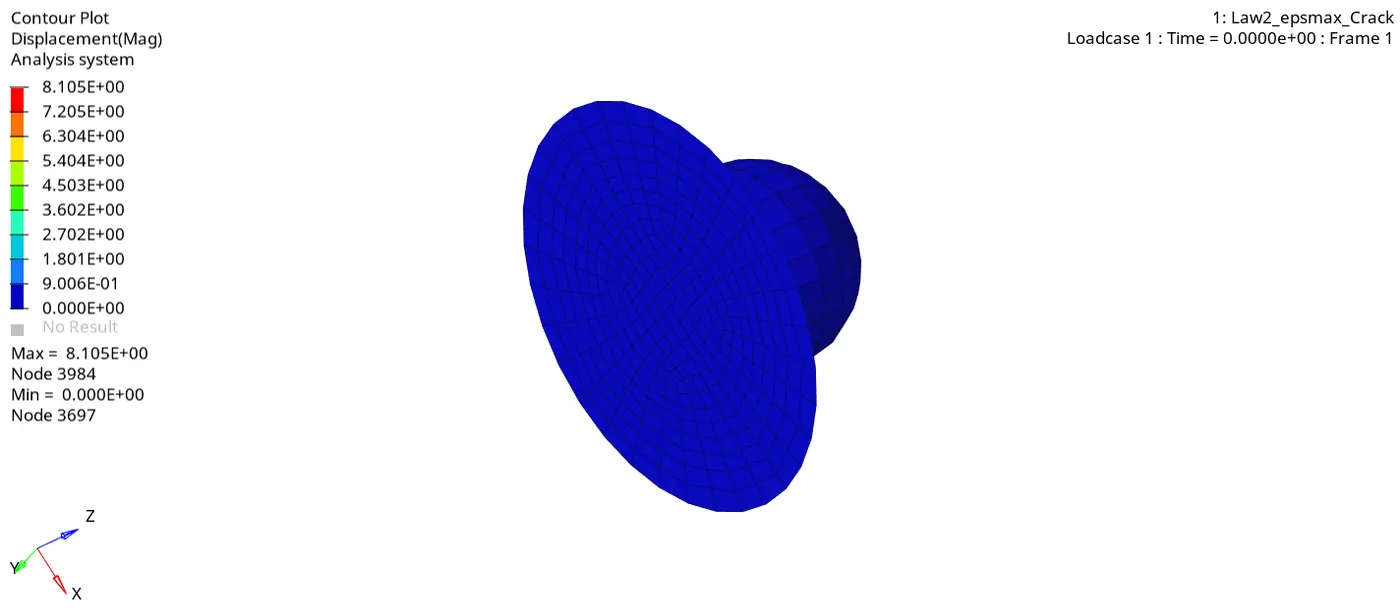
Fig 8.3 :- Displacement Simulation for Case 2
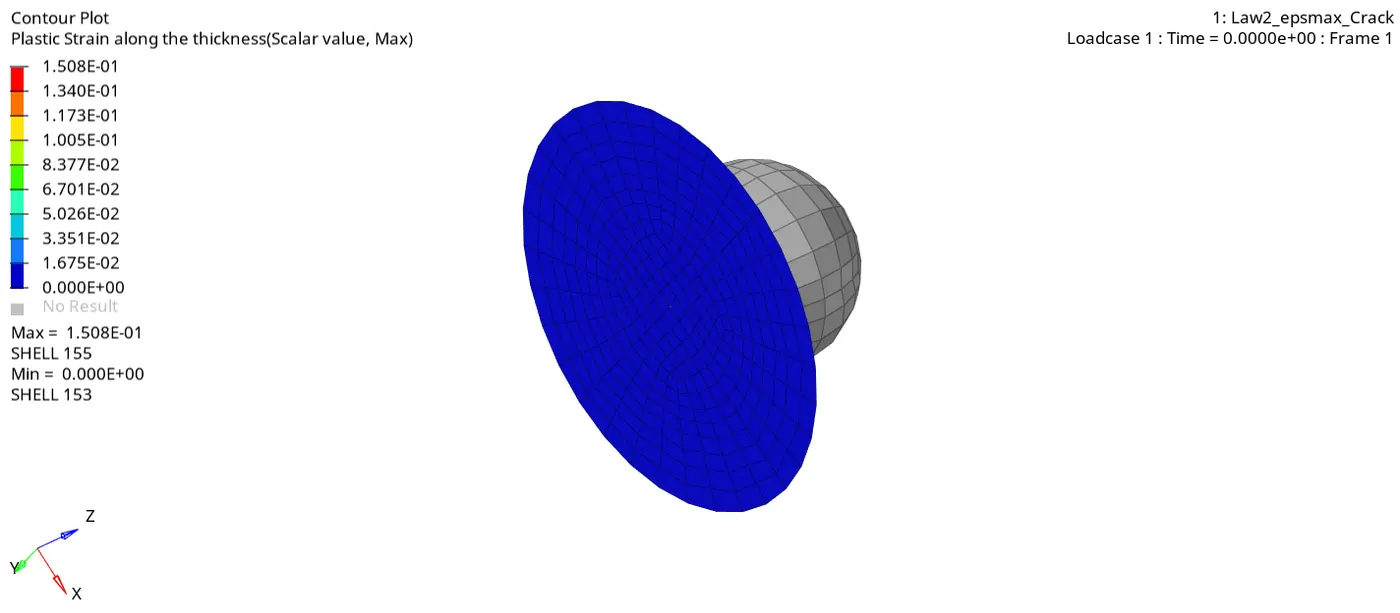
Fig 8.4 :- Plastic Strain Simulation for Case 2
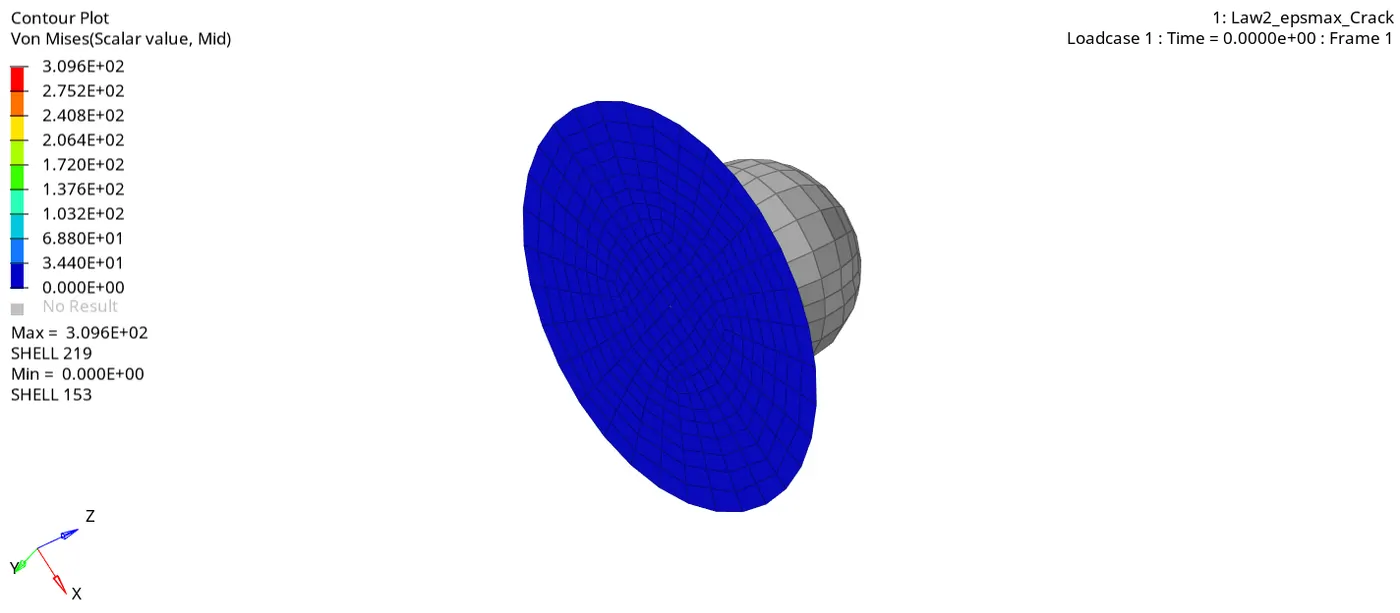
Fig 8.5 :- Von Mises Simulation for Case 2
3. As the energy error is less than 5% and there is no mass error, graph can be plotted using Hypergraph 2D.
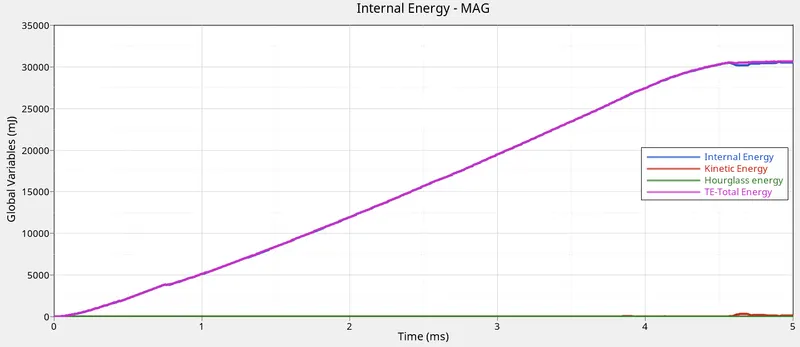
Fig 9 :- Energy Graph for Case 2
Case 3 :-
1. Import the previous start file (Law2_epsmax_Crack_0000.rad), delete the failure card.
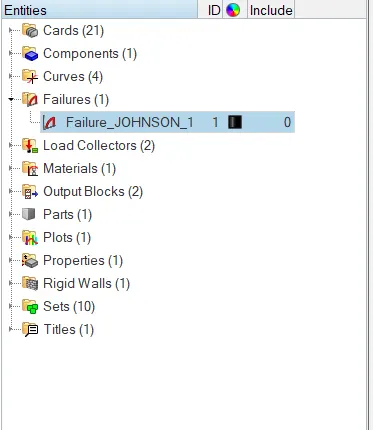
Fig 10 :- Delete Failure Card
2. Run the simulation for the updated model.
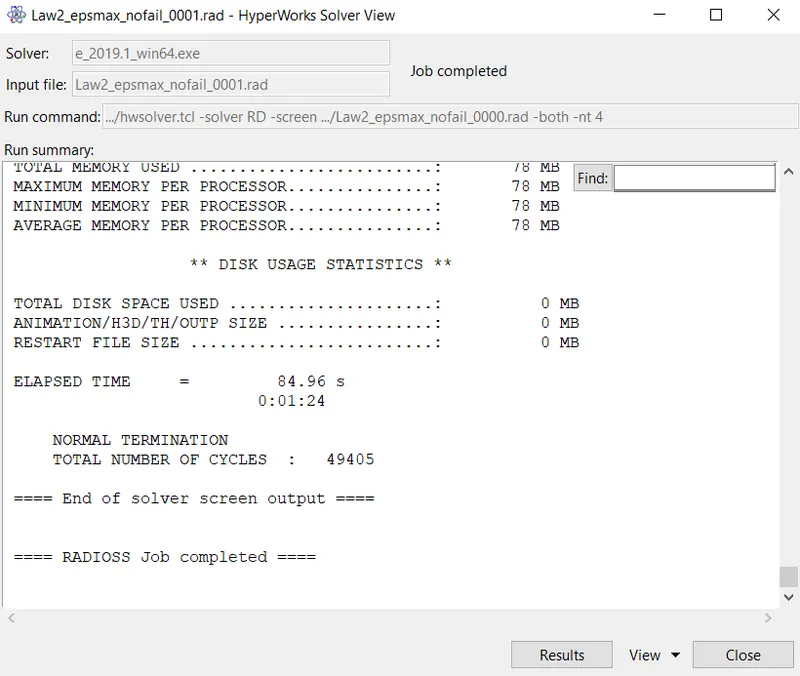
Fig 11.1 :- Analysis Output Report Case 3
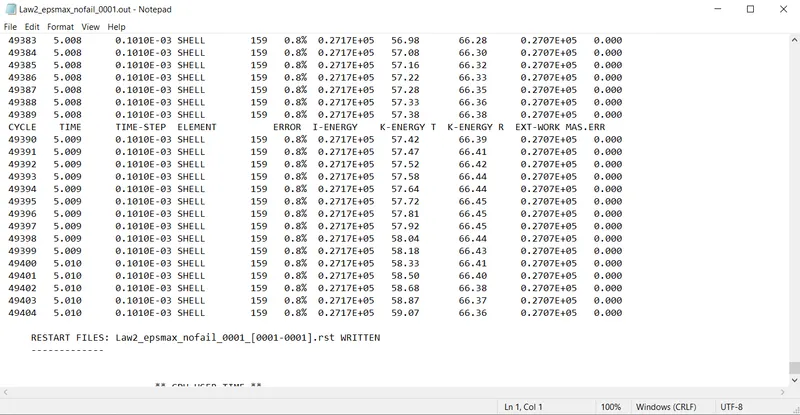
Fig 11.2 :- Energy & Mass Error for Case 3
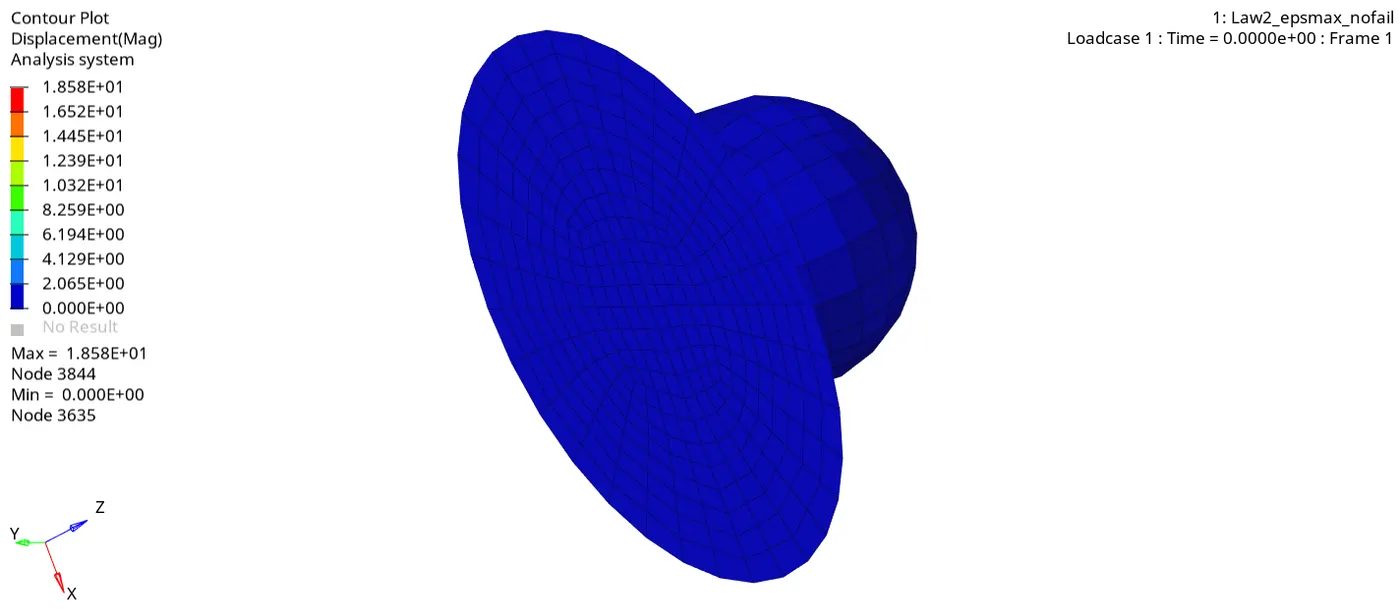
Fig 11.3 :- Displacement Simulation for Case 3
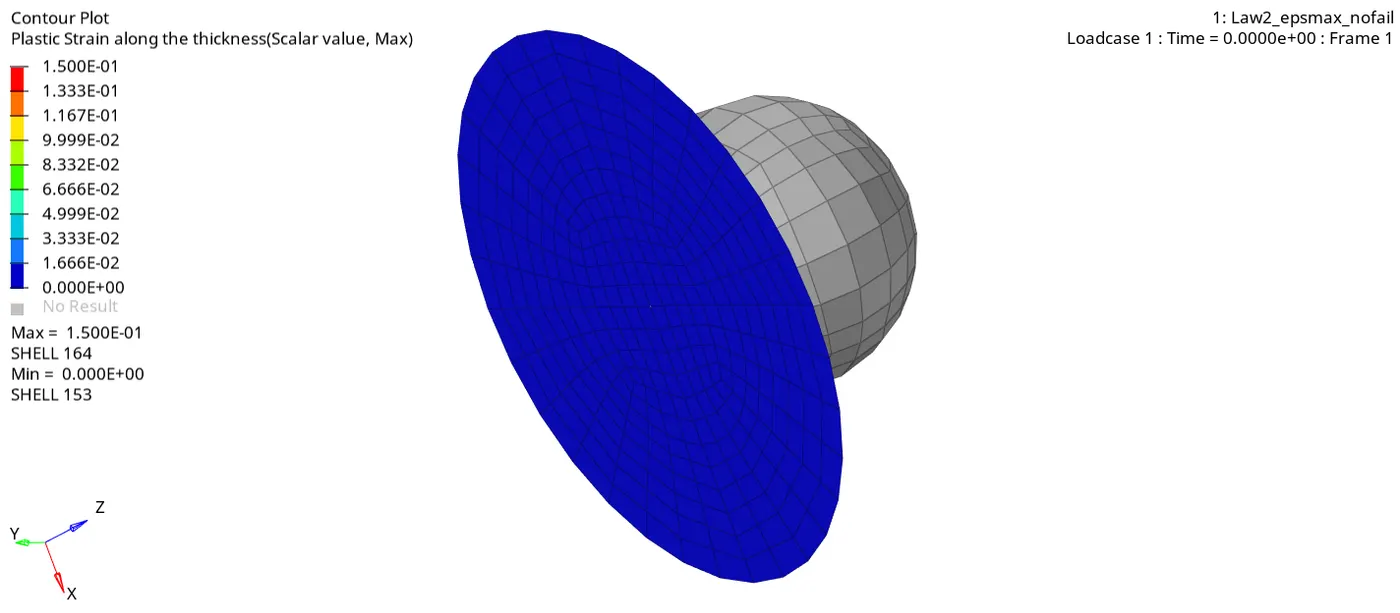
Fig 11.4 :- Plastic Strain Simulation for Case 3
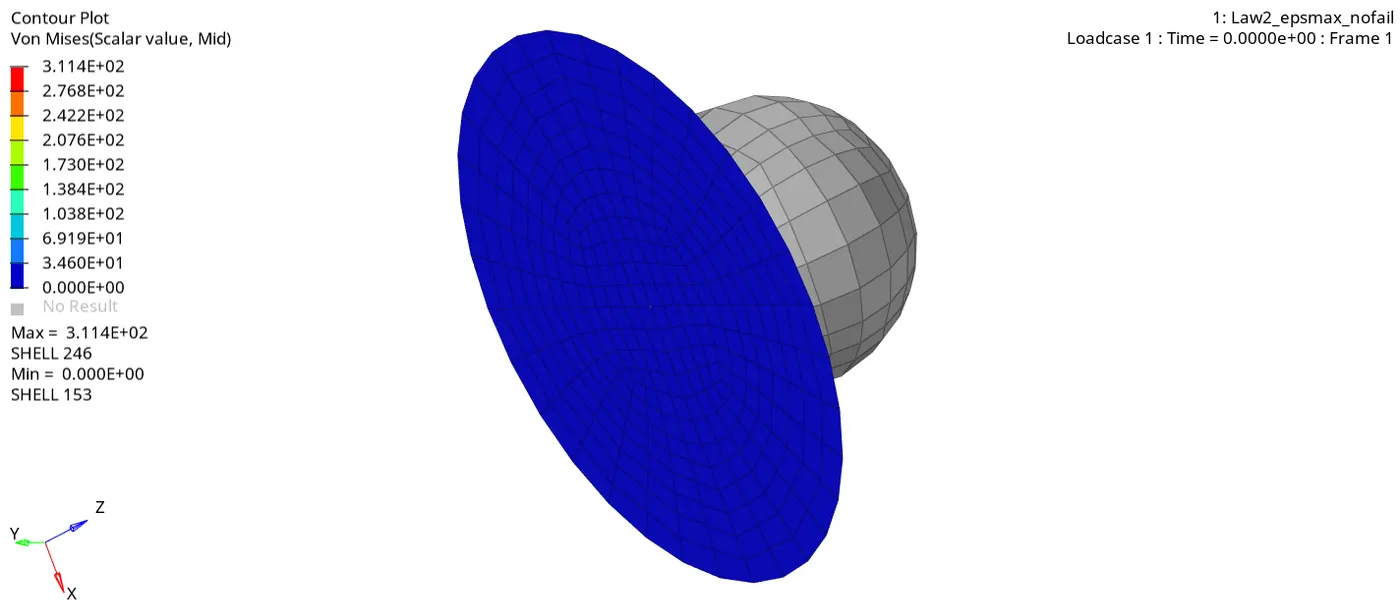
Fig 11.5 :- Von Mises Simulation for Case 3
3. As the energy error is less than 5% and there is no mass error, graph can be plotted using Hypergraph 2D.
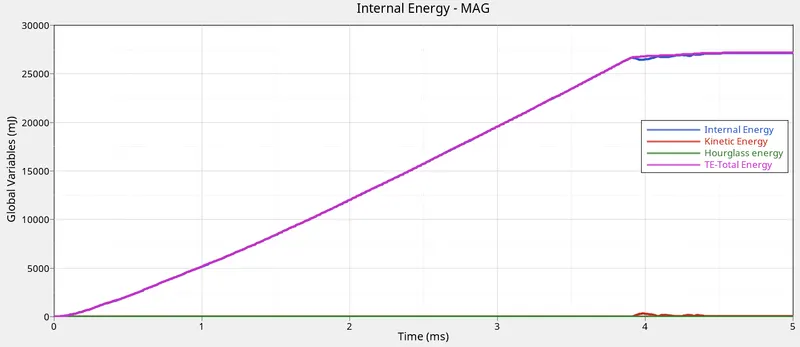
Fig 12 :- Energy Graph for Case 3
Case 4 :-
1. Import the previous start file (Law2_epsmax_nofail_0000.rad), Remove the EPS_p_max or make it 0 by going to the material card.
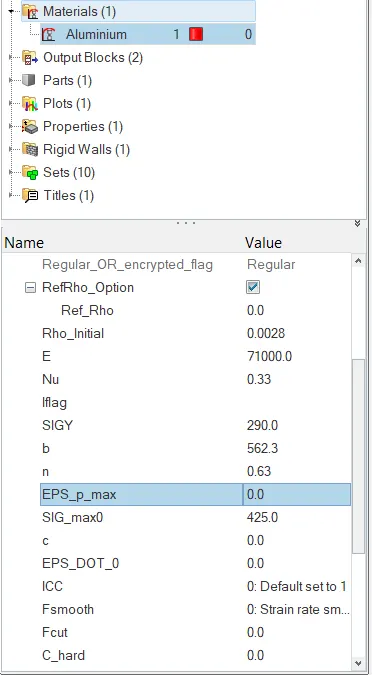
Fig 13 :- EPS_p_max = 0
2. Run the simulation for the updated model.
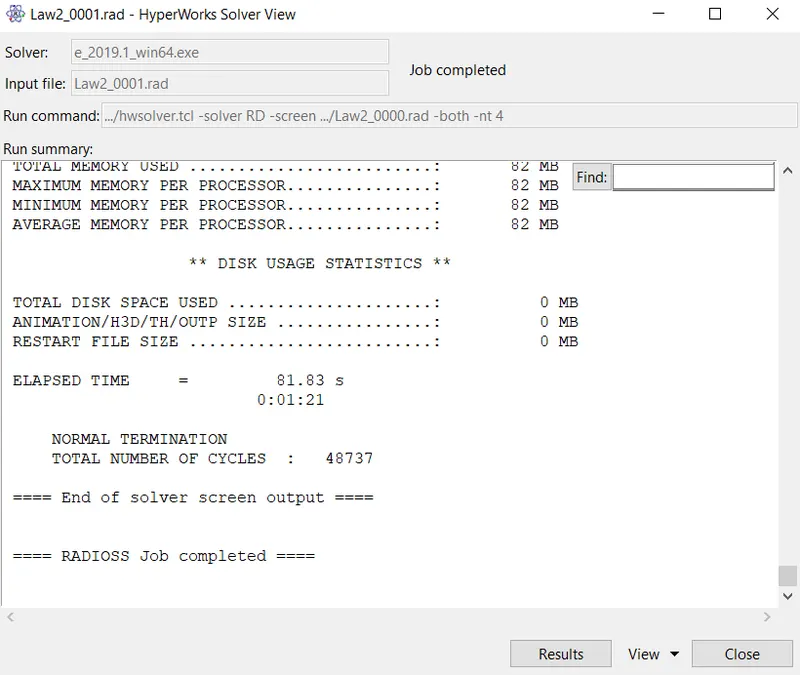
Fig 14.1 :- Analysis Output Report Case 4
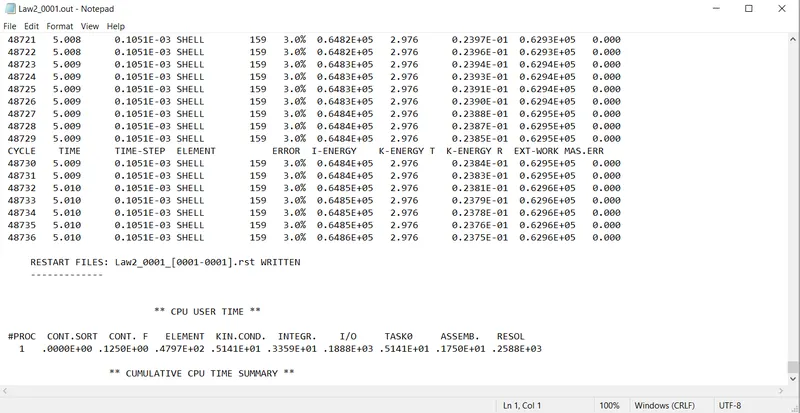
Fig 14.2 :- Energy & Mass Error for Case 4
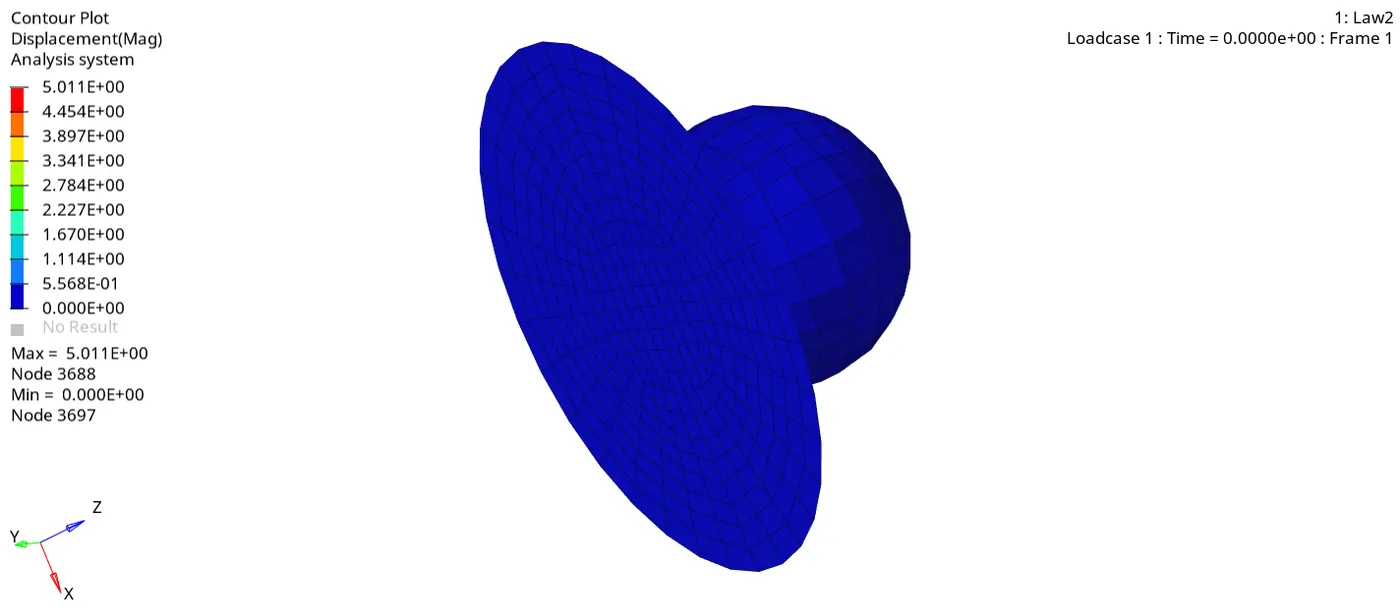
Fig 14.3 :- Displacement Simulation for Case 4
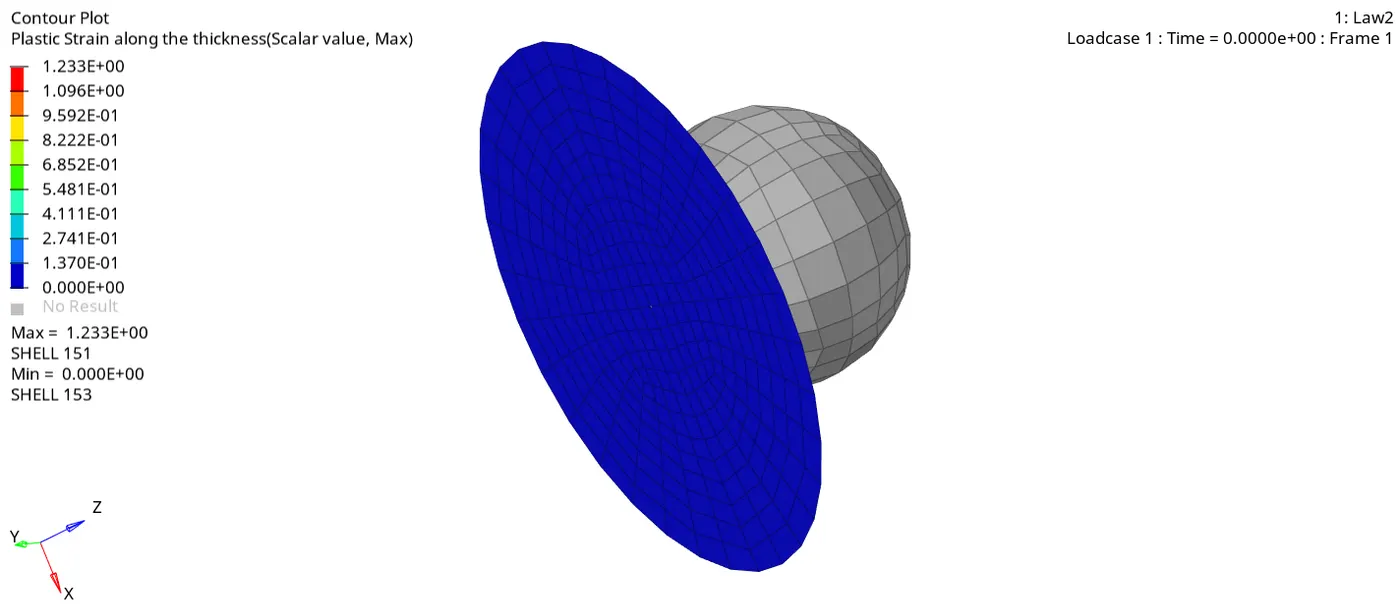
Fig 14.4 :- Plastic Strain Simulation for Case 4
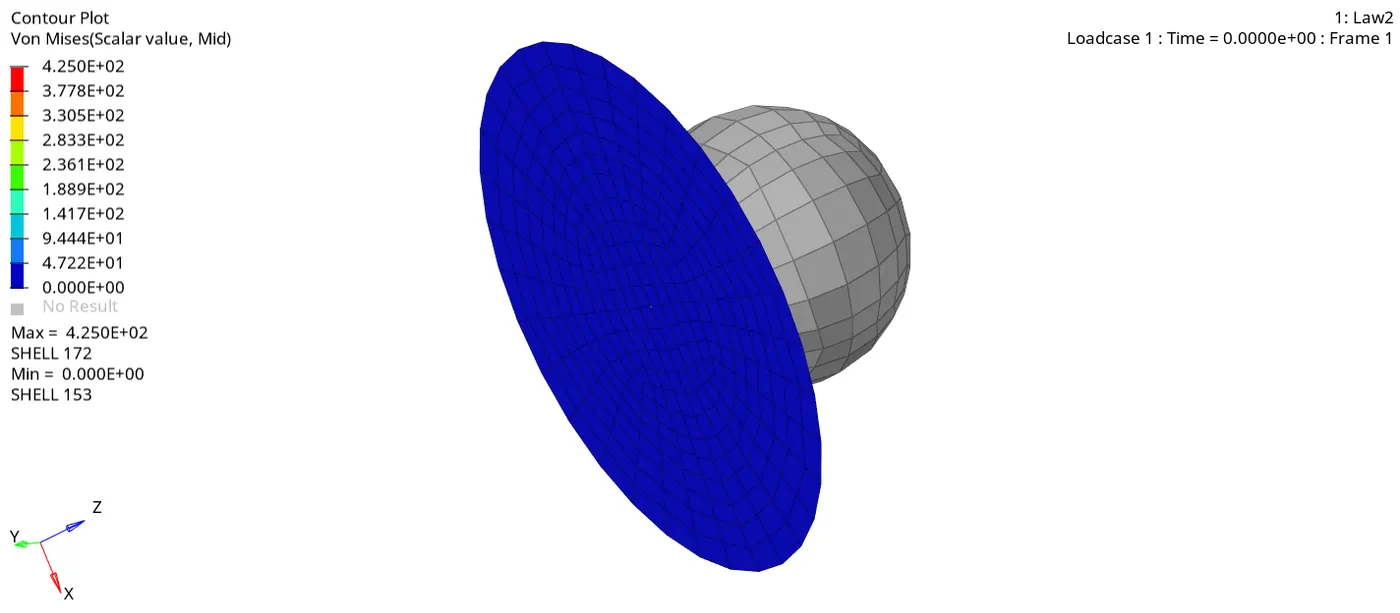
Fig 14.5 :- Von Mises Simulation for Case 4
3. As the energy error is less than 5% and there is no mass error, graph can be plotted using Hypergraph 2D.
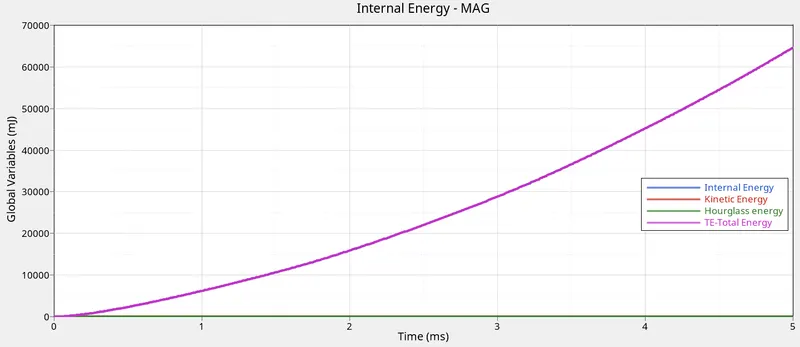
Fig 15 :- Energy Graph for Case 4
Case 5 :-
1. Import the previous start file (Law2_0000.rad), Change the material type to M1_ELAST, it represents Law1.
Also enter the values Rho_Initial = 0.0028, E = 71000.0 & Nu = 0.33.
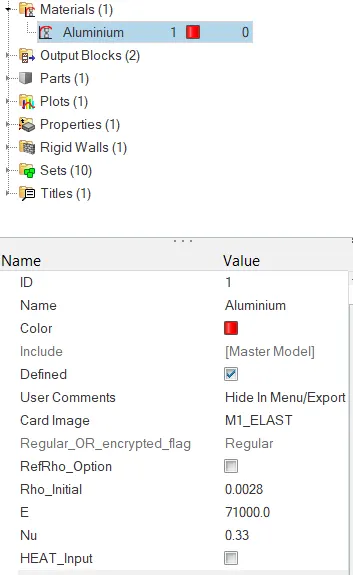
Fig 16 :- Material Property Changed
2. Run the simulation for the updated model.
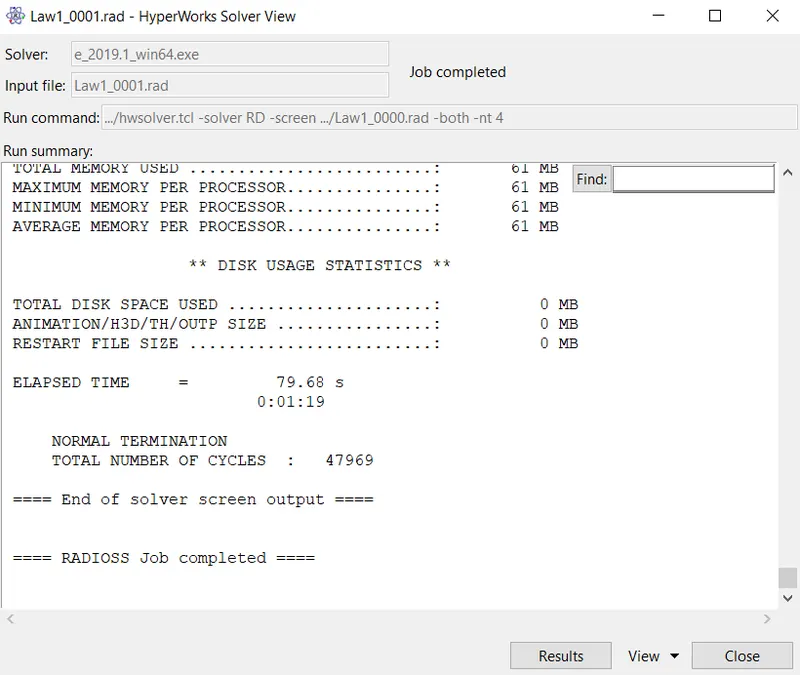
Fig 17.1 :- Analysis Output Report Case 5
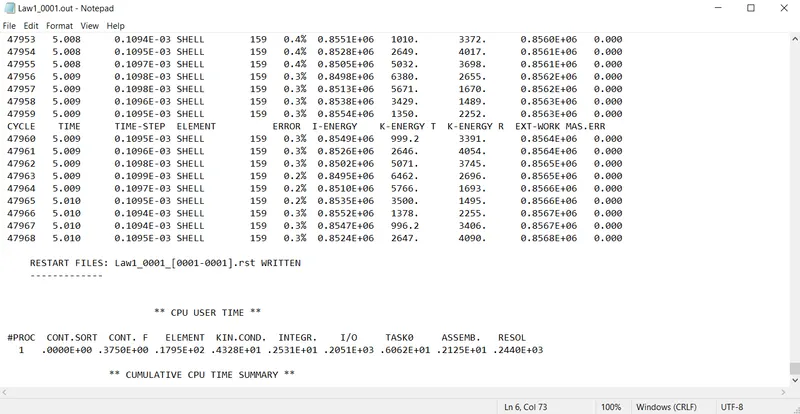
Fig 17.2 :- Energy & Mass Error for Case 5
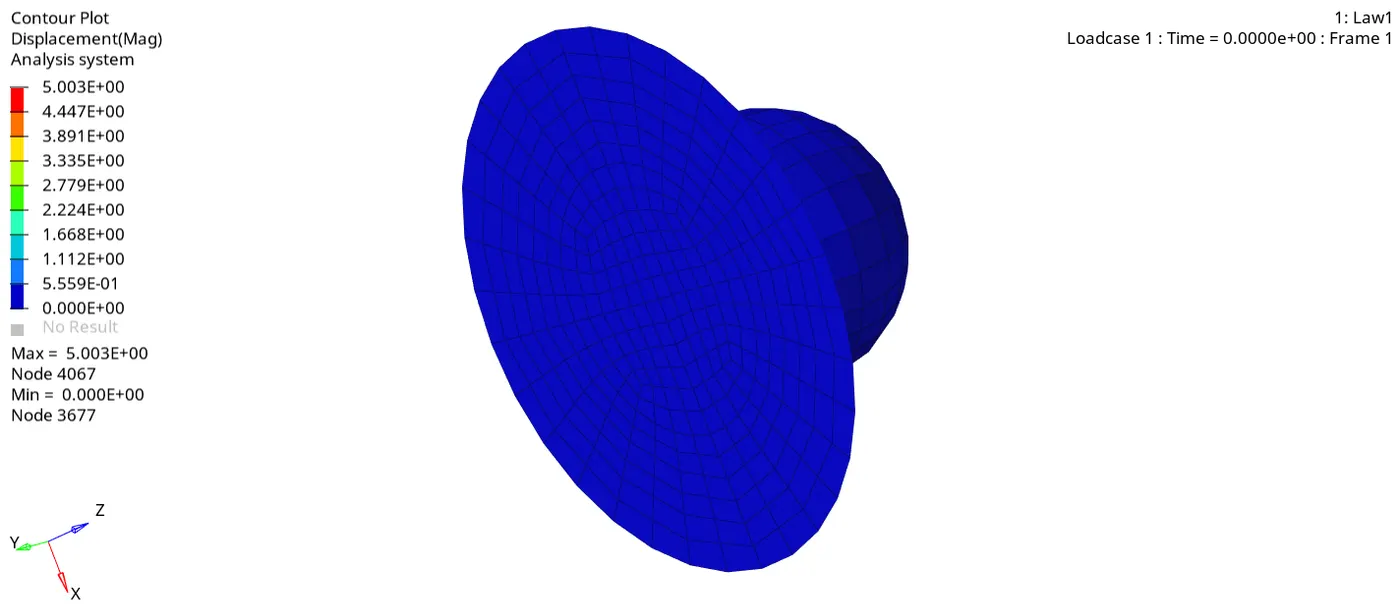
Fig 17.3 :- Displacement Simulation for Case 5
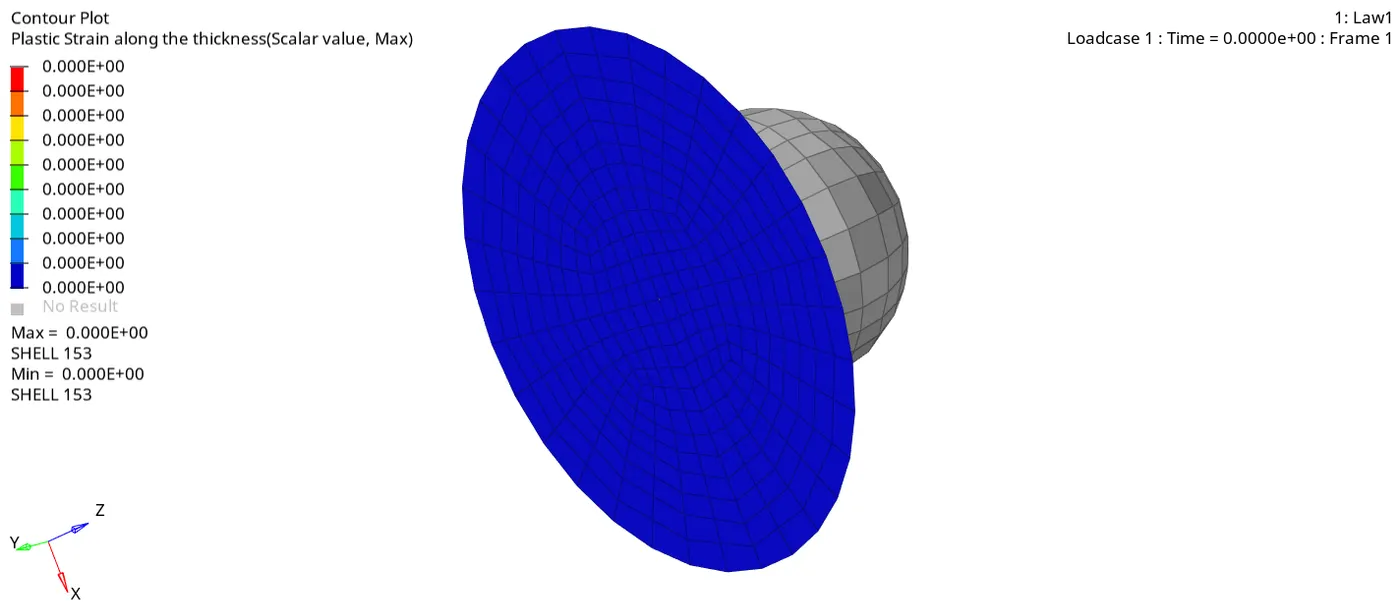
Fig 17.4 :- Plastic Strain Simulation for Case 5
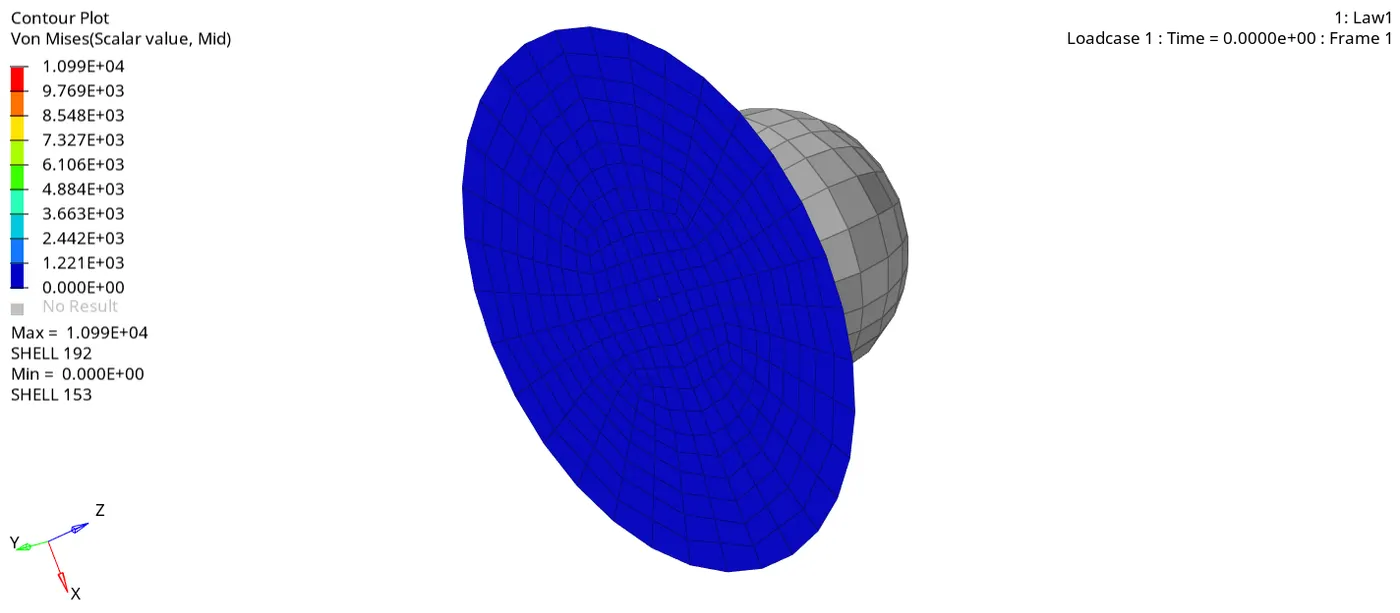
Fig 17.5 :- Von Mises Simulation for Case 5
3. As the energy error is less than 5% and there is no mass error, graph can be plotted using Hypergraph 2D.
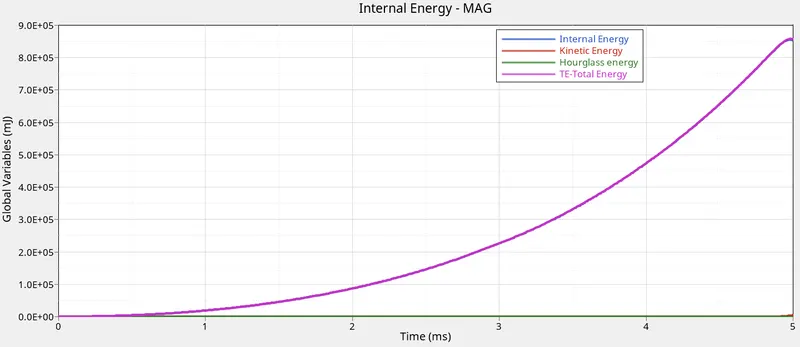
Fig 18 :- Energy Graph for Case 5
Case 6 :-
1. Import LAW27_0000.rad file into Hypermesh by solver deck.
Update the shell properties as recommended,
I_shell = 24
I_smstr = 2
I_sh3n = 2
N = 5
I_thick = 1
I_plas = 1
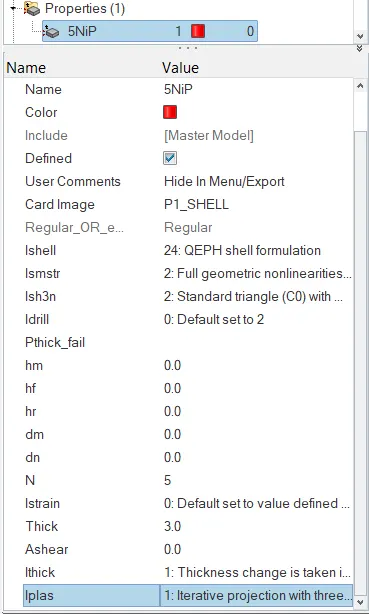
Fig 19 :- Shell Property Changed
2. Run the simulation for the updated model.
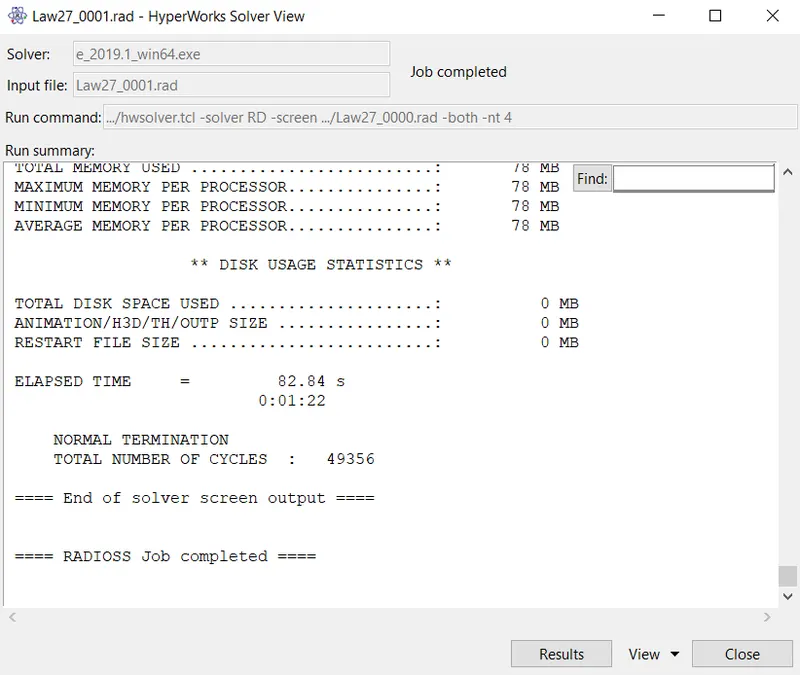
Fig 20.1 :- Analysis Output Report Case 6
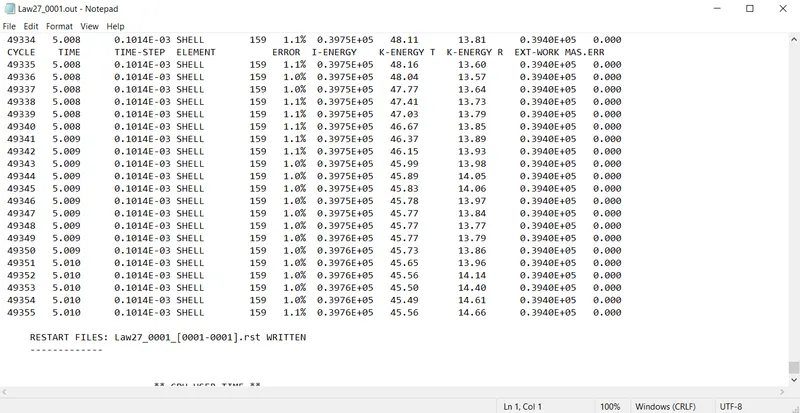
Fig 20.2 :- Energy & Mass Error for Case 6
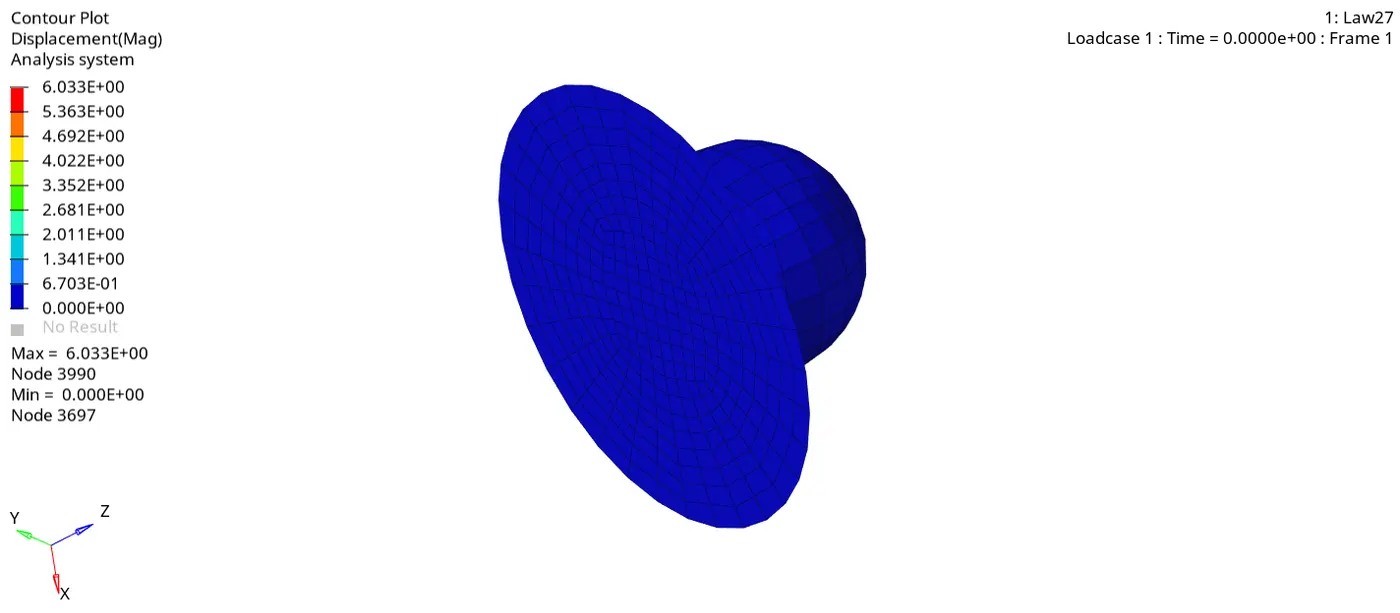
Fig 20.3 :- Displacement Simulation for Case 6
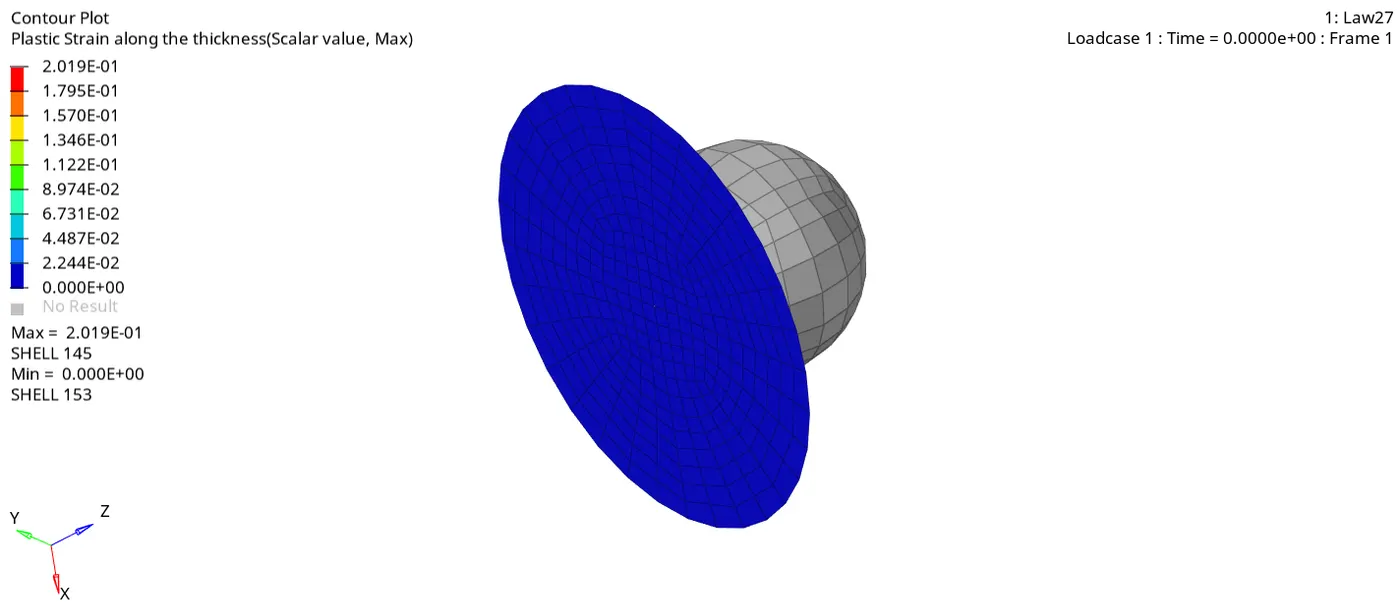
Fig 20.4 :- Plastic Strain Simulation for Case 6
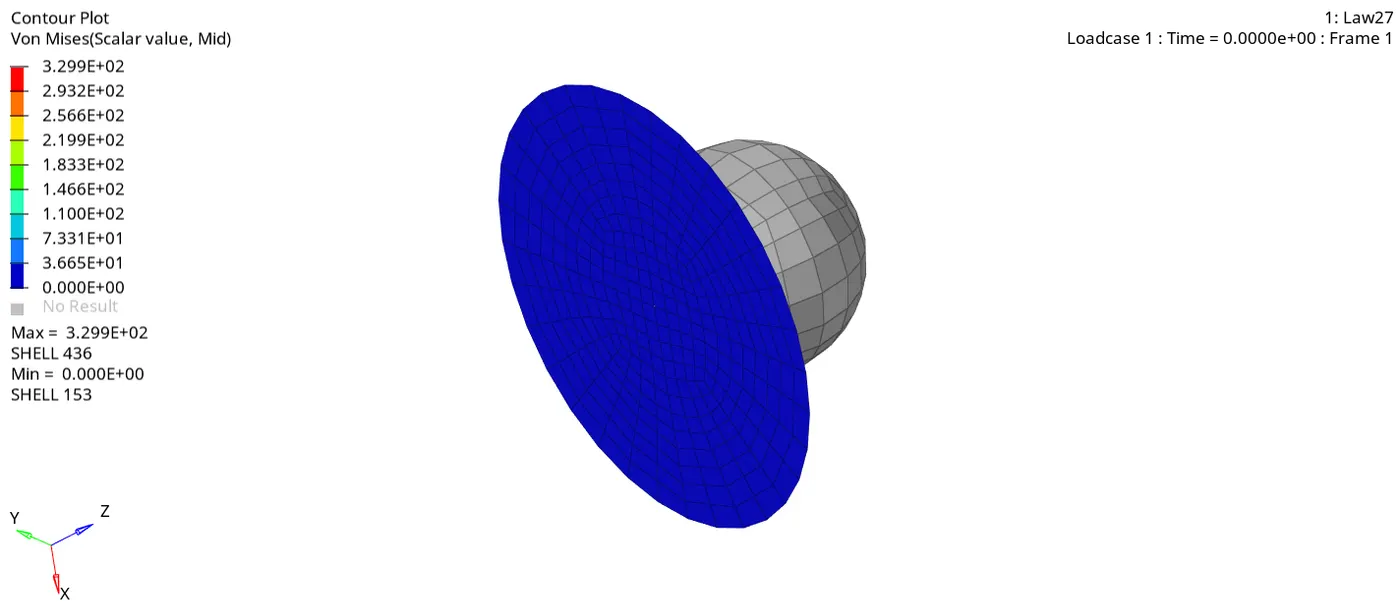
Fig 20.5 :- Von Mises Simulation for Case 6
3. As the energy error is less than 5% and there is no mass error, graph can be plotted using Hypergraph 2D.
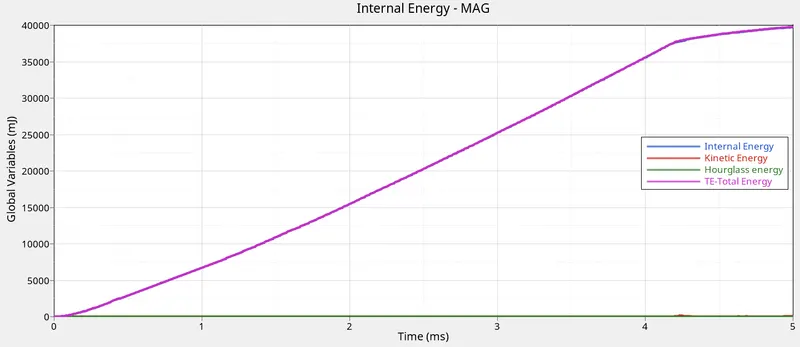
Fig 21 :- Energy Graph for Case 6
Case 7 :-
1. Import LAW27_0000.rad file into Hypermesh by solver deck. Update the shell properties and create a curve as explained in Material 7 video.
Create a curve by Right click->Create->Curve. Add a new curve to the list in the name Case_7.
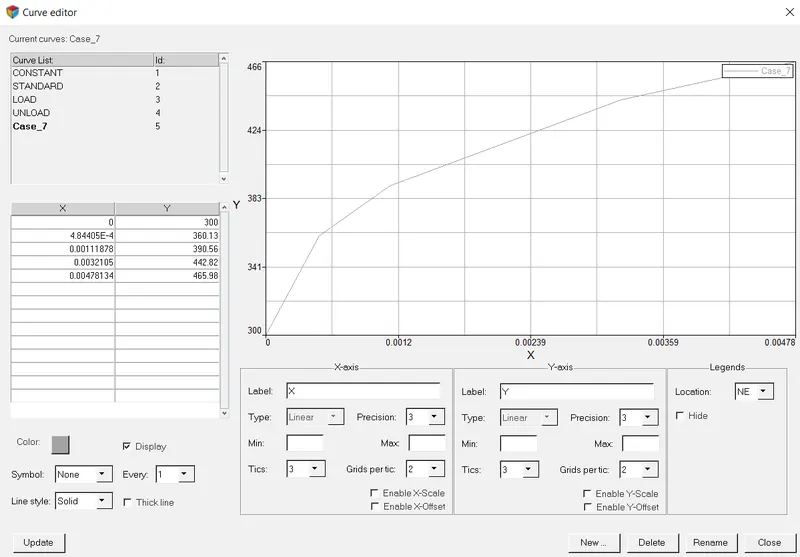
Fig 22 :- Creating New Curve
2. Update the material card to M36_PLAS_TAB (Represents Law36) as per the previous case, set the material properties as follows;
Rho_initial = 0.0028
E = 71000.0
Nu = 0.33
Add N_funct = 1, then attach the newly created curve to fct_ID and Fscale = 1.
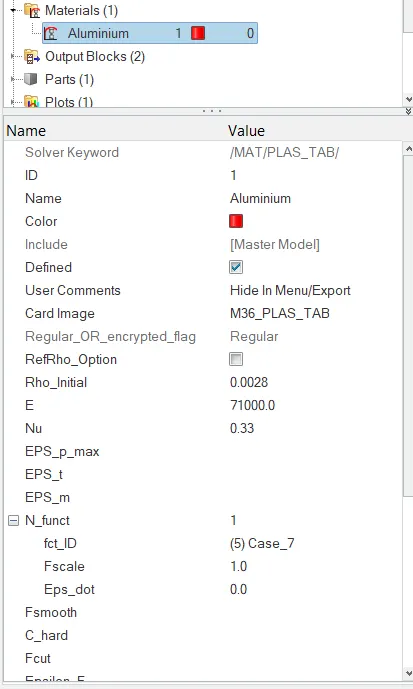
Fig 23 :- Update MAterial Property
3. Run the simulation for the updated model.
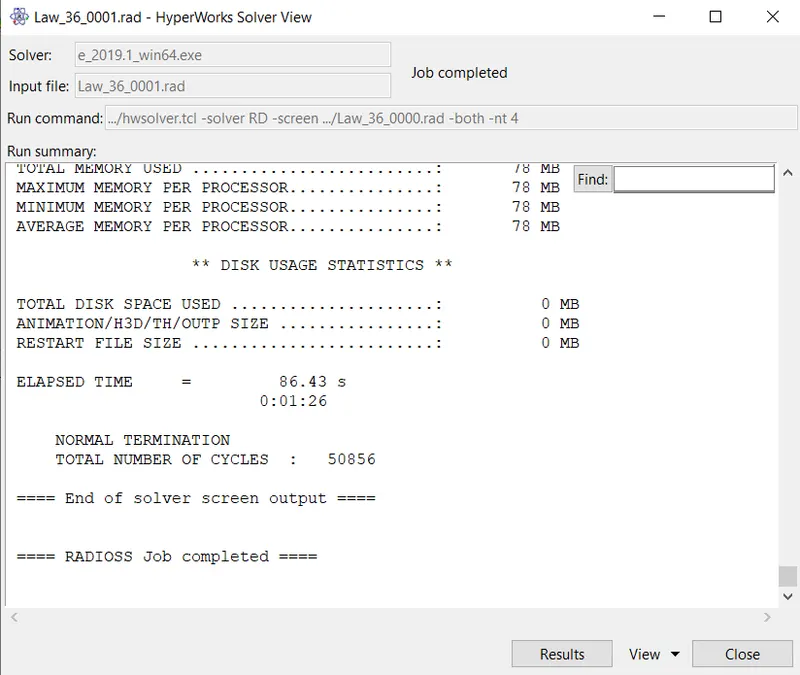
Fig 24.1 :- Analysis Output Report Case 7
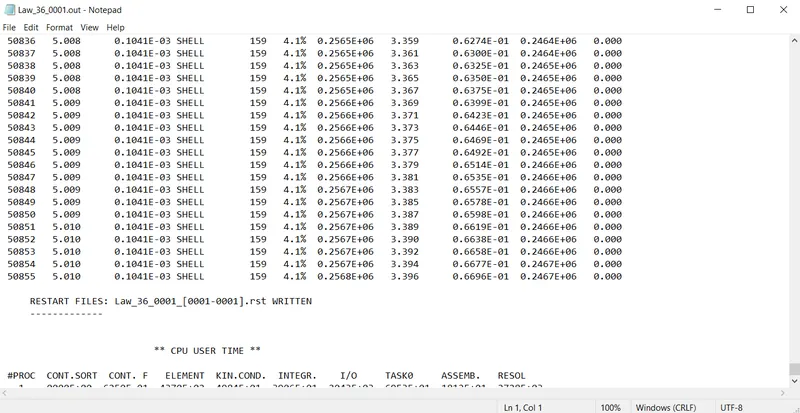
Fig 24.2 :- Energy & Mass Error for Case 7
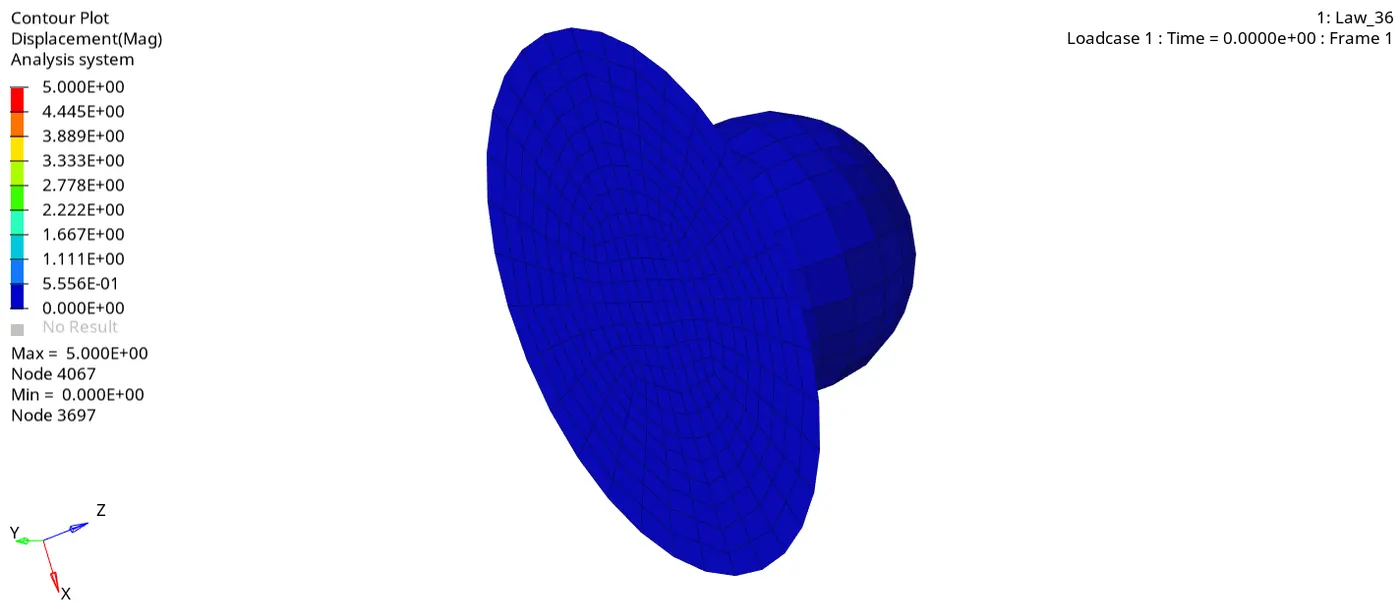
Fig 24.3 :- Displacement Simulation for Case 7
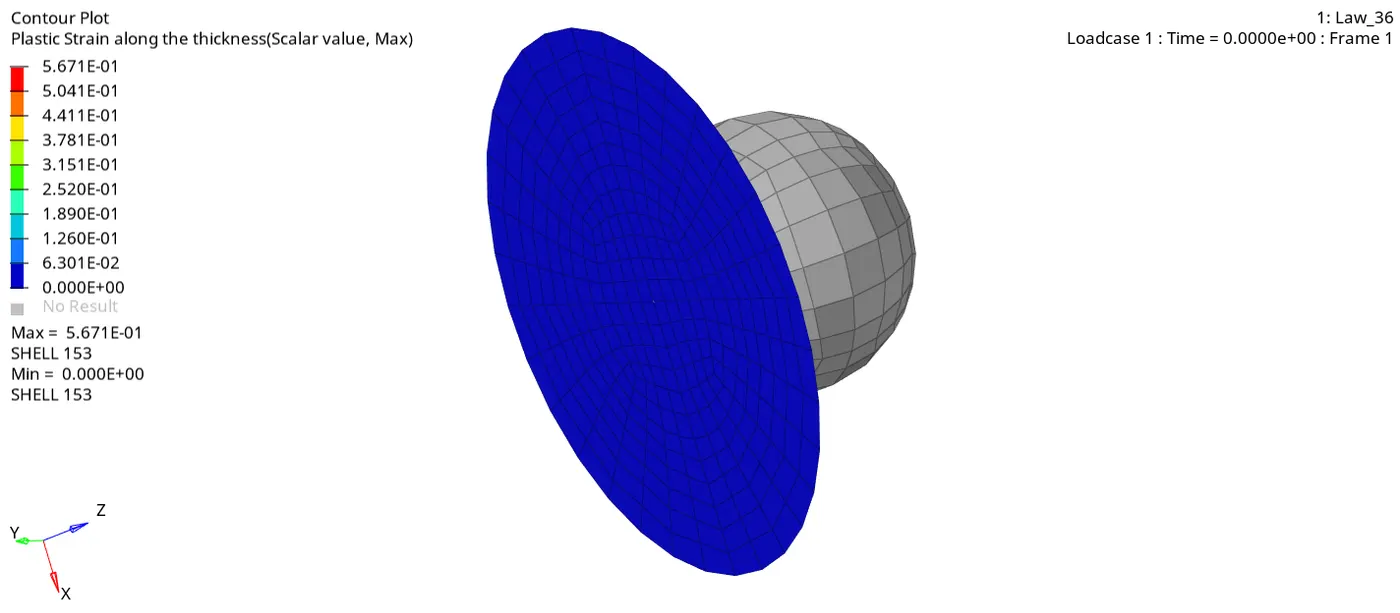
Fig 24.4 :- Plastic Strain Simulation for Case 7
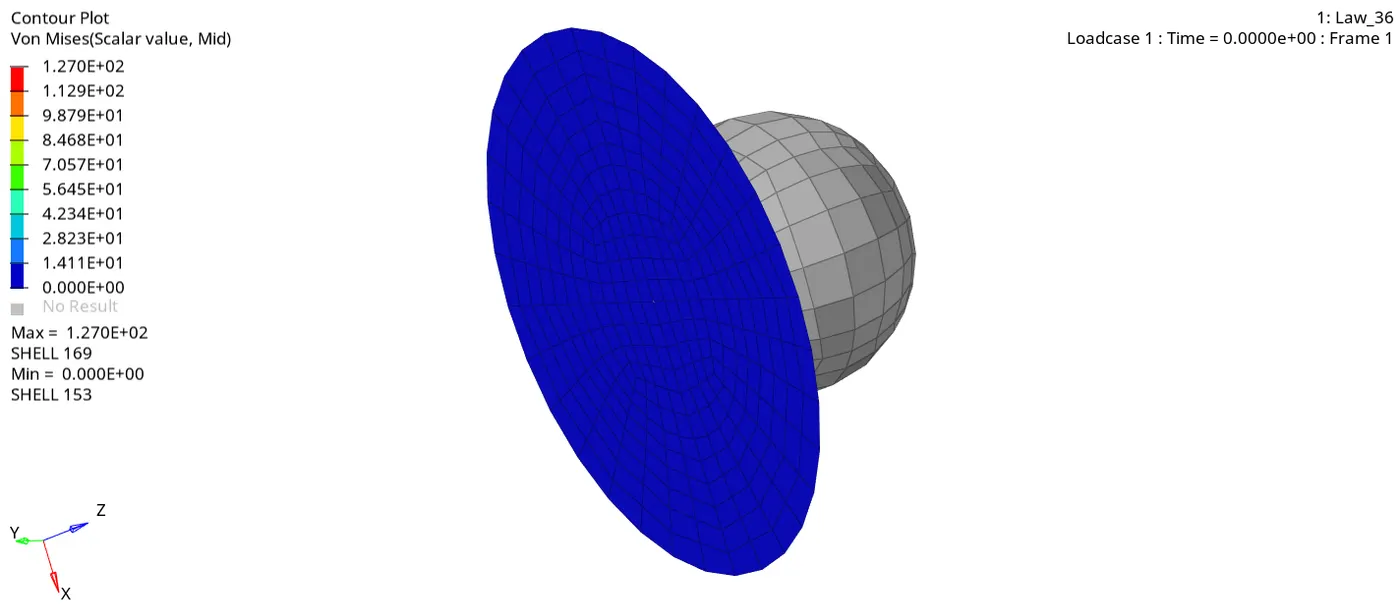
Fig 24.5 :- Von Mises Simulation for Case 7
3. As the energy error is less than 5% and there is no mass error, graph can be plotted using Hypergraph 2D.
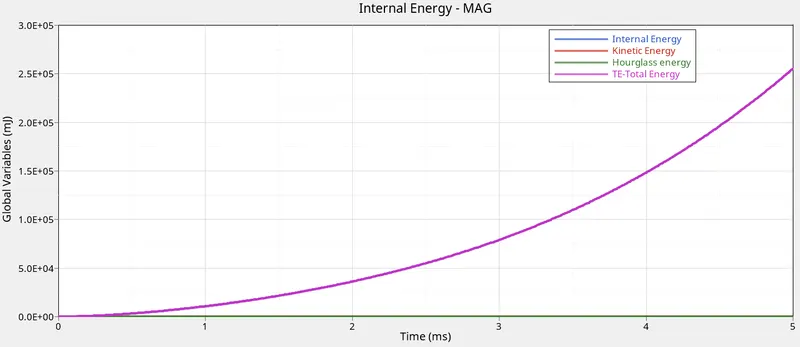
Fig 25 :- Energy Graph for Case 7
Case Comparisons :-
| Case | Mass Error | Energy Error | Simulation Processing time in seconds | Condition of Element |
| Case 1 (Law2_espmax_failure) | 0.000 | 0.8% | 81.57 | Failed/Deleted |
| Case 2 (Law2_espmax_Crack) | 0.000 | 3.7% | 86.54 | Initial crack appears and finally fails |
| Case 3 (Law2_espmax_nofail) | 0.000 | 0.8% | 84.96 | Failed/Deleted |
| Case 4 (Law2) | 0.000 | 3.0% | 81.83 | No crack or element deletion |
| Case 5 (Law1) | 0.000 | 0.3% | 79.68 | No element failure due to elastic property |
| Case 6 (Law27) | 0.000 | 1.1% | 82.84 | Failed/Deleted |
| Case 7 (Law36) | 0.000 | 4.1% | 86.43 | No elemental deletion |
Result :-
The crash analysis is carried out for all 7 cases as prescribed, the results are tabulated accordingly.