Assignment 3-2D Element Formulation Challenge
Element shell formulation-3
Objective:-
- To run a base simulation and run another simulation with properties change.
- Compare the results of the both simulations.
Hourglass:-
Hourglass is weird modes of deformation that occur in under integrated elements and no stresses will be produced. This can affect solution accuracy by varying the structure’s true response. This leads to inaccurate stress, strain and deflection results. For an under-integrated element, displacements and forces may exist for each node of the element. If sum of all these forces and displacements give null strain and stress on the integration point of the element then that element fails to calculate stiffness for certain mode of deformation. At this stage we say element has entered into hourglass. Soon after this as element failed to calculate stiffness the element will behave weirdly. Fully integrated solids and shells do not hourglass.
There are two methods to control hourglass:
Hourglass Perturbation Control Method (Viscous method)
Physical Stabilization Method (Stiffness Method)
MODEL:-
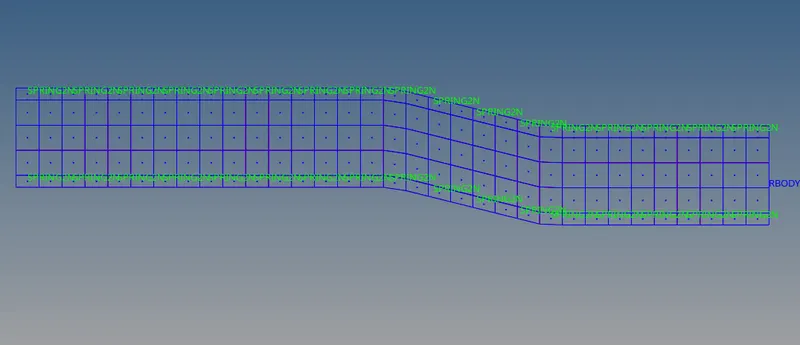
PROCEDURE:-
- Import the ELEMENT_FORMULATION-SHELL-3_assignment_0000.rad file using File>solver deck>File- ELEMENT_FORMULATION-SHELL-3_assignment_0000.rad >import
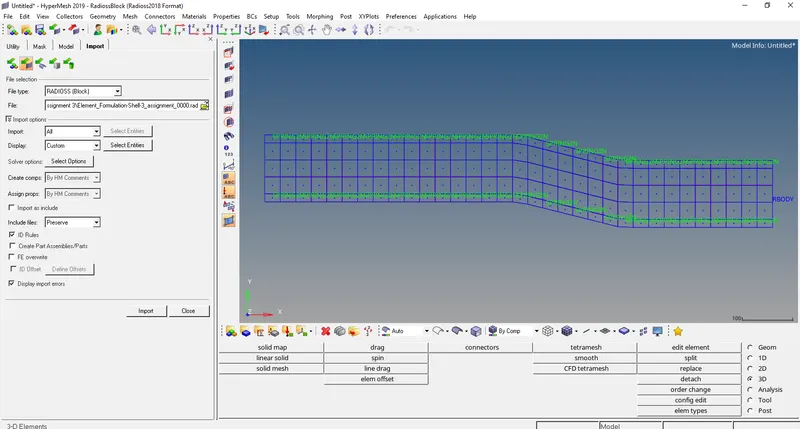
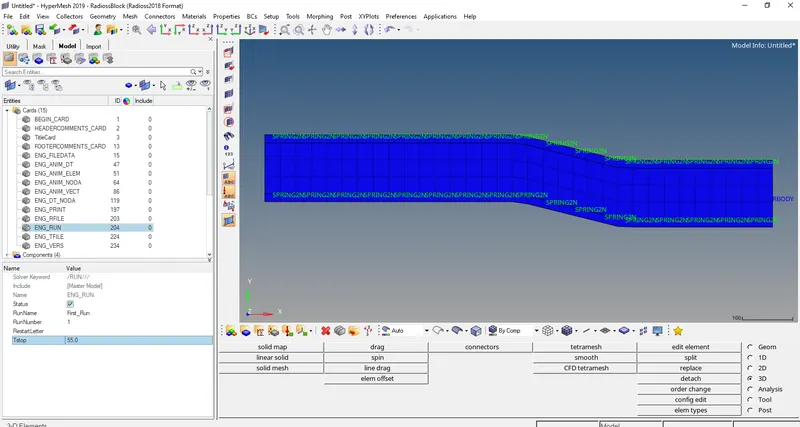
- Change the run time to 55 ms by going to Model tree>cards>ENG_RUN>Tstop
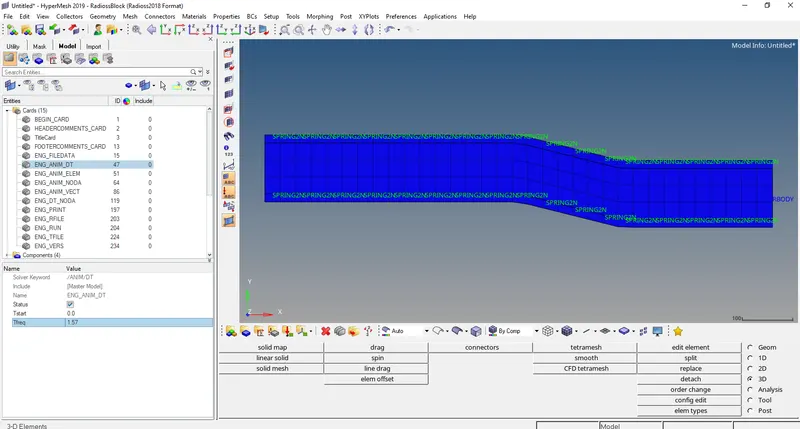
- Change the number of animation steps during simulation to a minimum of 25 and maximum of 55. Let’s choose animation step as 35.
Tfrequency = Time step/No. of animation step = 55/35 = 1.57
Model tree>cards>ENG_ANIM_DT>Tfrequency
CASE 1:-
- Keep the properties as default and run a base simulation.
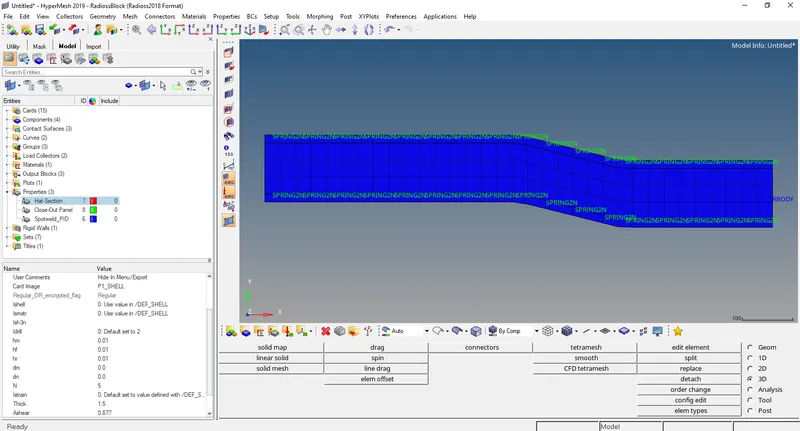
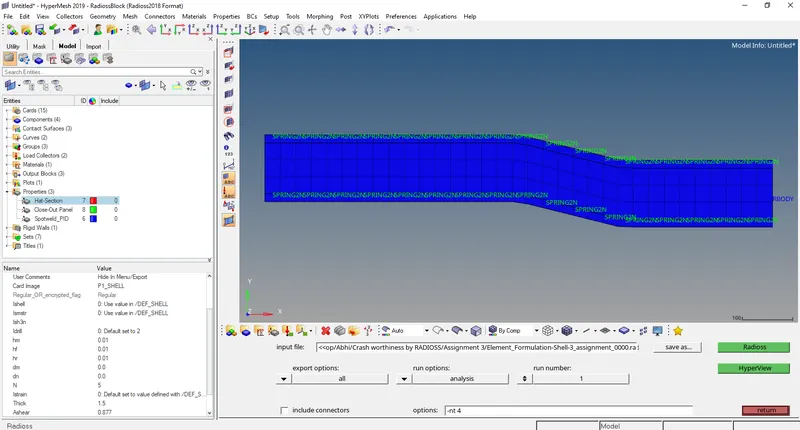
- Run the base simulation by going to Analysis>Radioss>Radioss
Select options= -nt 4
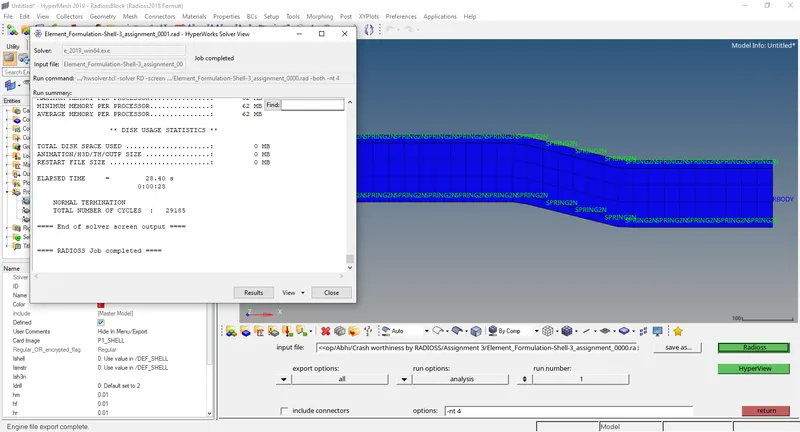
After completion of the analysis a window will pop up click on results to open Hyperview.
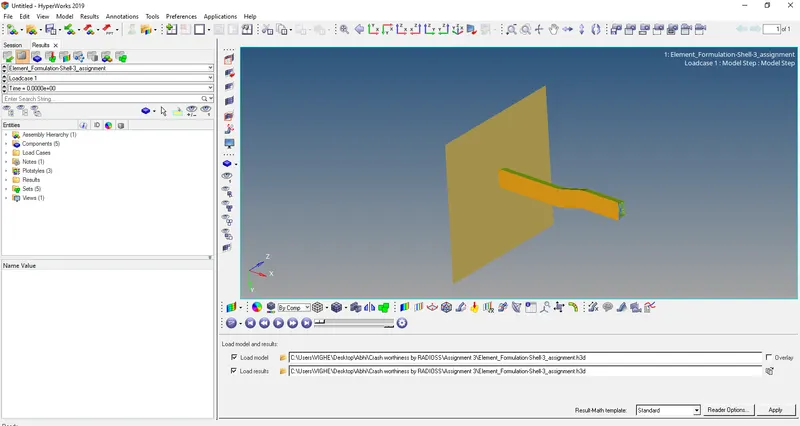
- In Hyperview open Element_Formulation-Shell-3_assignment.h3d

- Open contour and select displacement and later select von mises stresses with averaging method as simple.
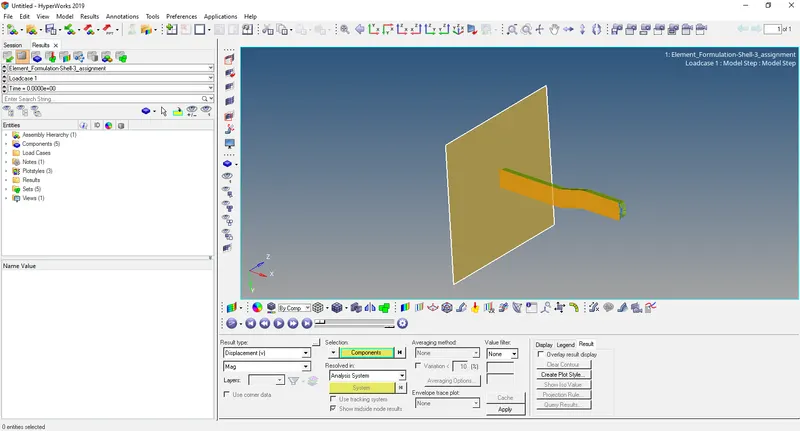
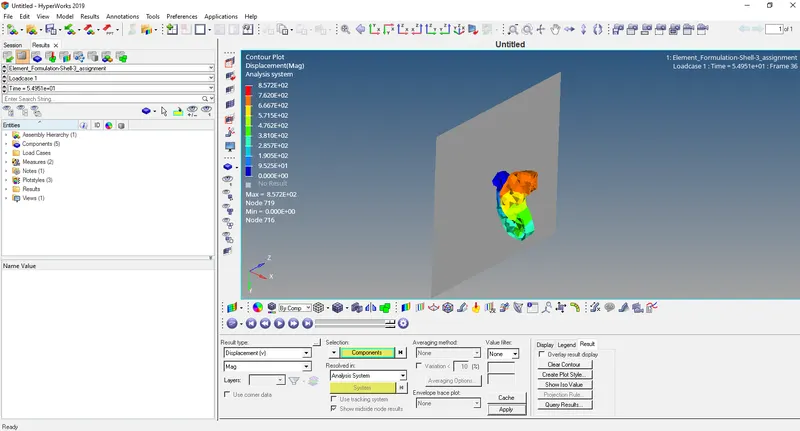
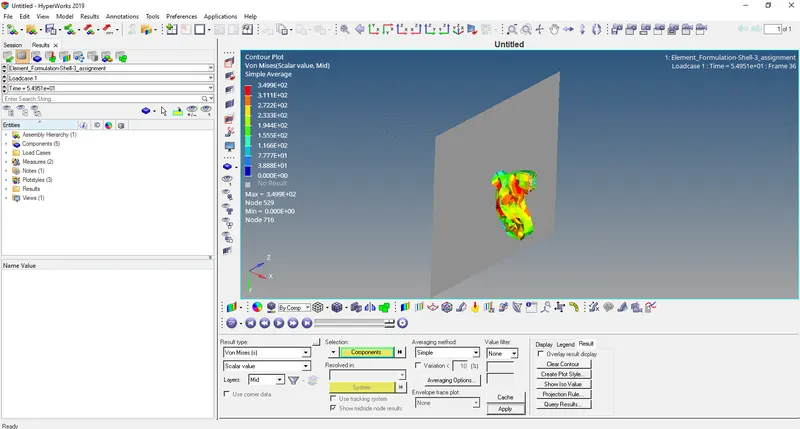
- Now open output file Element_Formulation-Shell-3_assignment_0001.out file in notepad.
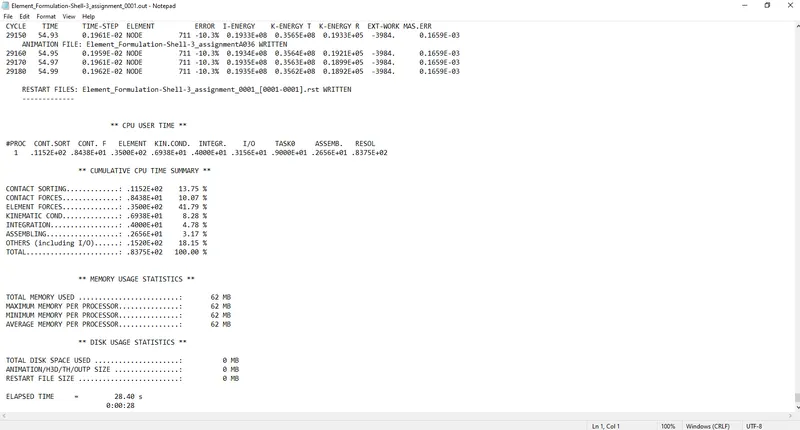
Acceptable Energy error range= -15% to 5%
Acceptable Mass error range= 0% to 2%
Energy error -10.3%
Mass error: 0.1659E-03
Both these values are in acceptable range
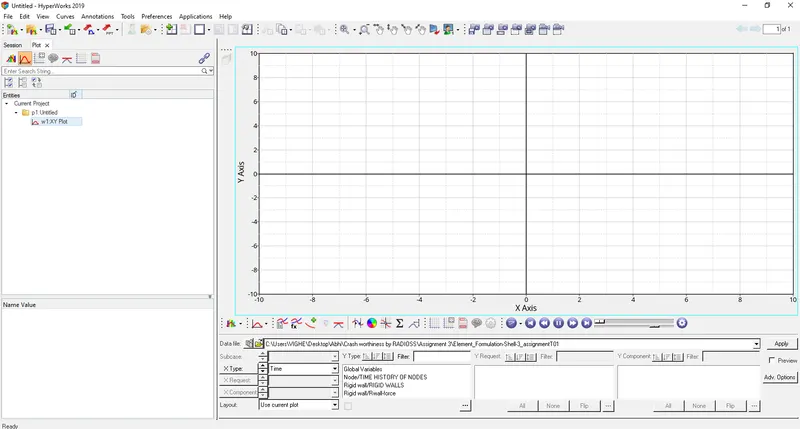
- Open HyperGraph 2D and open file Element_Formulation-Shell-3_assignmentT01
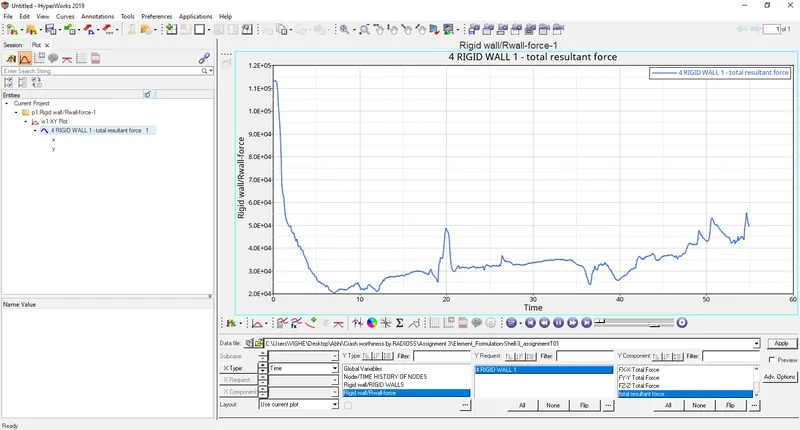
- Select Rigid wall/Rwall-force>4 RIDGID WALL 1>total resultant force
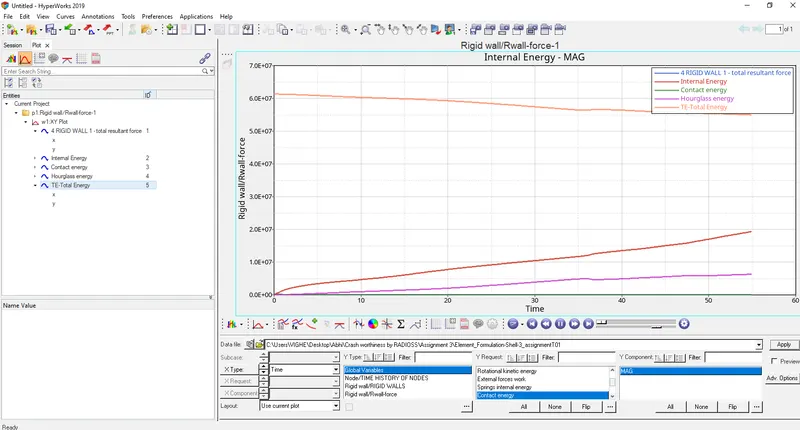
- Select contact energy, hourglass energy, internal energy, total energy.
CASE 2:-
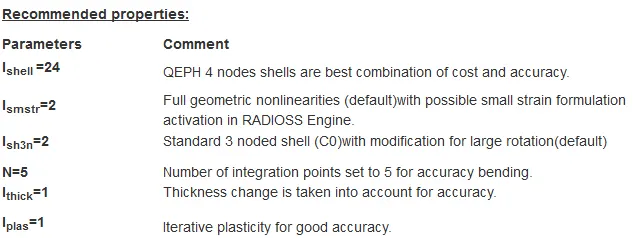
- Change the properties as mentioned in model tree>properties and run a base simulation.
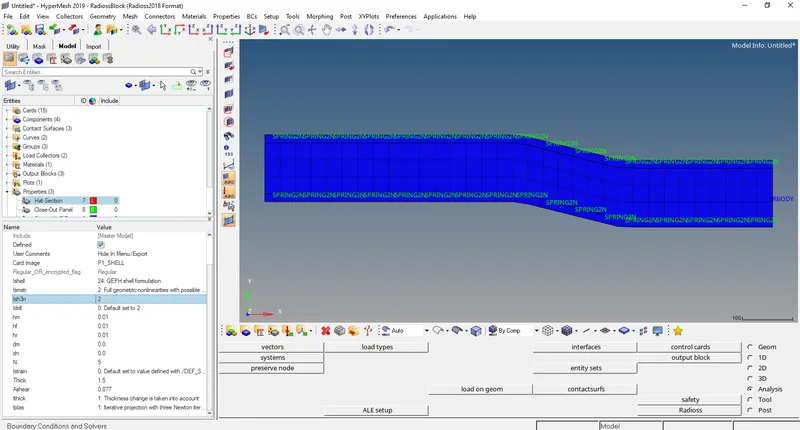
- Run the base simulation by going to Analysis>Radioss>Radioss
Select options= -nt 4
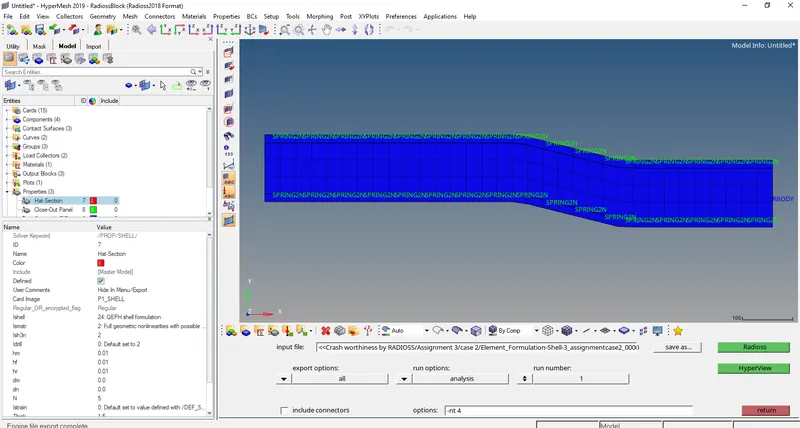
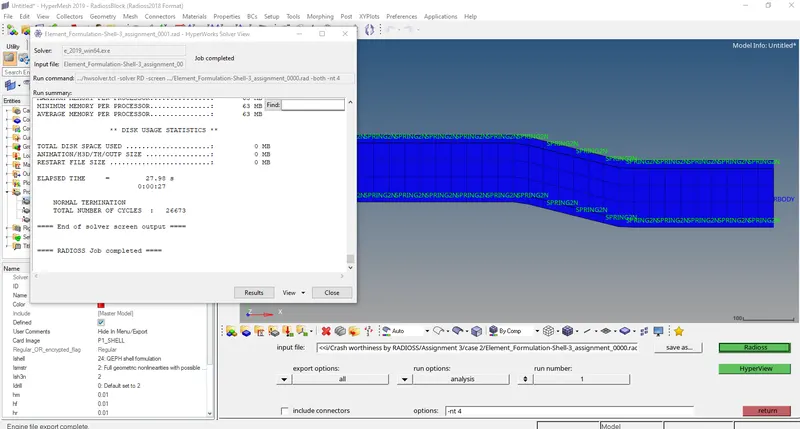
After completion of the analysis a window will pop up click on results to open Hyperview.
- In Hyperview open Element_Formulation-Shell-3_assignment.h3d
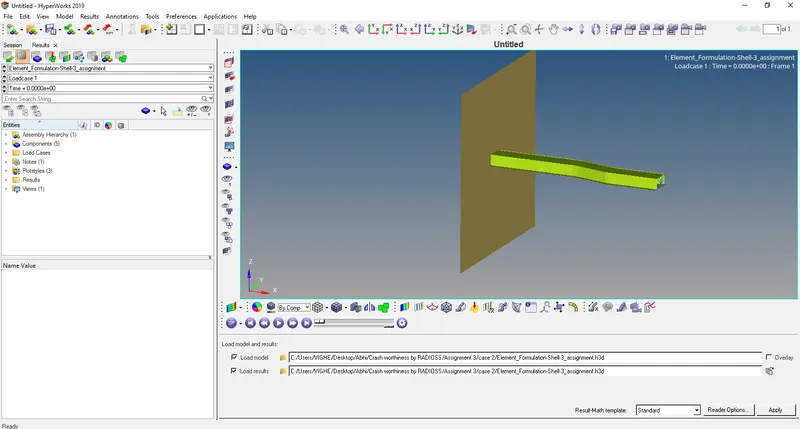
- Open contour and select displacement and later select von mises stresses with averaging method as simple.
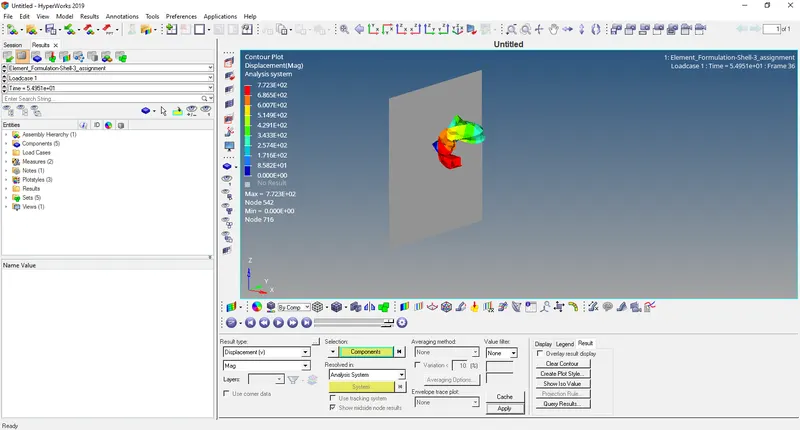
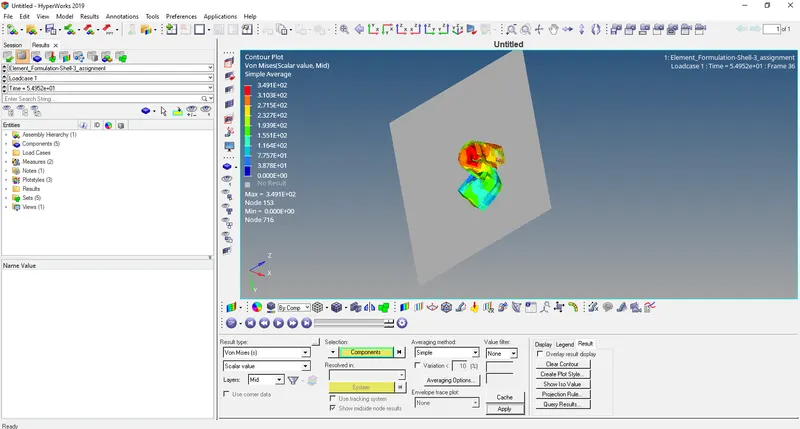
- Now open output file Element_Formulation-Shell-3_assignment_0001.out file in notepad.
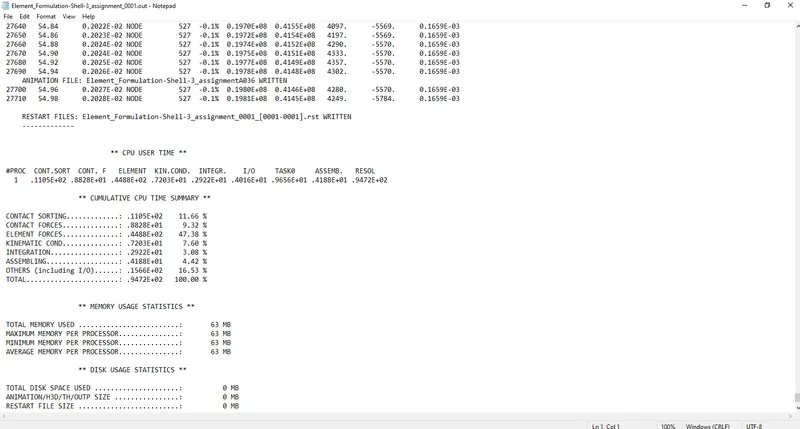
Acceptable Energy error range= -15% to 5%
Acceptable Mass error range= 0% to 2%
Energy error -0.1%
Mass error: 0.1659E-03
Both these values are in acceptable range
- Open HyperGraph 2D and open file Element_Formulation-Shell-3_assignmentT01
- Select Rigid wall/Rwall-force>4 RIDGID WALL 1>total resultant force
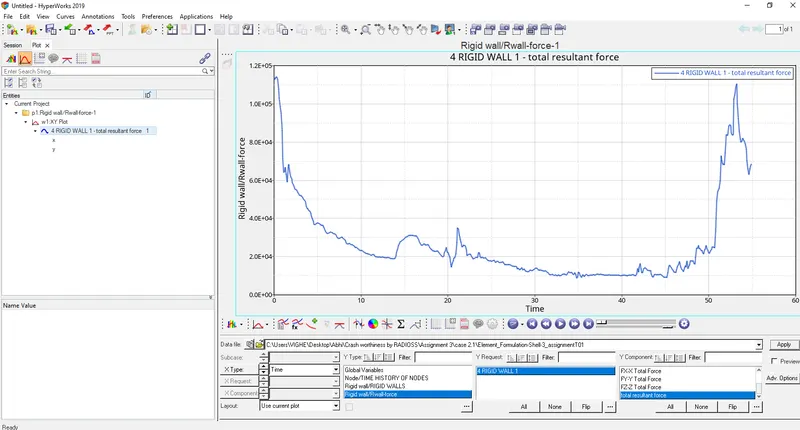
- Select contact energy, hourglass energy, internal energy, total energy.
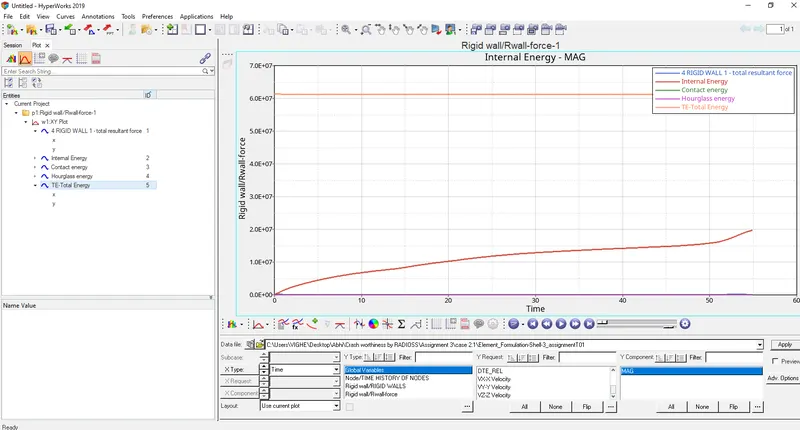
Comparison between Case 1 and Case 2
|
|
Case 1 |
Case 2 |
|
Energy error |
-10.3% |
-0.1% |
|
Internal energy |
0.1934E+08 |
0.1980E+08 |
|
Kinetic energy |
0.3562E+08 |
0.4146E+08 |
|
Hourglass energy |
Varying hourglass energy |
Constant hourglass energy |
|
Mass error |
0.1659E-03 |
0.1659E-03 |
Results: -
- After the change in parameters the energy error changes from -10.3% to -0.1%.
- The hourglass energy, in case 1 it is varying hourglass energy since element doesn’t have physical stabilization and in case 2 it is constant hourglass energy (almost zero) since element does have physical stabilization.
- Results are accurate in case 2 than in case 1.
Conclusion: - The project was completed successfully.