Assignment 2-RADIOSS Engine File Editing & 3D Meshing Challenge
Questions:
1) Check the material properties of the rail component and calculate the speed of sound in steel rail.
Ans :-
As formula for speed of sound is c =`(E/rho)^(1/2)`
We have to open the 0000.rad file to access the values.
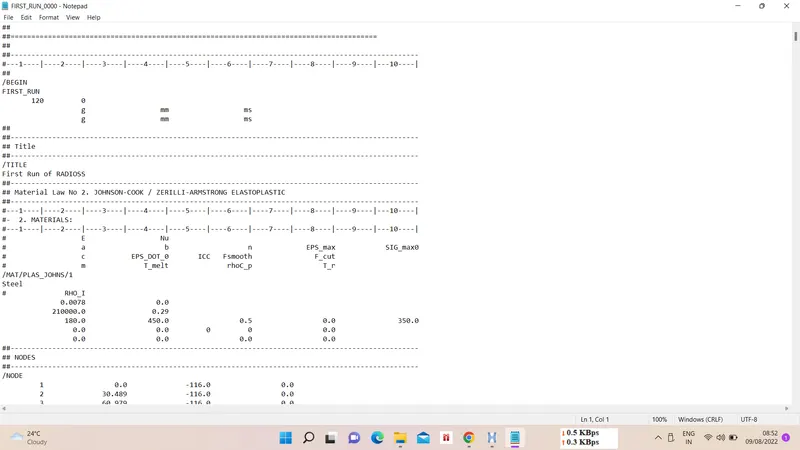
From the above image we can see the value of
E=210000 Mpa(N/mm^2) and `rho`=0.0078 g/mm^3,
we can substitute the values in speed of sound formula i.e.,
c =`(210000/0.0078)^(1/2)`
c = 5188.75 m/s.
2) The length of the rail is about 1000 mm.calculate the time takes for a shock wave to travel from one end of the rail to the other.
Ans :-
As speed is distance upon time, so
t = length / speed of sound
t = `1/5188.75`
t = 0.1927 ms
3) Time for sound to travel length of rail = 0.1927 ms.
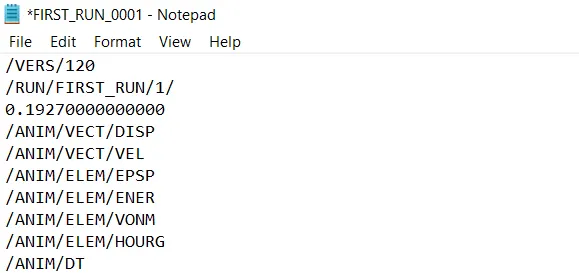
4) Edit the engine file so that the stress wave can be monitored, moving from one end of the rail to the other during impact -this will require a termination time equal to the time it takes for the sound to travel the length of the rail(set on/RUN card).
Ans :-
5) Set the frequency of animation output to a time that will give 20 animation steps(/ANIM/DT)
Ans :-
Frequency = cycles / seconds
Frequency = 20/0.1927
Frequency = 104 Hz.
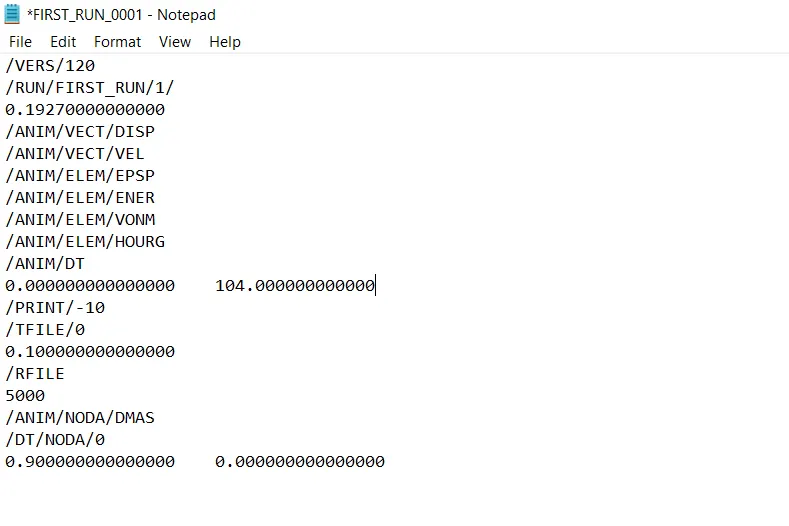
6) Change /print -10.
Ans :-
7) 3d meshing tetra mesh and hex mesh
- Repeat class examples and, maintain the quality.
- Target tet size=5mm,hex size=10mm,tet collapse=0.15.
Ans :-
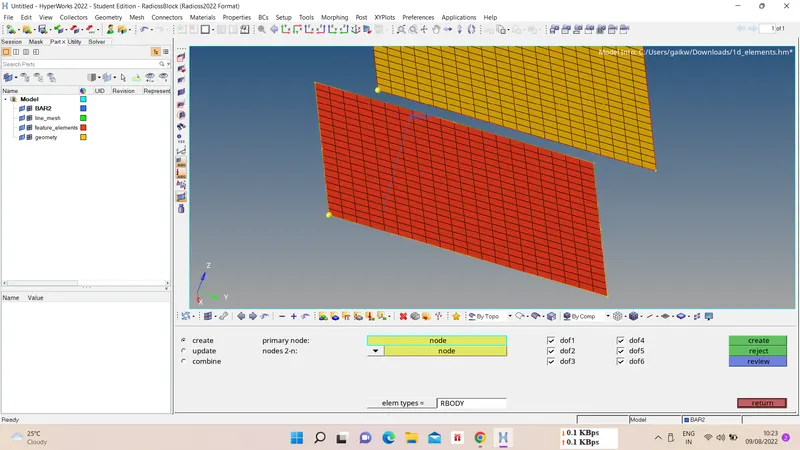
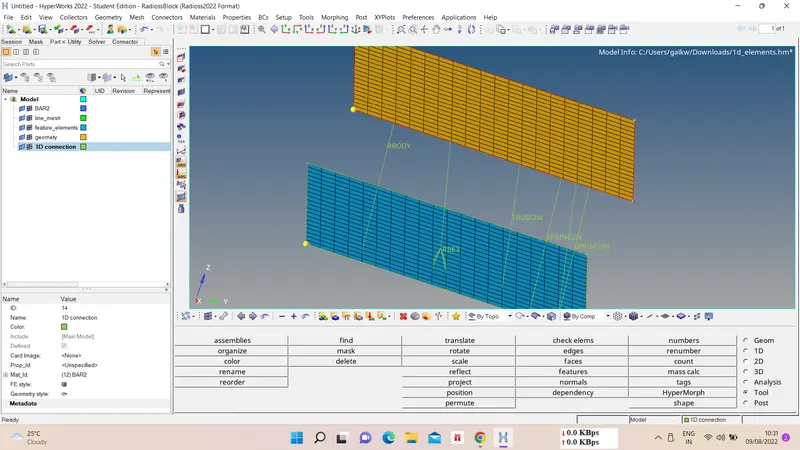
I) 1D elements connections -
i) Rigid connection -
1D - rigids - select 2 nodes - connection type - ok.
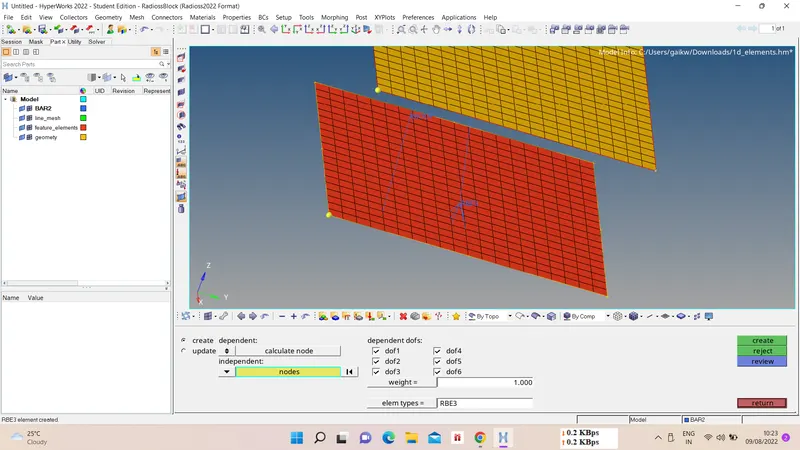
ii) RBE 3 connection -
1D - rbe3 - select 2 nodes - connection type - ok.
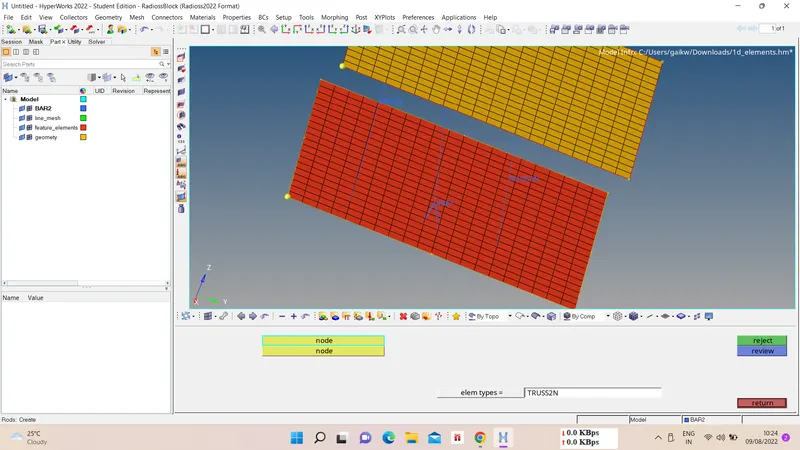
iii) Rods -
1D - rods - select 2 nodes - connection type - ok.
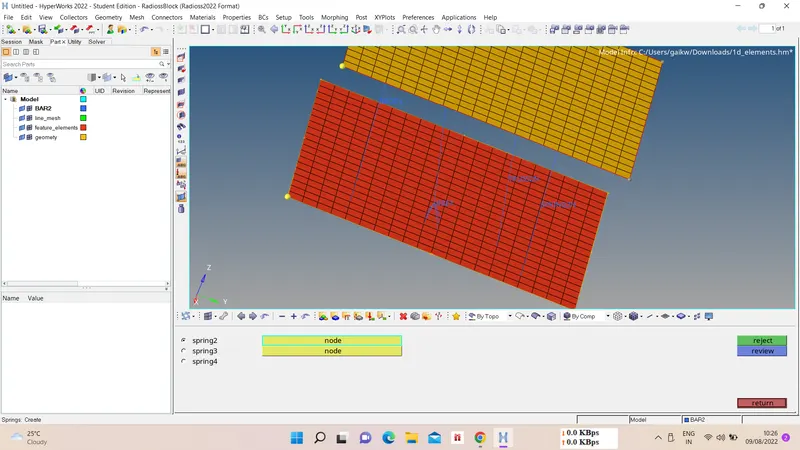
iv) Spring 2 node -
1D - springs - spring 2 - select nodes - ok.
v) Spring 3 node -
1D - springs - spring 3 - select nodes - give orientation - ok.
II) Tetramesh -
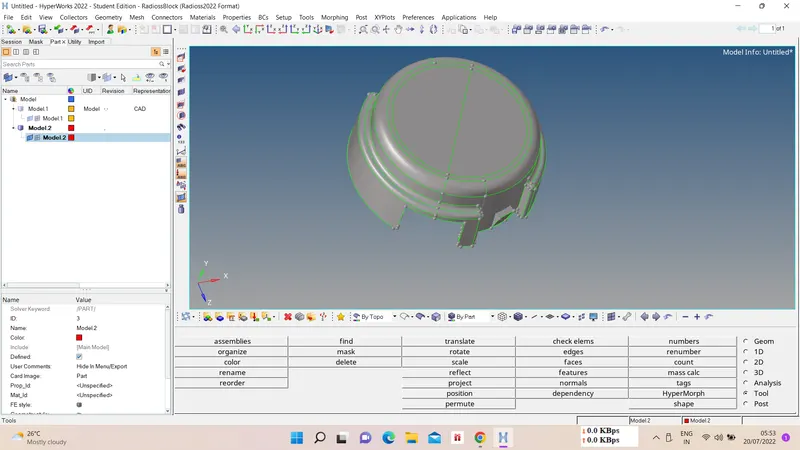
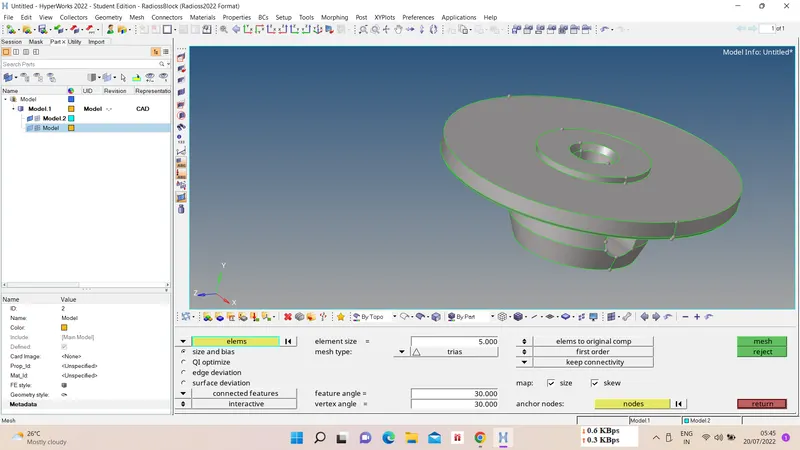
i) Geometry Import and Cleanup -
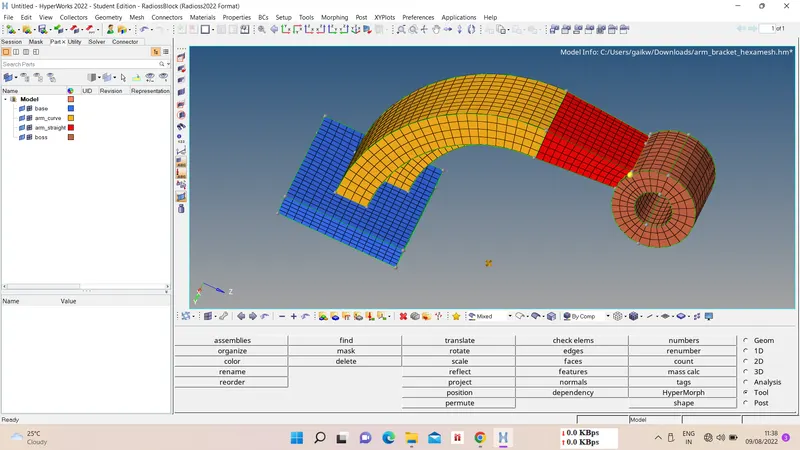
First import the model using import option, this modle consist of two components as below. Do geometry cleanup for 2D meshing on both components
ii) 2D Automesh -
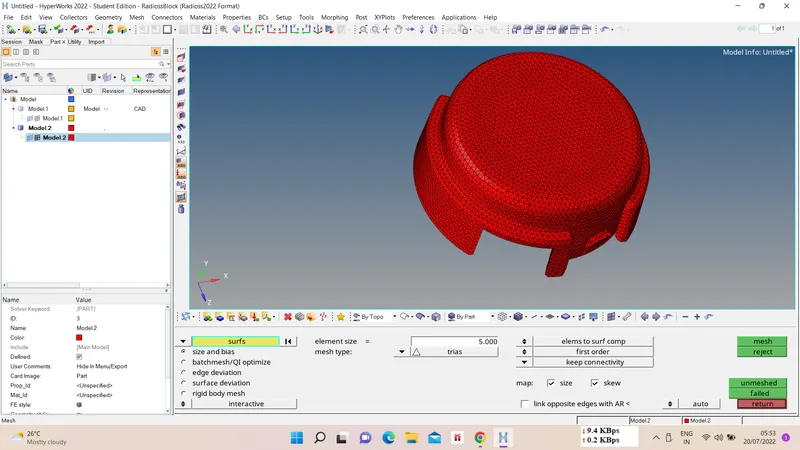
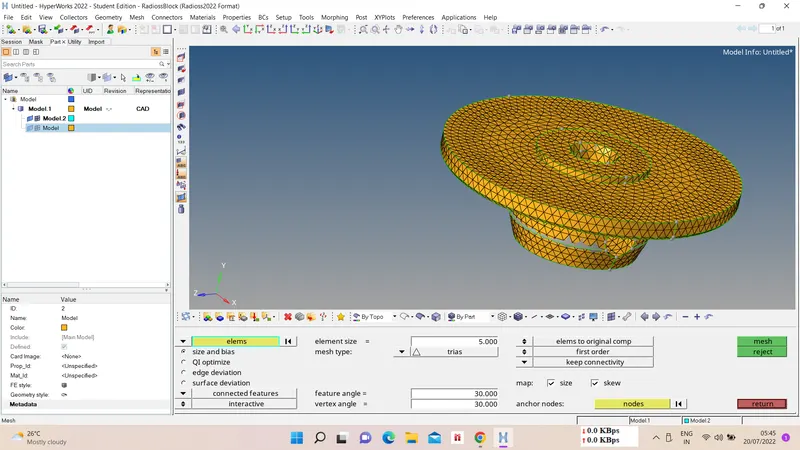
Now we have to do 2D tri mesh for converting this mesh into 3D tetra mesh, for that
2D - automesh - select surfs - mesh type as tri - element size as 5 - mesh.
iii) 3D Tetramesh -
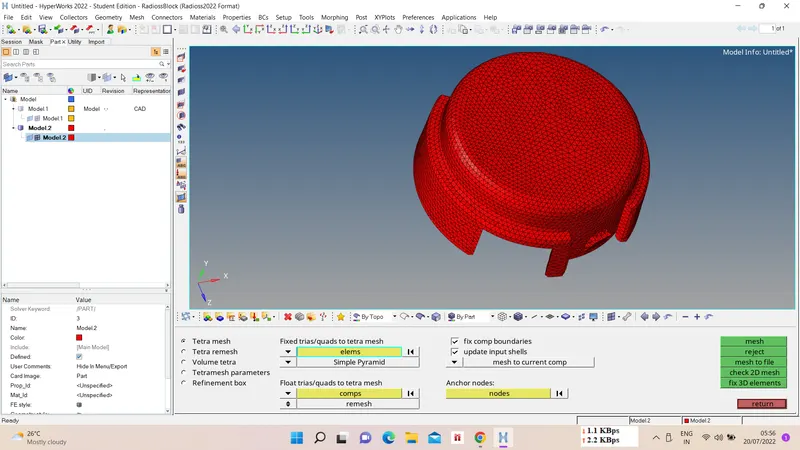
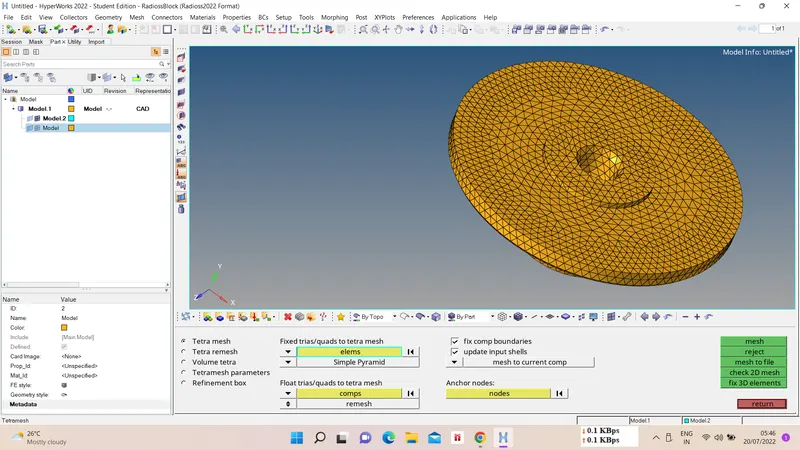
Now we have to convert generated 2D mesh into 3D tetramesh, for that
3D - tetramesh - tetramesh parameters - select elems - mesh.
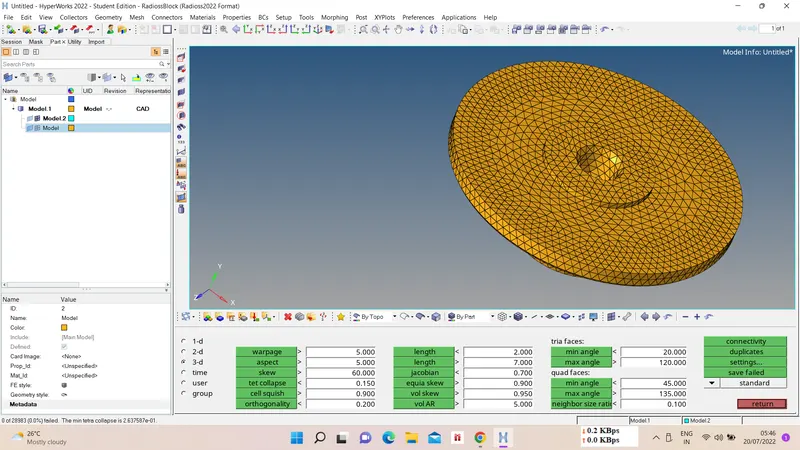
iv) Tet collapse check -
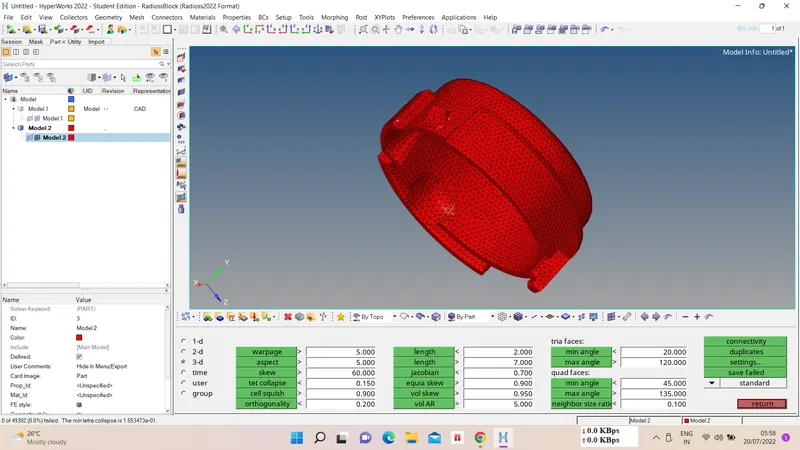
3D tetramesh should not have any tet collapse element for value 0.15, as there are many elements which were failing for tet collapse so we remesh tetramesh and for remaining failed elements we use Replace node option.
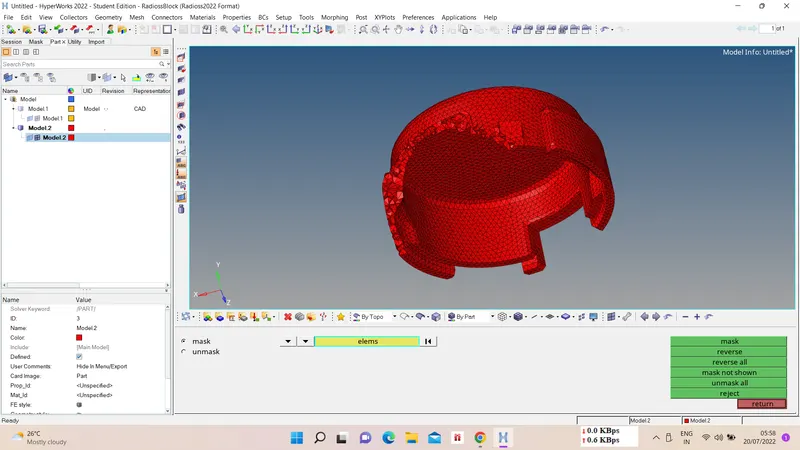
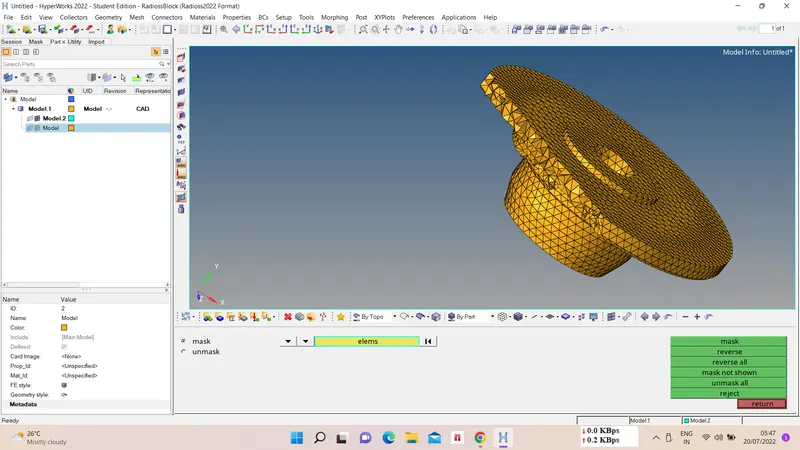
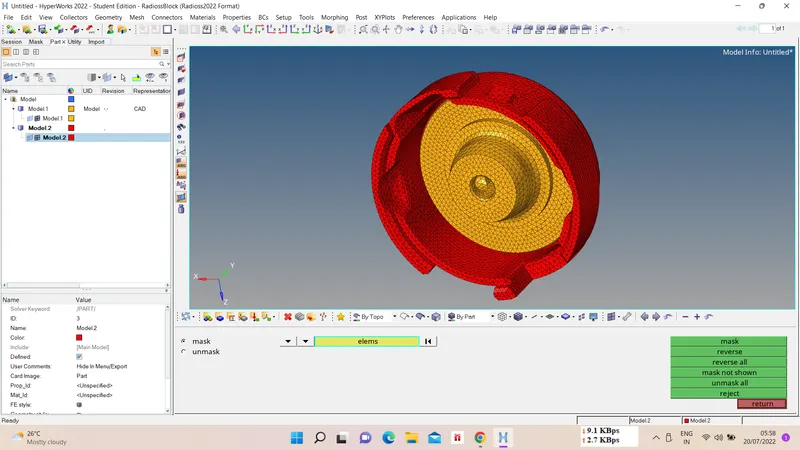
v) Final component -
III) Hexamesh -
i) Model Import -
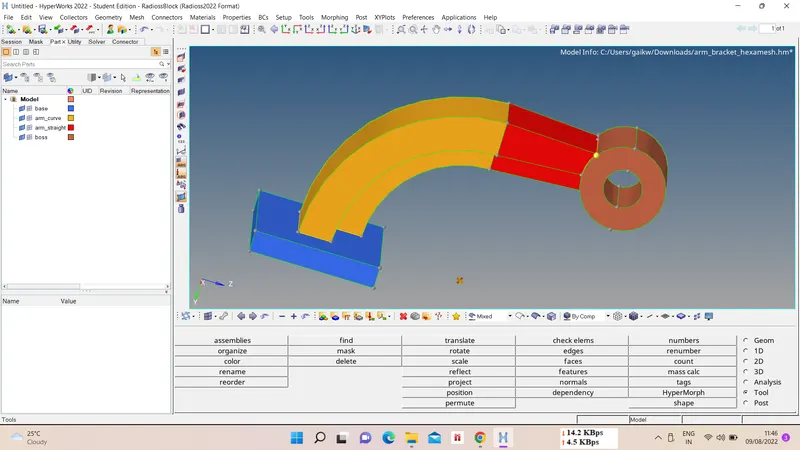
ii) Drag Elems. -
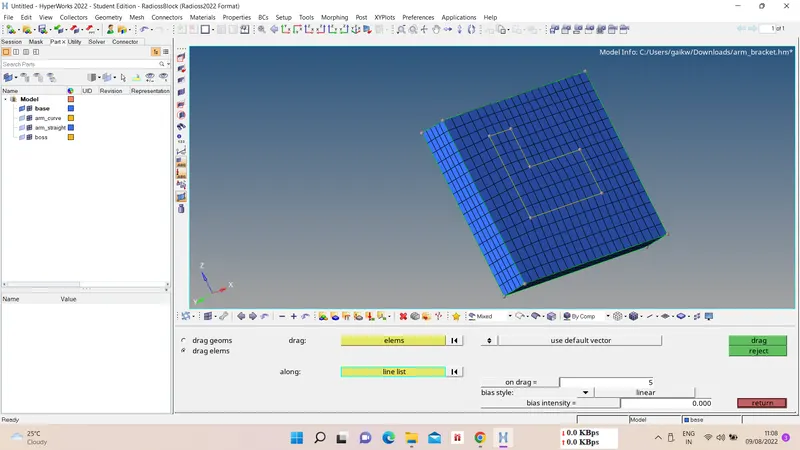
First create 2D mesh on surface then drag those elem. to other surface, for draging elems.
3D - drag - drag elems. - select elems. - slect line - mesh size between drag - drag.
iii) Spin Elems. -
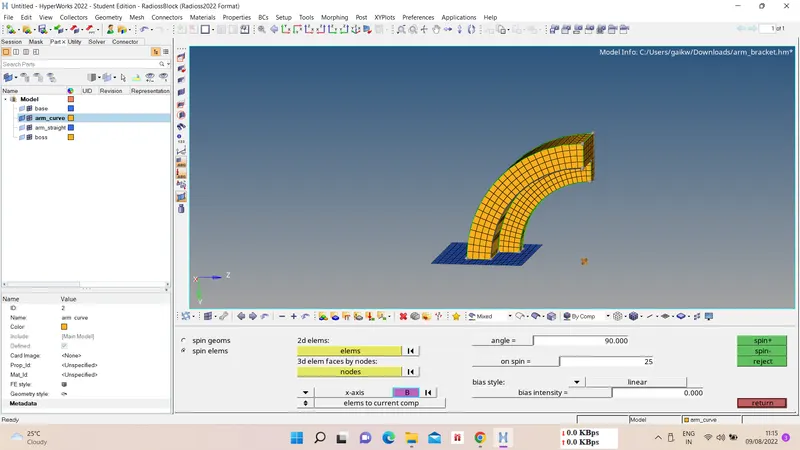
For spin select elems. from one surface and spin them to other surface.
3D - spin - spin elems - select elems - angle - on spin element number - axis and base point - spin.
iv) Linear solid -
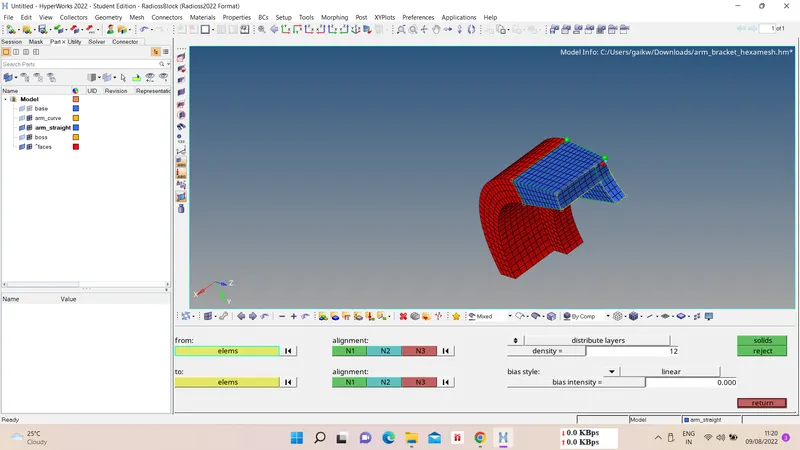
3D - linear solid - select from and to elems - select same alignments for both - density - solids.
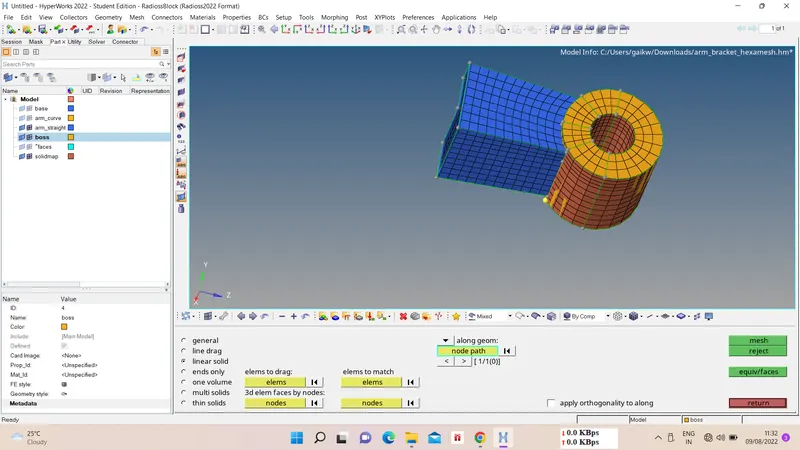
v) Solid Map -
3D - solid map - linear solid - elems to drag - elems to match - node path - mesh.
vi) Equivalence check -
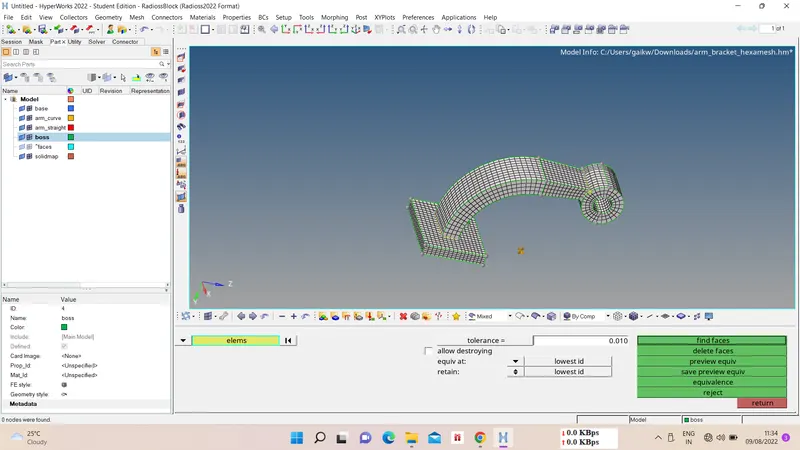
vii) Final Component -