Assignment 2-RADIOSS Engine File Editing & 3D Meshing Challenge
AIM: 1.To answer all the question , with regarding engine files edit
2. To perform 3D, HEXA meshing on the given components
1. Check the material properties of the rail component and calculate the speed of sound in steel rail=_______
2. The length of the rail is about 1000 mm.calculate the time takes for a shock wave to travel from one end of the rail to the other.
3.Time for sound to travel length of rail=______
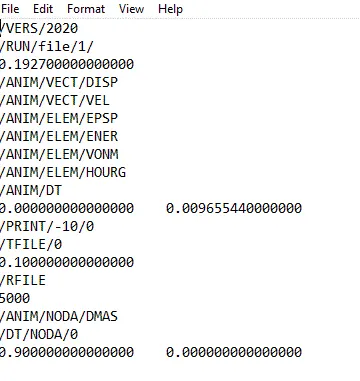
4.Edit the engine file so that the stress wave can be monitored, moving from one end of the rail to the other during impact -this will require a termination time equal to the time it takes for the sound to travel the length of the rail(set on/RUN card)
5.Set the frequency of animation output to a time that will give 20 animation steps(/ANIM/DT)
6.Change /print -10.
7.3d meshing tetra mesh and hex mesh
- Repeat class examples and, maintain the quality.
- Target tet size=5mm,hex size=10mm,tet collapse=0.15.
Lets, start with the 3D meshing :
TETRA MESHING:
- MANUAL
- QUICK
- VOLUME
MANUAL:
- Import the geometry, as it is manual type, we have to 2d mesh the surfaces of the component
- so, clean the surface and make itmesh ready
- shell mesh the surfaces
- go to 3D>TETRAMESH
- set in the element and tet collapse values
- the figure is as shown
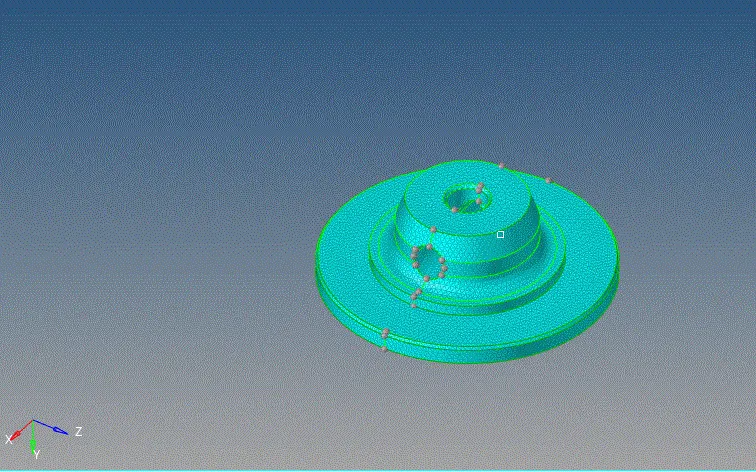
- the above is the surface mesh, now tetramsh it
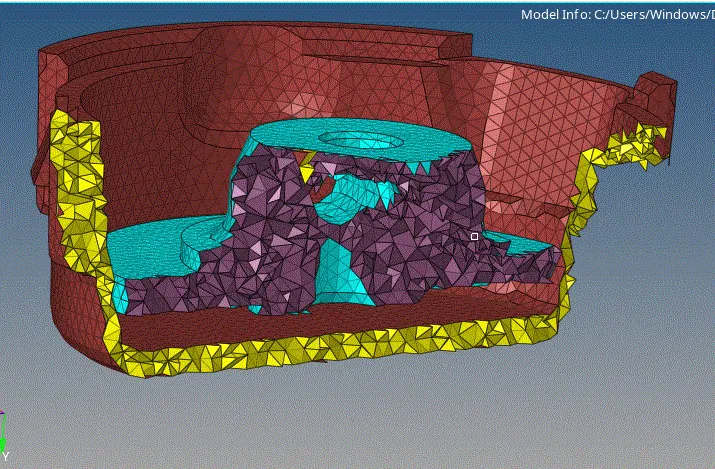
the above shows both the volume and surface mesing, after tet meshing, go to elememt checks and ckeck for tet collapses
VOLUME and QUICK MESH:
volume:
- it is a simple process
- go to 3D>VOLIMEMESH>MESH
- make sure that the curvatures are set it, beascuse we have to cpture the complex curves surfaces
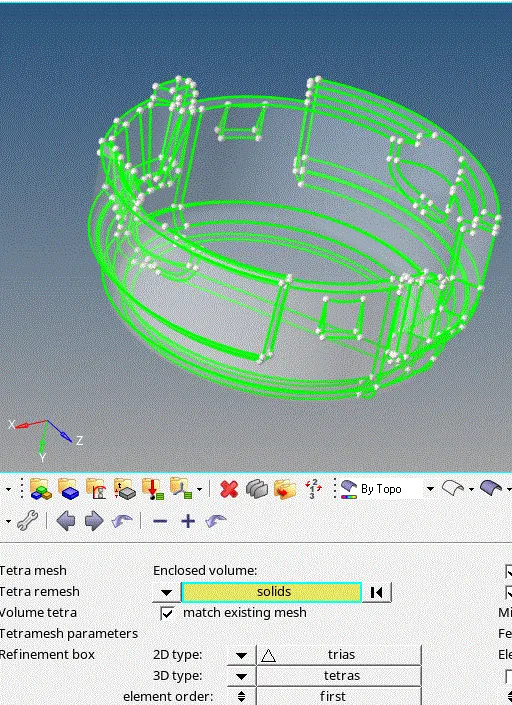
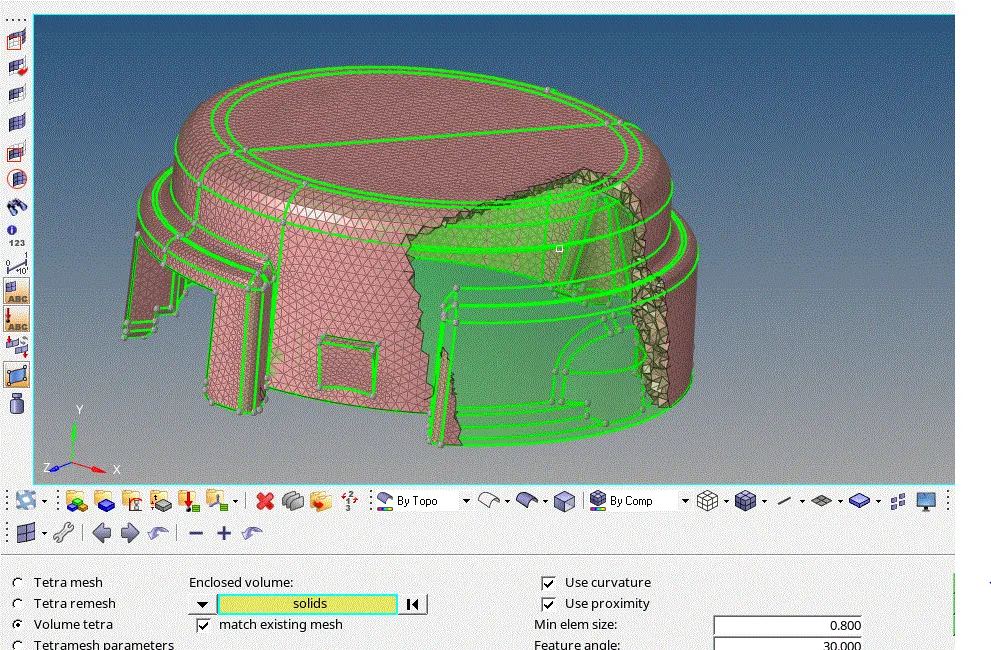
QUICK MESH:
- GO TO VIEW>BROWSER>UTILITY
- QUICK TETRAMESH>COMPONENTS
- here, hypermesh itself clean the geo, surface mesh it and also 3d meshes it
- 2 seperate components are formes, once the quick tet is done
- it is as shown
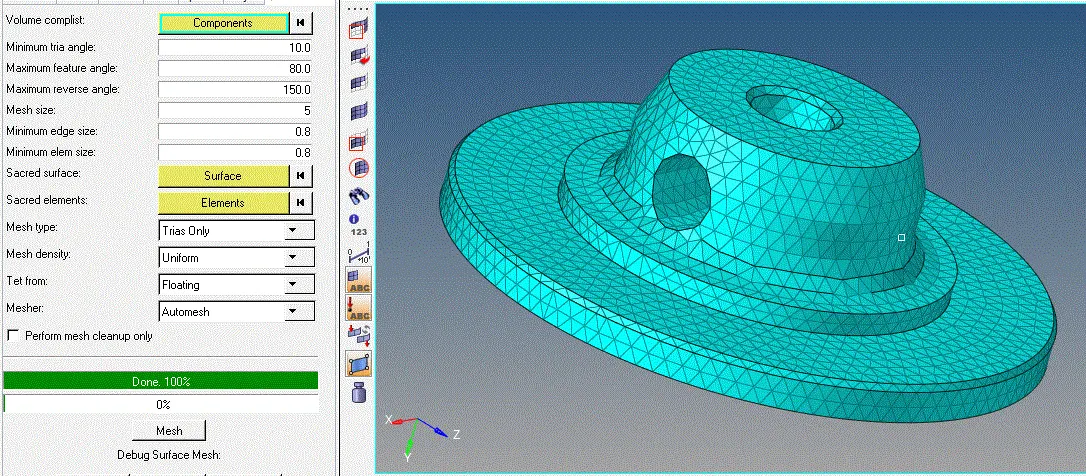
- after the meshing is done, check for tet collapse elements and remesh them.
HEXAMESH:
- it is a complex type of meshing,
- let us follow step by step process for each component
- initinally mesh the base side of the component with the giben element size
- with the construction lines involved, as it there are necessary for the further meshing
- line drag then with the require density steps
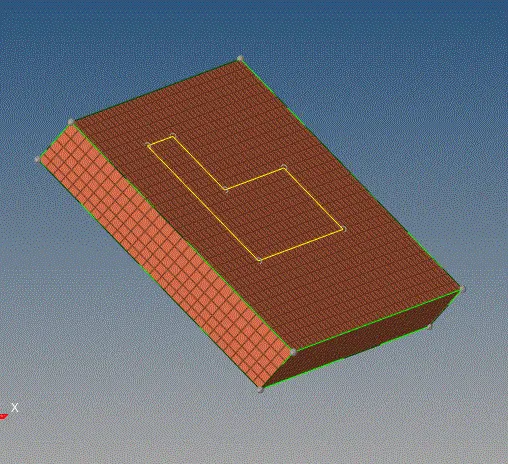
- now create faces, of this hexa mesh as we need a base 2d element for the 3d solid maping or spinning
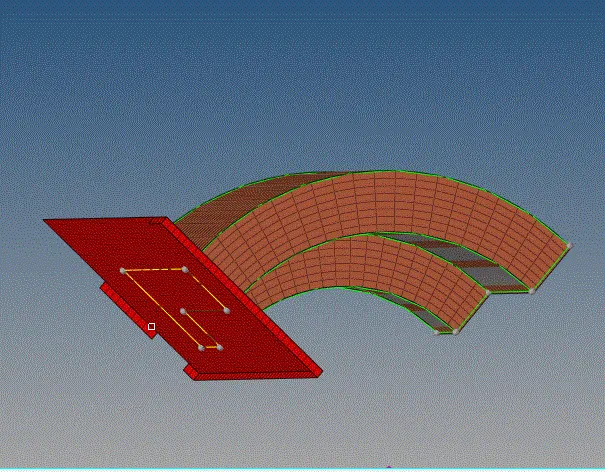
- now for the 3 component, we need to use the elememt drag command, this command requires that the to and from elements are to be same
- as shoen , set the same no of eklememts with the no od steps
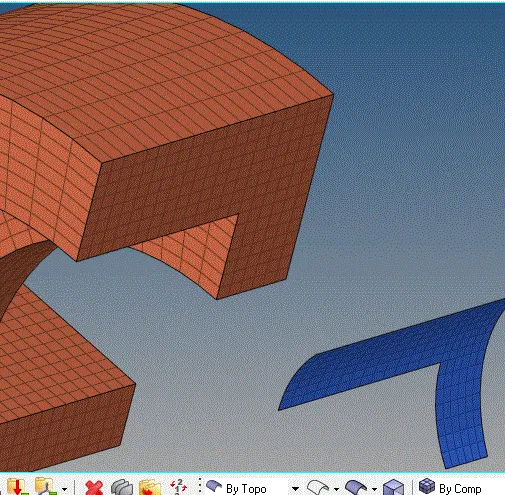
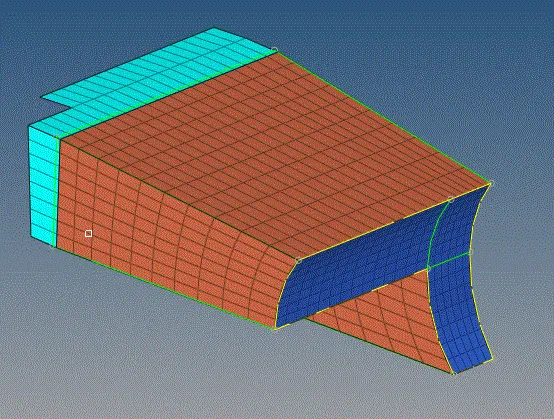
- for the i have used the same drag option but by lines as base reference drag with part by part as shown
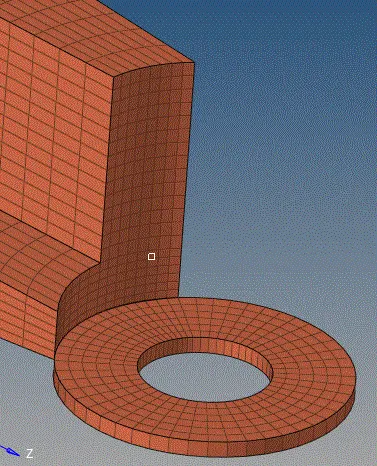
- simillarly , the next step
- when ever we use this, solid map commands always, check for the , free edges if free edges are found join then
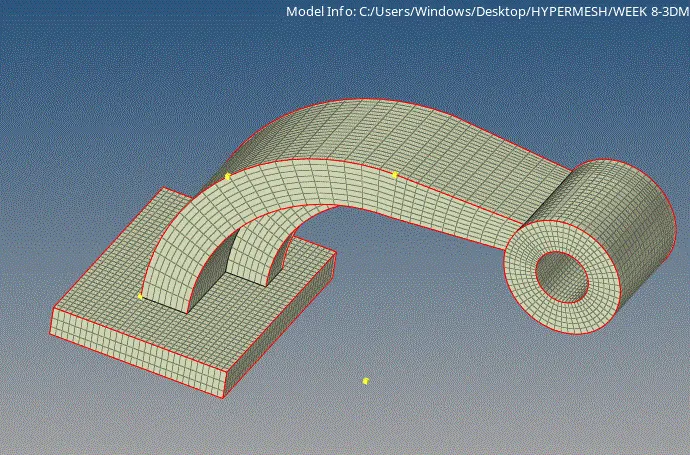
1D ELEMEMTS:
- perform all the 1d operation on the given plates
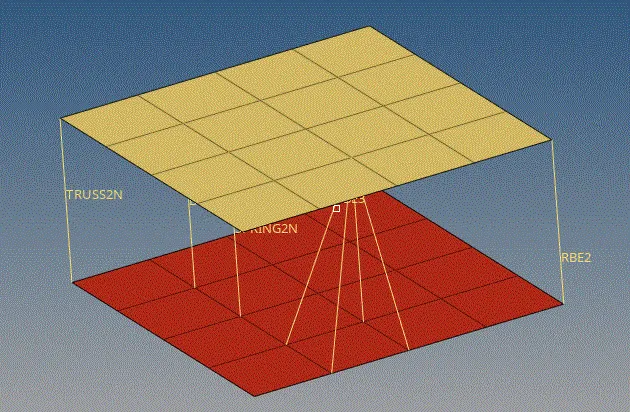
lets go gor the engine edit files
- here value of the E and density can be taken using the stsrt file or by, in the model tree
- i have choose the model tree one, as we have to change the values of time and frequency in the tree is self
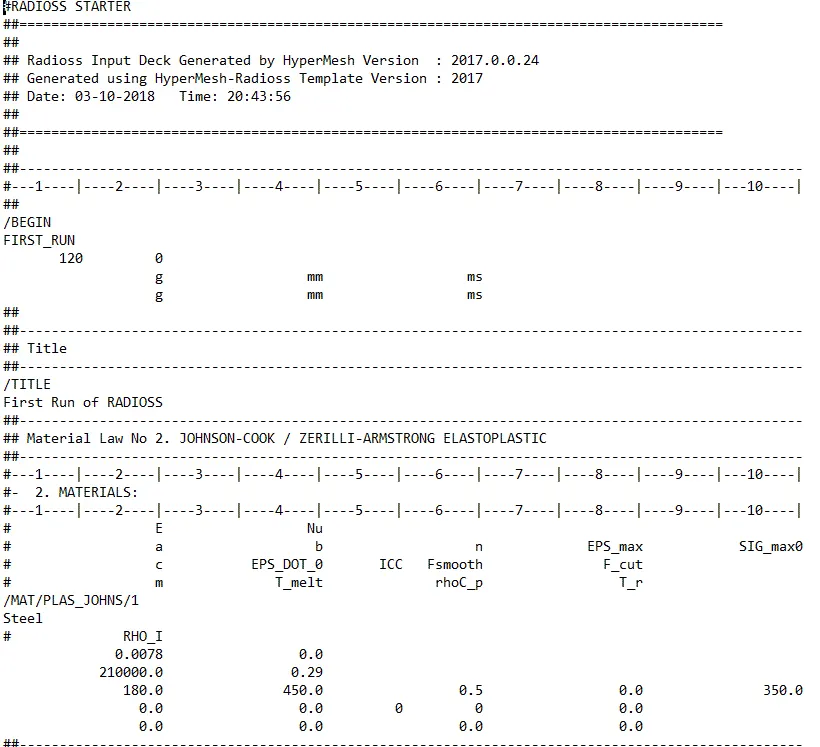 or
or 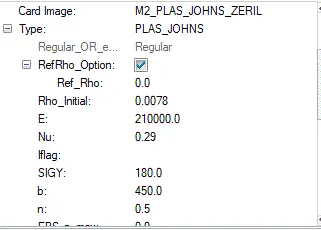
- after calculatingthee time and frequency upload the values in the model tree with regarding to the location
- at first we have to clculate the speed go soud,by the foemula we need the E and dendity values
- these values ere E=210000Mpa. density= 7.83e-03
- it is found that the speed of sound is C= 5178.57mm/ms as all the unitsare in gm-mm-ms
- by using C value we can find the time in ms i.e, 0.19273ms
- from here we can finf the frequency as Tfrequency= Trtime/no of animation steps
- frequency value is 0.00965544