Assignment 2
Aim:
1. To calculate the speed of sound and time of steel rail by using material property.
2. Engine file editing to monitor stress wave.
3. To apply 2D and 3D mesh (tetra and hexa) for the components.
Target Element Length = 5mm
| S.N | Quality Criteria | Value |
| 1 | Aspect Ratio | 5 |
| 2 | Skewness | 60 |
| 3 | Warpage | 15 |
| 4 | Jacobian | 0.5 |
| 5 | Min. Length | 3.5mm |
| 6 | Max. Length | 7mm |
| 7 | Min angle Quad | 40 |
| 8 | Max angle Quad | 140 |
| 9 | Min angle Tria | 20 |
| 10 | Max angle Tria | 120 |
| 10 | Tria % | 10 |
| 11 | hex size | 10mm |
| 12 | tet collapse | 0.15 |
| 13 | target tet size | 5mm |
Software: Hypermesh
Procedure:
1. By taking Youngs modulus and density value calculate speed of sound using formula.
2. Calculate time required to travel speed of sound of steel rail.
Calculations:
A. Speed of sound:
c = sqrt(E/Rho)
where,
c = speed of sound (in mm/sec)
E = Youngs modulus (in N/ mm^2)
Rho = Density (in kg/mm^3)
c = sqrt(210e3 / 7.8e-6)
1 Kg = 0.102 N
c= sqrt [ (210e3 * 0.102) / 7.86e-6]
c = 52403.75 mm/sec
B. Elemenet time step:
Delta T = l / c
where,
l = lenth of the rail (in mm)
c = speed of sound (in mm/sec)
Delta T = 1000 / 52403.75
Delta T = 0.019 sec
For each time step frequency
Delta = 0.19 / 20
Delta T = 0.954 ms
Enine File Snippet
/ANIN/DT
#TSTART TFREQ
0.000000 9.540000E-04
/PRINT/-10
/RFILE
# NCYCLE |READ |WRITE
5000 0 0
/RUN/FIRST_RUN/1/
0.190000E-01
/TFILE/0
# dT_HIS
0.10000
/VER/120
/ANIM/VECT/DISP
/ANIM/VECT/VEL
/ANIM/NODA/DMAS
/ANIM/ELEM/EPSP
/ANIM/ELEM/ENER
/ANIM/ELEM/VONM
/ANIM/ELEM/HOURG
/DT/NODA/0
0.9 0
Meshing
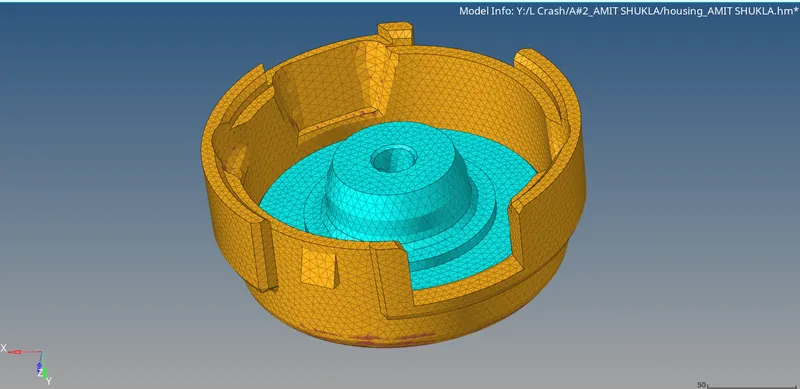
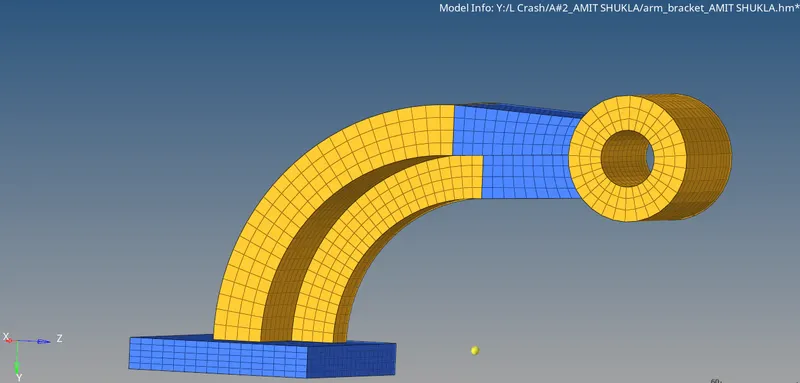
Given components: Arm Bracket(Hexa mesh), Housing (Tetra Mesh)
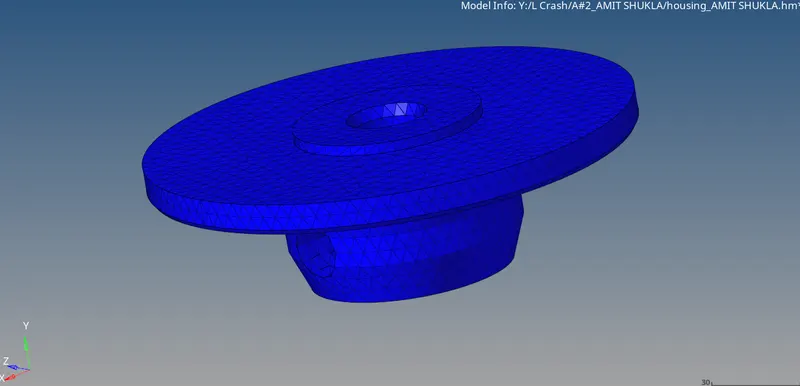
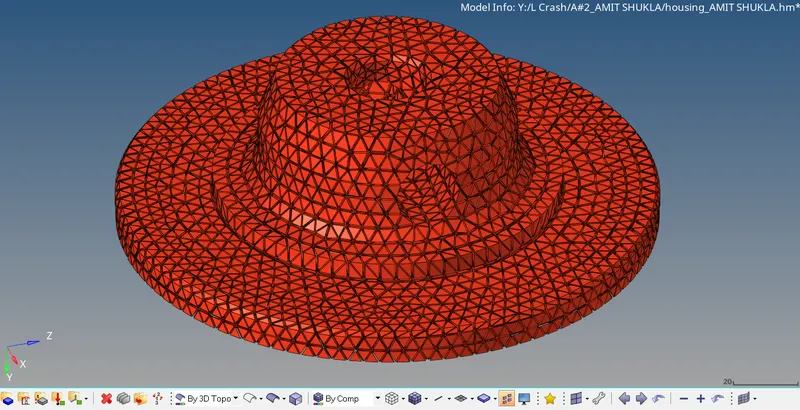
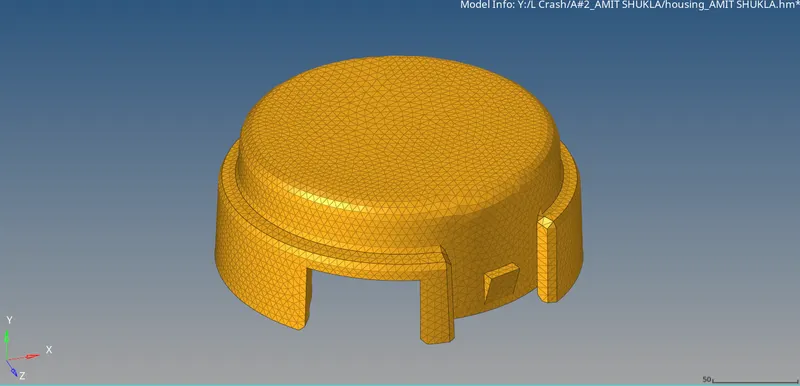
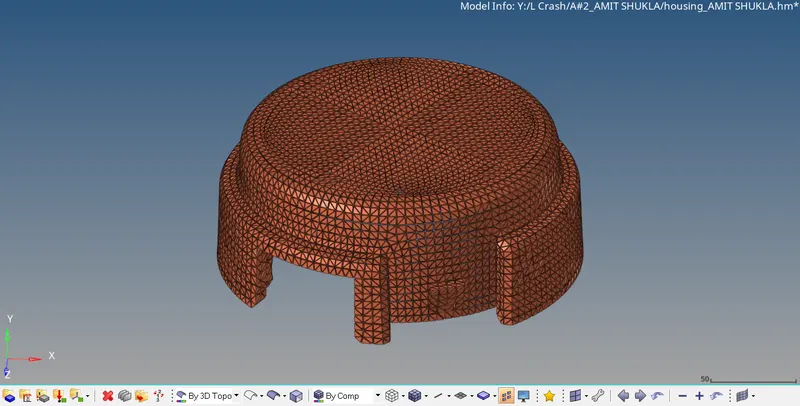
Housing Component with 2D & 3D meshing
1. 2D mesh (trias) has been performed with the given quality criteria.
2. 3D mesh is performed by using tetra command from 3D keeping the tet collapse as 0.15
3. For the hub and cover part 2D meshing is done by trias with element size 5mm.
4. Tetra mesh performed for both parts whichis shown in screenshots.
2D mesh (Hub)
3D mesh (Hub)
2D mesh (Cover)
3D mesh (Cover)
Arm Bracket component with 2D & 3D meshing
1. Component divided into 4 parts as Base, Curve, Straight and Boss.
2. For Base, 2D mesh (quads only) performed on the top surface by converting that 2D to 3D mesh by configuring element to hexa 8 with size of 10mm. For converting to 3D mesh, element offset is used by selecting top surface element and modify the paramenters.
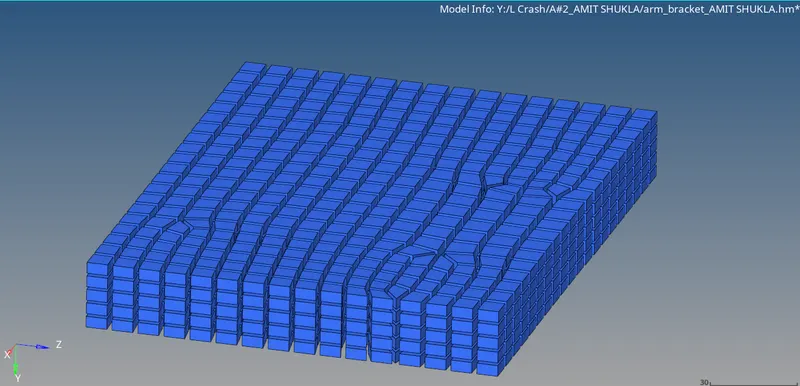
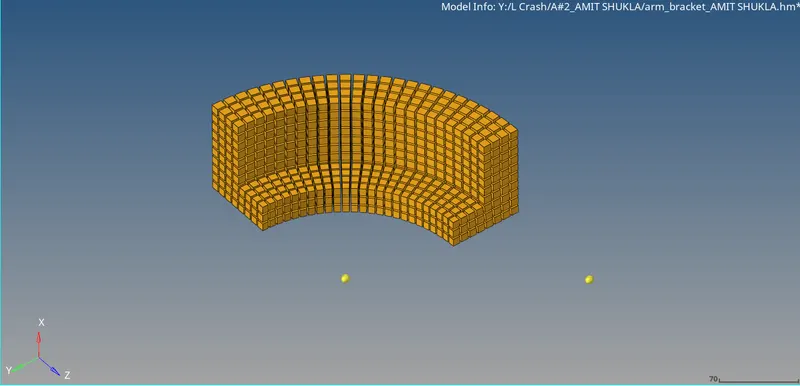
3. For Curve, Spin command is used by selecting L-shaped element present over the base surface and modifying angle, spin and other parameters.
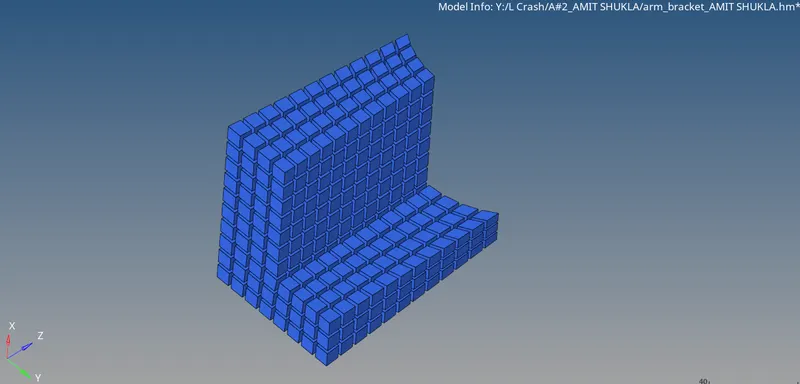
3. For Straight, duplicate face created from the curve for ref, linear solid command used to reflect elements to overall [art of straight indicating node from reference and current part.
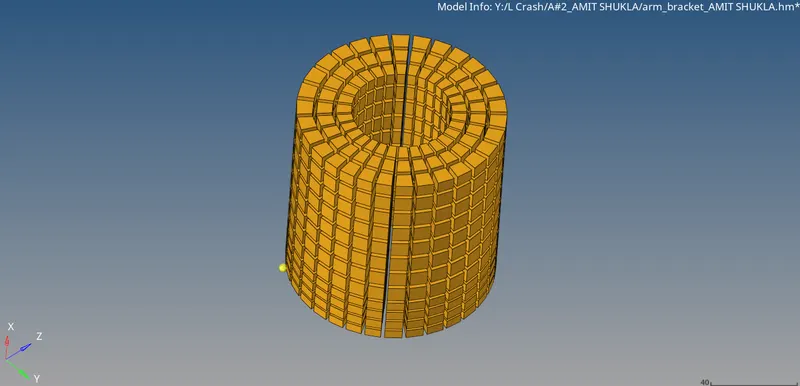
4. For Boss. solid map is performed by creating 2D element for side face and reference taken which reflect to overall part.
Results:
Housing 2D & 3D mesh
Arm Bracket 2D & 3D mesh
Conclusion:
1. Calculated speed of sound and elemental time step of rail.
2. Engine file edited and monitored.
3. Performed 3D tetra and hexa mesh on the given components.