Assignment 1-2D Meshing Challenge
1 firstly edit and the unnecessary extra edges and toggle them to there places.
2 check if there is any yellow edges if yes then it is sign of overlapping surface so delete one surface
3 after you done withe the clean up go to the mid surface option in the geometry module.
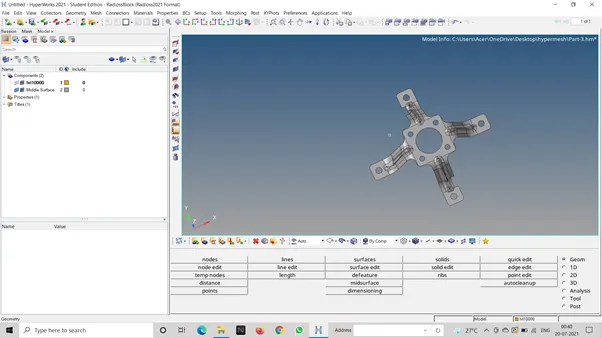
4 then select all the surface in the in component and click on enter
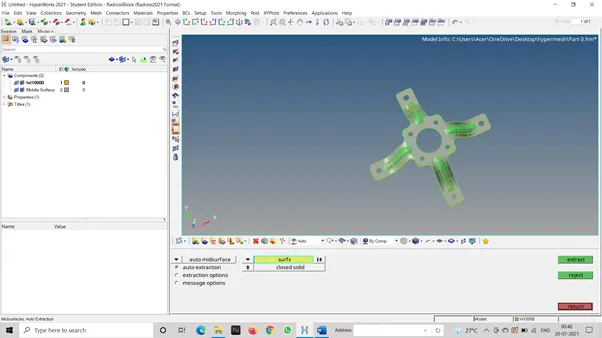
5 select mid surface on the component list and mark it visible only
6 then go to the 2d module and select auto mesh and select element length as 5 mm and click enter.
i know i have done alot mistakes but i dont know what to do in that situation, i will ask the support staff for help.