Assignment 1-2D Meshing Challenge
2D MESHING
OBJECTIVE
To pre-process three different sheet metal components by performing geometry cleanup, mid extraction, and finally shell meshing and mesh refinement using Hypermesh.
PROCEDURE:
PART -1
GEOMETRY CLEANUP
Import the .hm model onto the viewport.
Delete any extending surfaces or duplicate faces by using the delete -> surf command. The surfaces can be trimmed wrt a surface or line if adjoined together.
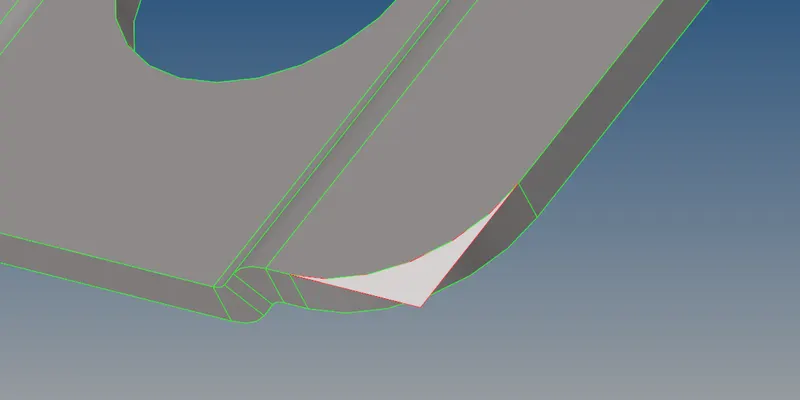
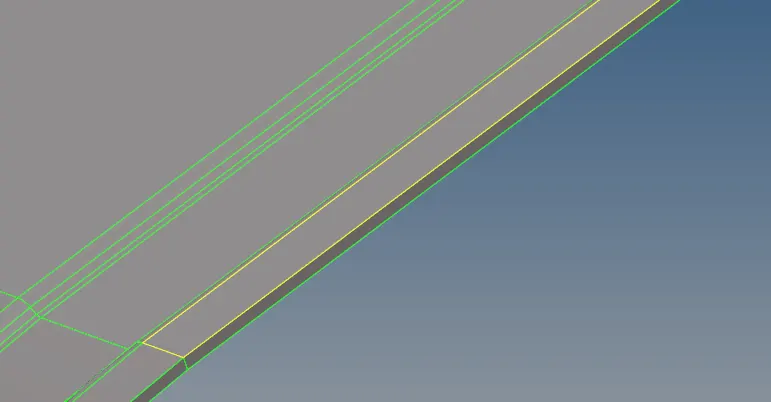
After every surface creation or deletion, we must equivalence that edge or surface using toggle or equivalence command.
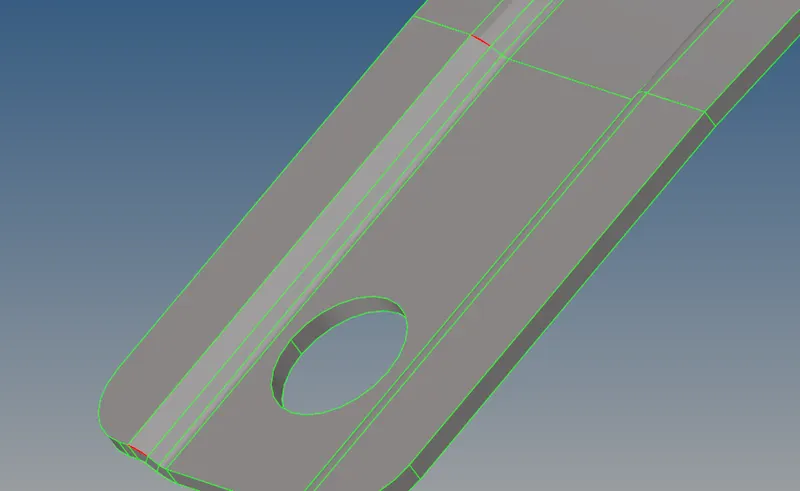
Larer gaps can either be closed by creating a new surface or by replacing points/nodes on the surf and target
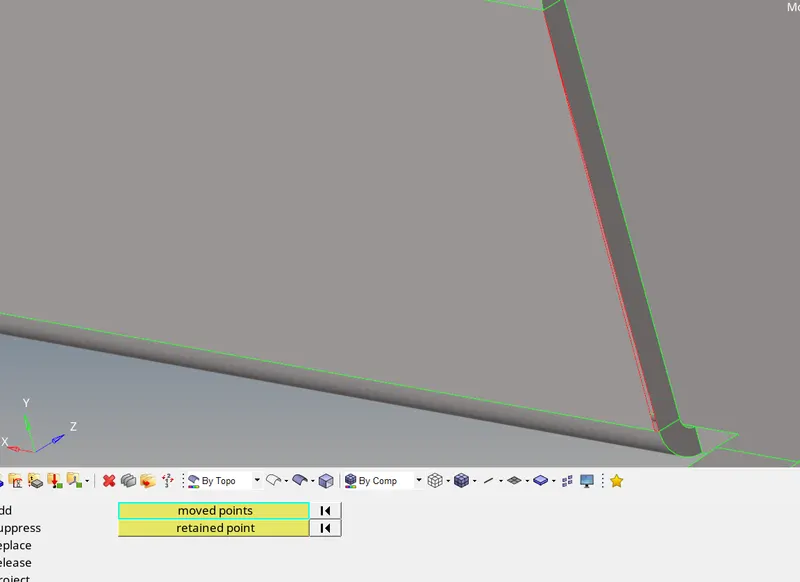
Similarly, other small free edges can be equivalenced with a cleanup tolerance of 0.5-1.0mm
MID-SURFACE EXTRACTION:
The mid surface of the parent component is extracted using the mid surface feature at Geom module.
The midsurf parameters can be modified and the type/method of extraction is set to offset+planes+sweeps
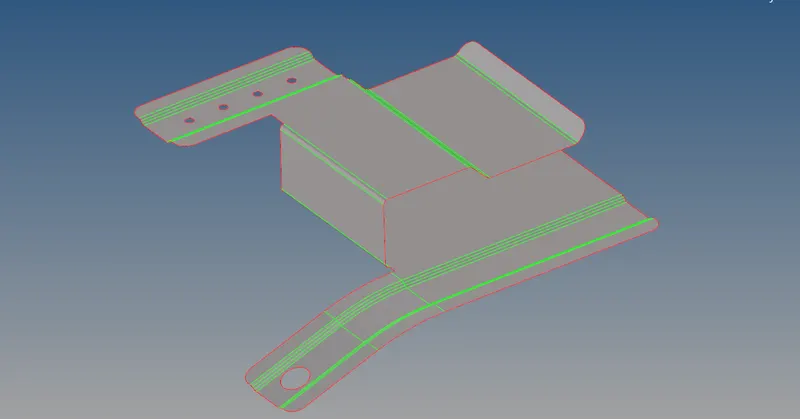
The holes with diameter less than 5mm are filled either using fillsurf command or unsplit.
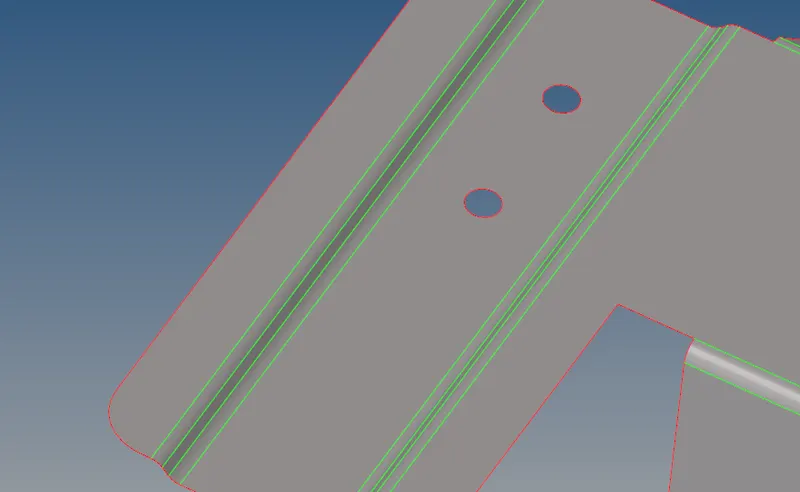
DEFEATURING
Surface fillets are defeatured using the following command: Geom - defeature - surf fillet - find (<6mm) - remove
Fillets less than 6mm rad are removed using the above command
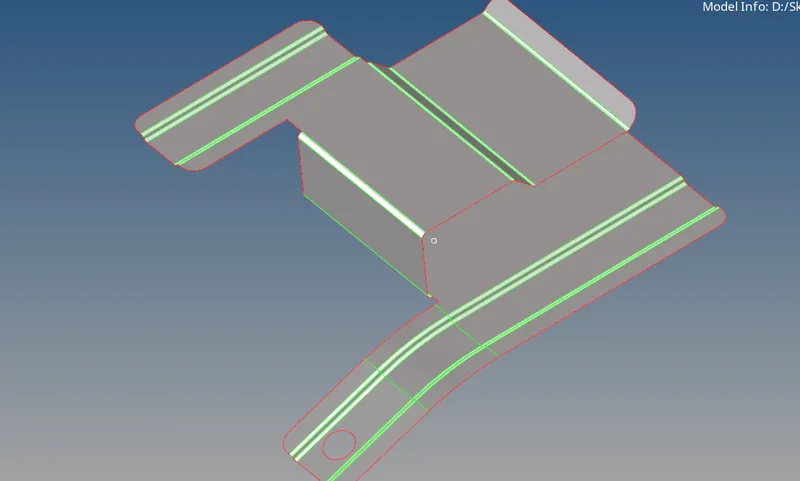
2D MESHING
The mesh quality criterion were set up
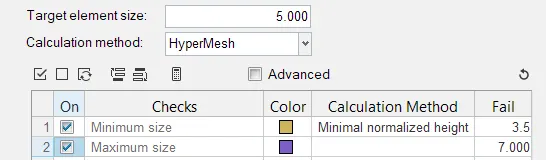
A mesh of target length 5mm is set as the objective
To mesh, the automesh command with mixed, 1st order elements are generated over the mid surface.
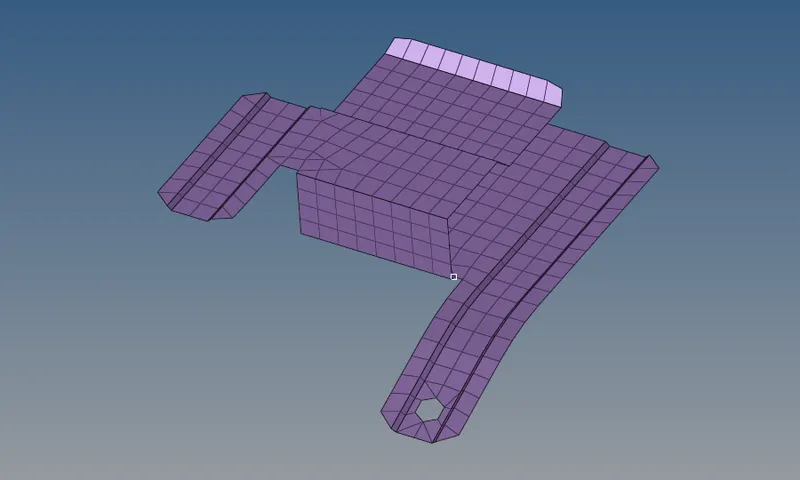
After meshing, the nodes at each edges are manipulated to attain a smooth mesh flow.
Any misaligned nodes can be aligned using the node edit command
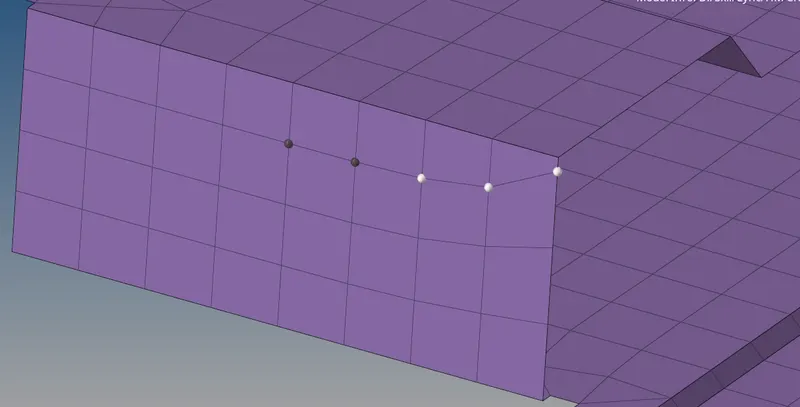
ASSIGNING PROPERTY
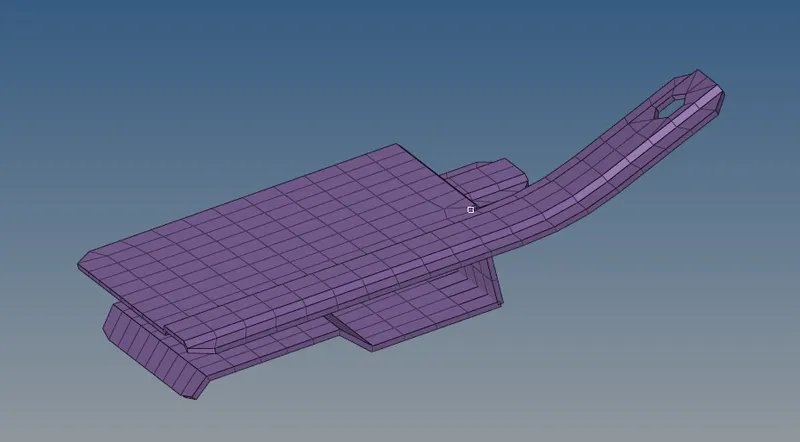
A new property card with a thickness of 0.91mm is created and this is assigned to the mid surf model.
To visualize the thickness, select '2D detailed element'
PART-2
GEOMETRY CLEANUP
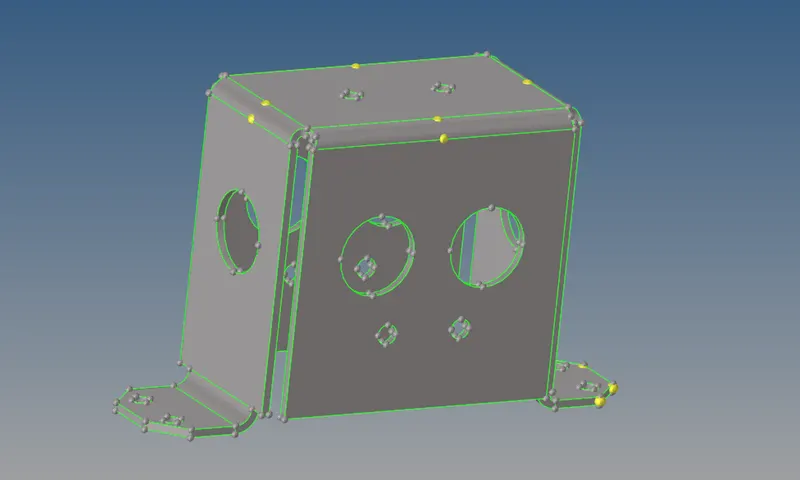
The imported geometry is free from any topological errors. However a auto cleanup function can be performed with certain specified parameters.
MID-SURFACE EXTRACTION
The offset+planes+sweep feature failed to give a proper mid surface
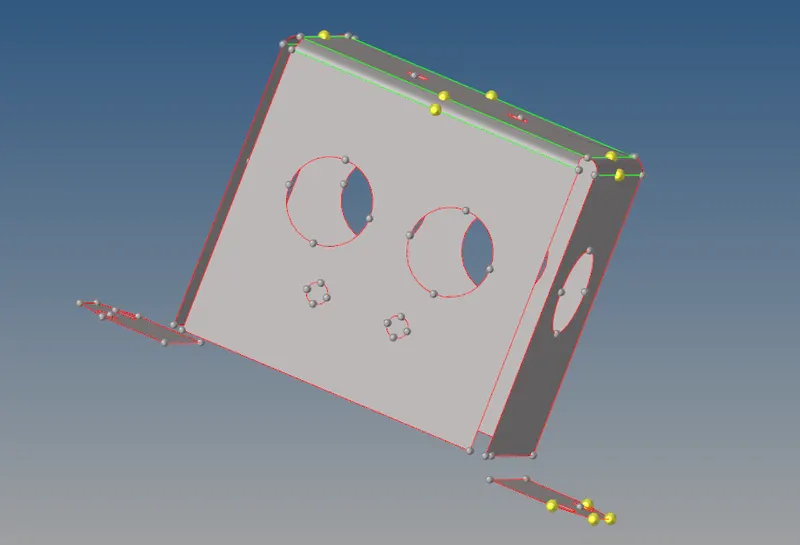
Hence the parent geom is extracted with the skin offset feature and by clearing all existing planes
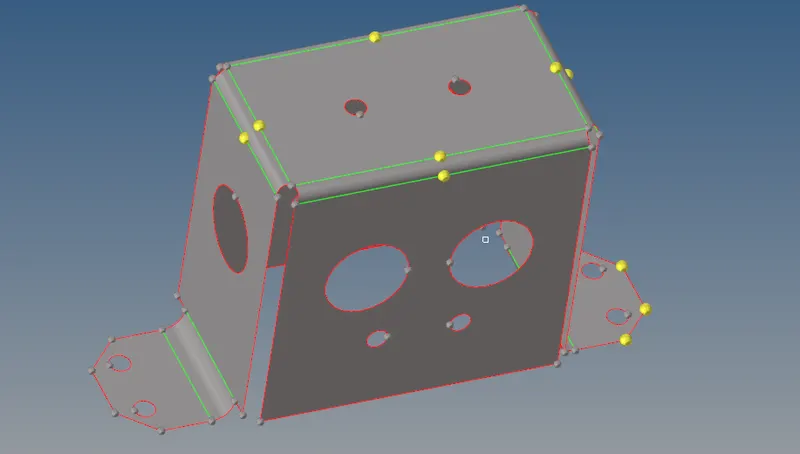
Holes with dia less than 5mm were closed using the unsplit command or by filler surf and then toggling the edges.
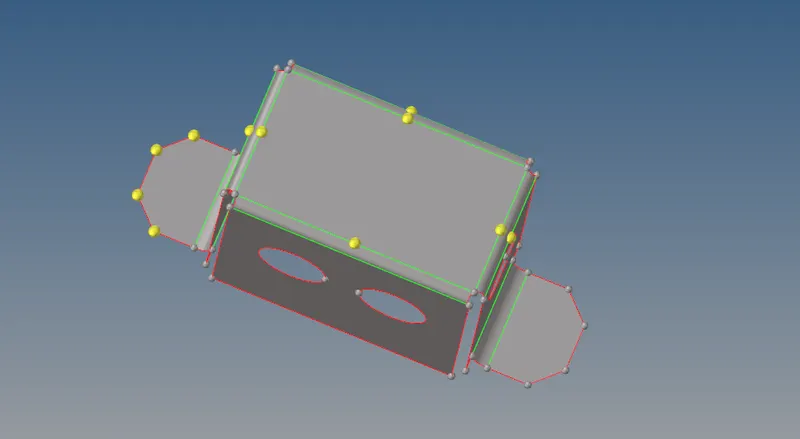
All edges at the top plate were replaced with the adjacent point so as to avoid another layer of mesh elements being generated which would eventually fail min thickness quality criteria
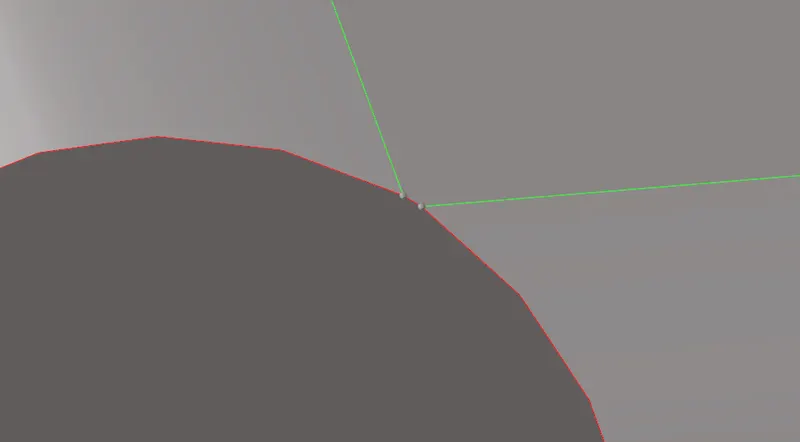
MESHING
The model is meshed with a target length of 5mm
Any trias adjacent can be combined into a single quad element. Later the entire component can be equivalenced using the edges command in Tools module
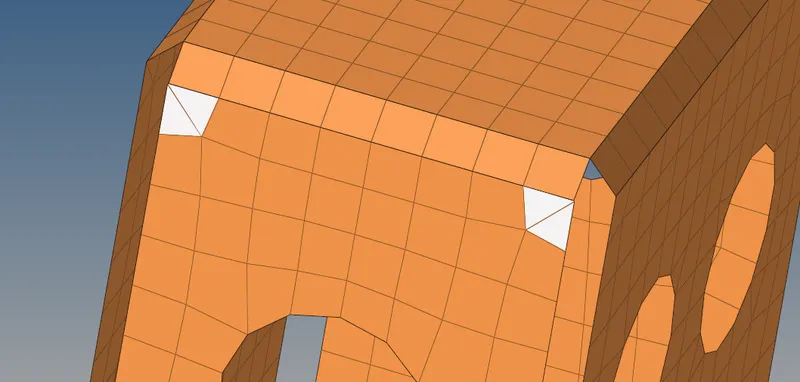
Trias can be cleared by remeshing the selected elems
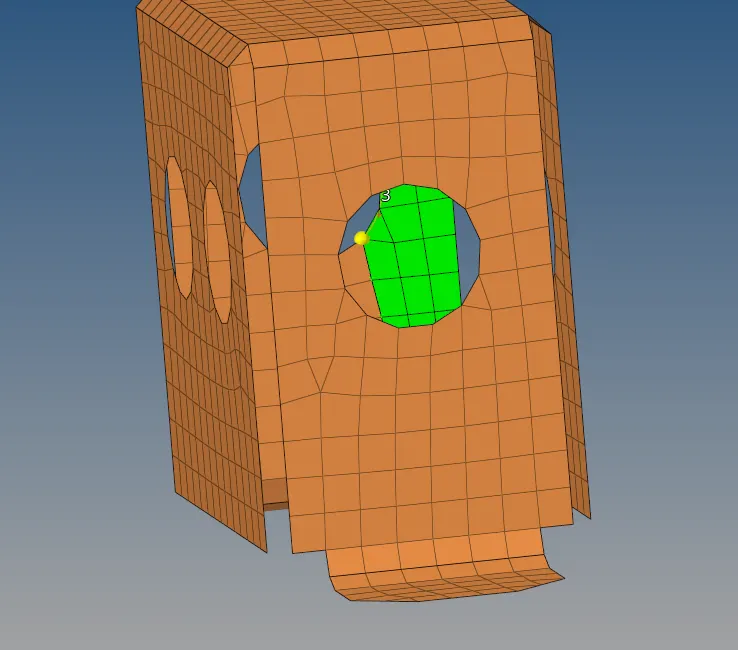
The elems are also smoothed after remeshing so meshflow is consistent
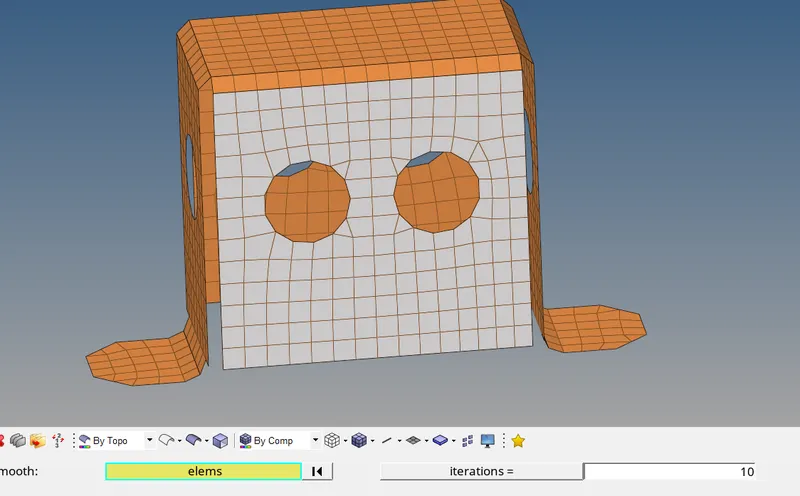
Finally the property with the appropriate thickness is assigned to the model (as shown below)
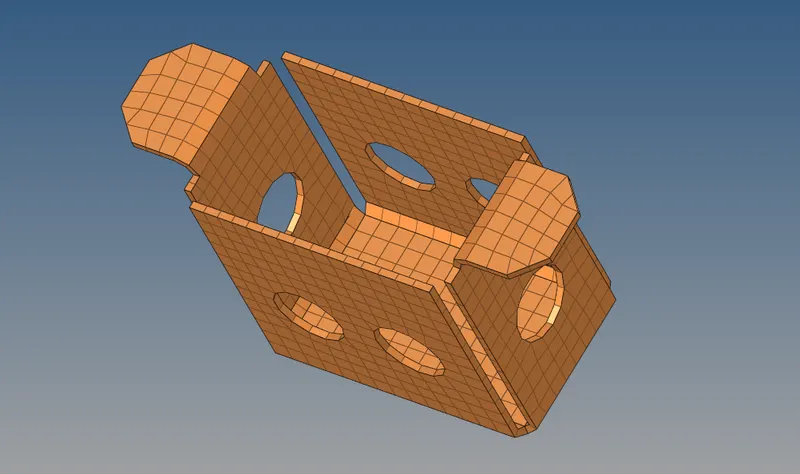
PART-3
GEOMETRY CLEANUP
The imported geometry is free from any topological errors. However, a auto cleanup function can be performed with certain specified parameters.
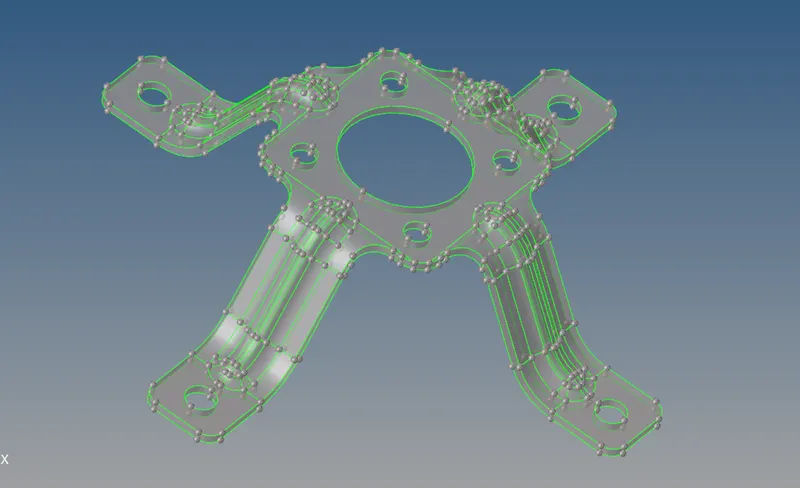
MID-SURFACE EXTRACTION
Mid surface extraction using the skin offset method is preferred in this case.
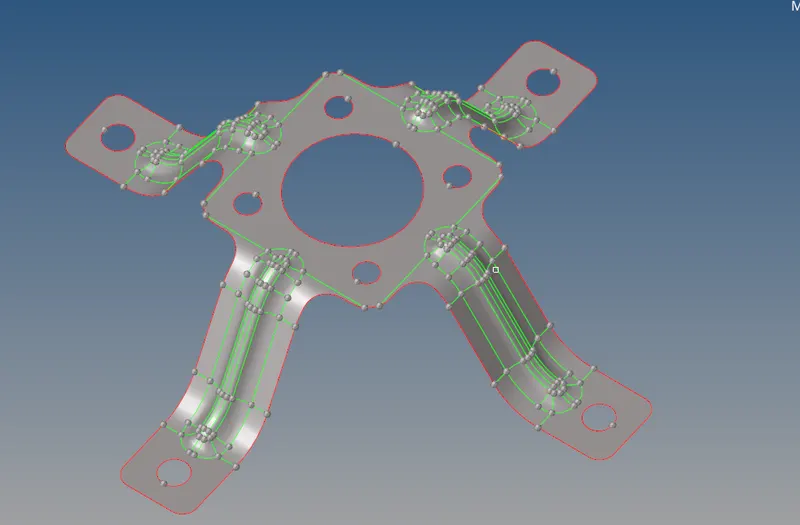
Holes with dia less than 5mm are closed using the unsplit command
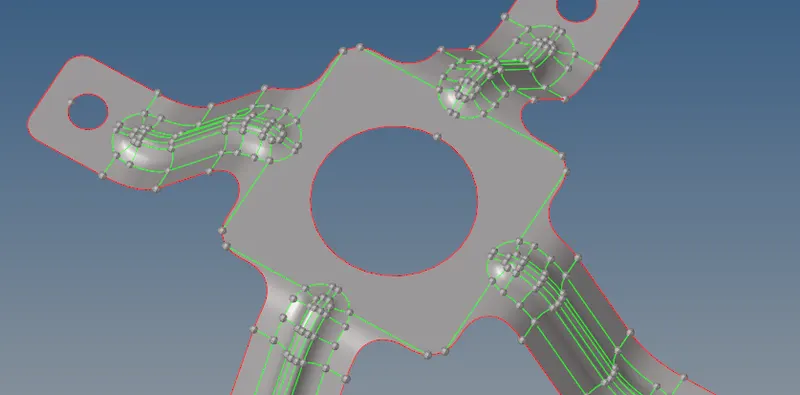
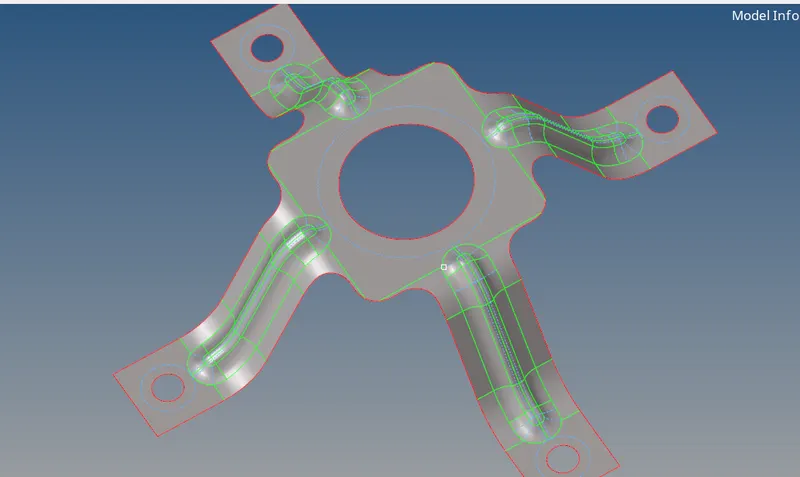
Cons/lines are manually or automatically defeatured. If done automatically the auto cleanup feature can be used
The result due to auto cleanup method is shown below
MESHING
The model is meshed with a target length of 5mm
Since this is a symmetrical component, a part of the mode is meshed and reflect to its opposite side.
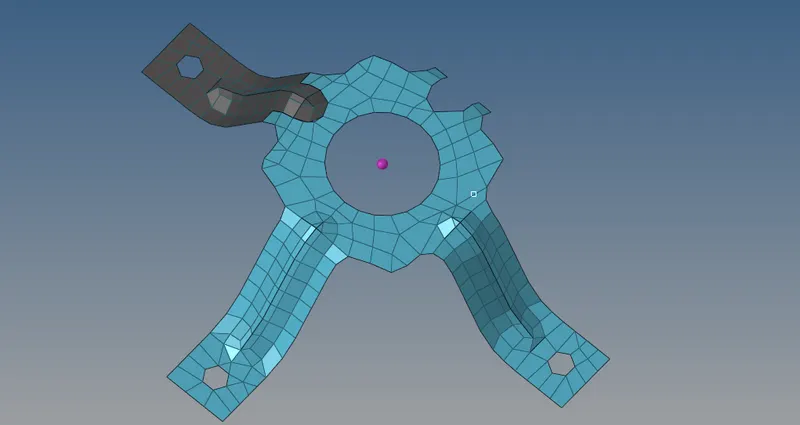
Then since elements were reflected, we must equivalence the component so there are no free edges.
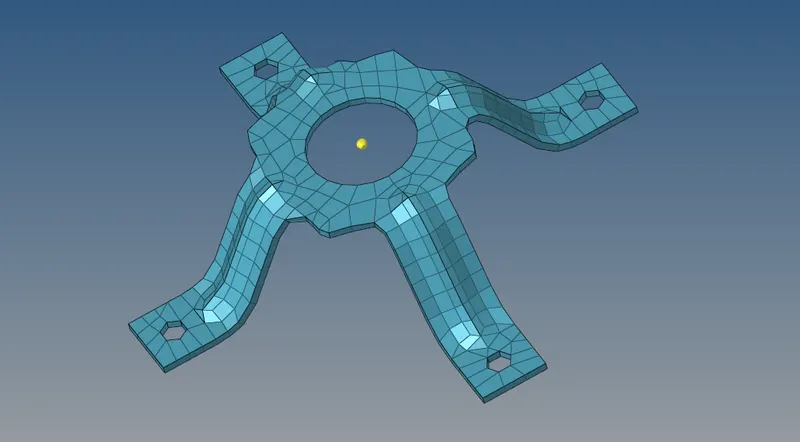
Finally the property of thickness 1.8mm is assigned to the midsurf (as shown below)
CONCLUSION
Hence all three components were cleared for geometrical errors, topology optimization, mid extraction either using auto or manual methods and finally meshed using 2D elems and refined to satisfy the quality criteria