Assignment 1-2D Meshing Challenge
Challenge 1
Objective-
- To study the flow of energy through the part by creating a 2D mesh of target element size of 5.
- To correct the elements property to fulfill the quality criteria and to apply a generic property and material.
- To do meshing on mid-surface and then project it on to the original geometry.
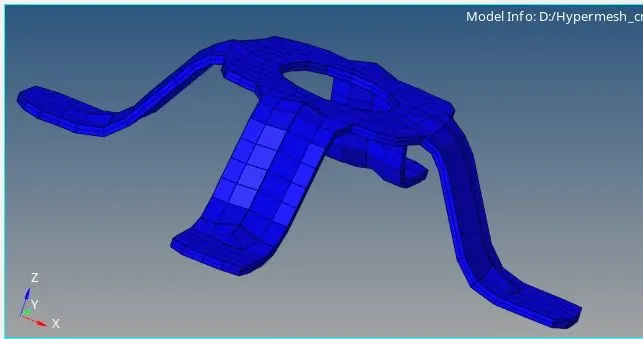
1. Model 1
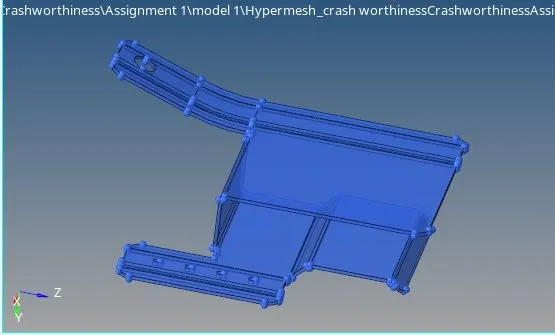
2. Model 2
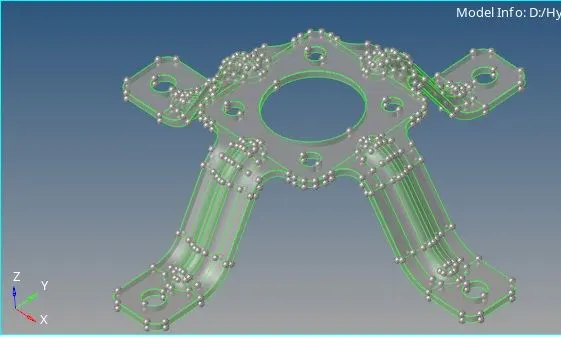
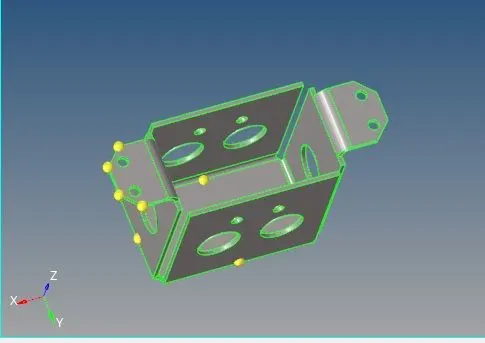
3. Model 3
Case set up and Execution-
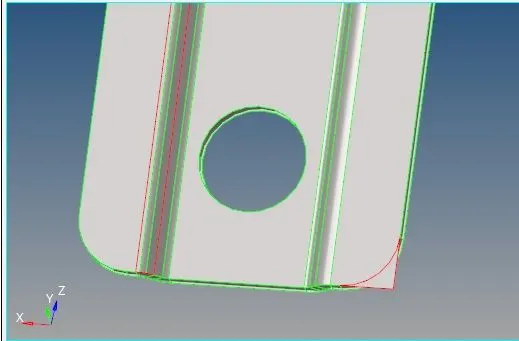
- First of all checked for all errors in geometry and corrected it by using quick edit panel.
Geometrical Error 1
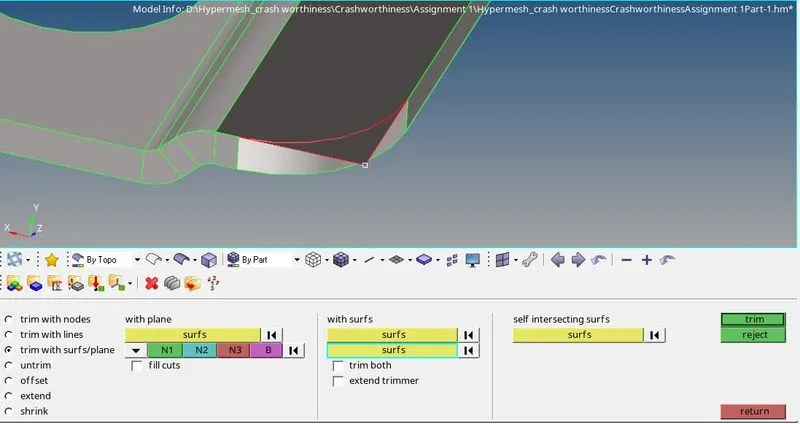
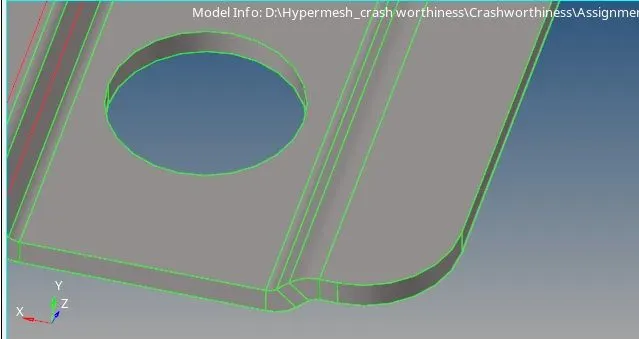
Geometrical Error 2
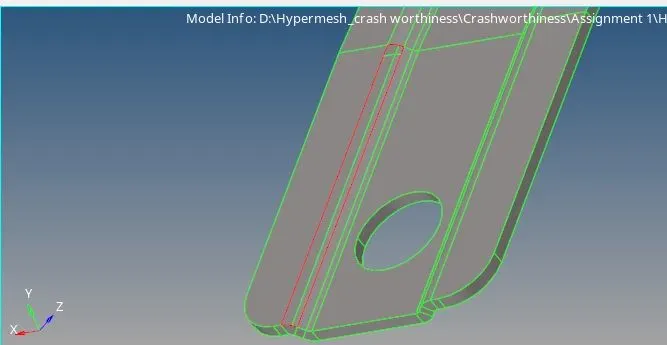
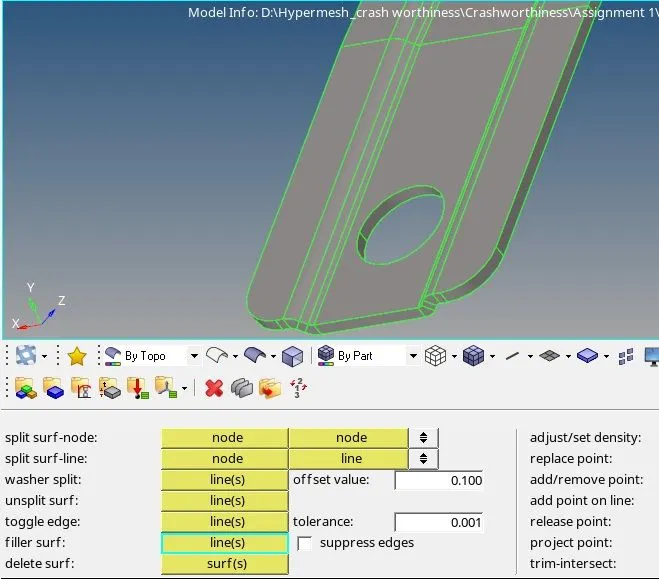
Geometrical Error 3
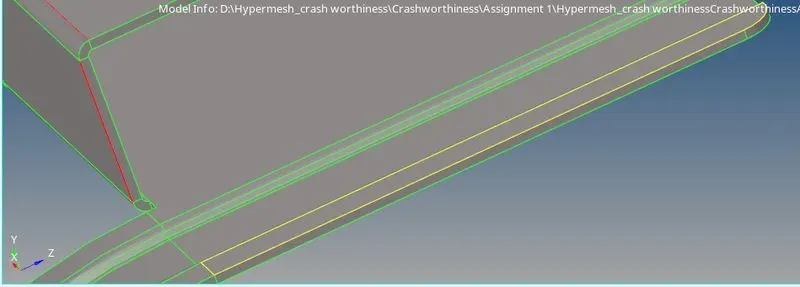
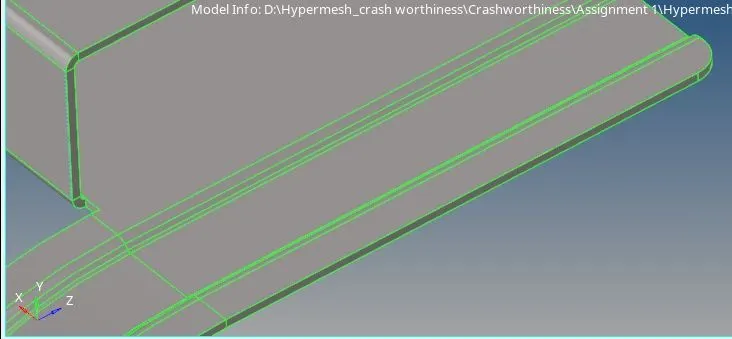
2. Deleted all unwanted lines & solids in geometry and then extracted mid-surface from it. Then provided washer surfaces for holes having dia more than 5mm and neglected holes having dia less than 5mm. Also corrected mid-surface geometry by replacing nodes etc.
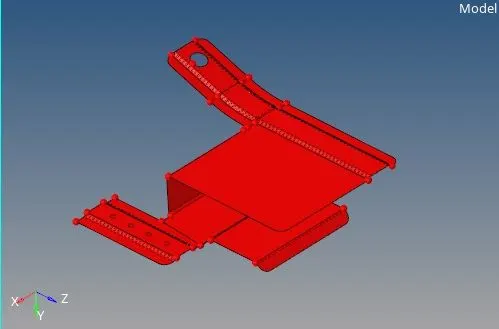
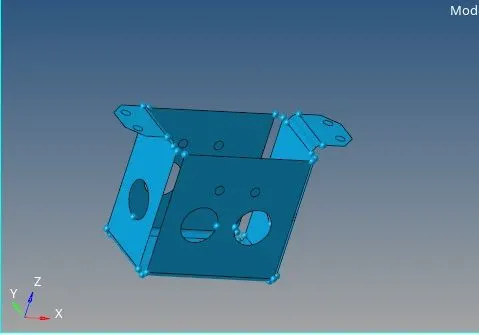
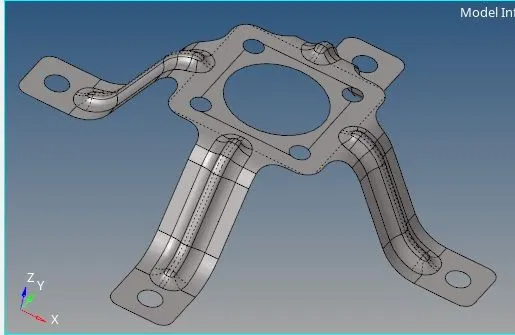
3.Then started auto meshing, first did meshing of washer surfaces with even no. of nodes on inner and outer surfaces and then started meshing from center of geometry by taking element size of 5 units (used commands reflect, translate, offset etc.). Corrected the flow of mesh by re-meshing, smooth tool, replacement of nodes etc. Then aligned the mesh with geometry dimensions as much as possible.
4. Then checked for any connectivity issue and duplicates elements & nodes in meshing and corrected if any.
5. Set the quality criteria required like, min & max length, aspect ratio, warpage, Jacobin, skewness & included angles for tria and quad.
6. Then tried to correct the failed elements in quality index as much as possible by using clean up tools.
7. After getting acceptable results transferred the meshing of mid-surface onto original geometry.
Final Mesh :-
Component 1
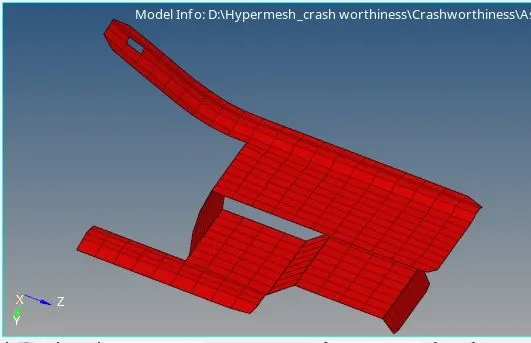
Component 2
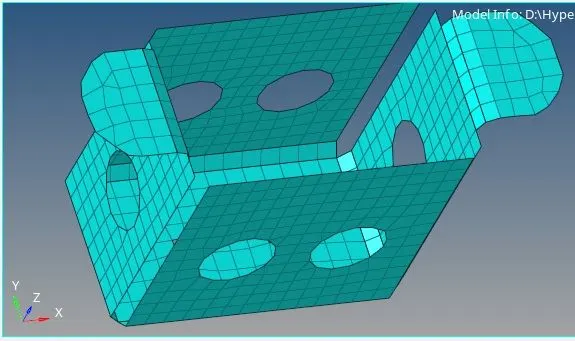
Component 3
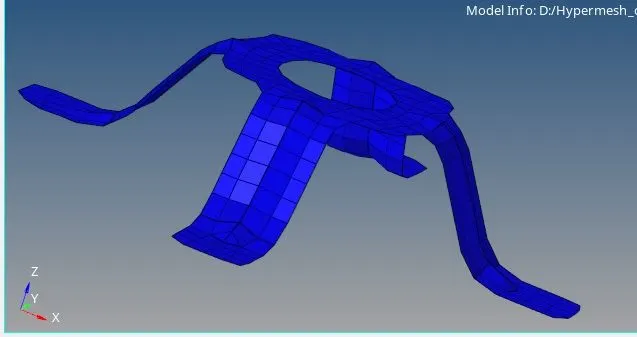
For Assigning property and thickness
- Check the thickness of the parent geometry.
- Create property and assign the thickness to the property.
- If the thickness is varying separate them to different collectors and create multiple properties.
- Assign the properties as per the thickness.
- To check the thickness switch to 2D Traditional Element Representation.
Component 1
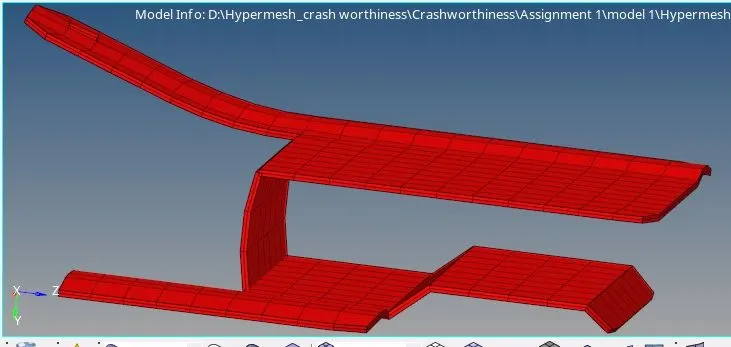
Component 2
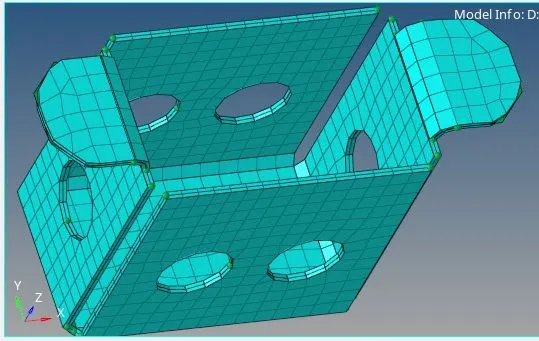
Component 3