Assignment 1-2D Meshing Challenge
Assignment 1-2D Meshing Challenge
AIM :- To perform the geometry cleaup and meshing in given the components.
OBJECTIVES :-
There should not be any free edges, convert all of them into refine geometry.
- Clean the geometry.
- Extract midsurface.
- Clean midsurface geometry.
- Ignore holes less than dia 5mm.
- Create 2D mesh with target length 5mm, min 3.5mm max 7mm.
- And assign proper thickness, by creating a generic property.
PROCEDURE :-
1) practice
* Imprt the geomerty in hyper mesh workspace .(import - model - select the model)
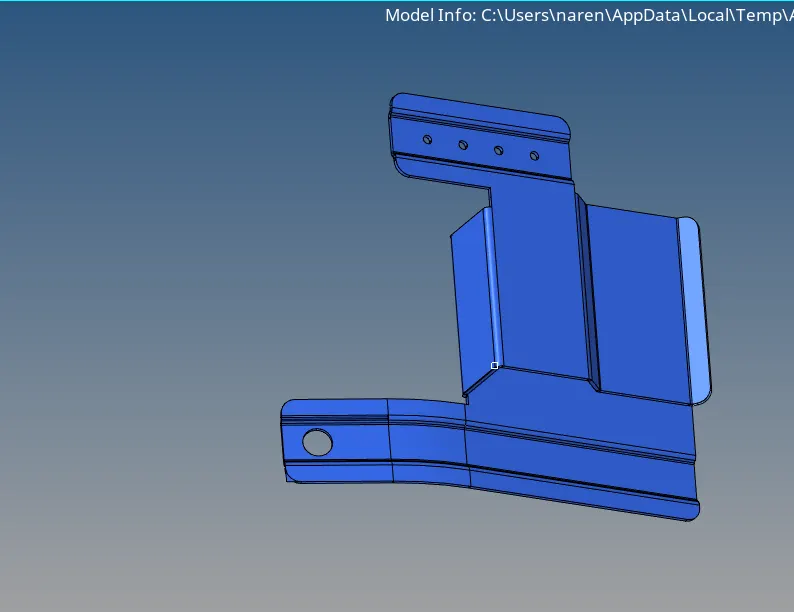
GEOMETRY CLEANUP
* After importing the model we have to check the geometry and if any is error is found , clear this with cleaning tools such as quick edit tool , surface edit tools, etc.
* In this process we also check for free edges , gaps , overlaped surface and T-edges.
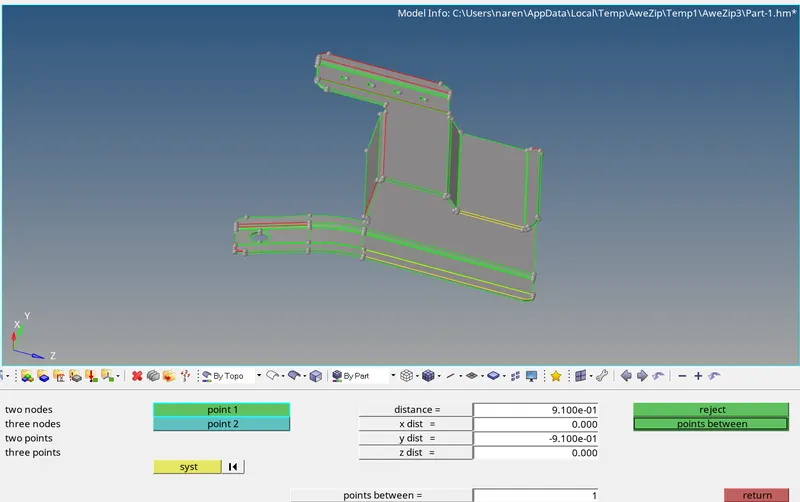
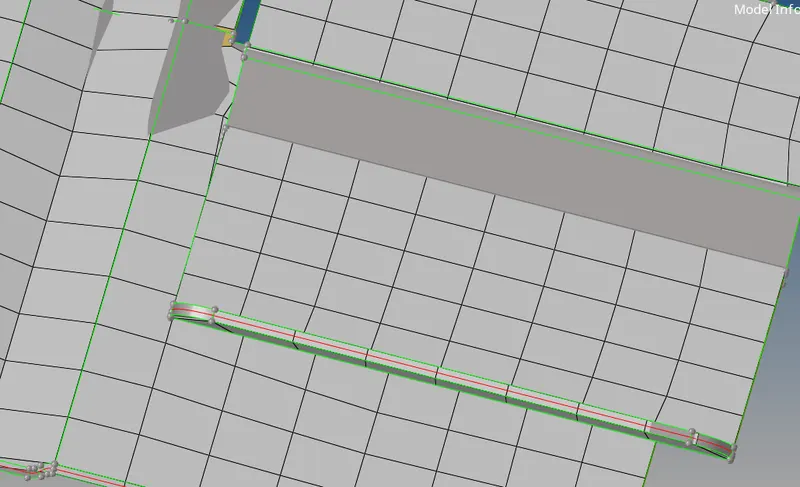
* we can create the surface in missing surafce area using th fill .( quick edit - fill ).
* see the above image yellow line . we can delete the surface.
midsurface extraction.
* we can extact mid surface using the automidsurface .( geo - medsurface - offset +plane )
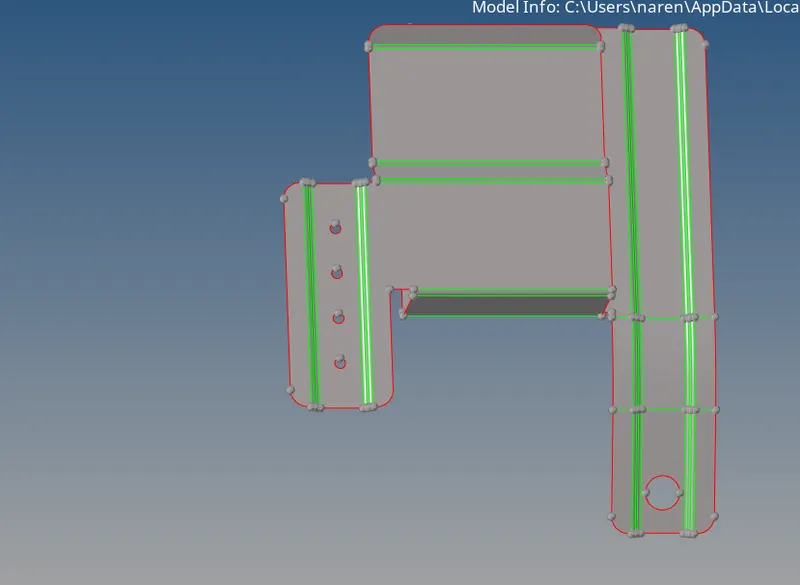
* we can supress the unwanted line and failing the quality quritria using the toogle lines. (geo - quick edit - toogle )
*we can Ignore holes less than dia 5mm.
meshing the component
* we can done the geometry cleanup mesh the component.
* we can edit the quality criteria .2D mesh with target length 5mm, min 3.5mm max 7mm.
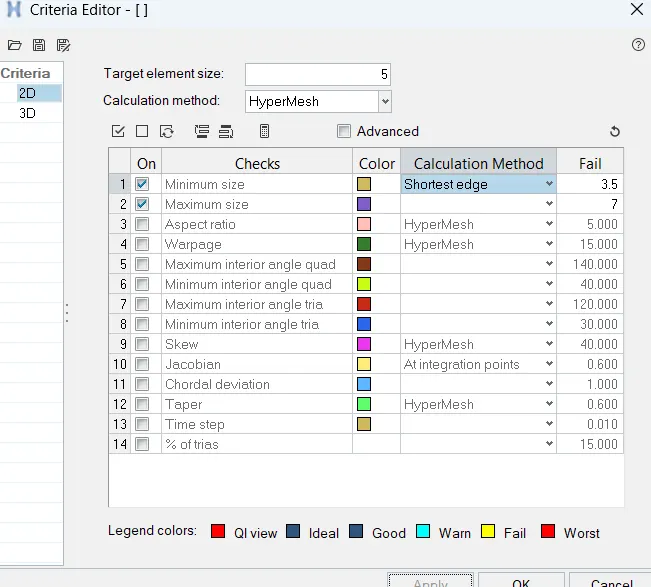
* we can mesh the component one by one using the autom mesh . (2D - AUTO MESH ).
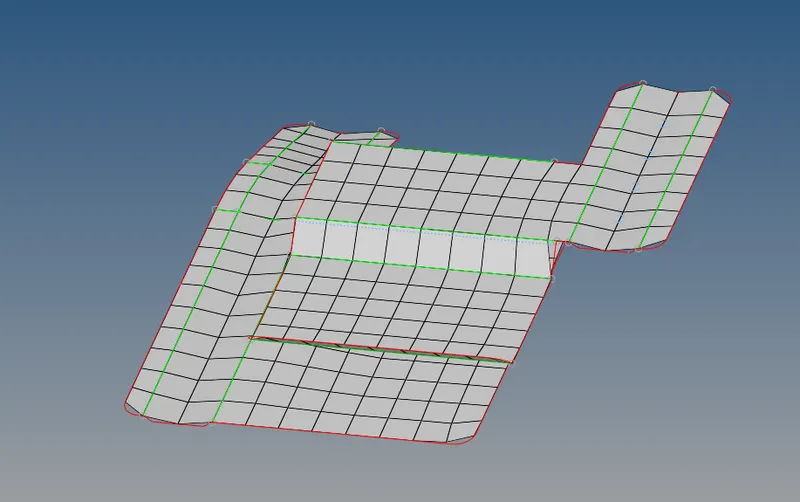
* WE can remove the element failure using the cleaup tools and rebuild mesh, element cleanup .
* we can check the normals and free edges .
* we can assign the thickness of component . create the property and material .given the required thickness.
2) Clip Repair
* Imprt the geomerty in hyper mesh workspace .(import - model - select the model).
GEOMETRY CLEANUP
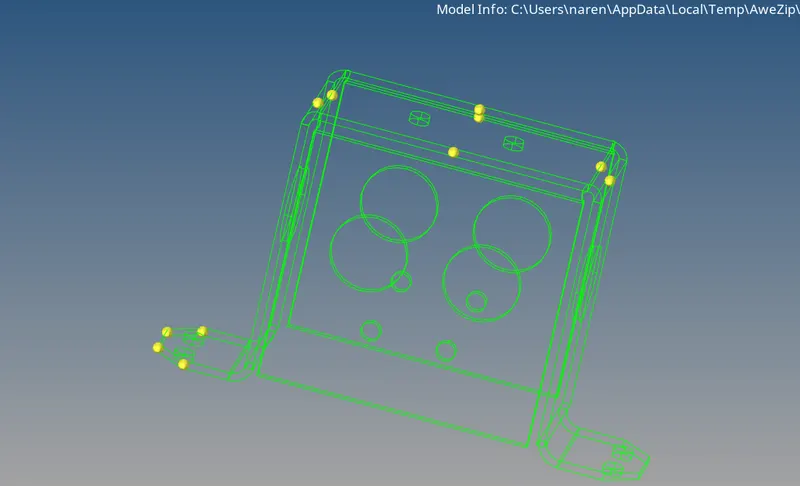
* After importing the model we have to check the geometry and if any is error is found , clear this with cleaning tools such as quick edit tool , surface edit tools, etc.
* In this process we also check for free edges , gaps , overlaped surface and T-edges.
midsurface extraction.
* we can extact mid surface using the automidsurface .( geo - medsurface - offset +plane )
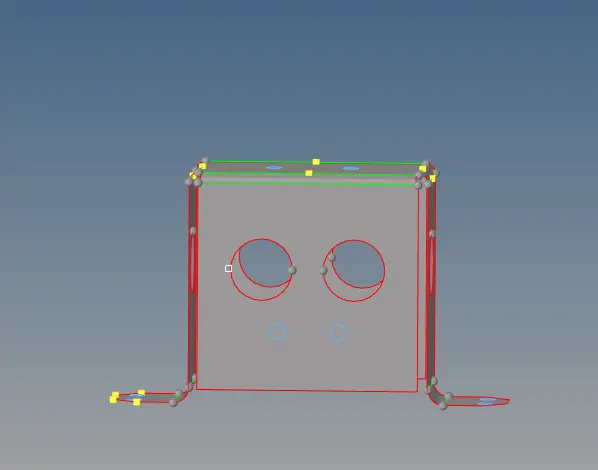
* we can supress the unwanted line and failing the quality quritria using the toogle lines. (geo - quick edit - toogle )
*we can Ignore holes less than dia 5mm.
meshing the component
* we can done the geometry cleanup mesh the component.
* we can edit the quality criteria .2D mesh with target length 5mm, min 3.5mm max 7mm.
* we can mesh the component one by one using the autom mesh . (2D - AUTO MESH ).
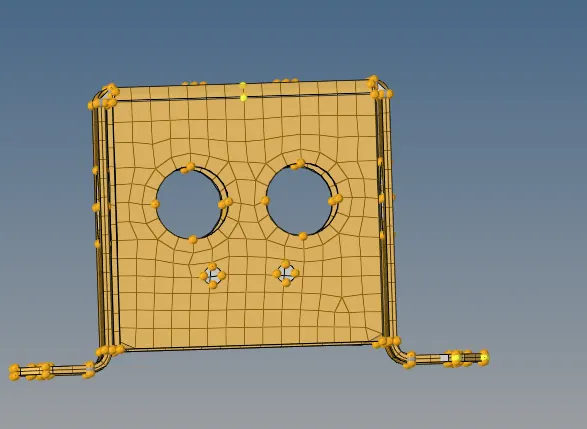
* WE can remove the element failure using the cleaup tools and rebuild mesh, element cleanup .
* we can check the normals and free edges .
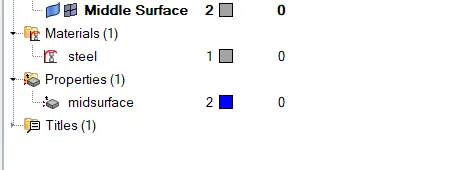
* we can assign the thickness of component . create the property and material .given the required thickness.
3 ) Mounting Bracket
* Imprt the geomerty in hyper mesh workspace .(import - model - select the model).
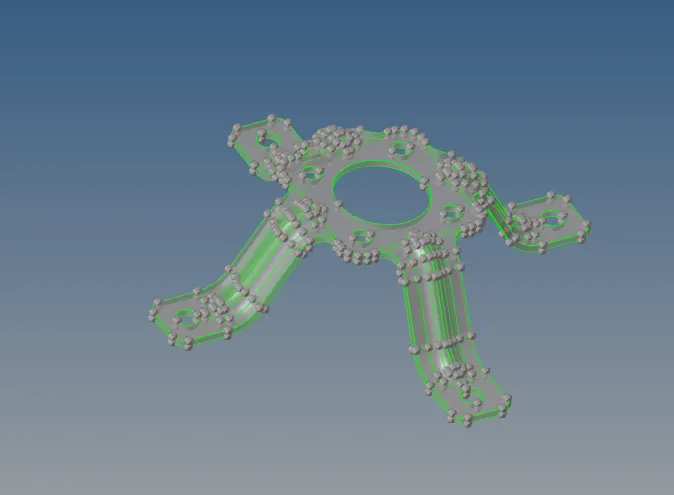
GEOMETRY CLEANUP
* After importing the model we have to check the geometry and if any is error is found , clear this with cleaning tools such as quick edit tool , surface edit tools, etc.
* In this process we also check for free edges , gaps , overlaped surface and T-edges.
midsurface extraction.
* we can extact mid surface using the automidsurface .( geo - medsurface - offset +plane )
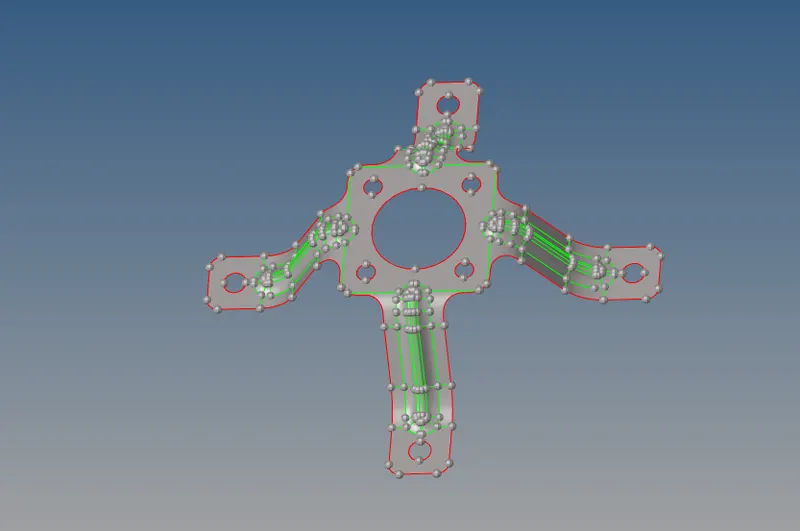
* we can supress the unwanted line and failing the quality quritria using the toogle lines. (geo - quick edit - toogle )
*we can Ignore holes less than dia 5mm.
meshing the component
* we can done the geometry cleanup mesh the component.
* we can edit the quality criteria .2D mesh with target length 5mm, min 3.5mm max 7mm.
* we can mesh the component one by one using the autom mesh . (2D - AUTO MESH ).
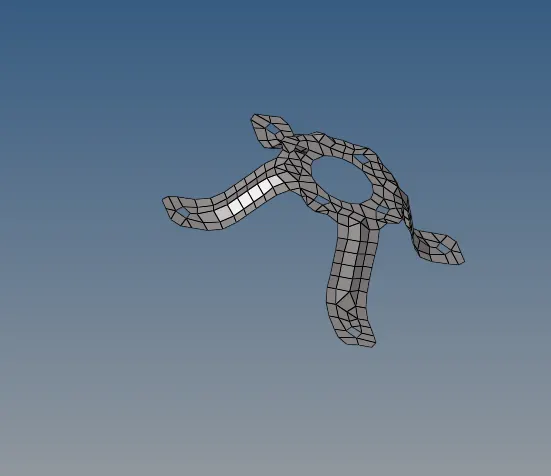
* WE can remove the element failure using the cleaup tools and rebuild mesh, element cleanup .
* we can check the normals and free edges .
* we can assign the thickness of component . create the property and material .given the required thickness.
CONCLUSION
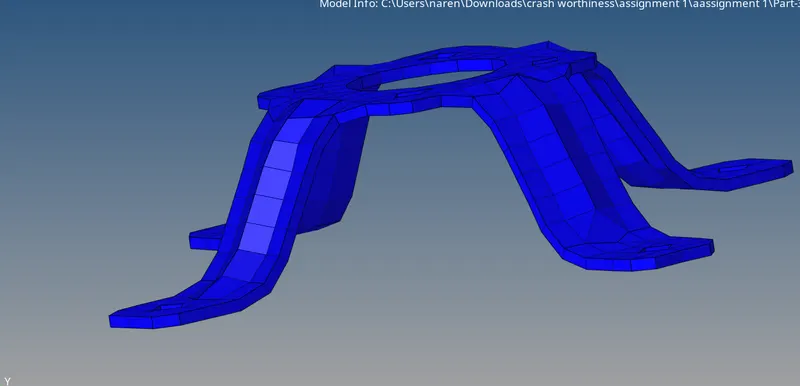
* We can the done the2D Shell mesh on given components
learning outcomes
* How to cleanup geomerty
*how to mesh the component and clear the quality criteria.
google drive link :-
https://drive.google.com/drive/folders/1CsYMVmdhml-gTDqAQD80n9MSrNIPW2wr?usp=share_link