Assignment 1-2D Meshing Challenge
Geometry Cleanup Exercise:
Carry out the geometry cleanup operation on the given 3 files.
- Practice
- Clip Repair
- Mounting Bracket
There should not be any free edges, convert all of them into refine geometry.
- Clean the geometry.
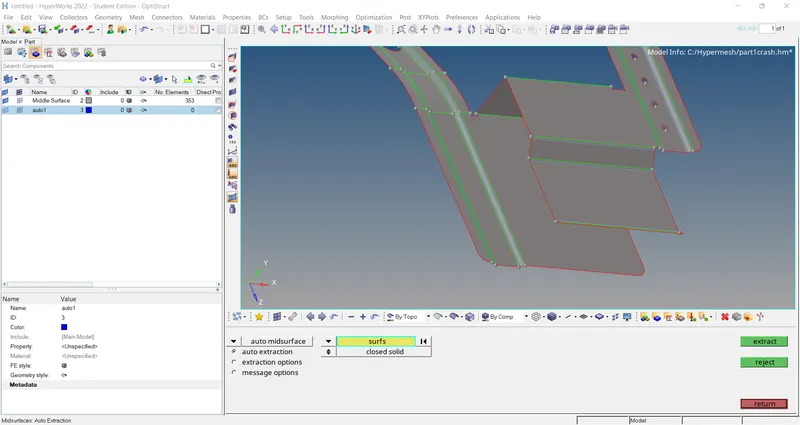
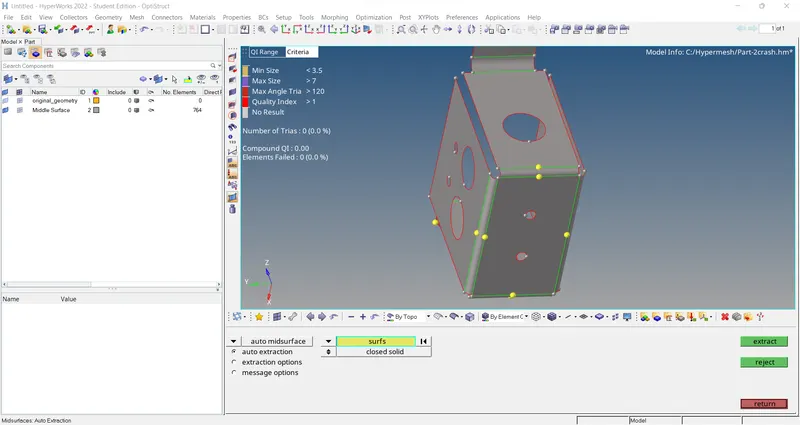
- Extract midsurface.
- Clean midsurface geometry.
- Ignore holes less than dia 5mm.
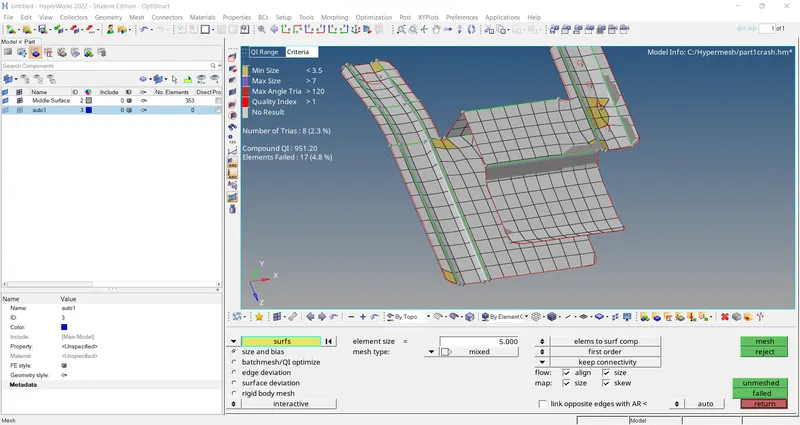
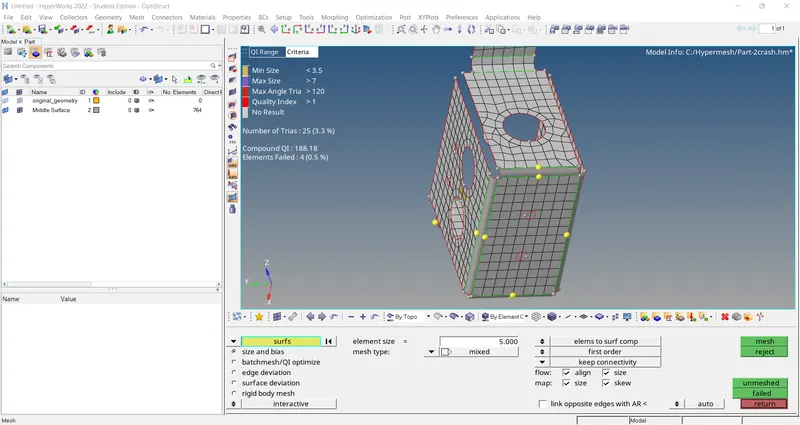
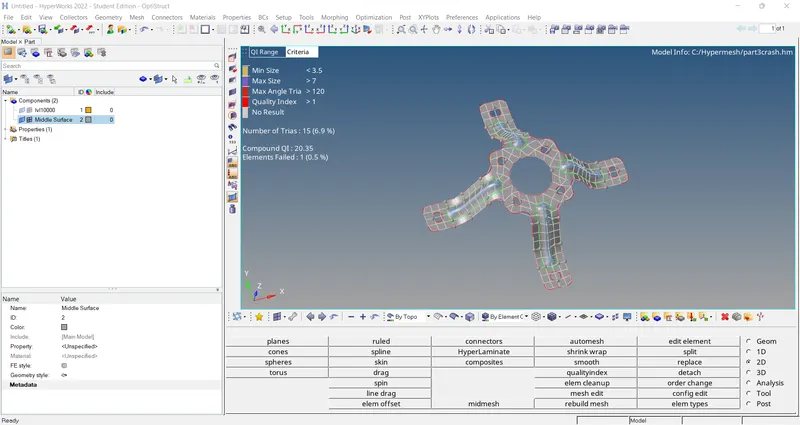
- Create 2D mesh with target length 5mm, min 3.5mm max 7mm.
- And assign proper thickness, by creating a generic property.
- Then Save in .hm format.
ANSWER -:
AIM -: To extract the midsurface and go to the 2D mesh.
Procedure -:
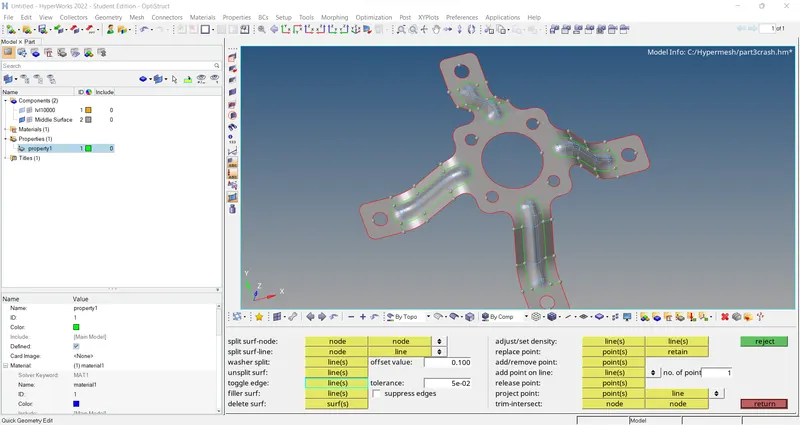
1) import the geometry then check the free edeges after that go to the midsurface.
2) Extract the midsurface use the auto extraction option then check the geometry and go to the quick edit toggle option.
3) after that go to the 2D mesh use the automesh option then done the geometry mesh.
CONCLUSION - :
all three components are create the midsurface ,check geometry and mesh the component.