Assignment 1
Aim:
To give the product with the refined geometry.
Procedure:
Seeing the product with the error and try to find the error and solve.
With using the goemetry key and the error in the product can be rectified by using the toggle key.
2D meshing:
The mesh looks smooth and regular.
Use the simplest geometry method to solve the error.
Keep meshing to get smooth surface by simple method.
For the cleaning process:

click geometry ->surface edit ->trim with line.
The particular line is selected and gets trimmed upto the required the region till the trim is required.
For the cleaning the dia less than 5mm:
click geometry -> quick edit -> unsplit surf.
The particular circle gets deleted and the mesing can be smoothly done.
For the midsuface:

click geometry -> midsuface -> select the pieces to be midsurfaced click extract.
The required product will be extracted and will be ready for doing the meshing process.
For meshing:

Click 2D mesh and click automesh.
Select the region which need to be meshed.
Keep the element size as 5mm and check that it is in surfs
select the region the click mesh, the mesh happens in the selected region.
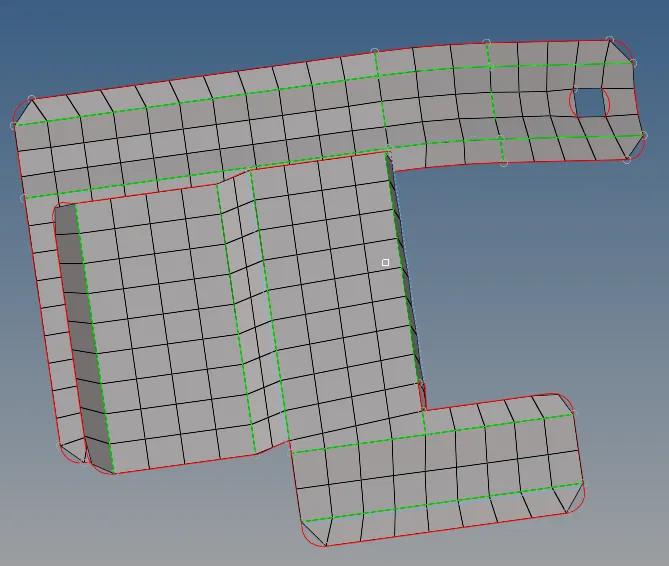
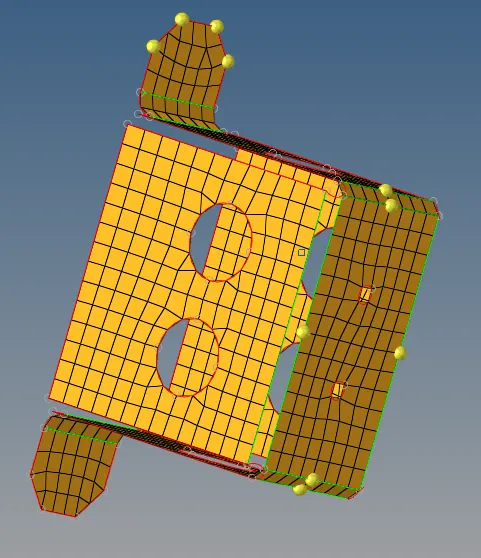
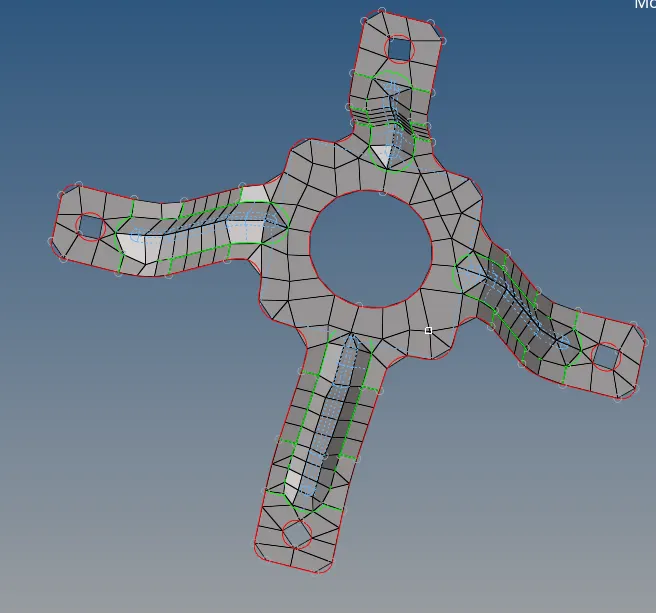
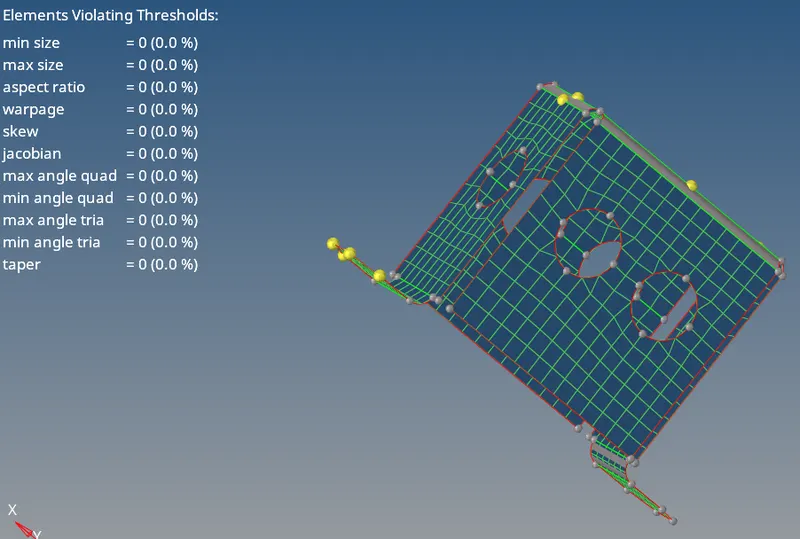
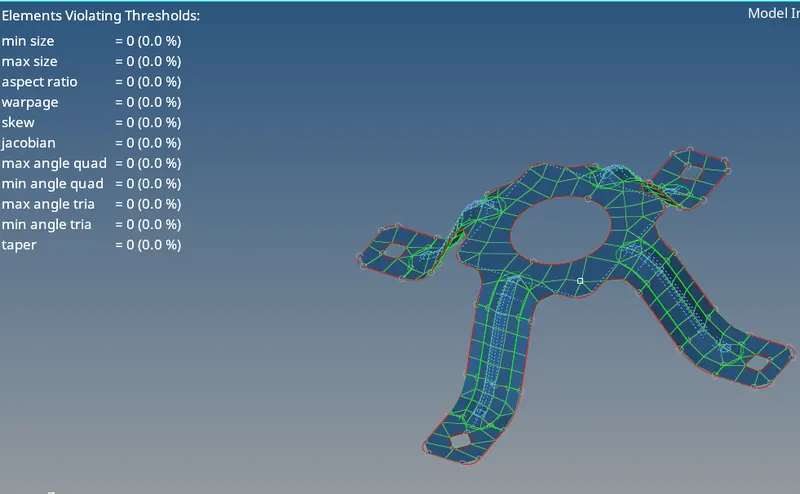
After the meshing process the image of 3 parts.
part 1:
Part 2:
Part 3:
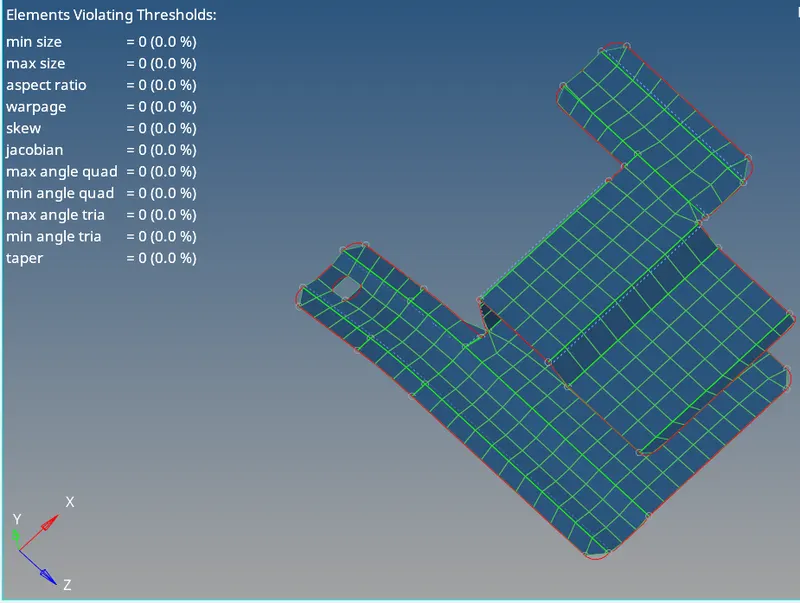
After meshing process the quality creteria is been checked:
- Click 2D mesh->quality index-> requied values is loaded.
- The quality of the part is checked and the values is shown.

Conclusion:
Hence the requied refinery geometry has been done and to learn the operation done for meshing the midsurfacing and quality thickness allotment for the geometry