Assignment 1
Geometry Cleanup Excercise :
1) Cleaning the geometry :
first we clean the geometry by using the geometry edit option
Before cleanup
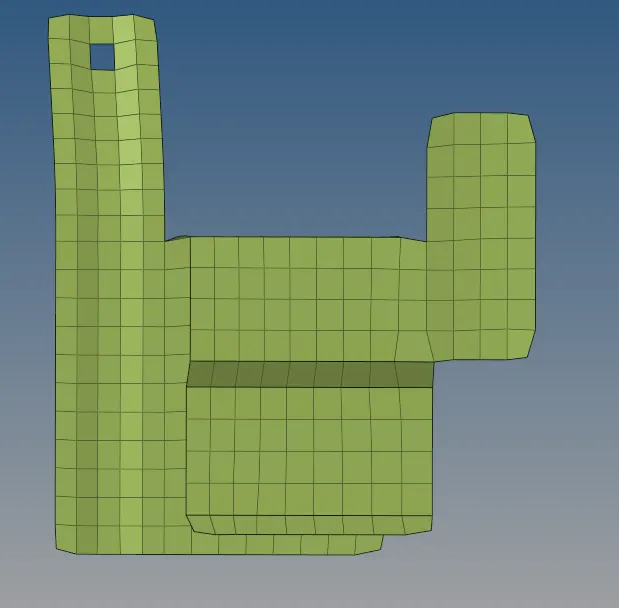
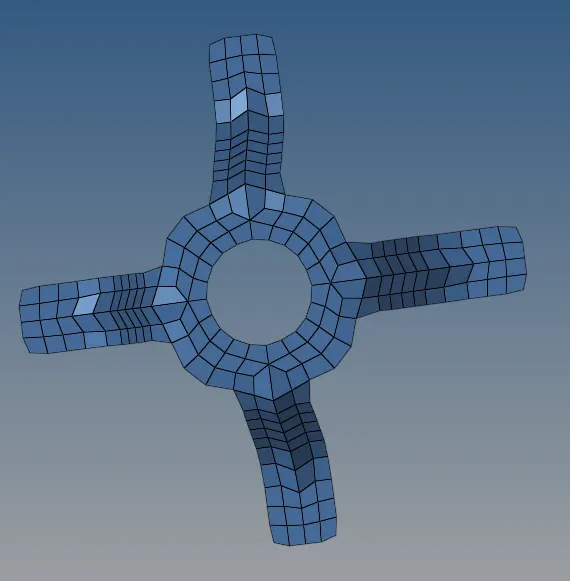
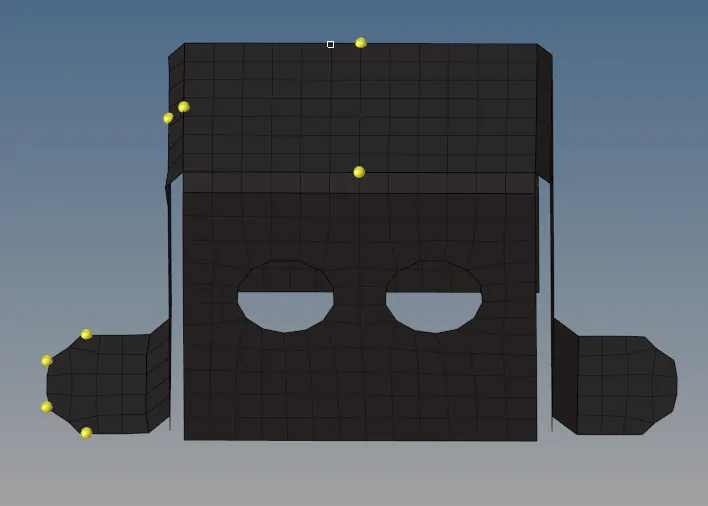
model 1: model 2: model 3:
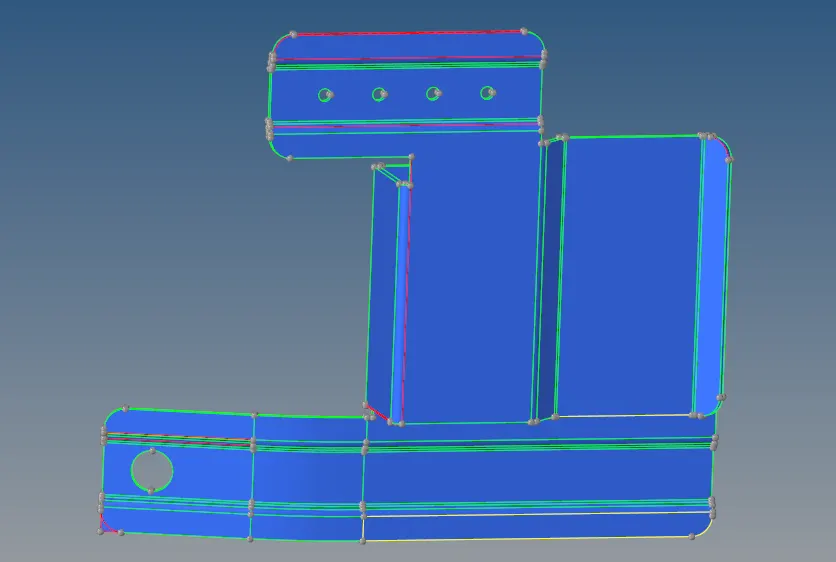
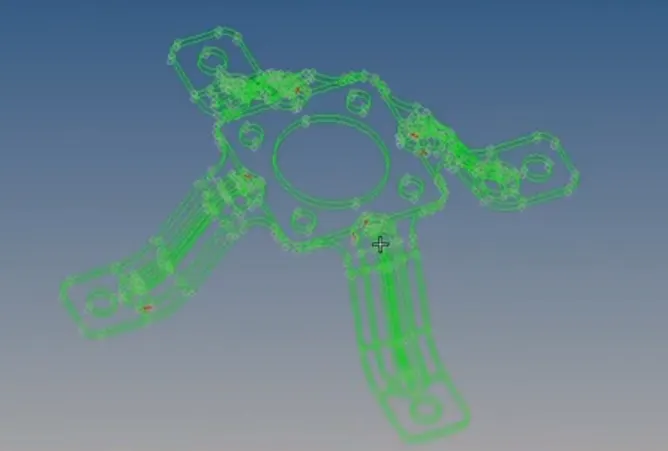
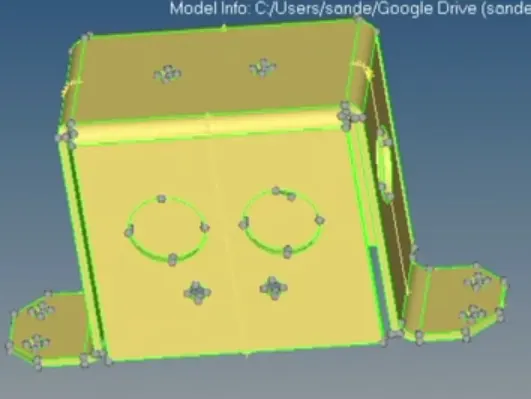
after cleanup
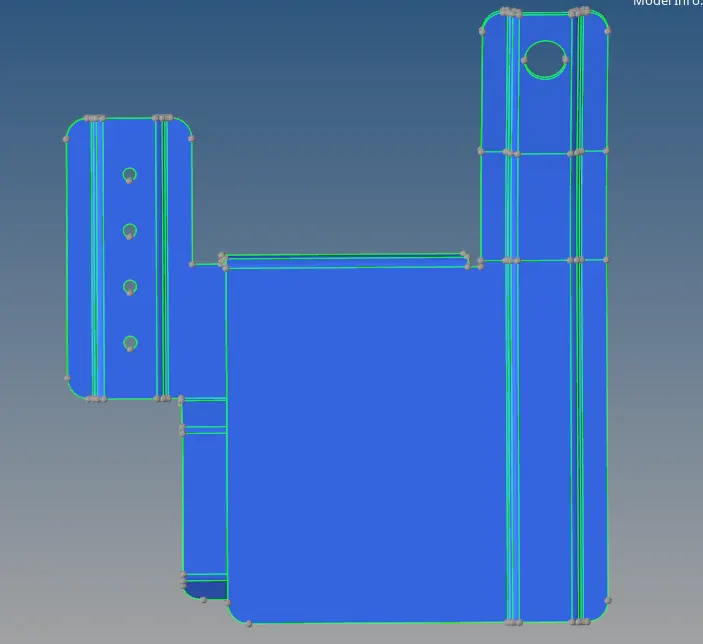
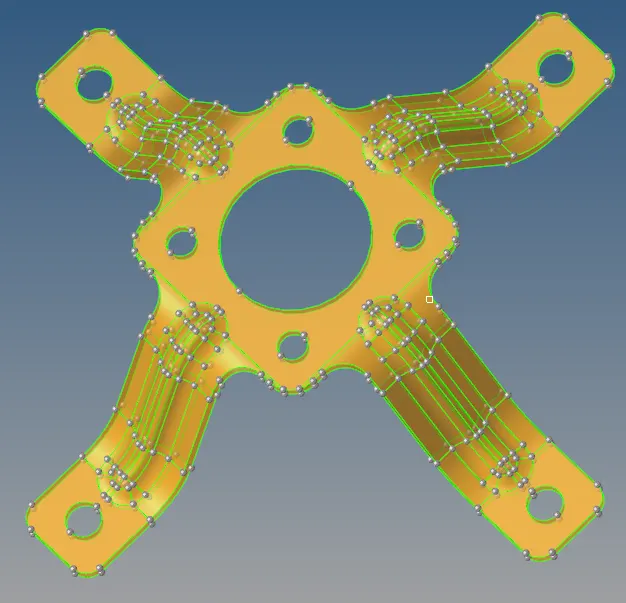
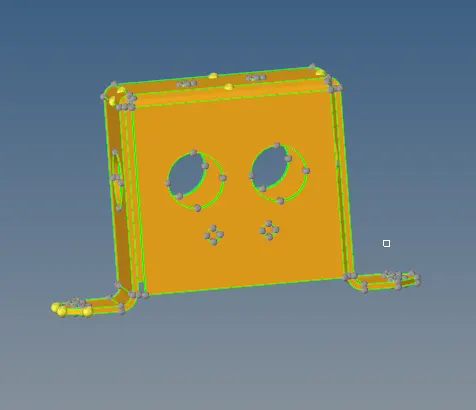
The cleanup options used are toggle surf,filler surf and surface edit.Tolerance value is increased in case the distance between the edges are high.
 shortcut key - f11
Extracting mid surface :
after the cleanup is done mid surface is extracted by using the mid surface option under geomerty by selecting the surface to be extracted.

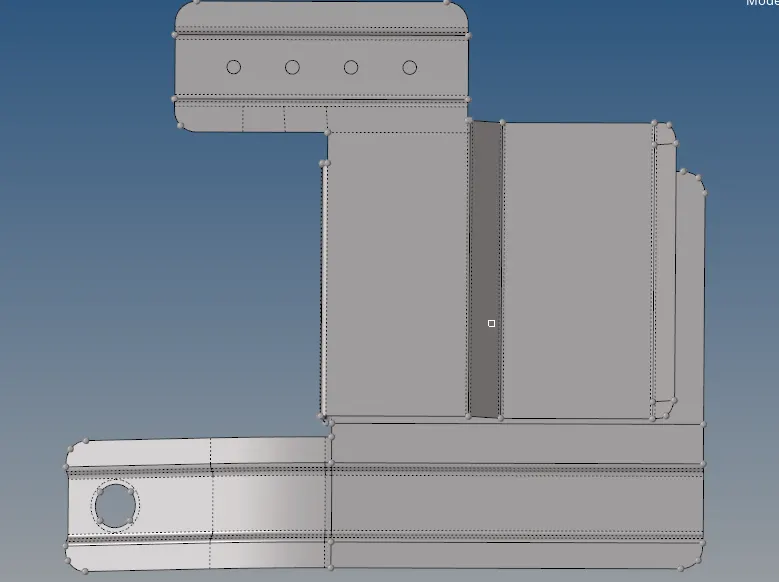
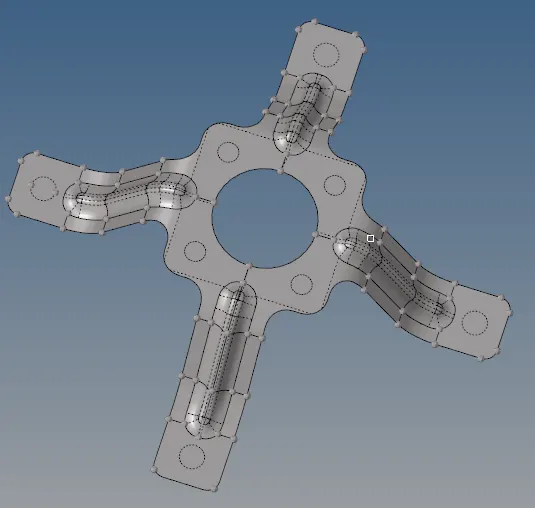
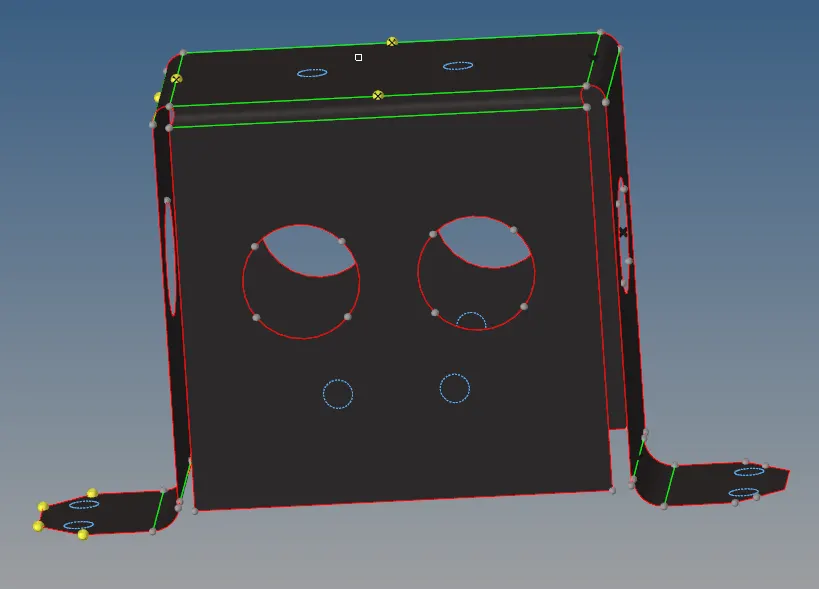
Cleaning mid surface geometry :
once the mid surface is extracted the holes below 5mm dia are closed by using the fill surface option, the edges are toggled and the nodes on small circle are removed by using add/remove nodes.
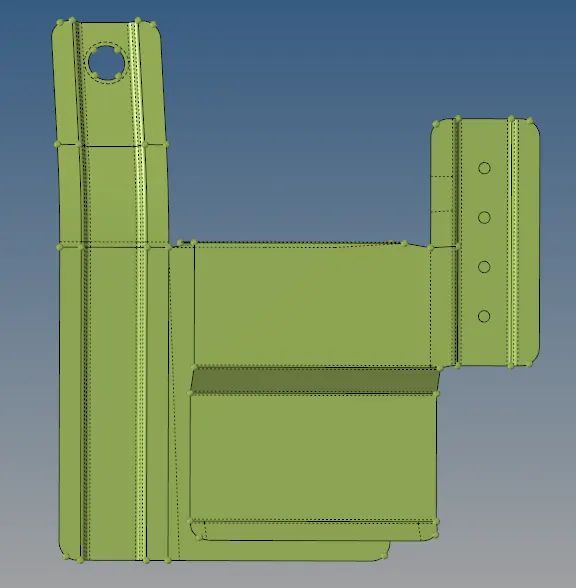
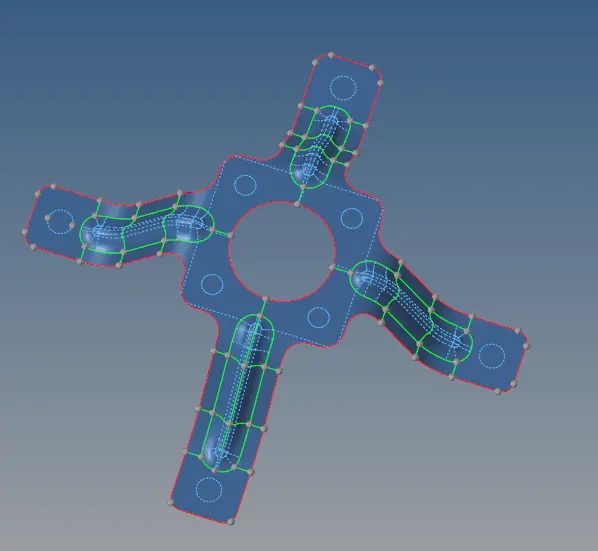
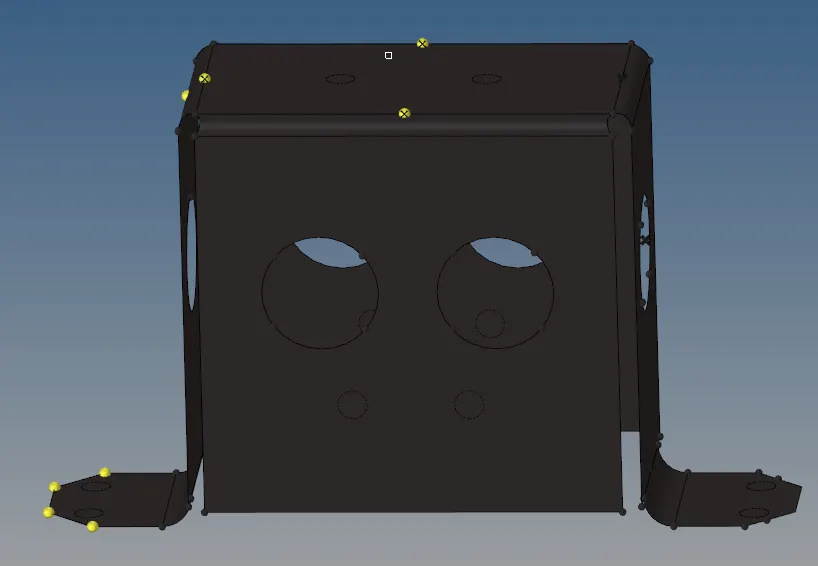
after all the cleanup and mid surface is extracted , we move on to meshing(shortcut key -f12)
meshing is done component by component .Once one componenet is meshed all the tri-elements are eliminated by using combine/split and replace options


after the tri elements are removed we check the size of each element (min size-3.5mm max size 7mm) shortcut key-f10

when clicked on the length option all the element that do not fit that criteria is highlighted and it can be readjusted by using the distance option by checking the distance of that side and entering the length of that side.
 shortcut key-f4
once all the above above precedures are completed for all the components the meshing process is almost done
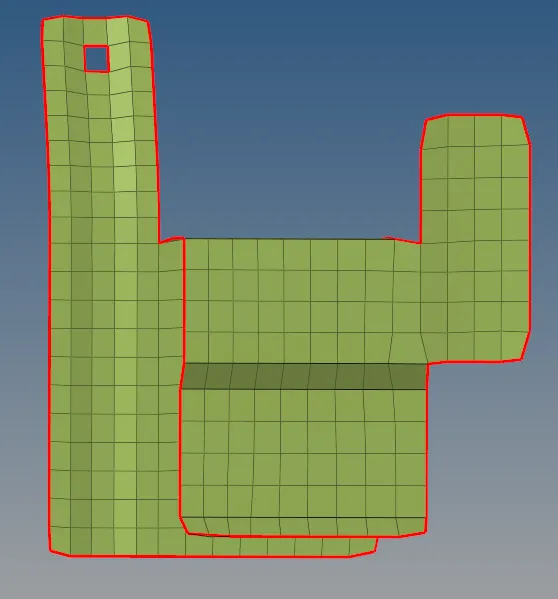
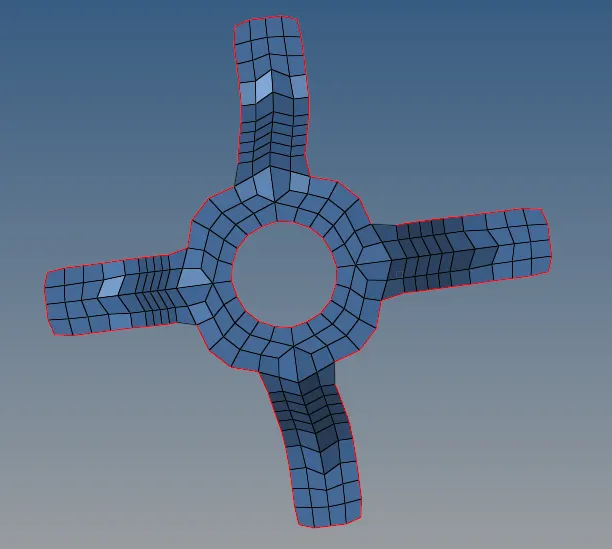
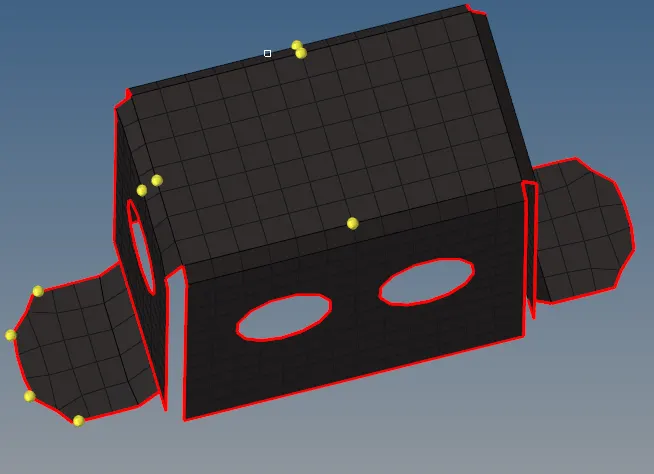


for model 2 and 3 since the sides are symmetric to one another we use reflect and rotate option found under tools to duplicate one side and copy it on to the other side.
the reflect and rotate options are used by selecting three mid points and then using duplicate and selecting duplicate current surface.

now to finish we use the edge option under tools to check for any open edges, if any open edges are found we select all the elemets along the edges and check for equivalence and click equivalence to connect the edges.Now the meshing process is completed.
Final finished mesh :