Assignment 1
Objective:
To Clean geometry, create Mid surface and create 2D mesh with given requirement for the given three geometric files. Then to assign proper thickness by creating generic property.
Input:
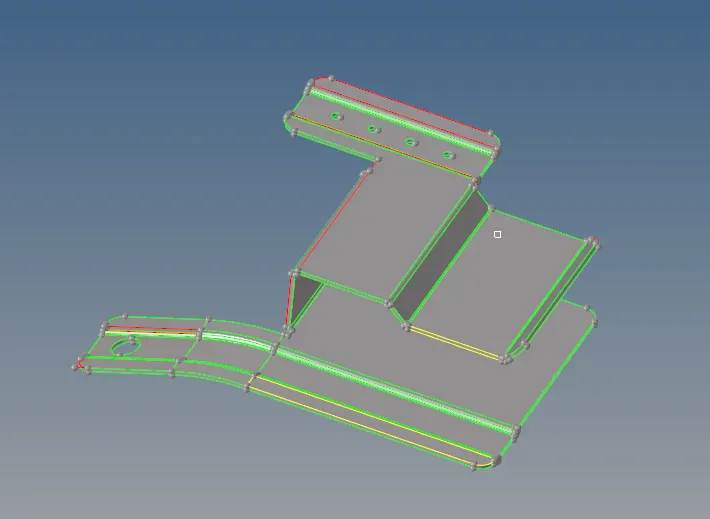
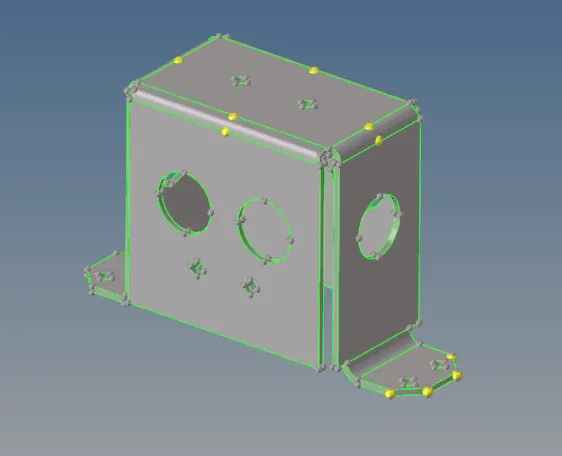
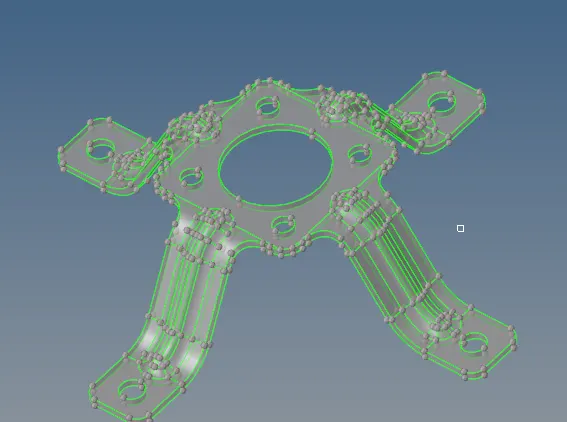
Three parts given are shown below. The topography view show the imprefection in the geometry which should be cleaned.
Part 1:
Part 2
Part 3
Mid surface creation & Geometry Clean up:
First the 3d Geometry must be cleaned for any imperfection to make a single closed surface.
The operation like following are used.
Geometry--> Create--> Surface-->Spline/Filler
Geometry--> Edit--> Surface-->Trim with line
Geometry--> Delete--> Surface
Then Mid surface of the part is created using following command.
Geometry--> Create--> MidSurface-->Auto
The resulting surface is cleaned and simplified with following commands
Geometry--> Create--> Surface-->Spline/Filler
Geometry--> Edit--> Surface Edge -->Toggle
Geometry--> Edit--> Surface -->Untrim
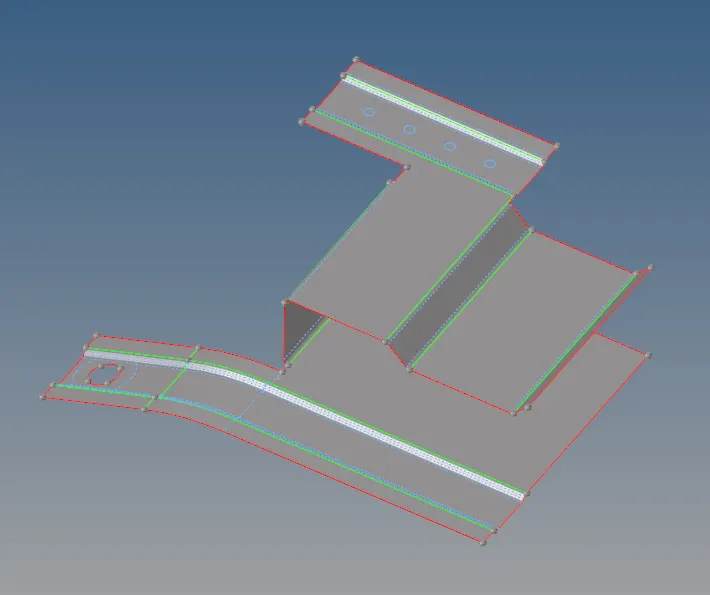
The resulting surface with good topology is shown below.
Part 1:
Part 2:
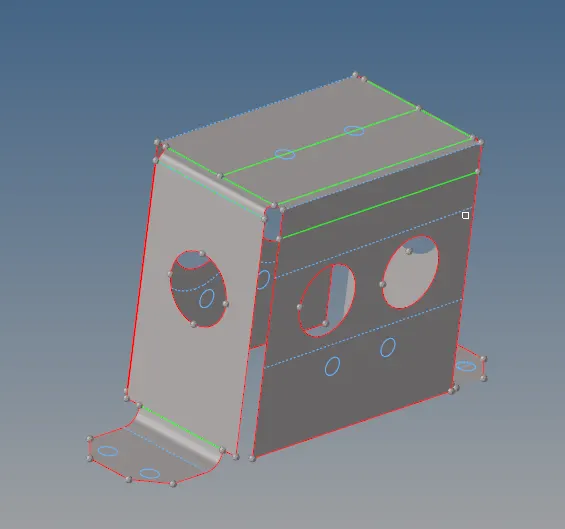
Part 3
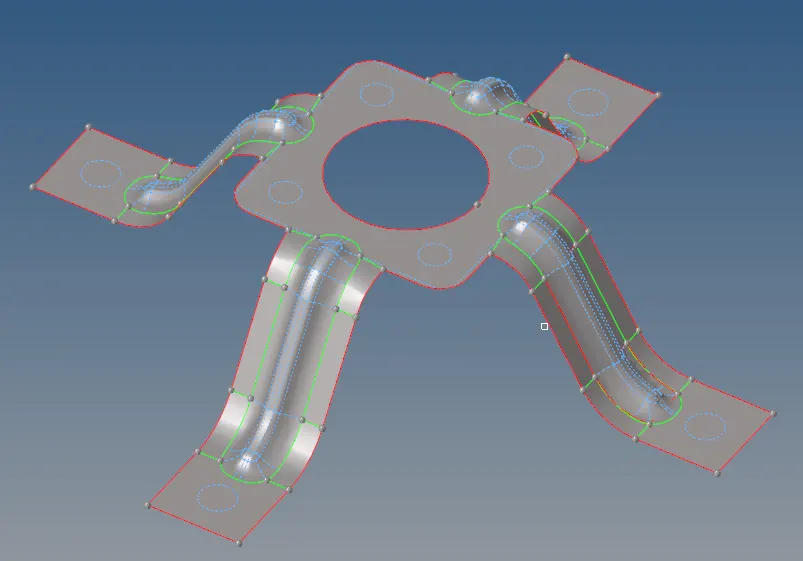
Creating Mesh:
The simplified surface is meshed using command such as automesh, ruled mesh, rebuld mesh, mesh edit, edit element, split element.
Part 1:
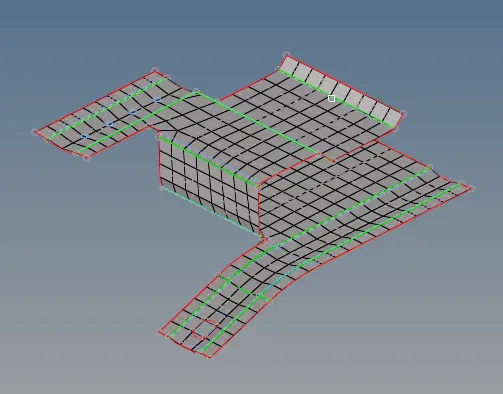
Part 2:
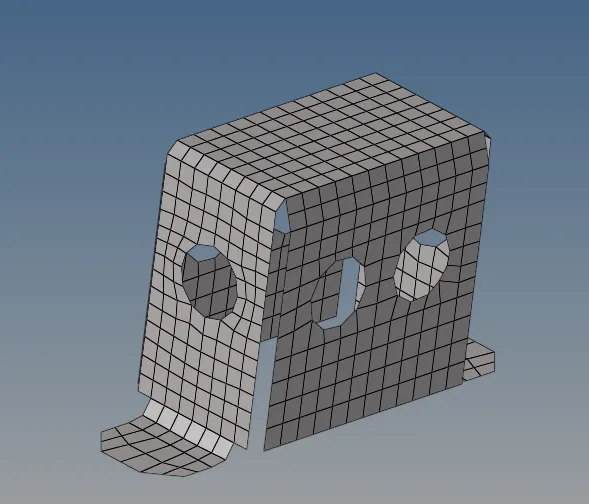
Part 3
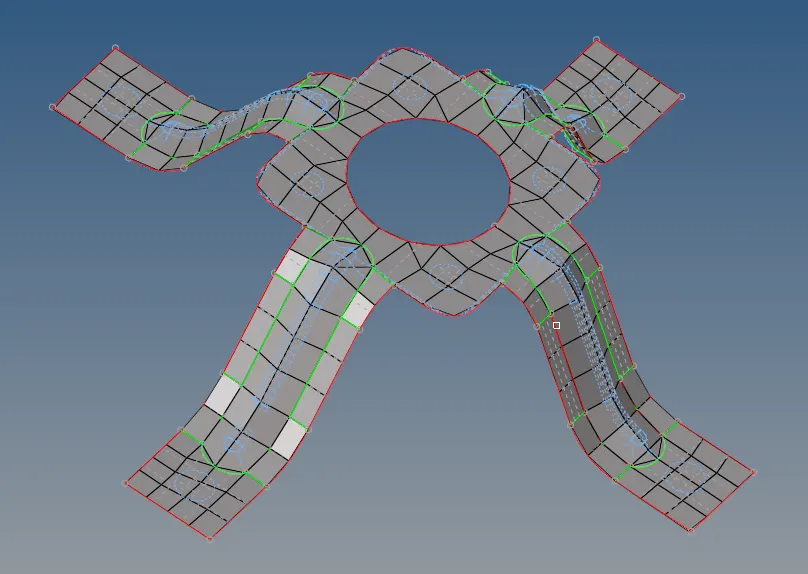
Assigning Material and thickness.
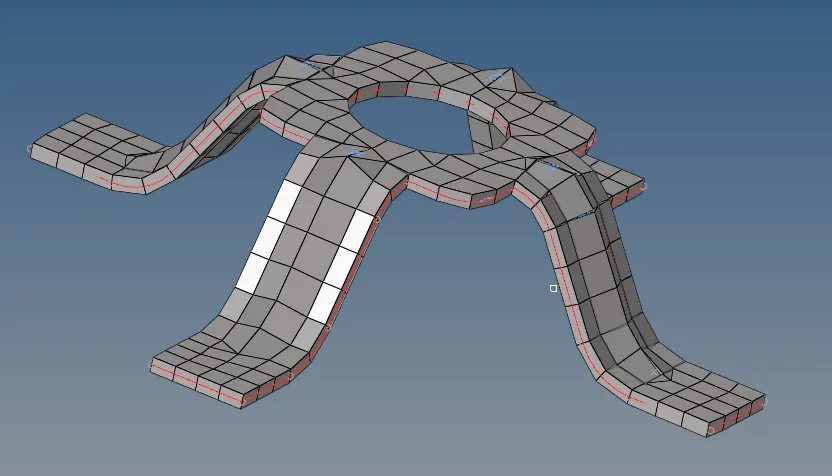
Then property with 2.5mm thickness is created and assigned to the mesh elements.
Part 1
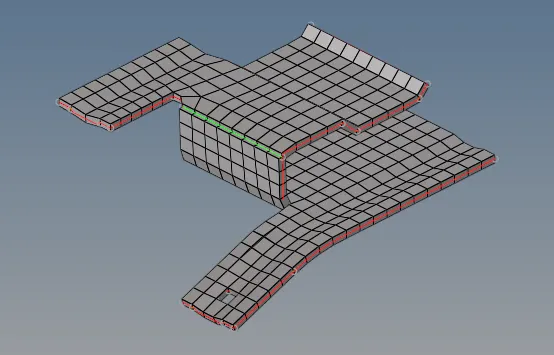
Part 2
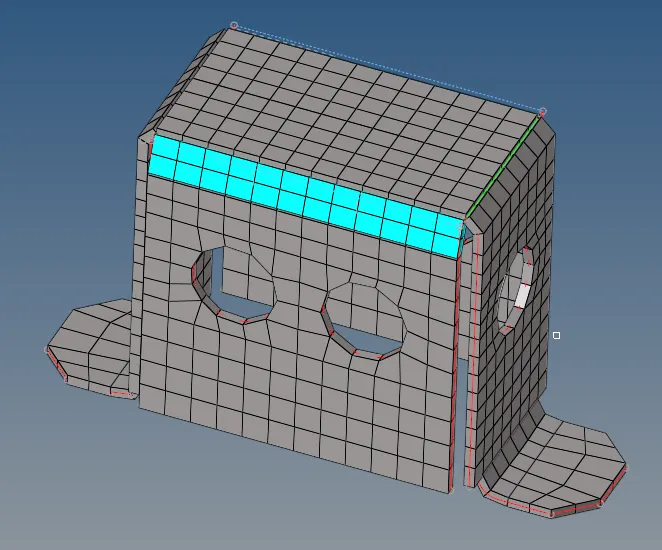
Part 3
Conclusion
Thus the given Geometry is simplified and meshed.