Design of the Yacht and its Components.
Design of the Yacht and its Components.
Objective: In this project, I generated the assembly of the yacht and designed its components using Solidworks.
Introduction: Solidworks is a software owned by Dassault systems and it is a mechanical design automation application that lets designers quickly sketch out ideas, experiment with features and dimensions, and produce models and detailed drawings.
Solidworks has also other products which are part of it, like
CAM, Simulation, Circuit works, Electrical 3D, Visualize.
Design methodology/Approach:
The steps involved in designing yacht are as follows,
- Designing individual yacht components.
- Assembly of a yacht
- Apply decals
- Final rendering.
Designing involves 9 individual components.
- Propeller
- Radar
- Radar attachment
- Front seat
- Rear seat
- Middle seat
- Hull
- Garage Door
- Superstructure
The steps or approach to be followed to create the 3D model.
- While designing the components the first thing you want to think about is the overall shape that you want to create so that you can use some of the features that will reduce the time and tedious work.
- Always use the reference to check your angles and proportion so you will get to check the model you are creating and can avoid conducting mistakes
- Always try to define the sketch completely, and try not to over define the sketch.
- Try to add relation in sketches so that the model won’t go off the design which is required.
- Check for the symmetric design of a model, if it is there, then design the only half of it and try to use the proper command in Solidworks to create the other half of it so that it will reduce the time required to design a component.
Description:
Following are the various feature and sketch tool that is mostly used in Solidworks
Feature tools


Sketch tools

Surface tools
Extrude Boss/Base: It extrudes a sketch in one or two directions to create a solid feature. Basically it adds material that gives 3D shape.
Cut extrude: It is used to remove the material of the required dimension. It cuts the solid model by extruding the sketch in one or two direction
Loft Boss/Base: A loft creates a feature by making transitions between two or more sketch profiles. When you create a loft, the sketch profiles must reside on different planes (or planar faces).
Shell: When you shell a part in SOLIDWORKS, selected faces are removed and thin faces of given or mentioned thickness remain on the rest of the part.
Fillet: When you create a fillet, you set the radius to determine the smoothness of the edges.
Swept Base/Boss: It creates a base of boss where the 2D sketch is projected along the mentioned 3D path.
Revolve: it is used to create and extrude around an axis by mentioning the axis of revolution where you can control the angle of revolution.
Thin feature: To extrude as thin feature.
Linear pattern: Linear Pattern is used to copy the original tab a specified number of times linearly. The linear pattern creates multiple instances of a selected feature along a linear path. When you make a linear pattern, you specify the number of instances and the distance between each tab.
Circular pattern: Circular pattern is used to copy the original tab a specified number of times in a circle pattern with a controlled angle.
Mirror: Mirror is used to copy the sketch, feature, or bodies about the plane or axis.
Dome: it is used to create the dome shape or elliptical shape on the body.
Extend Surface: It is used to extend the surface up to a certain distance.
Project Curve: It is used to form a 3D curve using two 2D curves.
Swept surface: It creates a surface by moving a 2D sketch along the 3D sketch path.
Split: It is used to split the one bod from the other and it can also be used to remove the additional bodies from one body by selecting consume cut bodies.
Revolve cut: It is used to remove the material around the axis as per the dimension.
Trim Lines: it is used to remove the unwanted lines.
Thicken: it is used to create the thick solid form the one or more adjacent surfaces.
Surface trim: It is used to remove the unwanted surface. It’s like the extrude cut.
Surface Knit: It is used to combine two or more adjacent and nonintersecting surfaces into a single surface body.
“Surface should be knitted properly before converting surface to solid”.
3D sketch: it is used to create the sketch irrespective of the plane.
Offset entities: It is used to offset the sketch, lines, and curves to a certain distance.
Convert entities: it is used to convert the selected edges and sketch entities into identical entities by projecting them onto the sketch plane or face.
Boundary Surface: It is used to create surfaces between the profiles.
Offset on surface: It is used to offset surface boundary edges and create a 3D sketch on the surface model.
Extrude surface: It extrudes a sketch in one or two directions to create a surface.
Revolve surface: Revolves a sketch around the axis to create a surface feature.
Swept surface: Sweeps a closed profile along an opened or closed path to creating a surface.
Lofted surface: Creates a lofted surface between two or more profiles or sketches.
Filled surface: patches a surface within a boundary defined by edges, sketches, or curves.
Ruled surface: Inserts ruled surfaces in a specified direction from edges.
Delete Face: Deletes faces from solid bodies/surface bodies to create surfaces.
Design of Components:
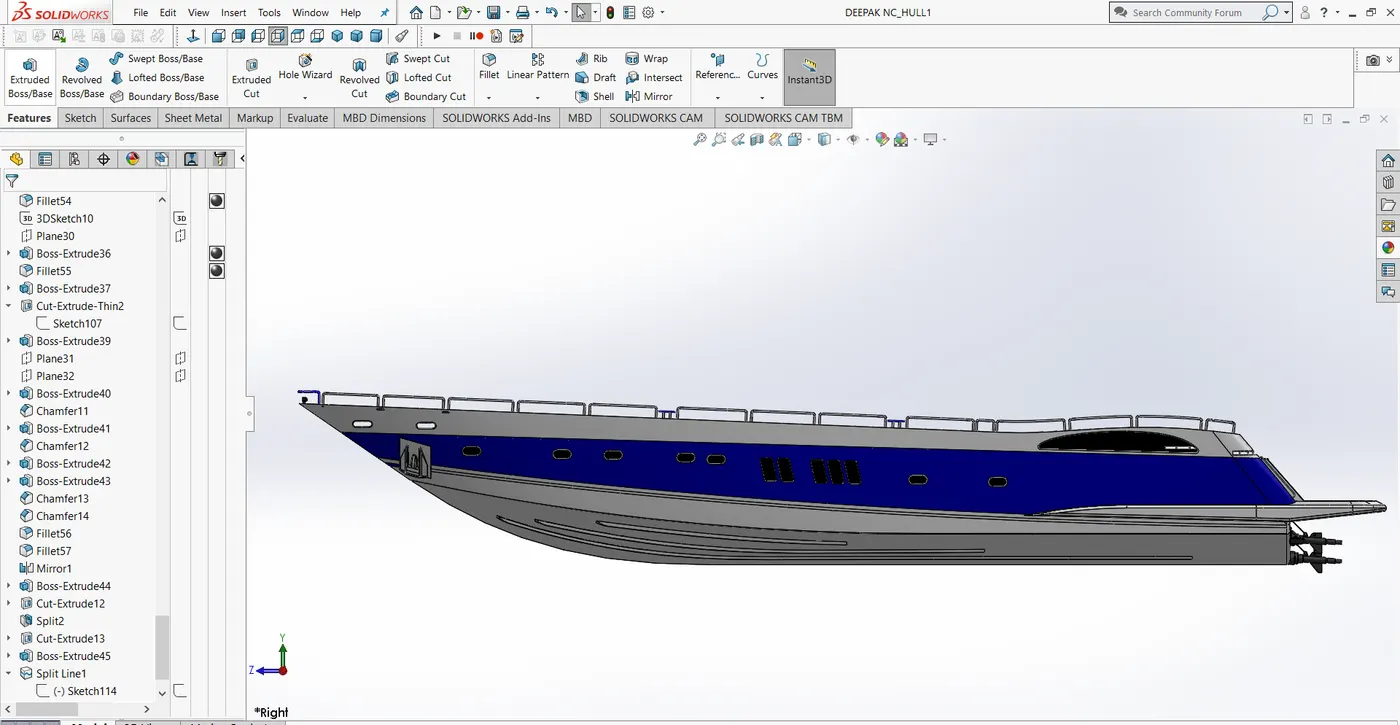
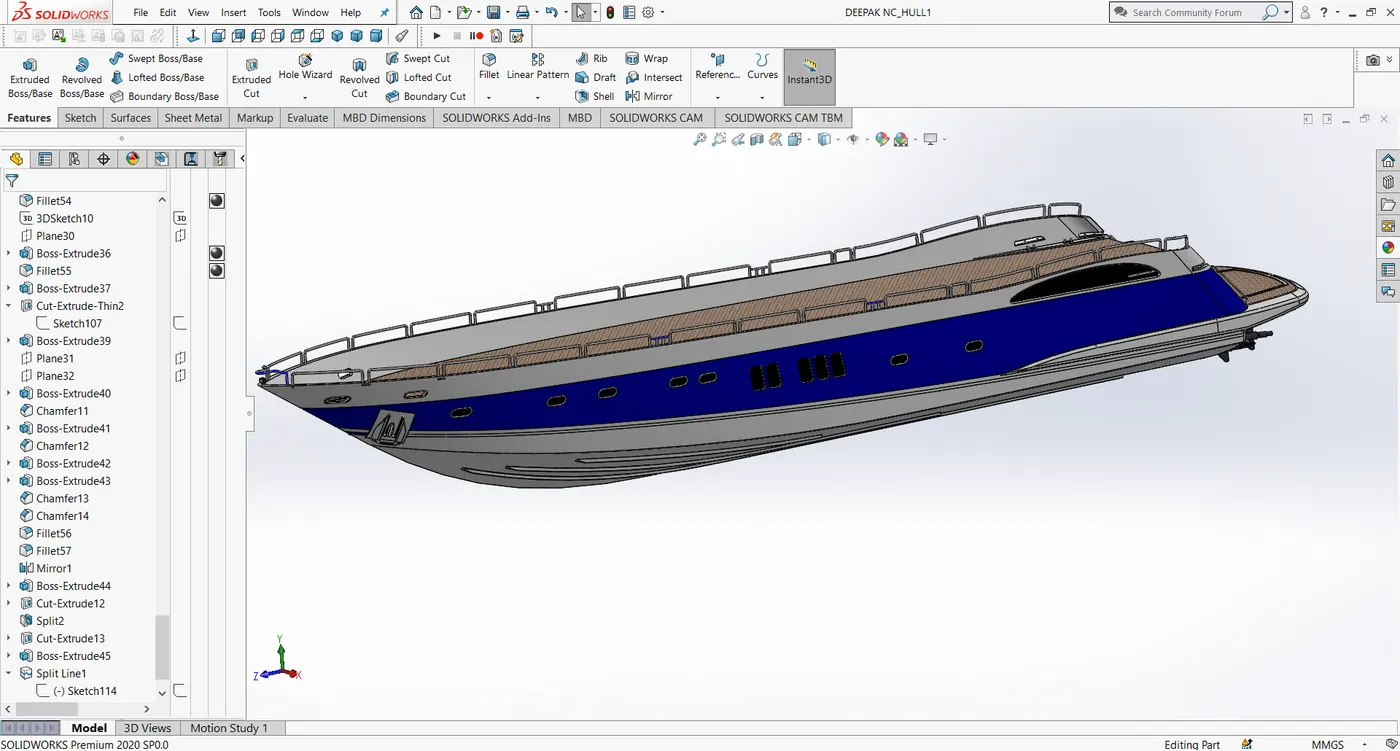
1.Hull
Commands used to create Hull,
Projected curve, Loft surface, Trim surface, Offset entities, Convert entities, Knit surface, Fill surface, Shell, Extrude, Extrude cut, Fillet, Chamfer, Sweep surface, Revolve, Dome, Mirror, Split body, Extrude surface, Ruled surface, Extend Surface, Surface offset, Thicken, Split line.
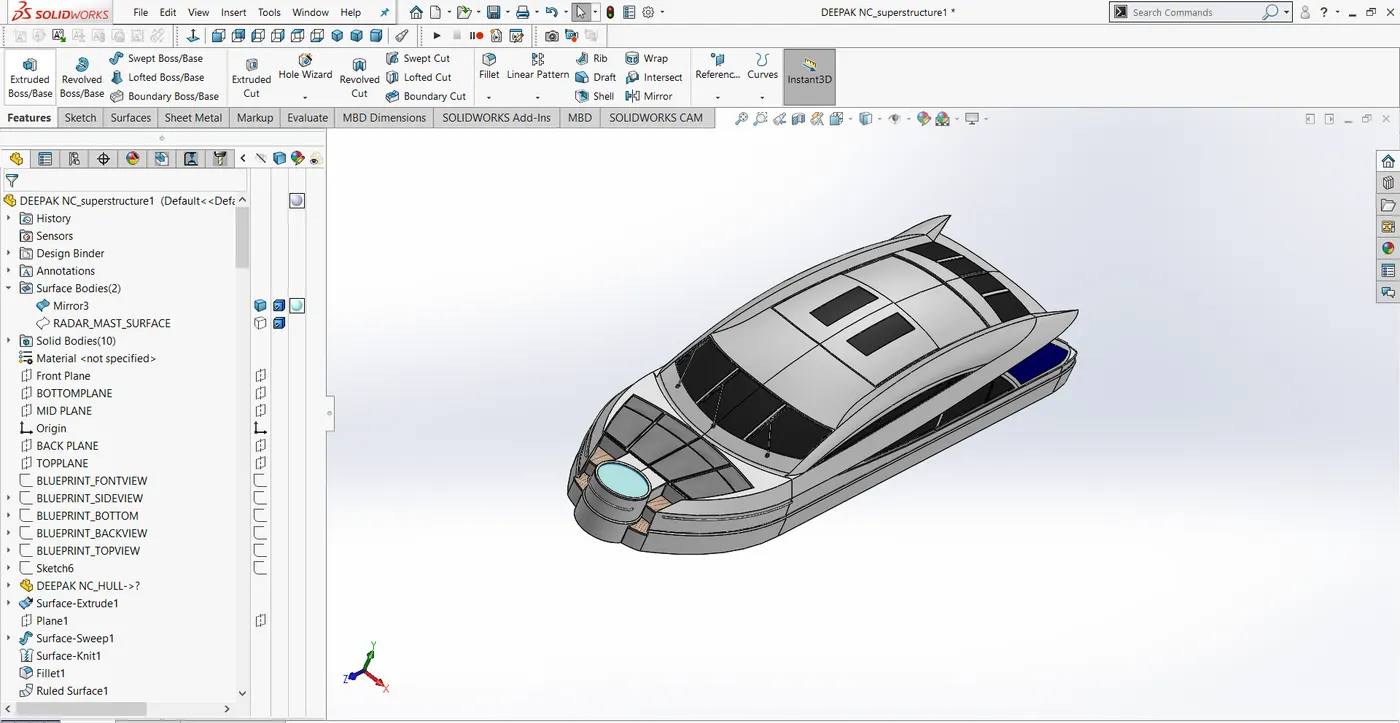
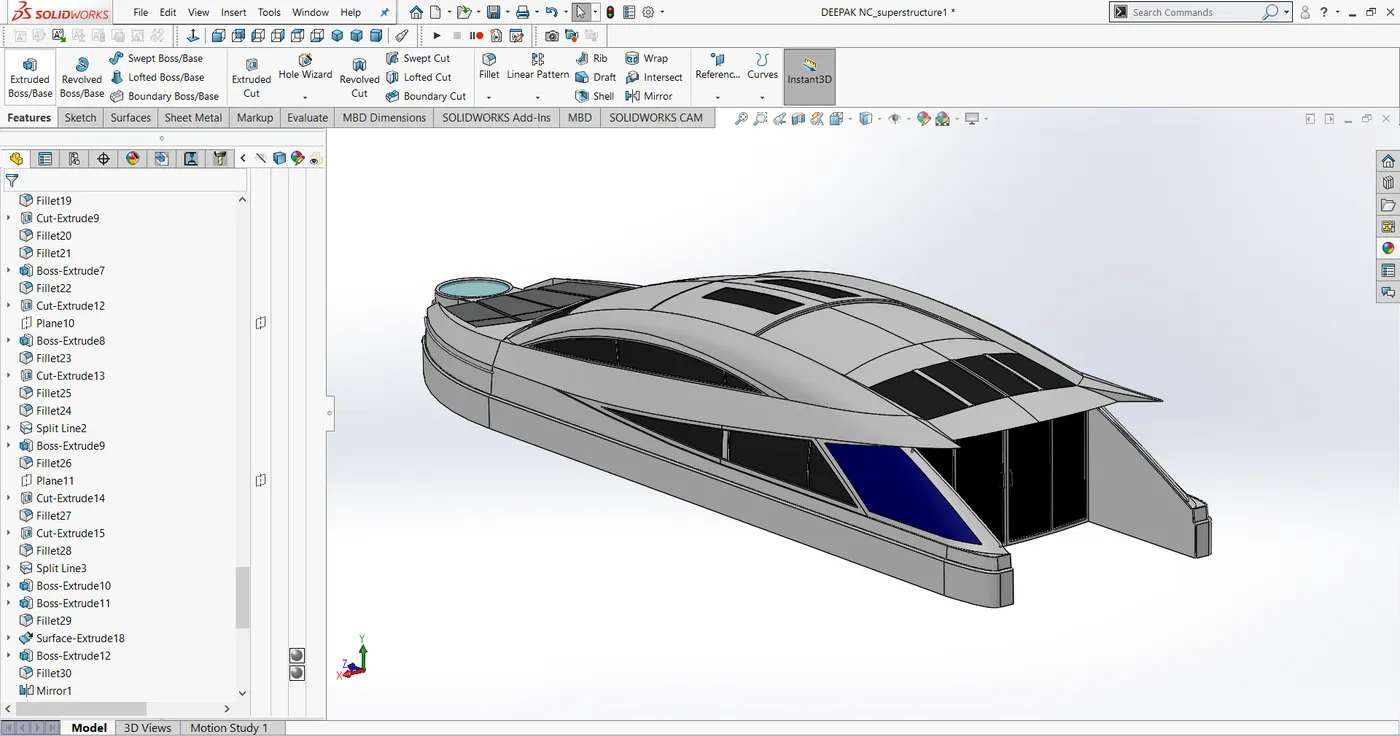
2. Superstructure
Commands used to create superstructure,
Projected curve, Loft surface, Trim surface, Offset entities, Convert entities, Knit surface, Fill surface, Shell, Extrude, Extrude cut, Fillet, Chamfer, Sweep surface, Revolve, Dome, Mirror, Split body, Extrude surface, Ruled surface, Extend Surface, Surface offset, Thicken, Split line.
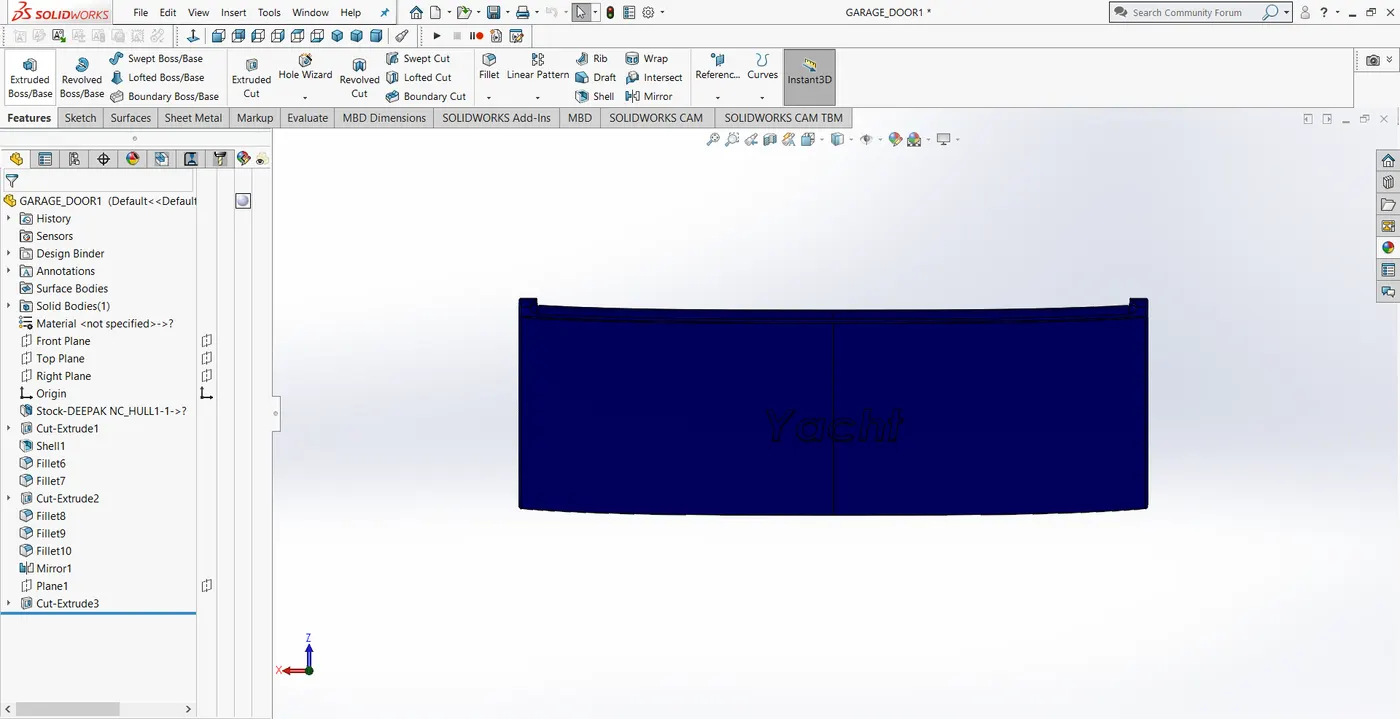
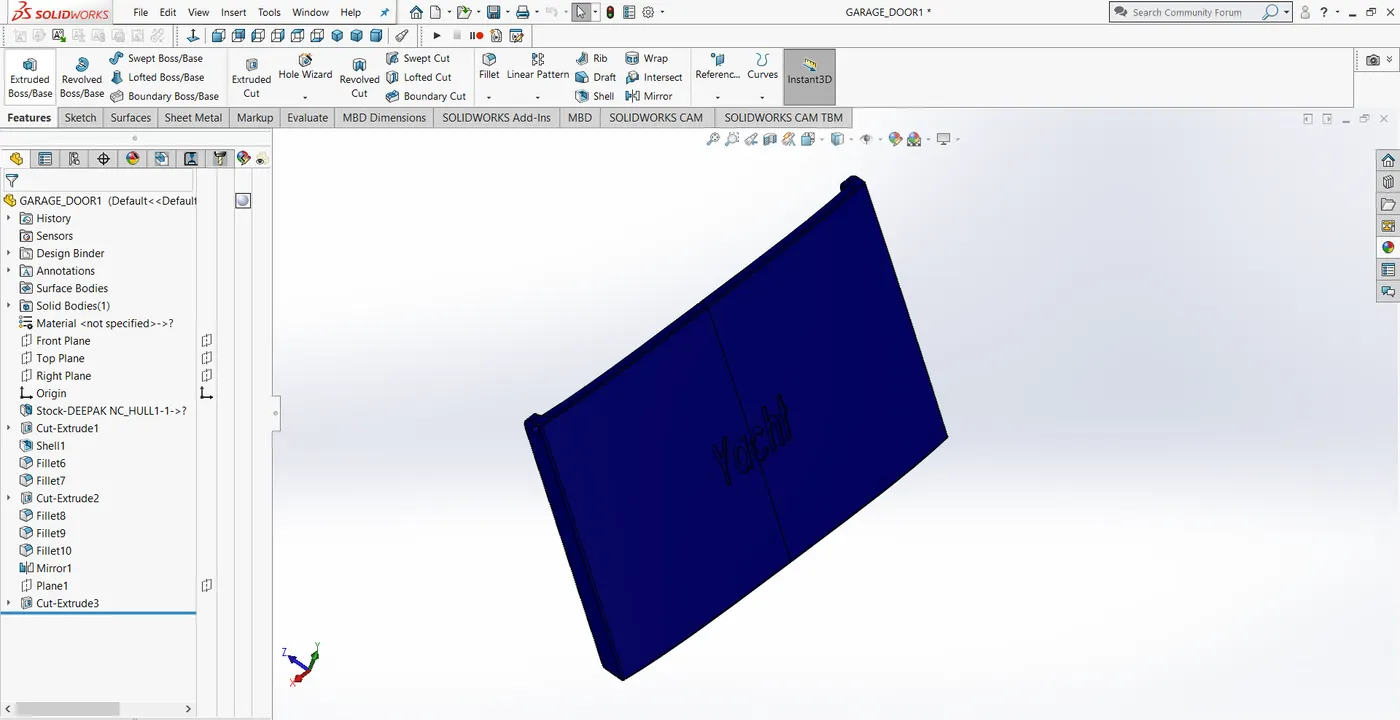
3.Garage Door
Commands used to create Garage door,
Shell, Extrude cut, Fillet, Mirror,
4.Radar attachment
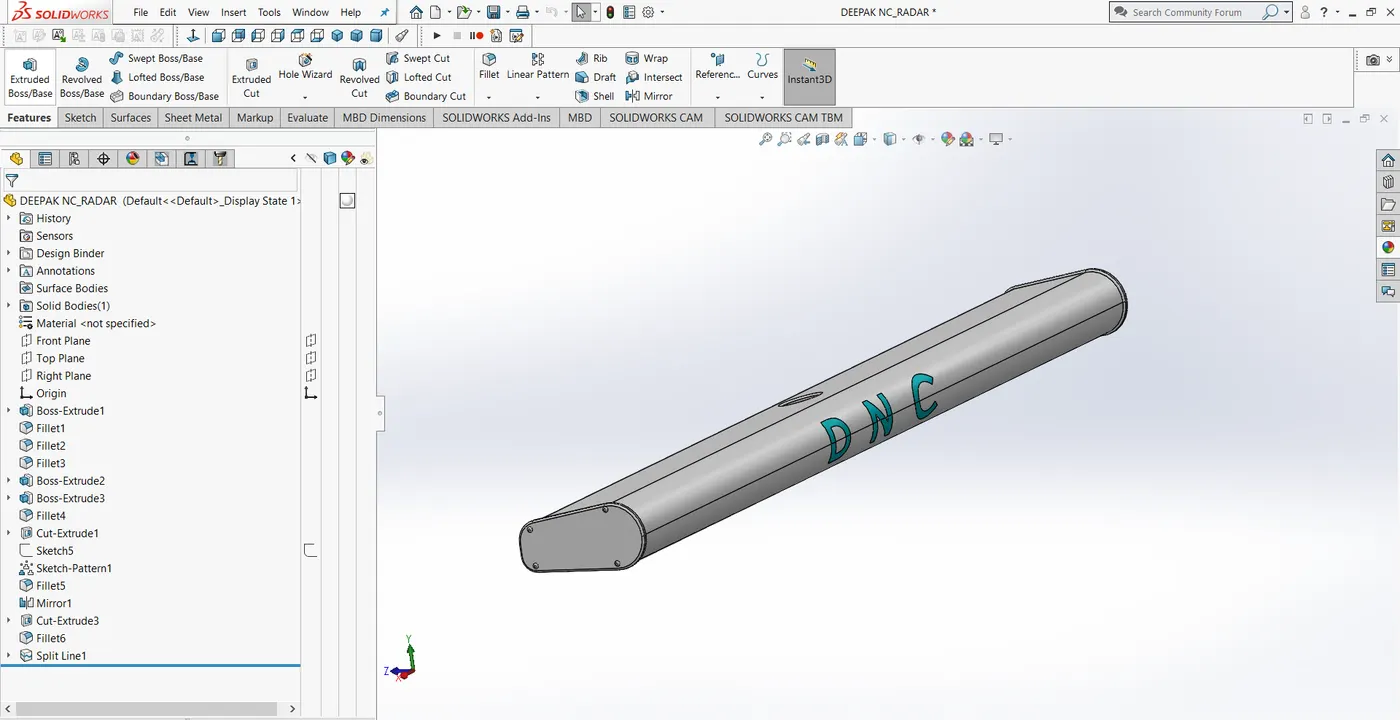
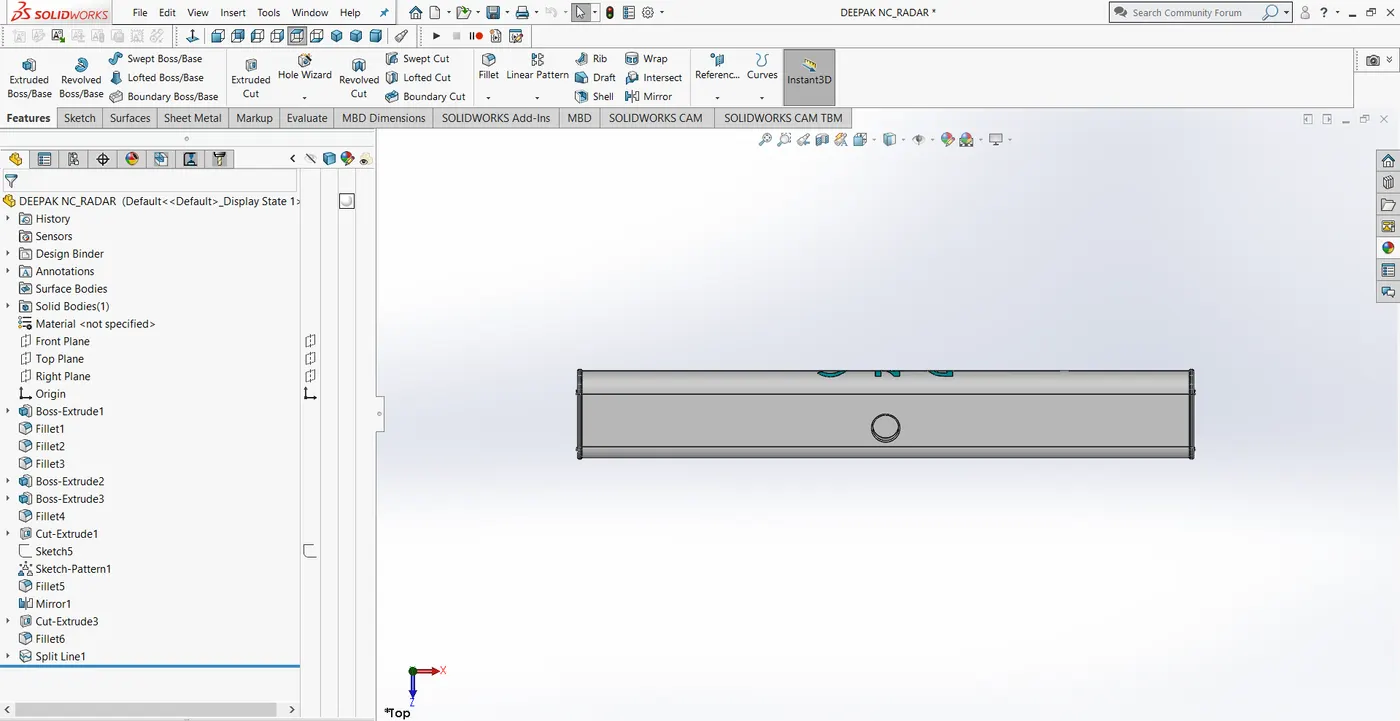
Commands used to create Radar attachment,
Extrude, Extrude cut, Fillet, Split line, sketch driven pattern.
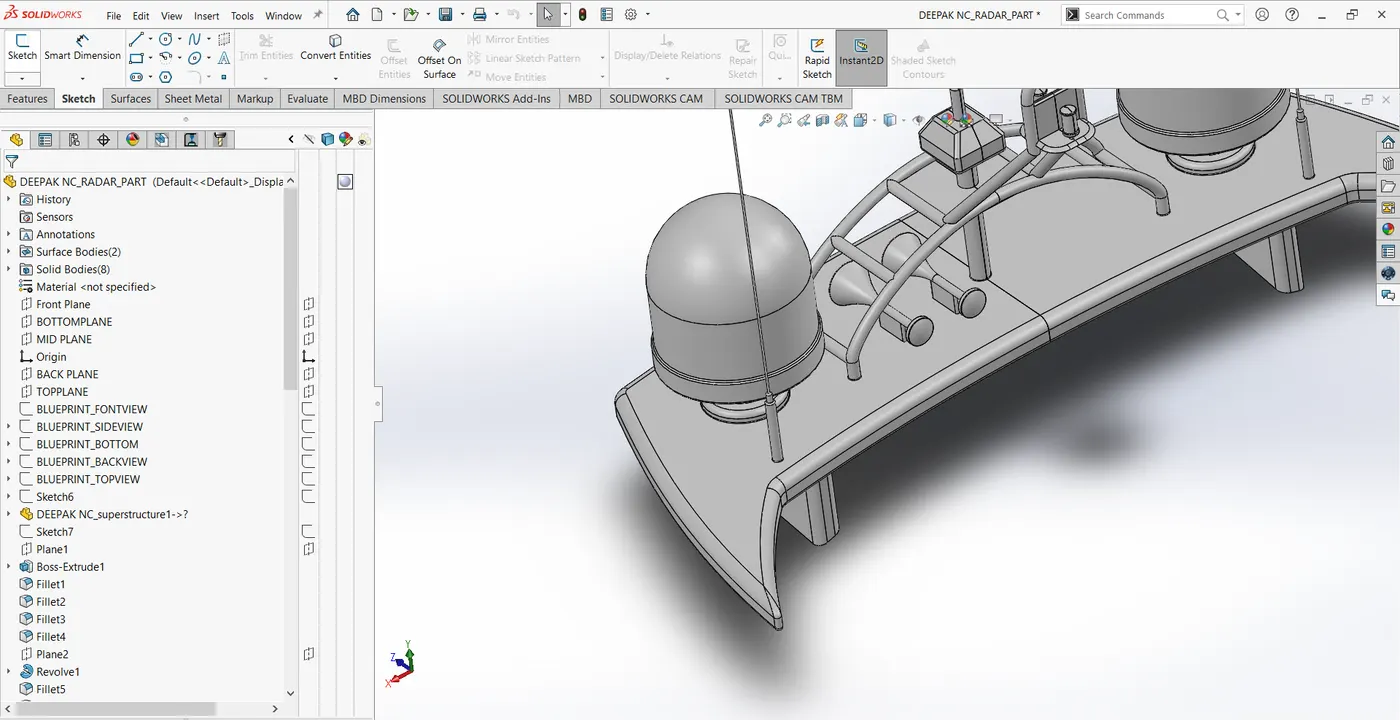
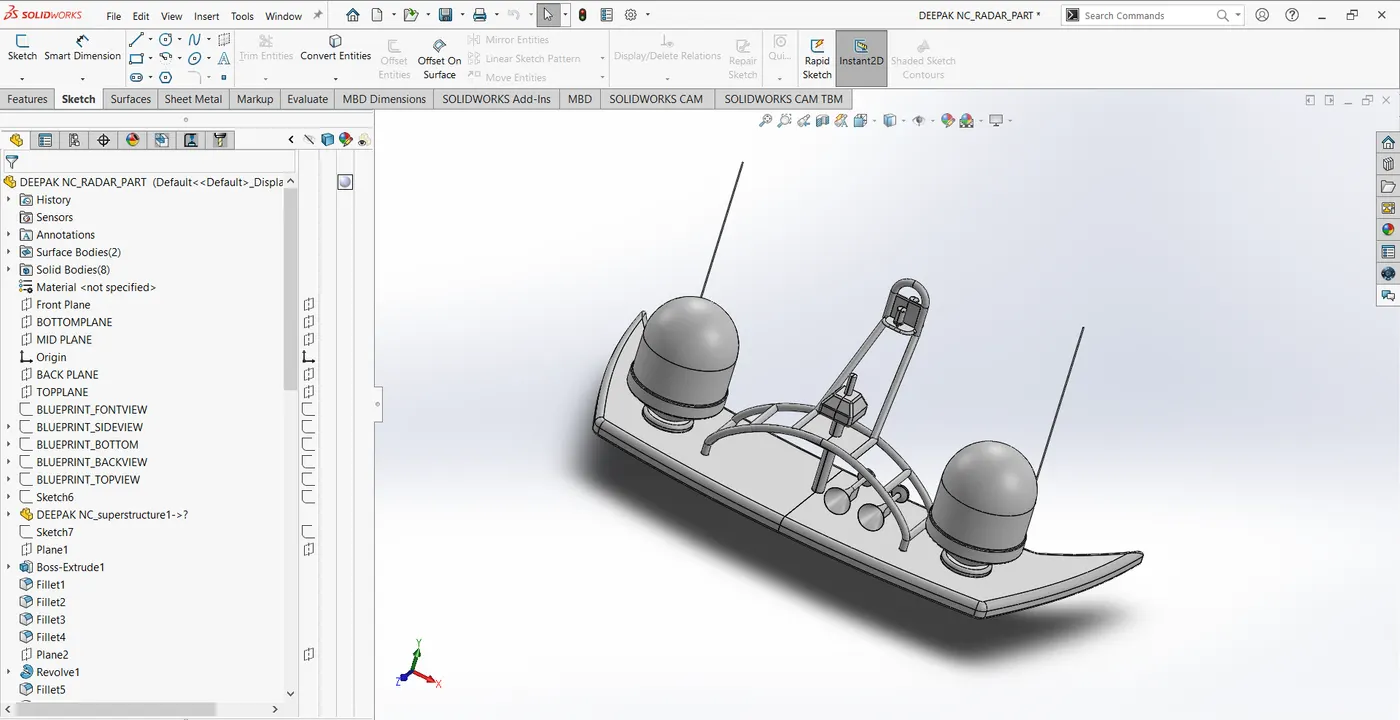
5.Radar Mast
Commands used to create Radar mast,
Projected curve, Shell, Extrude, Extrude cut, Fillet, Chamfer, Revolve, Dome, Mirror.
6.Propeller
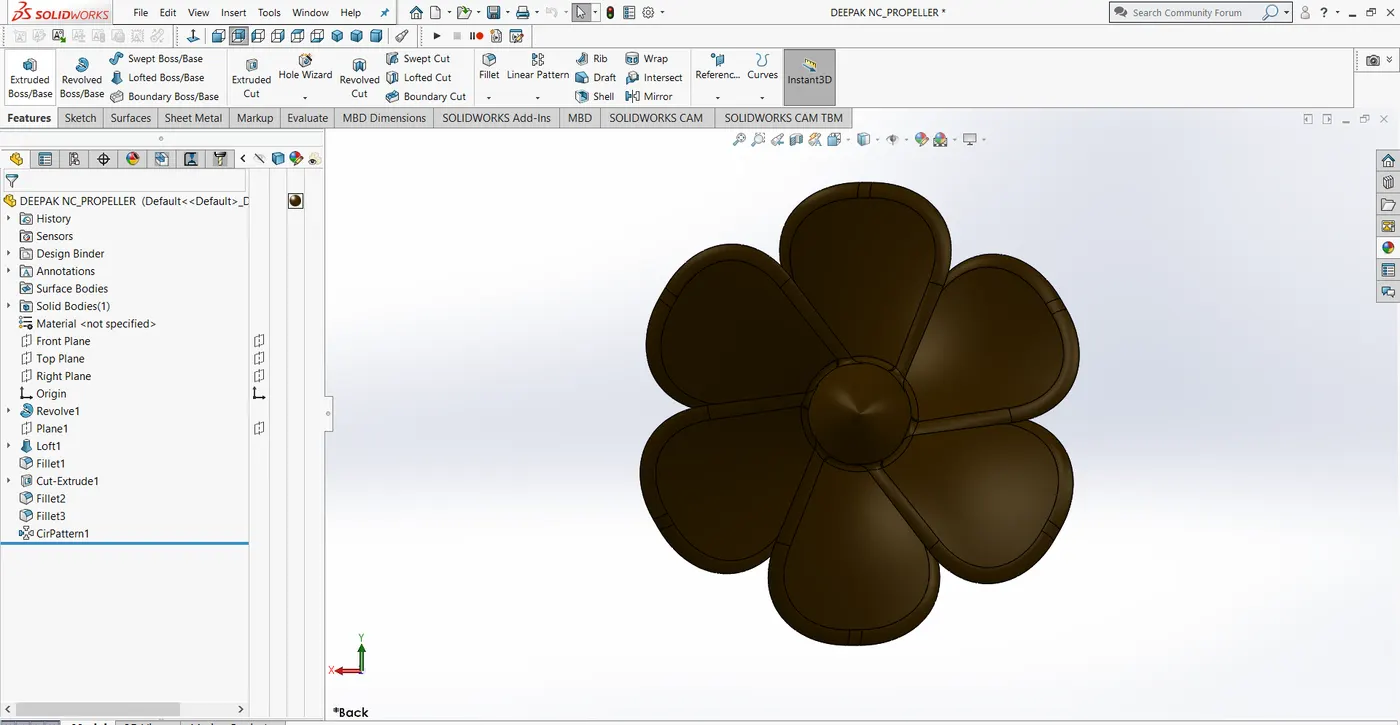
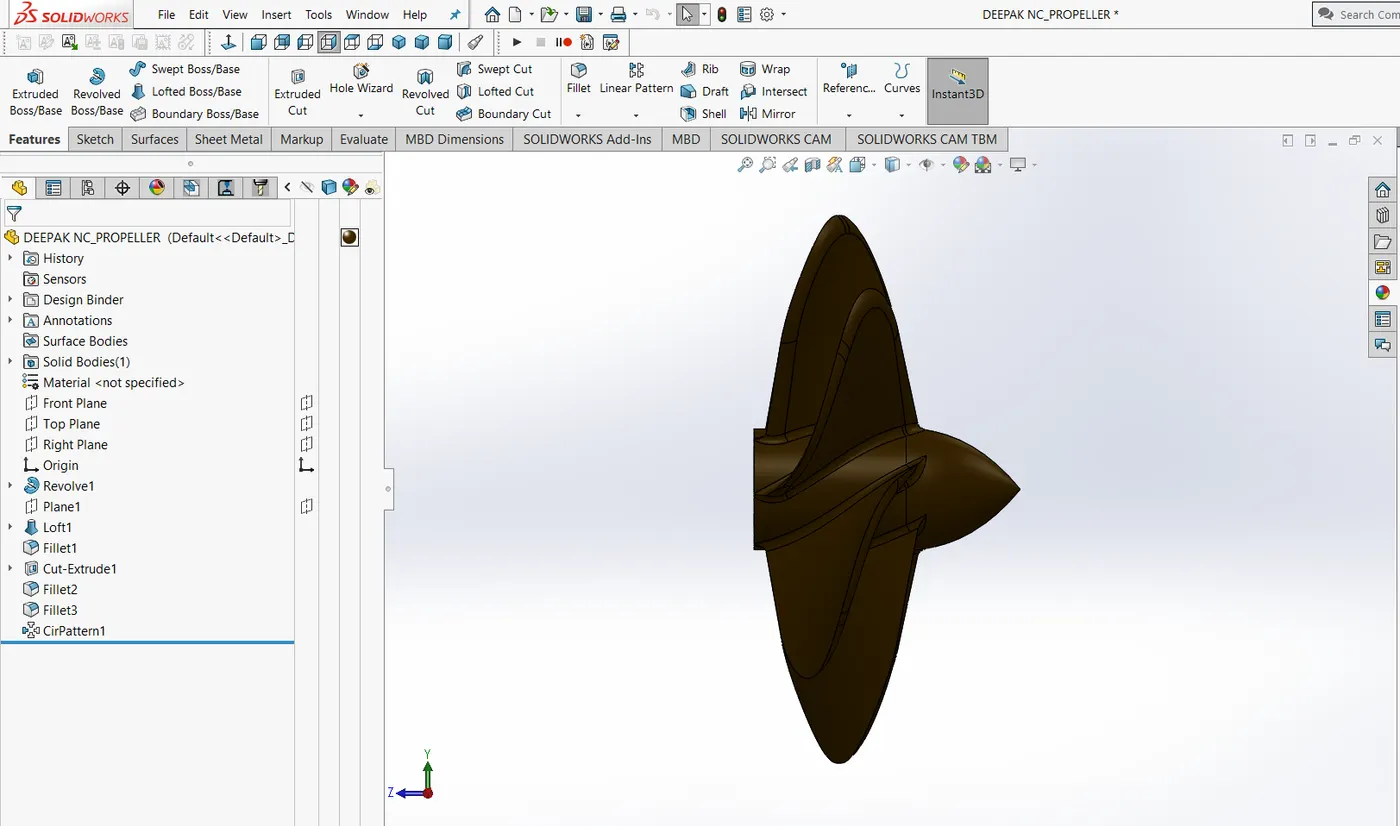
Commands used to create Propeller,
Loft boss/base, extruded cut,Fillet,Revolve,circular pattern.
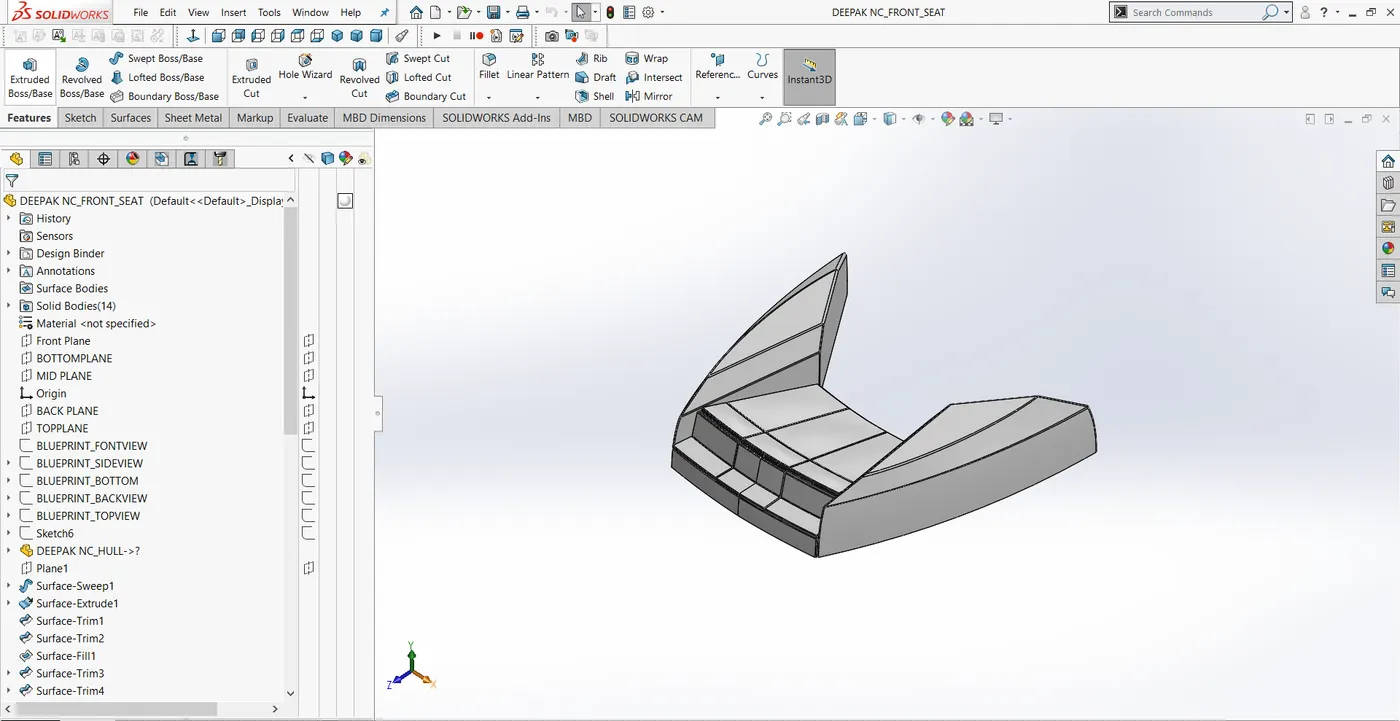
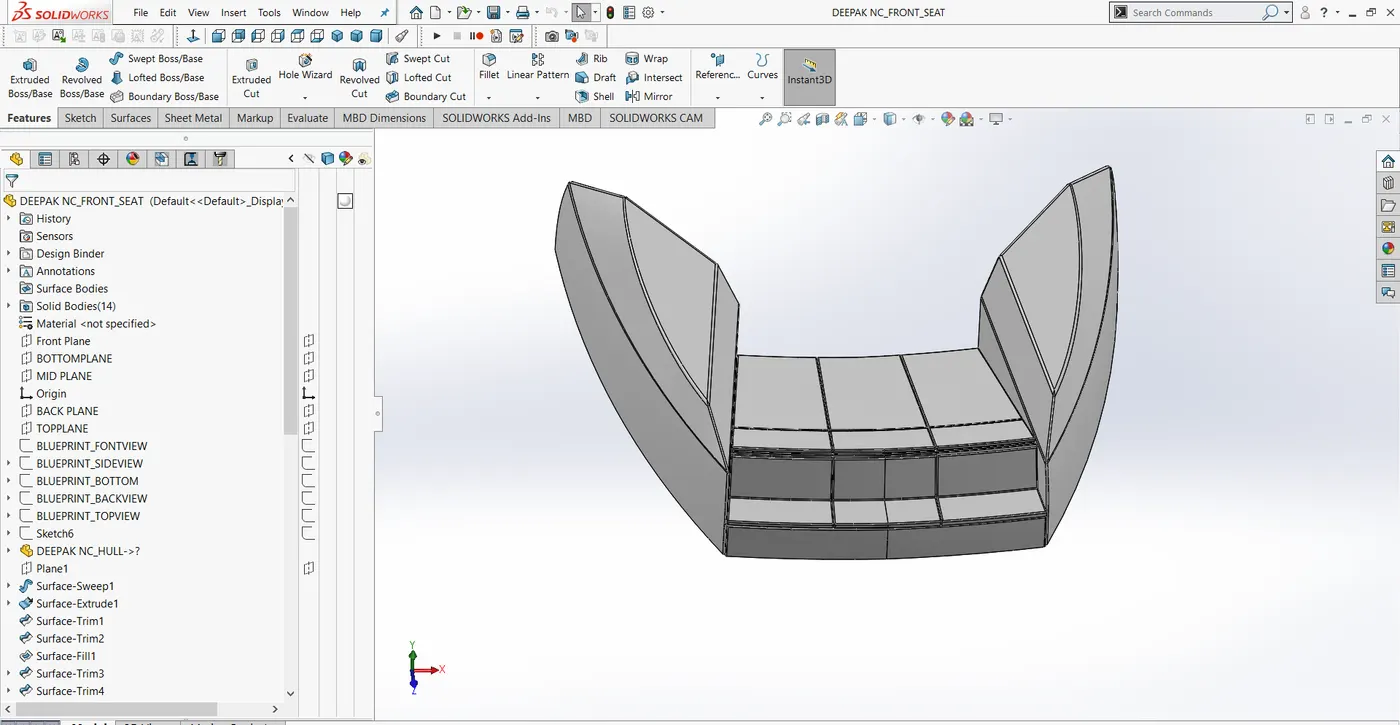
7.Front seat
Commands used to create Front seat
Loft surface, Knit surface, Fill surface, Sweep surface, Revolve, Dome, Mirror, Extrude surface
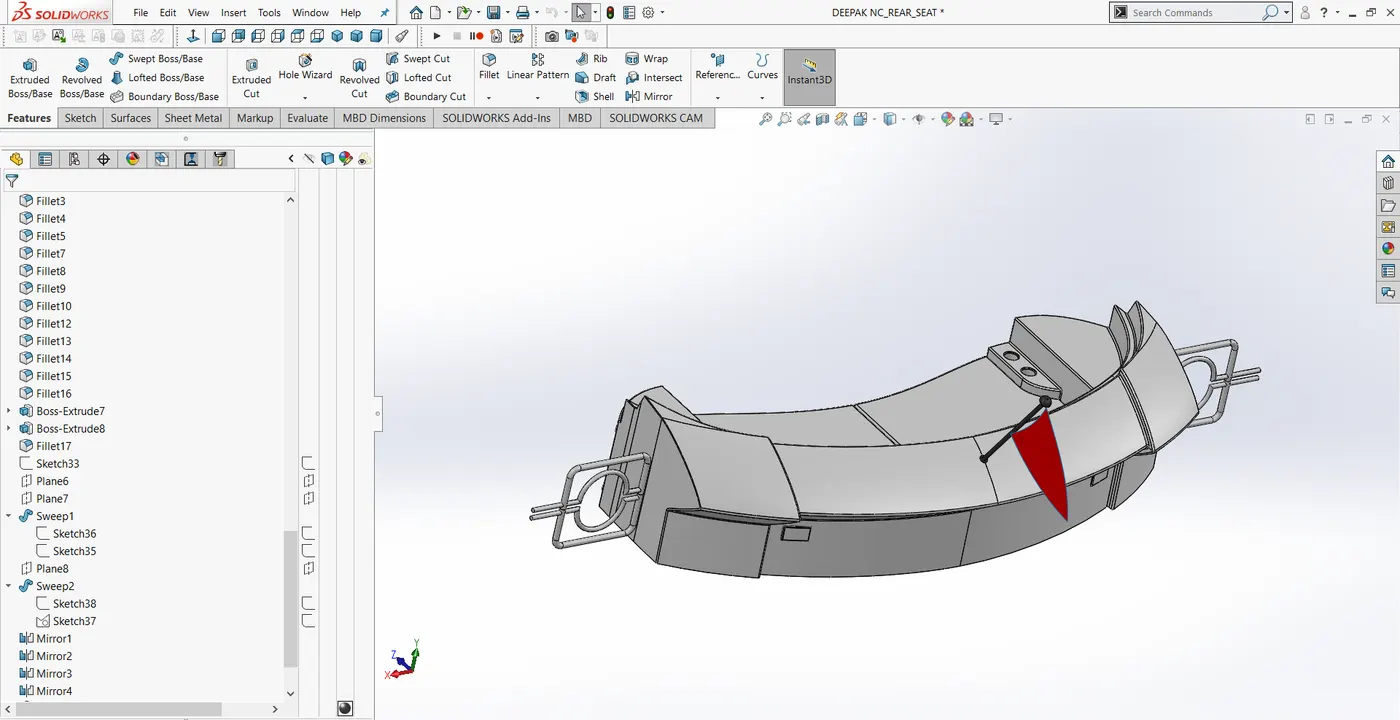
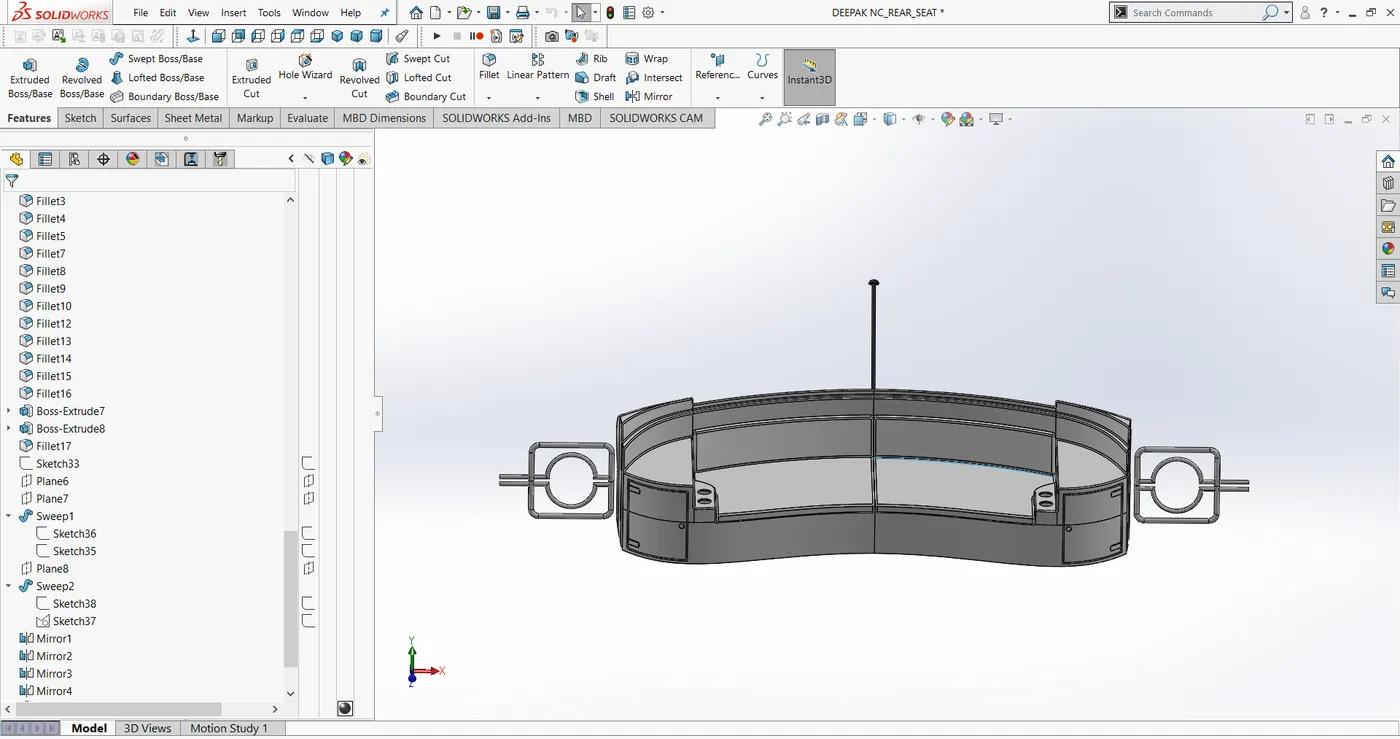
8.Rear seat
Commands used to create Rear seat
Loft surface, Knit surface, Fill surface, Sweep surface, Revolve, Dome, Mirror, Extrude surface, Ruled surface.
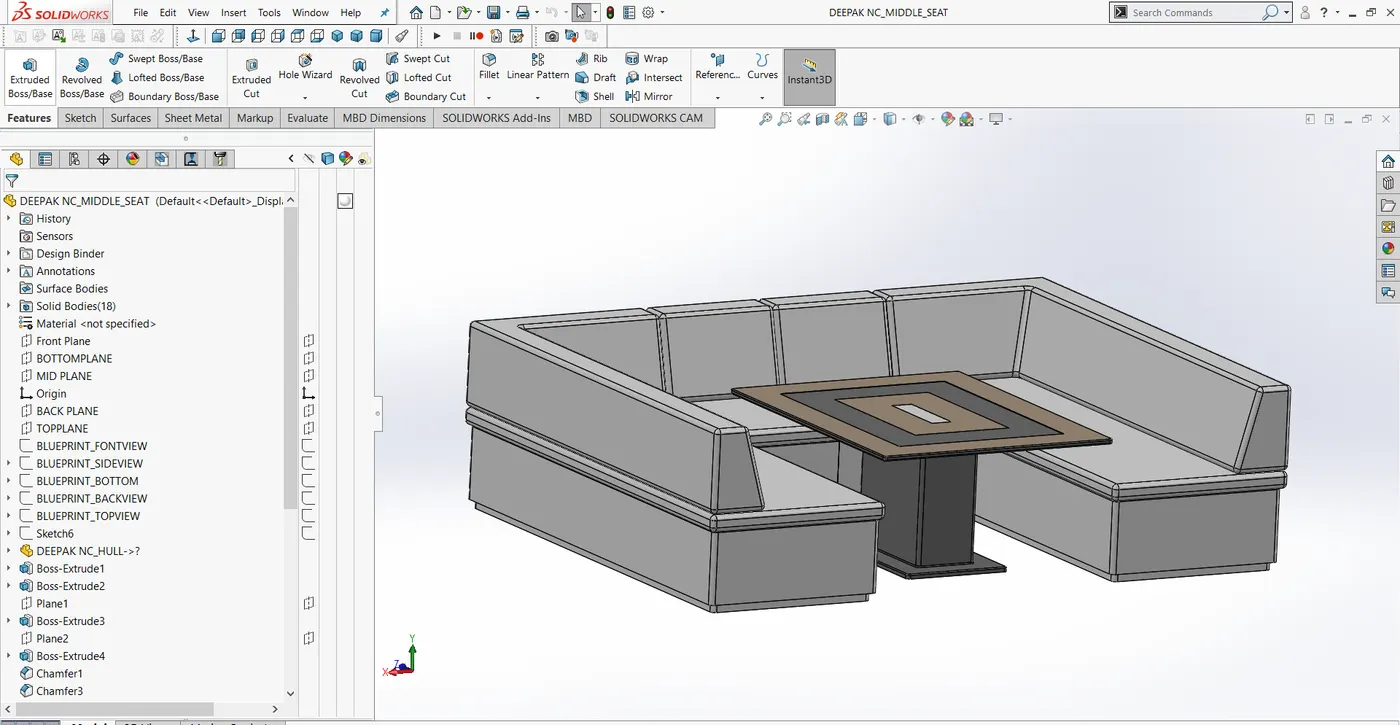
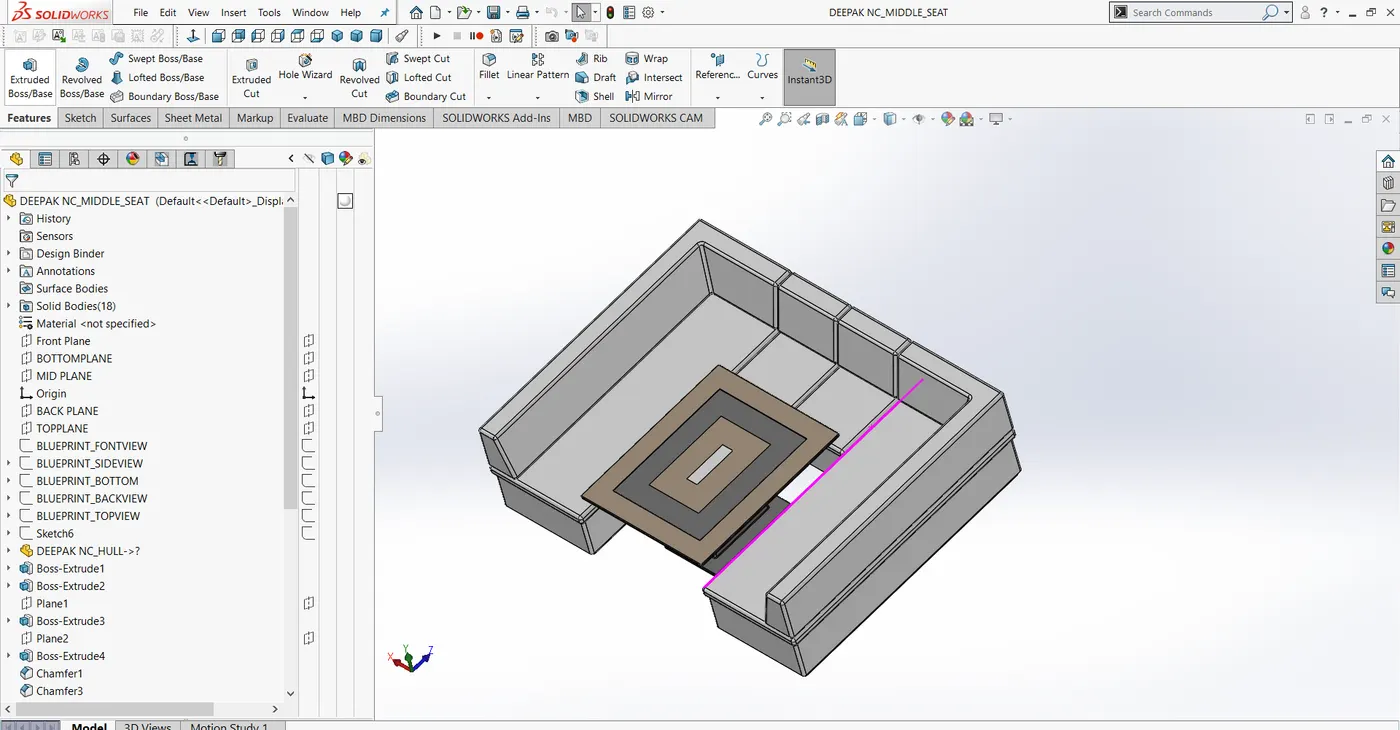
9.Middle seat
Commands used to create Middle seat
Extrude, Extrude cut, Fillet, Chamfer, Mirror.
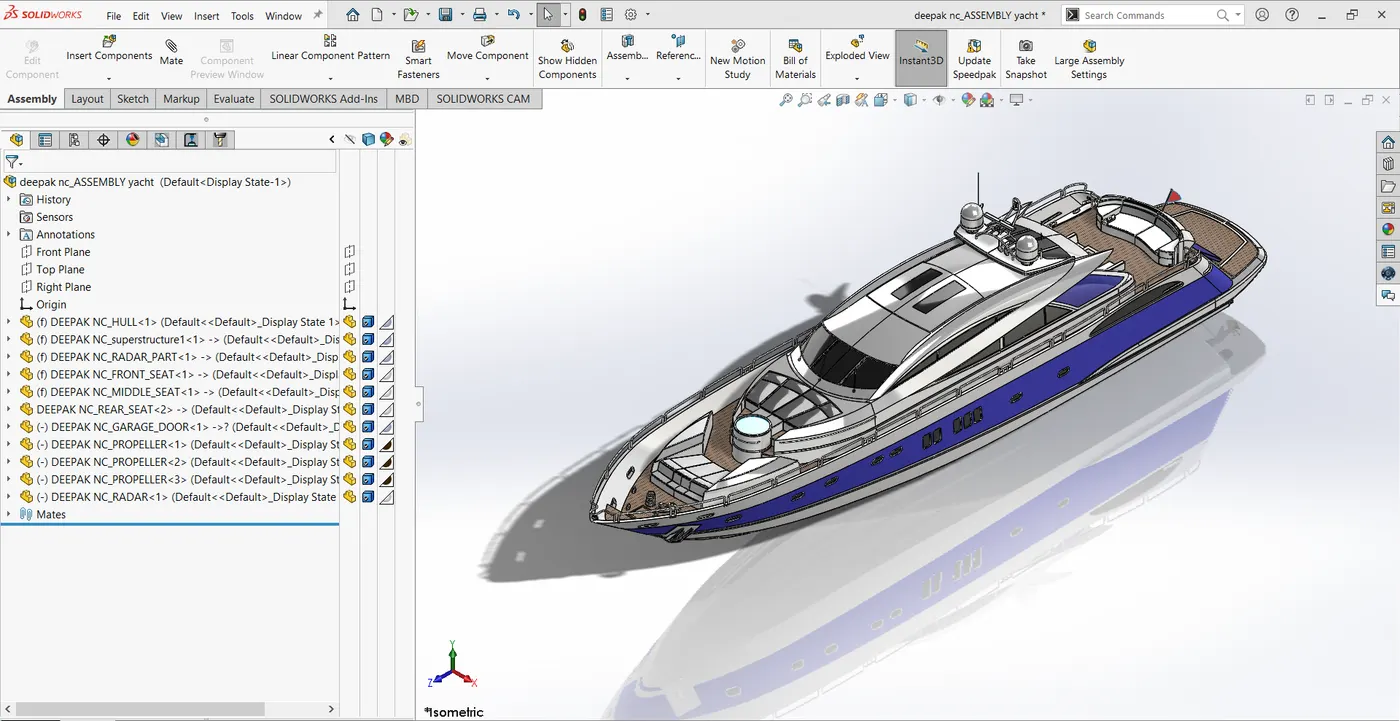
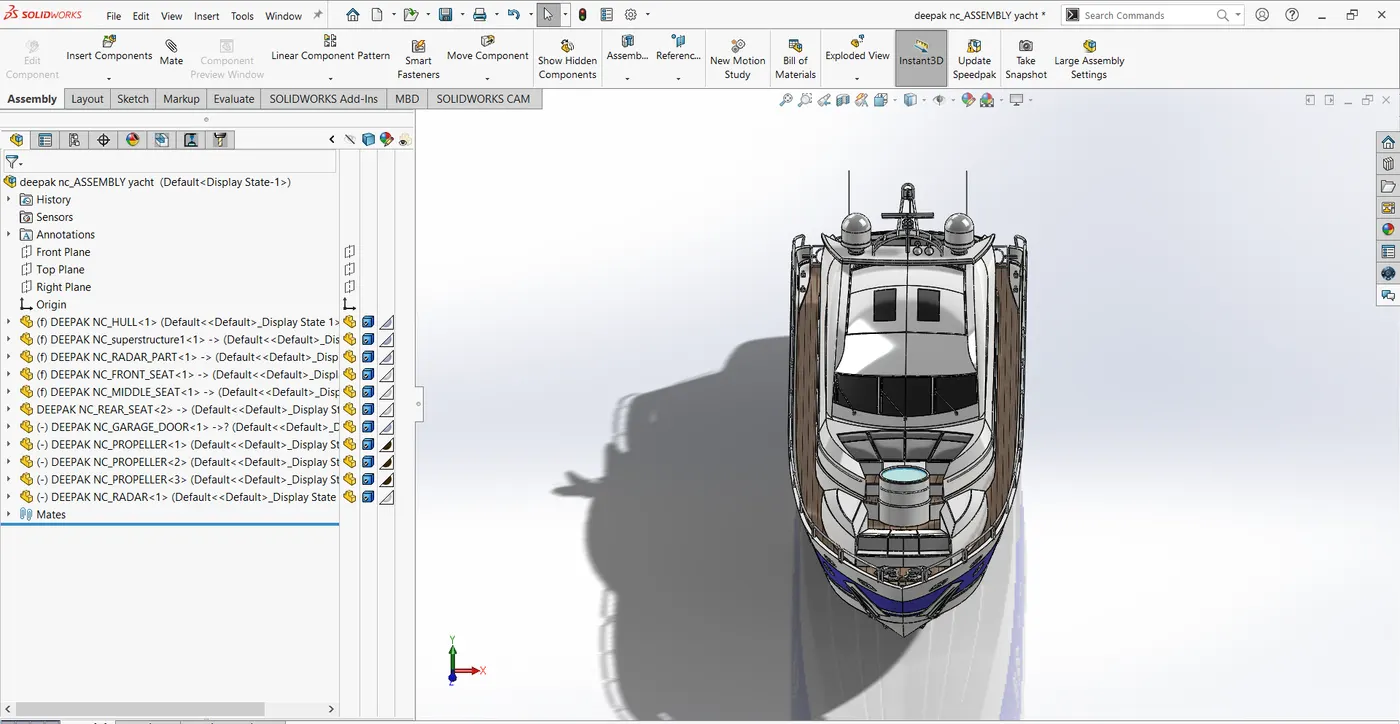
Assembly of the Components
- Insert the components of the Yacht and place it as per user required.
- Rotate the components if required with respect to view required.
- Apply the mates as required for proper alignment.
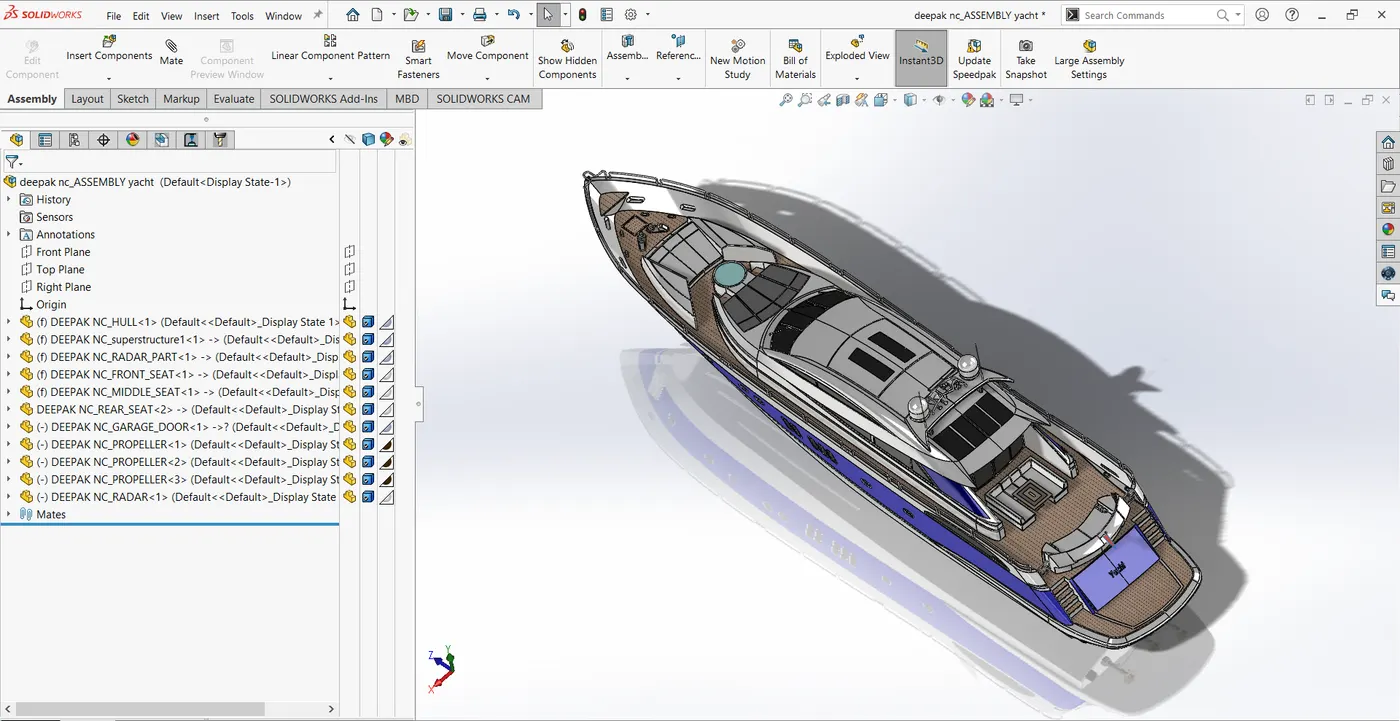
File Link:
https://drive.google.com/drive/folders/150bQC-87aoJHJKJd5pjg5uhQ6JGnmy6n?usp=sharing
https://drive.google.com/drive/folders/1XaB0NlByfM50Qum9RRTffsXG9-FaEg0v?usp=sharing