Assembly of Yacht
DESIGNED, ASSEMBLED, AND PHOTO REALISTIC RENDER OF YACHT - SOLIDWORKS
OBJECTIVE :
To design each part of the Yacht and they are assembled with proper plane & mating points to do the complete Yacht model. Then we have to do rendering, decals, and background of the Yacht.
INTRODUCTION :
This Project cover's the design and assembles of the Yacht by using the Solidworks tool and the final rendering of the model is done by using Photoview 360 and Solidworks visualize.
Software's Used ;
- Solidworks 2020
- Solidworks visualize 2020
DESIGN METHODOLOGY :
CHOPPER MODEL ;
- Part Modelling
- Assembly
- Decals, camera setup & lights
- Photo Realistic Rendering
1) Part Model;
- Propeller
- Radar
- Blueprints
- Hull
- Garage Door
- Front Seat
- Middle Seat
- Rear Seat
- Super Structure
- Radar Mast
a) Propeller
A propeller is a device with a rotating hub and radiating blades that are set at a pitch to form a helical spiral, that, when rotated, performs an action that is similar to Archimedes' screw. It transforms rotational power into linear thrust by acting upon a working fluid, such as water or air.
Propeller is sketched by line, Circle, 3 Point Corner Rectangle & Spline. Then they are Revolved Boss/Base, Extruded Cut, Circular Driven Pattern, Lofted Surface, Plane & fillet at the edges and we gave them appearance. Finally, they are rendered by Photo view 360.
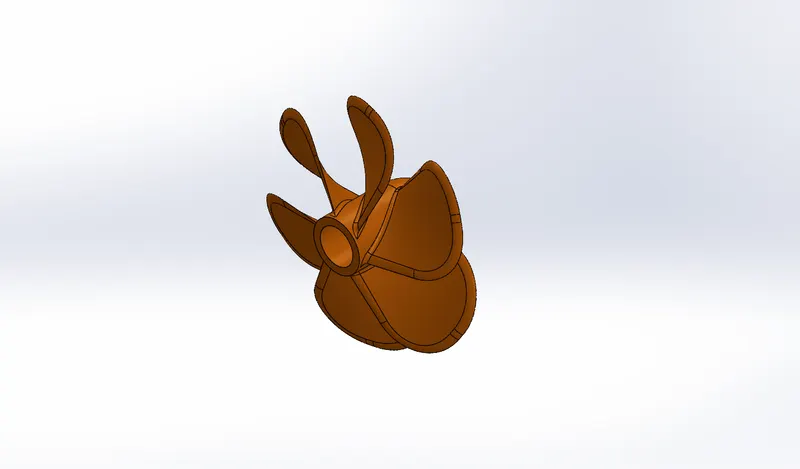
Solidworks Model
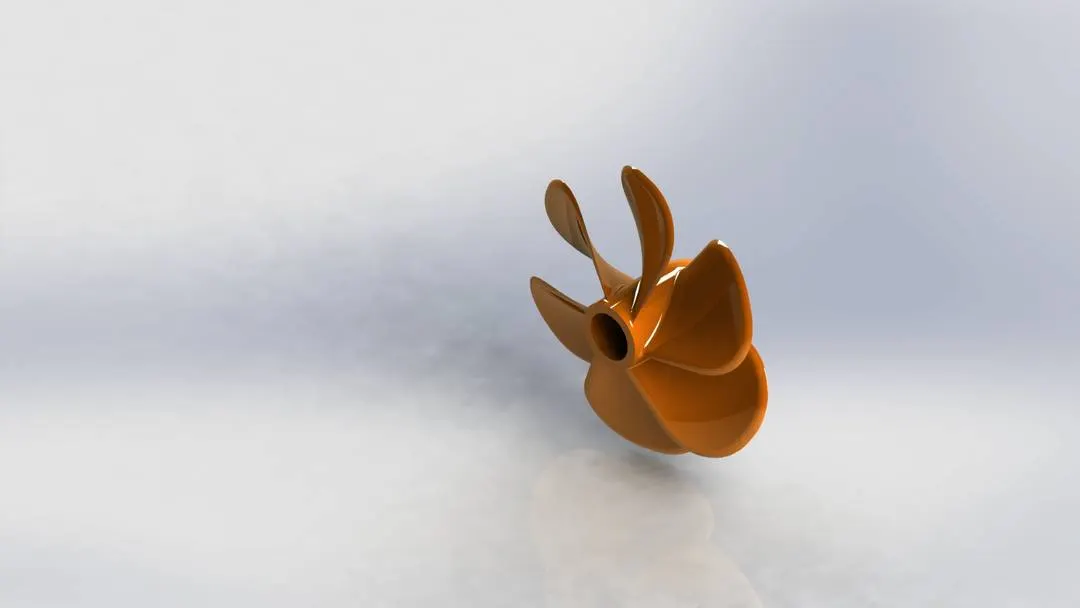
Photo View 360
b)Radar
Radar - Radio Detection and Ranging, is used to detect objects and their position relative to your current location. ... A marine radar device acts as a major navigation aid for boaters. It helps in detecting boats, birds, landmasses, and weather systems - even if the visibility is less than usual.
Radar is sketched by line, Circle, Point, Text & Convert entities. Then they are Extruded Boss/Base, Extruded Cut, Sketch Driven Pattern, Mirror, Split Line & fillet at the edges and we gave them appearance. Finally, they are rendered by Photo view 360.
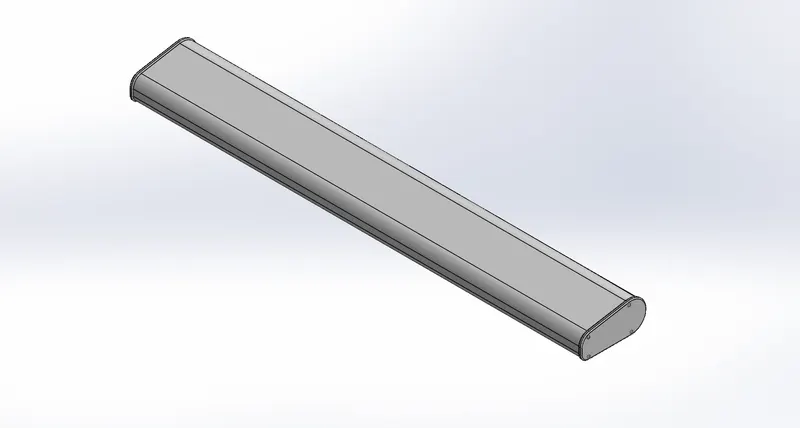
Solidworks Model
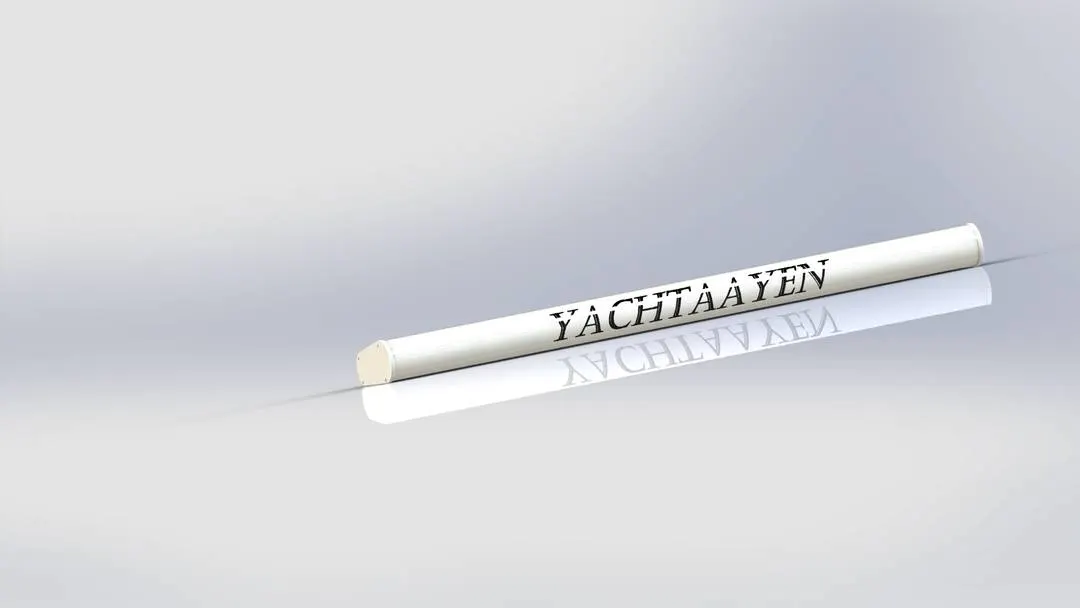
Photo View 360
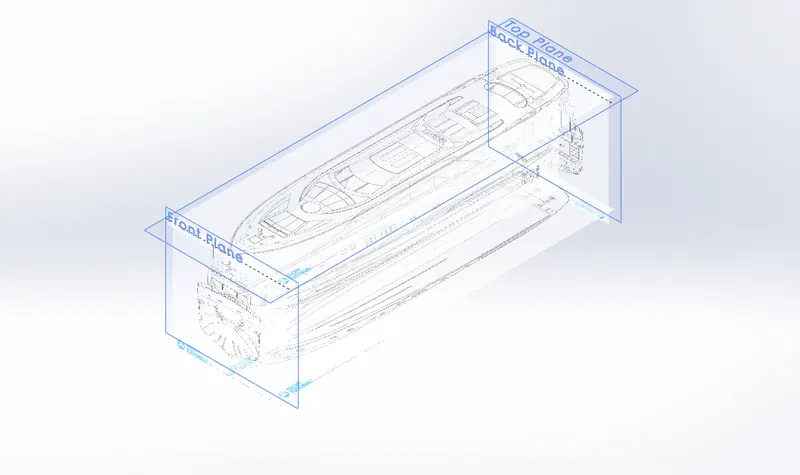
c)Blueprints
We Setup the Blueprint of all Sides at the Required Dimensions. Which will give us the Complete Detail of the Structure which we going to Model.
d)Hull
The 'hull' is the portion of your boat that rides both in and on top of the water. The boat hull does not include any masts, sails, rigging, machinery, or equipment.
Hull is sketched by line, Circle, 3D Sketch, Spline, Rectangle, Straight Slot, Extend Entities, Offset Entities & Convert entities. Then they are Extruded Boss/Base, Plane, Extruded Cut, Revolved Boss/Base, Projected Curve, Shell, Copy, Delete Faces, Mirror, Split Line, Helix, Swept Boss/Base, Chamfer, Linear Driven Pattern, Lofted Surface, Extend Surface, Extruded Surface, Trim Surface, Knit & fillet at the edges and we gave them appearance. Finally, they are rendered by Photo view 360.
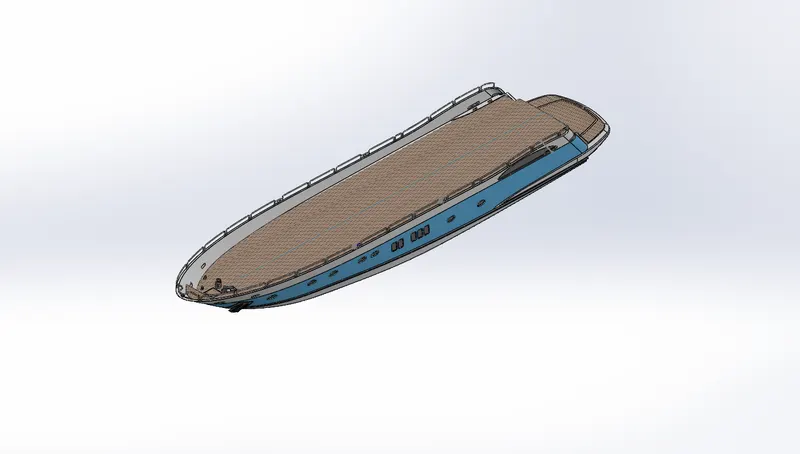
Solidworks Model
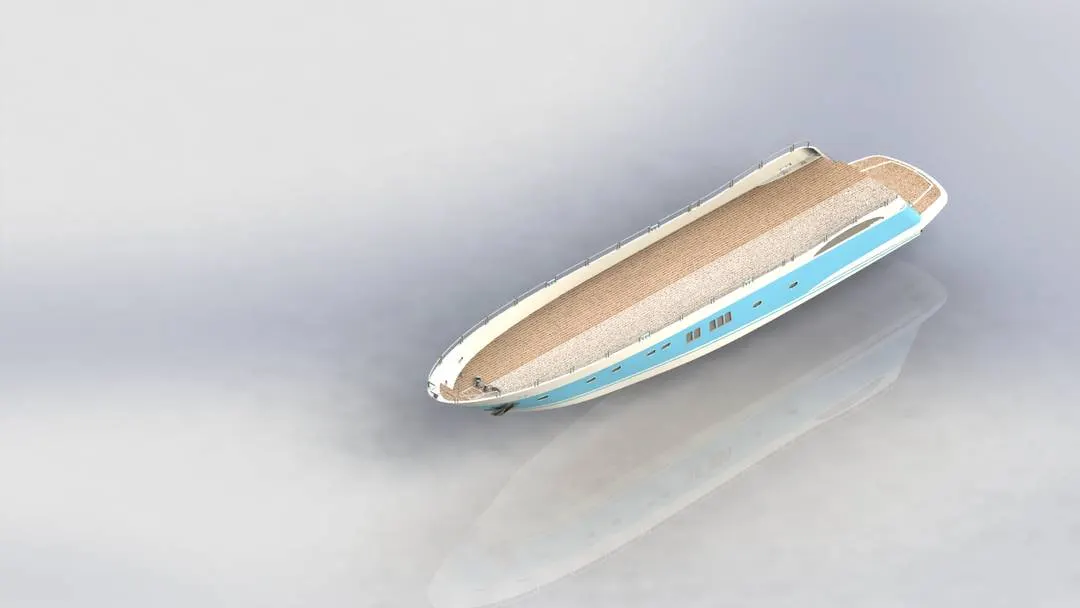
Photo View 360
e)Garage Door
Garage doors are lifted via a track or rail until they are horizontal with the ceiling. Overhead doors are either operated manually or are motorized using a remote unit which brings the door all the up and lowers it again.
Garage Door is sketched by line, Circle , Text & Convert entities. Then they are Extruded Boss/Base, Extruded Cut Mirror, Shell, Plane& fillet at the edges and we gave them appearance. Finally, they are rendered by Photo view 360.
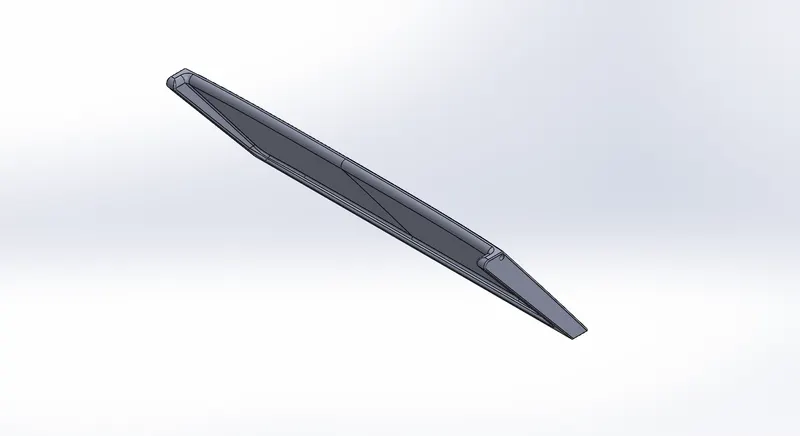
Solidworks Model
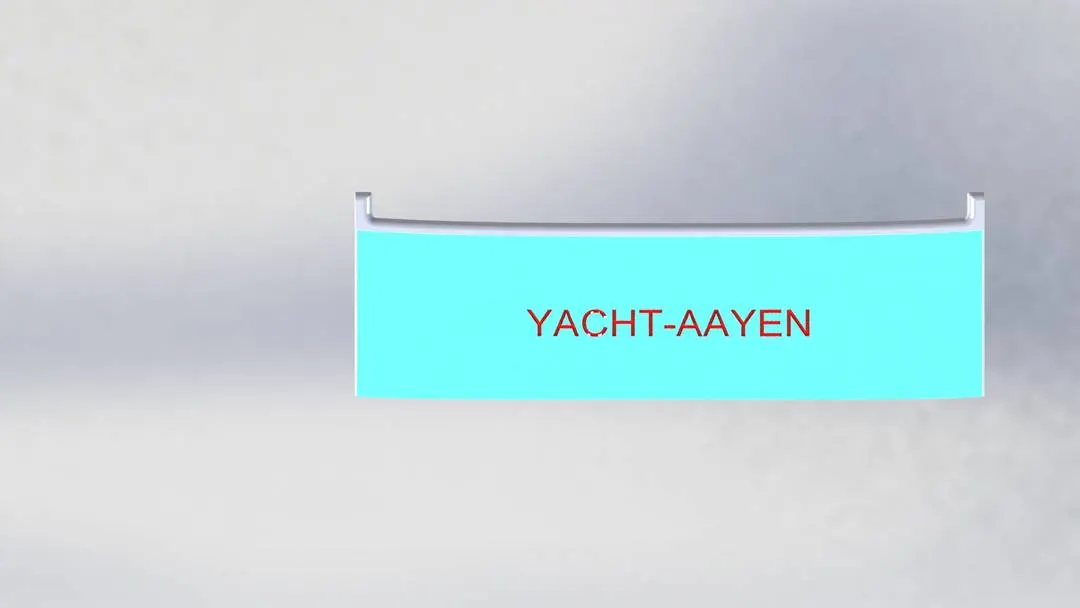
Photo View 360
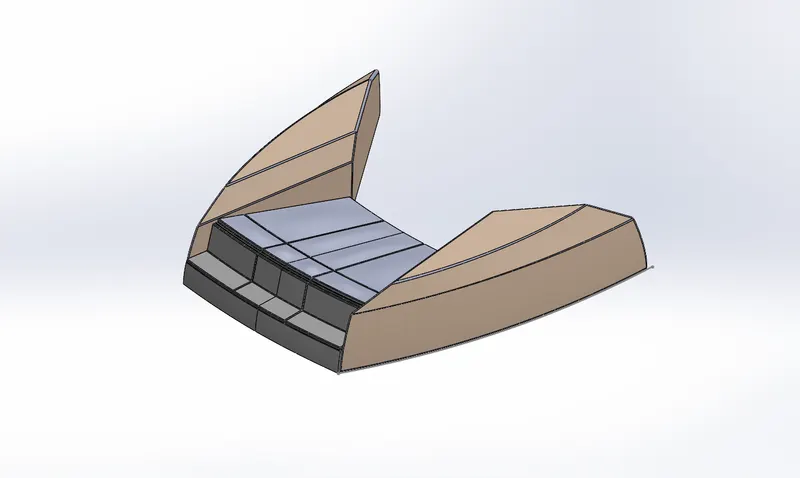
f)Front Seat
Front Seat is used for People for Seating Purpose and they are located at the front side of the Hull.
Front Seat is sketched by line, Circle , Spline & Convert entities. Then they are Extruded Boss/Base, Extruded Cut, Revolved Boss/Base, Mirror, Dome, Lofted Surface, Swept Surface, Extruded Surface, Trim Surface, Knit Surface, Chamfer, Plane & fillet at the edges and we gave them appearance. Finally, they are rendered by Photo view 360.
Solidworks Model
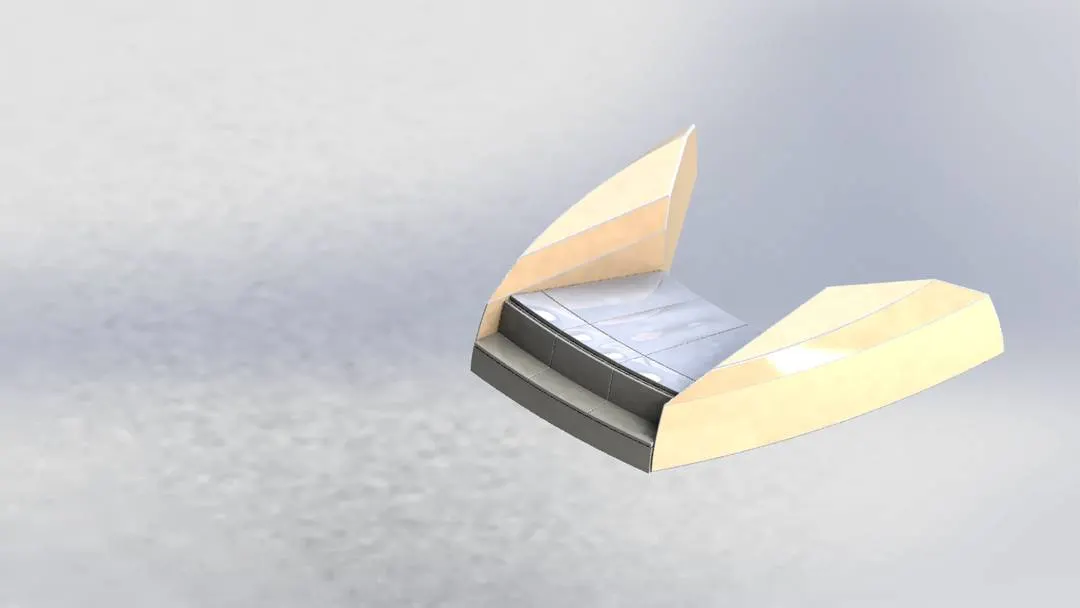
Photo View 360
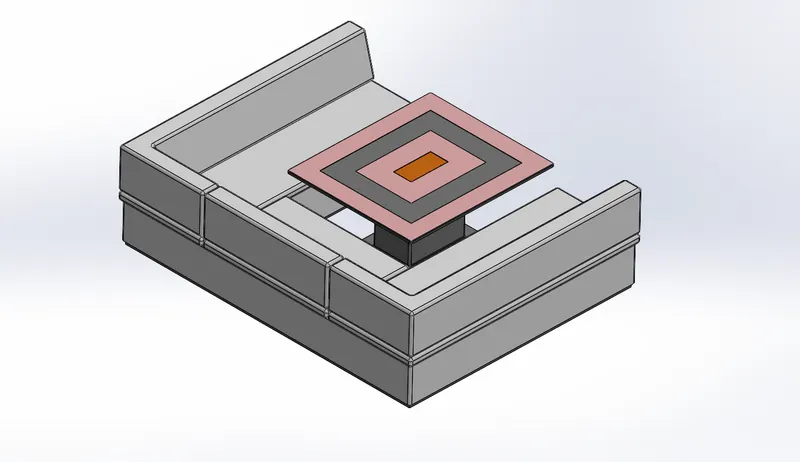
g)Middle Seat
Middle Seat is used for People for Seating Purpose and they are located in the middle of the Hull.
Middle Seat is sketched by line, Circle , Offset Entities, Rectangle & Convert entities. Then they are Extruded Boss/Base , Extruded Cut, Mirror, Plane, Chamfer & fillet at the edges and we gave them appearance. Finally, they are rendered by Photo view 360.
Solidworks Model
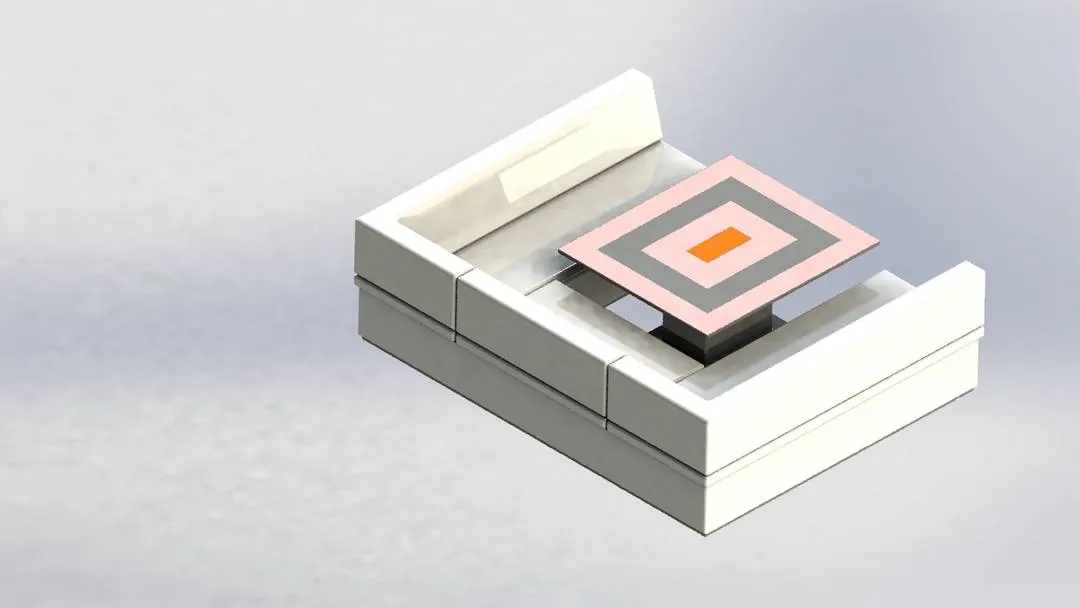
Photo View 360
h)Rear Seat
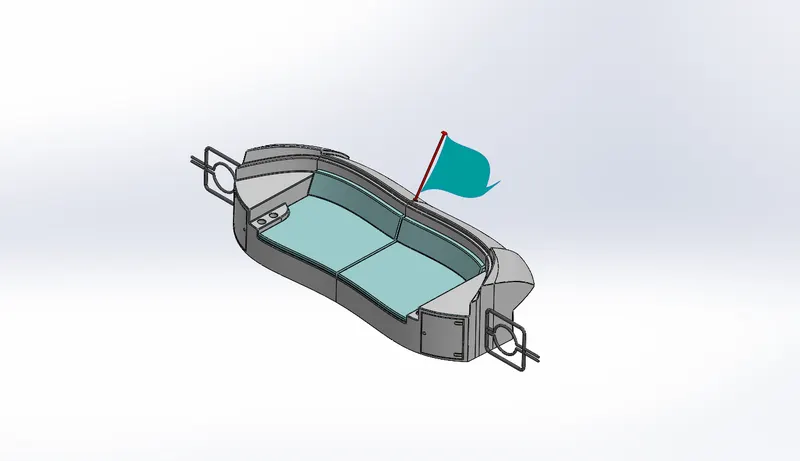
Rear Seat is used for People for Seating Purpose and they are located at the Rear side of the Hull.
Rear Seat is sketched by line,3D Sketch , Circle , Spline , Offset Entities ,Trim Entites & Convert entities. Then they are Extruded Boss/Base , Extruded Cut, Revolved Boss/Base , Mirror, Surface Fill ,Swept Surface ,Extruded Surface ,Trim Surface , Knit Surface, Ruled Surface, Offset Surface, Chamfer, Plane & fillet at the edges and we gave them appearance. Finally, they are rendered by Photo view 360.
Solidworks Model
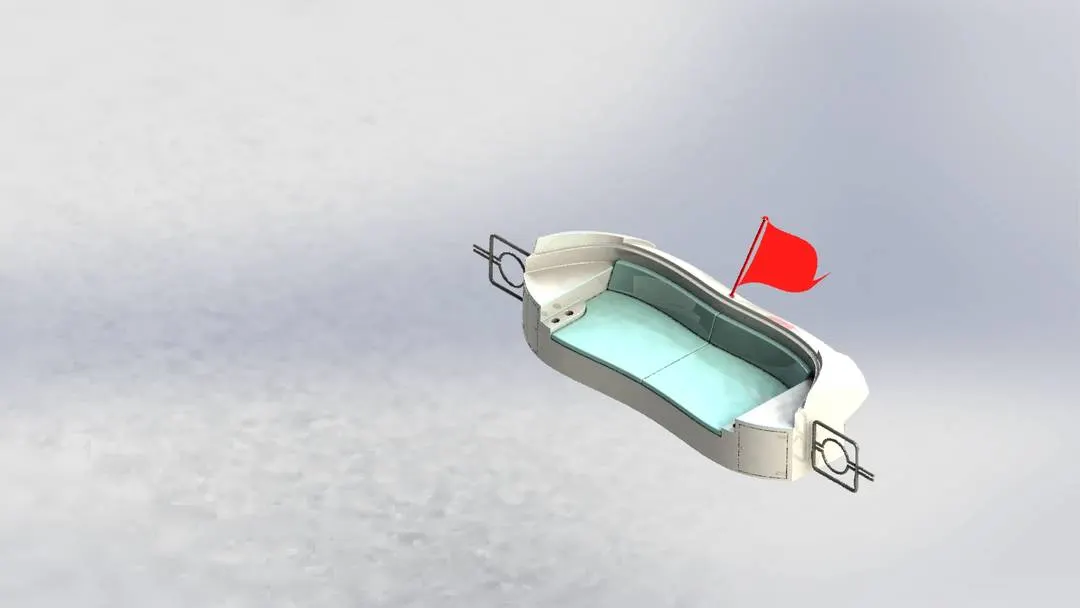
Photo View 360
i)Super Structure
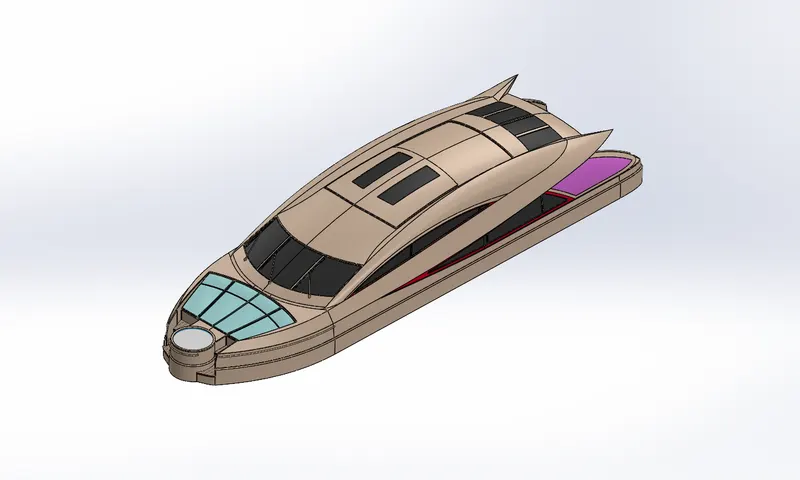
A superstructure is an extended construction of any building or platform that rises above the rest of the building or platform in a distinct manner. Thus, superstructure means to add construction to an already existing structure. In ships, this is the name given to the part of the ship that emerges from the deck.
Super Structure is sketched by line,3D Sketch, Circle, Spline, Rectangle, Offset Entities, Trim Entities & Convert entities. Then they are Extruded Boss/Base , Dome , Extruded Cut, Projected Curves, Split Line , Delete Faces, Mirror, Lofted Surface, Extend Surface, Filled Surface, Swept Surface, Extruded Surface, Trim Surface, Knit Surface, Ruled Surface, Chamfer, Plane & fillet at the edges and we gave them appearance. Finally, they are rendered by Photo view 360.
Solidworks Model
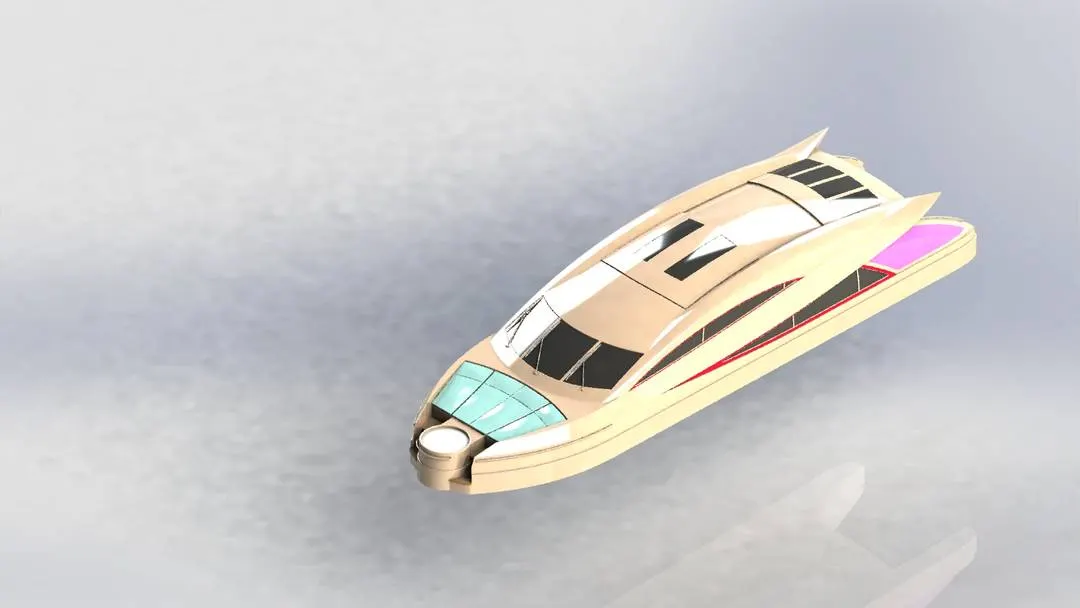
Photo View 360
j)Radar Mast
Radar Mast each unit has a waterproof radar cable gland positioned aft and below the top plate. Unlike our Power Mount Plus, these Standard Mounts are not Light/GPS Bar capable.
Radar Mast is sketched by line,3D Sketch ,Circle ,Spline ,Arc ,Straight Slot ,Offset Entities ,Trim Entities & Convert entities. Then they are Extruded Boss/Base , Dome , Shell, Extruded Cut, Revolved Boss/Base , Mirror, Swept Boss/Base , Projected Curves, Chamfer, Plane & fillet at the edges and we gave them appearance. Finally, they are rendered by Photo view 360.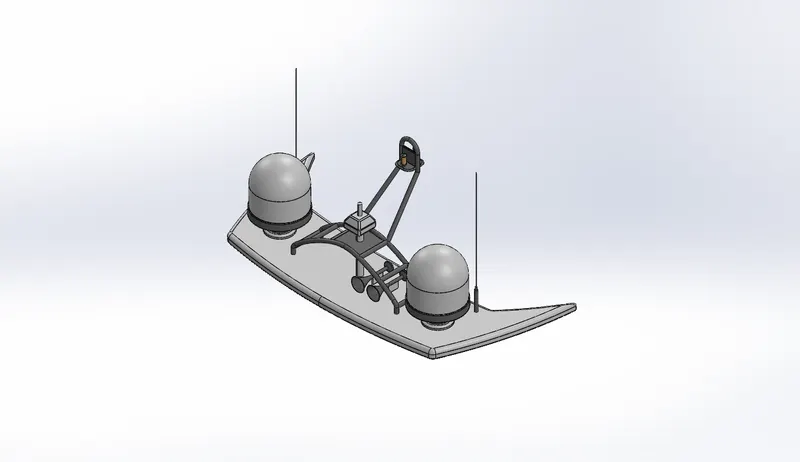
Isometric Plane view of Solidworks Model
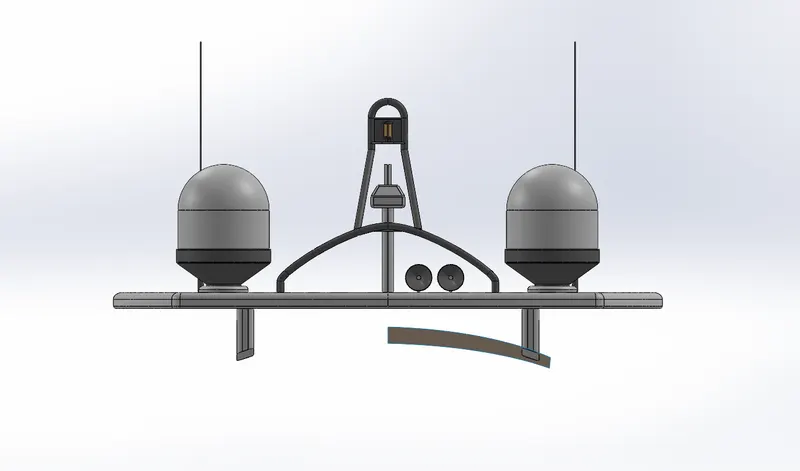
Front Plane view of Solidworks Model
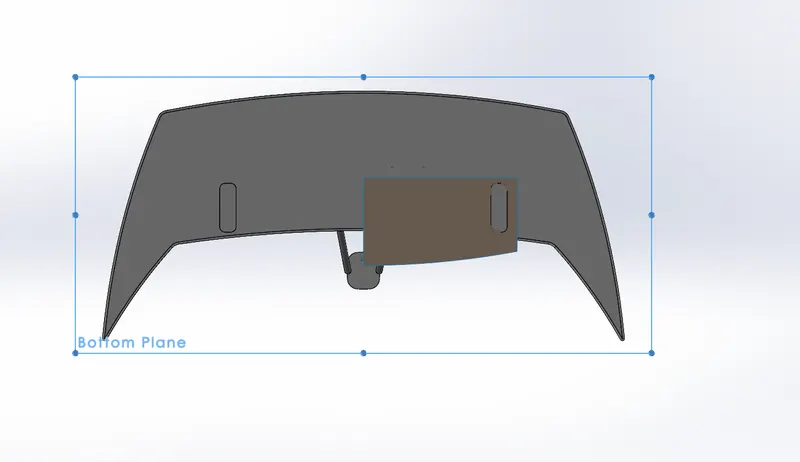
Bottom Plane view of Solidworks Model
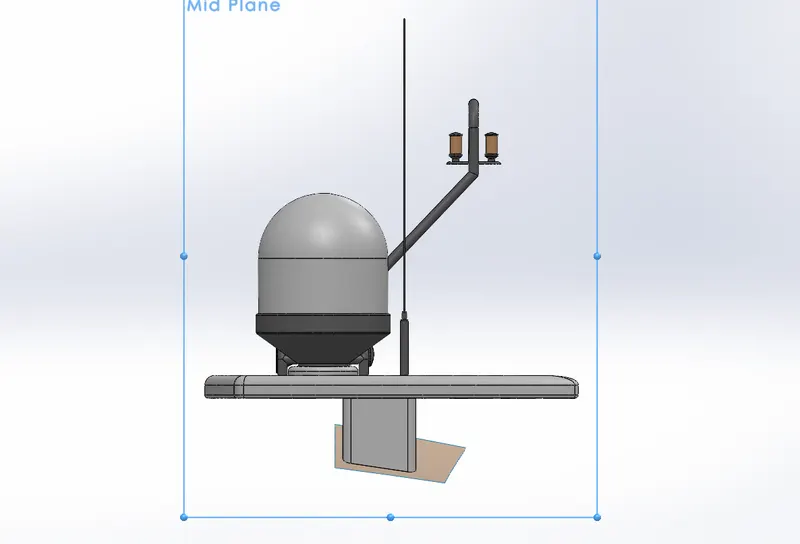
Mid Plane view of Solidworks Model
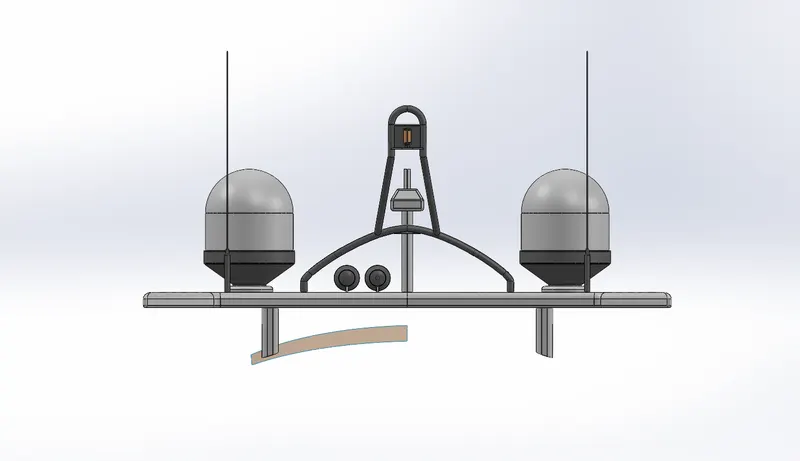
Back Plane view of Solidworks Model
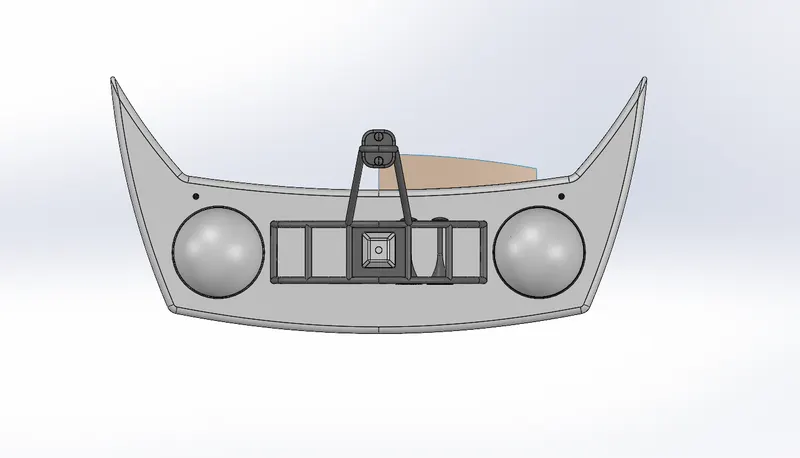
Top Plane view of Solidworks Model
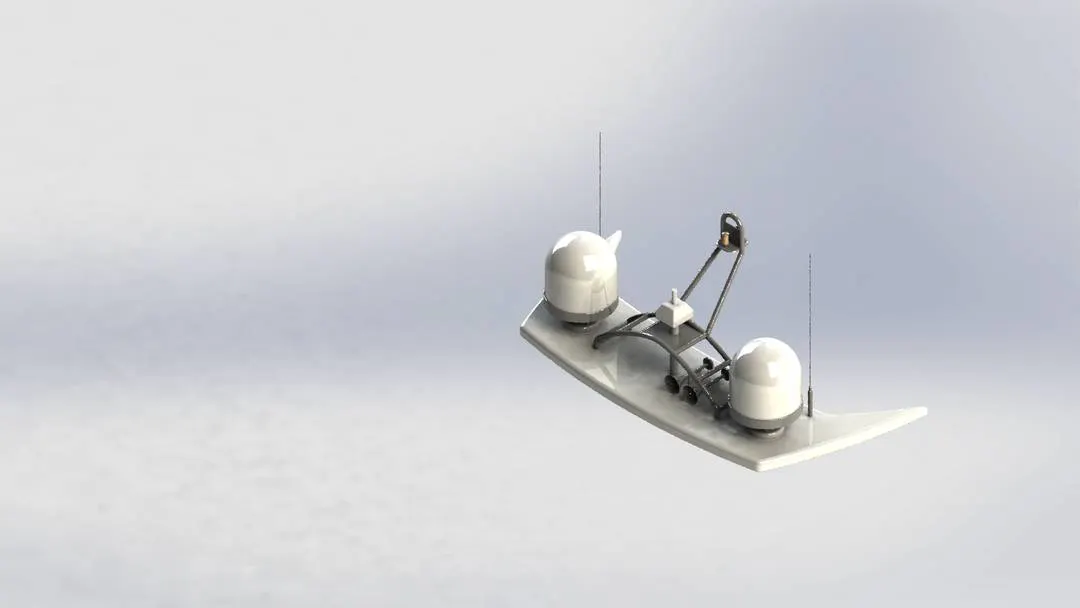
Photo View 360
2) Assembly ;
Firstly we have to design all the parts of the Yacht separately, then we have to insert all the parts in the assembly file one by one. Then we have to do the mates of all the parts to the Hull of the Yacht. When the Hull is floating all the parts have to float along with the Hull. Finally, they are rendered by Photo View 360.
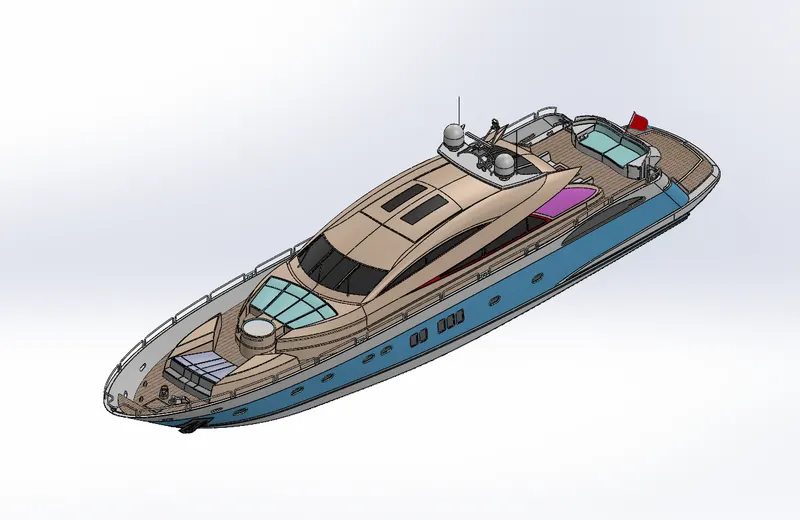
Solidworks Model
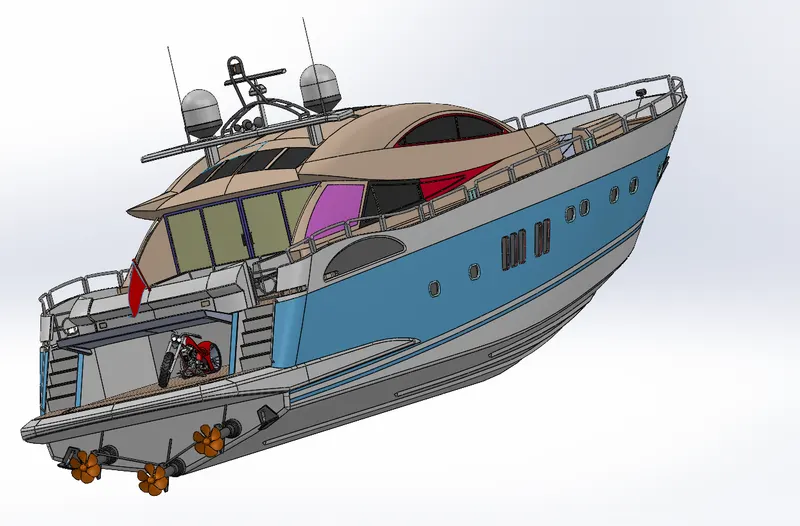
Solidworks Model
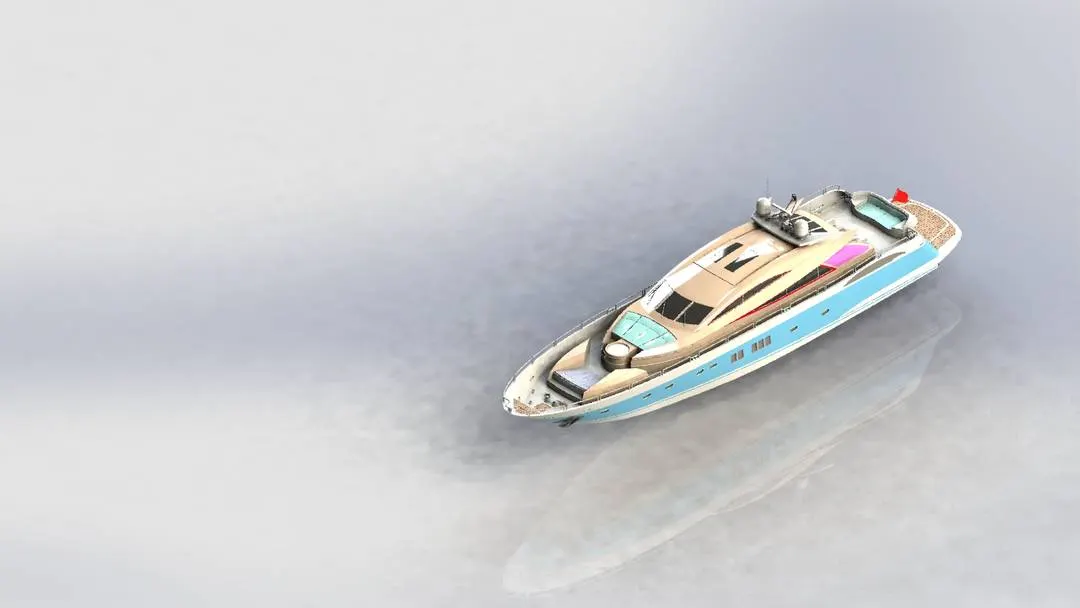
Photo View 360
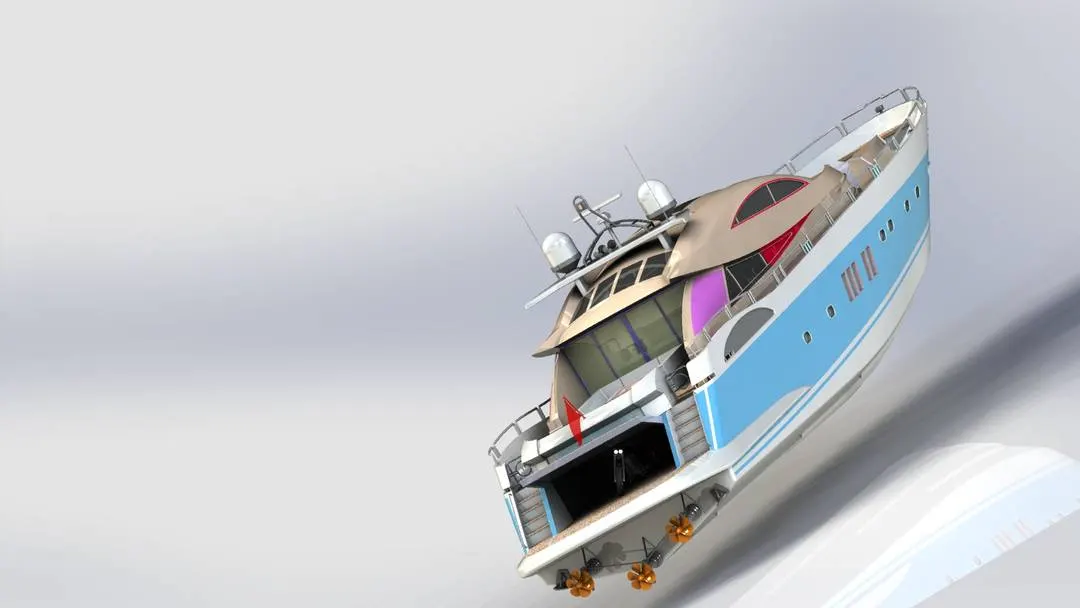
Photo View 360
3) Decals, camera setup & lights ;
Decals are like increasing the looks of the parts of the Yacht. By using photo view 360 we applied the Decals on the Surface of the Hull & Super Structure.
The camera setup is done to improve the view of the Yacht with Proper lights and angle of the camera to improve the look and Clarity of the Yacht Rendering.
Hull Decals
4) Photo Realistic Rendering ;
Firstly, we have to Import the Yacht Assembly into Solidworks Visualize. Then we can input the Environment, Appearance & Angle of the Model. The rendered image incorporates the appearances, lighting, scene, and decals included with the model. To create photo-quality content in the fastest and easiest way you can make a model for immersive Virtual Reality of Yacht by using Solidworks Visualize 2020.
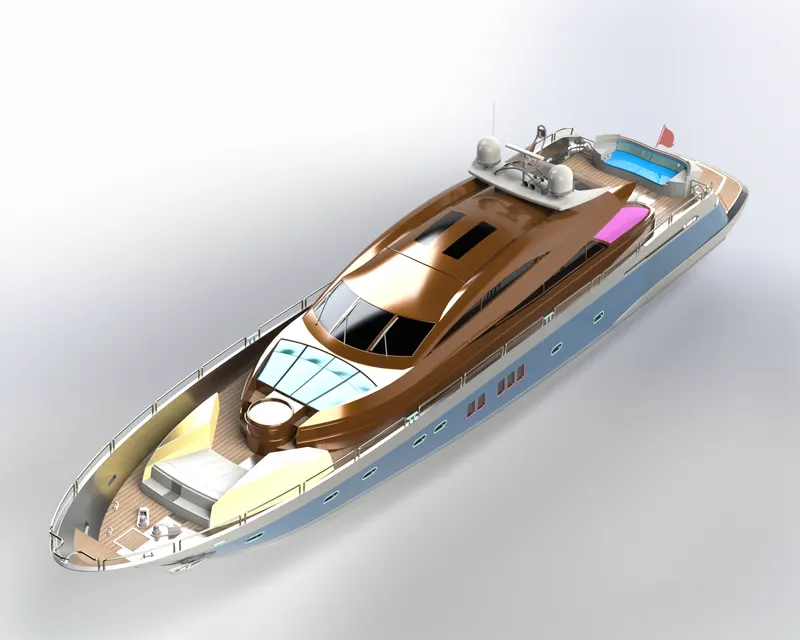
Isometric View
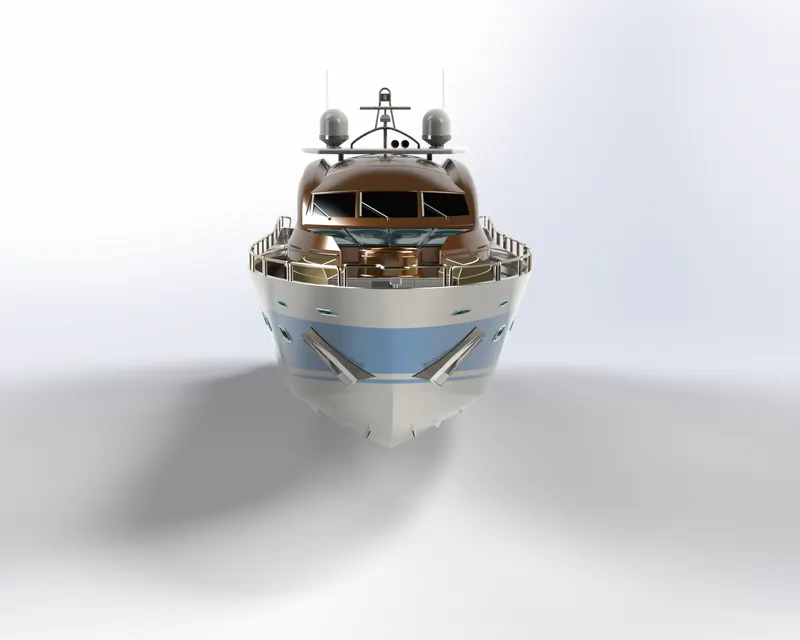
Front Side View
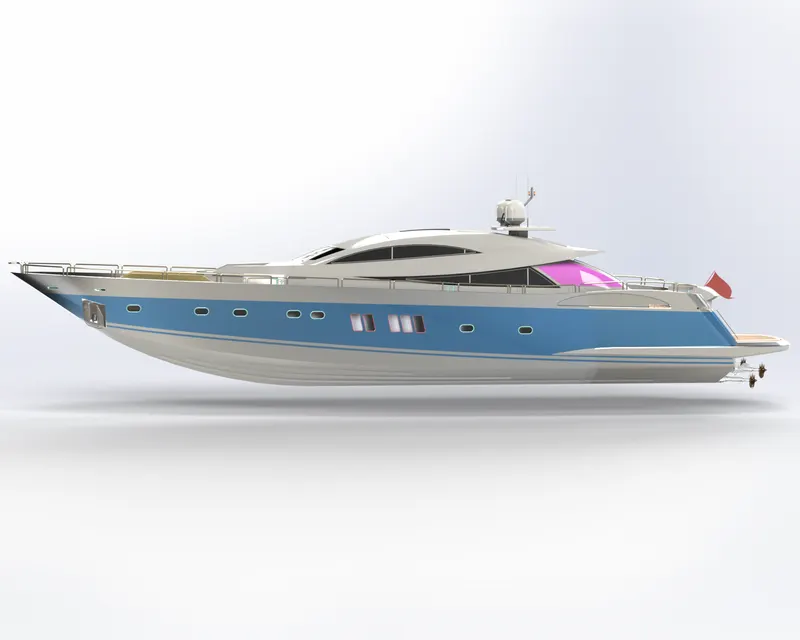
Left Side View
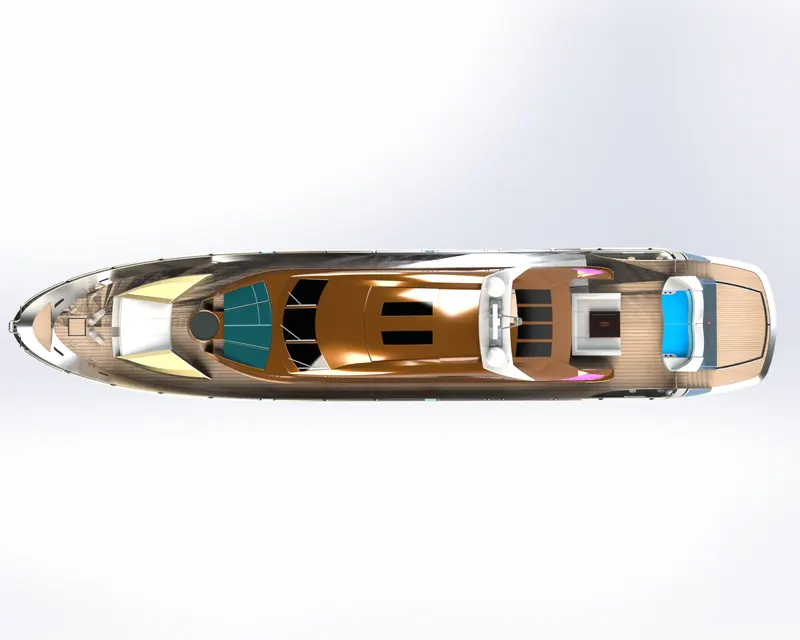
Top Plane View
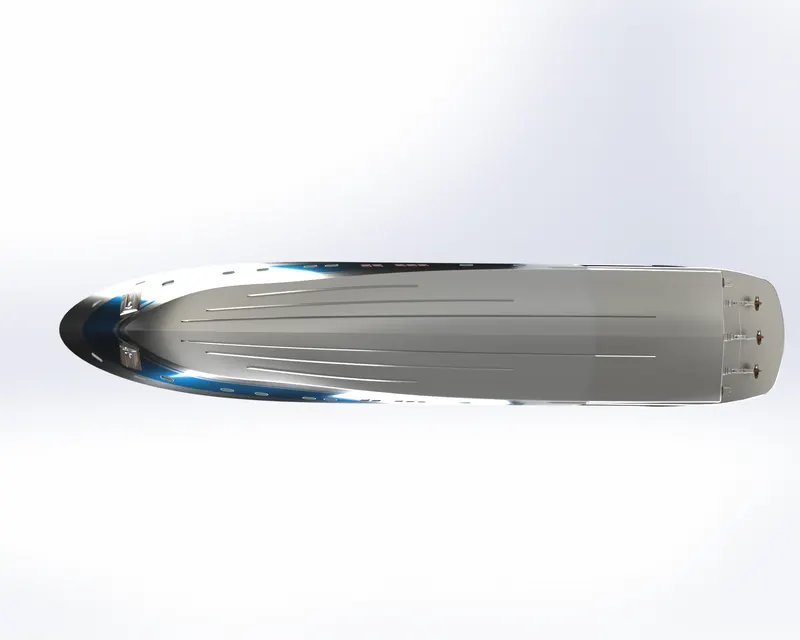
Bottom Plane View
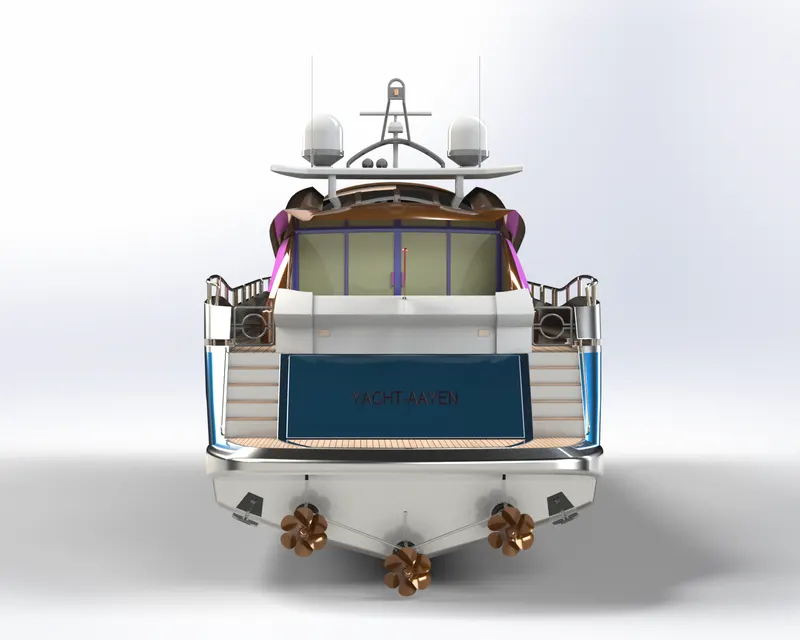
Rear Plane View
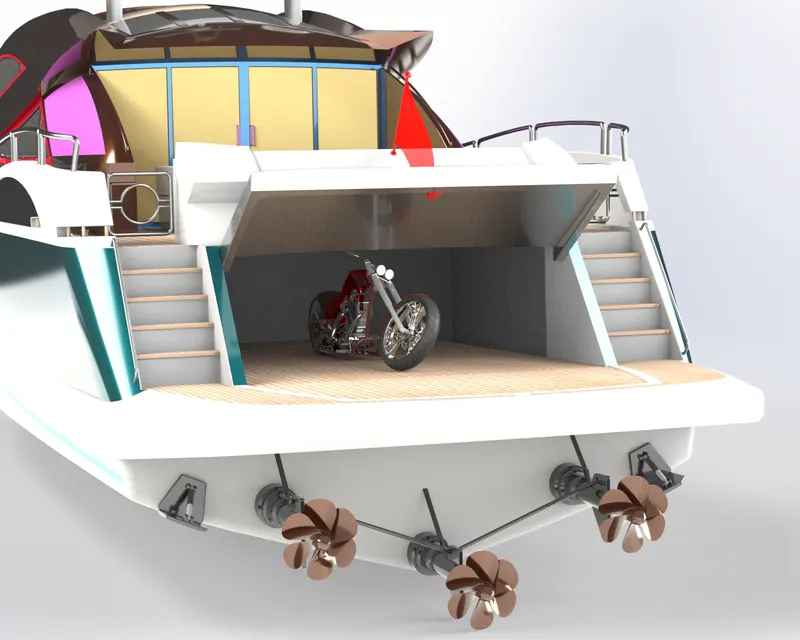
Rear Plane View With Chopper
CONCLUSION :
Thus, the Yacht's all the parts are designed, modeled, proper decals & assembled according to the given dimensions & constraints with the Solidworks 2020 and also the assembled Yacht is finally photorealistic rendering is done by Solidworks Visualize 2020.