Advanced Sheet Metal Design Using NX Cad Challenge_7_ Metal bracket-II
BRACKET
Objective :
To design a Bracket in SIEMENS NX Sheet-Metal application, as per the required dimensions.
Introduction :
Sheet Metal Fabrication is the process of forming parts from a metal sheet by punching, cutting, stamping, and bending.
Sheet metal parts are known for their durability, which makes them great for end use applications (e.g. chassis).
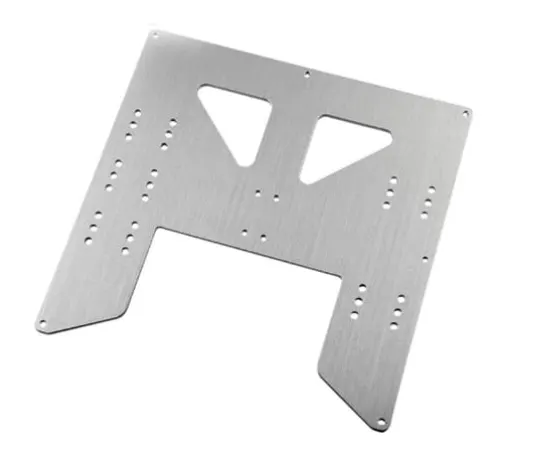
Because parts are formed from a single sheet of metal, designs must maintain a uniform thickness.
Design Methodology :
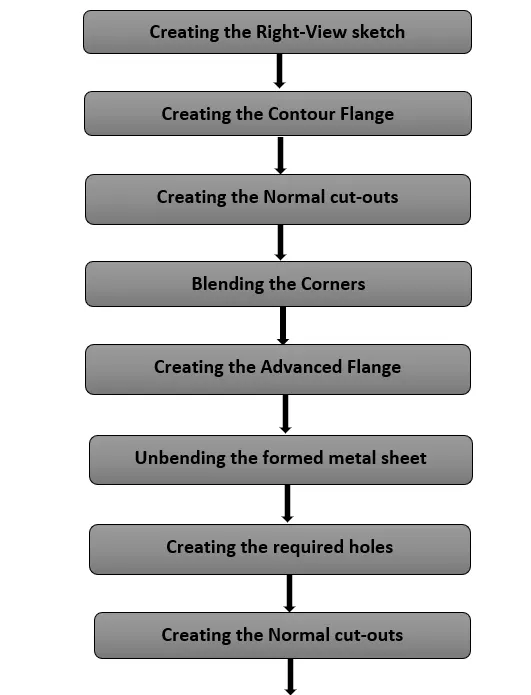
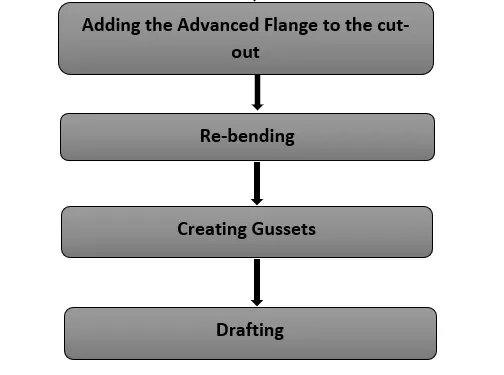
Description :
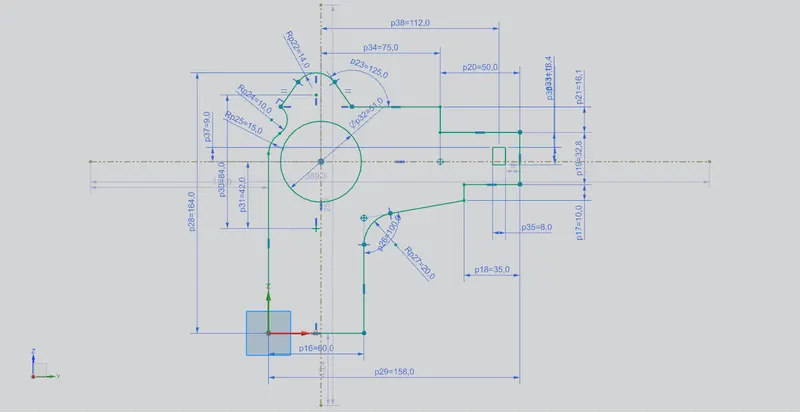
(I) Creating the Right-View sketch :
- The right-view sketch is created on the YZ plane using the Sketch feature.
(II) Creating the Contour Flange :
- To create the contour flange, firstly, a sketch representing the shape of the flange is created on the XZ plane.
Then, by selecting this sketch in the Contour Flange feature, the required sheet-metal flange is created.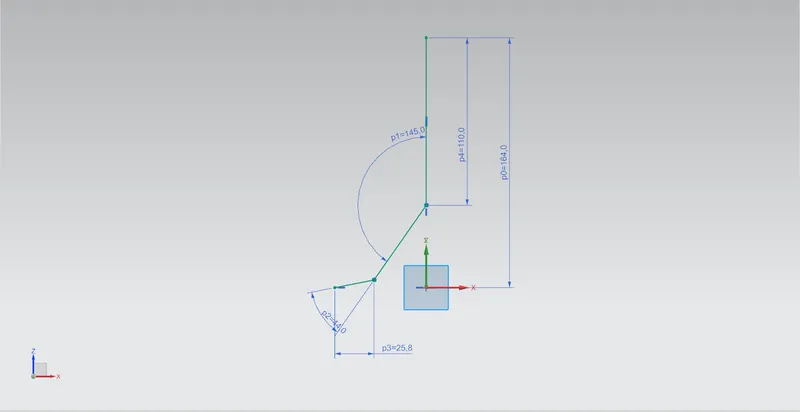
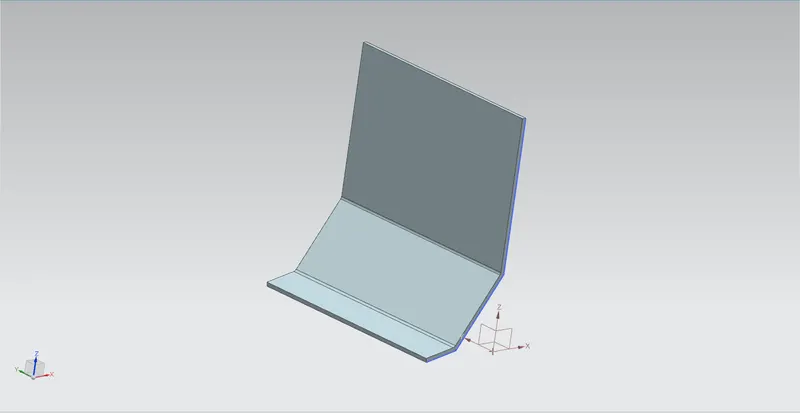
The thickness of the Contour Flange is the default value i.e. 3 mm.
(III) Creating the Normal cut-outs :
- The cutout to be performed are first sketched on the corresponding faces.
After that, to perform the cutout, Normal Cutout option is used.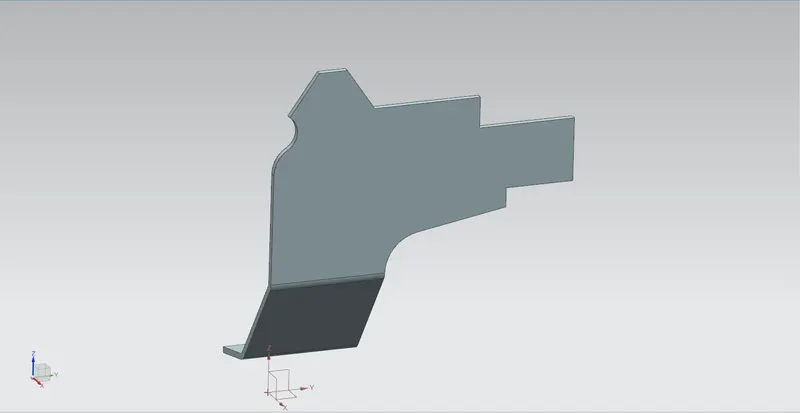
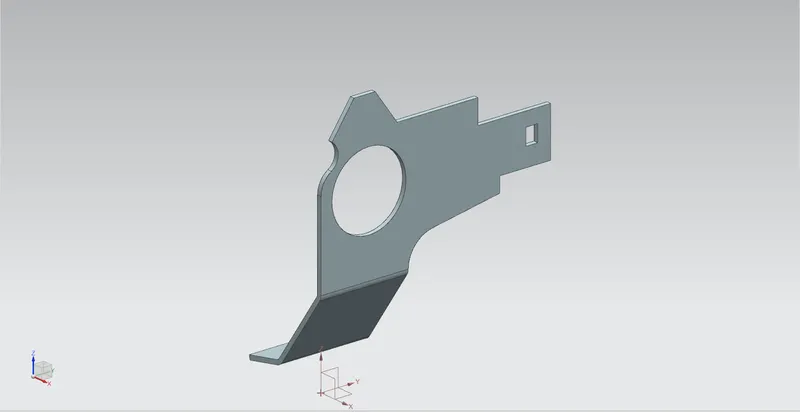
(IV) Blending the corners :
- Blends of different diameters, as per the requirements, are created at different corners of the sheet-metal model.
For this, Break Corner feature is used.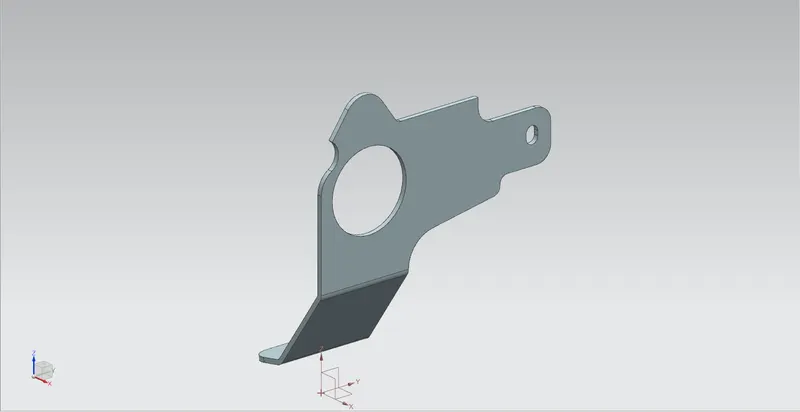
(V) Creating the Advanced Flange :
- The Advanced Flange is created using the feature Advanced Flange itself.
The length of the flange is given as 5 mm with an angle of 90°.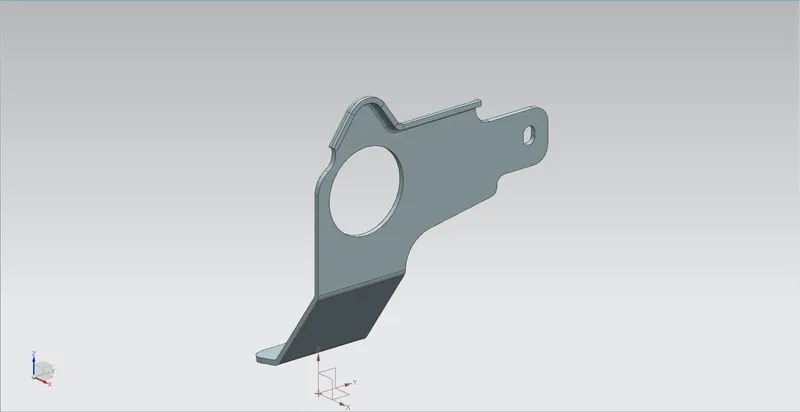
(VI) Unbending :
- To create different features on this formed metal sheet, first we need to unbend or flatten it.
This is done using the Unbend command. The stationary face is provided along with all the bend surfaces.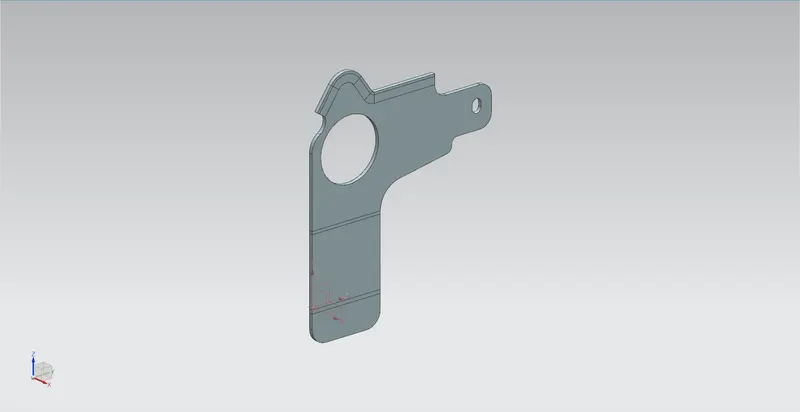
(VII) Creating Holes :
- Points are created at the locations where holes are to be centred. To create the holes, the Hole feature is used.
Here, the hole type is chosen as General Hole. The depth limit is kept as Through Body.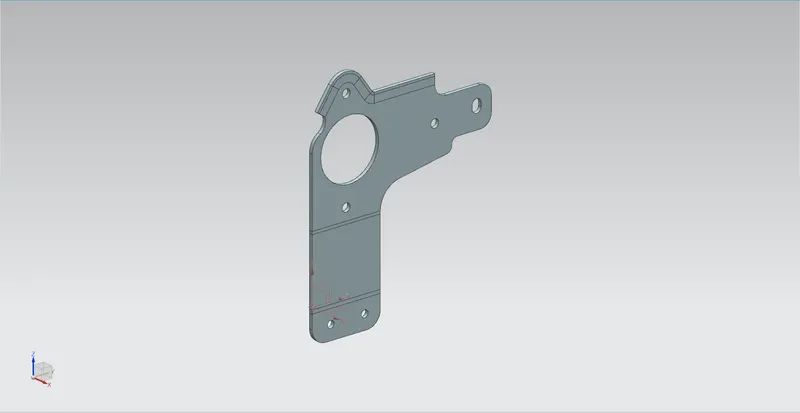
(VIII) Creating the Normal cut-outs :
- The cutout to be performed are first sketched on the corresponding faces.
After that, to perform the cutout, Normal Cutout option is used.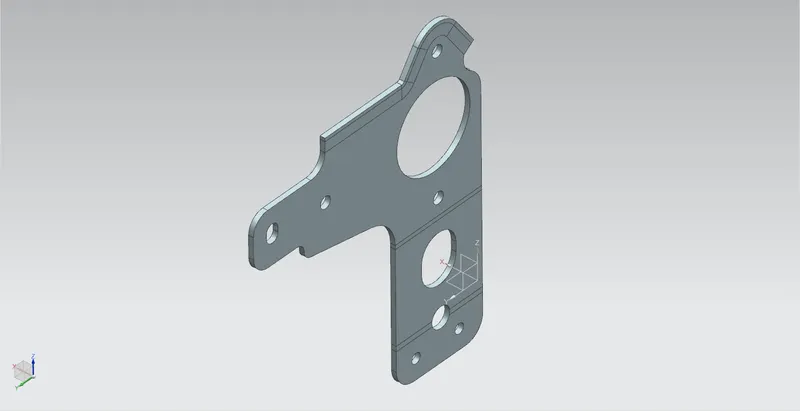
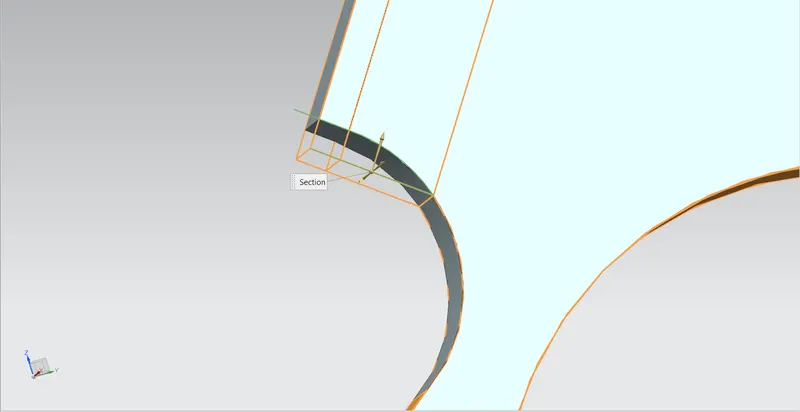
Since, these cut-outs are present at the location of bends, such features can not be created without unbending the metal sheet.
(IX) Adding the Advanced Flange to the cut-out :
- The Advanced Flange is created using the feature Advanced Flange itself.
The length of the flange is given as 4 mm with an angle of 90°.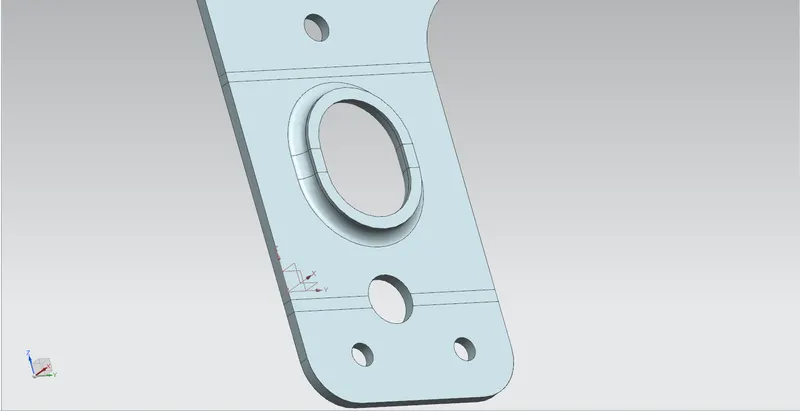
(X) Rebending :
- The sheet-metal is now re-bent using the Rebend option of the sheet-metal application.
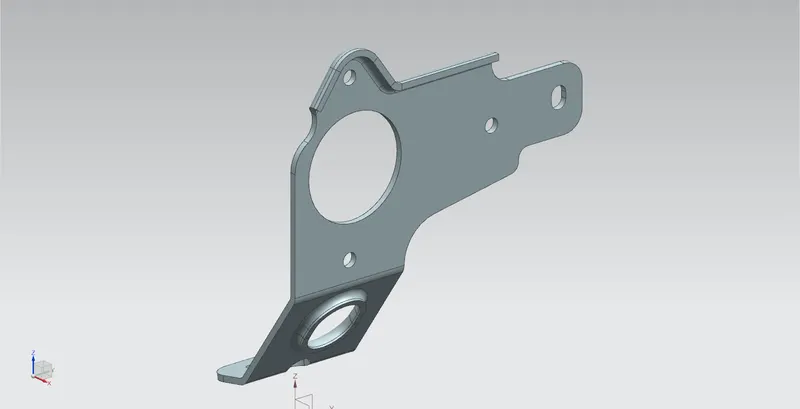
(XI) Creating Gussets :
- Gussets of depth 5 mm are created with the required die radius.
The Gusset feature is used for this purpose. Proper bend surfaces along with the sectional planes are provided.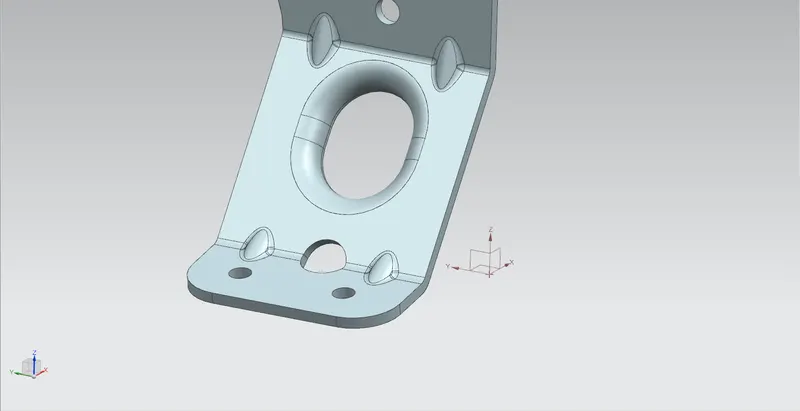
- This completes the designing procedure of the bracket.
Shown below are the different veiws of the sheet-metal model -
Front View :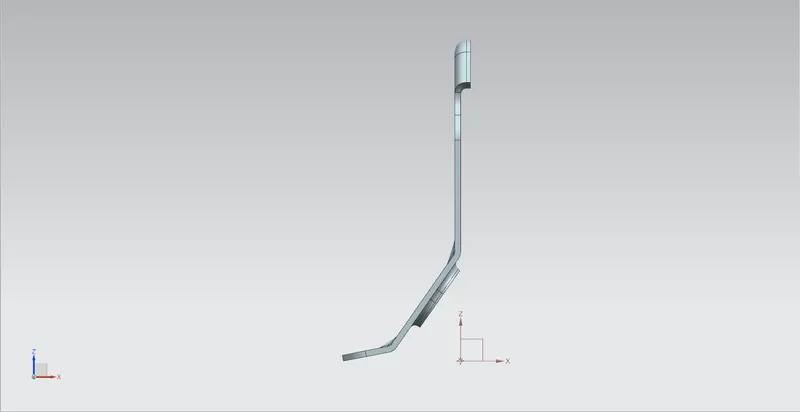
Side View (Left) :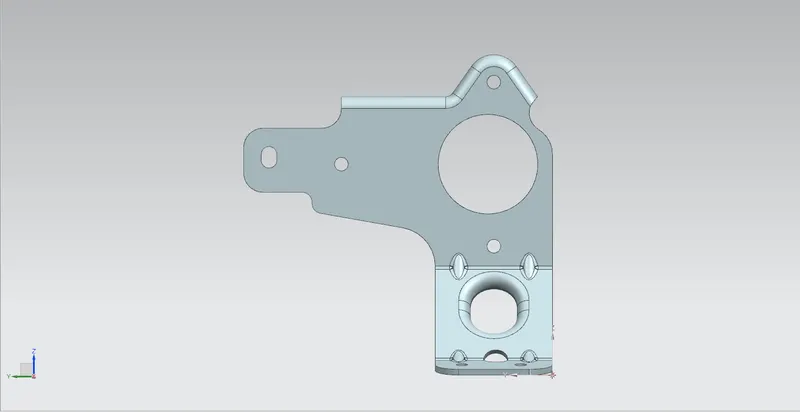
Top View :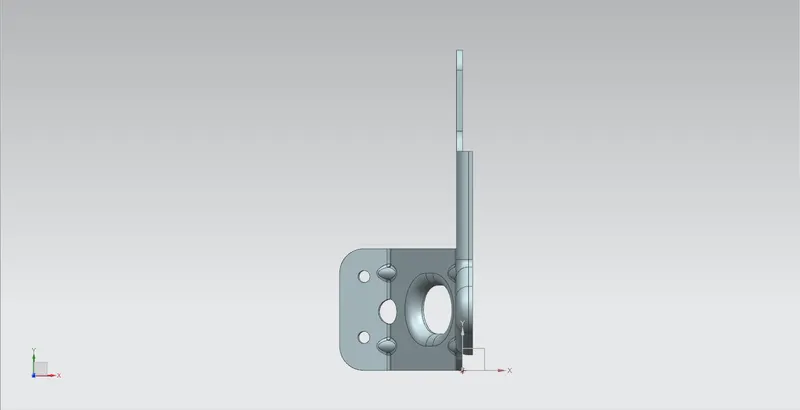
Isometric View :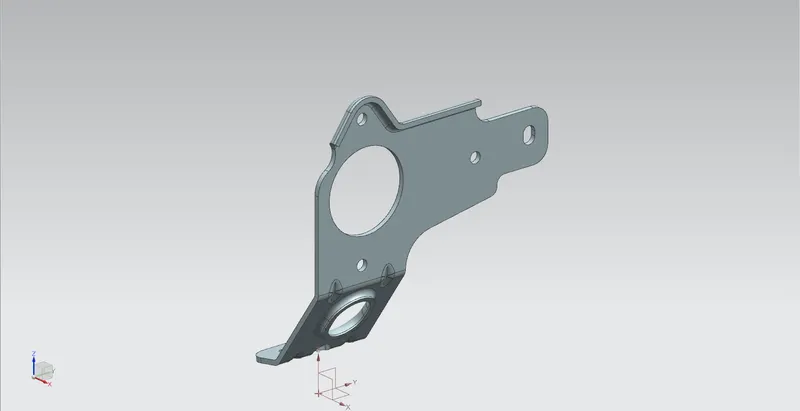
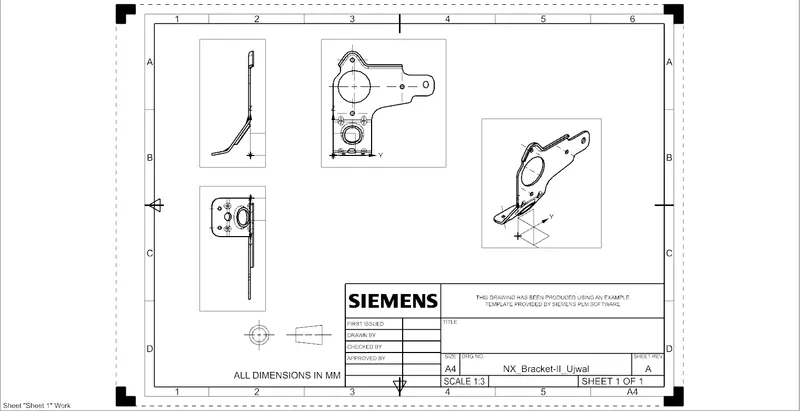
(XII) Drafting :
- The Drafting Application is now opened to create a drawing sheet of A4 size. The scale used here is 1:3.
Conclusion :
Successfully designed the Bracket using the SIEMENS NX Sheet Metal application.
Also, learnt quite a lot of interesting things, such as -
- what are the different features/commands available in the Sheet Metal application, what are their applications and how do the different feature options affect the design.
- how a sheet-metal design differs from a solid body design.
- how to create drawing sheet and perform drafting operation.