Advanced Sheet Metal Design Using NX Cad Challenge_7_ Metal bracket-II
Metal bracket-II
Objective
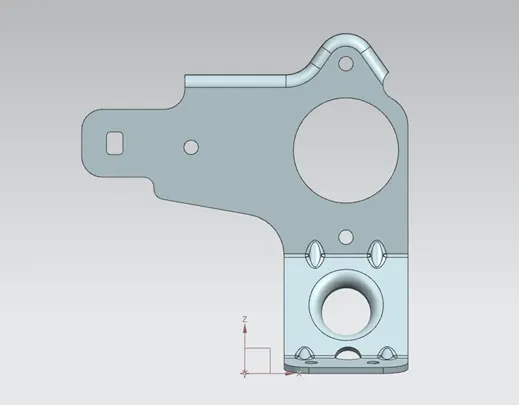
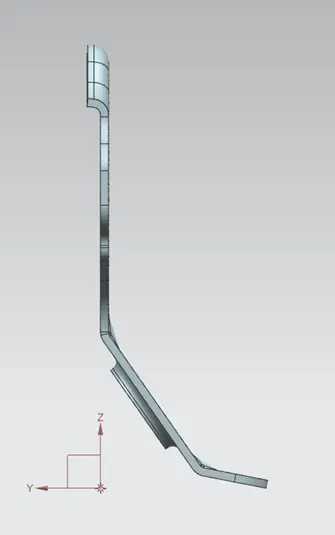
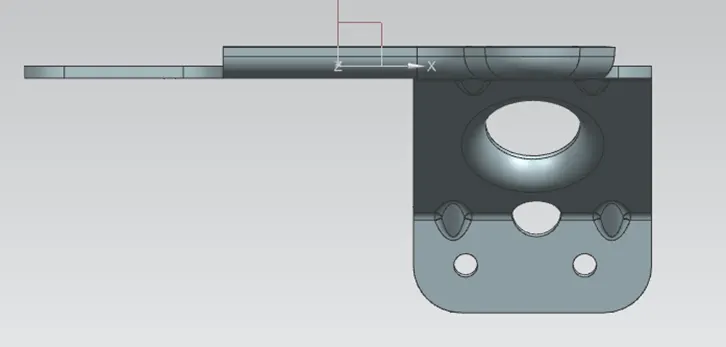
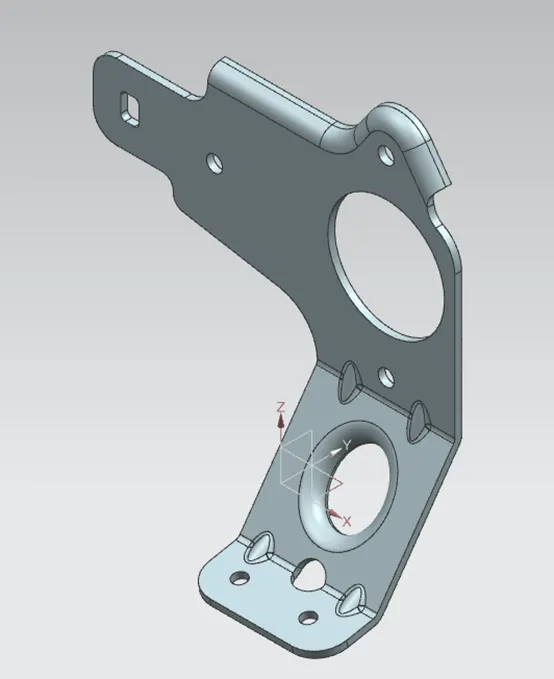
Design of bracket - II in sheet metal, using NX Cad.
Introduction
Creating the bracket – II in sheet metal in NX CAD software with detailed procedure of tools used in manufacturing with detailed drawing.
Design methodology / approach
Part is created in sheet metal,
Preferences 3mm thick ,3mm Bend Radius and K factor of 0.33mm
- Take the base plate of 158x164, using contour flange feature add material.
- Cut the non-required area.
- Break the corners with required radius.
- Add the flange using advanced flange feature.
- Unbend the part.
- Add holes at required position.
- Unbend the part.
- Add the gusset at the specified location.
Description (Need to explain tools/ Features used while designing)
Following tools are used to create the above part features.
- Cutting laser cutting on the (Blank sheet)
- Bend tool for bending the sheet.
- Drilling tool for hole creation.
- Punching tool for creating the cuts on the parts.
Thanks,
Ravichandra Swamy