Advanced Sheet Metal Design Using NX Cad Challenge_7_ Metal bracket-II
Title of the Project : Design metal bracket Using NX Cad
Objective : To Create the metal bracket using the NX Cad
Introduction :
Sheet metal:
Sheet Metal is a type of material that is flattened into thin sheets. Sheet metal is made by taking a large cast in and rolling it into a long ribbon of the thickness it wants. This flat metal is rolled into a coil and sent directly or cut the metal into sheets before being sent to a machine shop.
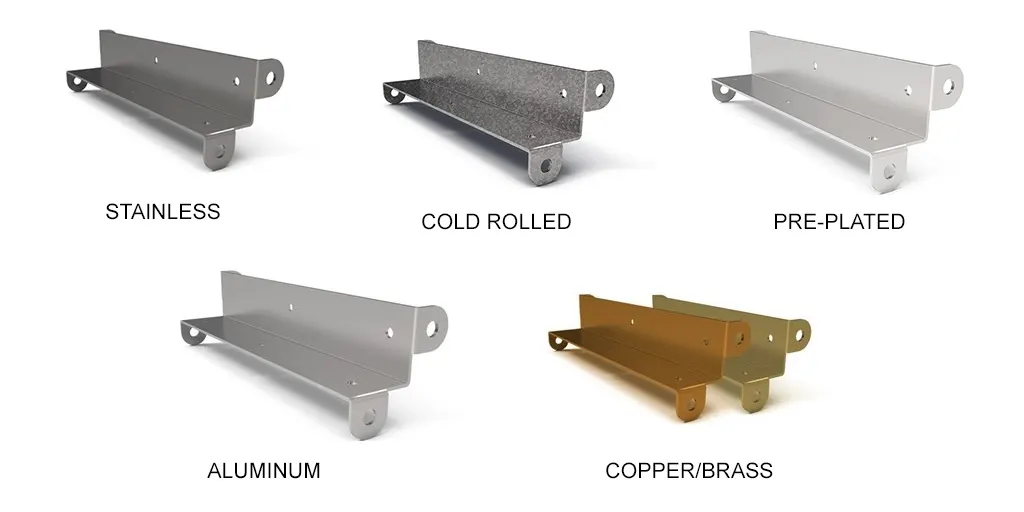
The sheets are made from different kinds of metals such as aluminum, brass, copper, steel, tin, nickel and titanium. The sheet’s thickness depends on the material needed for a project. Thicknesses can vary from 0.15 -6.00 mm significantly; extremely thin sheets are considered foil or leaf, and pieces thicker than 6 mm (0.25 in) are considered plate steel or “structural steel.”
Designing the products with the sheet metal comes with its limitations but has many benefits that can work with this design material that outweighs cons. It is available with numerous coating for corrosion resistance or surface finish.
Sheet Metal can be useful for large and durable parts with few features. They make good RF shields, ground planes and thicker gauge parts for adding strength and weight to the things. Sheet metal is not suitable for minimal parts, complex or precise geometry, cosmetic parts or lightweight parts.
Most of the metal fabrication businesses rely on 2D drawings even though the 3D model is available in the market. At the manufacturing floor, drawings are utilized to develop production plans. The purchasing department uses it for technical packages while other departments like quality and marketing utilize drawings to develop different publications.
Design methodology:
Description:
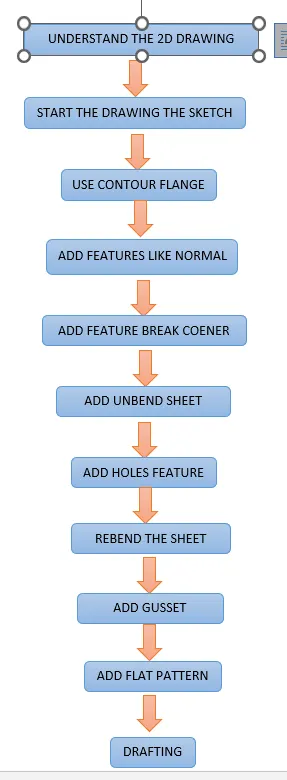
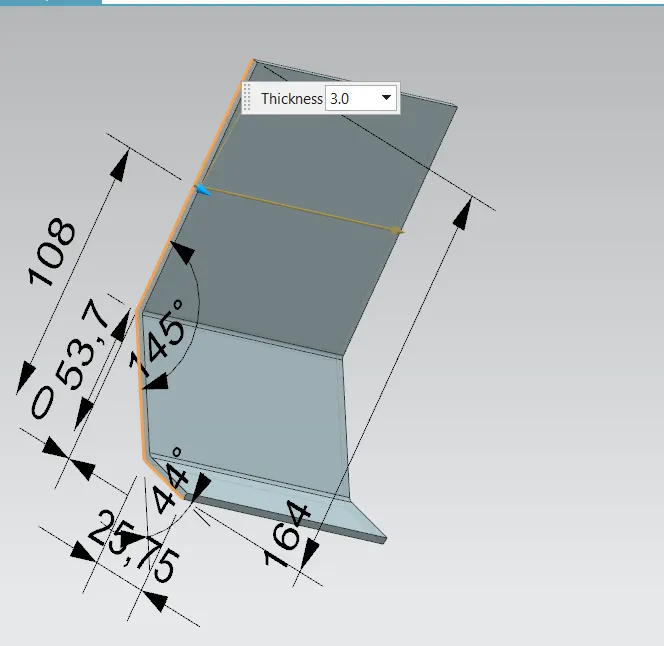
- Contour Flange: Creates a base feature by extruding the sketch along a vector or add material by sweeping the sketch along an edge.
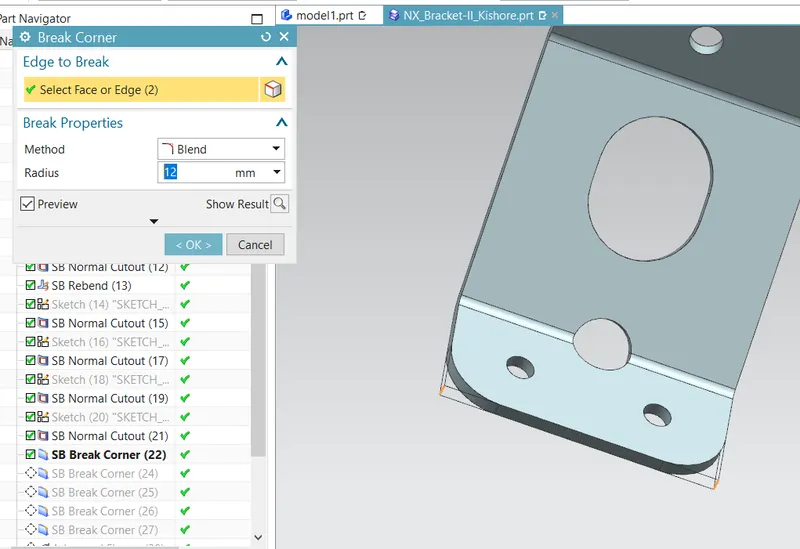
- Break Corners: This feature makes sharp edges to smooth round shape or to chamfer shape.
- Normal Cut-Out: It helps to cut material by projecting a sketch onto the model, cutting perpendicular to the face.
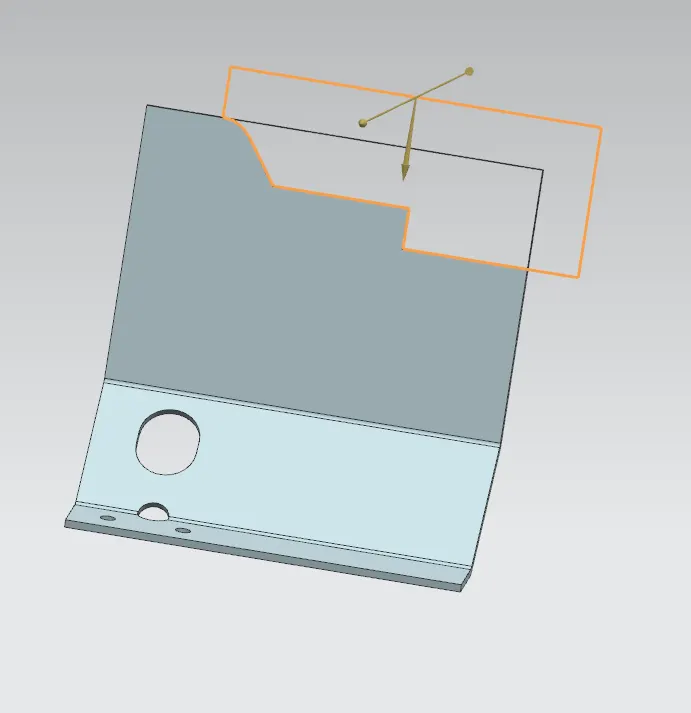
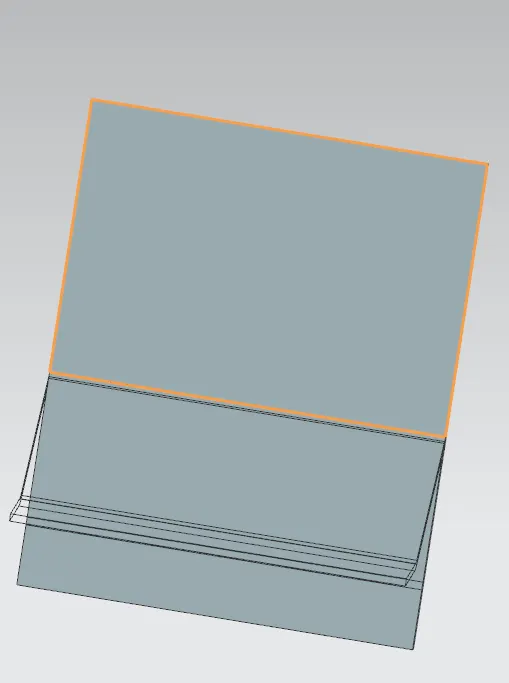
- Unbend: This feature helps to unbend the bent shapes to a flat pattern. In sheet metal the other features like cut-outs and holes needed to be created over the flat configuration. So that feature applied will be normal to a flat surface.
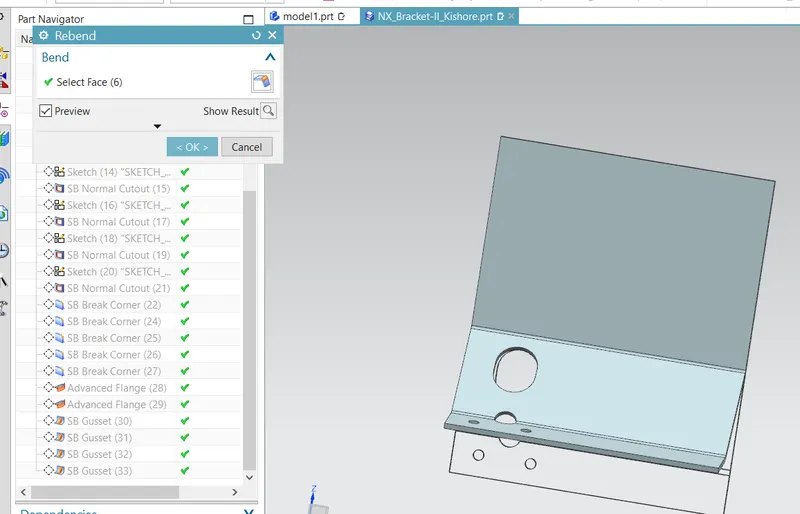
- Rebend: This command helps to rebend the previously unbent sheet and have a component in its original form.
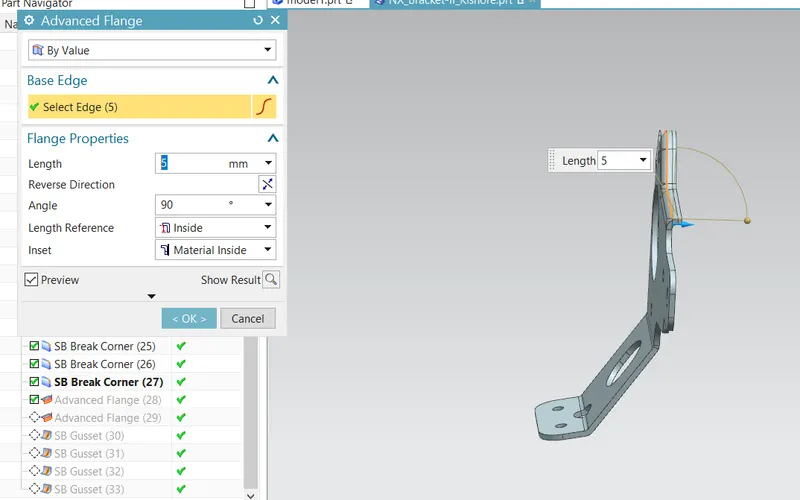
- Advanced Flange: Add a flange along an edge using a bend angle or a reference face. The edge and reference face can be curved.
- Gusset: Creates a stiffening gusset on the part.
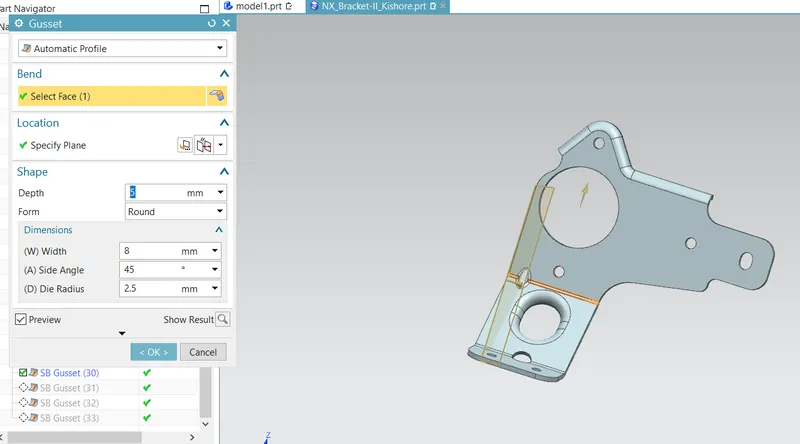
- Drafting: Drafting is creating a technical drawing into a sheet, communicating about the dimensions and view of components. The draft helps the manufacturing and production department to know about the product design in a 2D format.
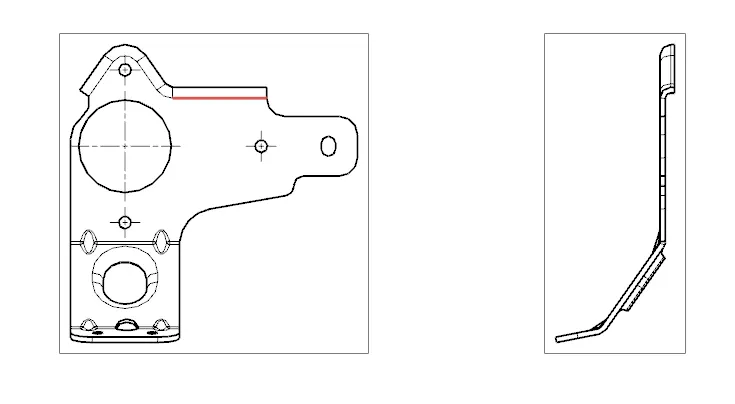
- views:
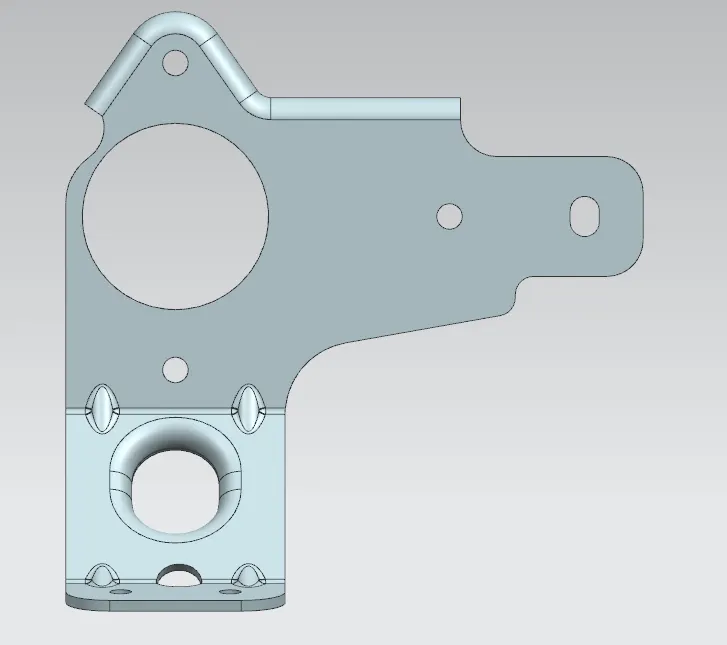
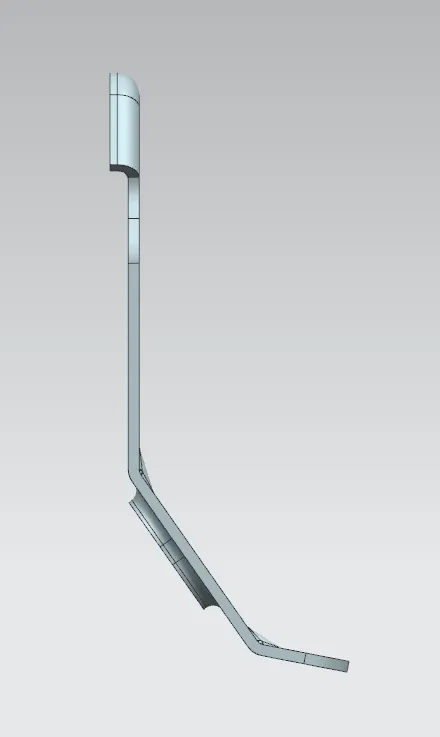
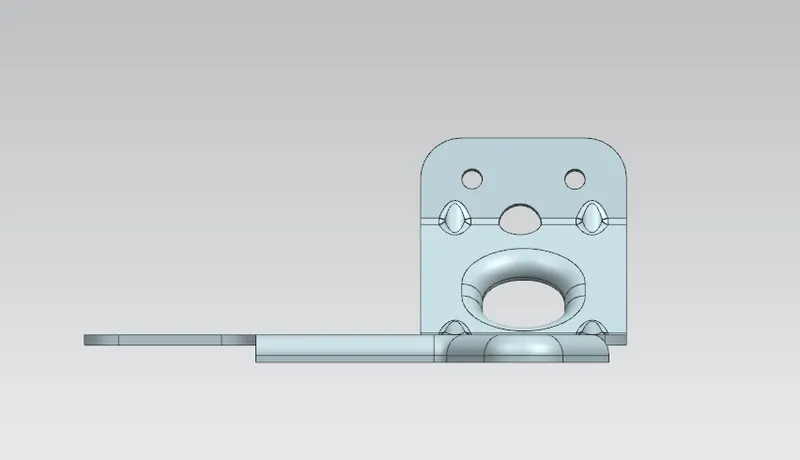
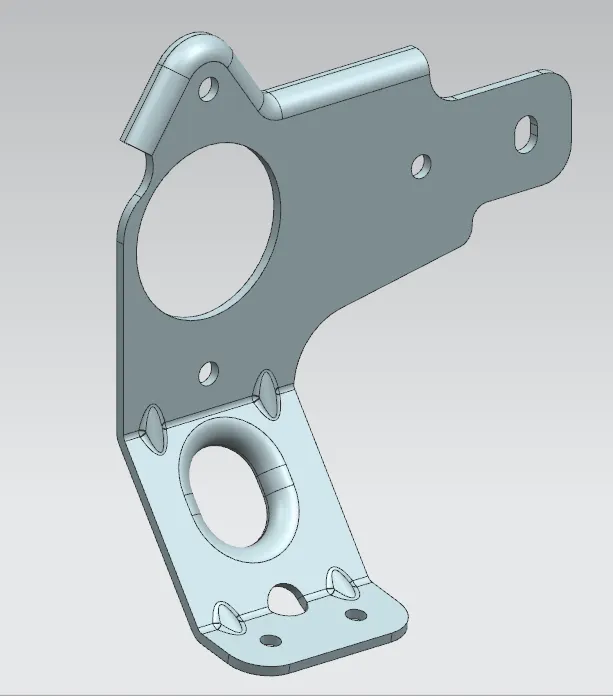
conclusion:
in this we have understand how to create the metal bracket in the NX Software