Advanced Sheet Metal Design Using NX Cad Challenge_7_ Metal bracket-II
Title of the Project- Advanced Sheet Metal Design of Bracket
Design methodology/approach
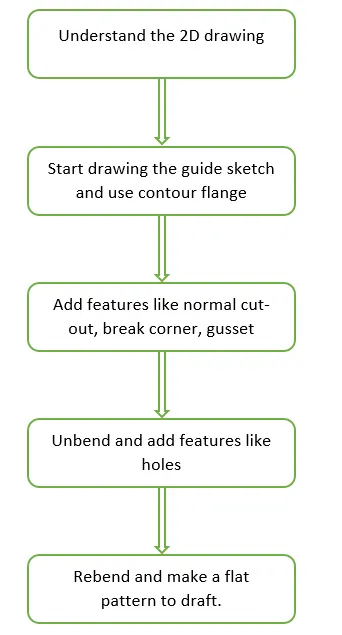
Description (Need to explain tools/ Features used while designing)
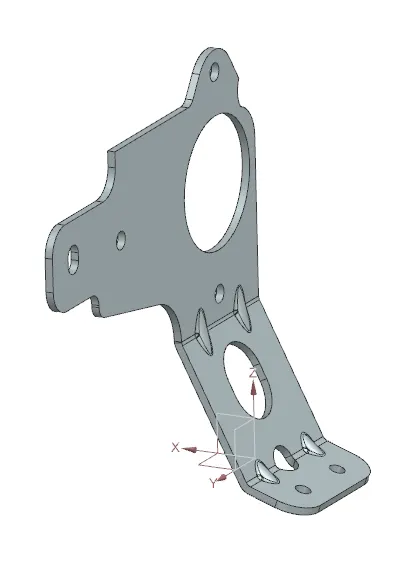
Draw 2 sketches on the 2 different planes in order to use them for making a contour flange and the second sketch to cutout the flange in the required shape
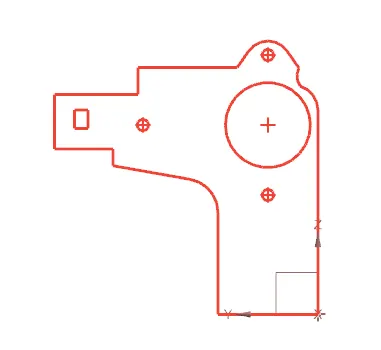
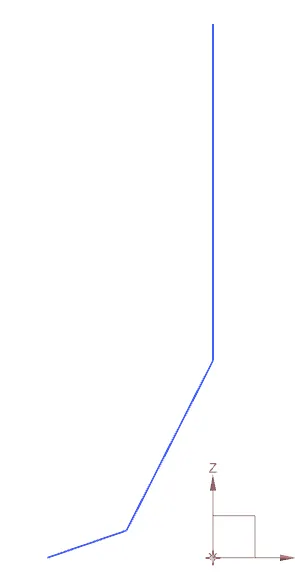
Use the sketch and do the normal cutout in order to get the shape of the bracket
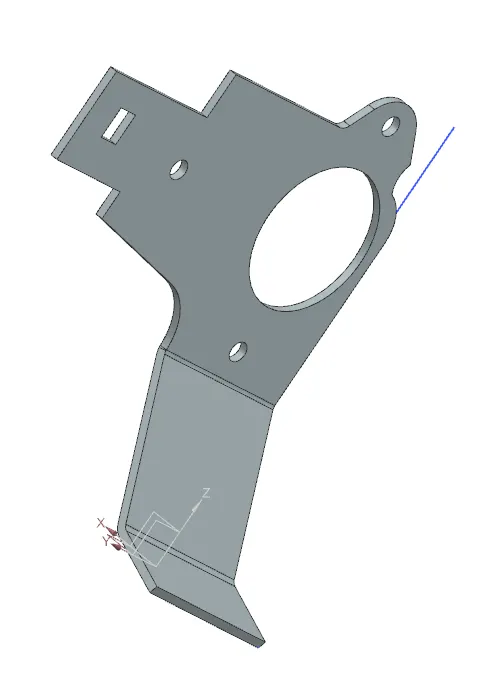
Use the corner break command to give the fillet to the corner
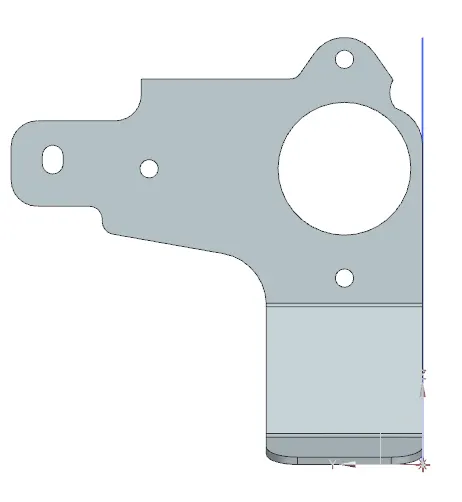
Use the unbent command to unbent the sheet metal bracket so that the necessary cutouts should be made
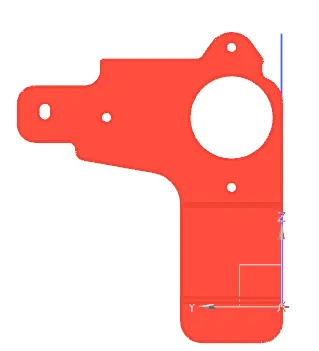
Use the normal cutout command to make the cutout by drawing the profile in the sketch
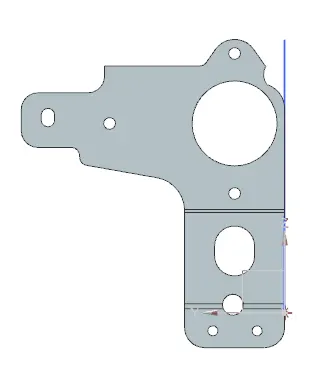
Use the Advanced flange command to create the flange on the top and the bottom middle hole
Due to the Student version, the advanced features are not available in NX cad so the flanges are not involved in the metal bracket
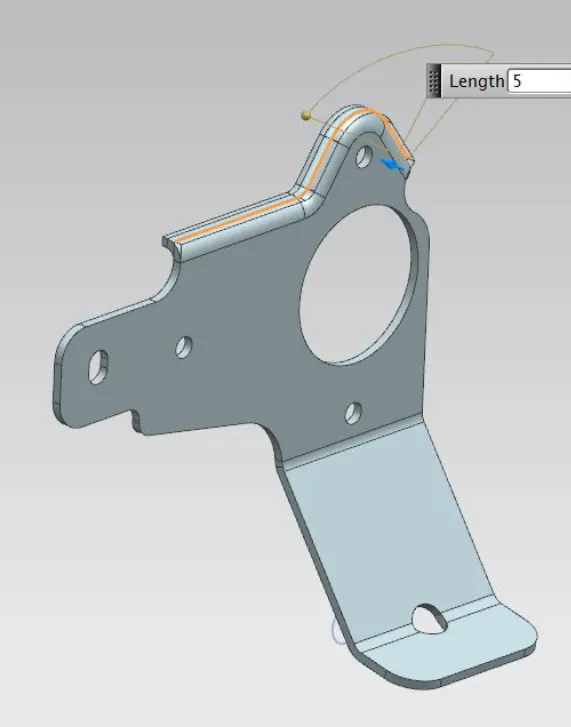
Then use the rebent command to rebent the part
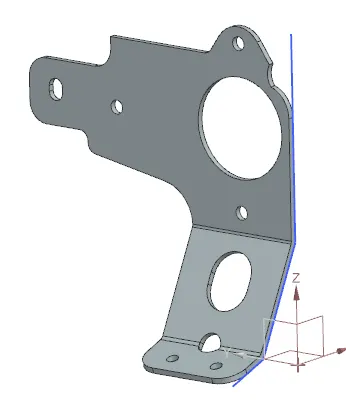
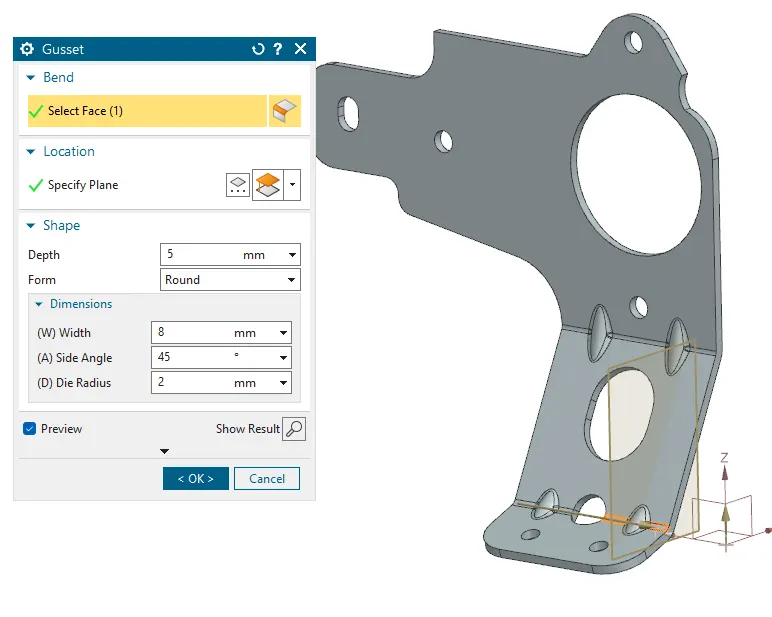
Now use the Gusset command to create the gusset to strengthen the bracket
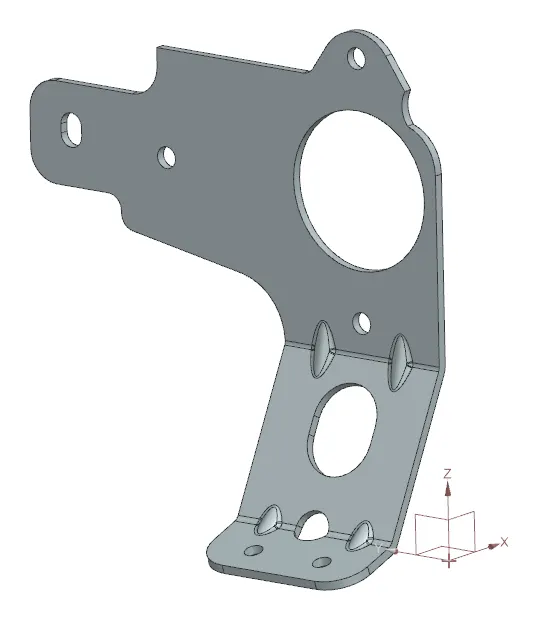
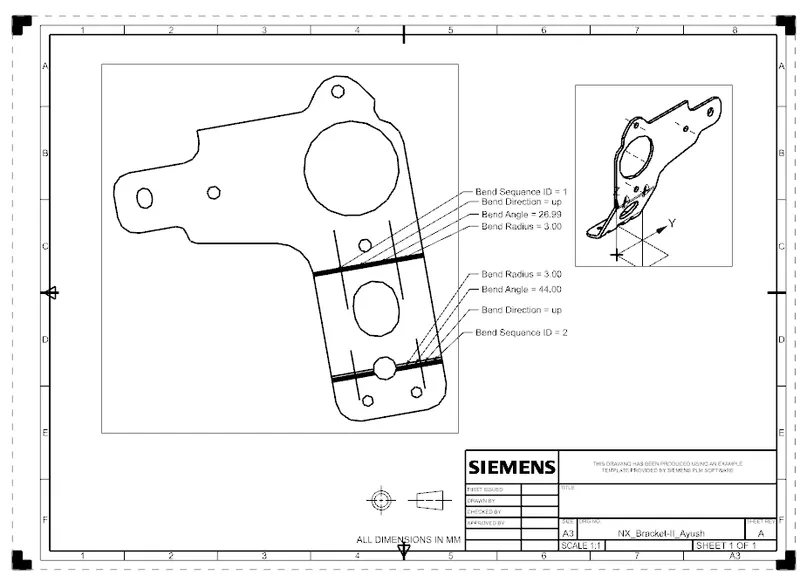
Then use the flat pattern command to get the flat pattern for drafting which is later on used for manufacturing
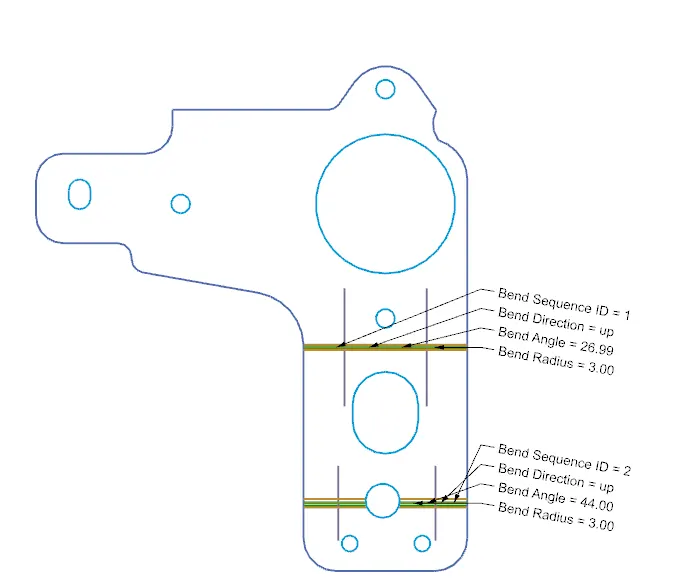
Detailed Drawing Sheet
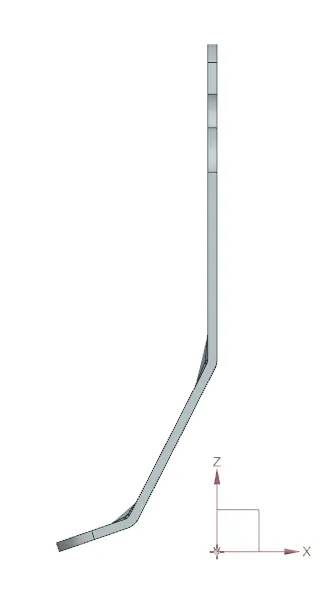
Side View
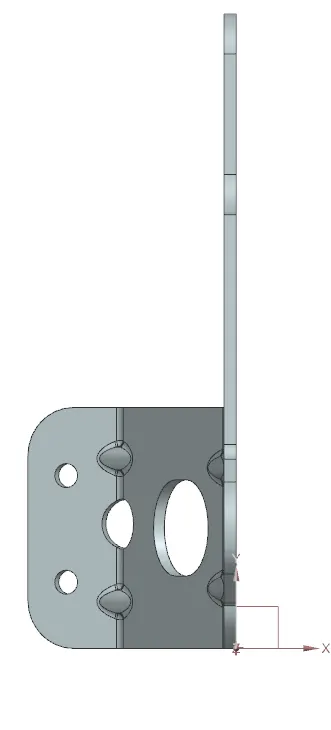
Top View
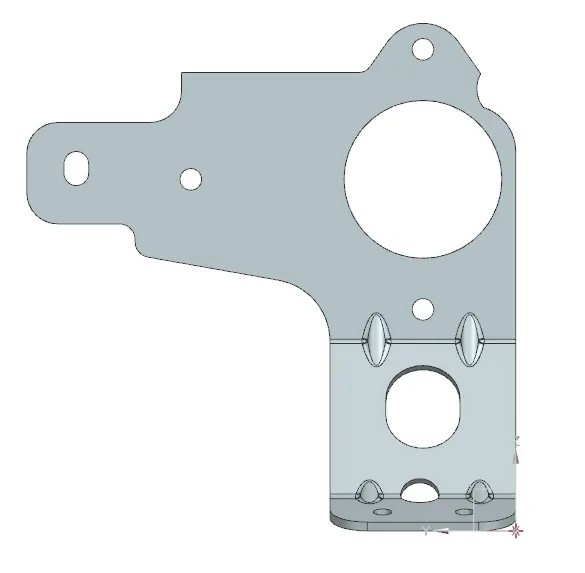
Isometric View
Conclusion
This challenge helps me understand the concept of making a difficult old-shaped part in a sheet metal workbench.