Advanced Sheet Metal Design Using NX Cad Challenge_7_ Metal bracket-II
DESIGN OF SHEET METAL BRACKET - II
OBJECTIVE:
The main importance of this project is to model a sheet metal bracket with some advanced features of sheet metal operations like Advanced flanges,Gussets to provide the bracket with stiffening feature.
INTRODUCTION:
Brackets are connecting devices used to join two objects. In architecture, they may be made of wood or stone and used to join walls with features like parapets or eaves. In engineering, however, they are often made of sheet metal and used to support objects like shelving, countertops, flooring, sections of furniture, and mounted televisions.
Although there are many types of brackets, they are most commonly L-shaped, with the vertical section of the bracket attached to a wall (or another large upright structure) and the horizontal section attached to a smaller object being fitted to the wall, such as a shelf.
Brackets often have holes in them, either threaded or unthreaded, so that screws or other fasteners can be fed through them, but this is not a defining feature of the bracket.
Most brackets are functional, with their purpose being to connect and support objects. However, brackets can also be decorative: since brackets are often visible (such as on shelves mounted above eye level) they may have cosmetic features and flourishes, from intricately machined decorative features to gold plating.
DESIGN METHODOLOGY:
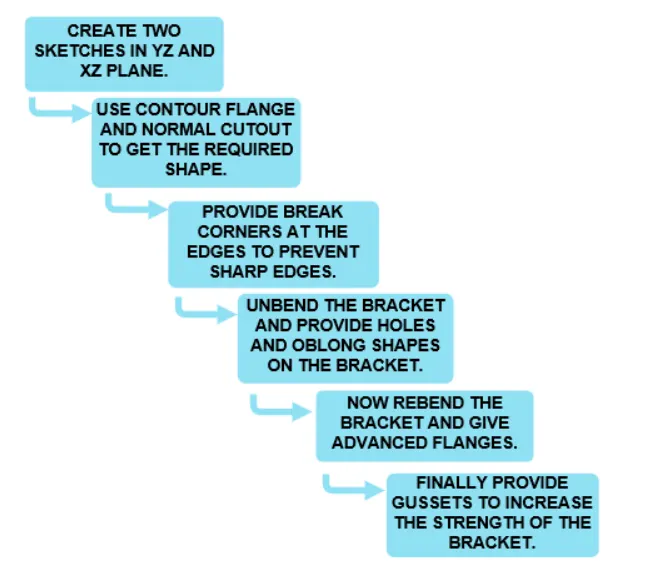
DESCRIPTION:
1.CONTOUR FLANGE:
In Siemens nx sheet metal contour flange command use to create a base feature by extruding a sketch along a vector, or adds material by sweeping a sketch along an edge or chain of edge.
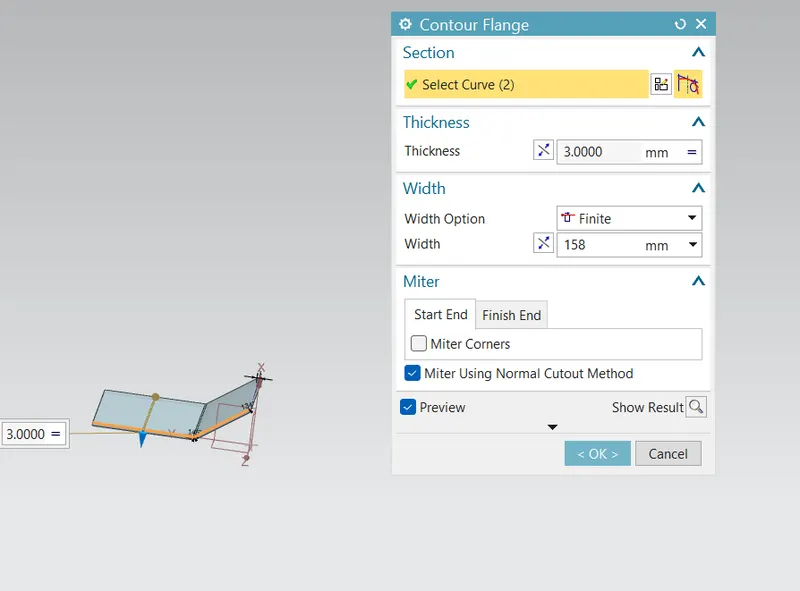
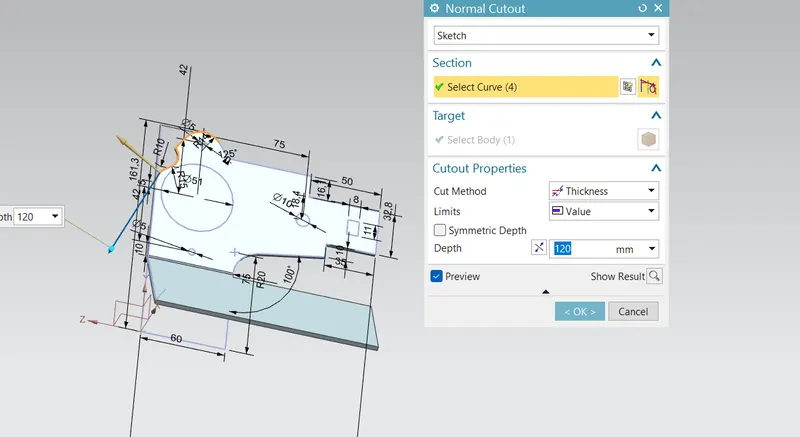
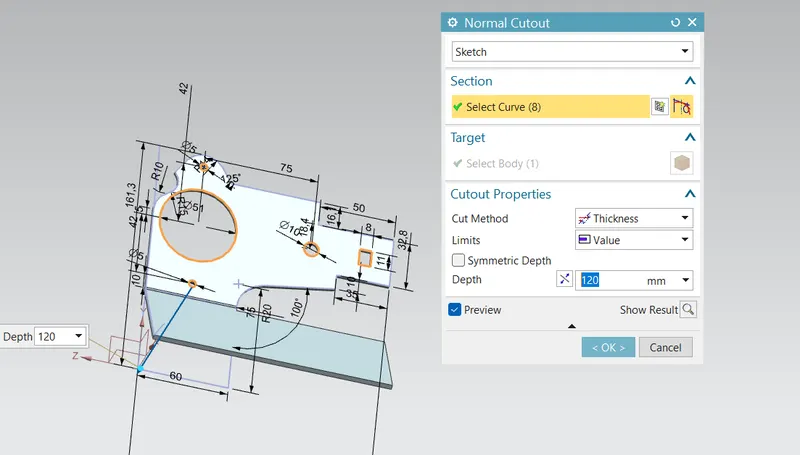
NORMAL CUTOUT:
Normal cutout command is used to cut the material by projecting a sketch into the model and then cutting perpendicular to the faces intersected by the projection.
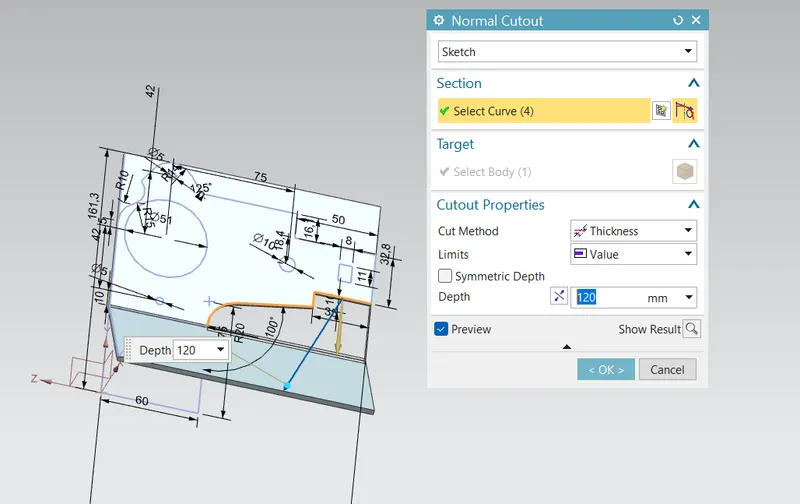
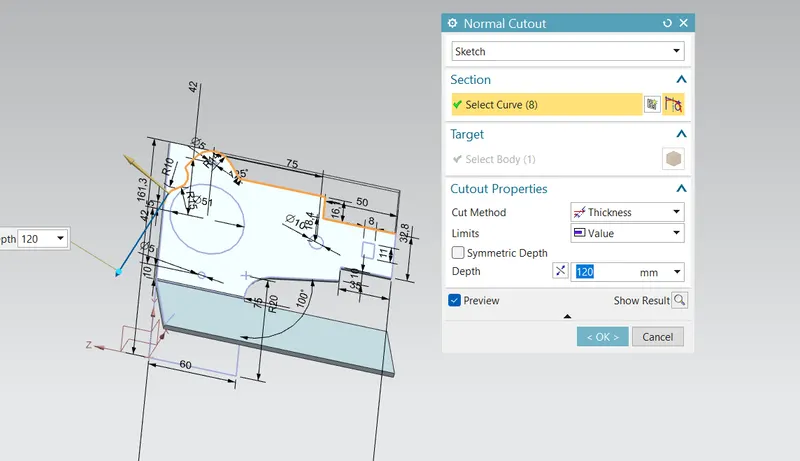
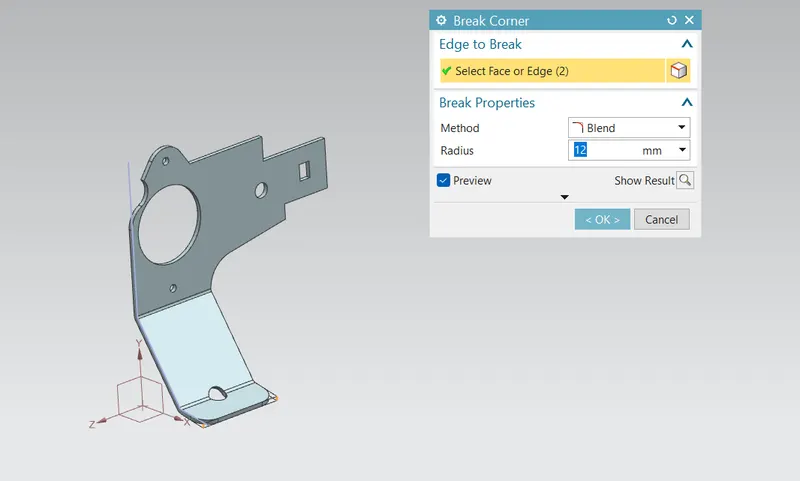
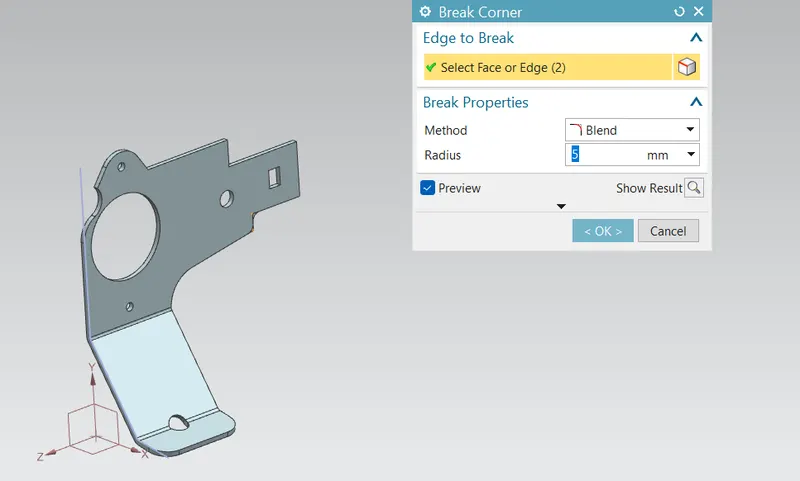
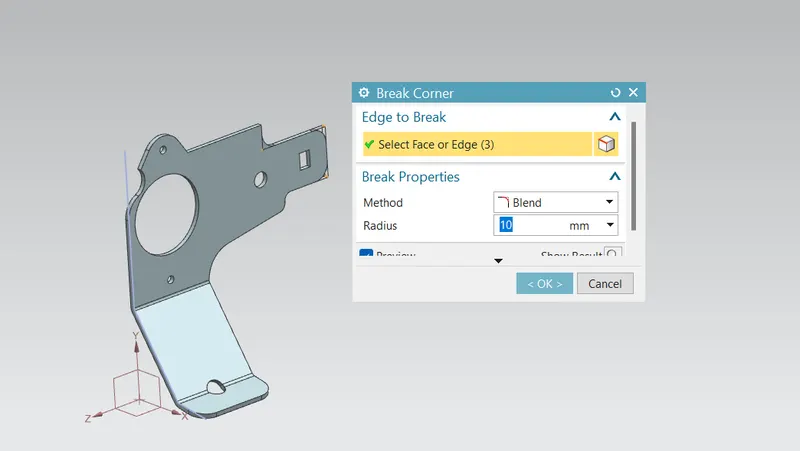
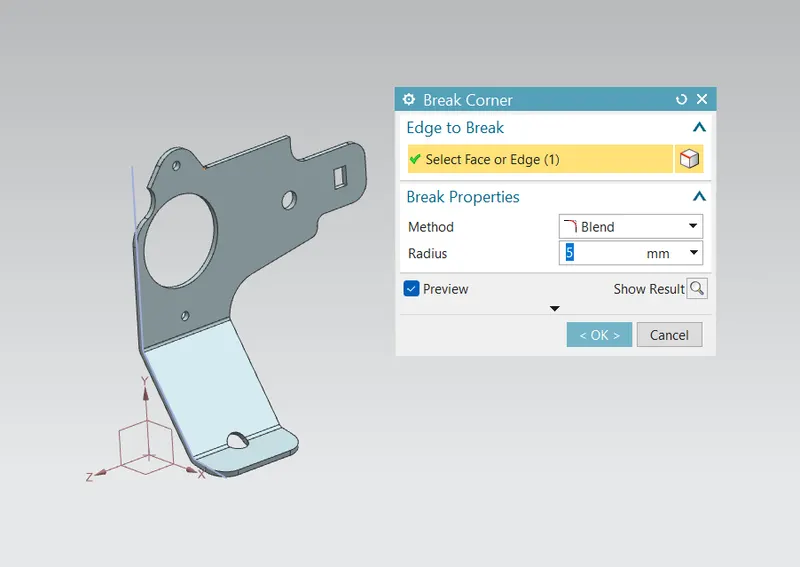
BREAK CORNER:
It is used to remove the sharp edges from corners by giving some radius.
UNBEND:
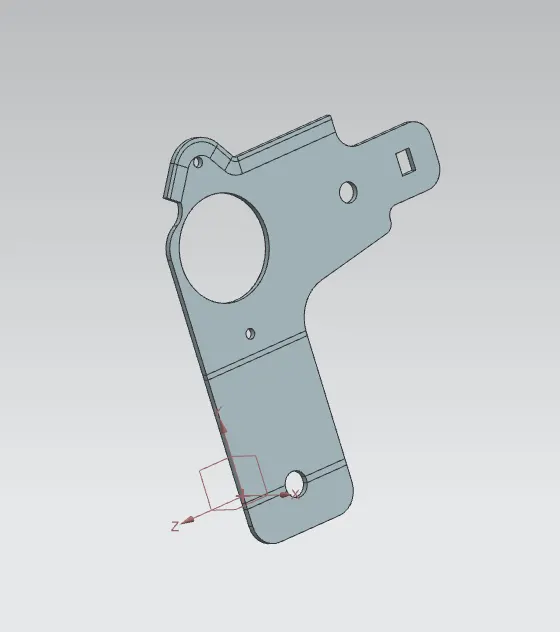
Unbend is used to add the other features like dimple,beads to the main face of the designed component.
REBEND:
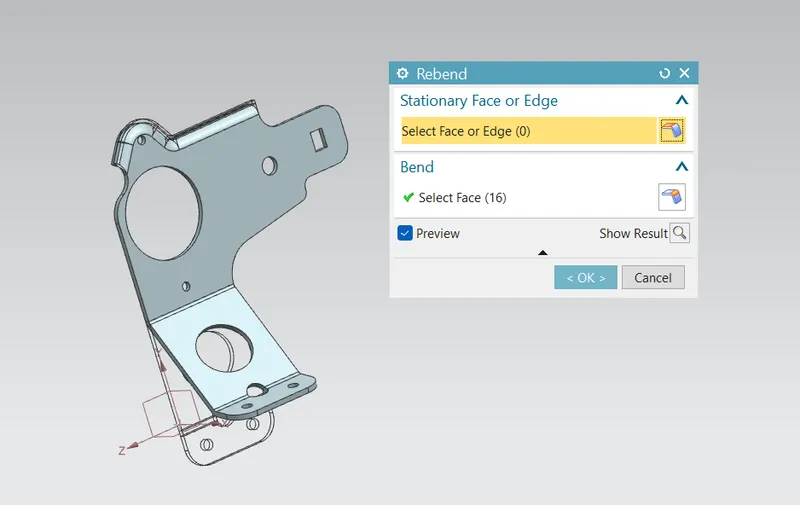
The Rebend is mainly used to bend the designed component after the applying features like beads,dimple in the casting and goes back to normal stage.
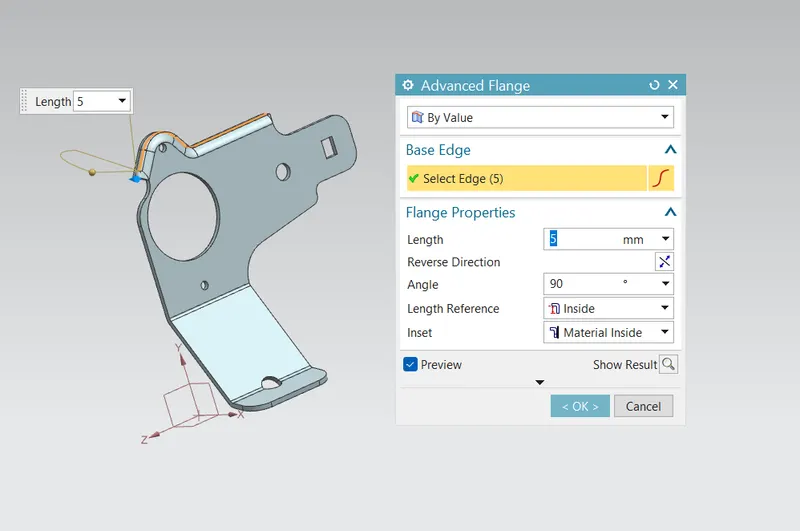
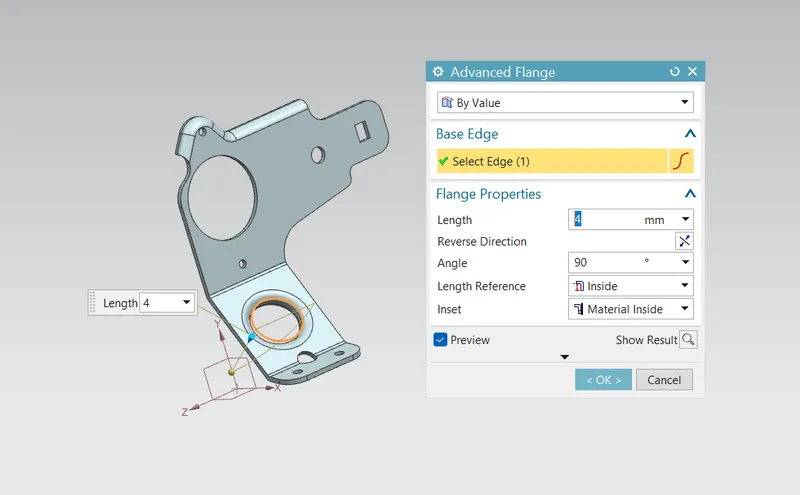
ADVANCED FLANGE:
This command is a very powerfull tool beacause it can easily form flanges in a tangent curves or in complex shapes of the feature.
HOLE:
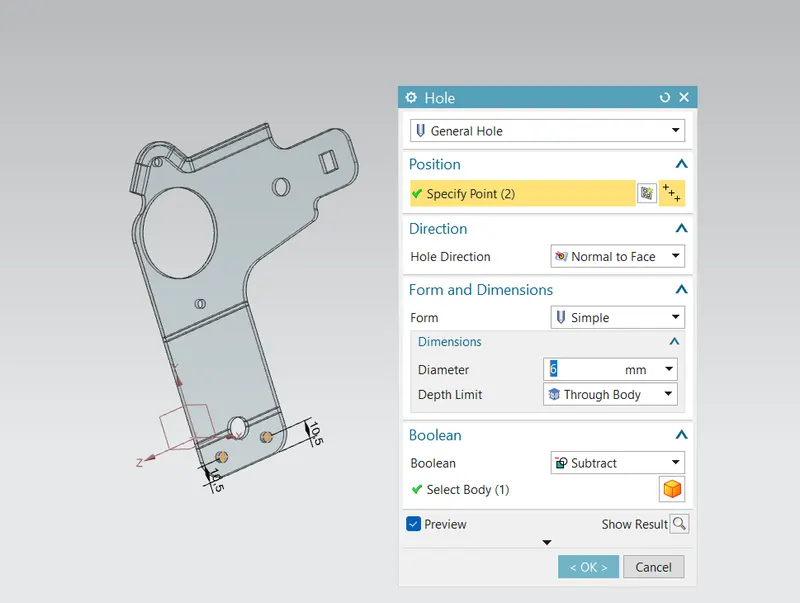
The holes are applied to the end of the flange portion which may come in contact with the other object for its support.
GUSSET:
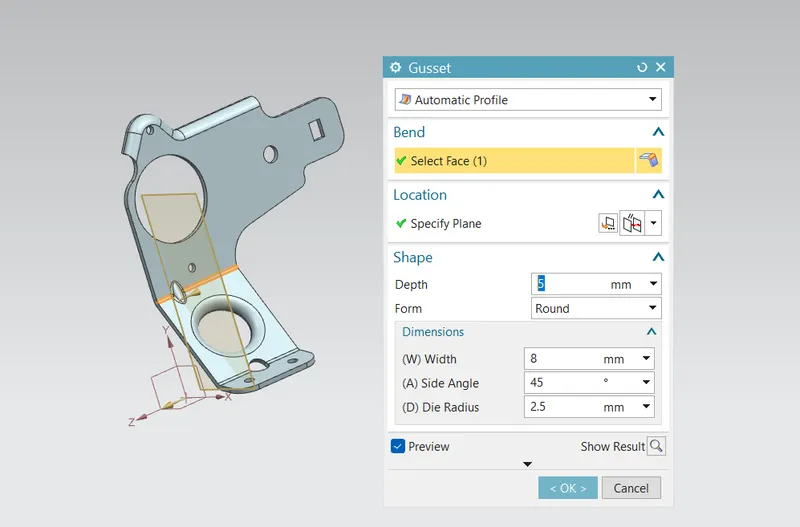
Sheet metal Gusset tool can quickly add various size and shapes gussets to your bent parts which will provide additional strength to your model.
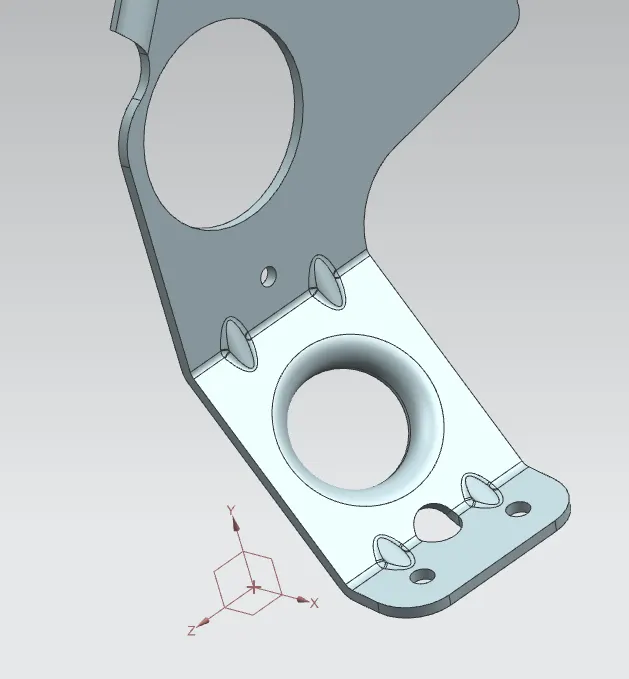
FLAT PATTERN:
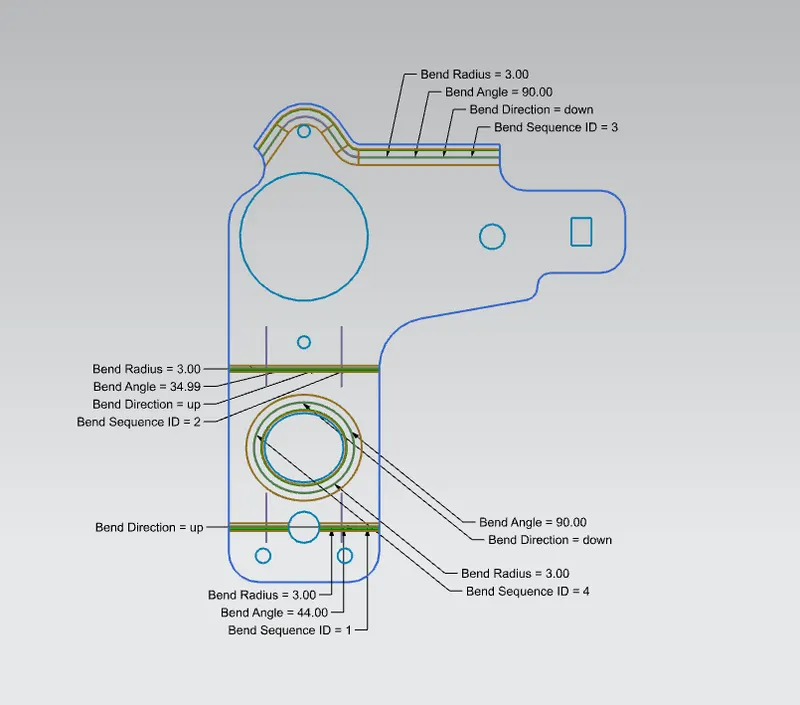
DRAFTING:
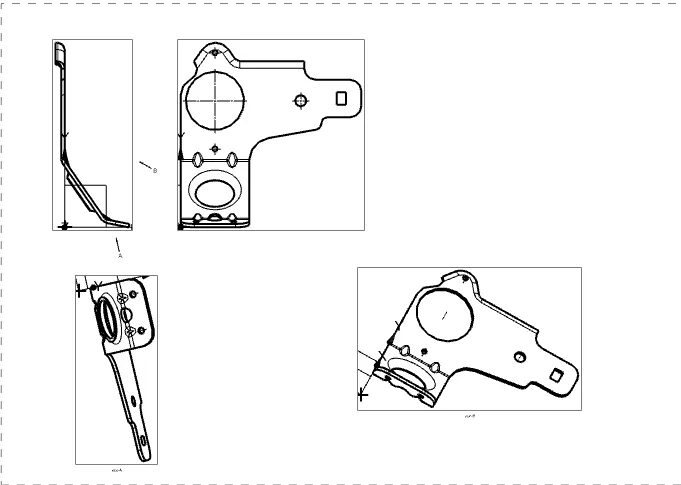
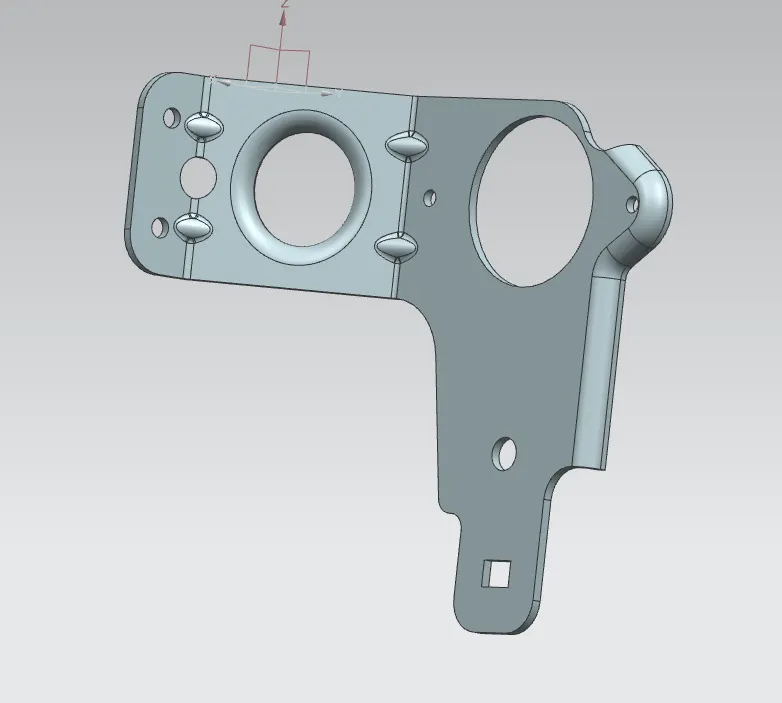
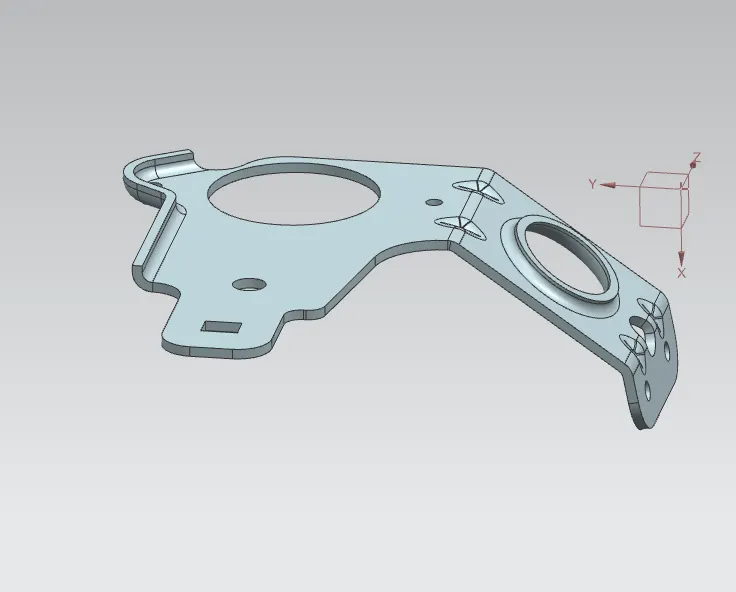
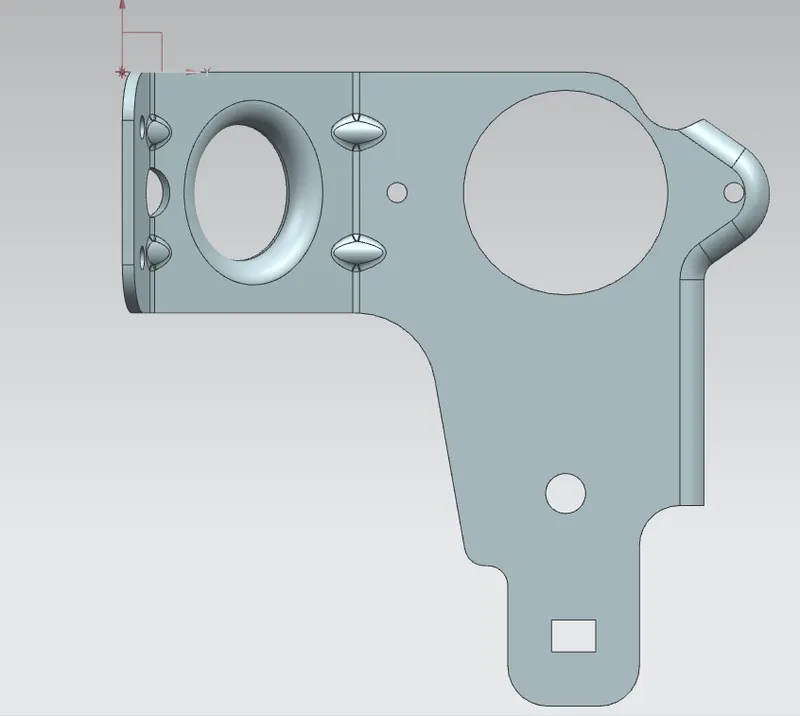
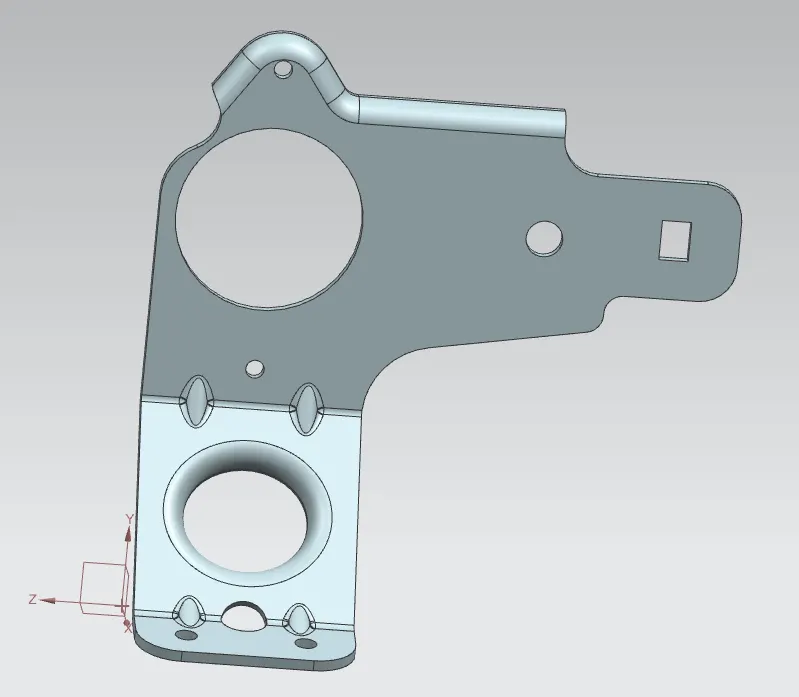
DIFFERENT VIEWS OF THE MODEL:
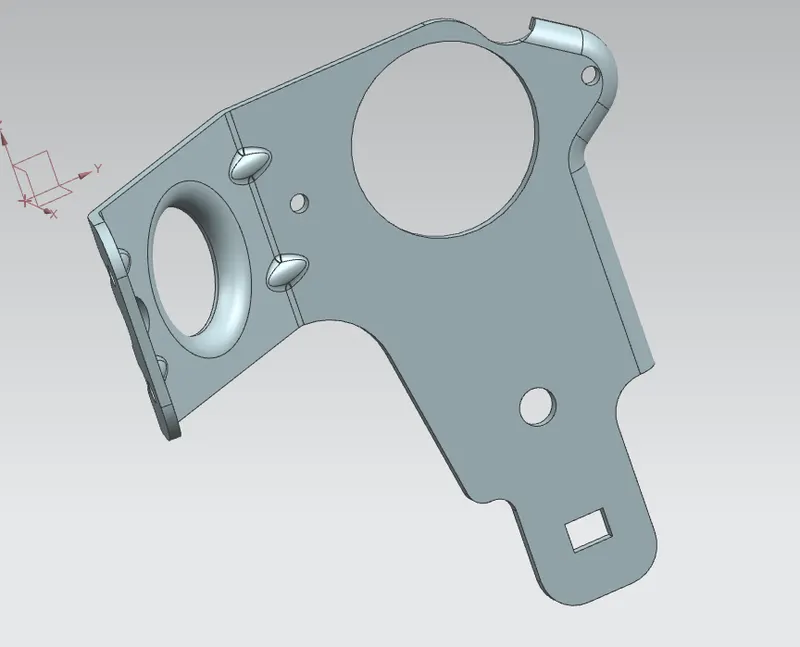
CONCLUSION:
Finally the required sheet metal bracket is modelled with the correct skill set, knowledge and tool operations with NX 12.