Advanced Sheet Metal Design Using NX Cad Challenge_7_ Metal bracket-II
METAL BRACKET DESIGN
Aim: To design a Sheetmetal Bracket using Siemens NX Sheetmetal Application.
Introduction
Sheet metal is metal formed into thin, flat pieces, usually by an industrial process. Sheet metal is one of the fundamental forms used in metal working, and it can be cut and bent into a variety of shapes. The thicknesses can vary significantly; extremely thin sheets are considered foil or leaf, and pieces thicker than 6 mm are considered plate. Its thickness is quantified by a measure known as its gauge. The metal will be thin if the gauge number is larger. A wide range of products are manufactured with the use of sheet metal making it an essential part of the modern world. Sheet metal is used in automobile and truck bodies, major appliances, airplane fuselages and wings, tinplate for tin cans, roofing for buildings (architecture), and many other applications.
Design Methodology
Sketching => Model creation => Sketching for cut out => Cut out => Breaking the corners => Unbending => Feature creation => Rebending => Flange creation => Gusset creation
Modelling Steps
1. First of all, Sketching is done for the required model and the model is created using contour flange command. Then sketching for the cut out is done and cut out is made using normal cutout command.
2. After cut out, sharp corners are smoothed using break corners command. Then the model is unbended for feature creation like holes etc. After that it is again bended back using rebend command.
3. Then the flanges are created at the required areas of the model, using advanced flange option and again the model is unbended for feature creation like holes etc and is again bended back using rebend command.
4. At last gussets are created at required areas in the model using gussets command, total four gussets are created and the final model is created
Final Model in Different views:
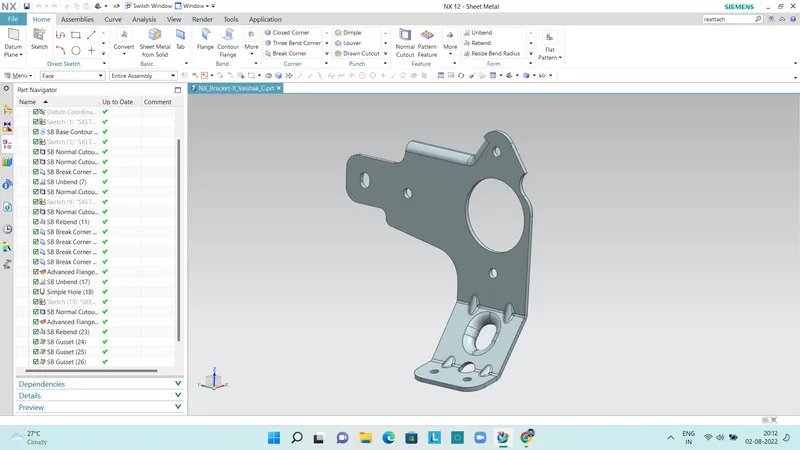
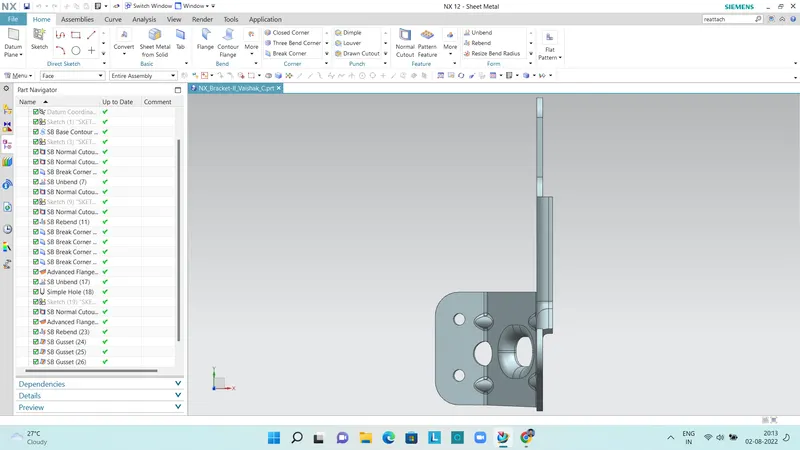
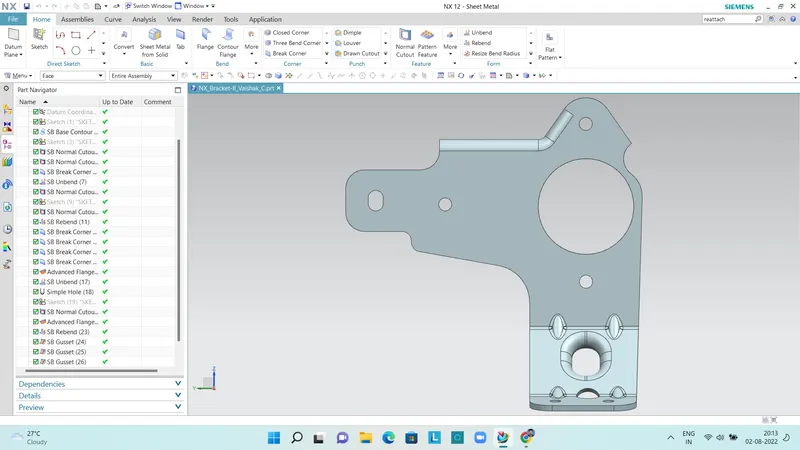
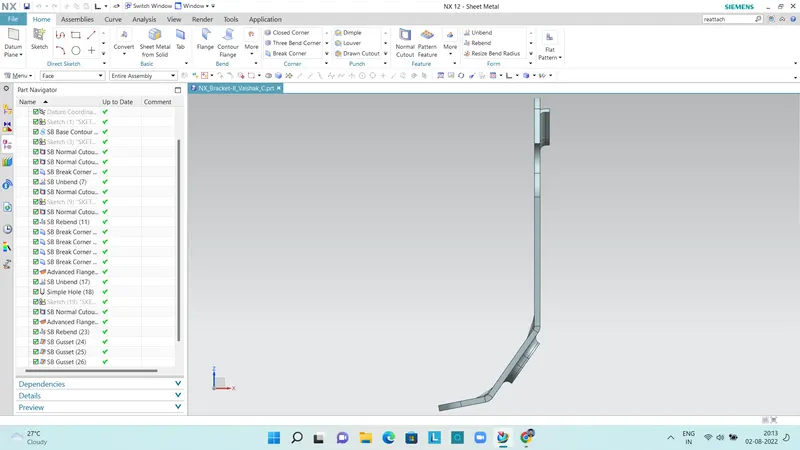
NB: Flanges on the remaining portion of the model using advanced flange command are not able to create. Tried several times with the help of support engineers and still not able to create.